
Bus Traffic Fever Walkthroughs
Find your next move in Bus Traffic Fever, the color-matching bus puzzle. Explore walkthroughs for Levels 1–385, learn the rules, or improve your parking-slot strategy.
- Level Answers
- Step-by-Step Solutions
- Difficulty Labels
- Beginner Tips
Jump to a specific level:
Choose your Bus Traffic Fever guide
Bus Traffic Fever Level Solutions & Answers
Jump straight to any level's step-by-step walkthrough.

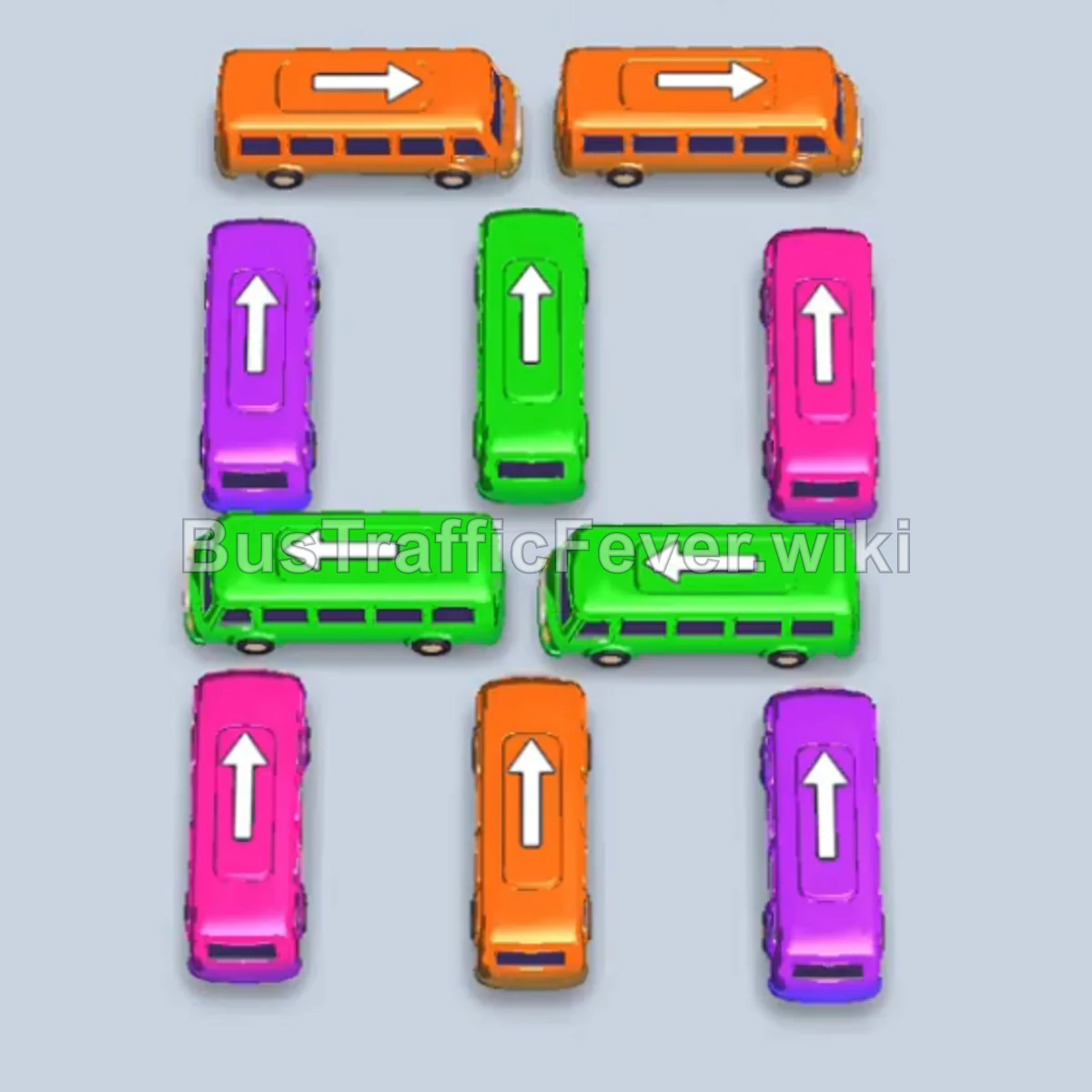
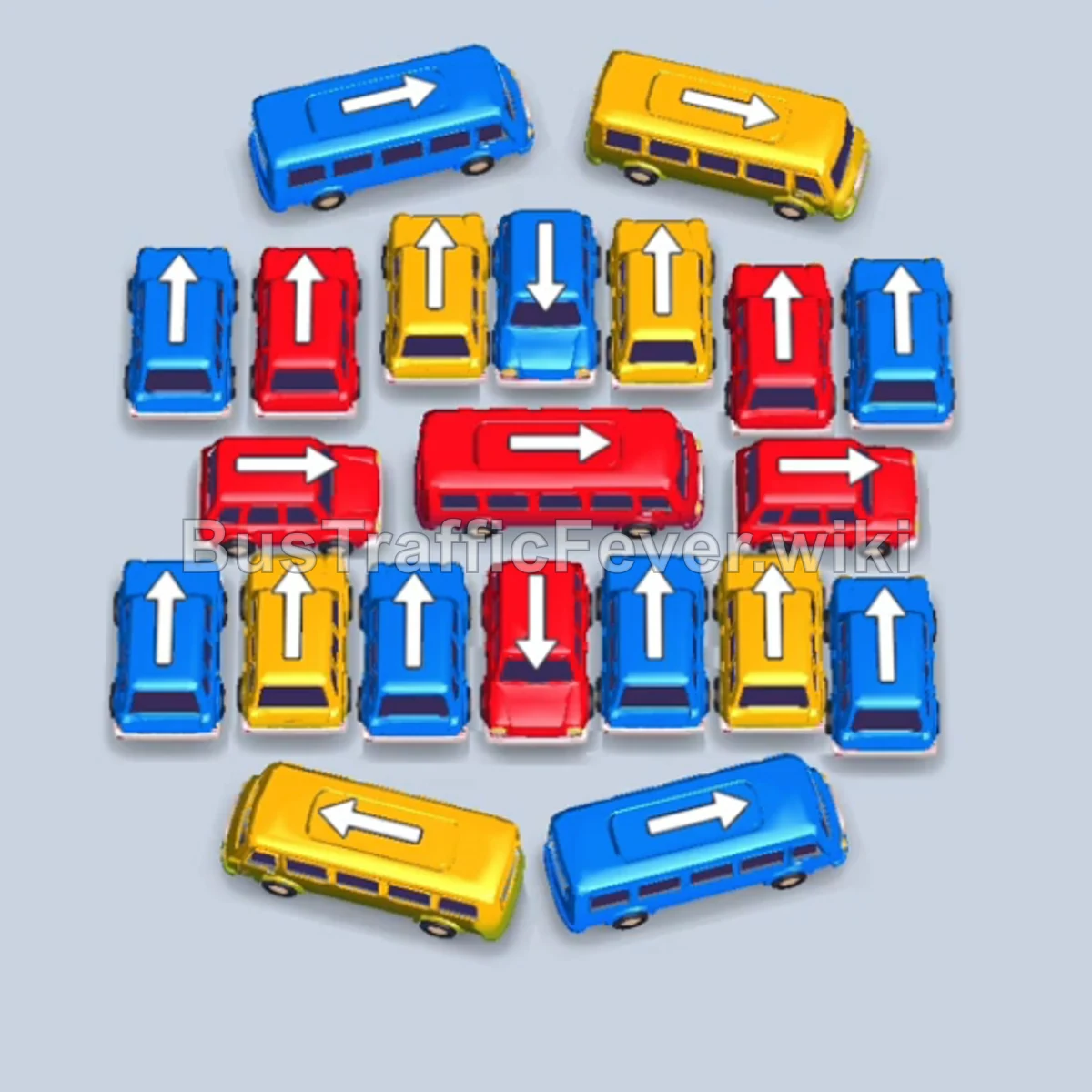
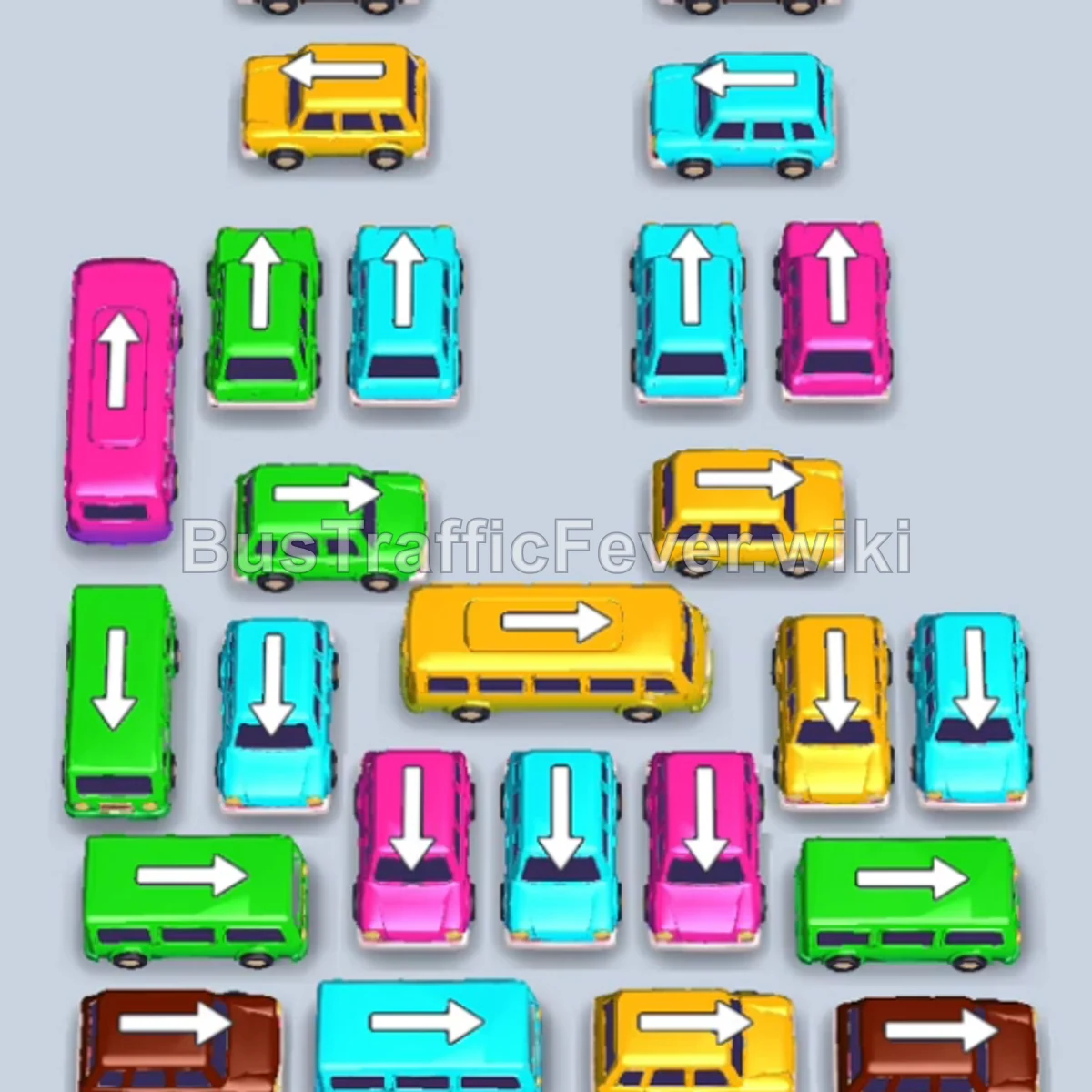











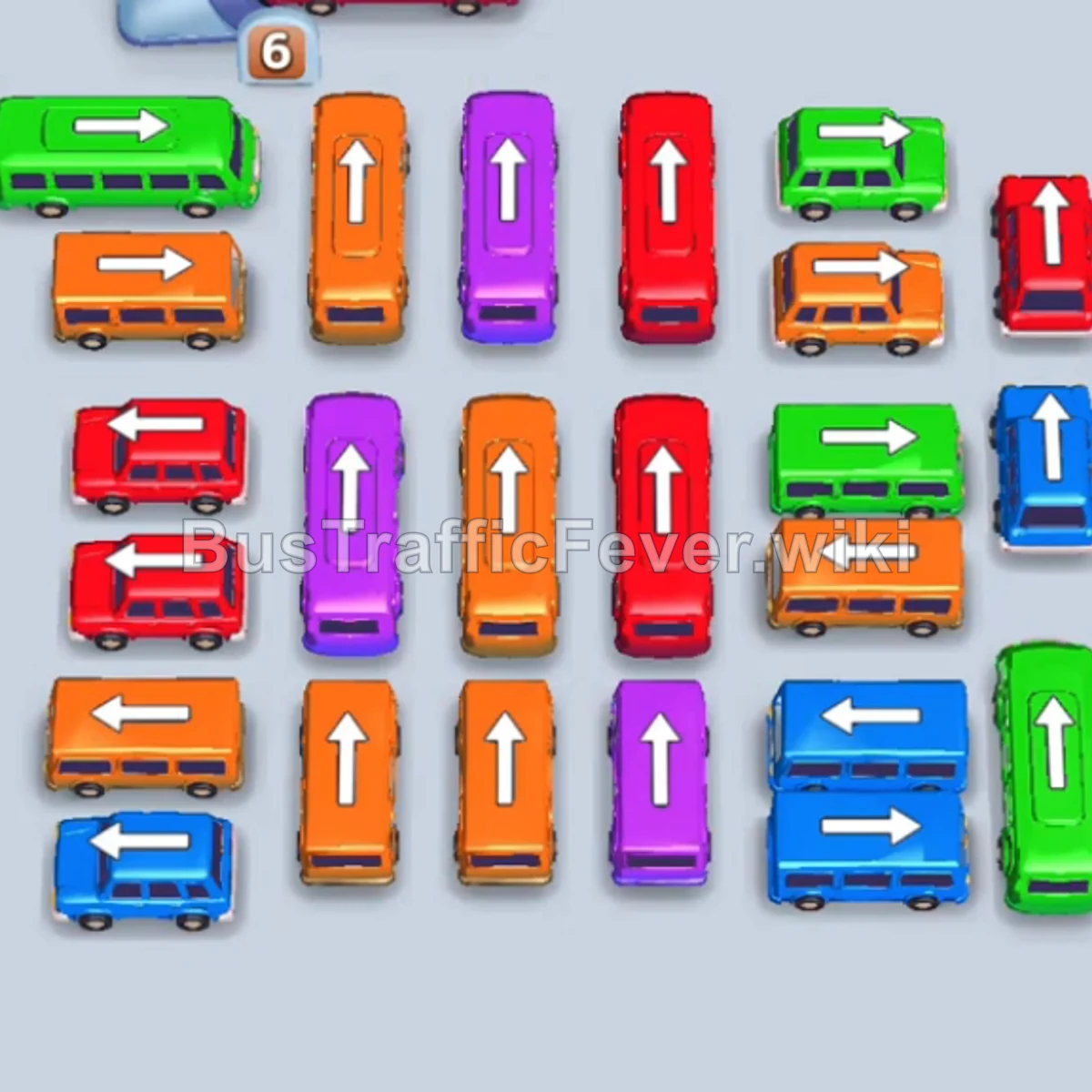



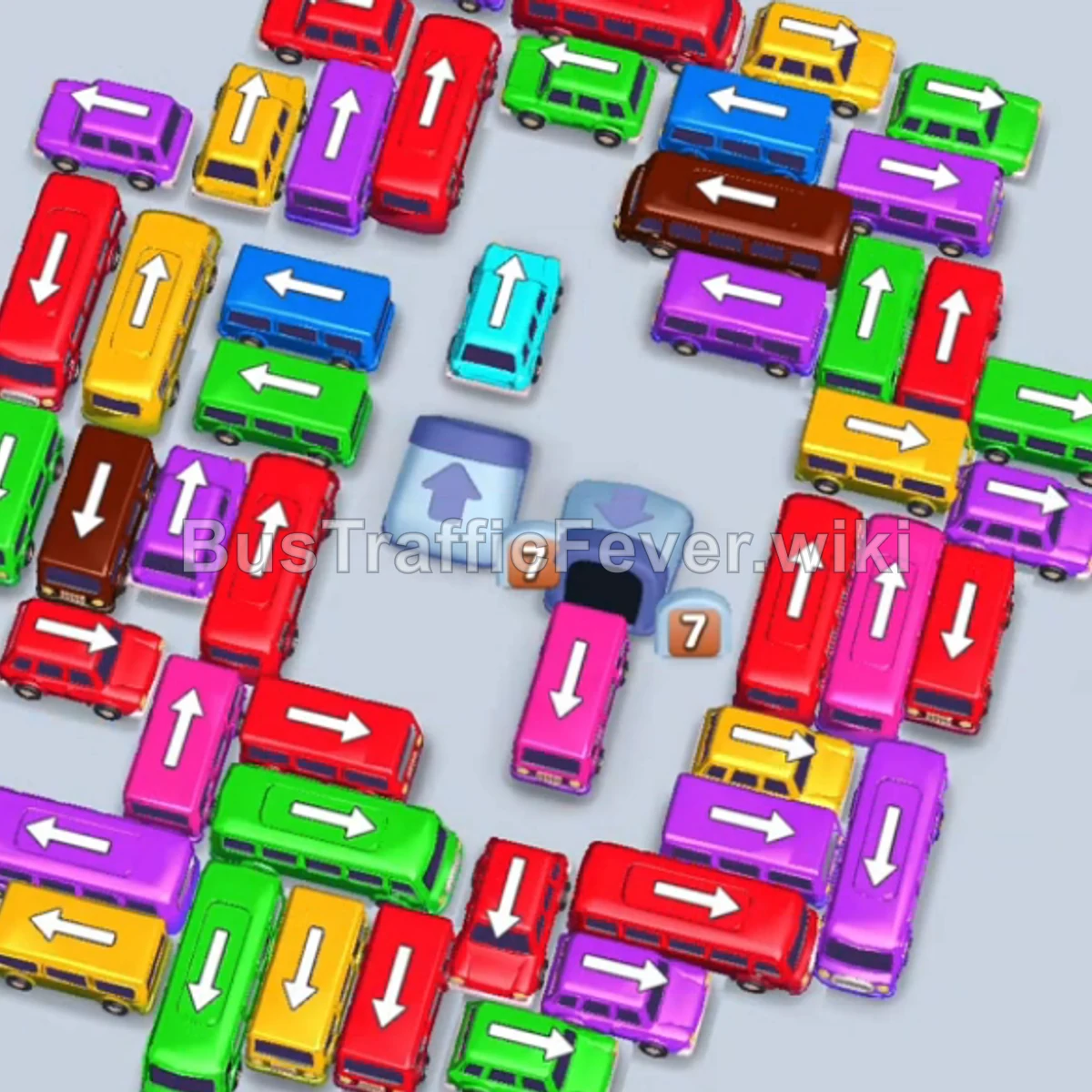


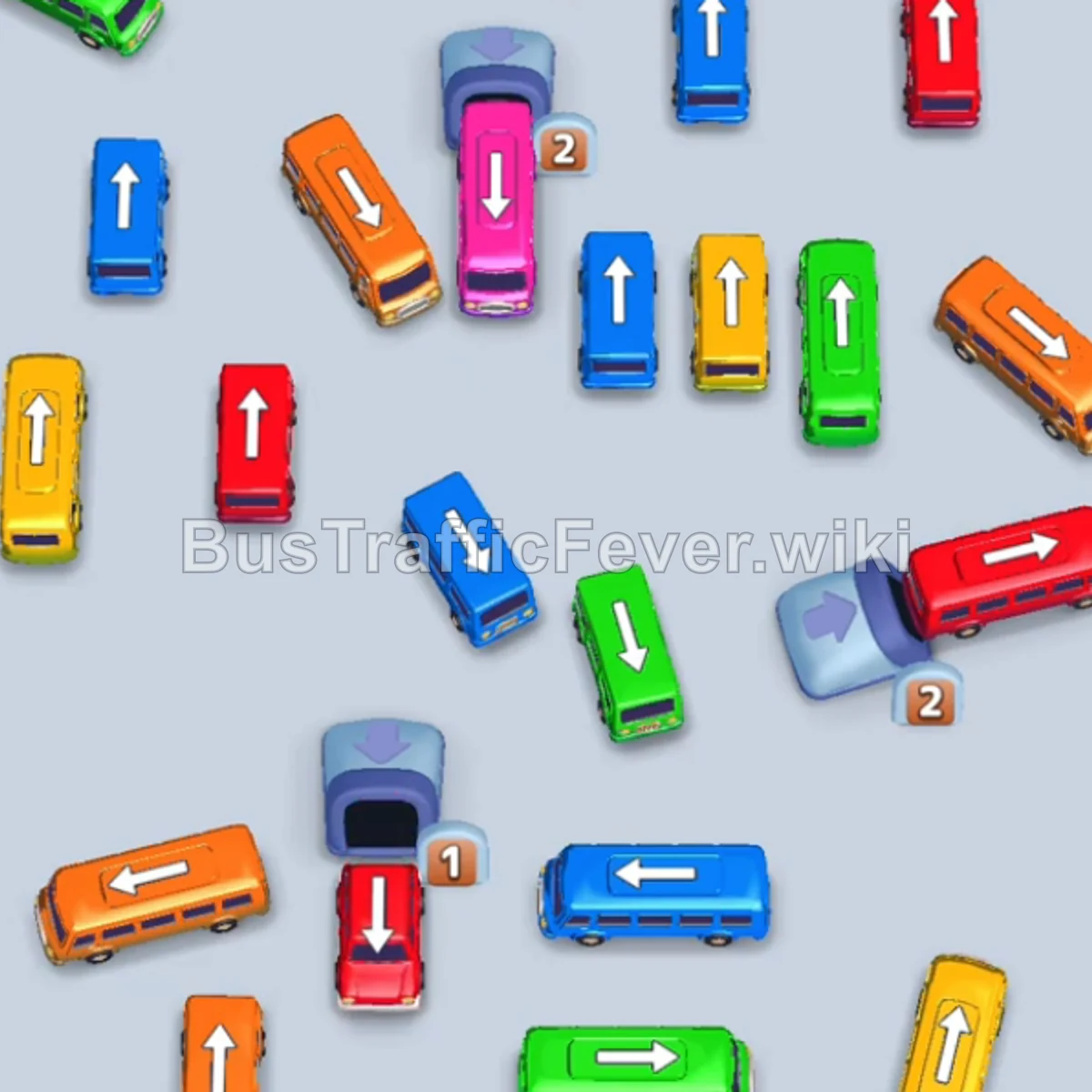
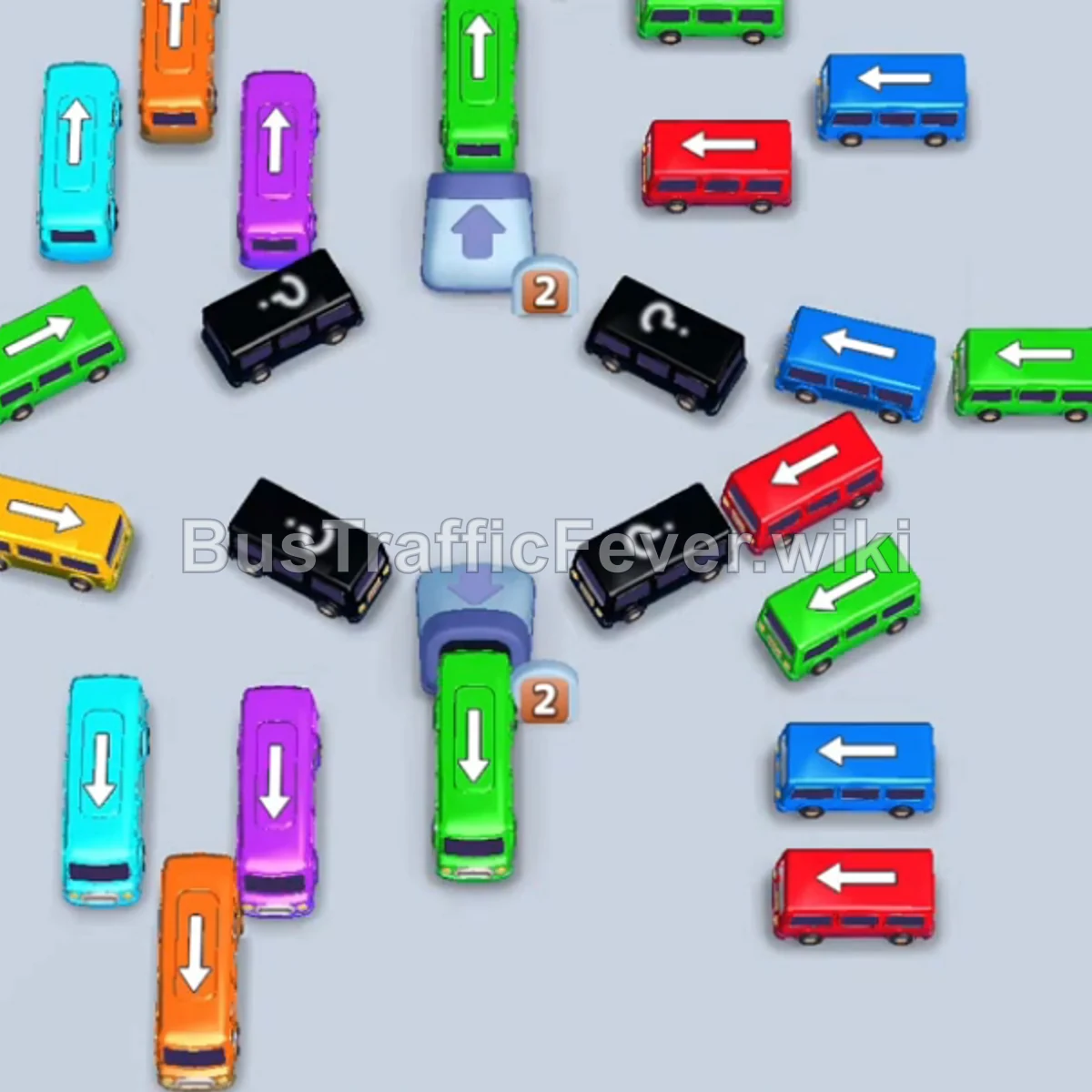
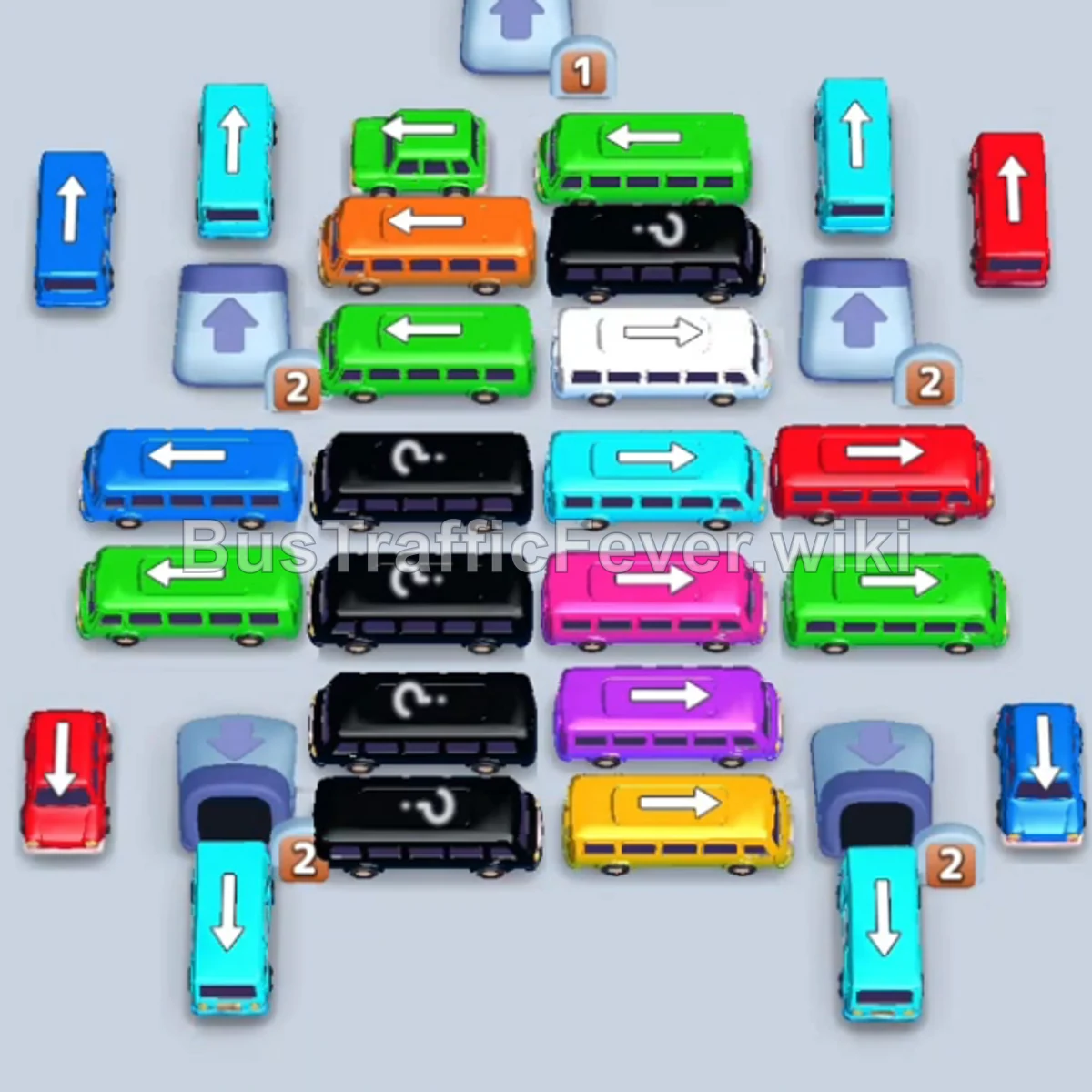




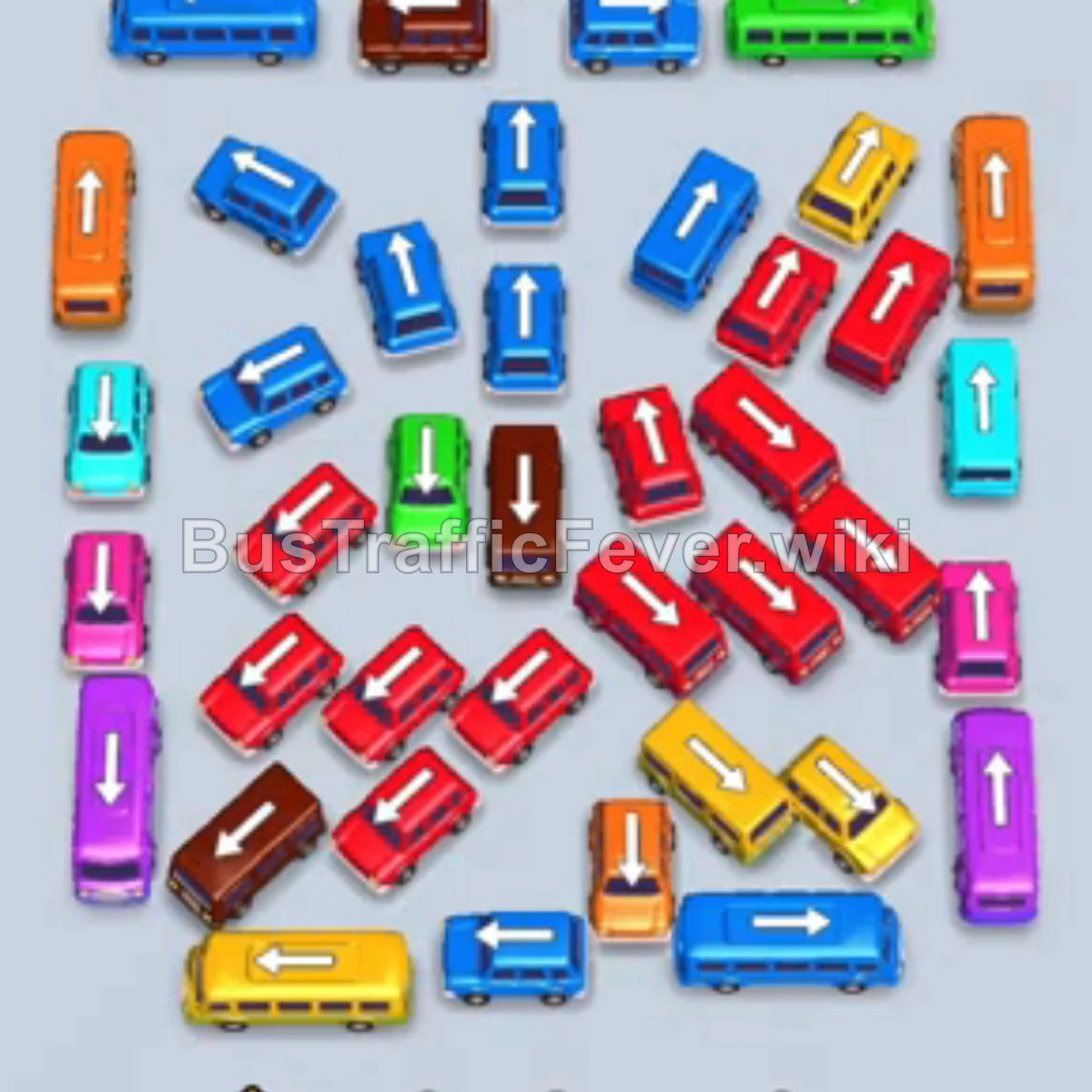


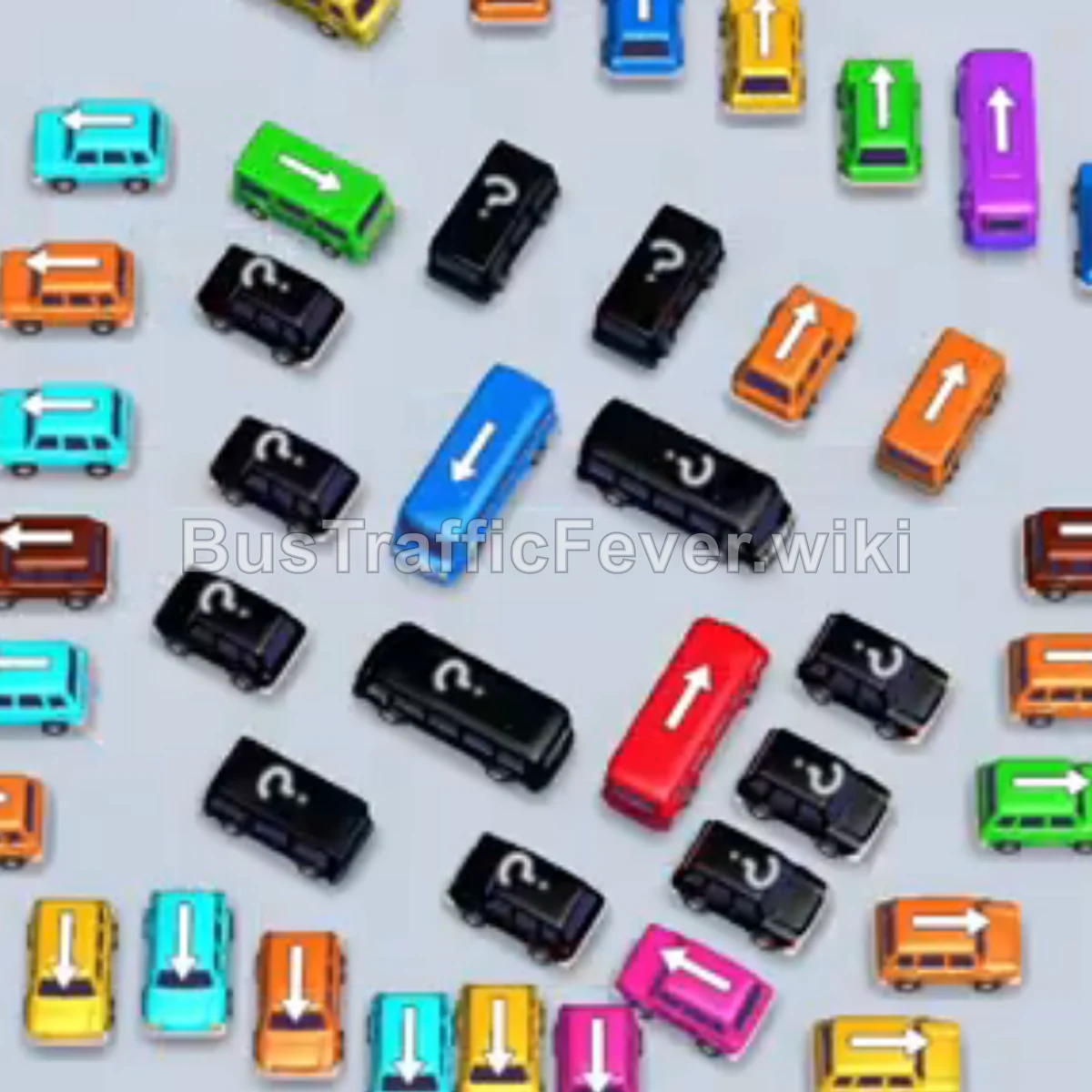
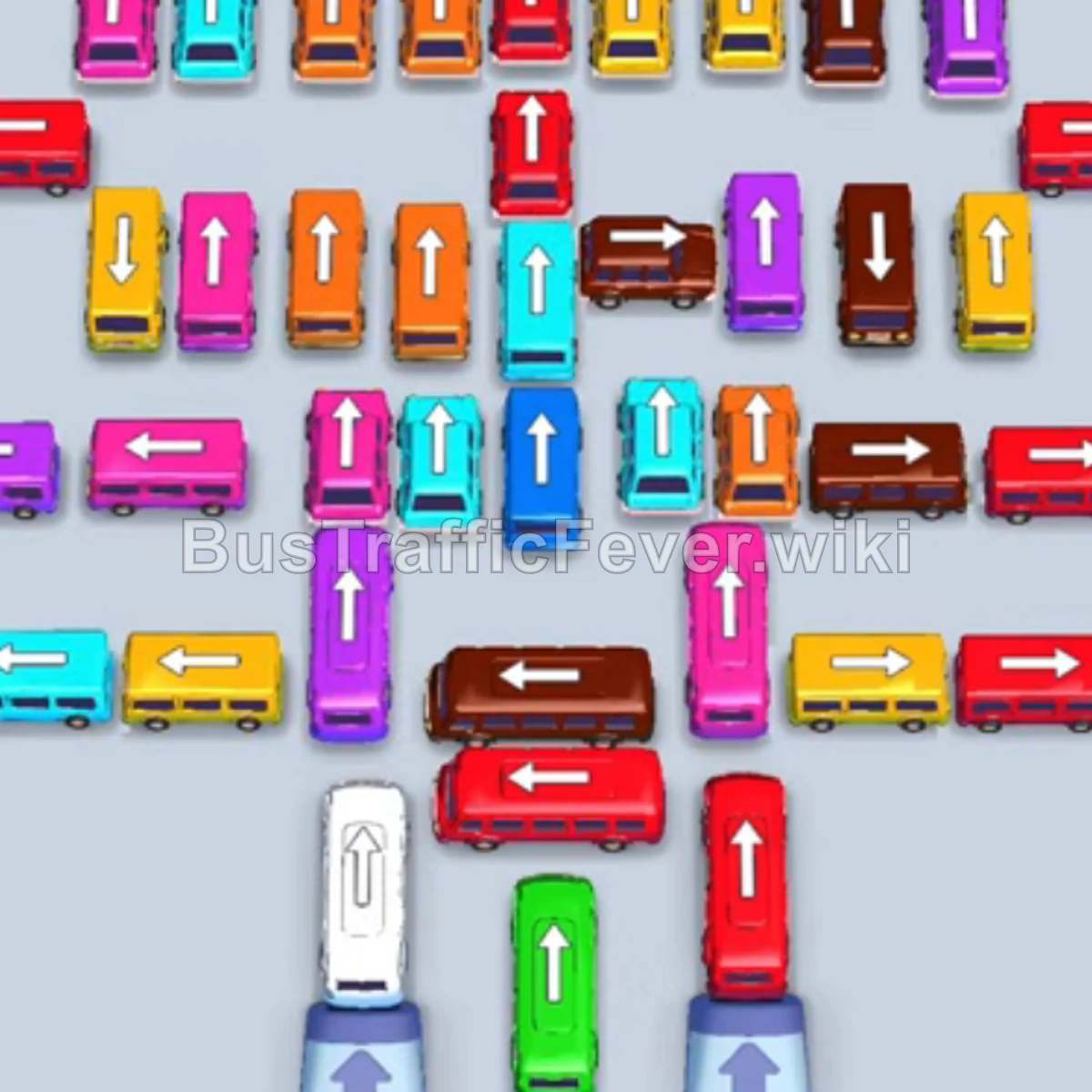


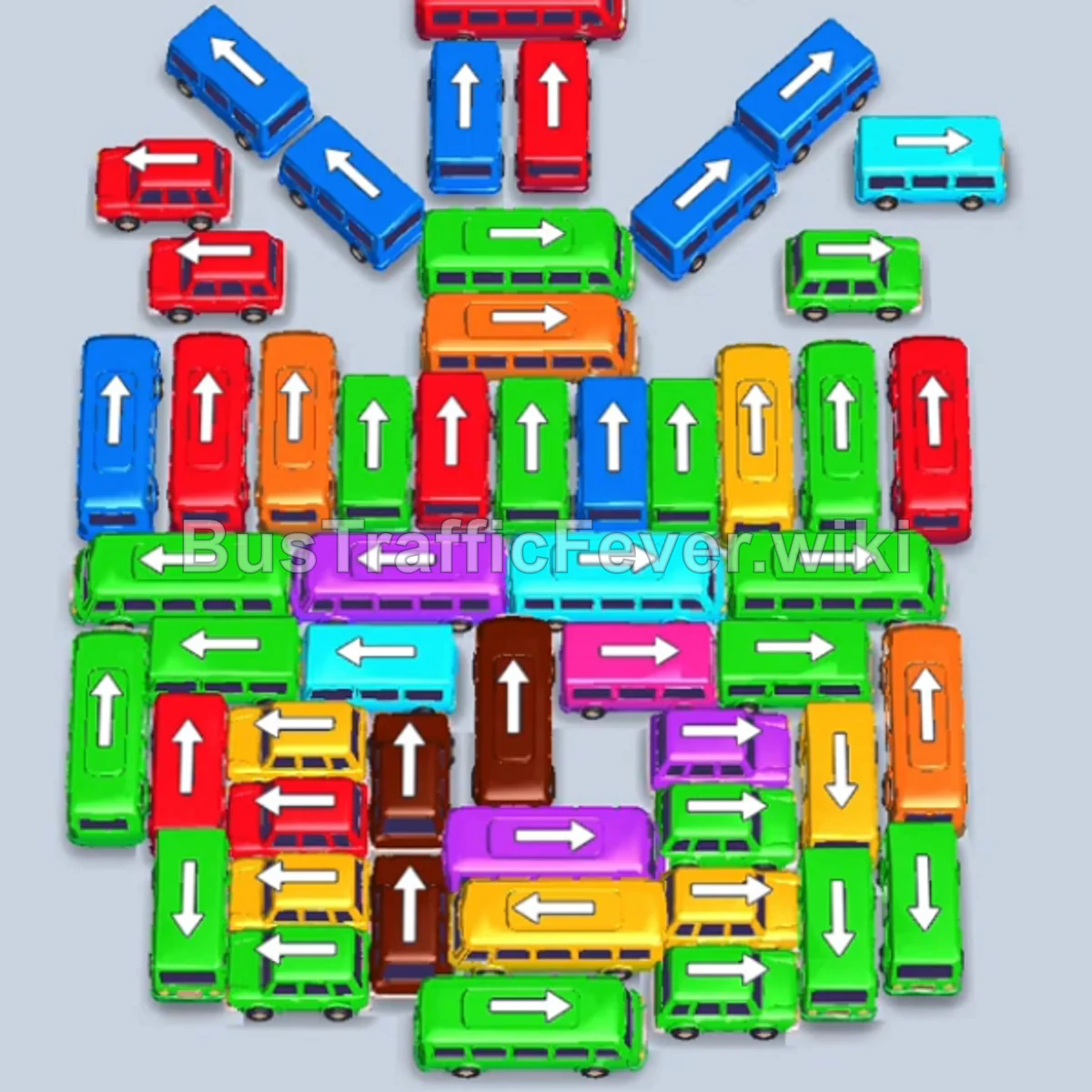


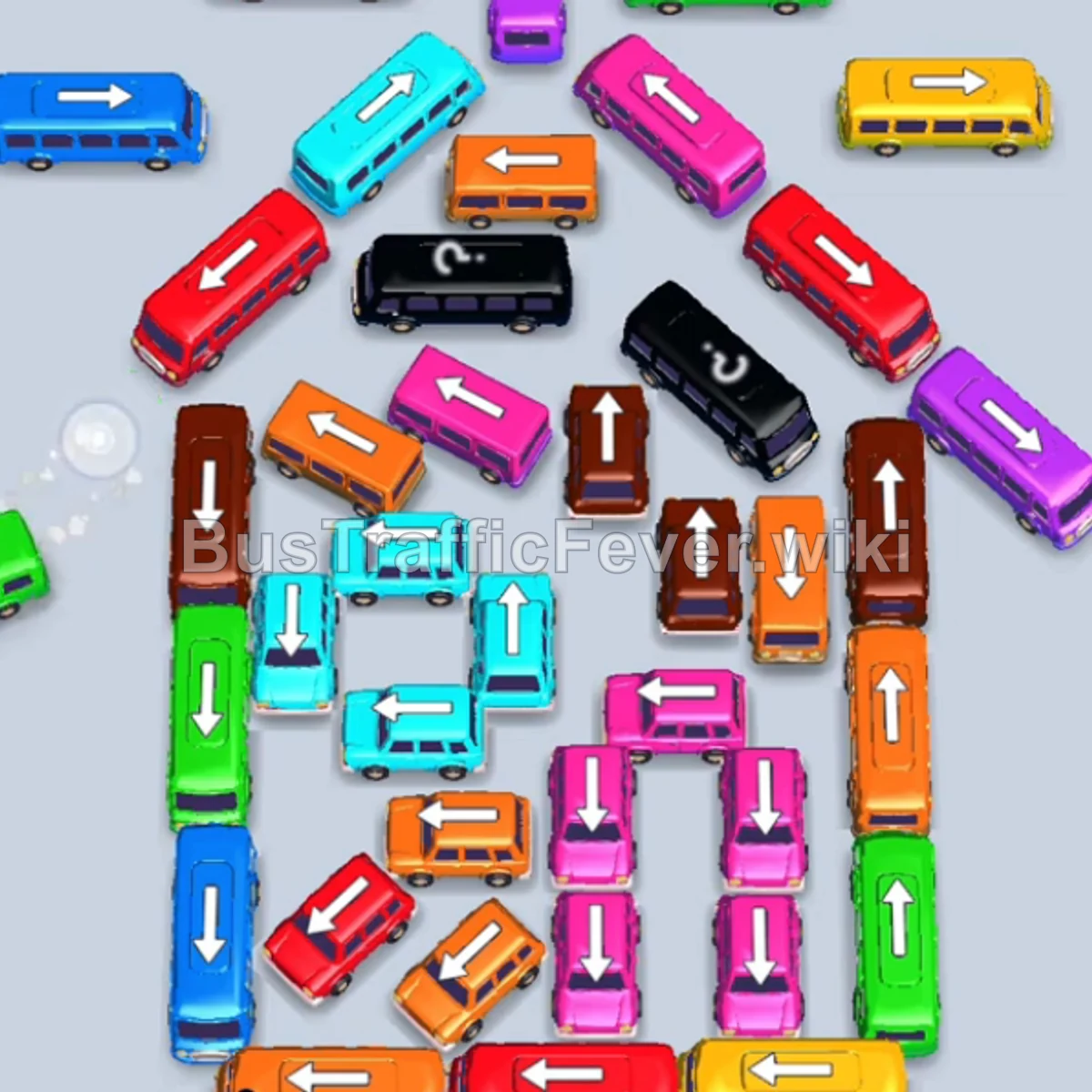






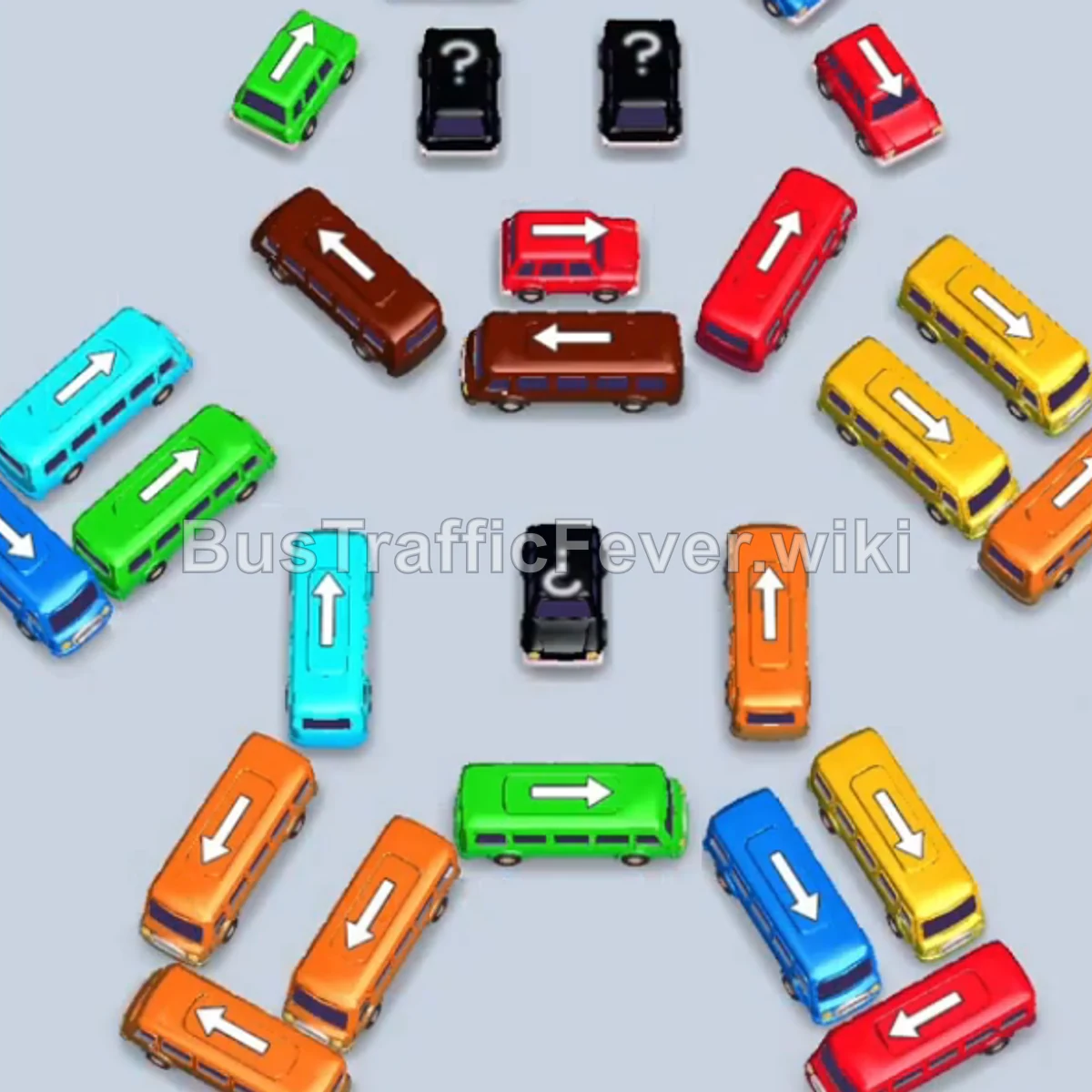


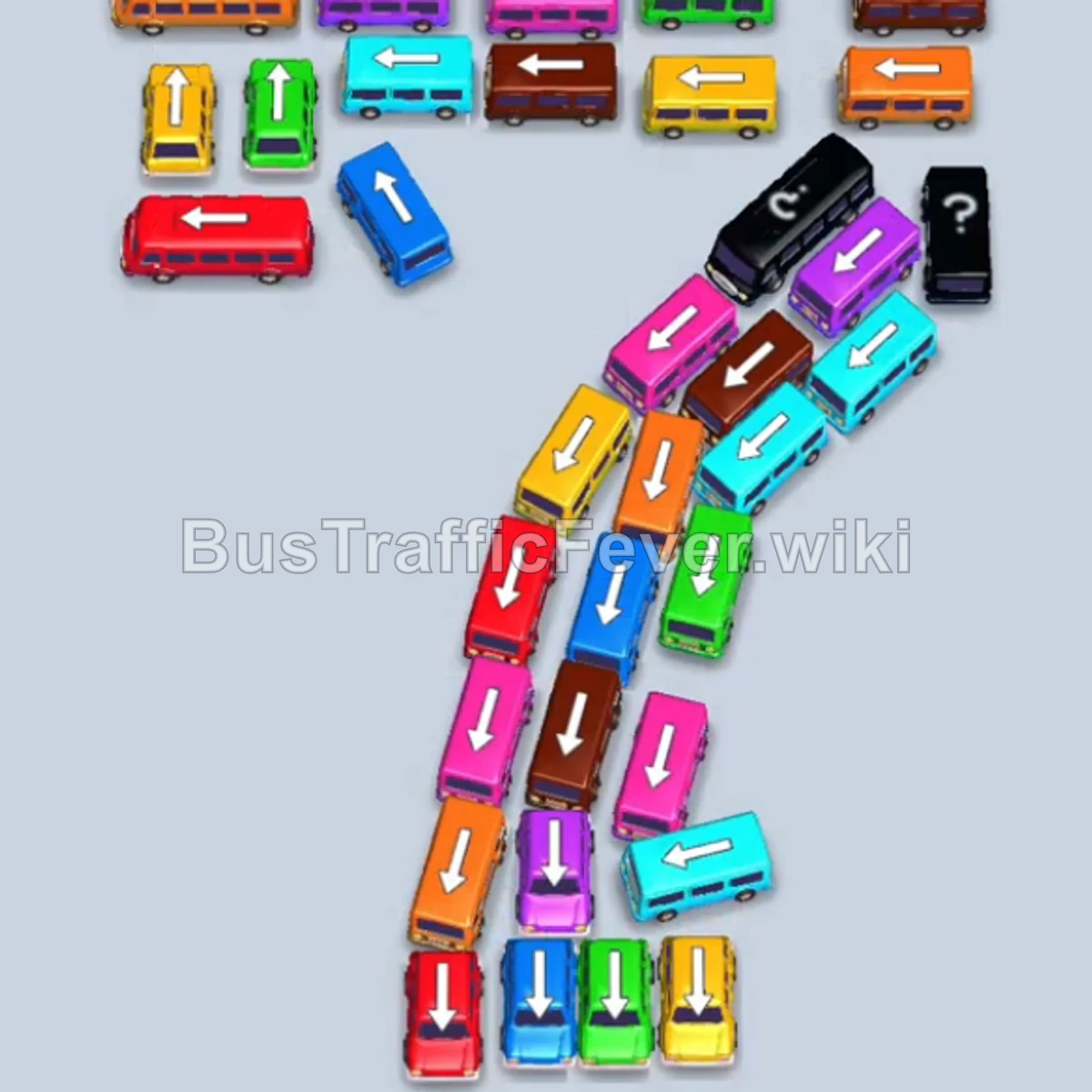
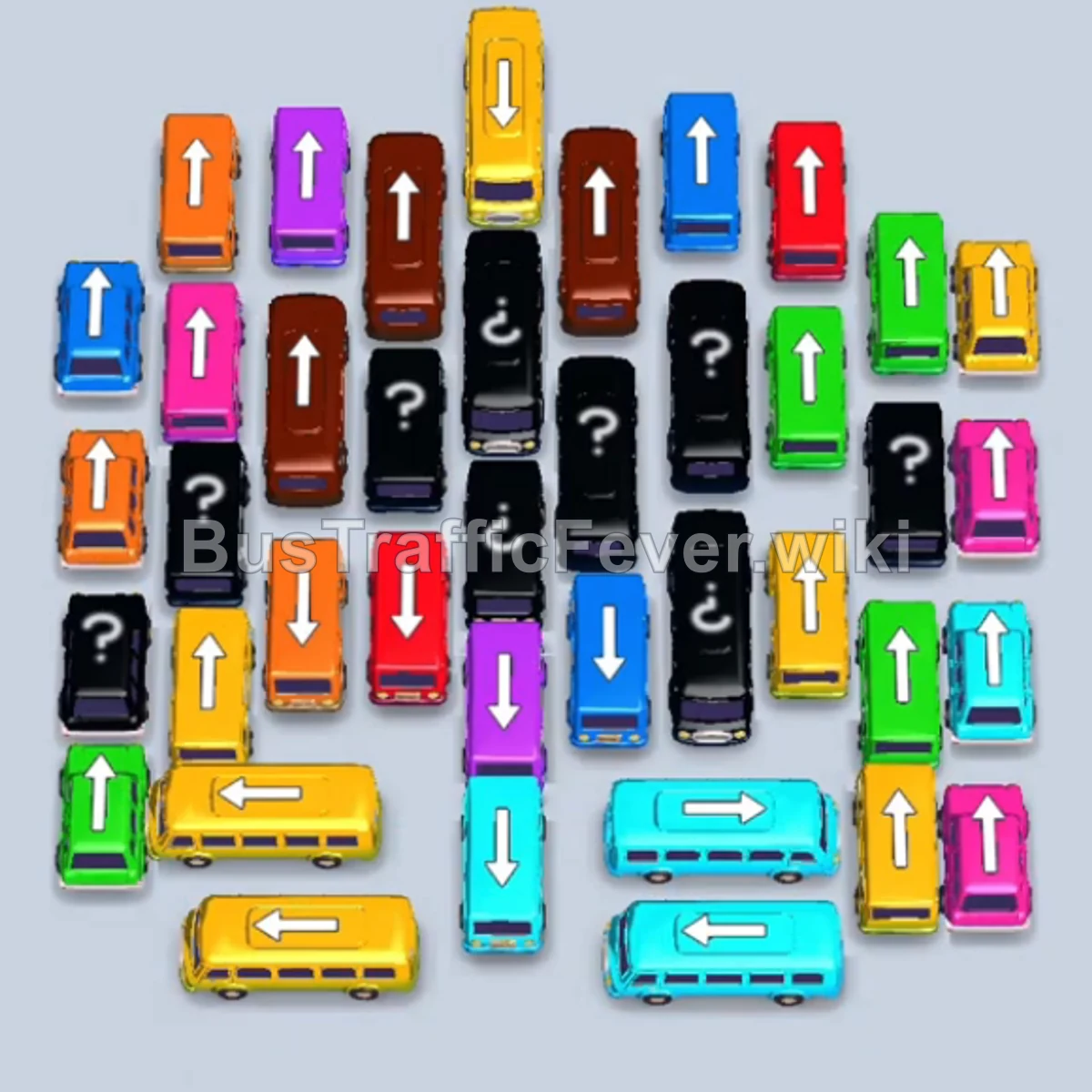
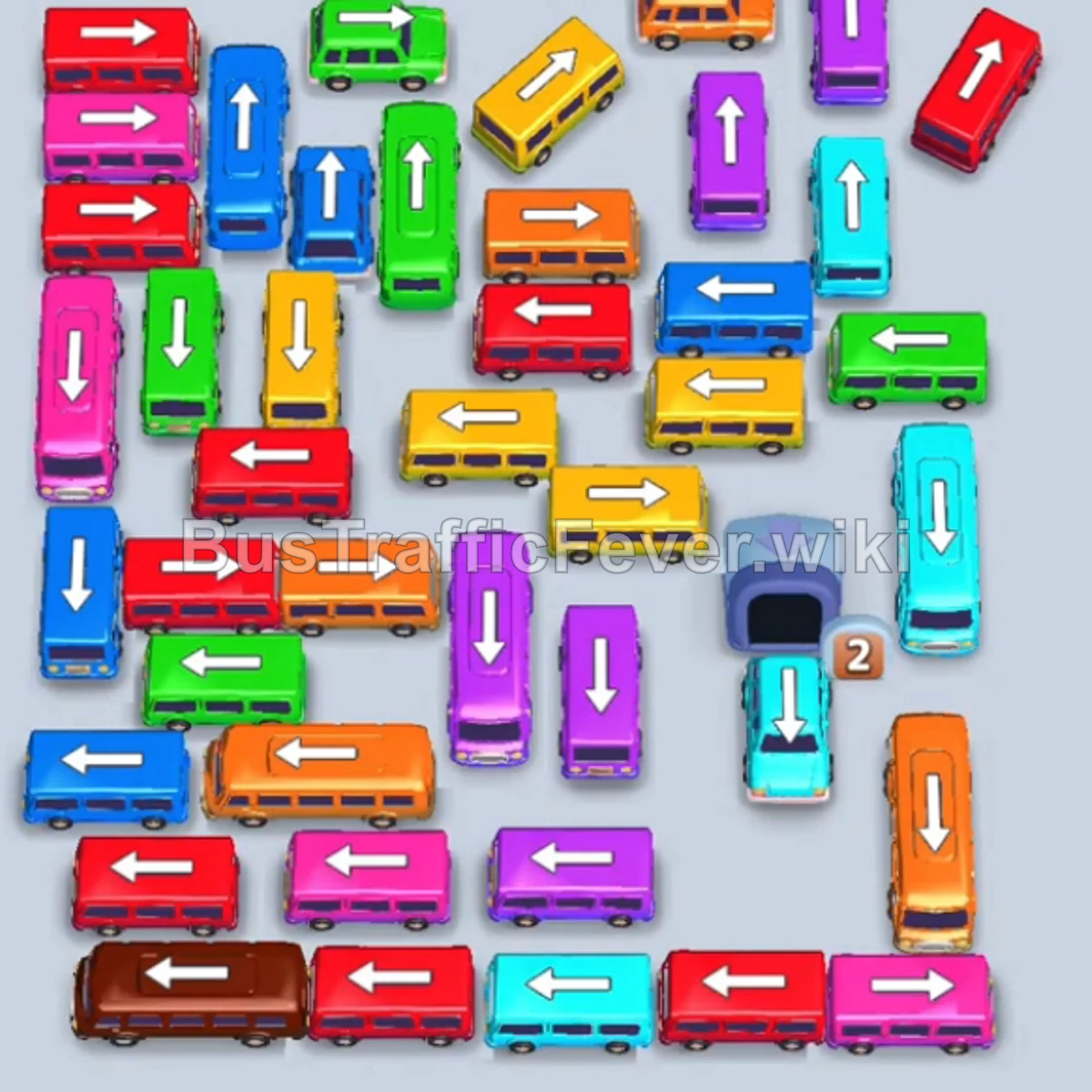
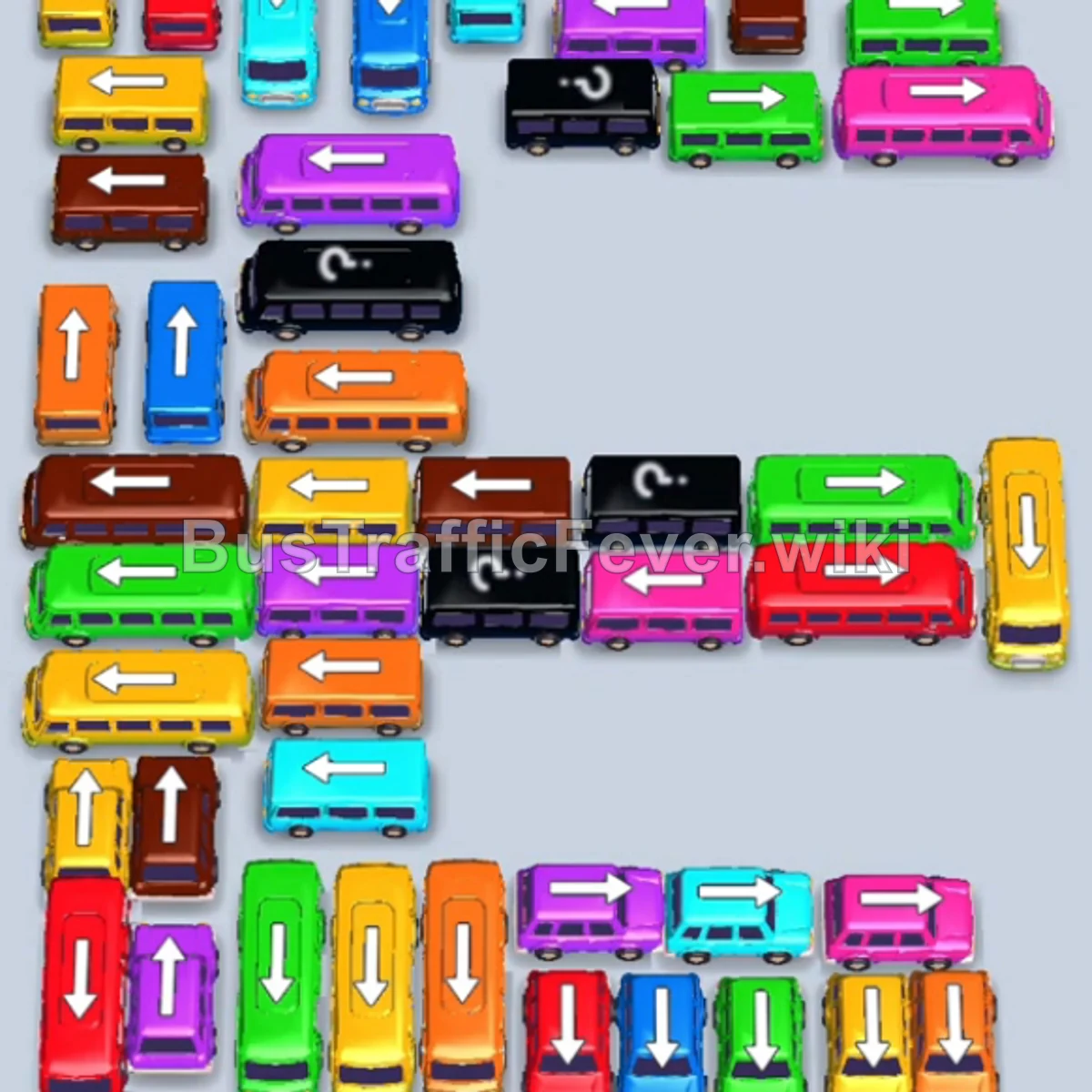
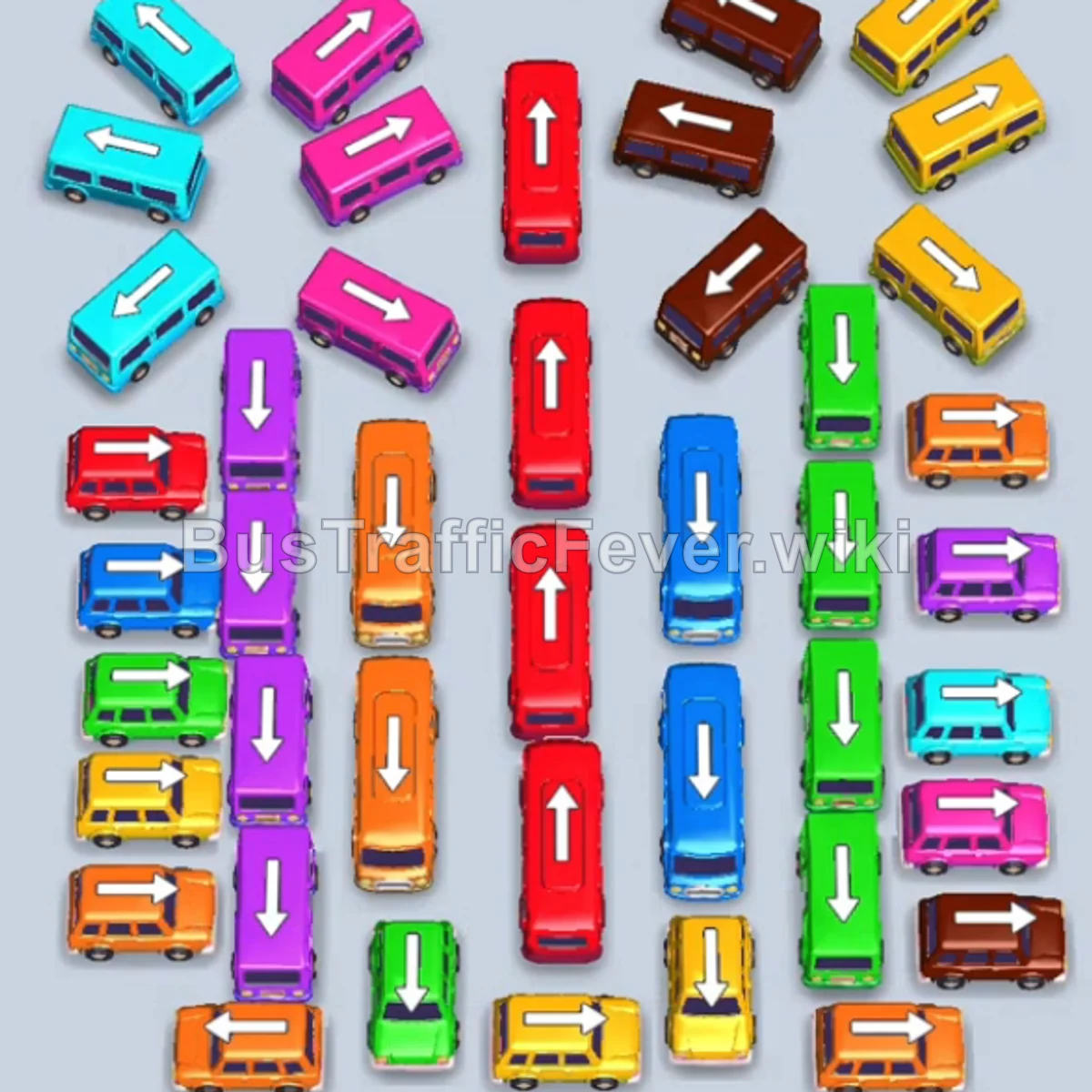
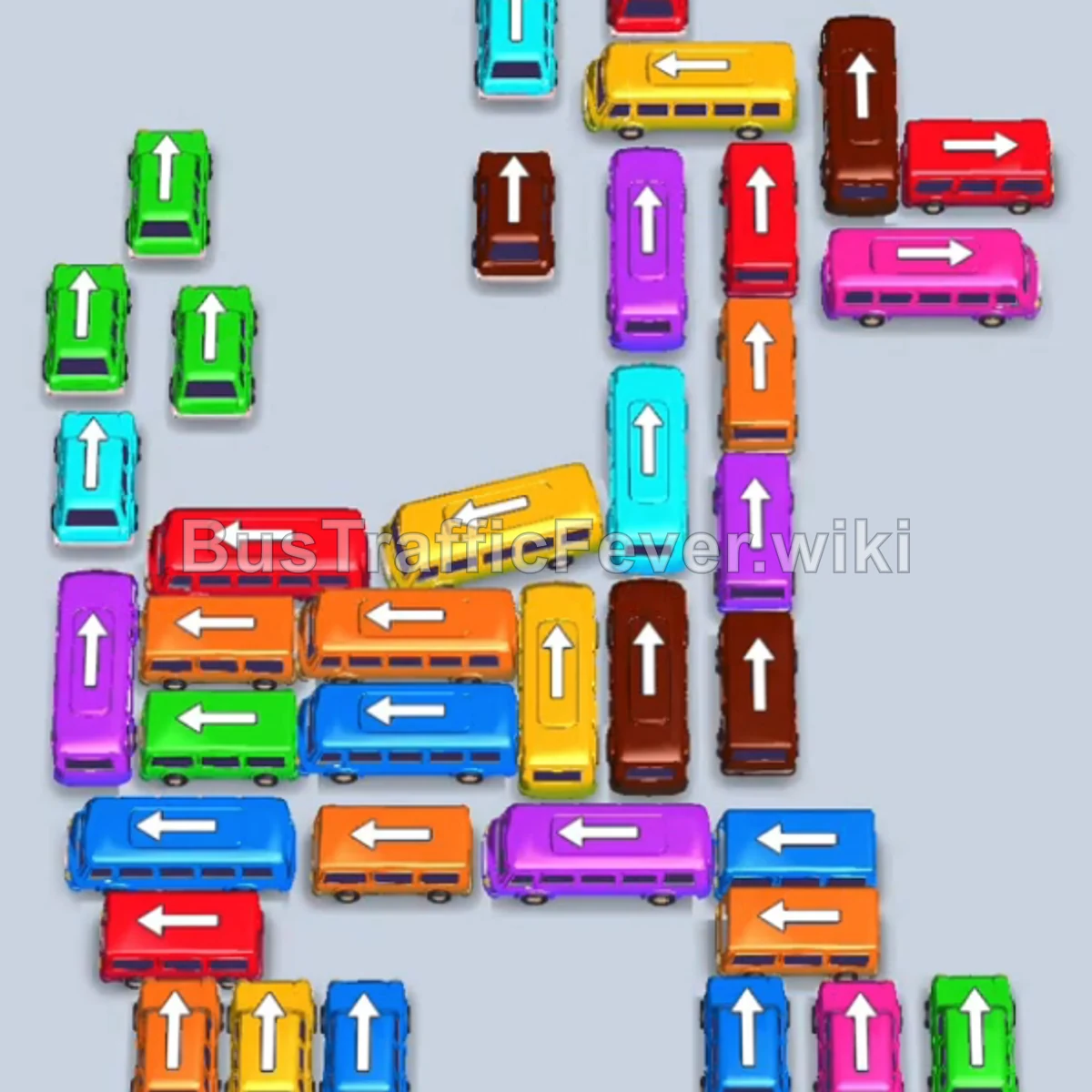
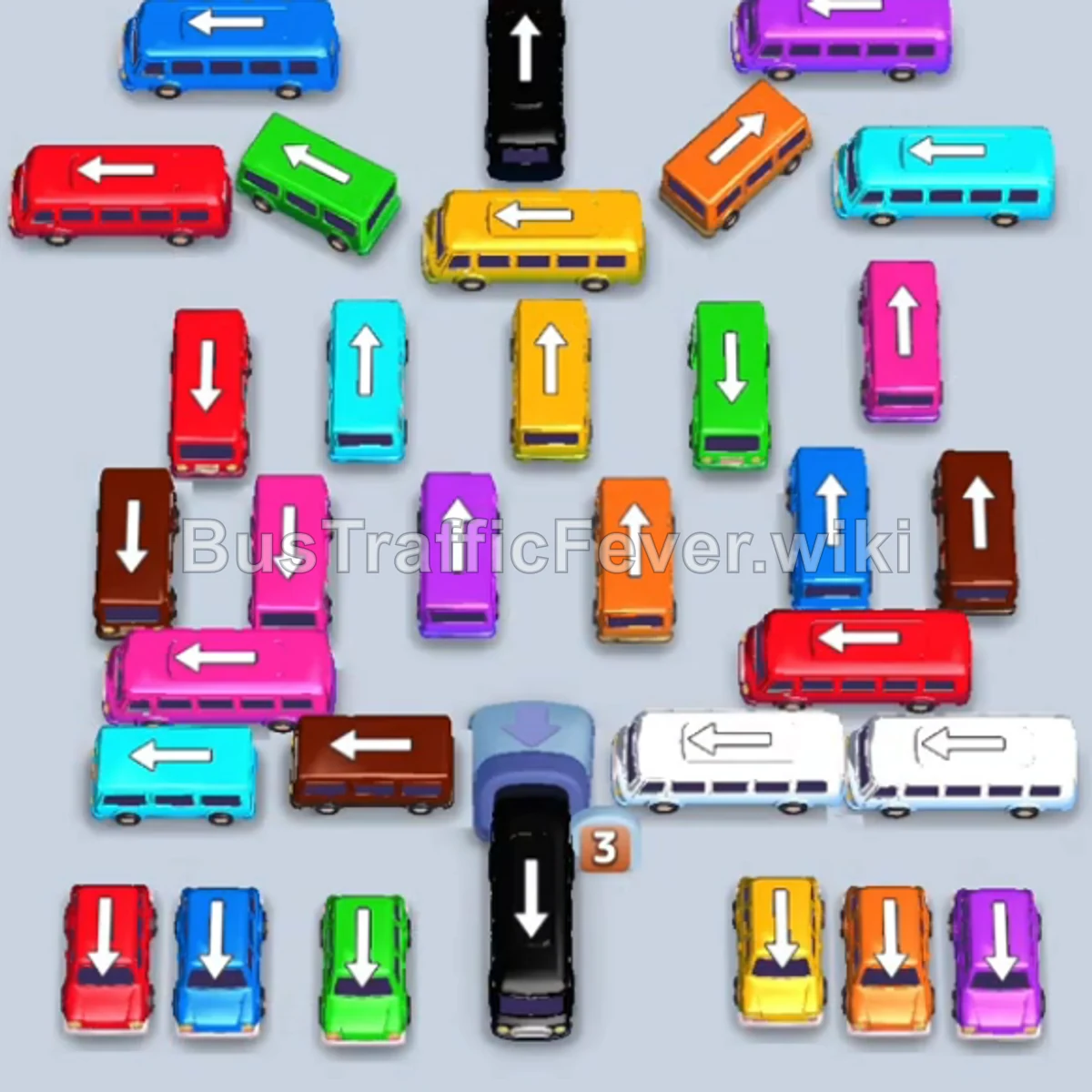
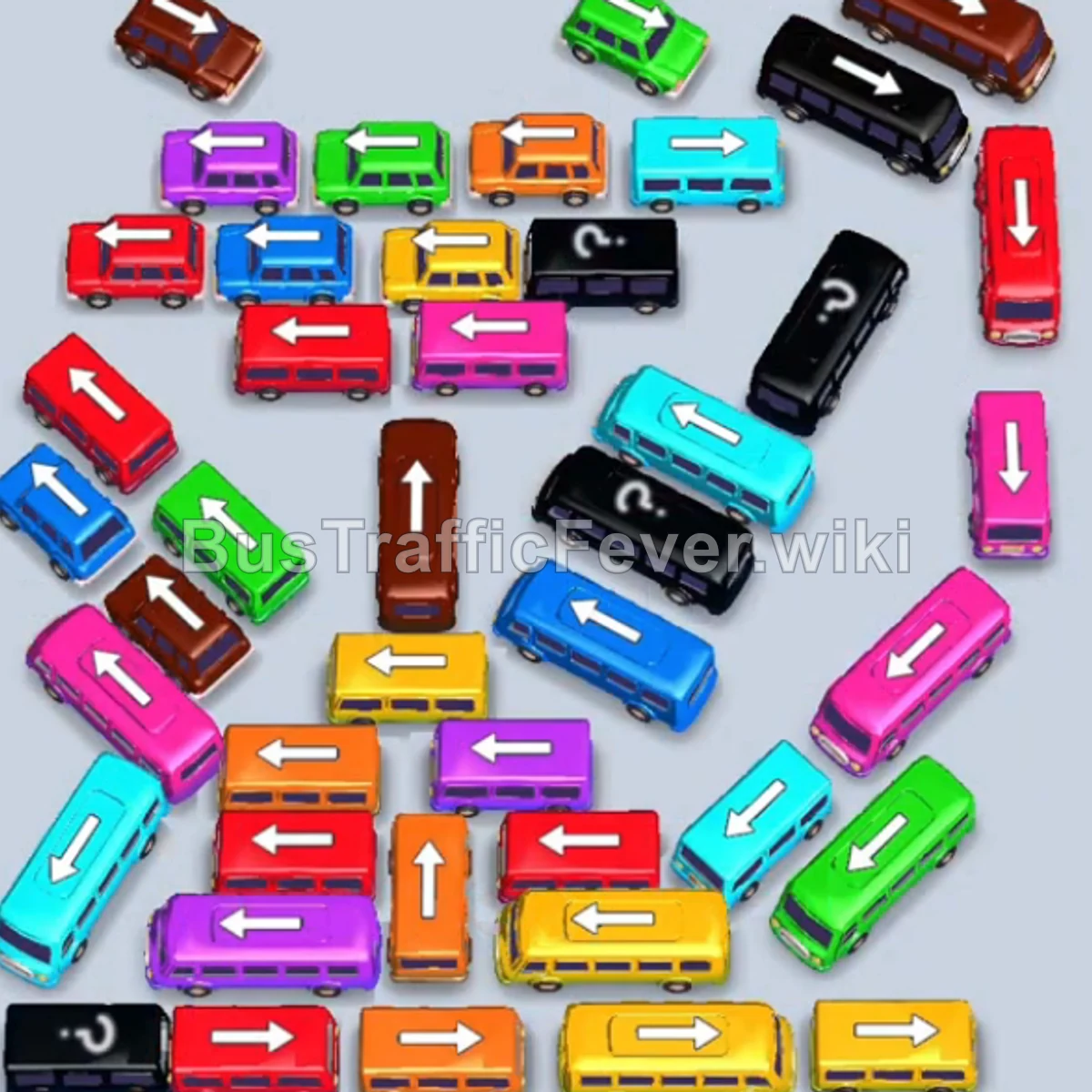
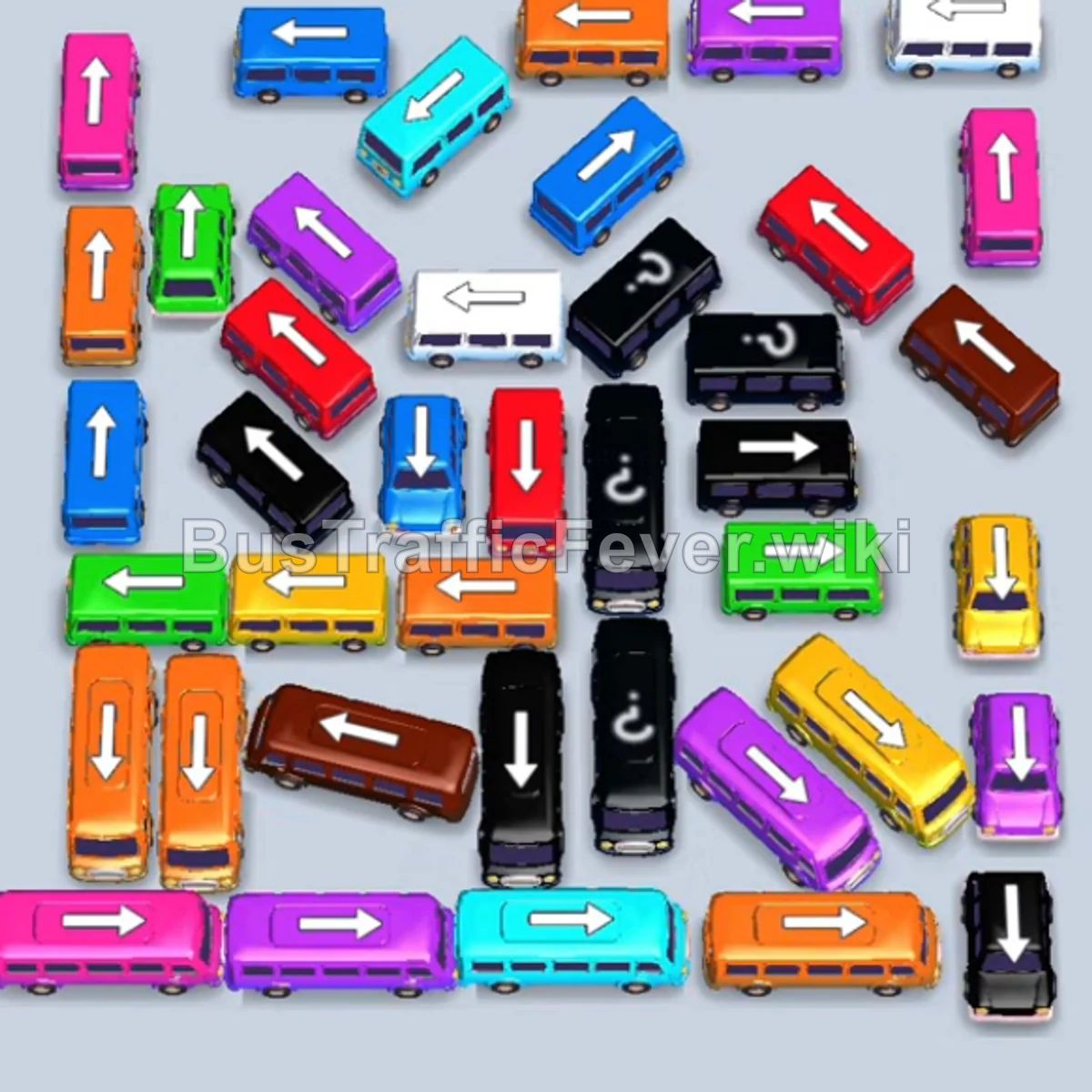
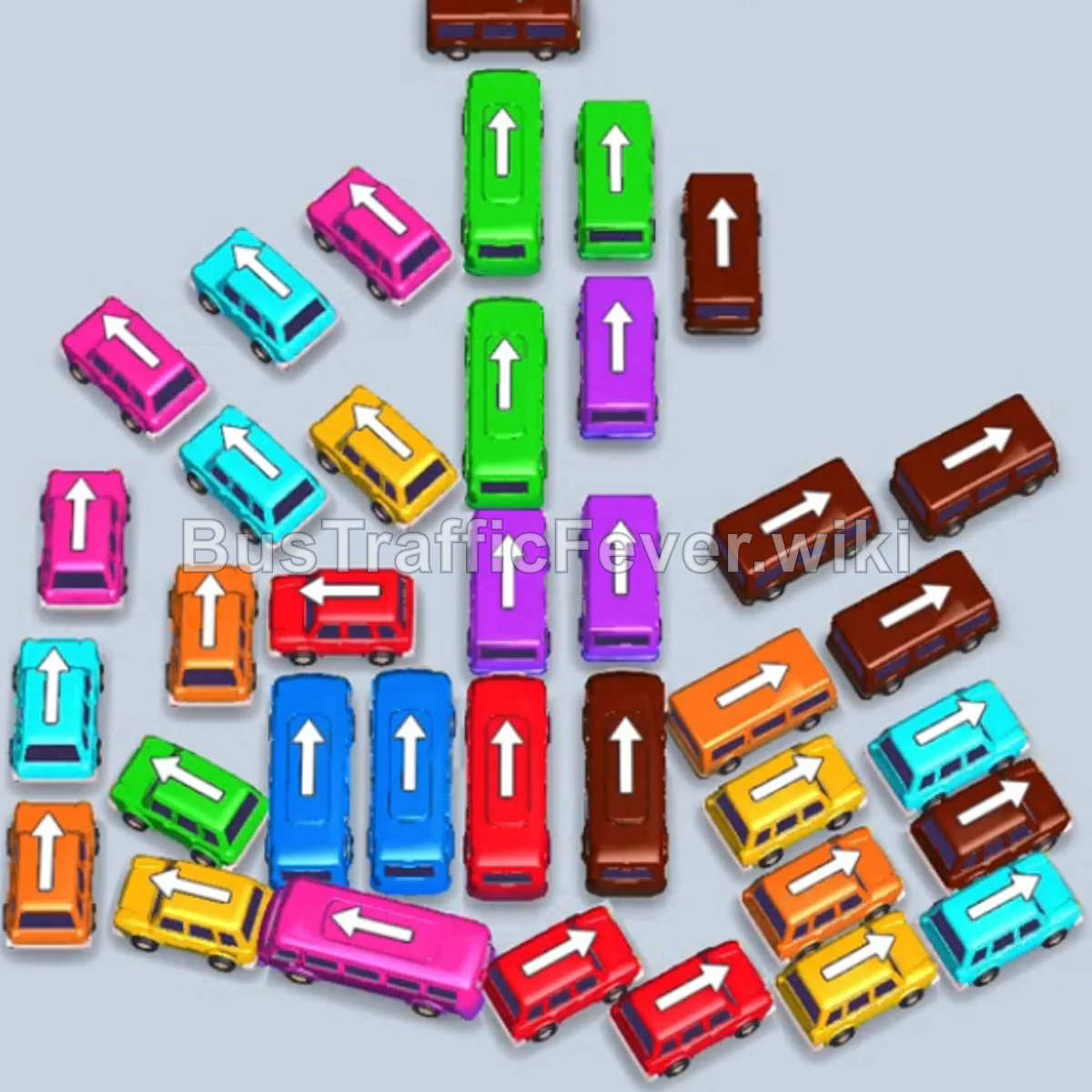
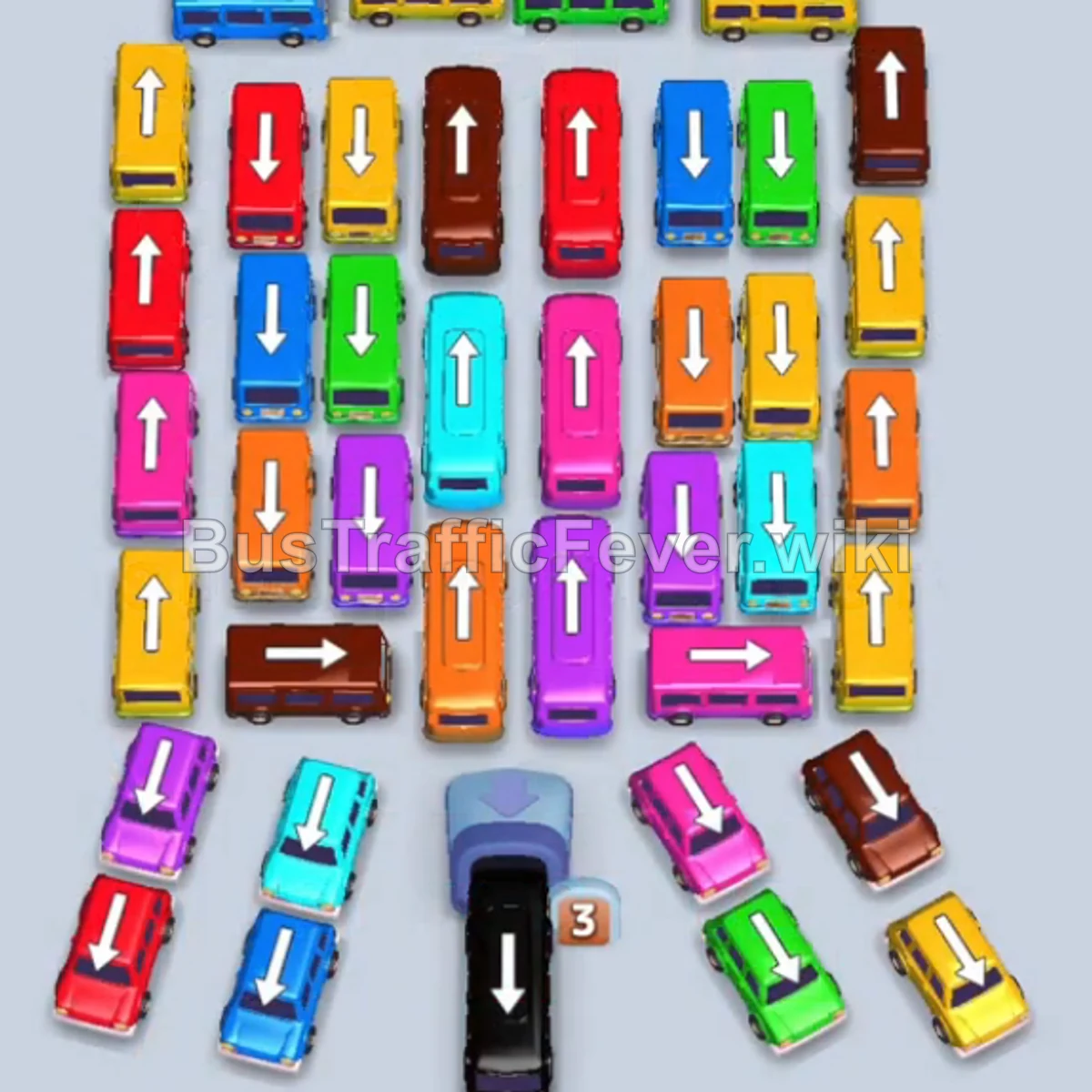
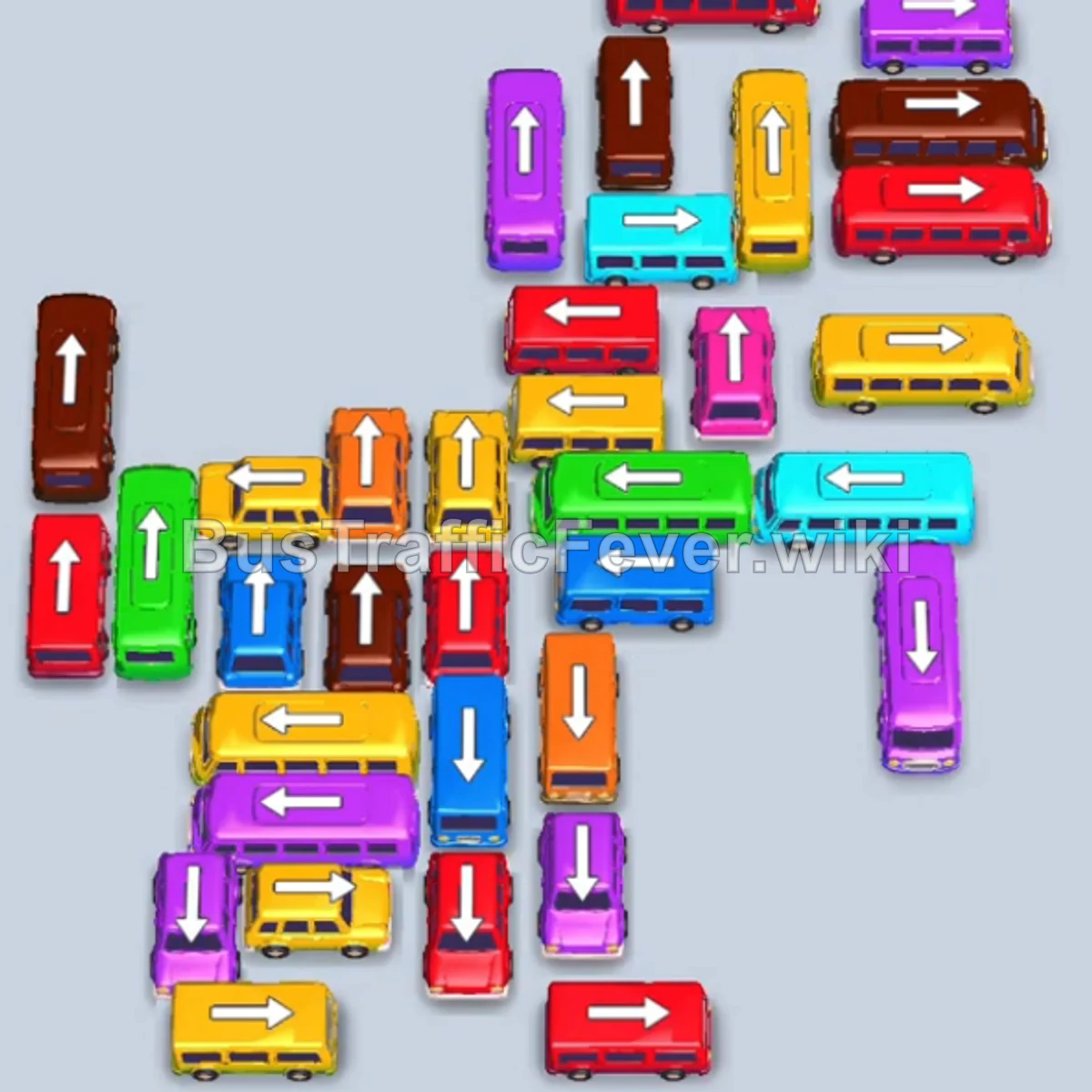

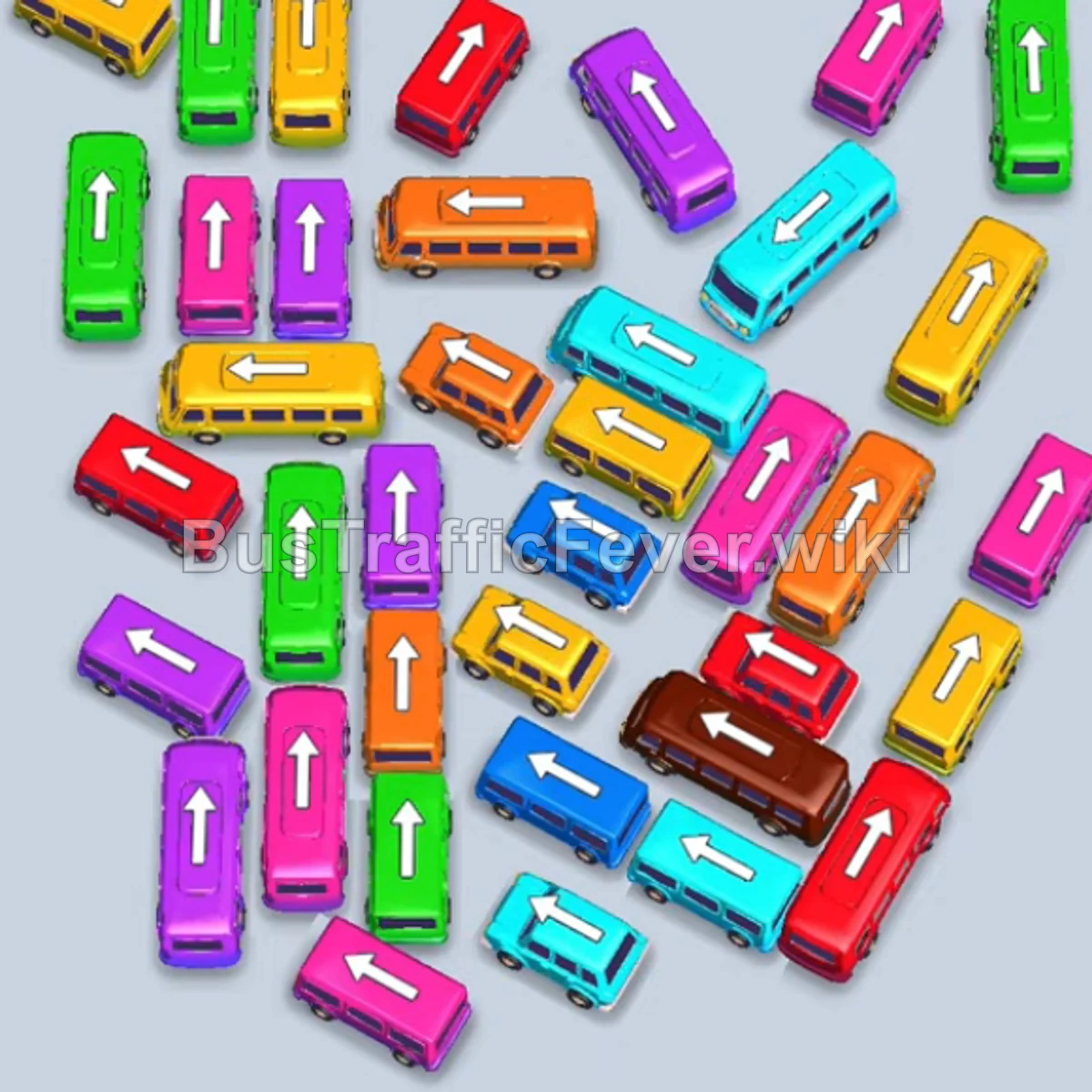
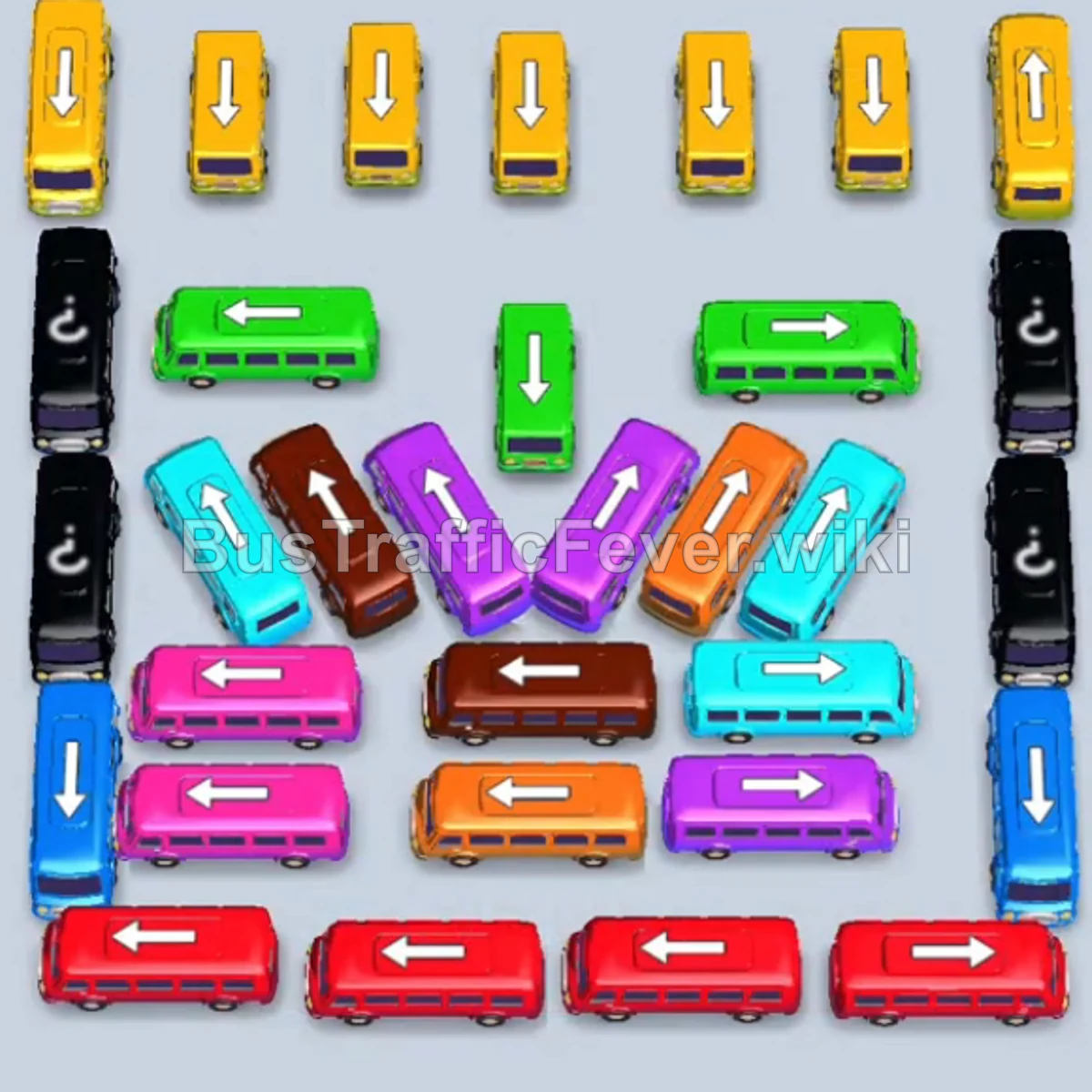
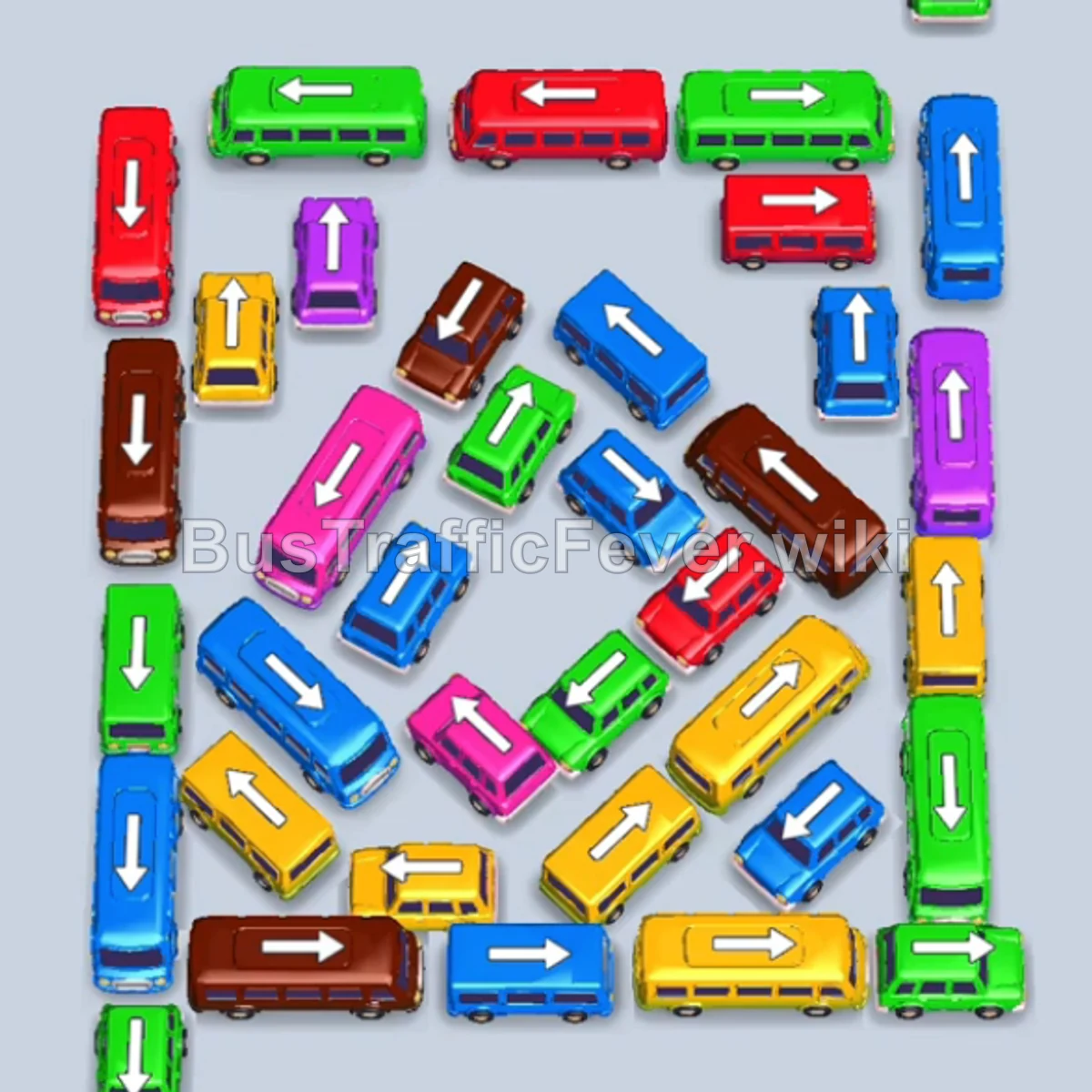
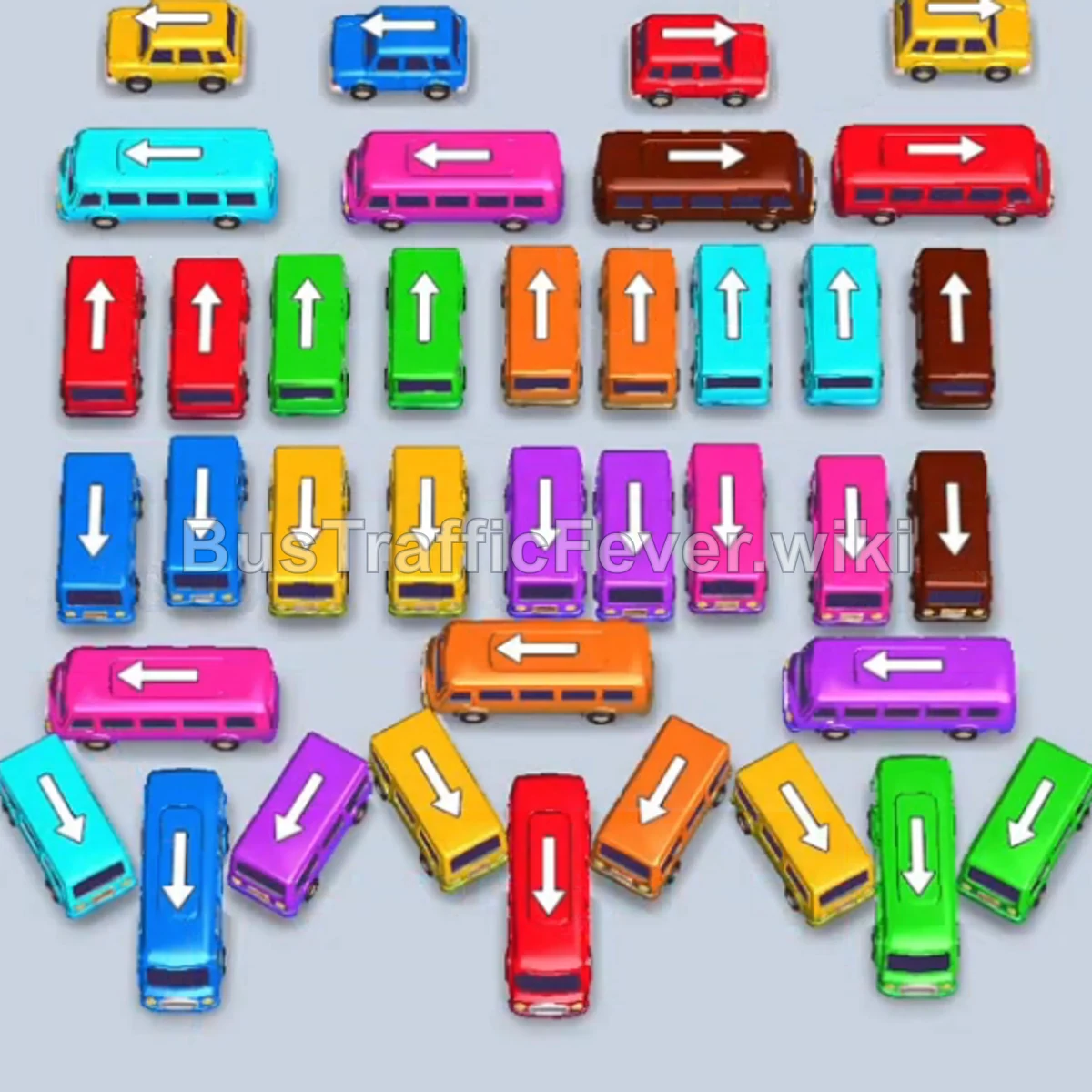
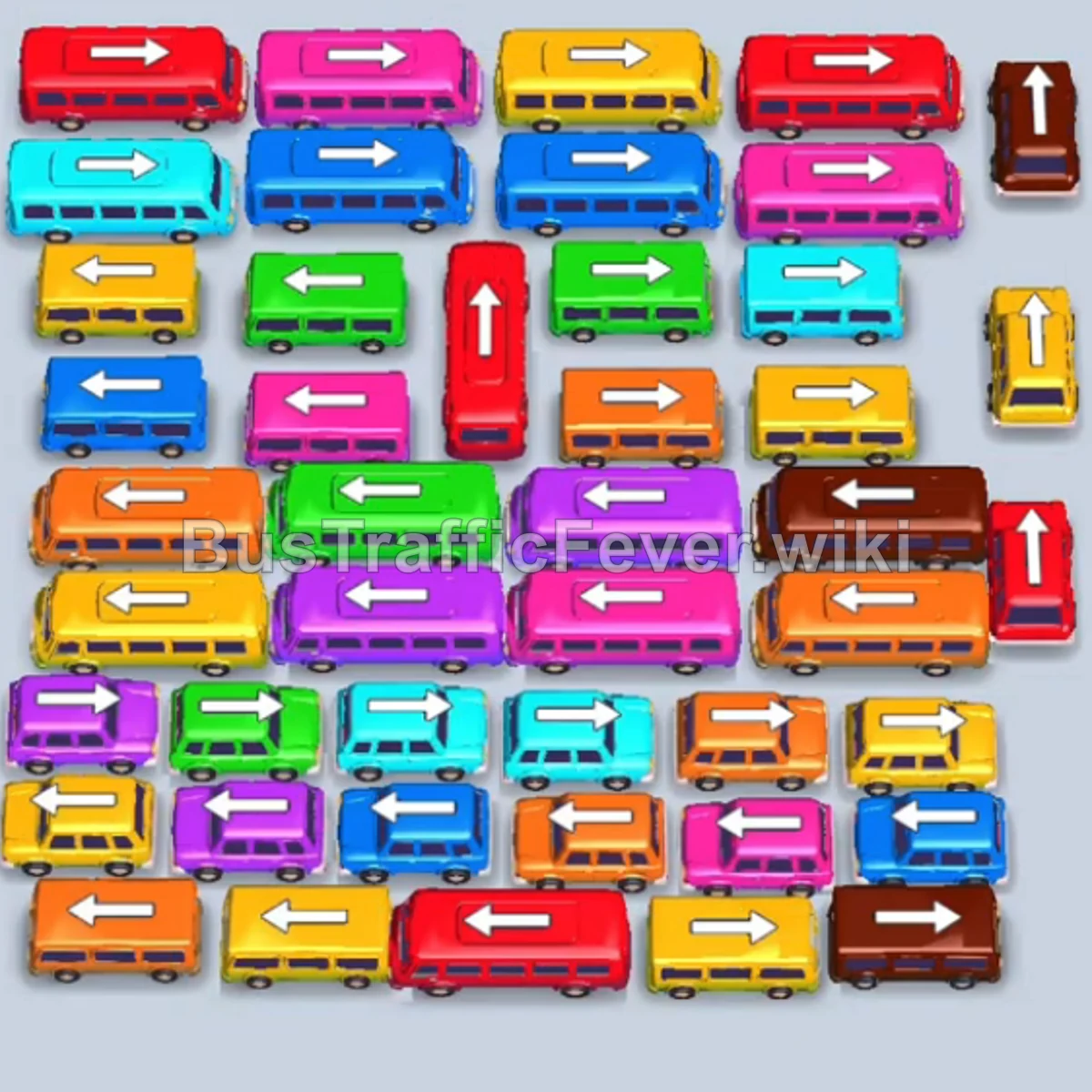
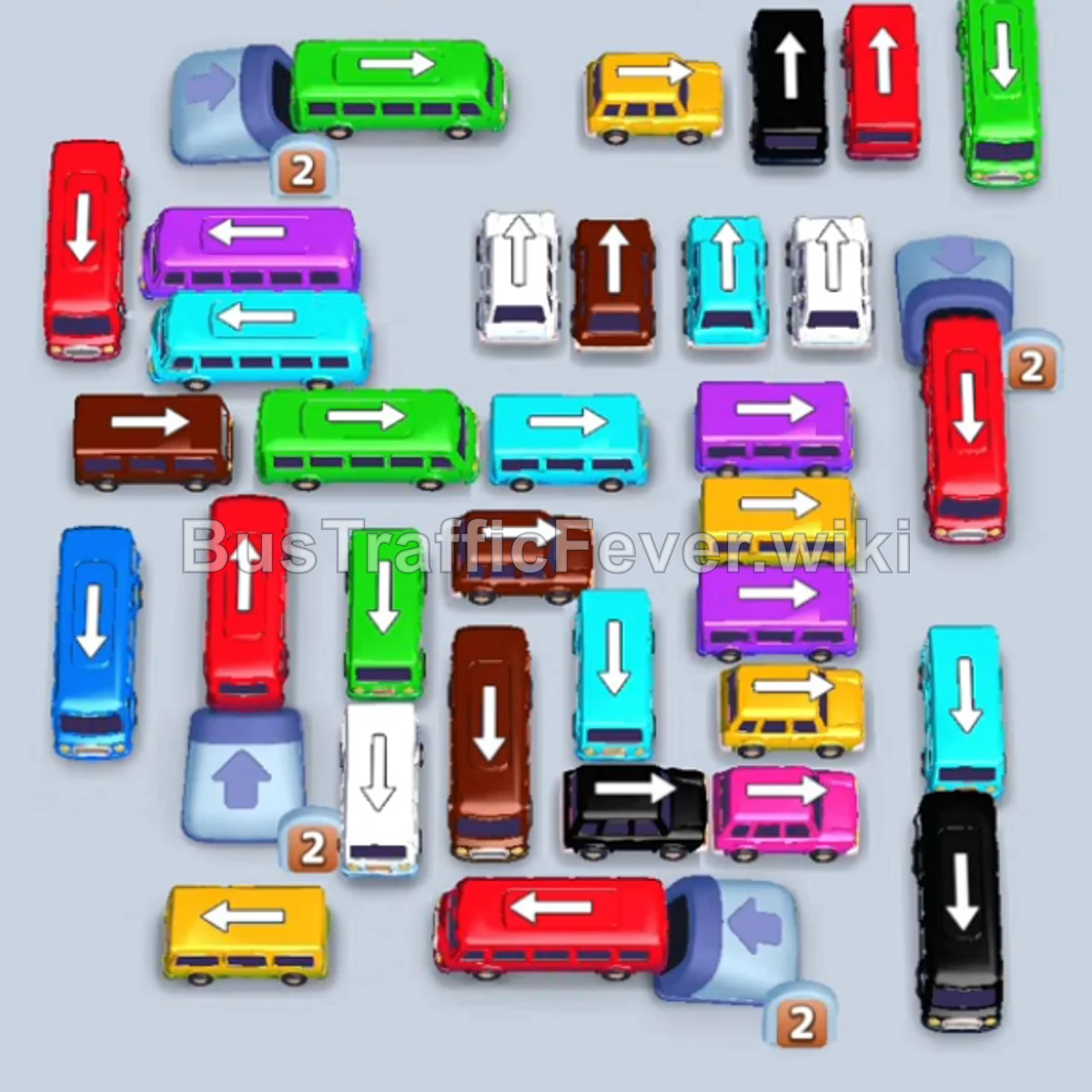
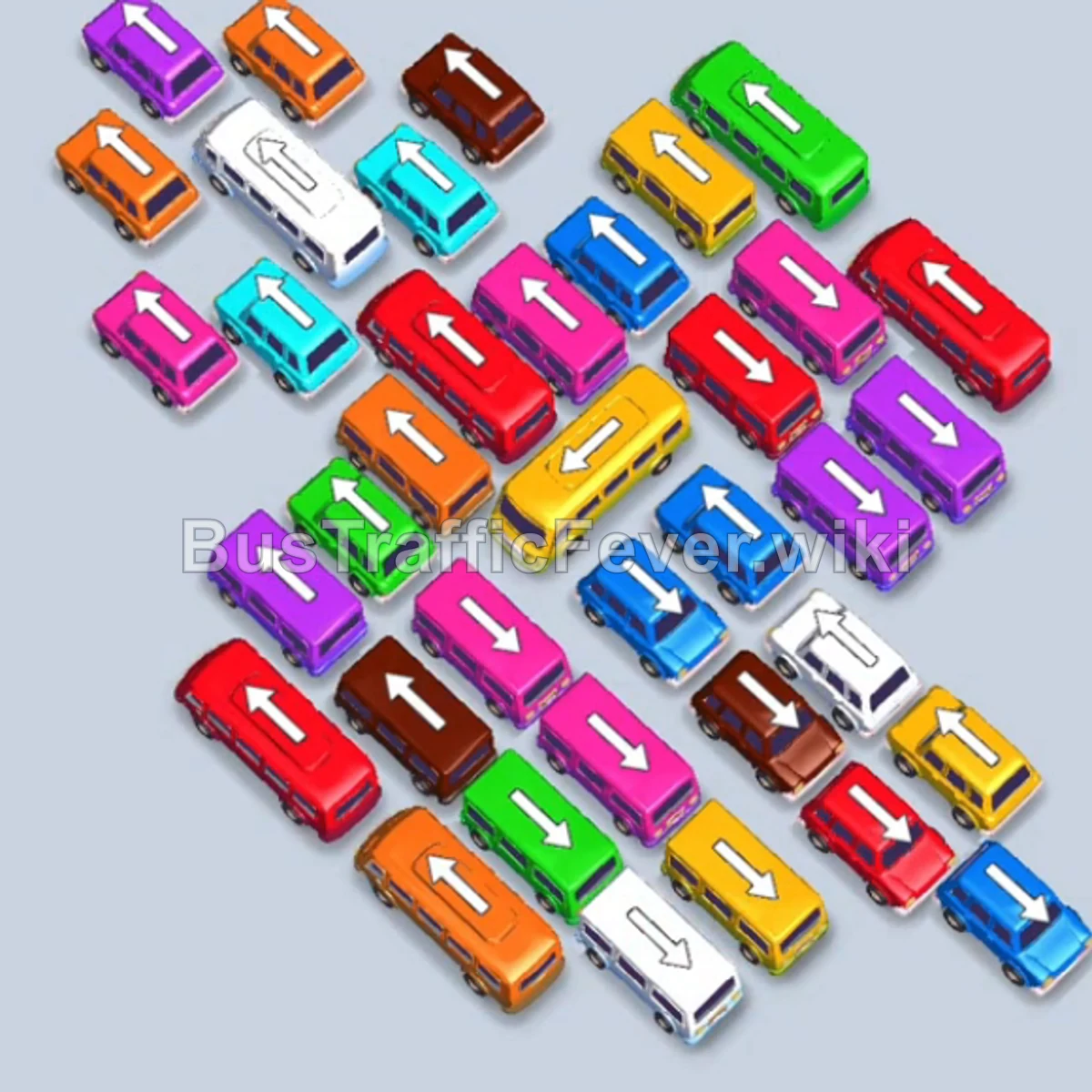
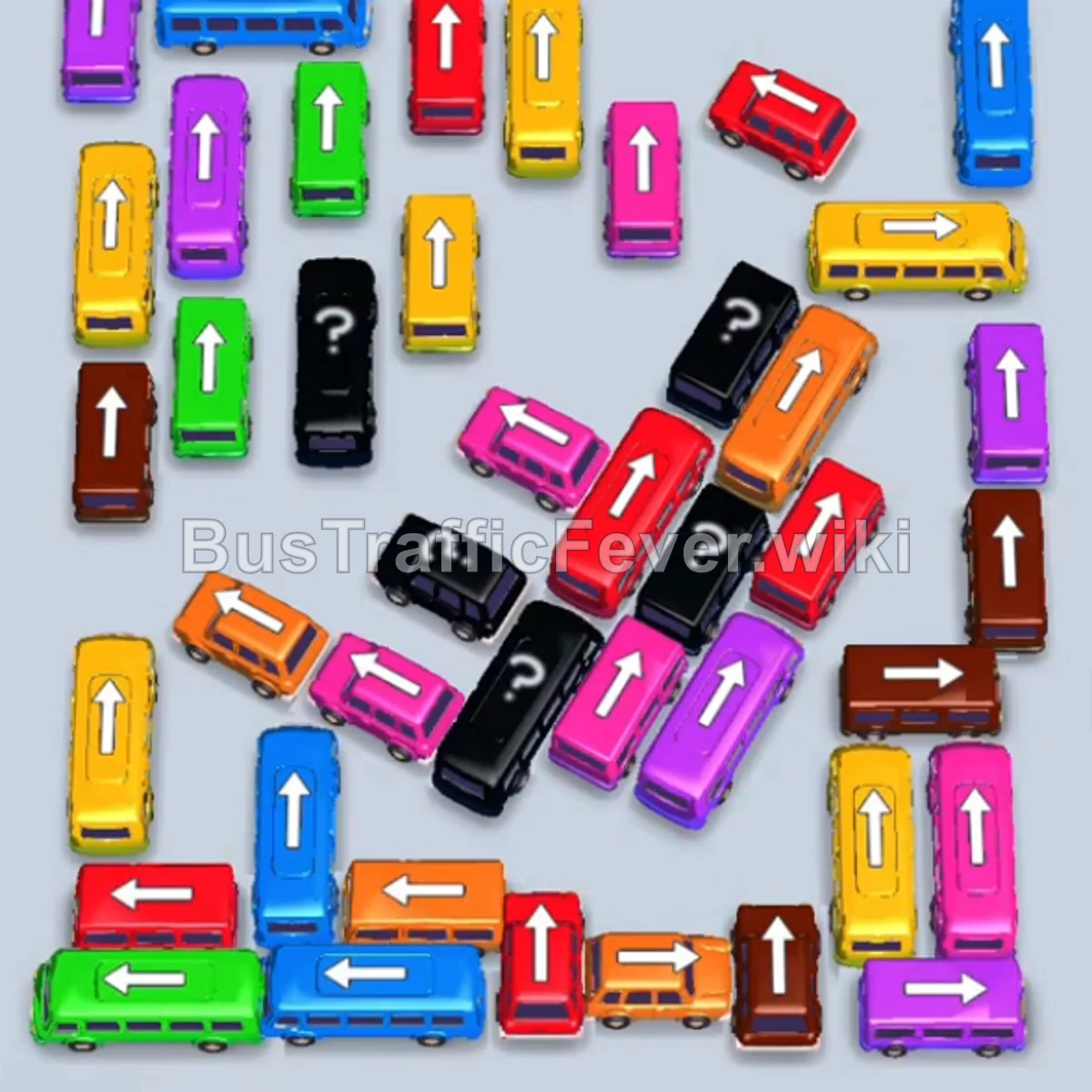
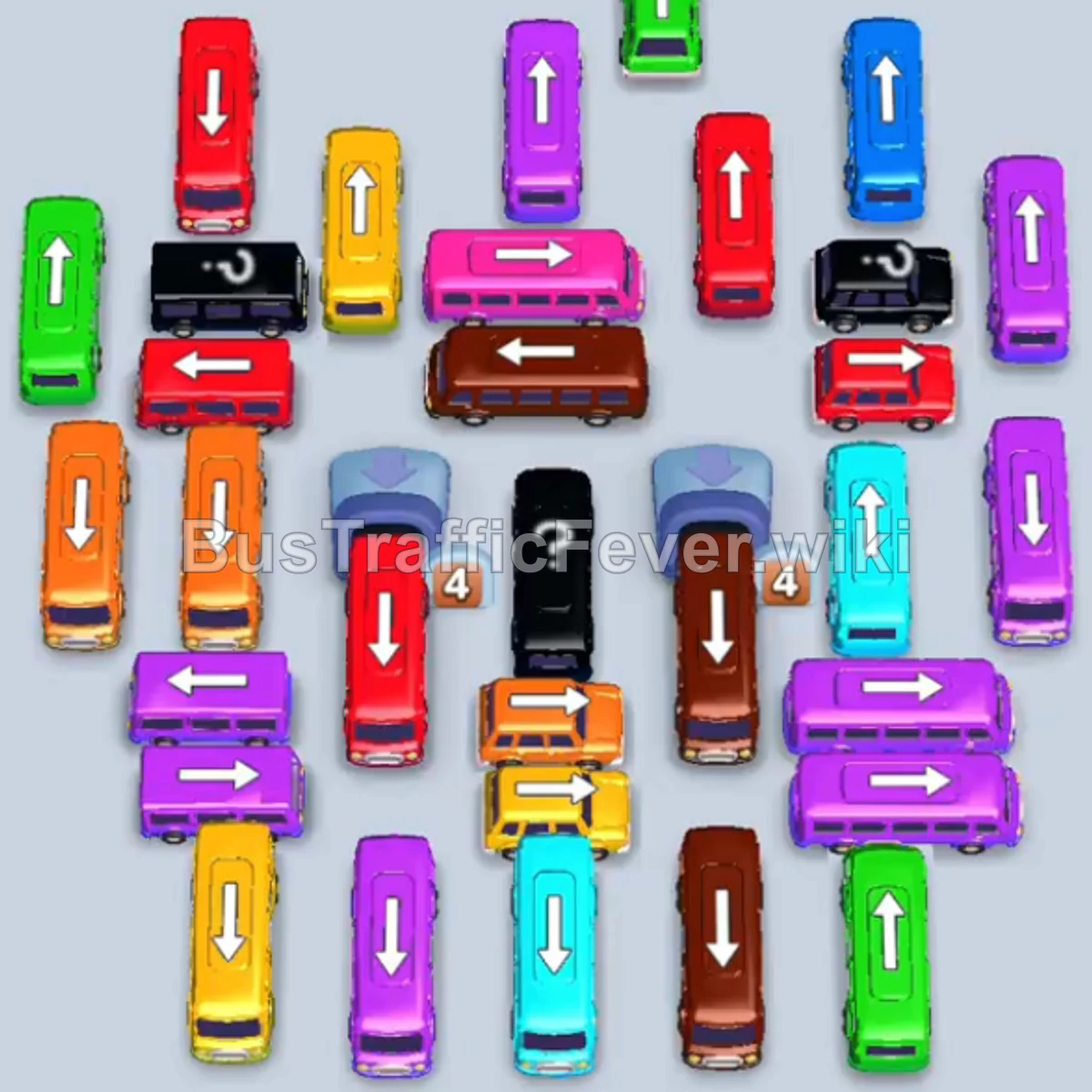

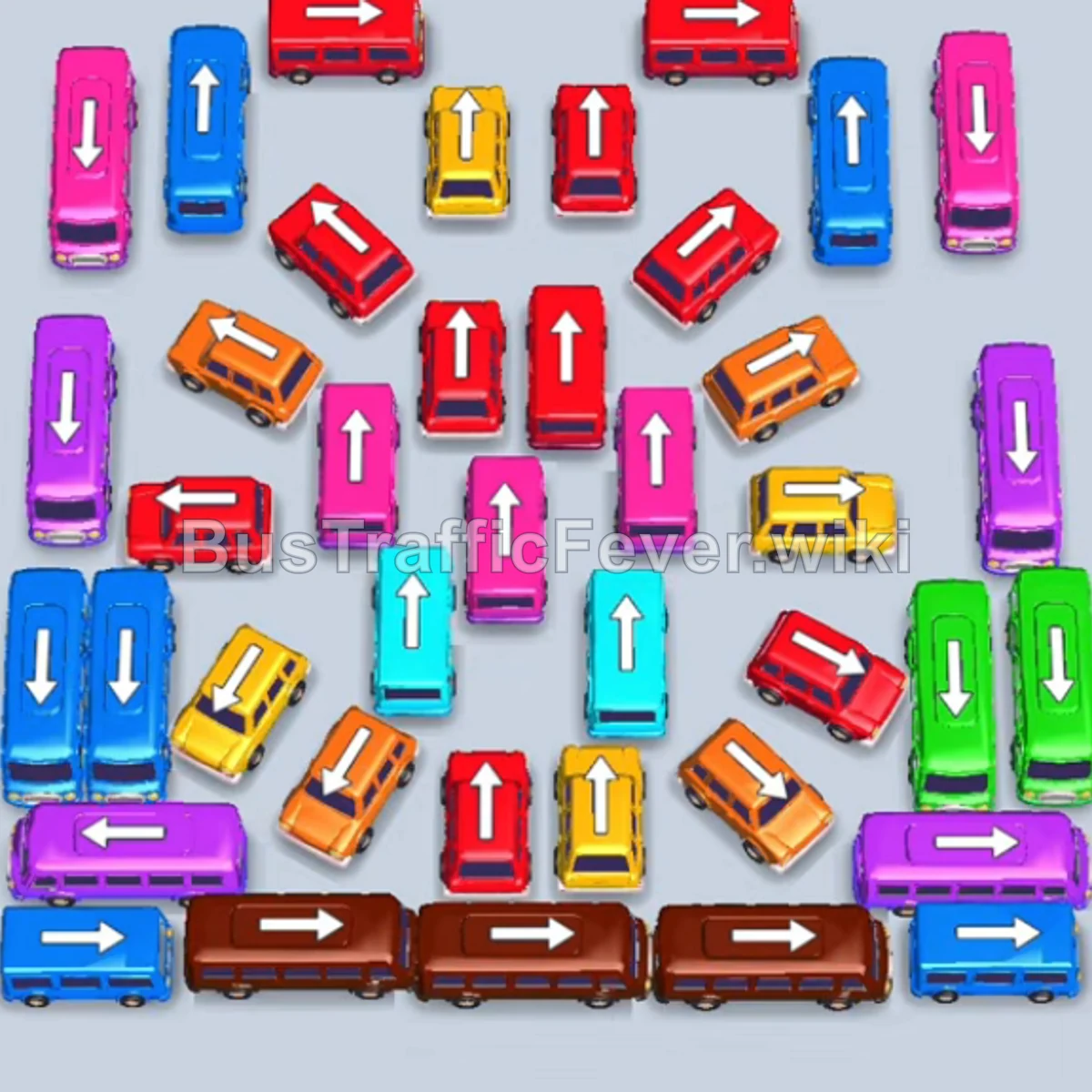
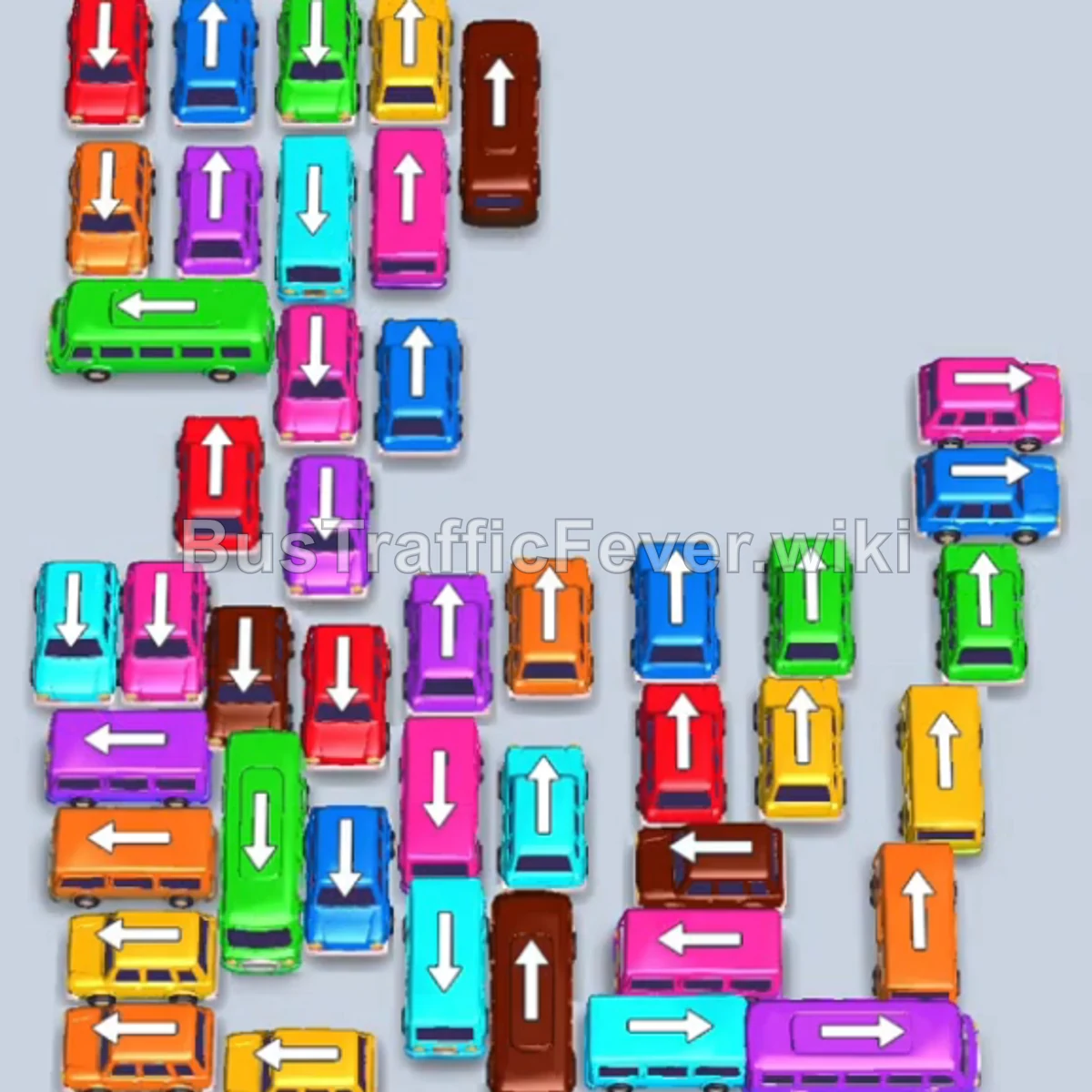
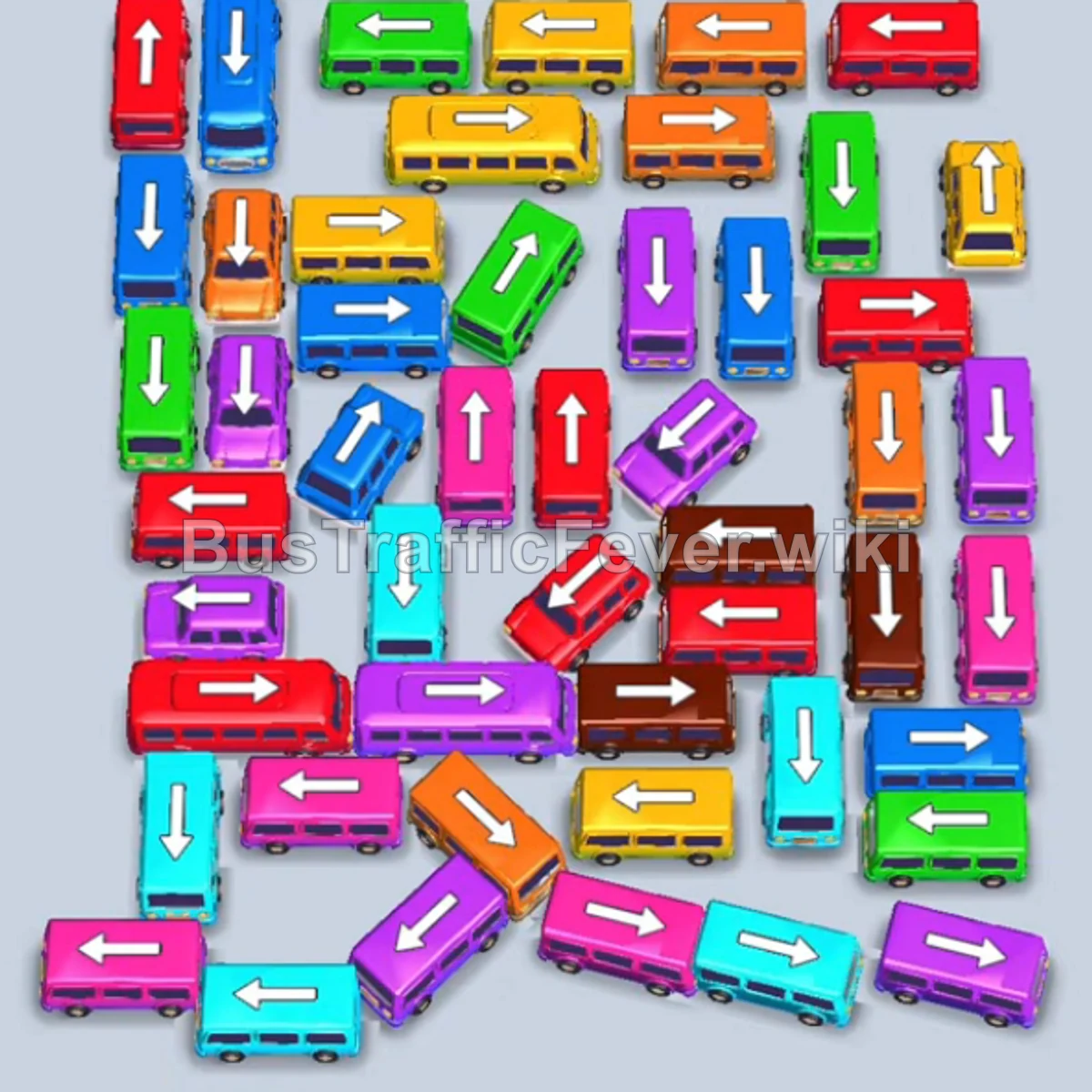
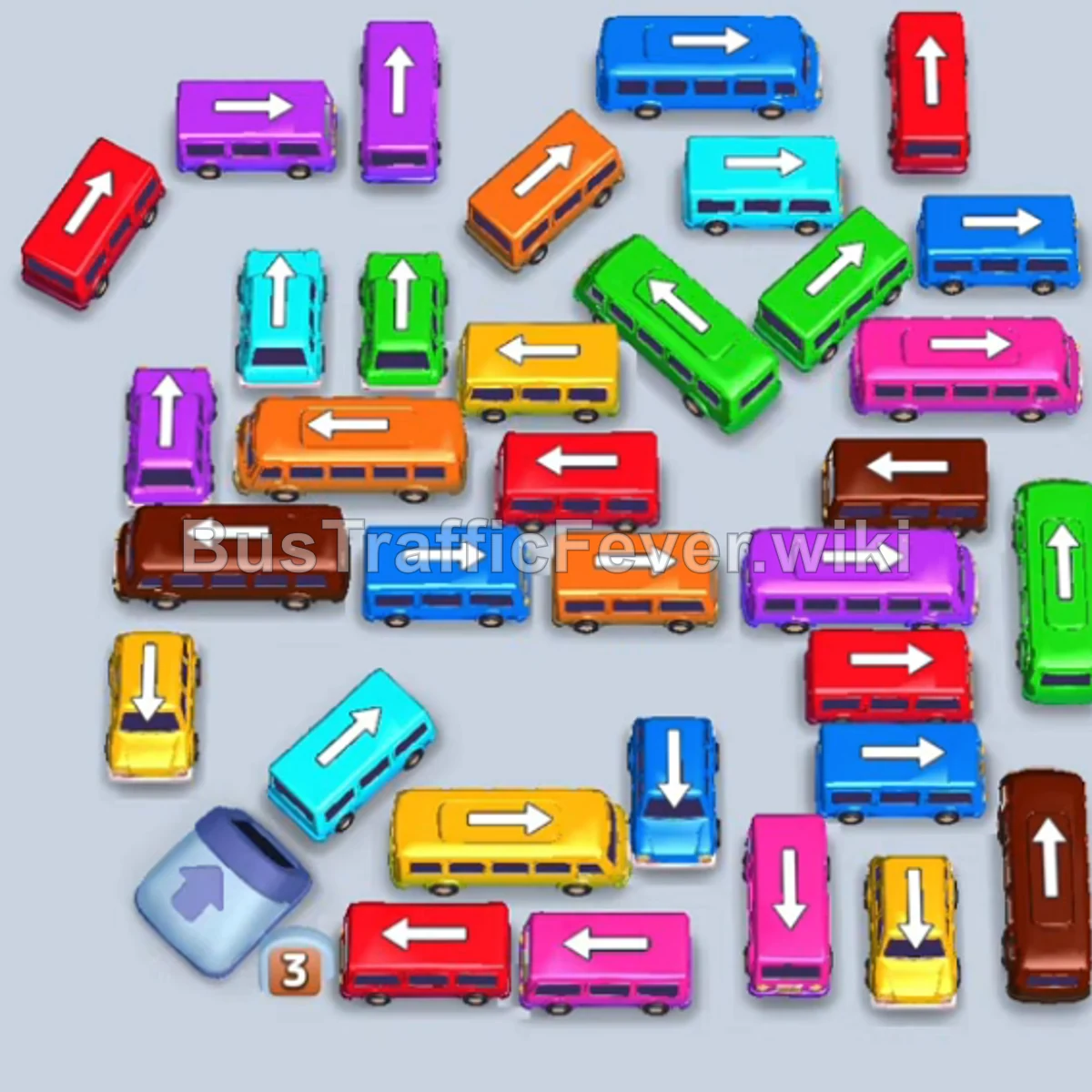

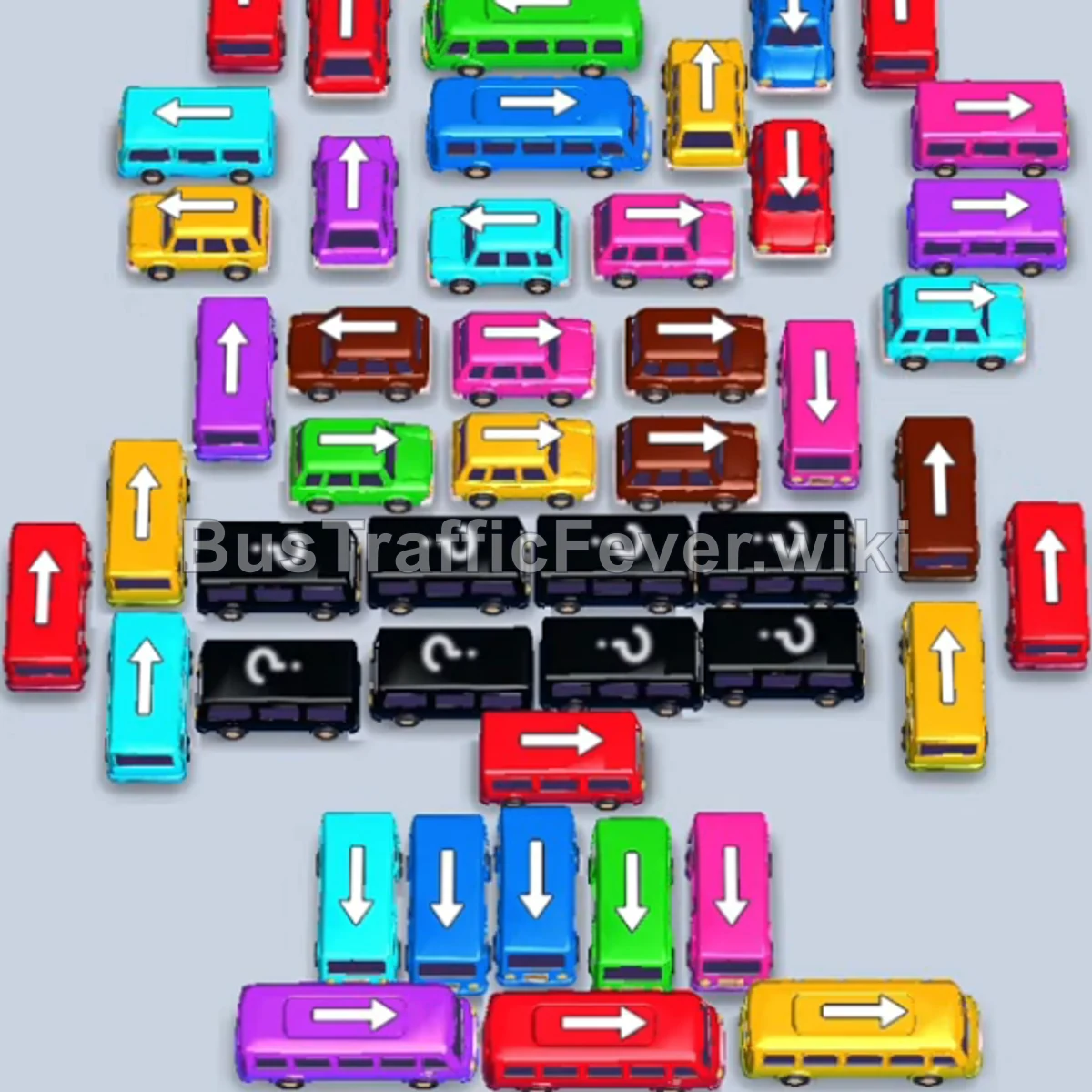
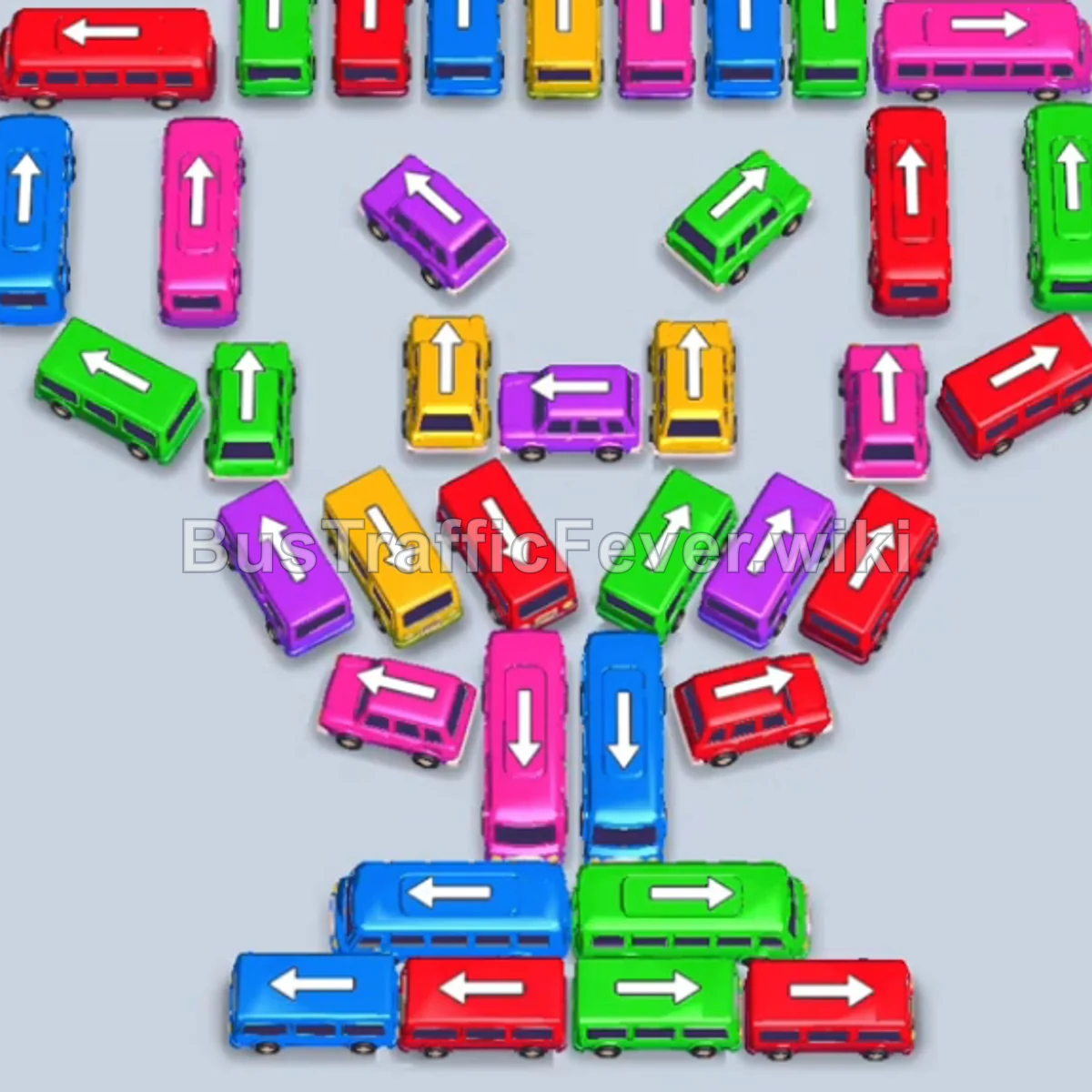
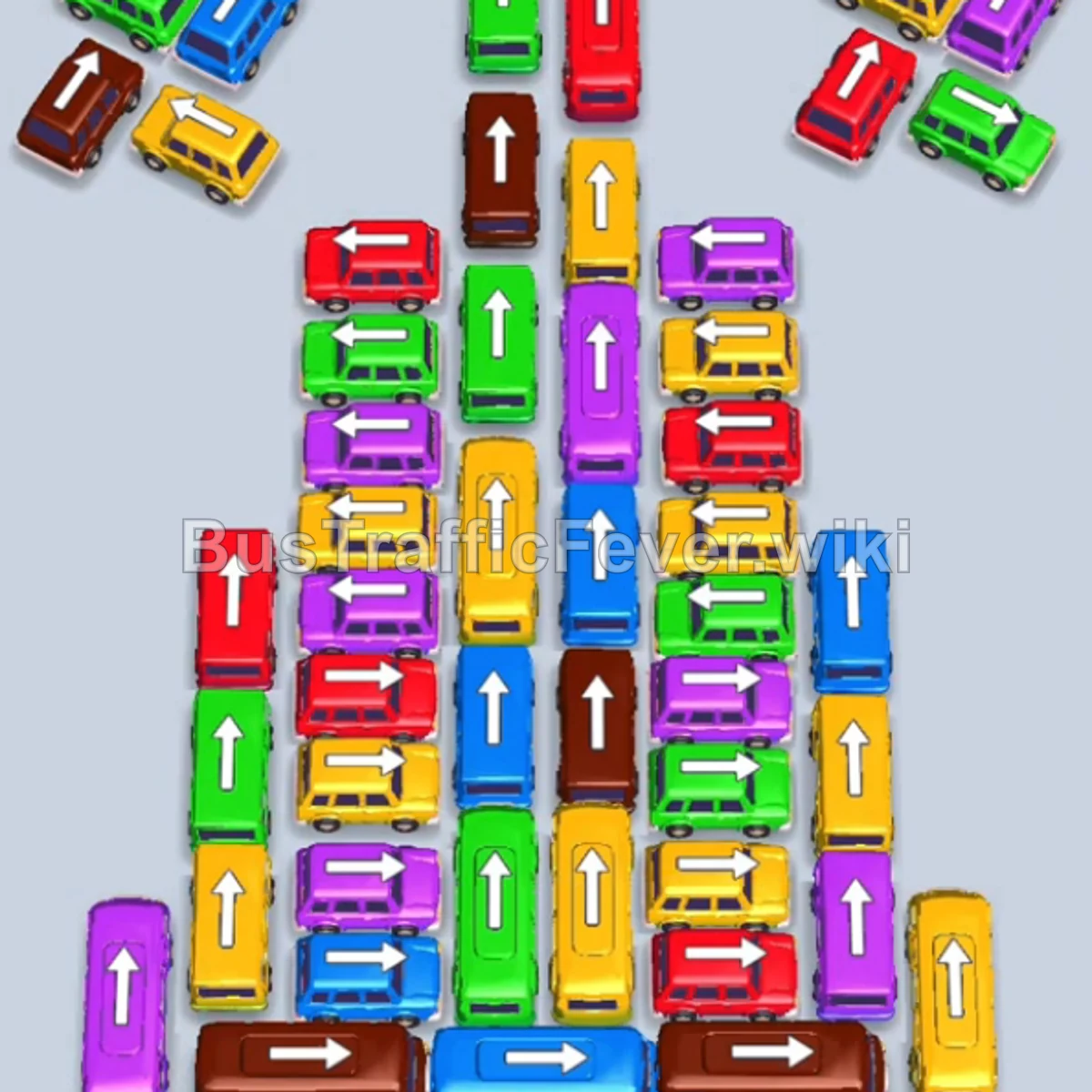
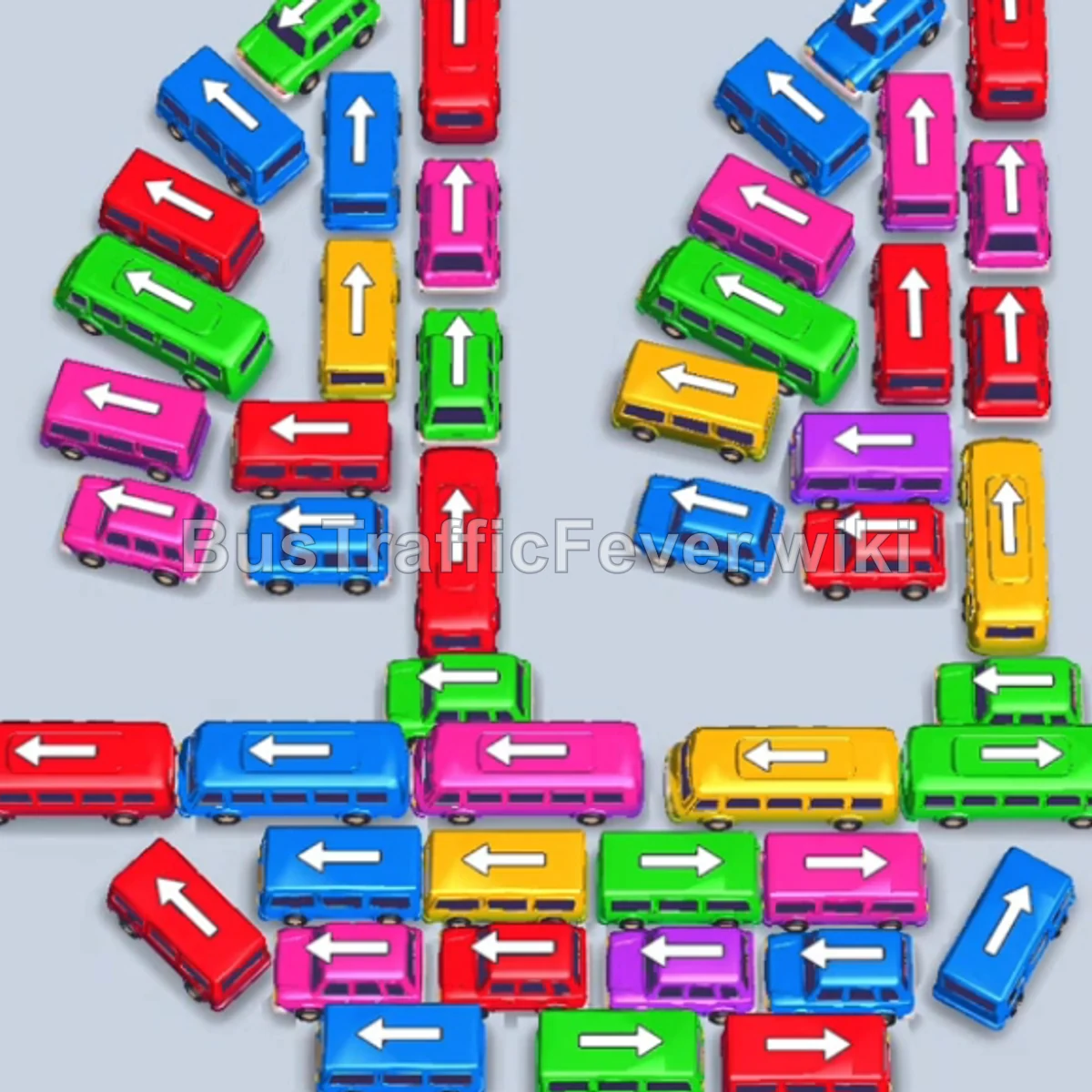

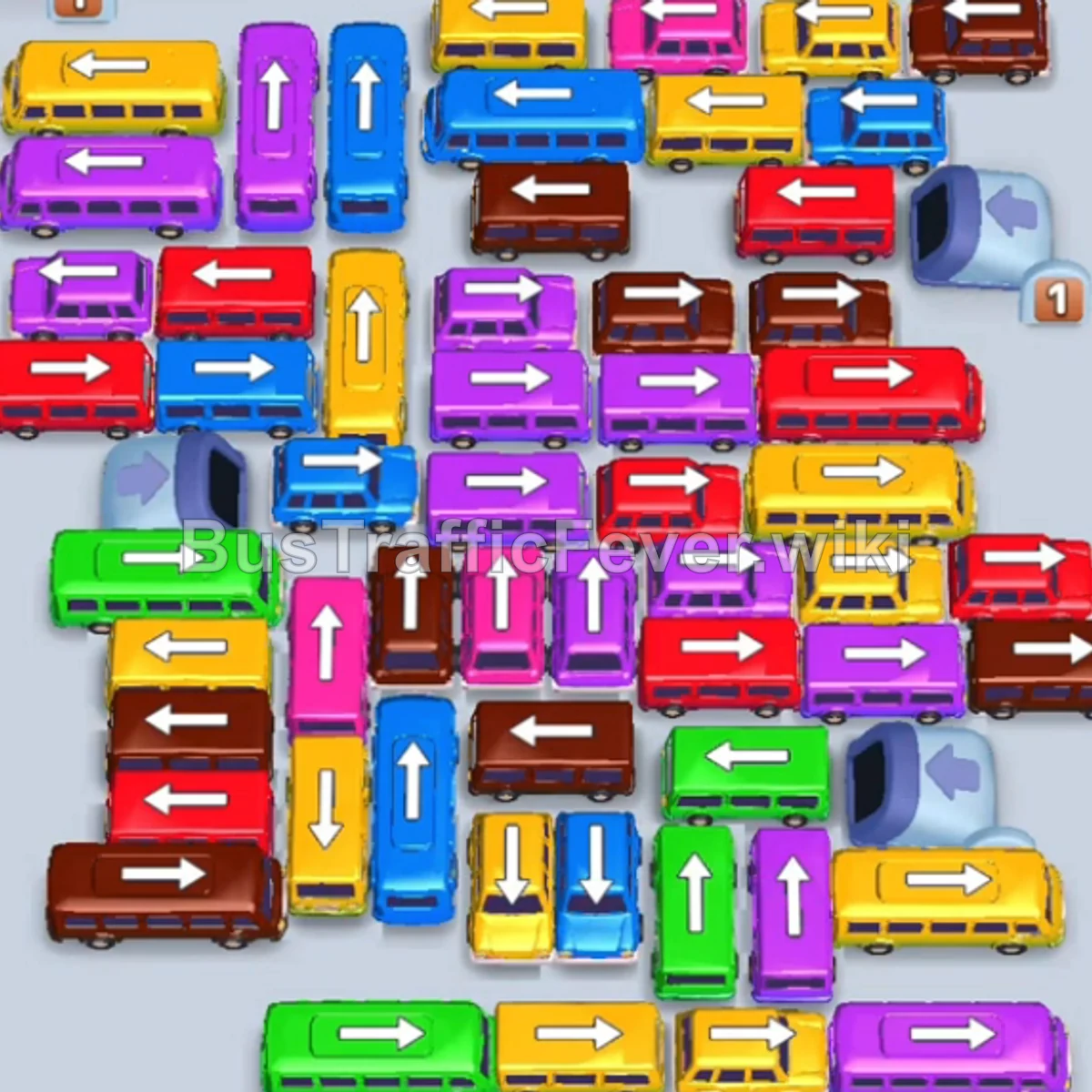
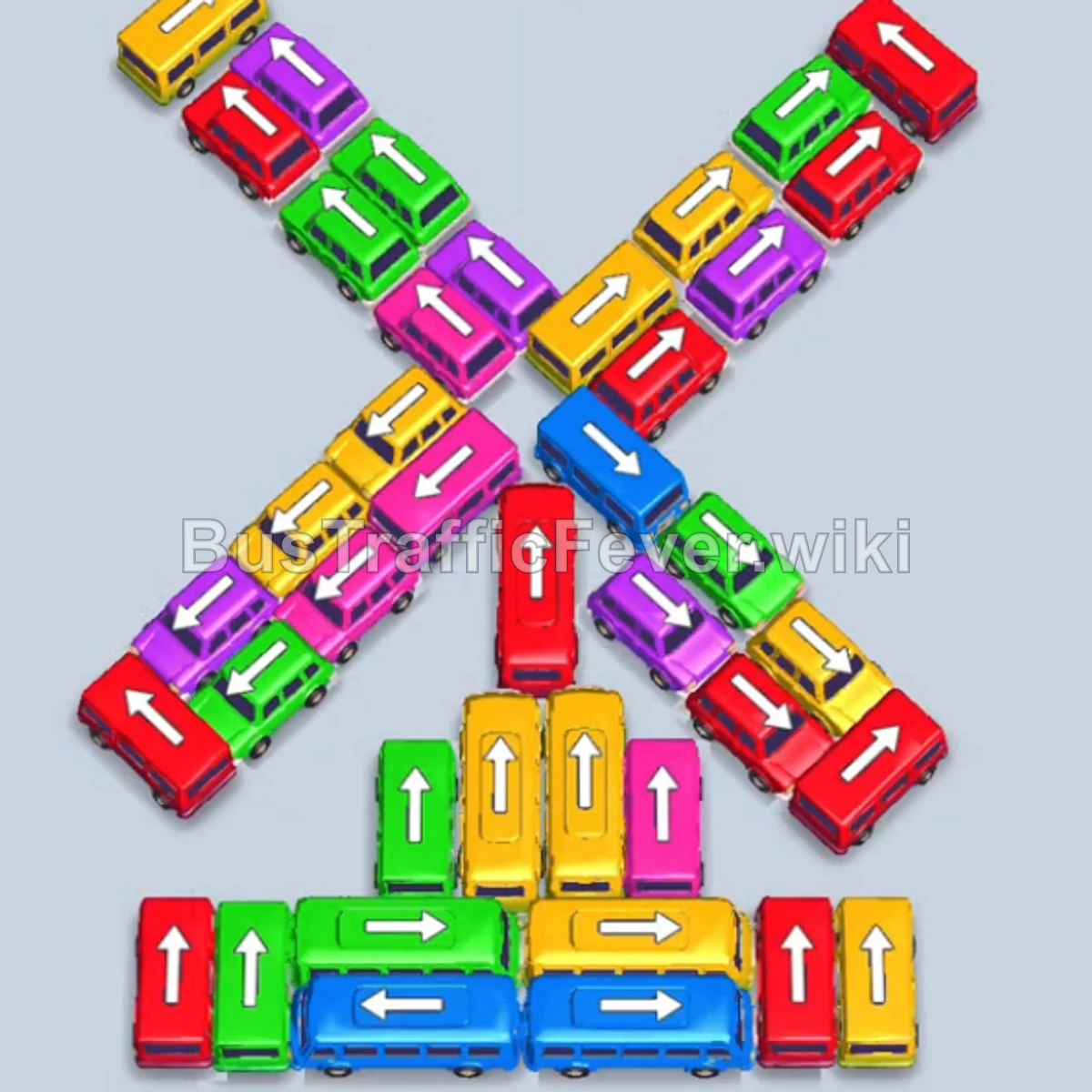
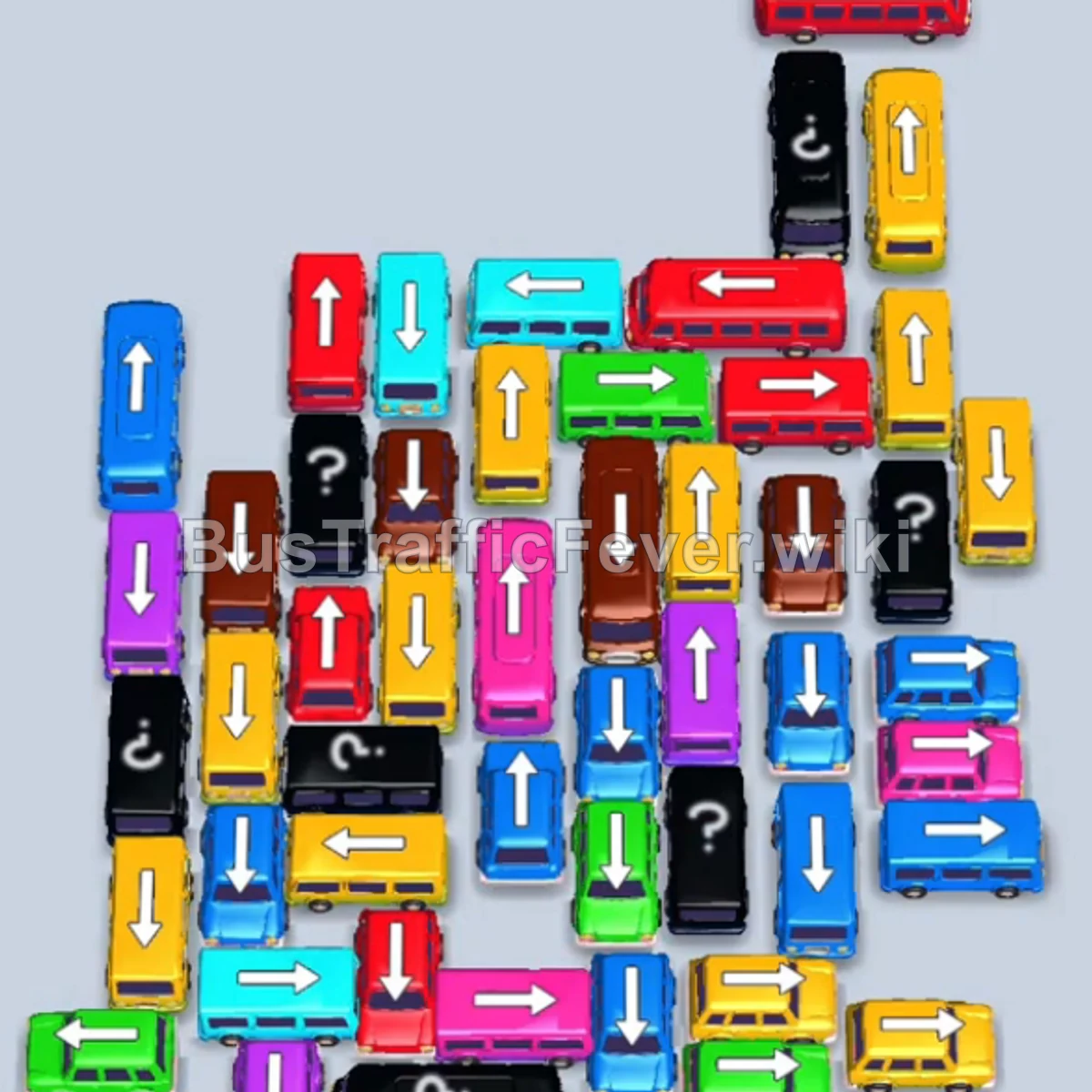
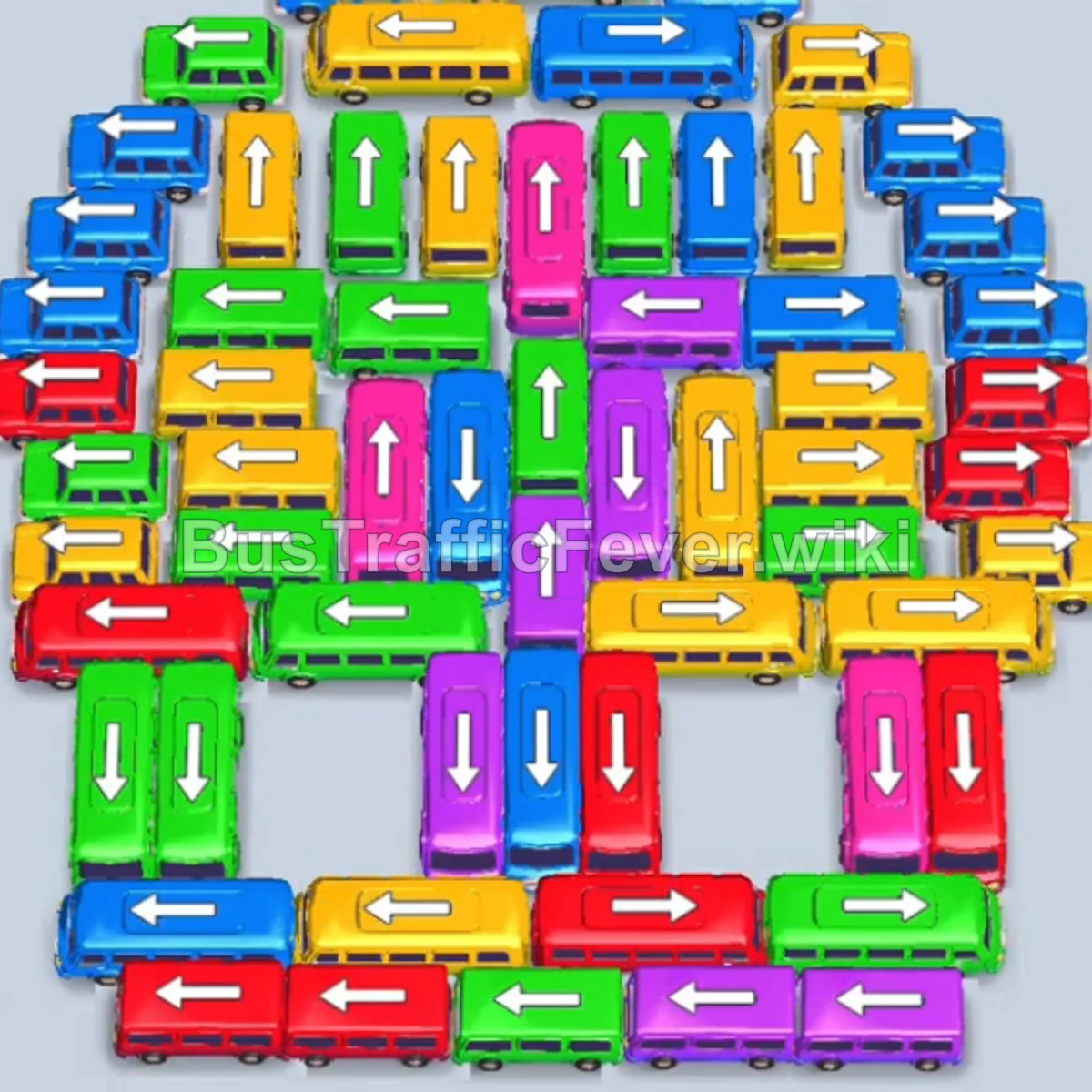

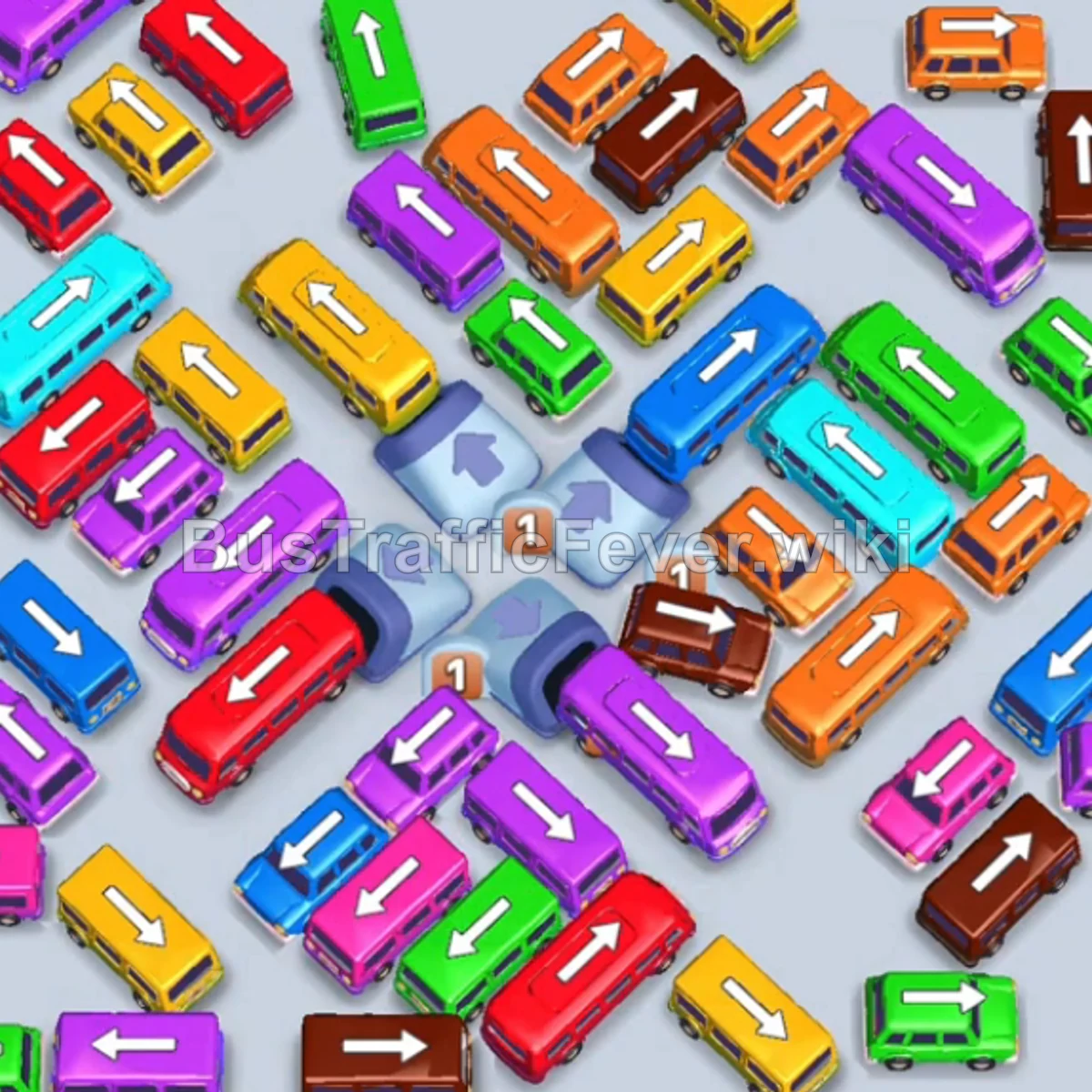
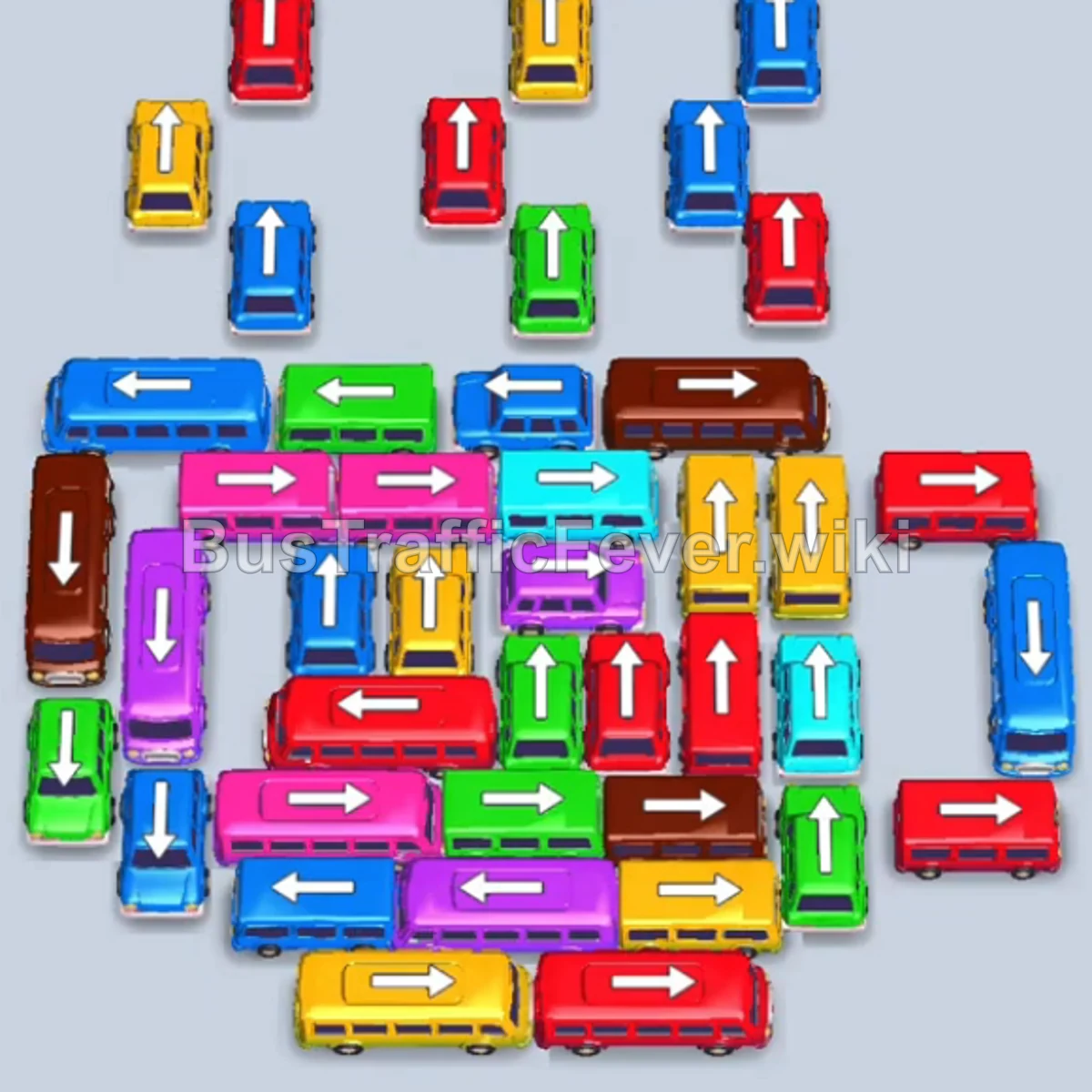
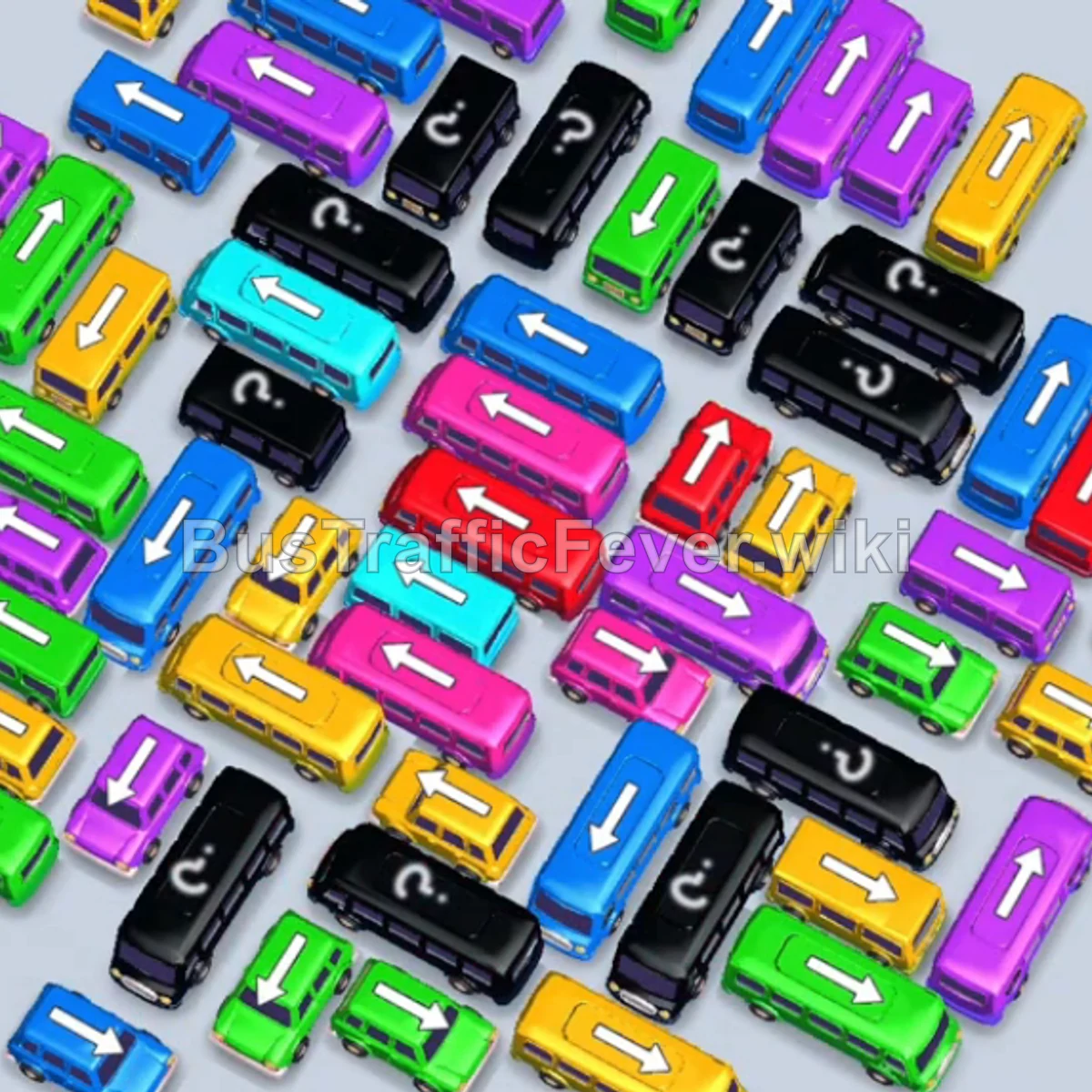
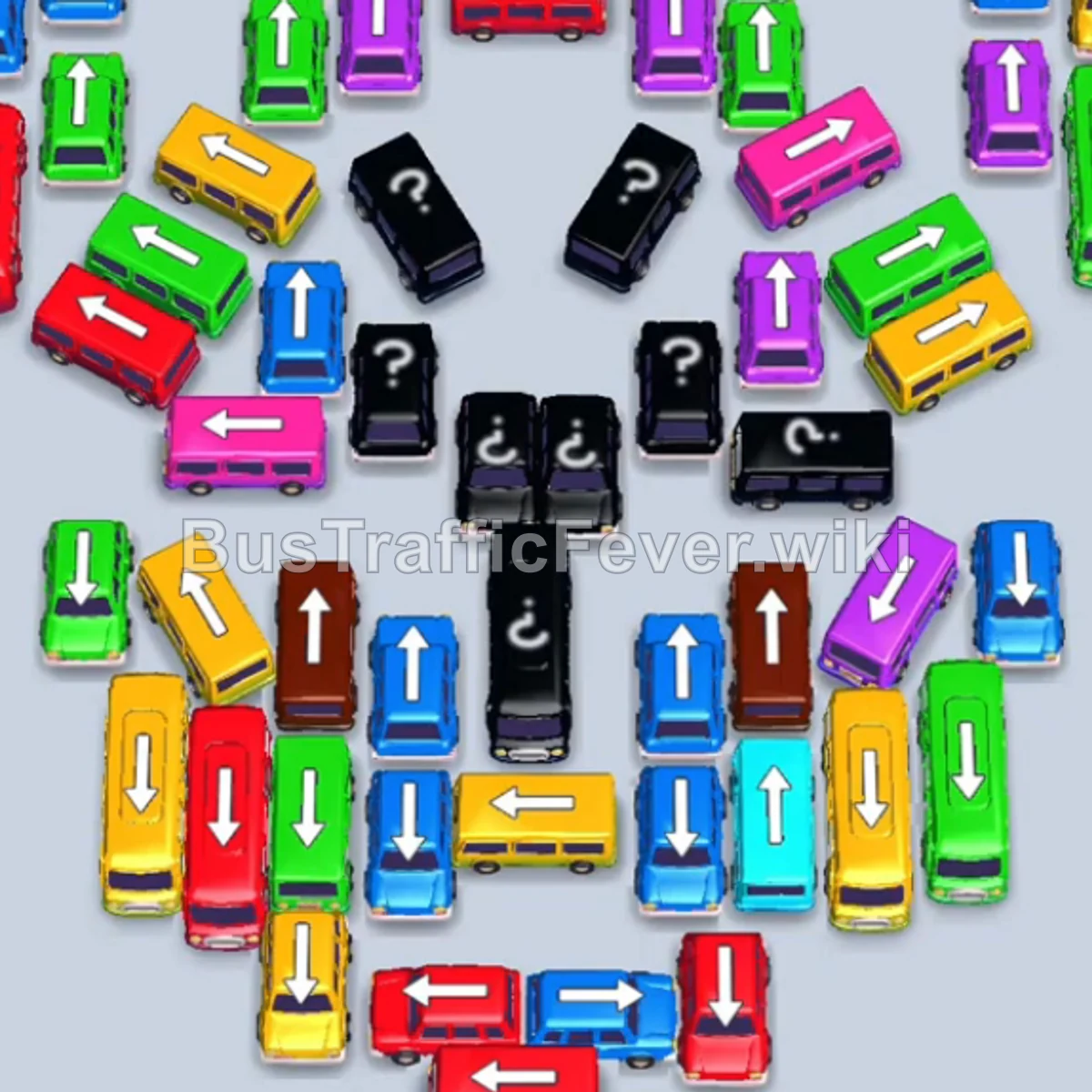
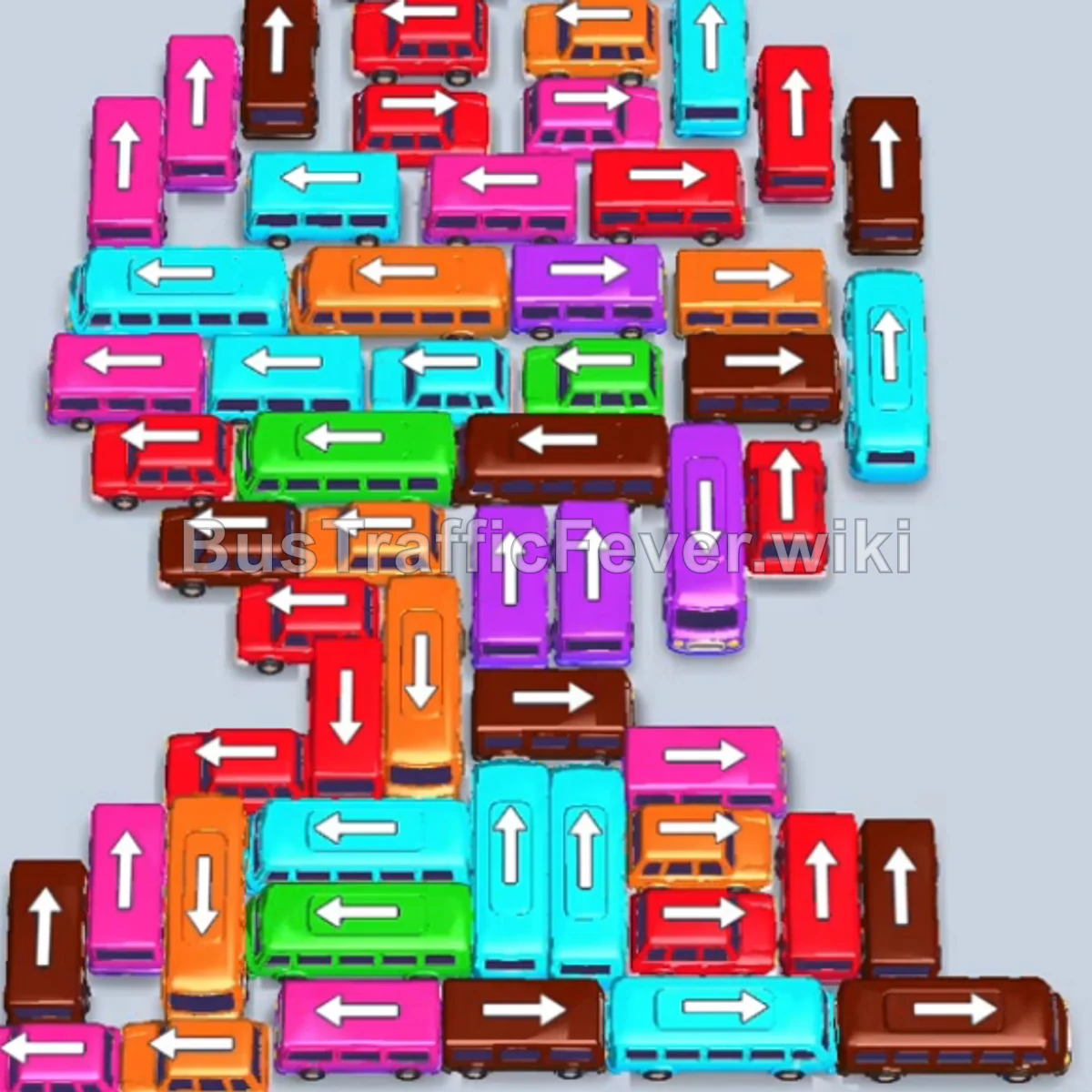

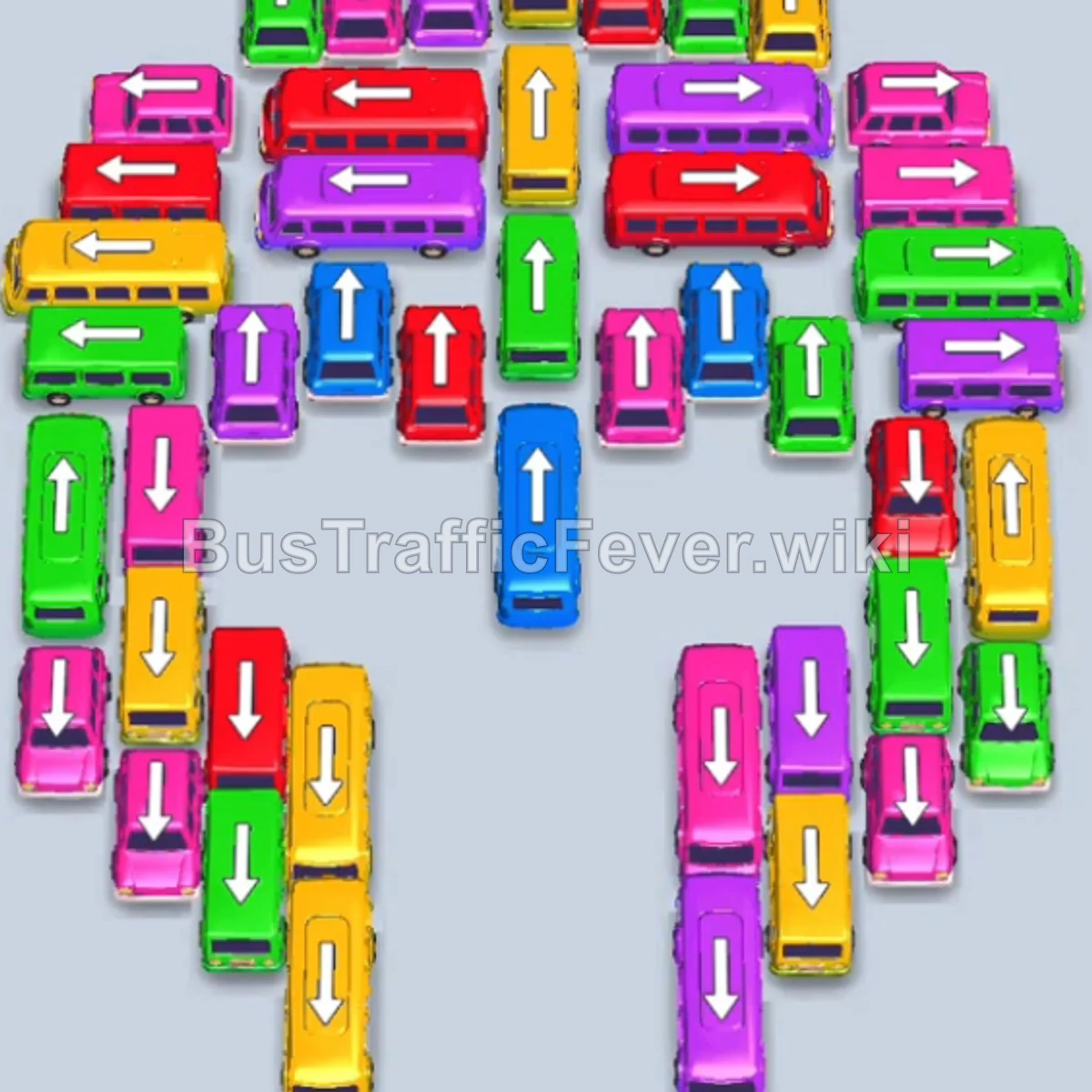
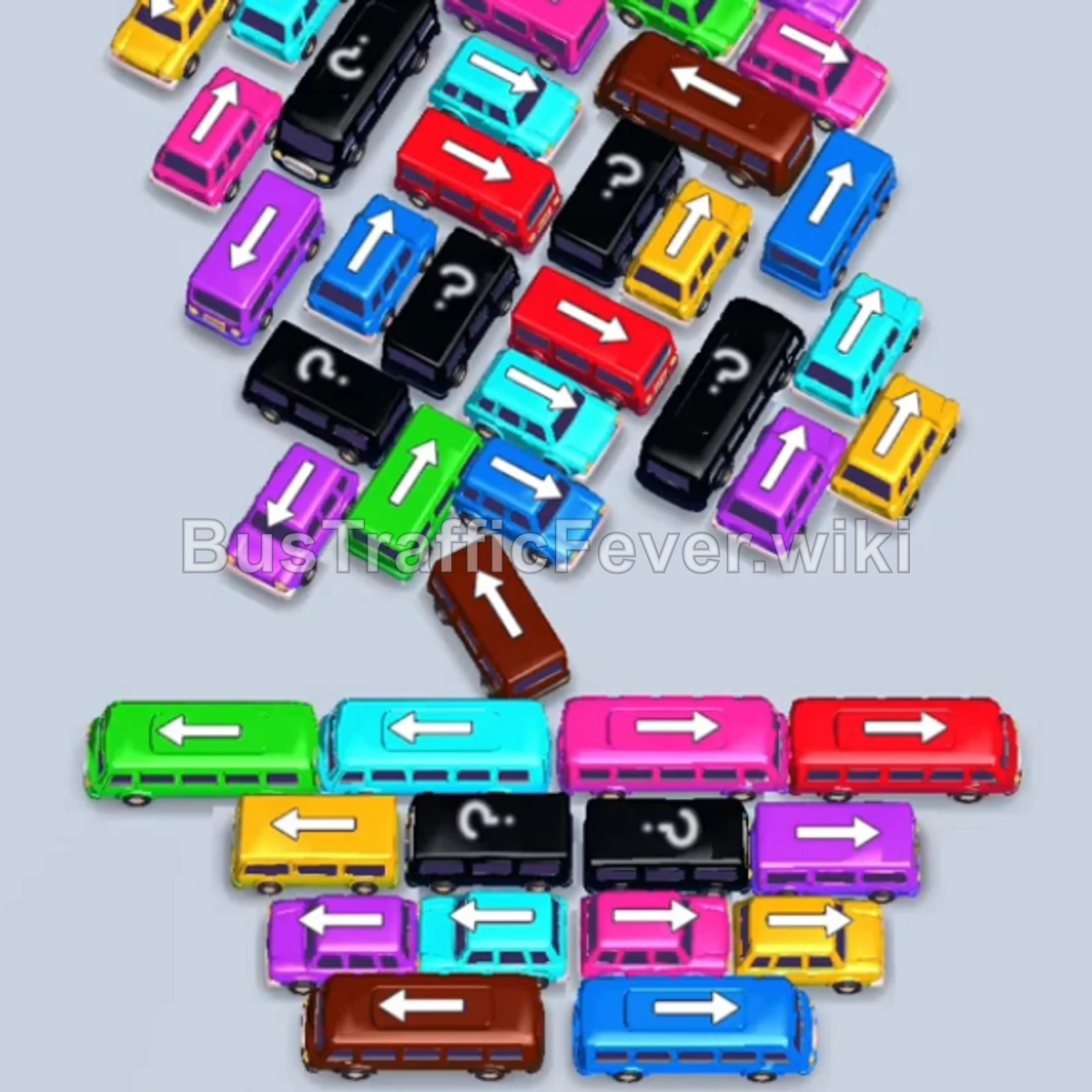
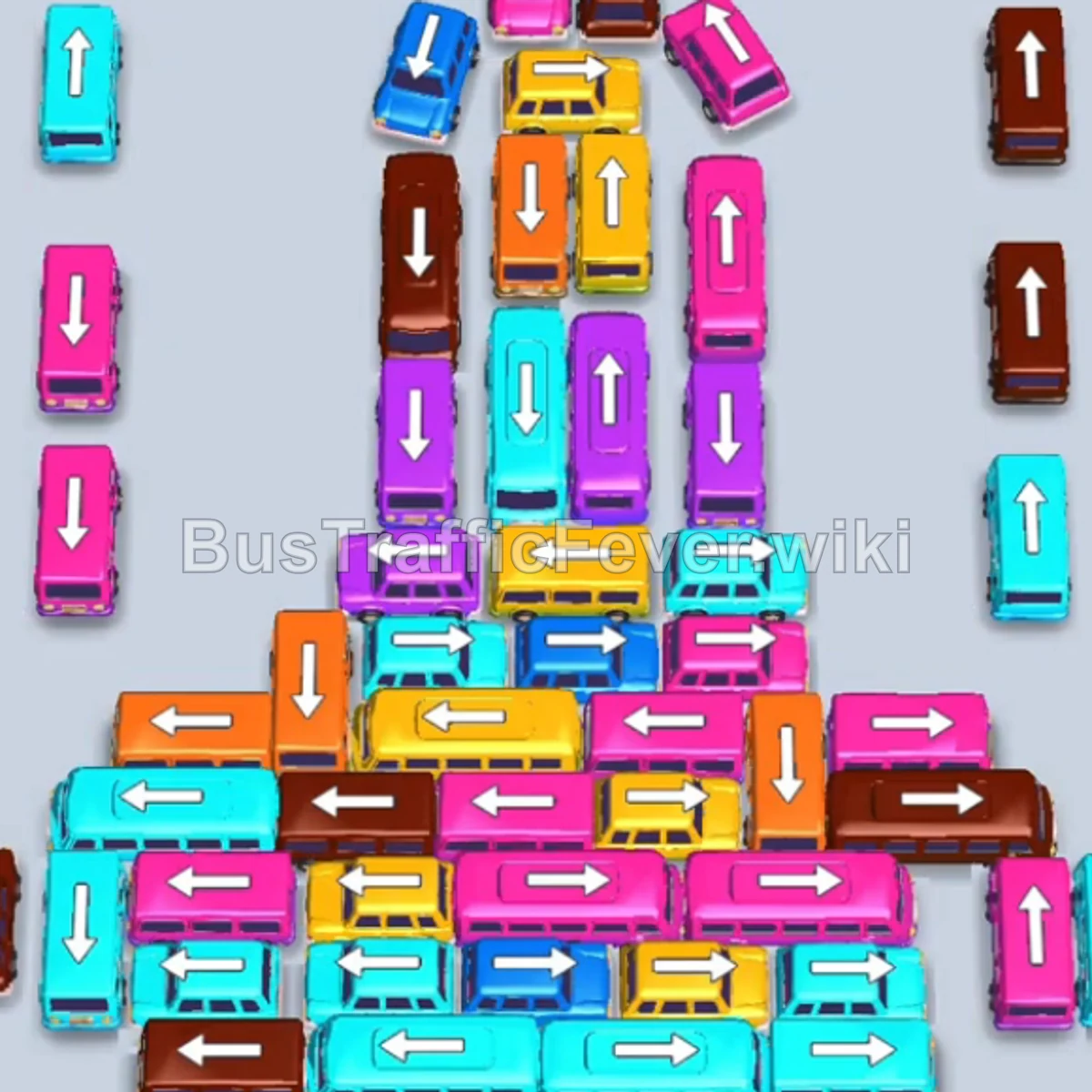

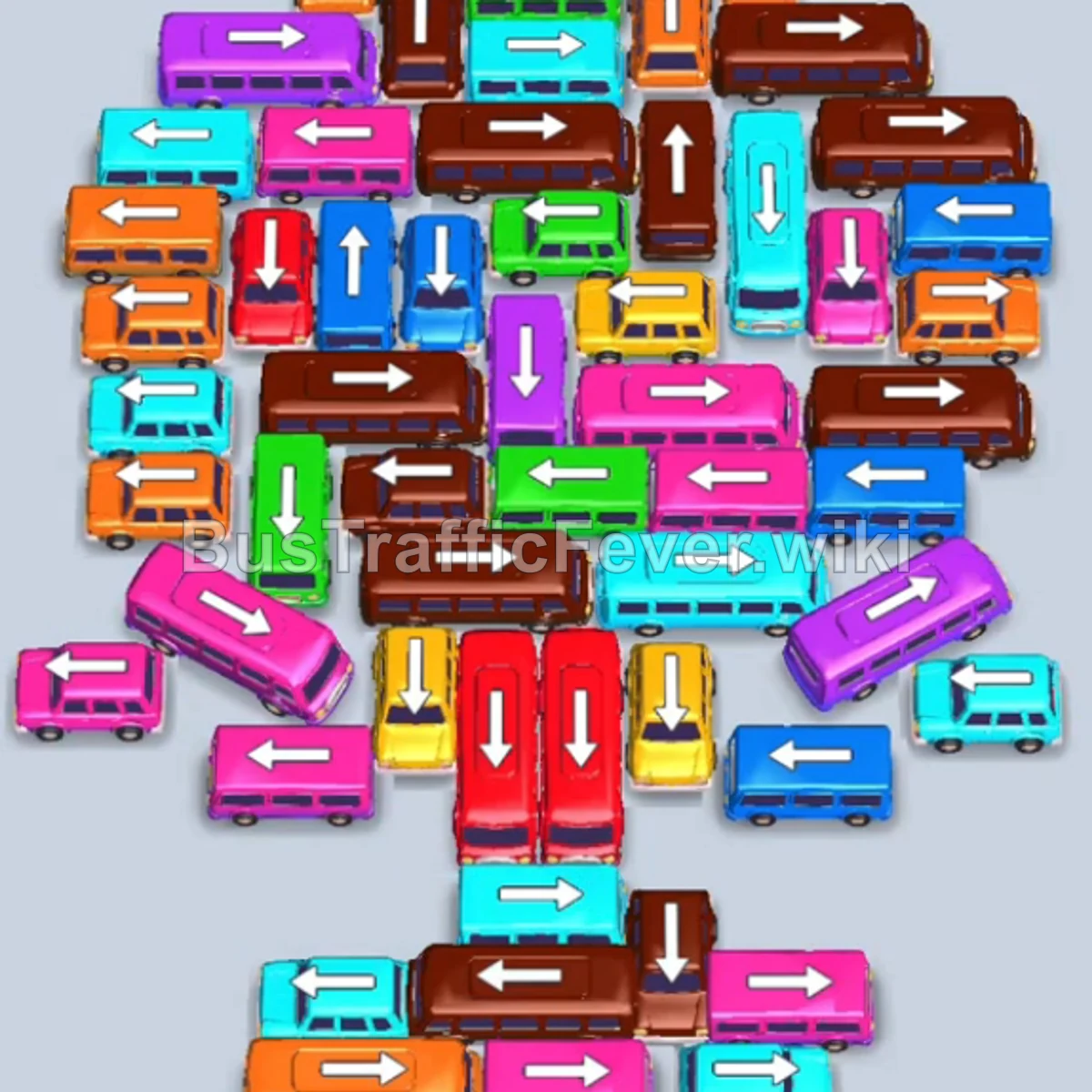
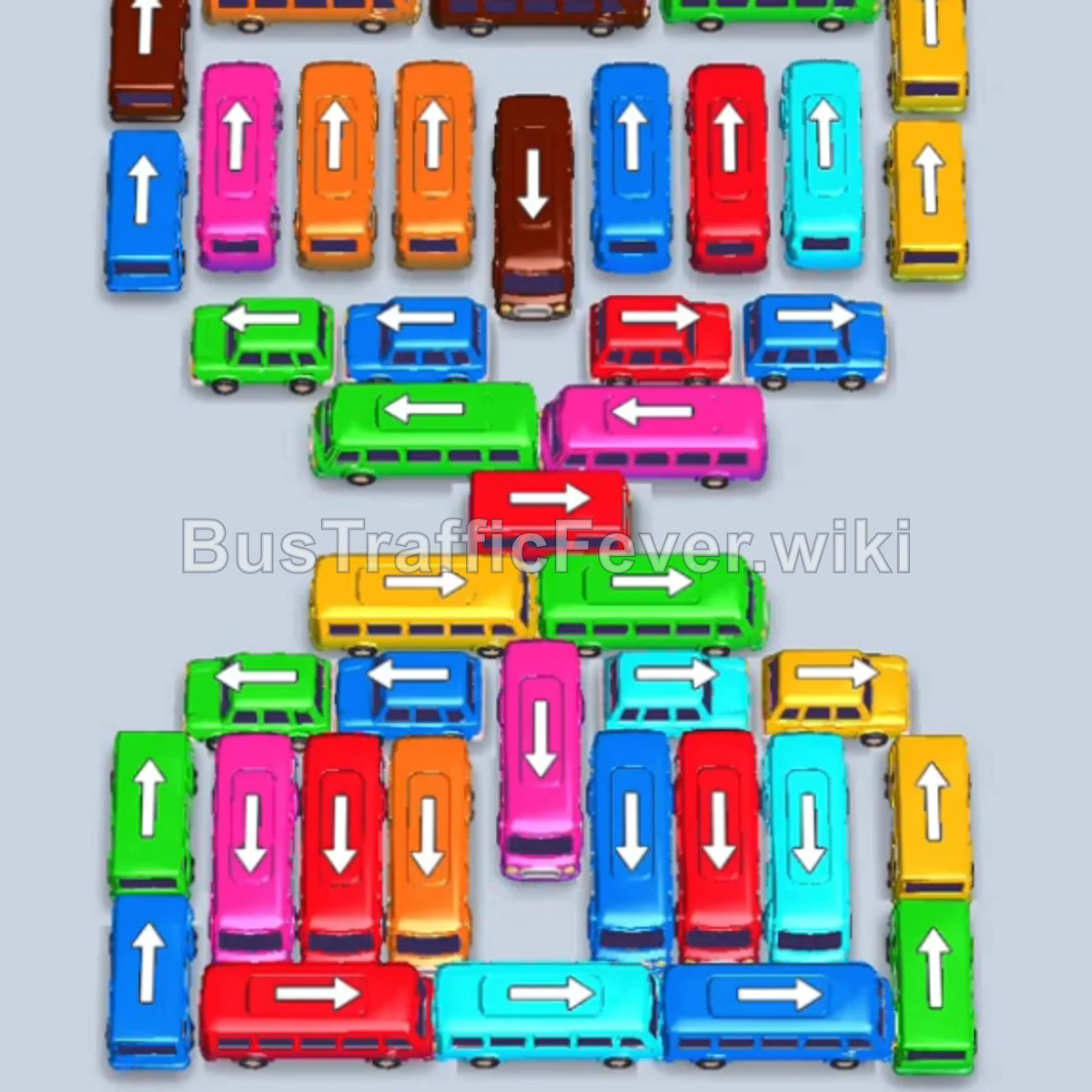

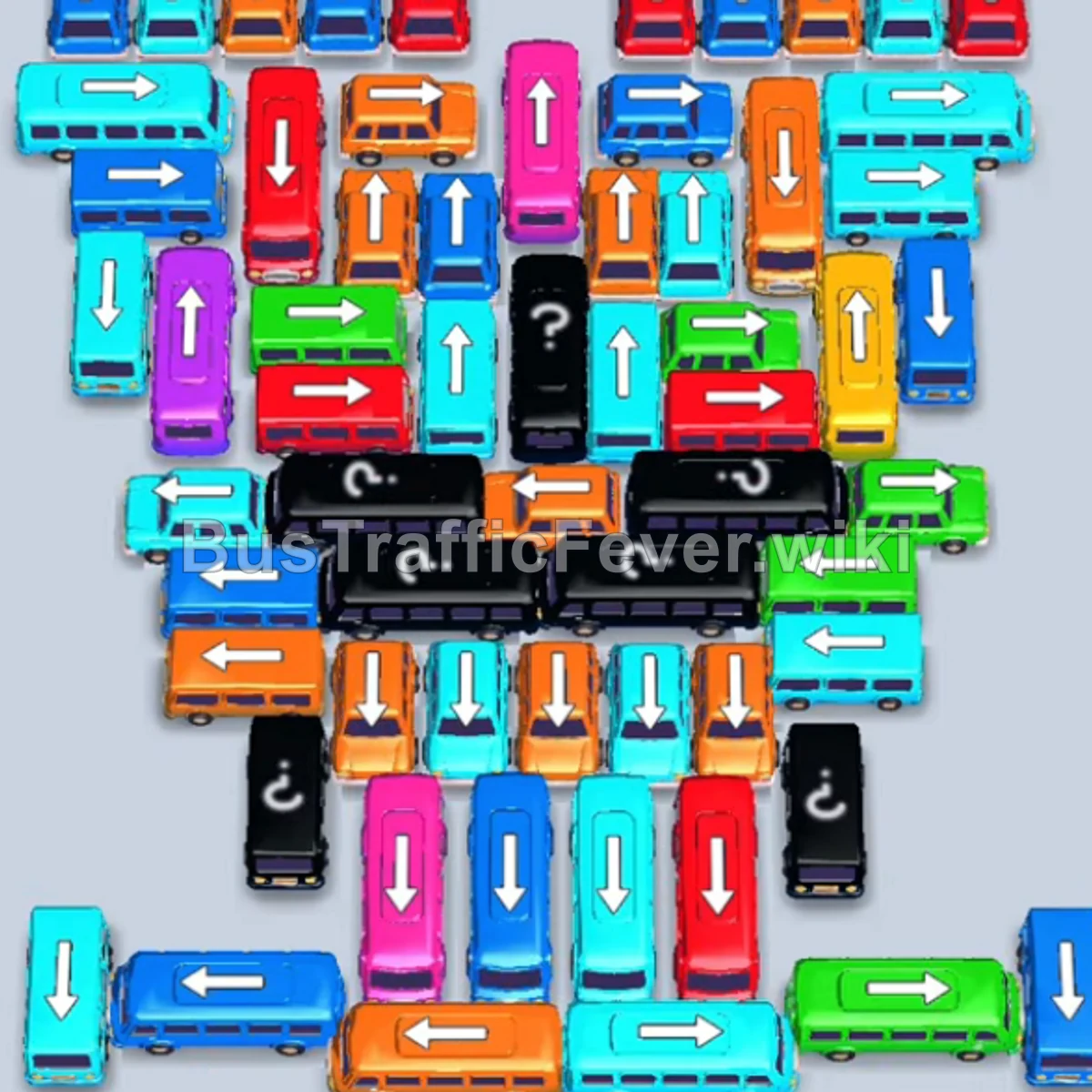
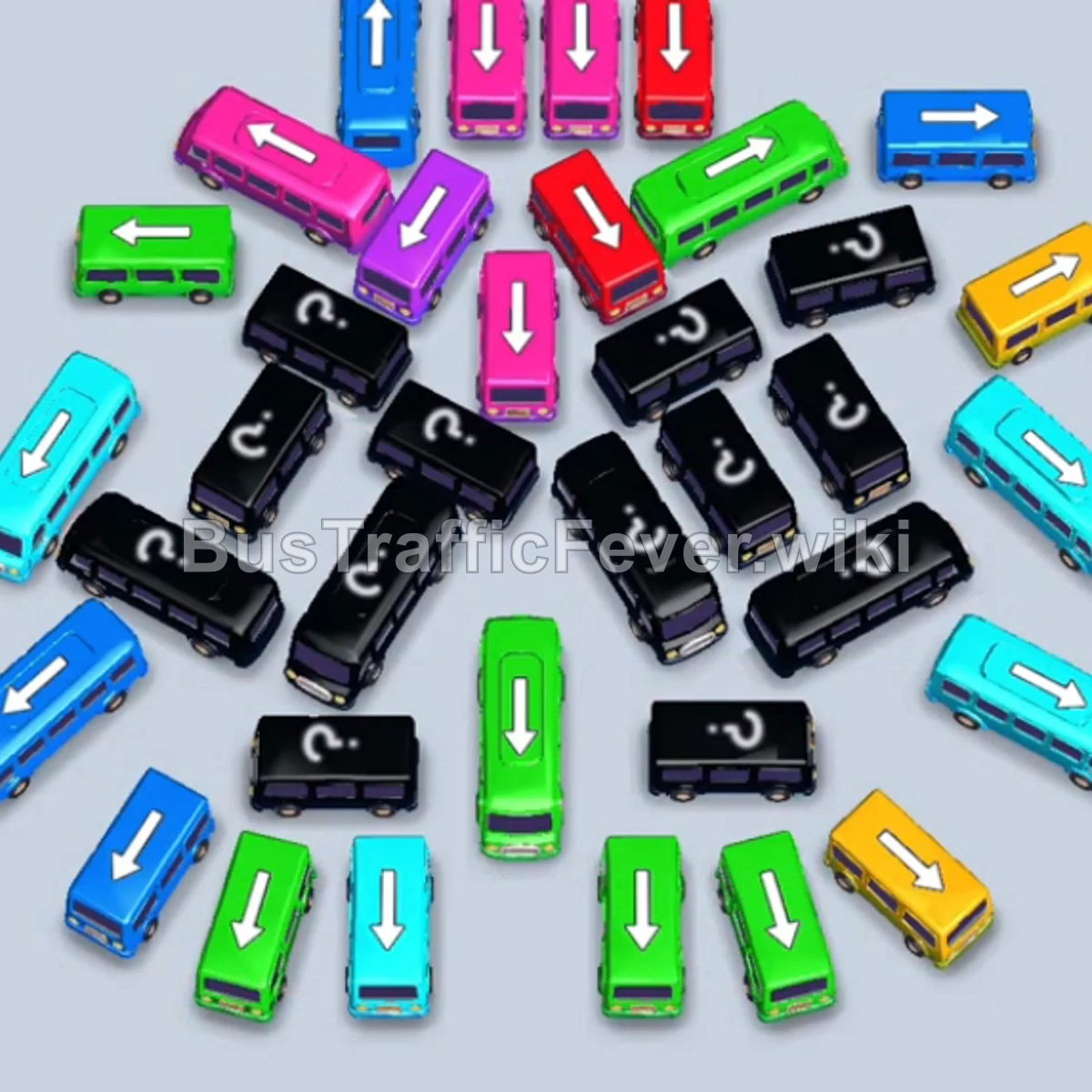
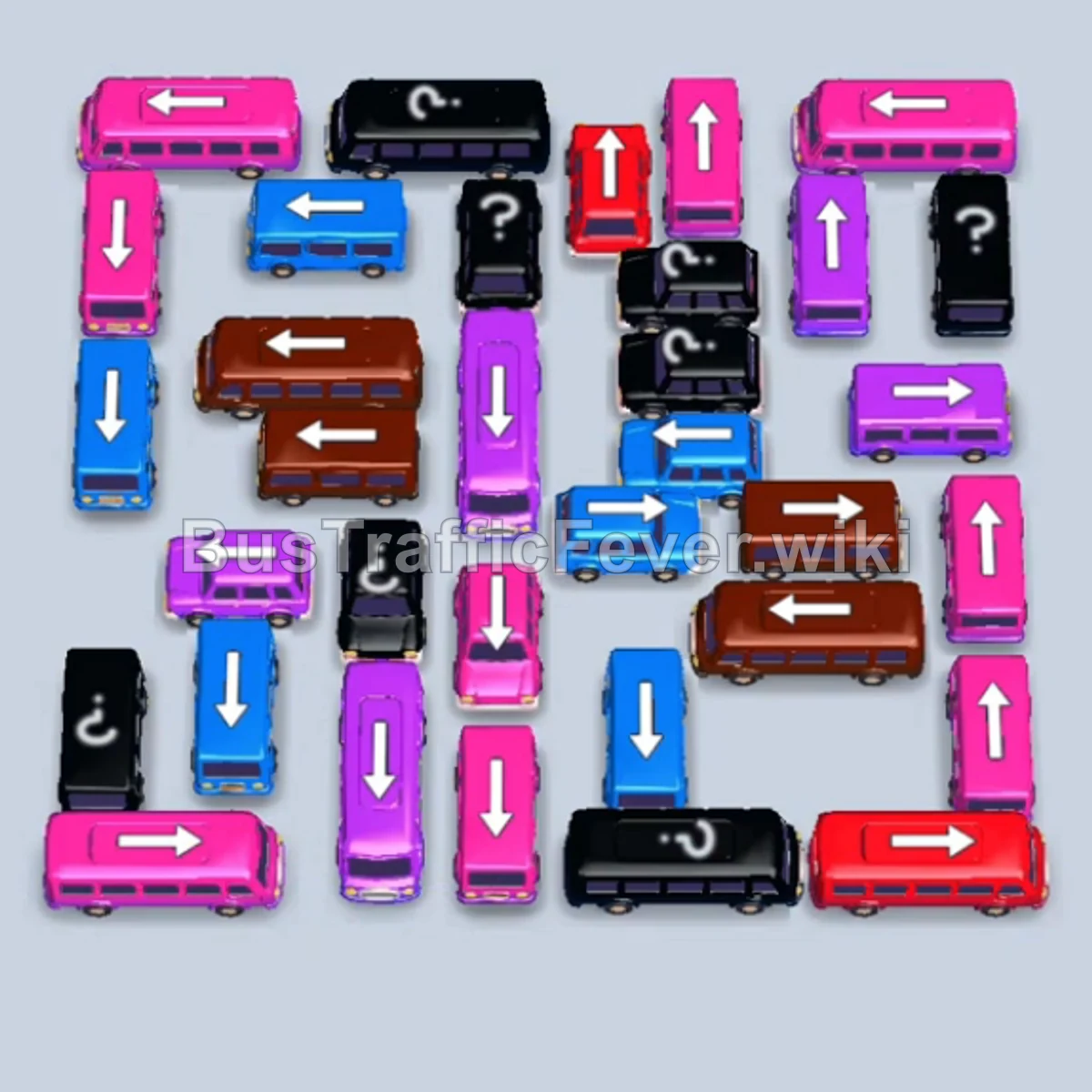


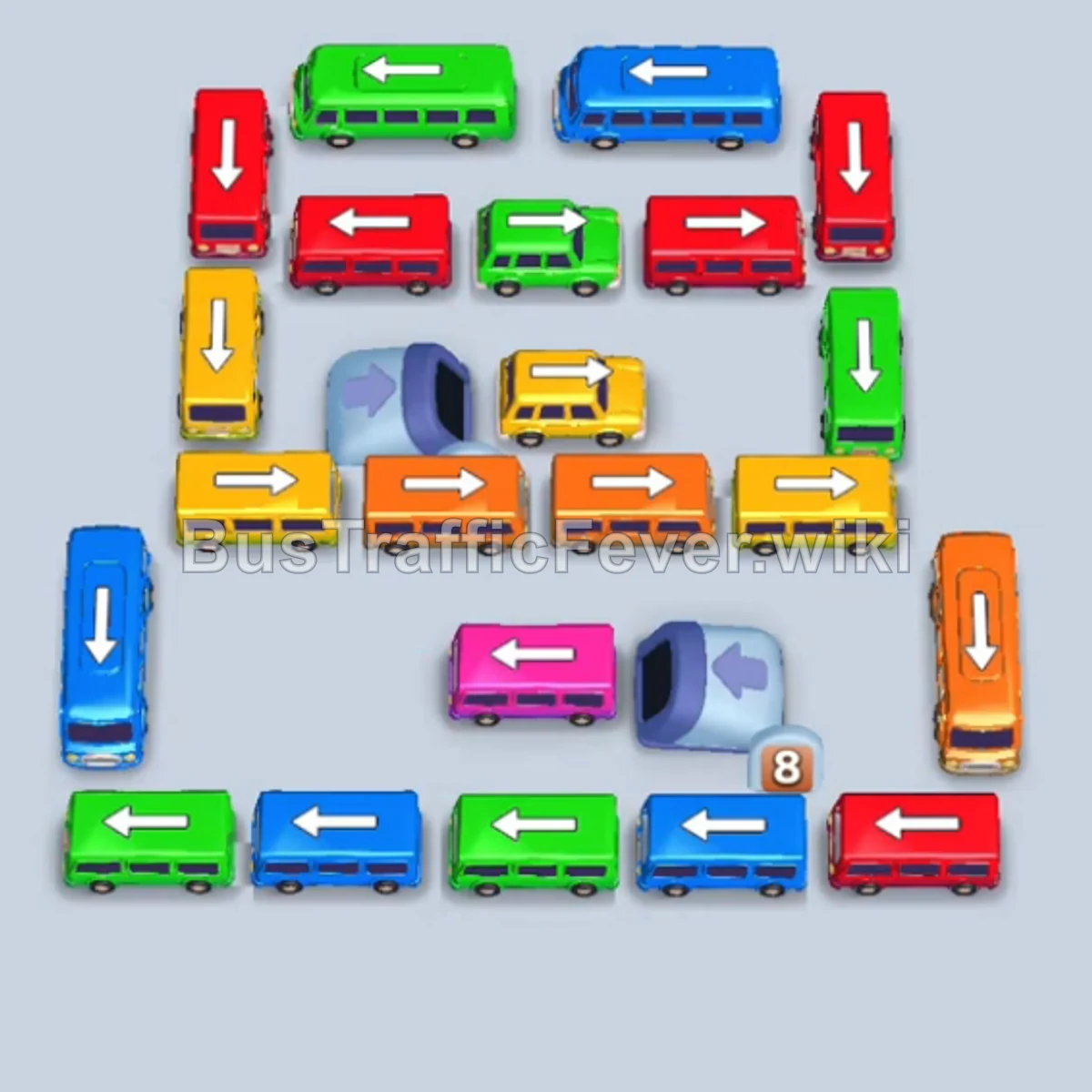

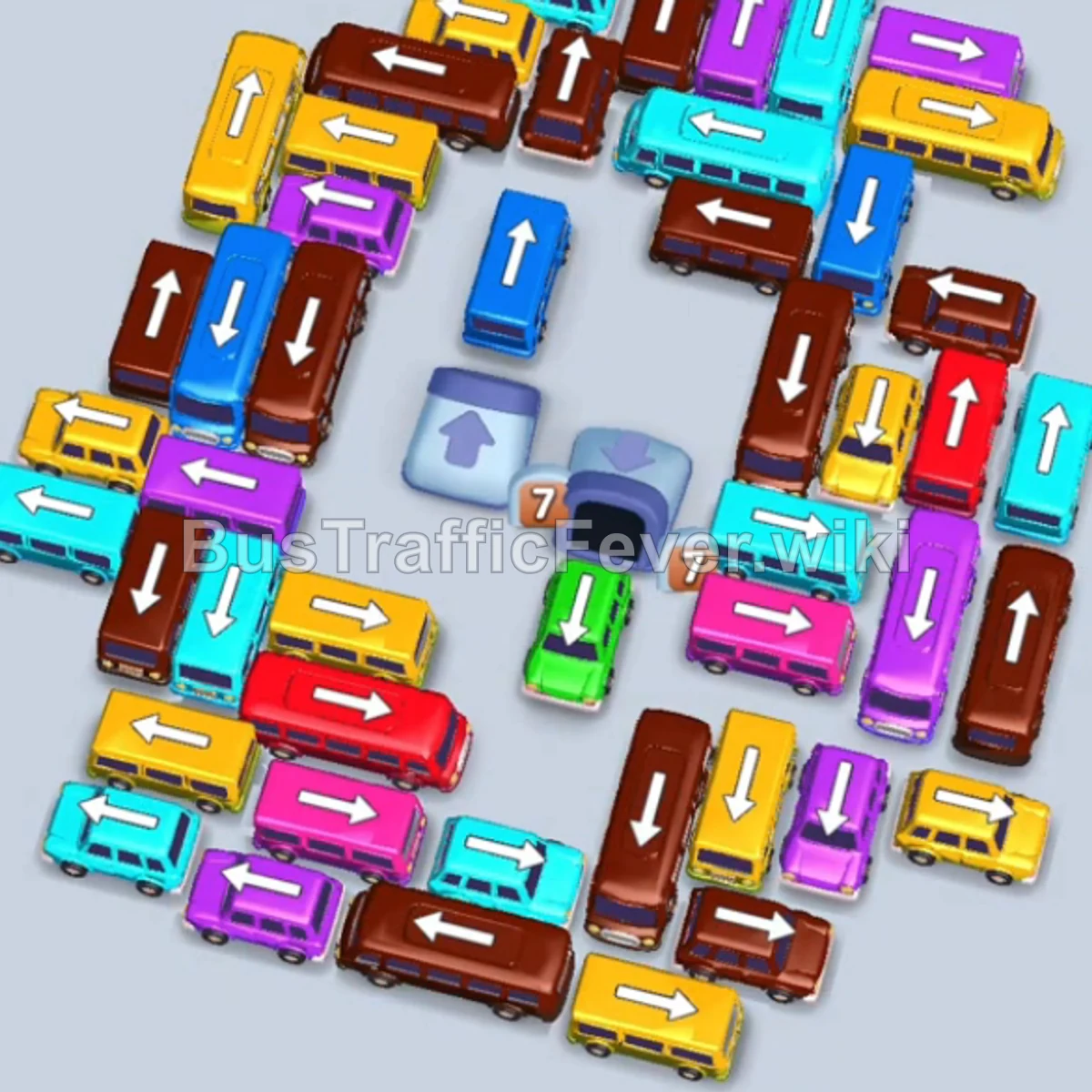
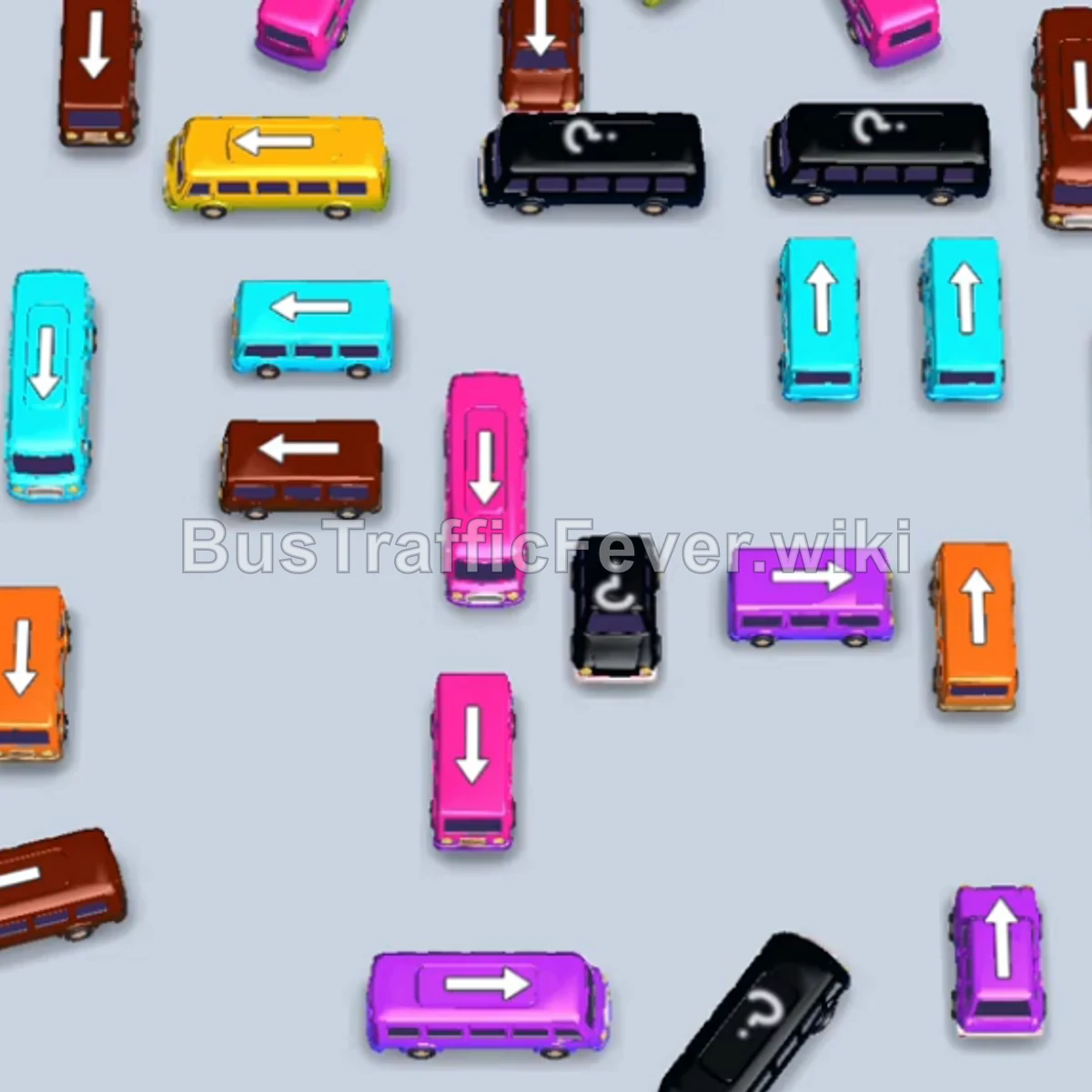

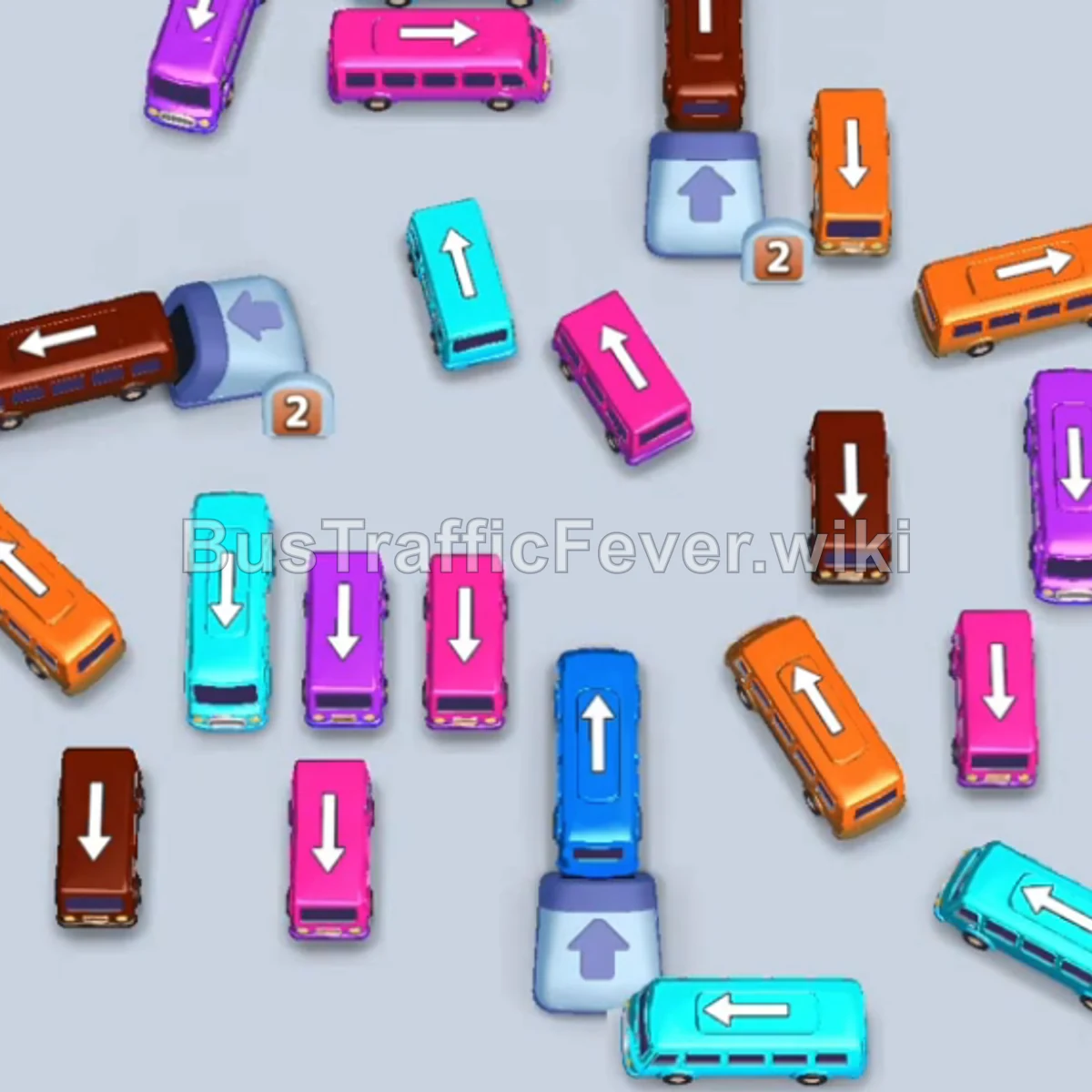
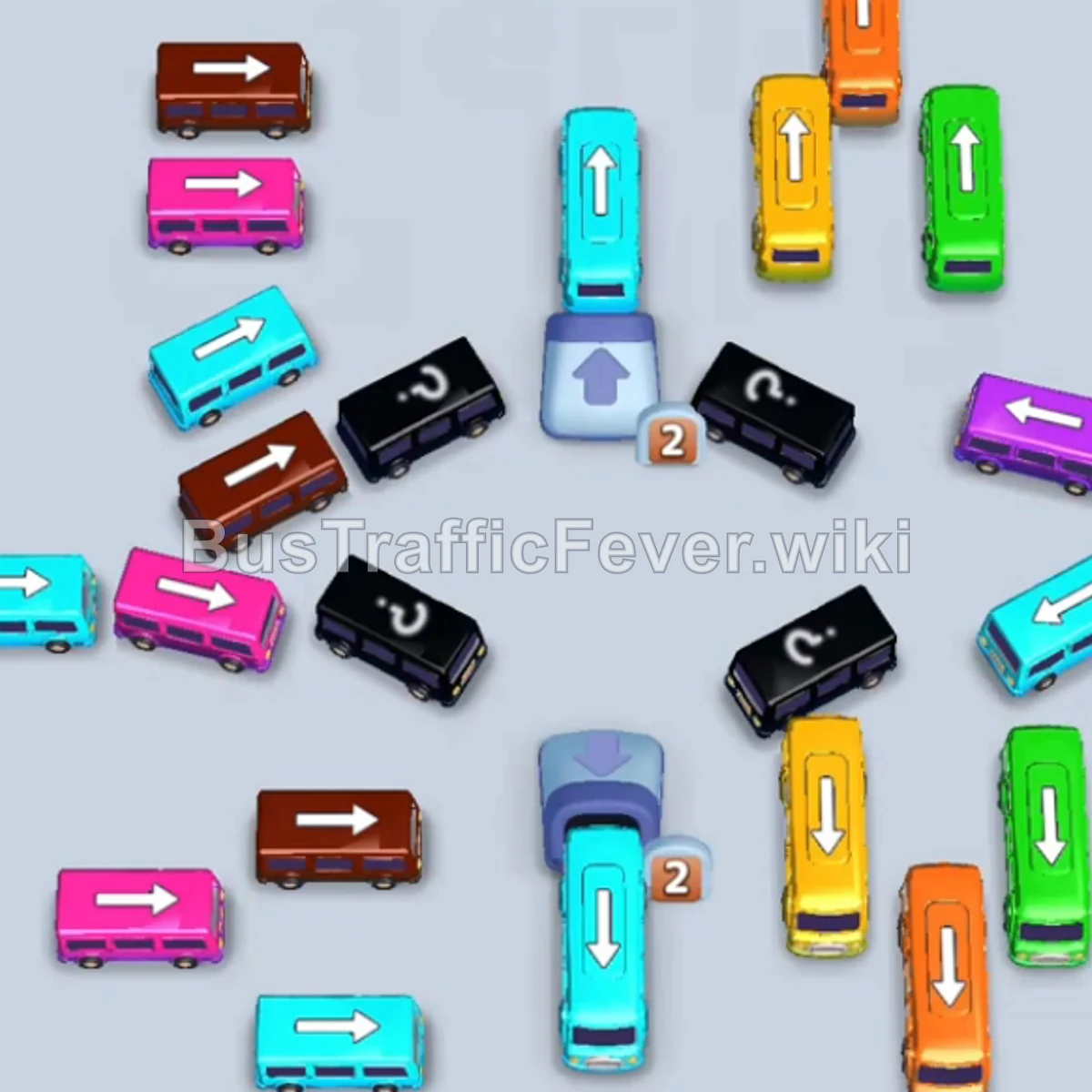
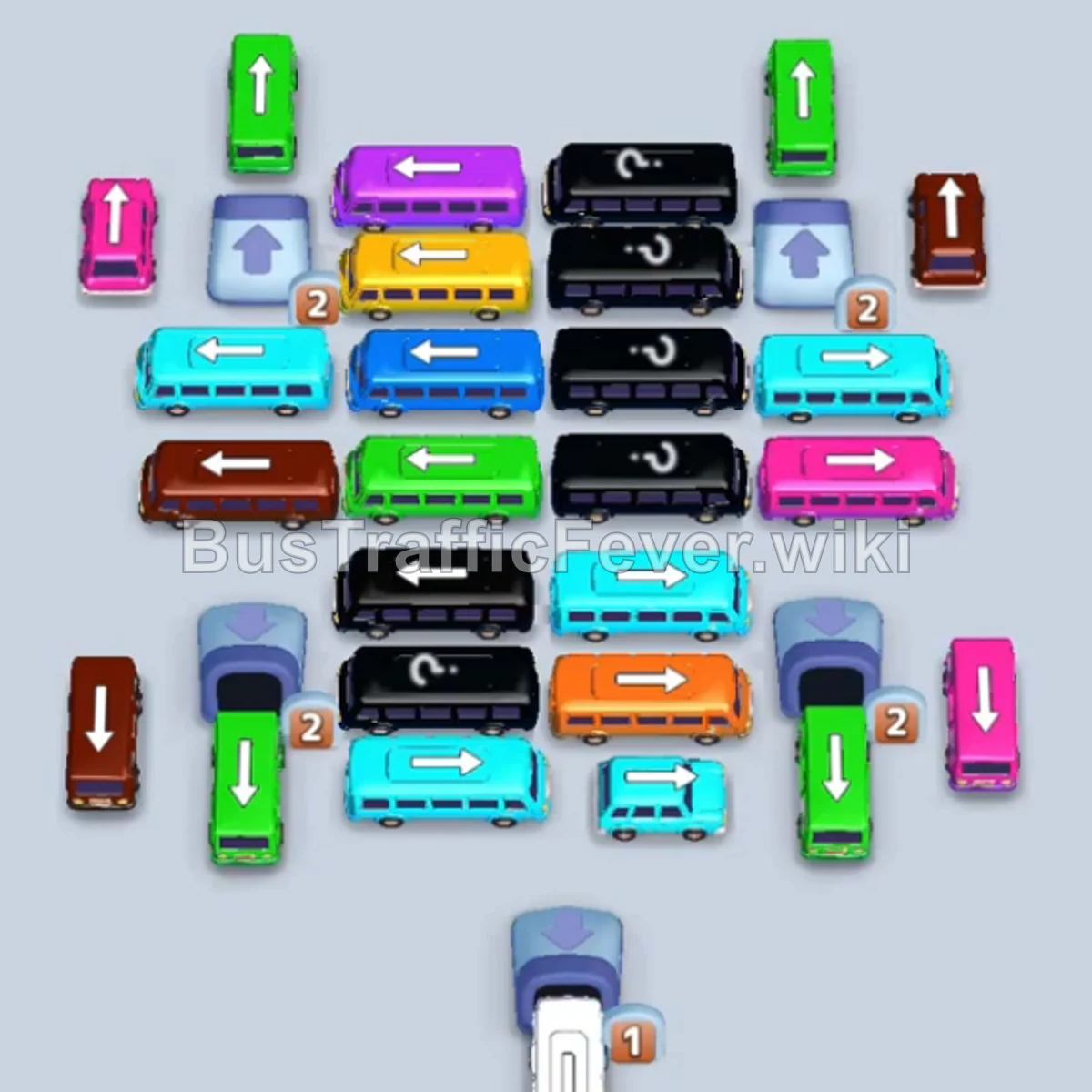
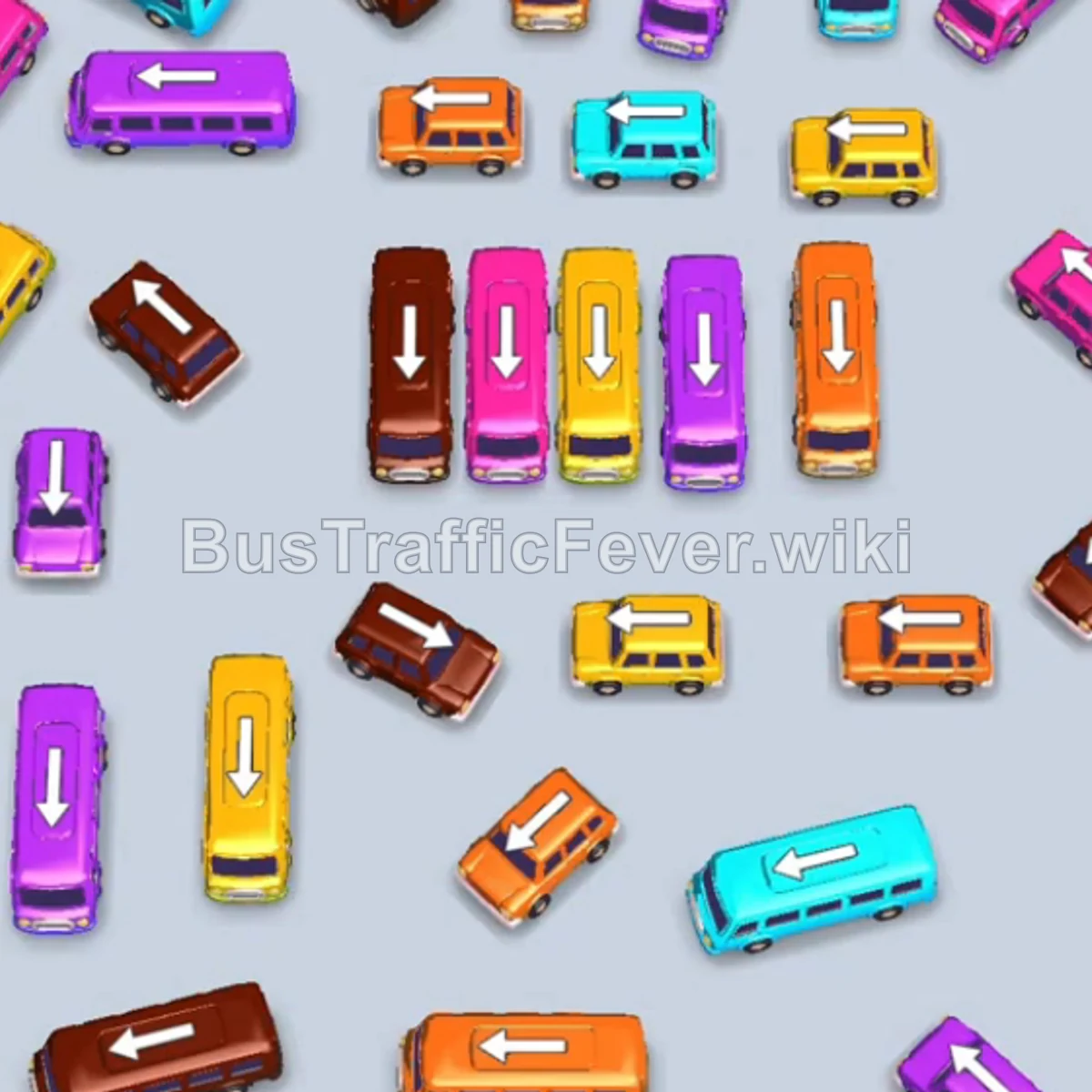

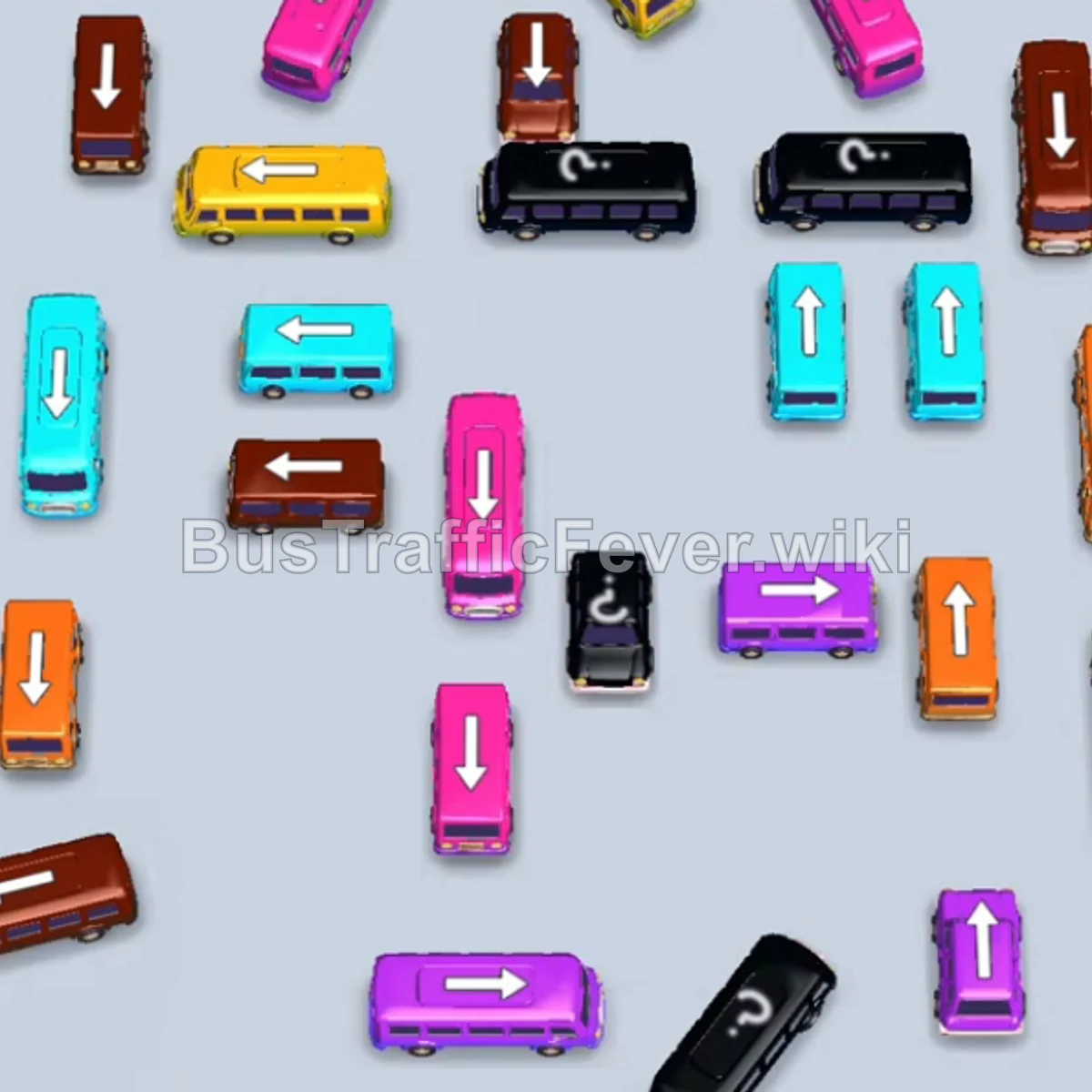
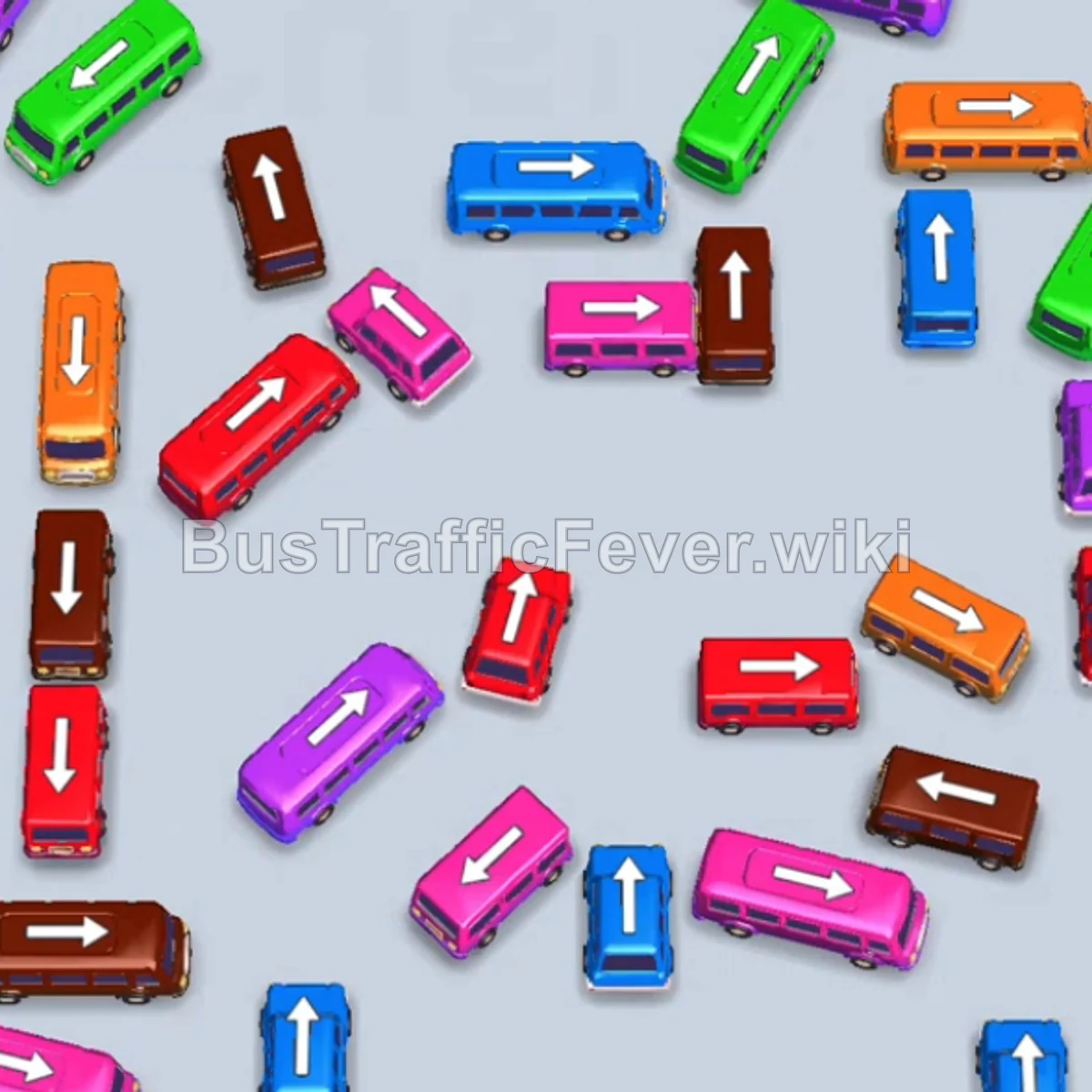

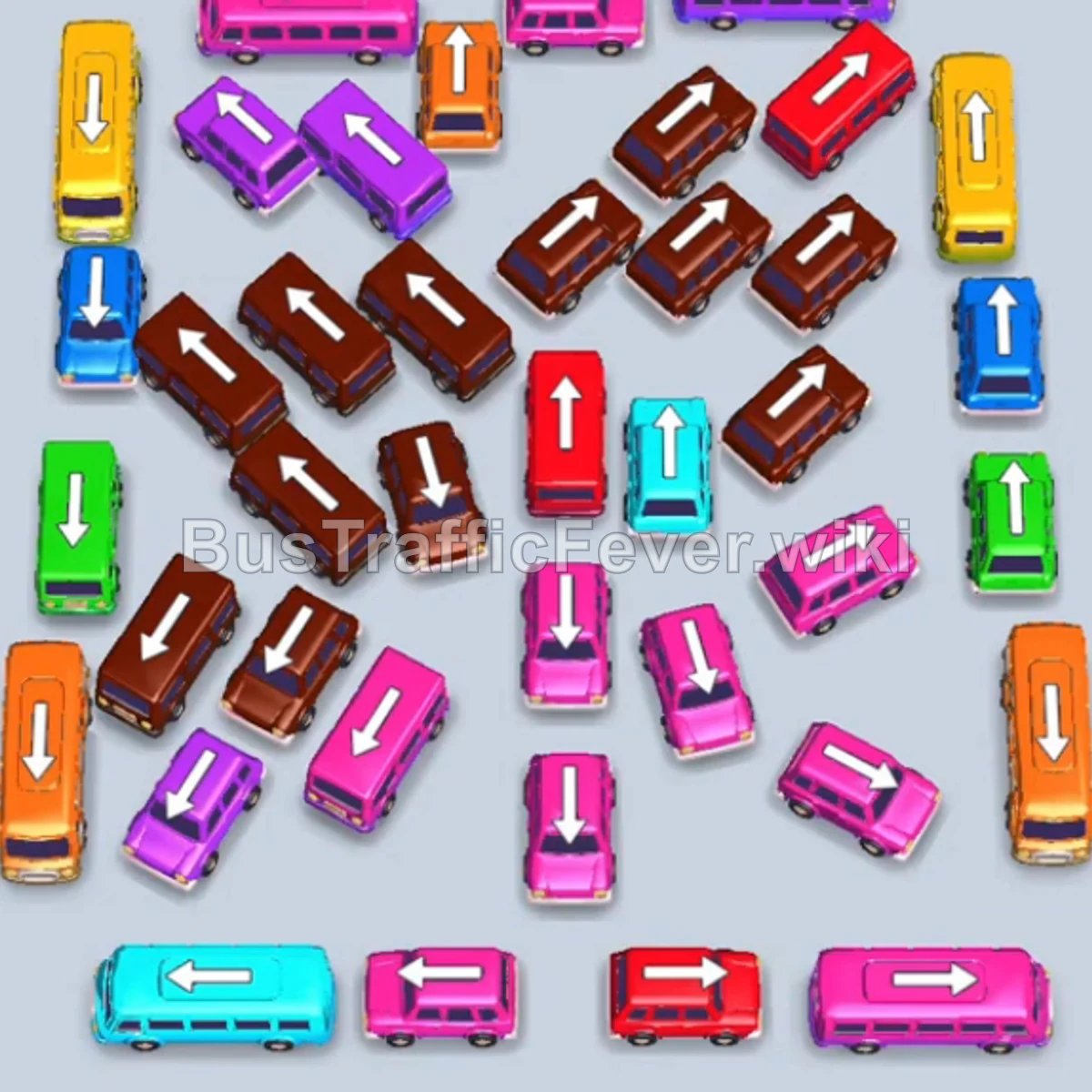




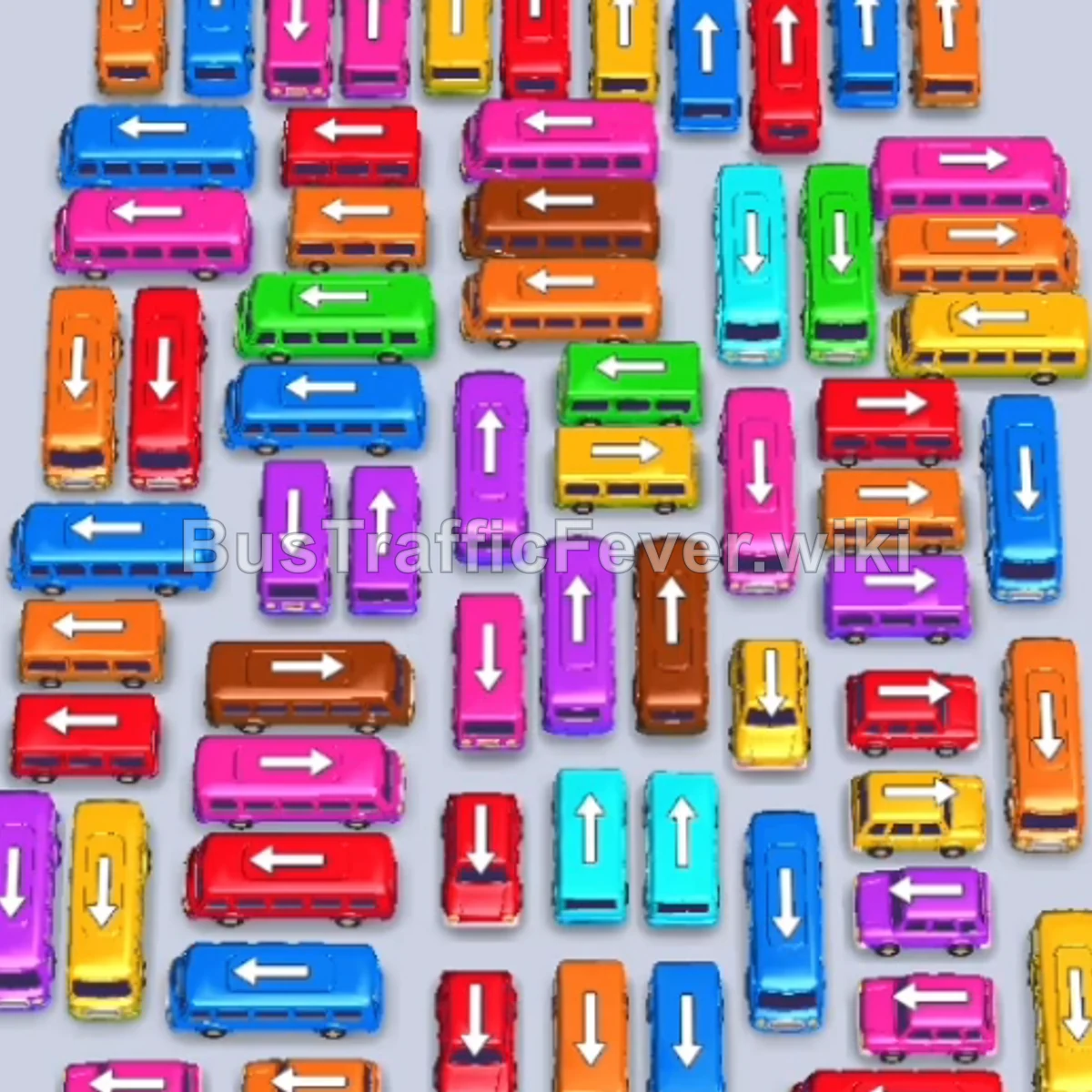

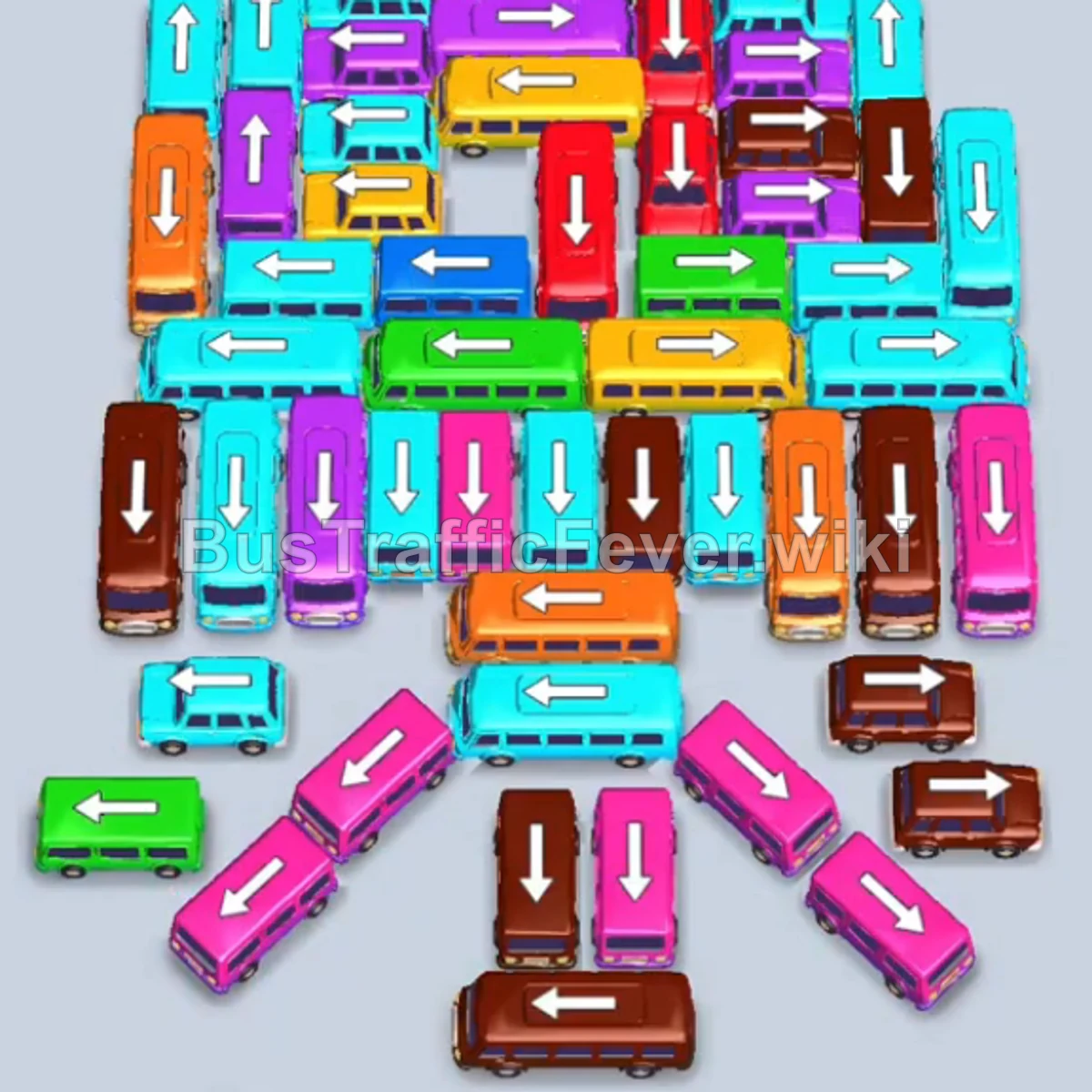






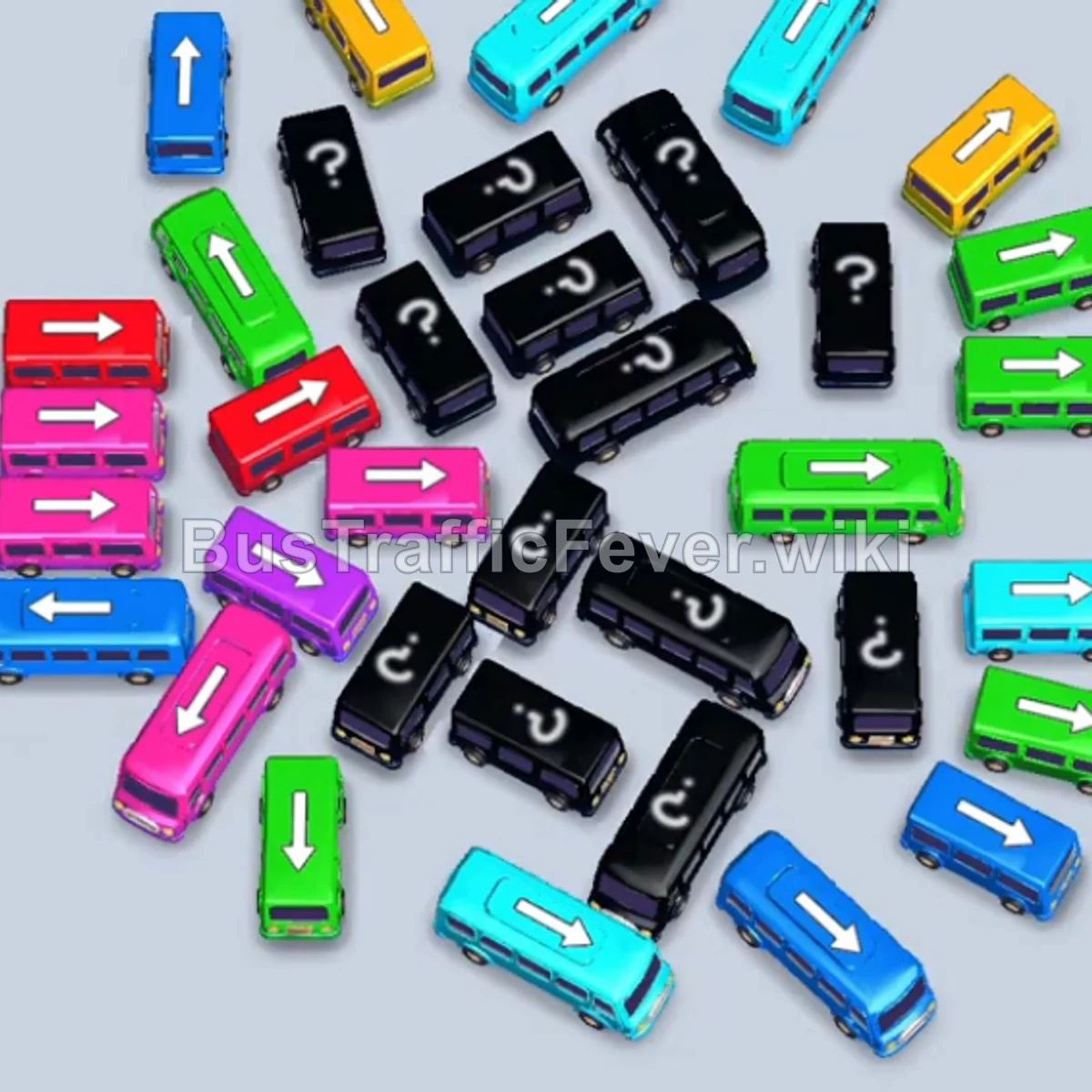
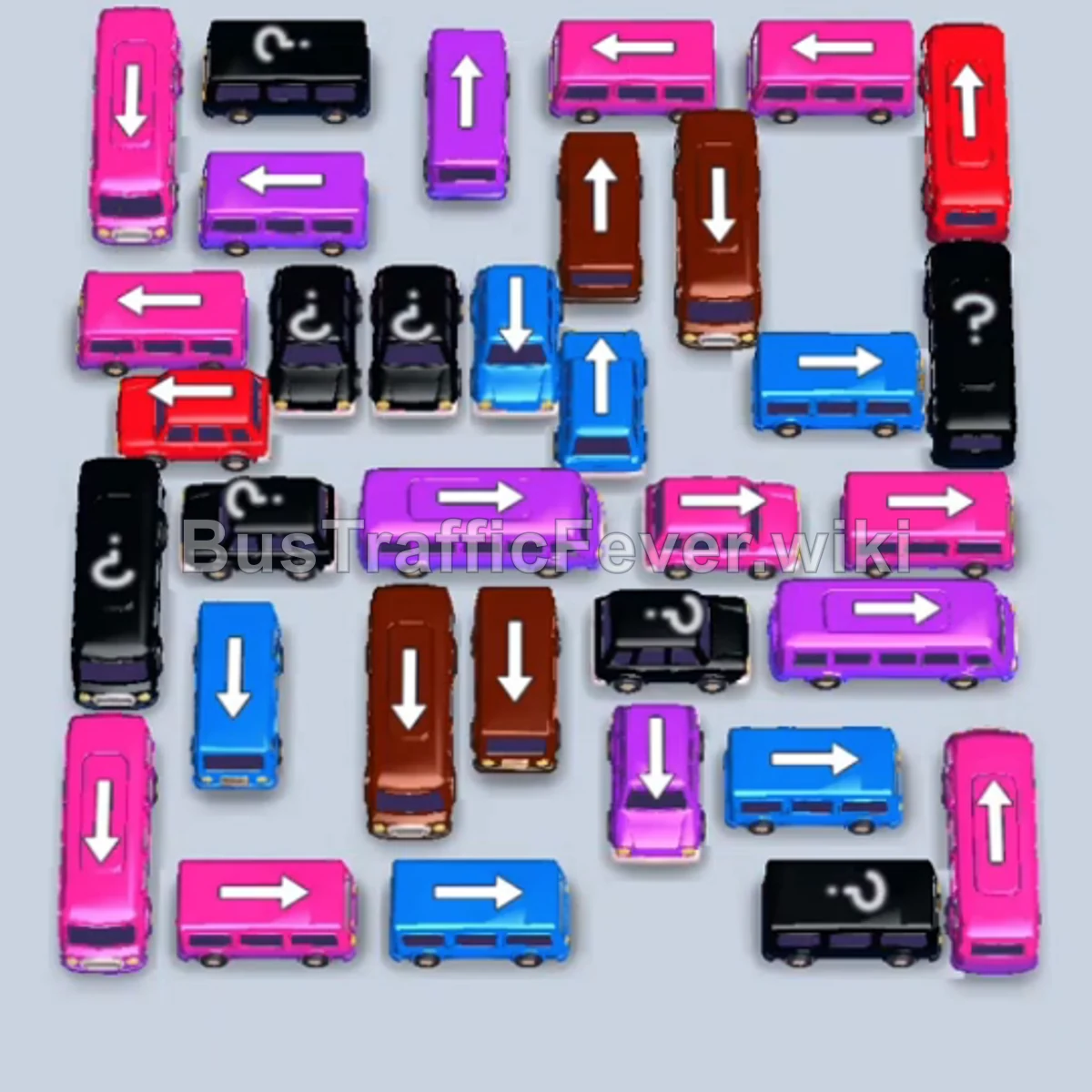


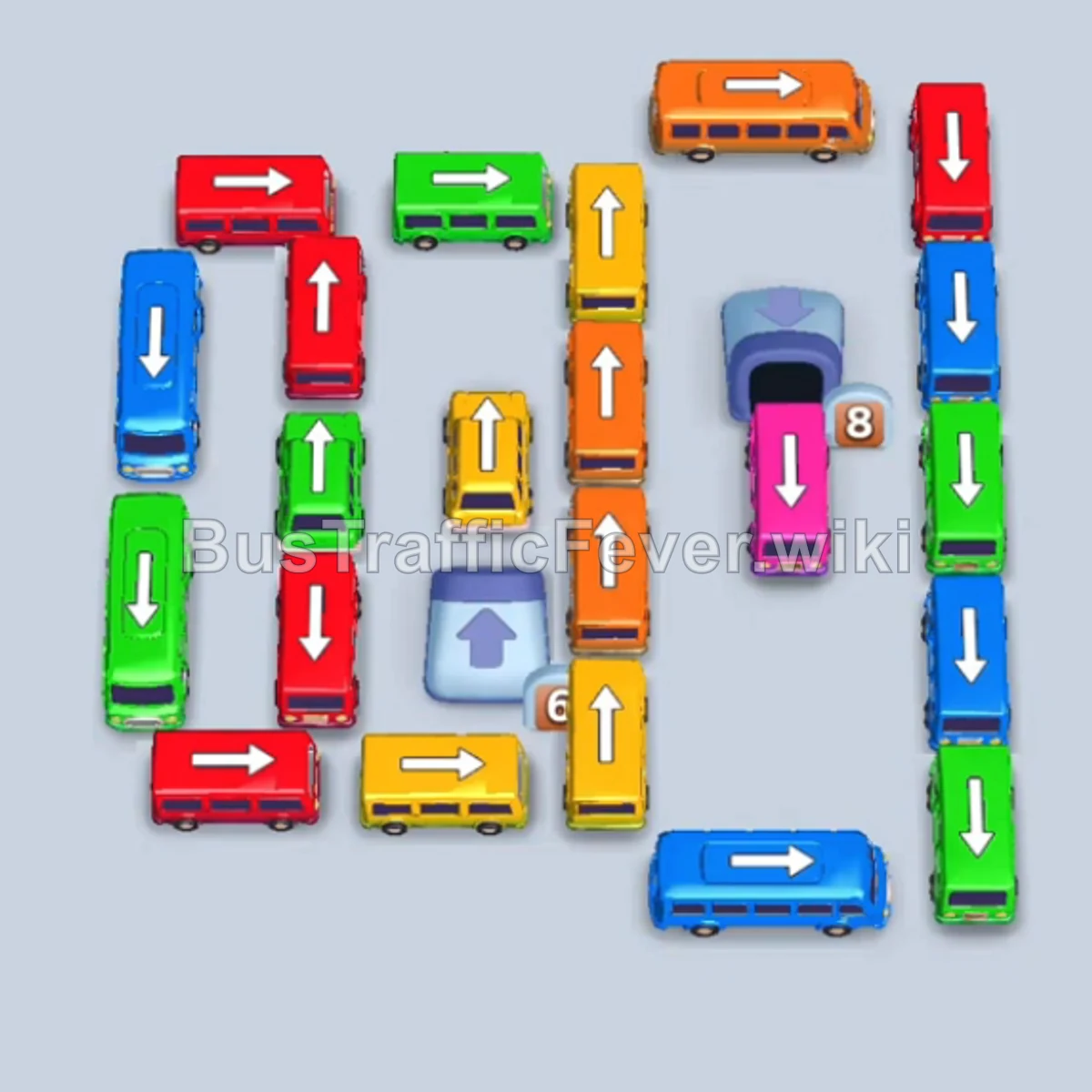

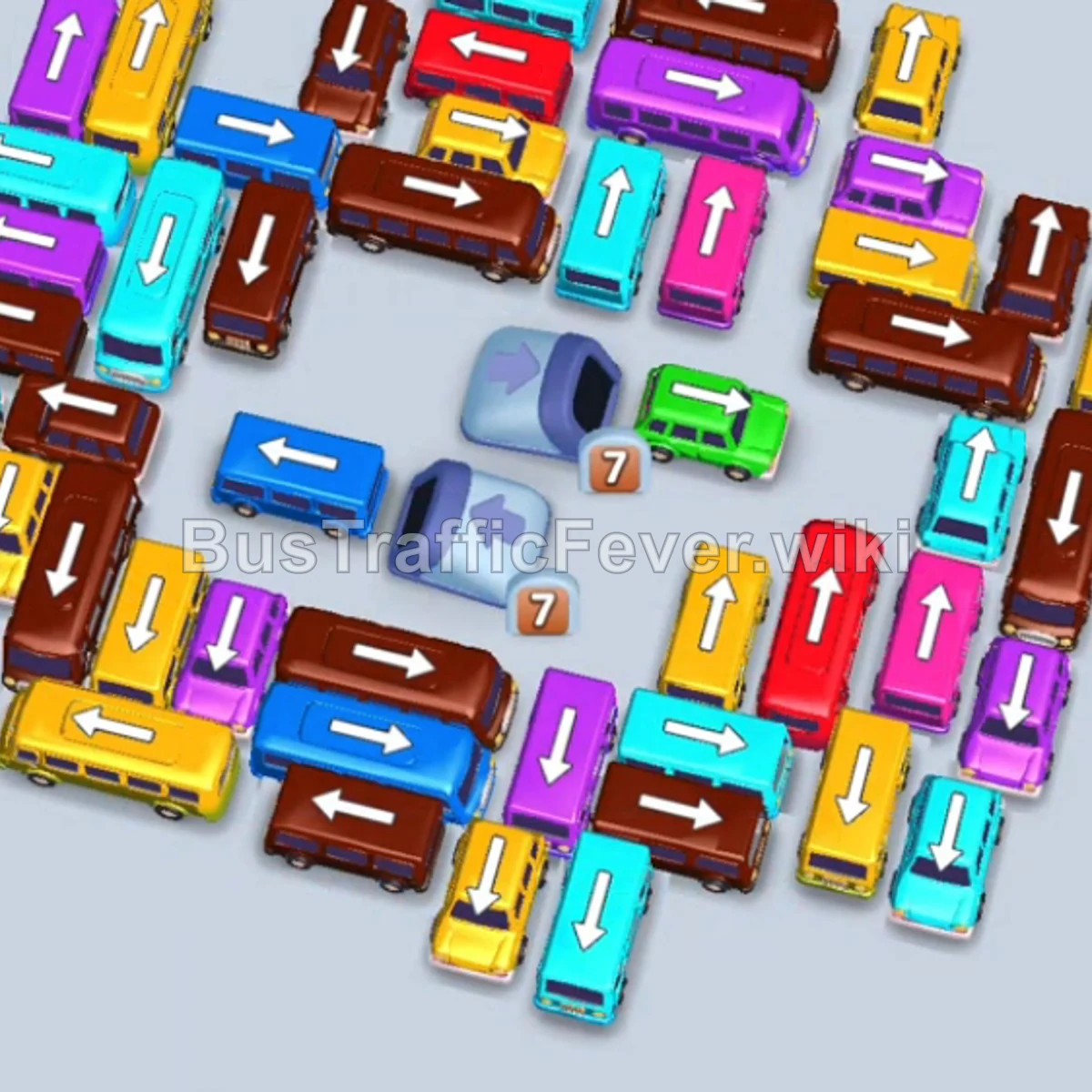

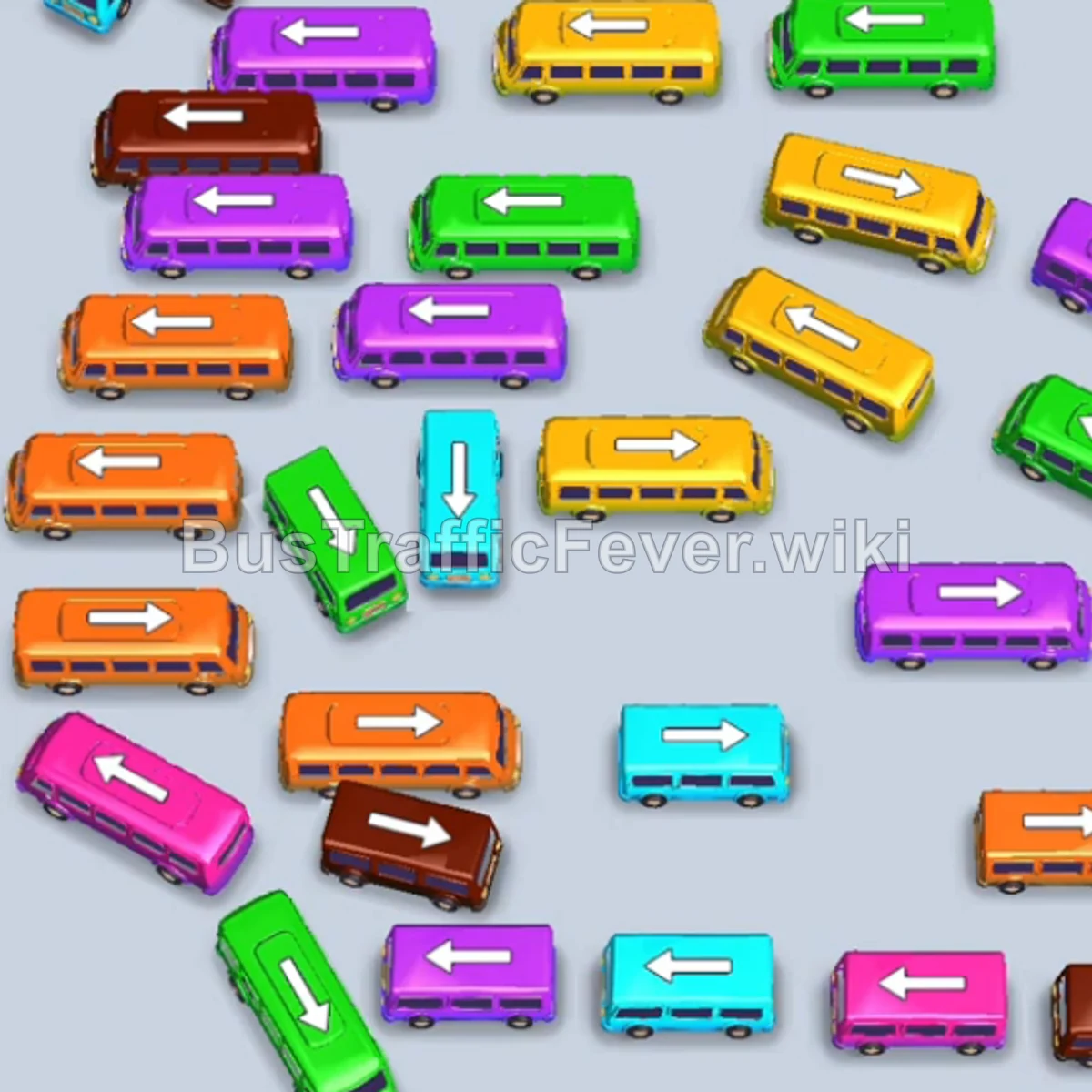
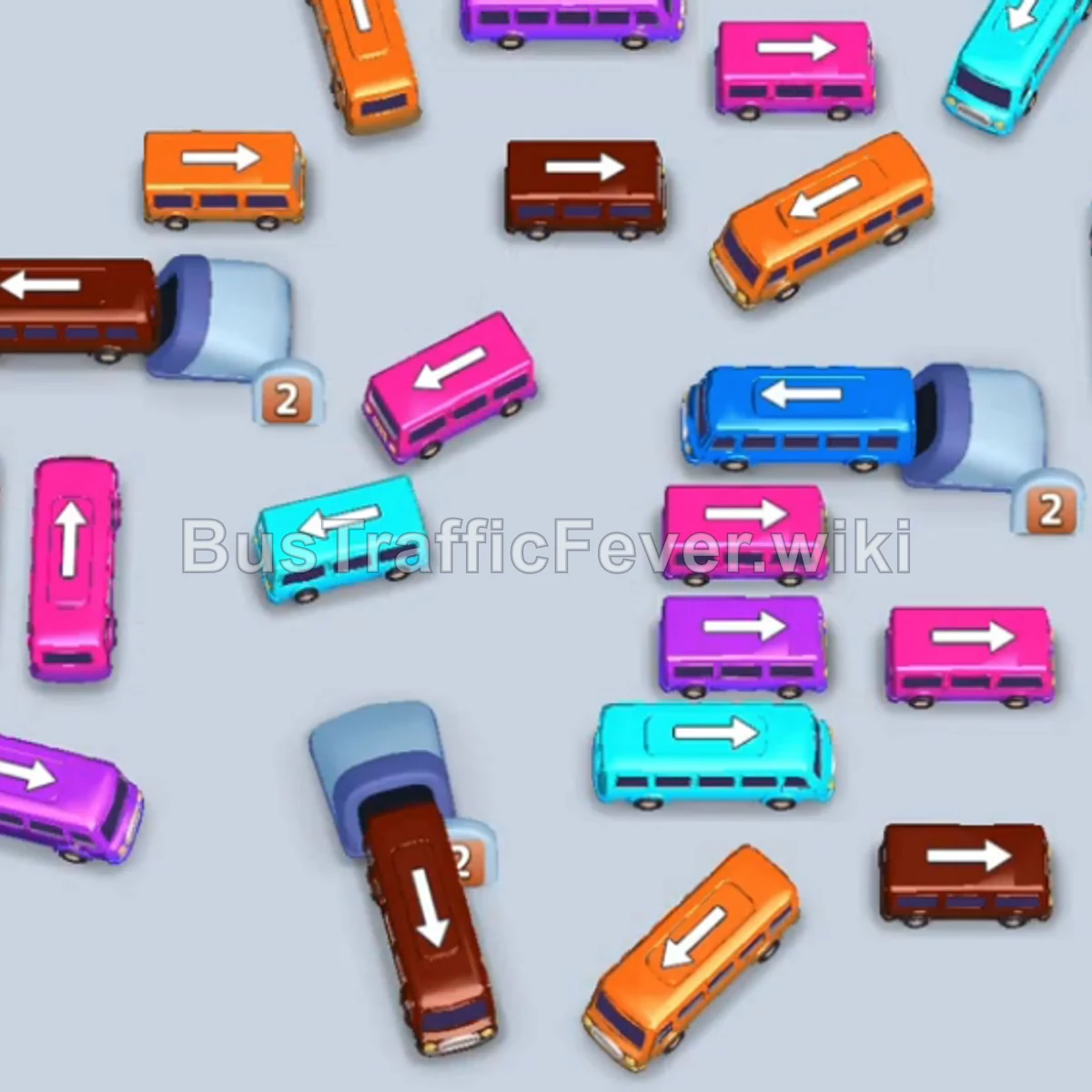
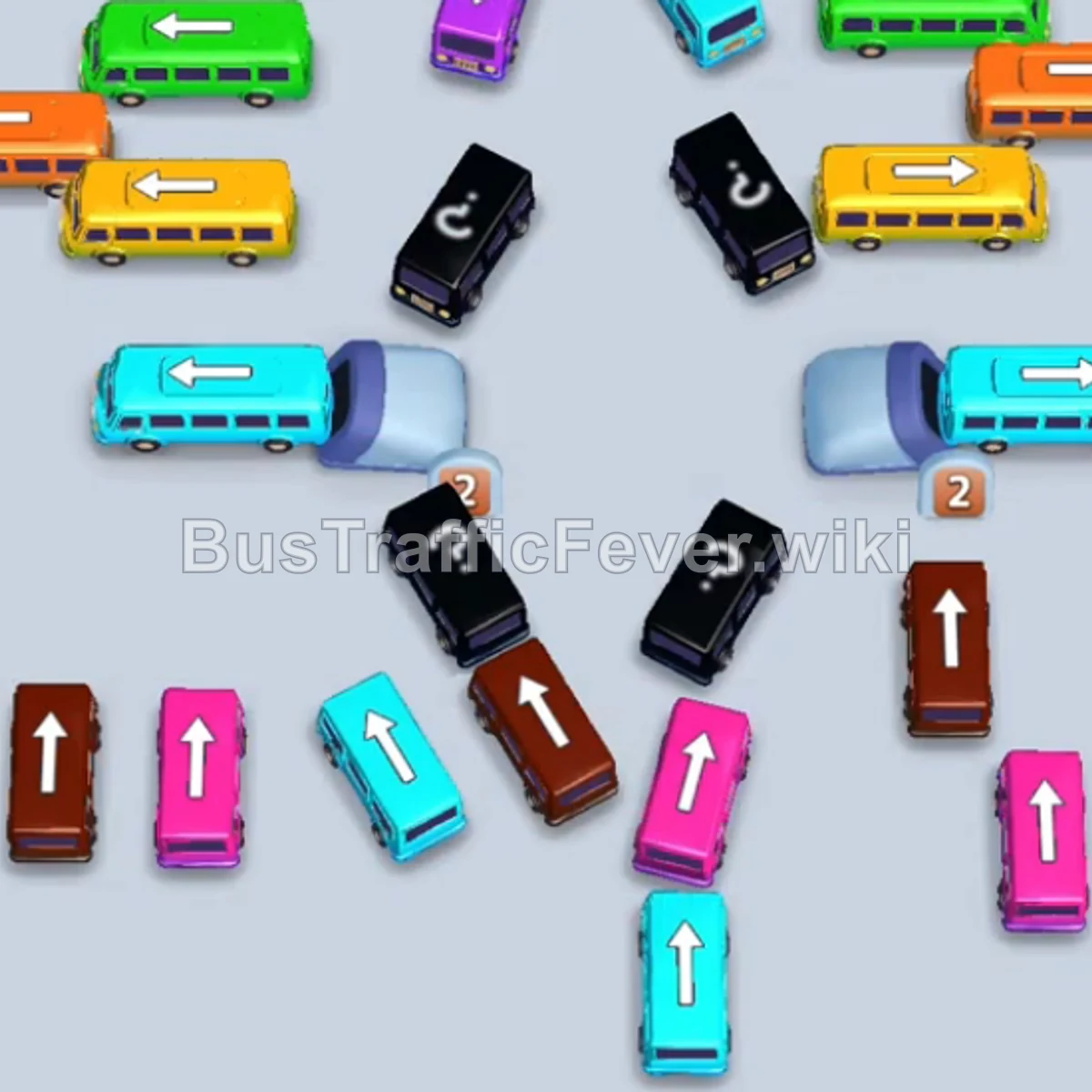


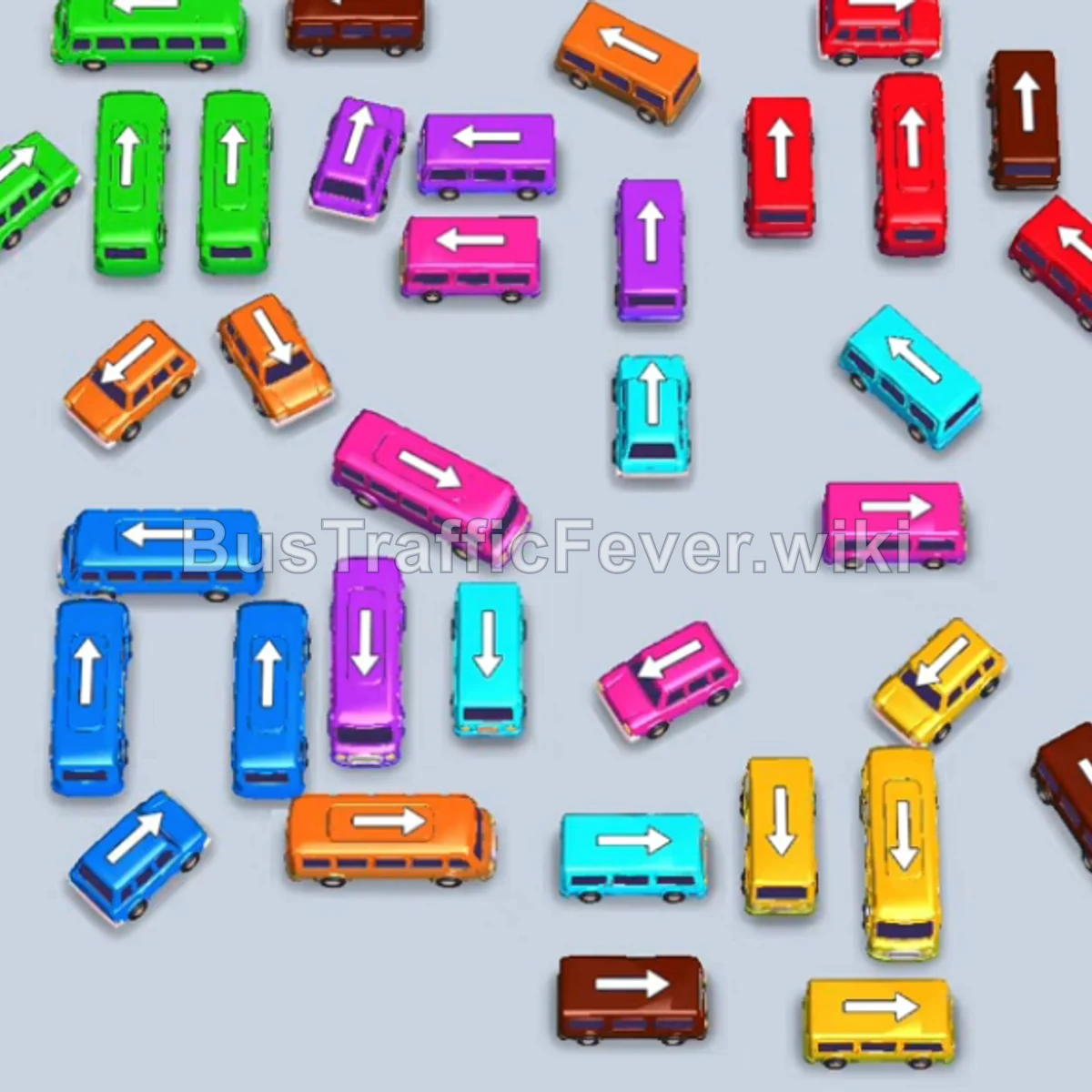

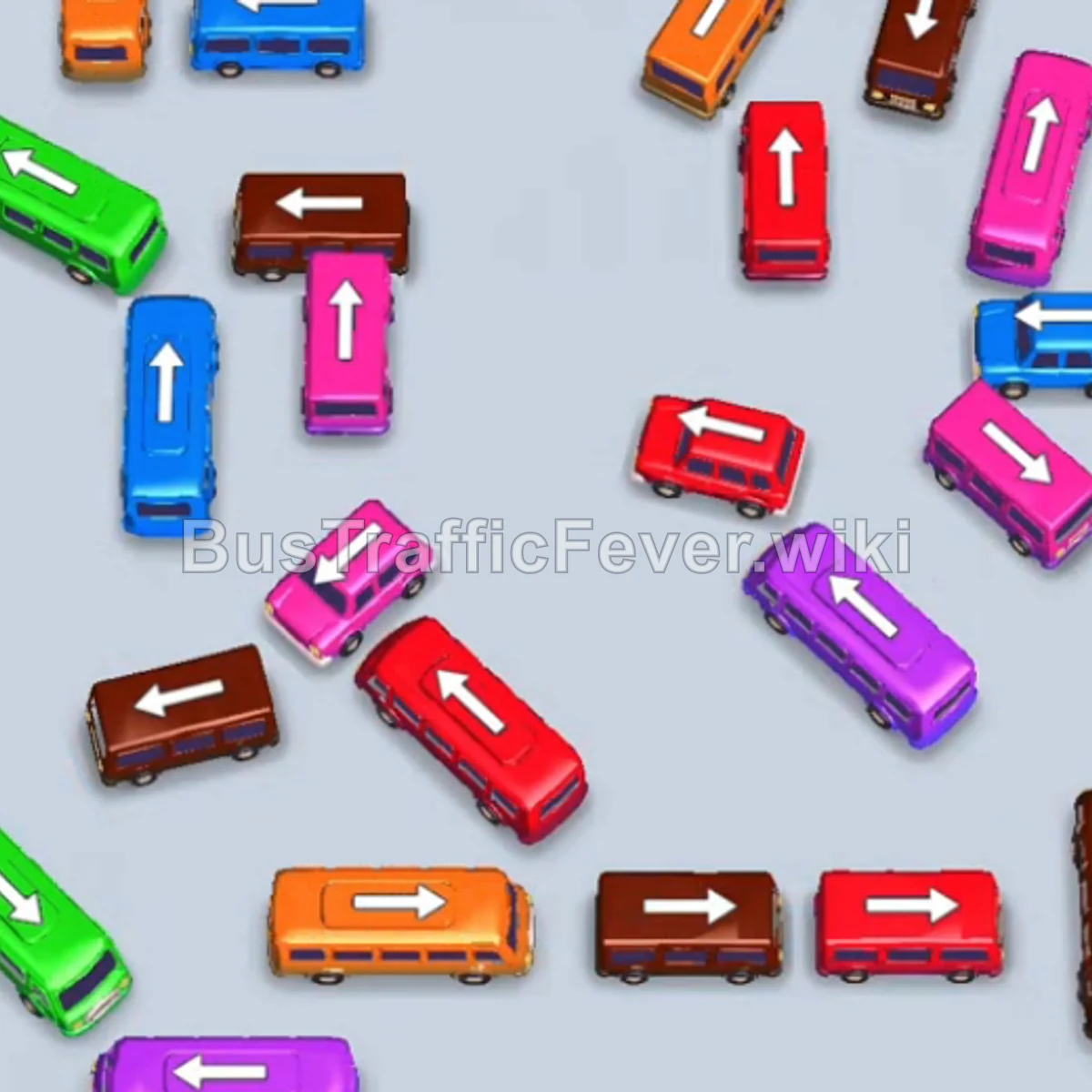

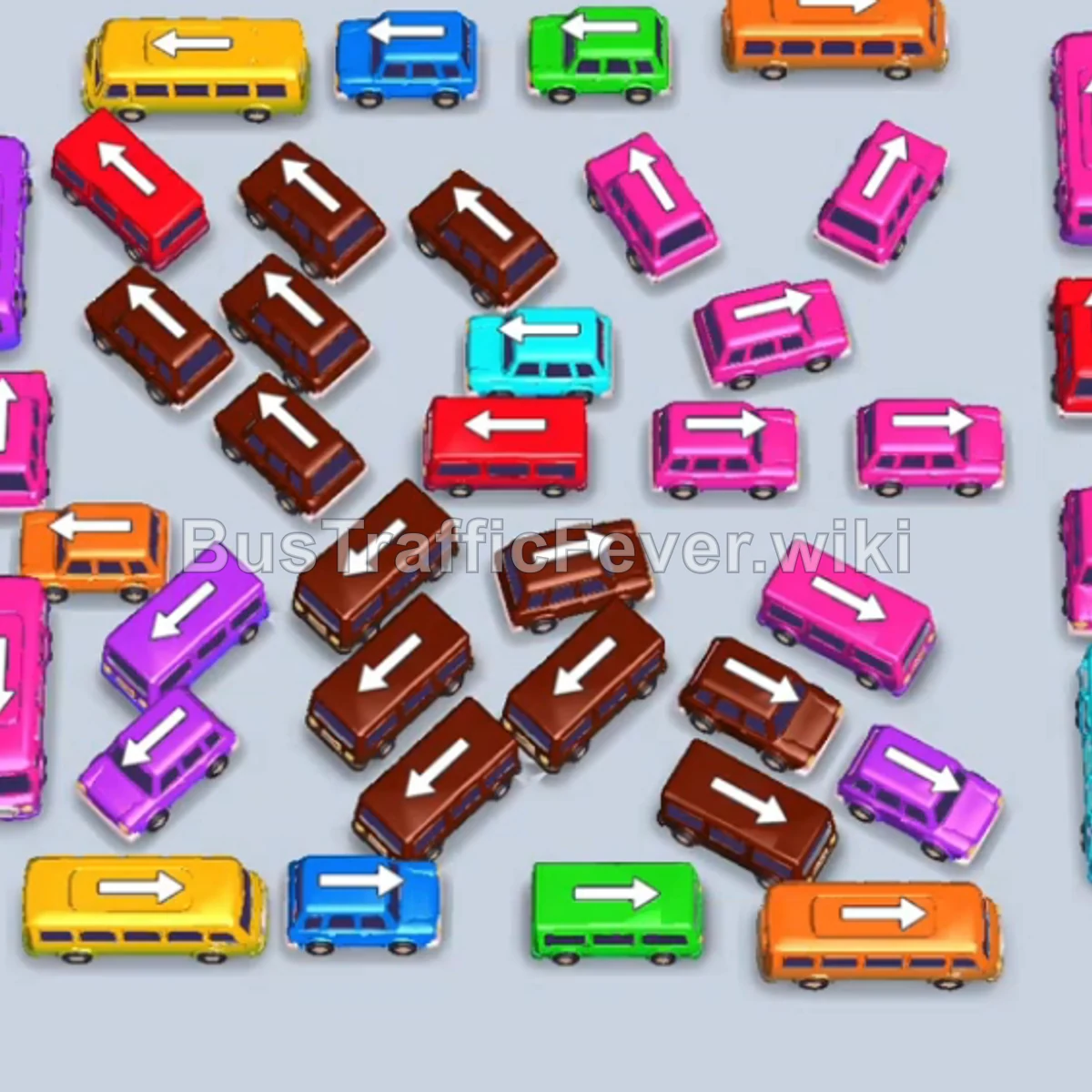
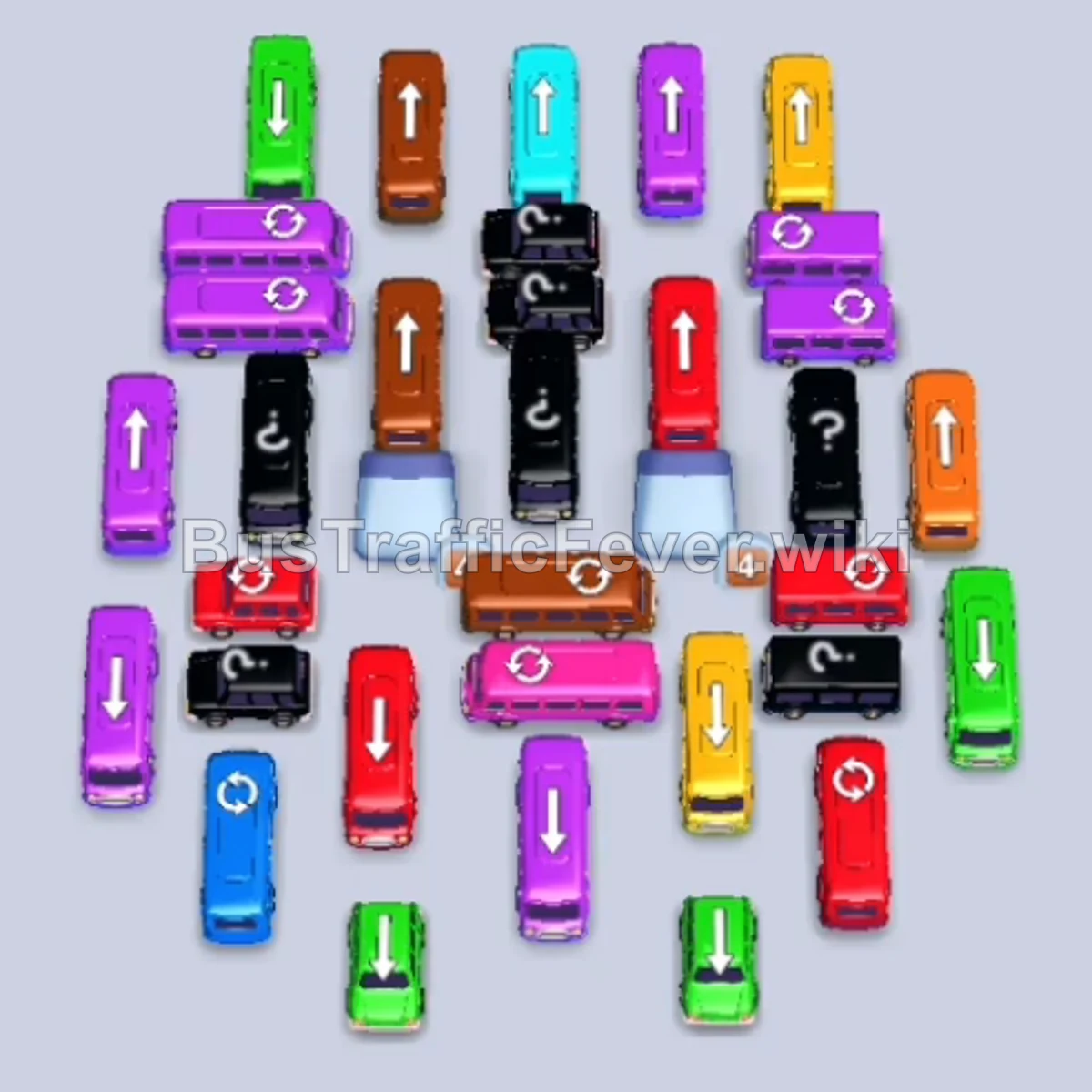

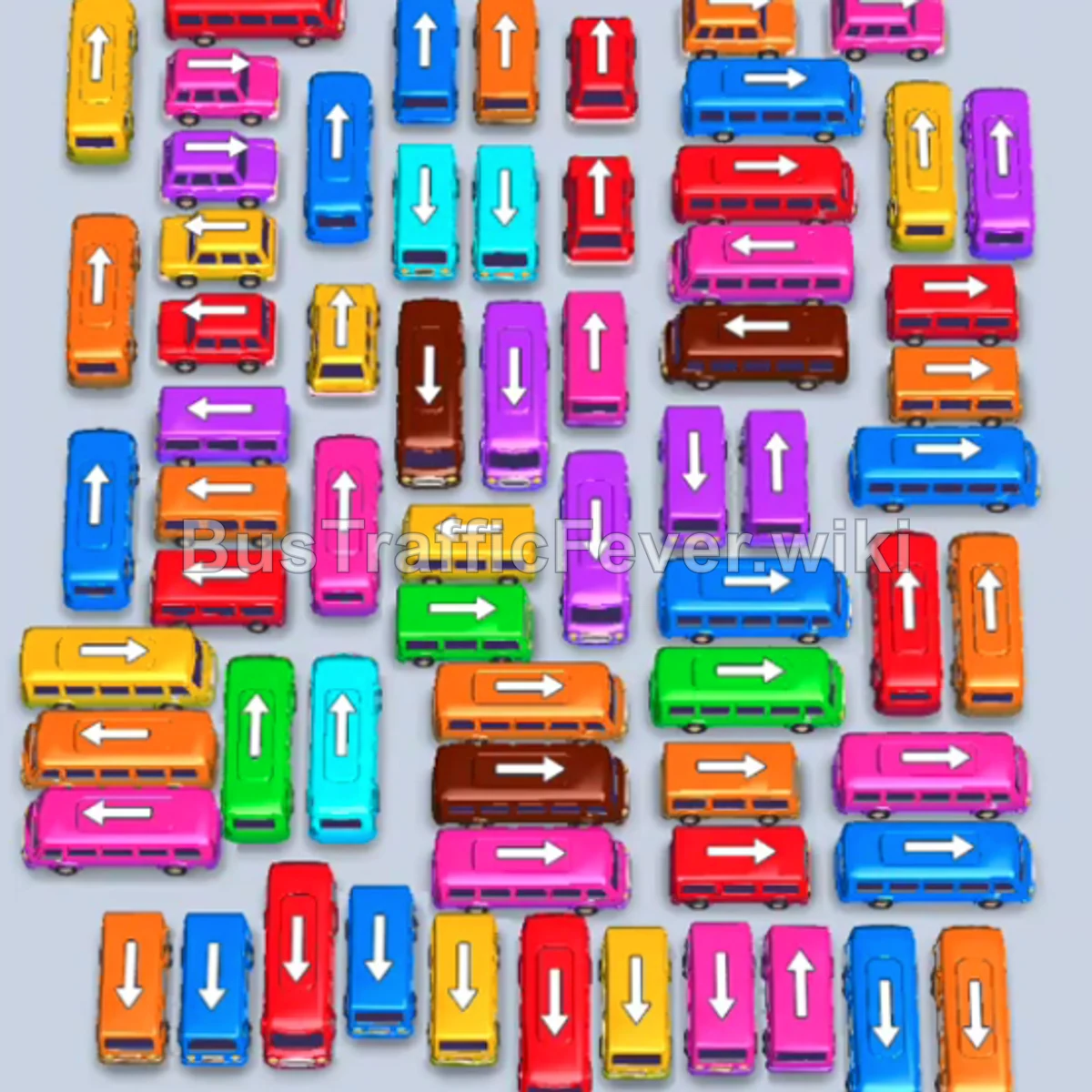


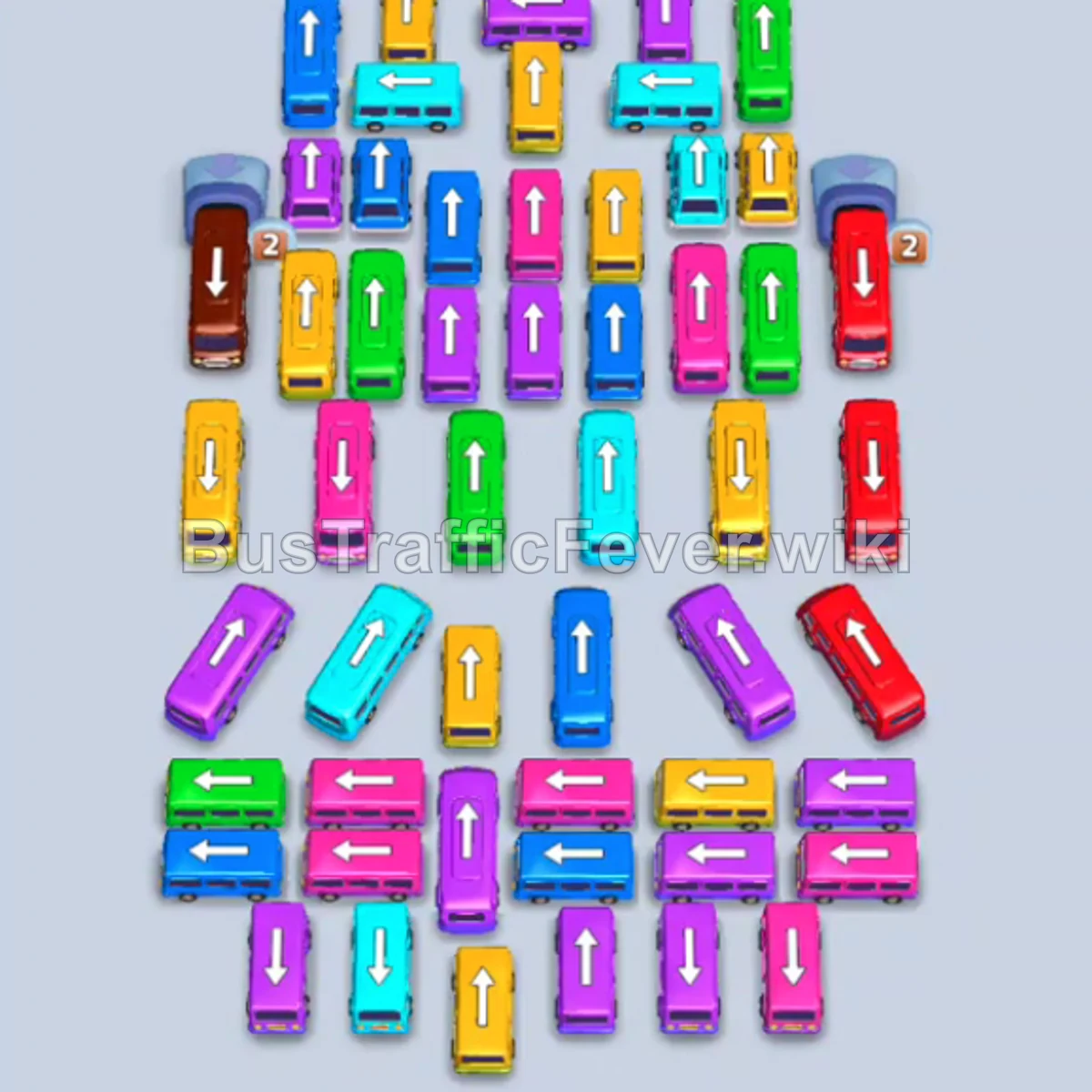
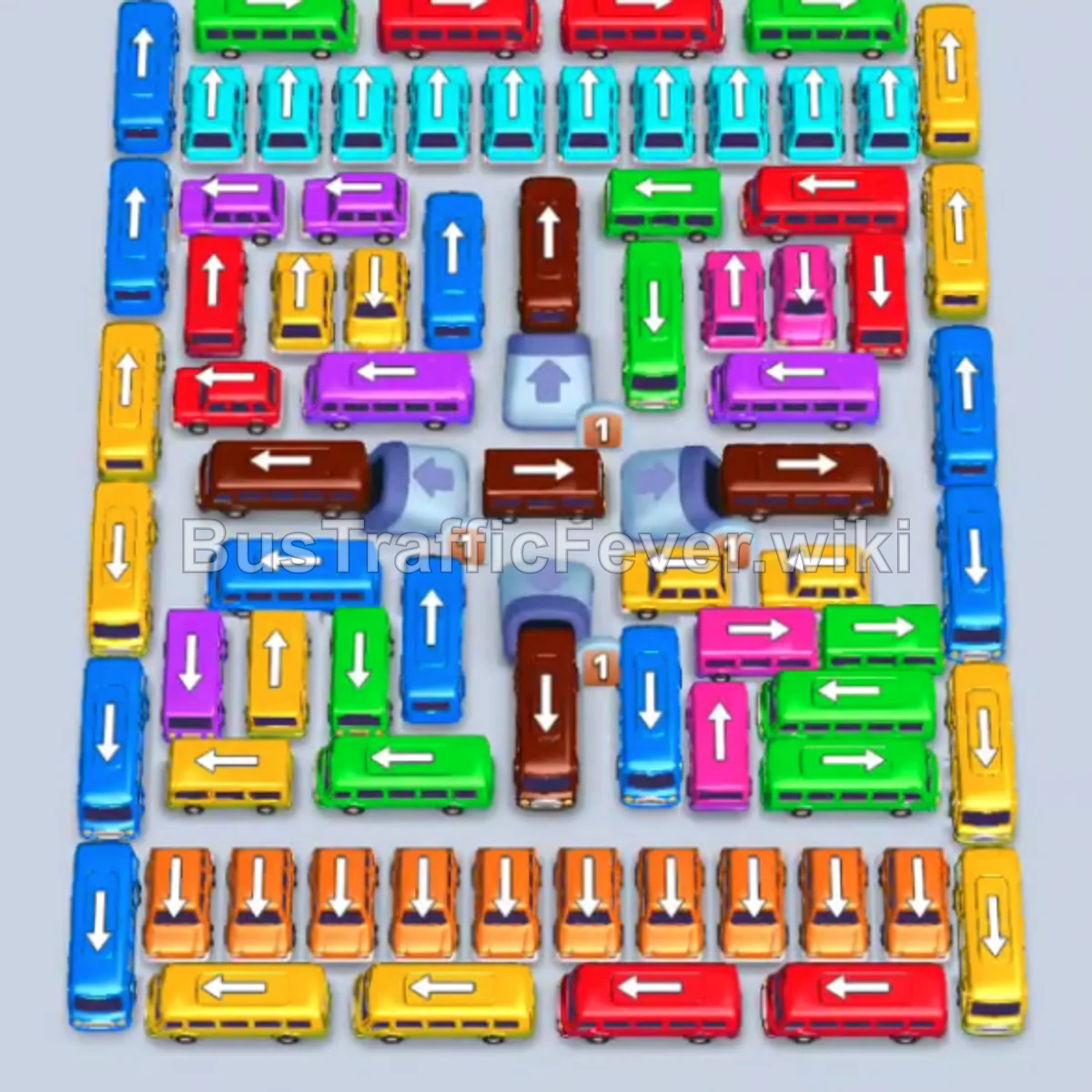
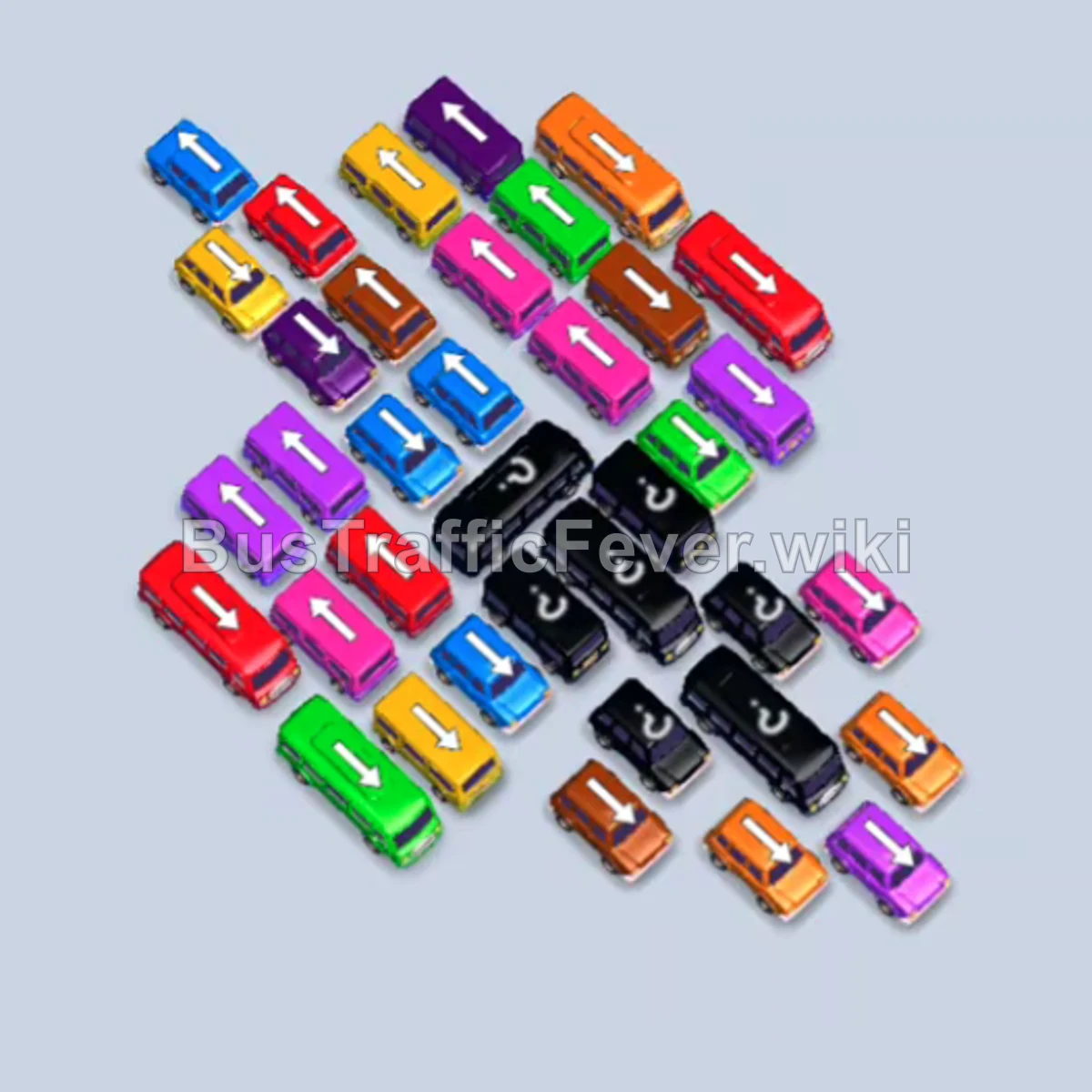

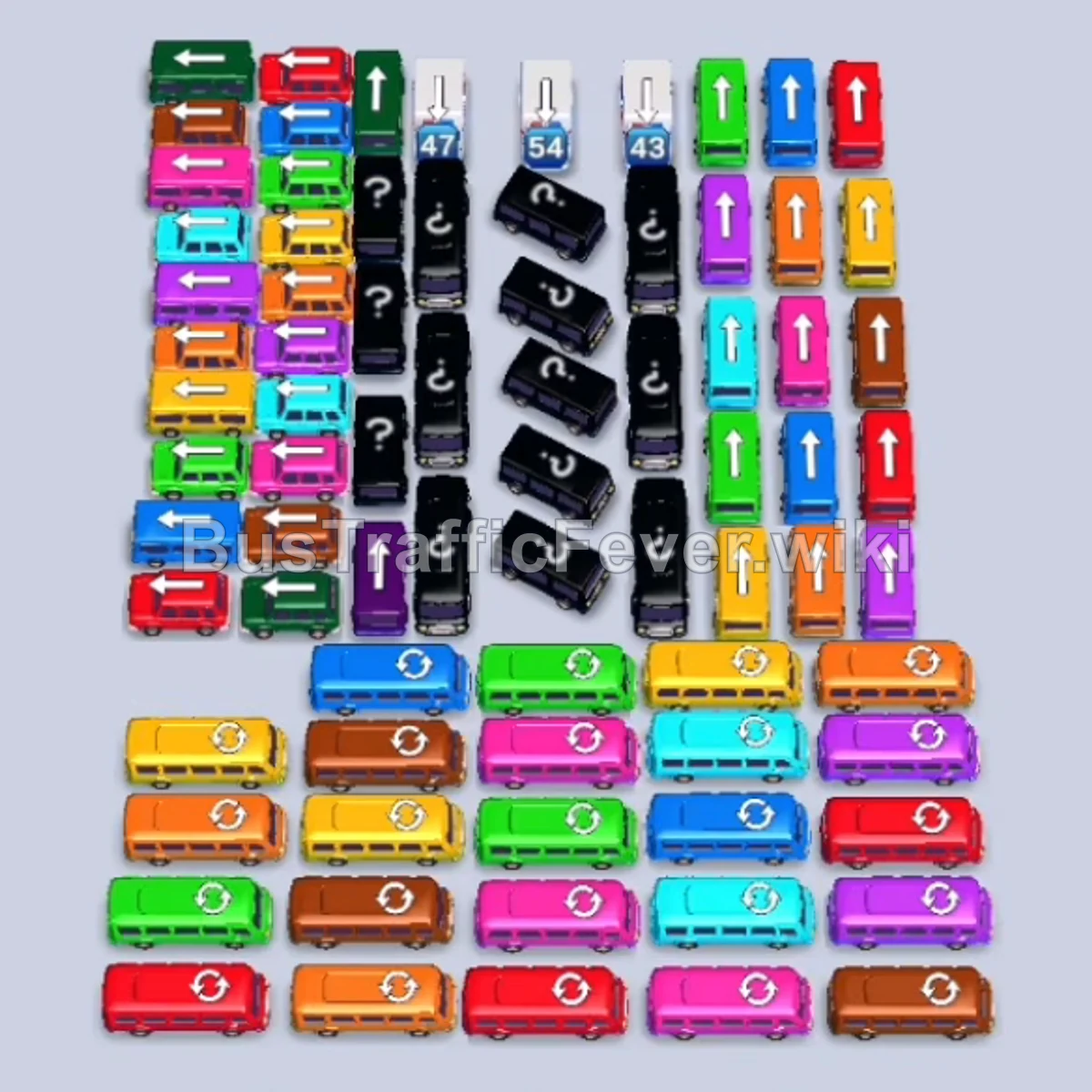
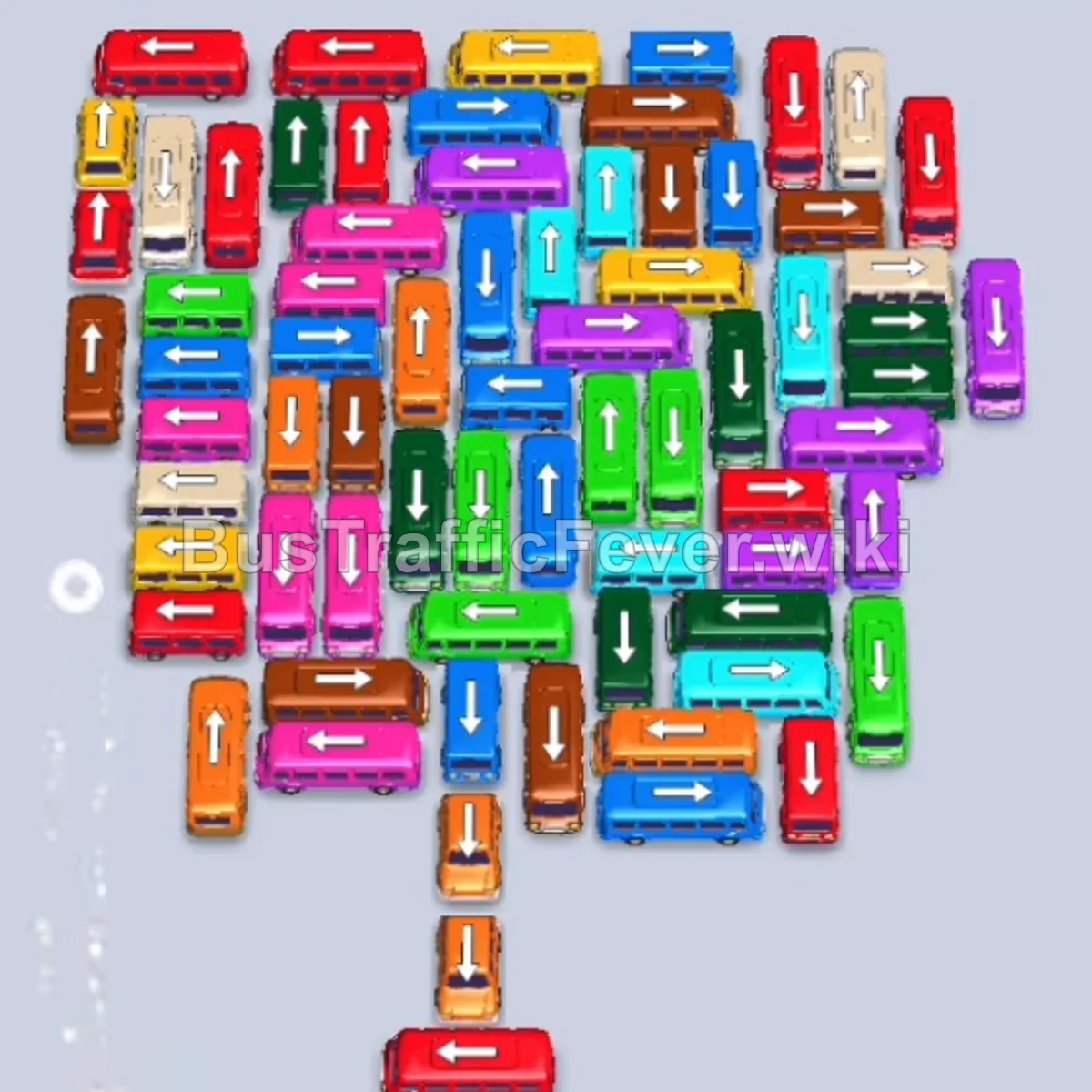

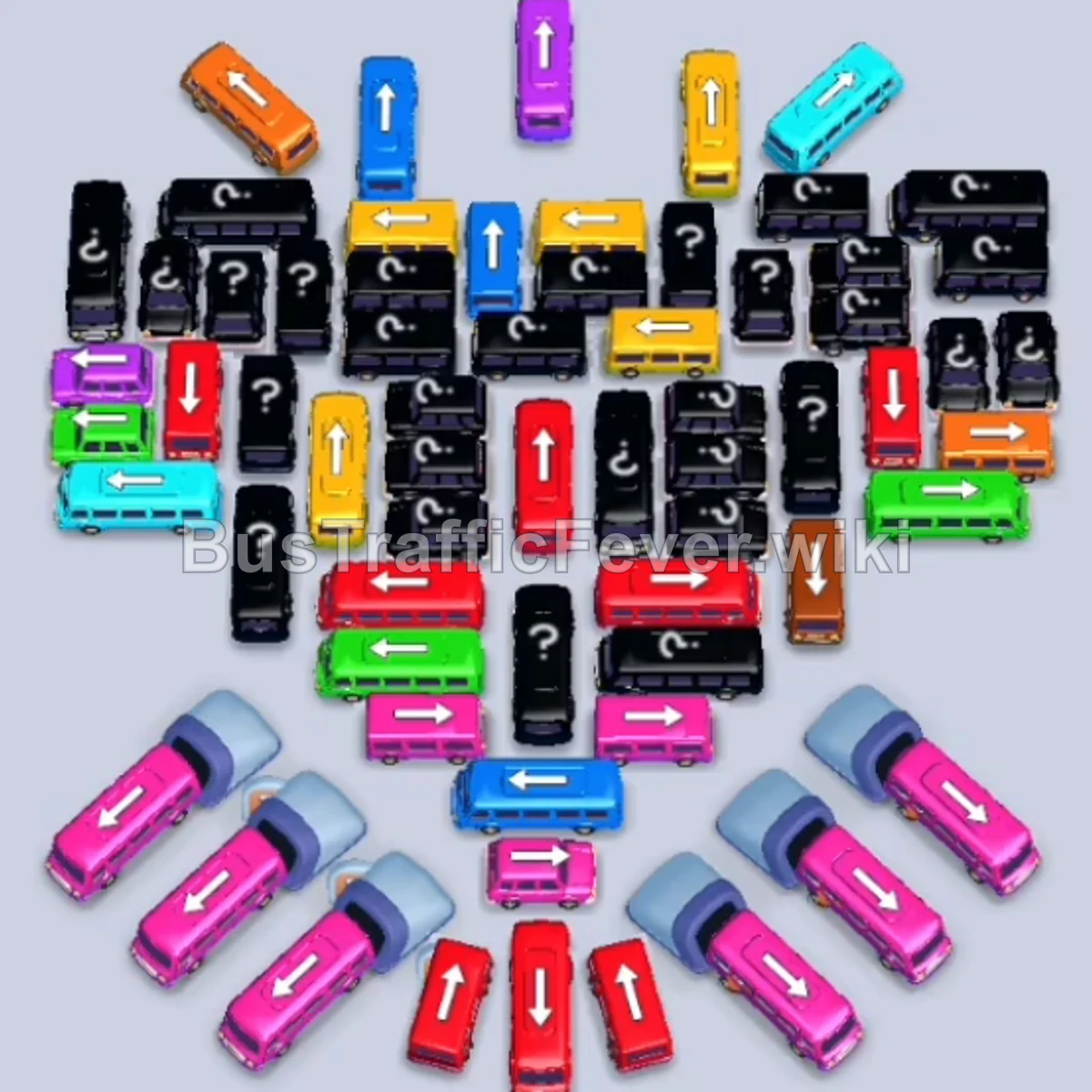

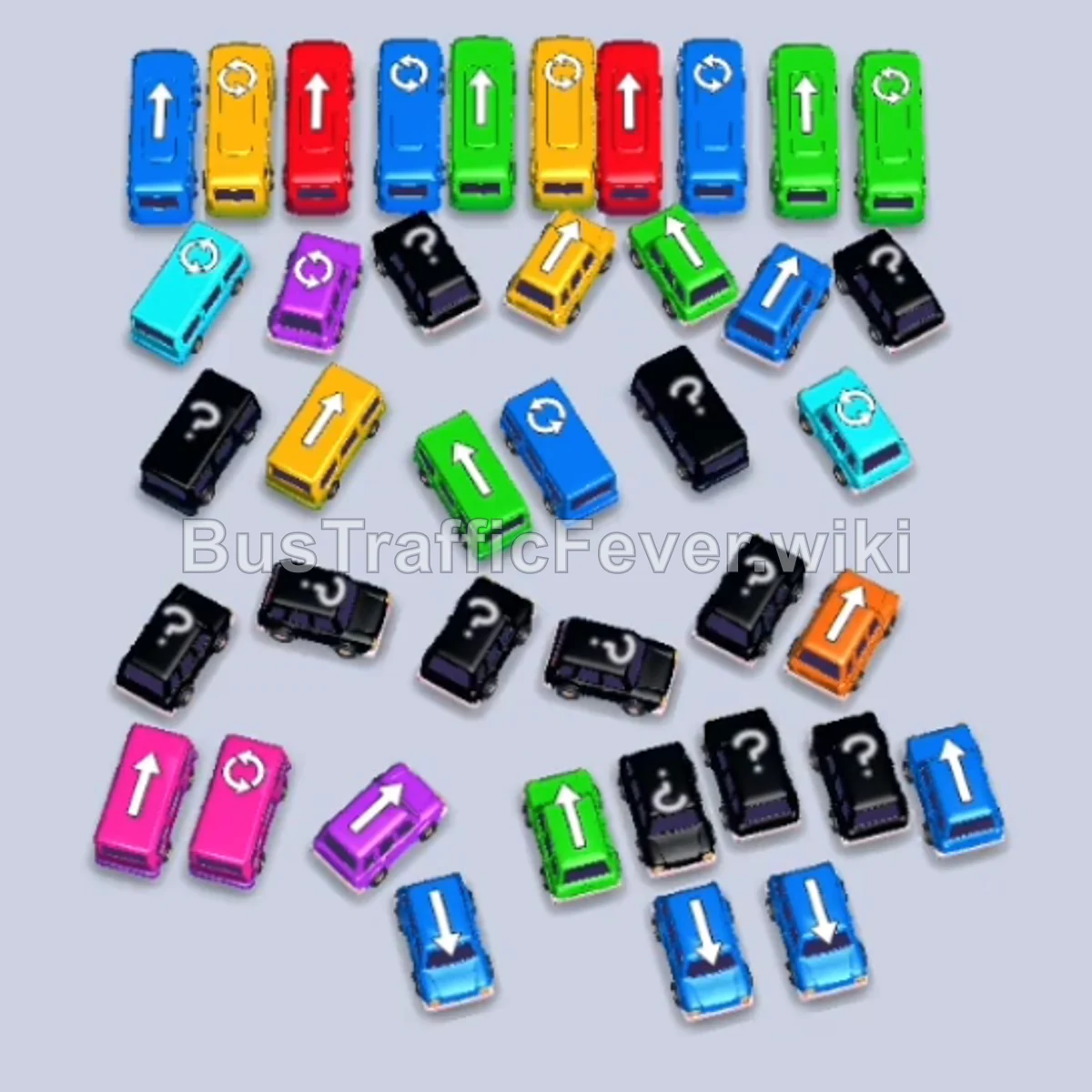




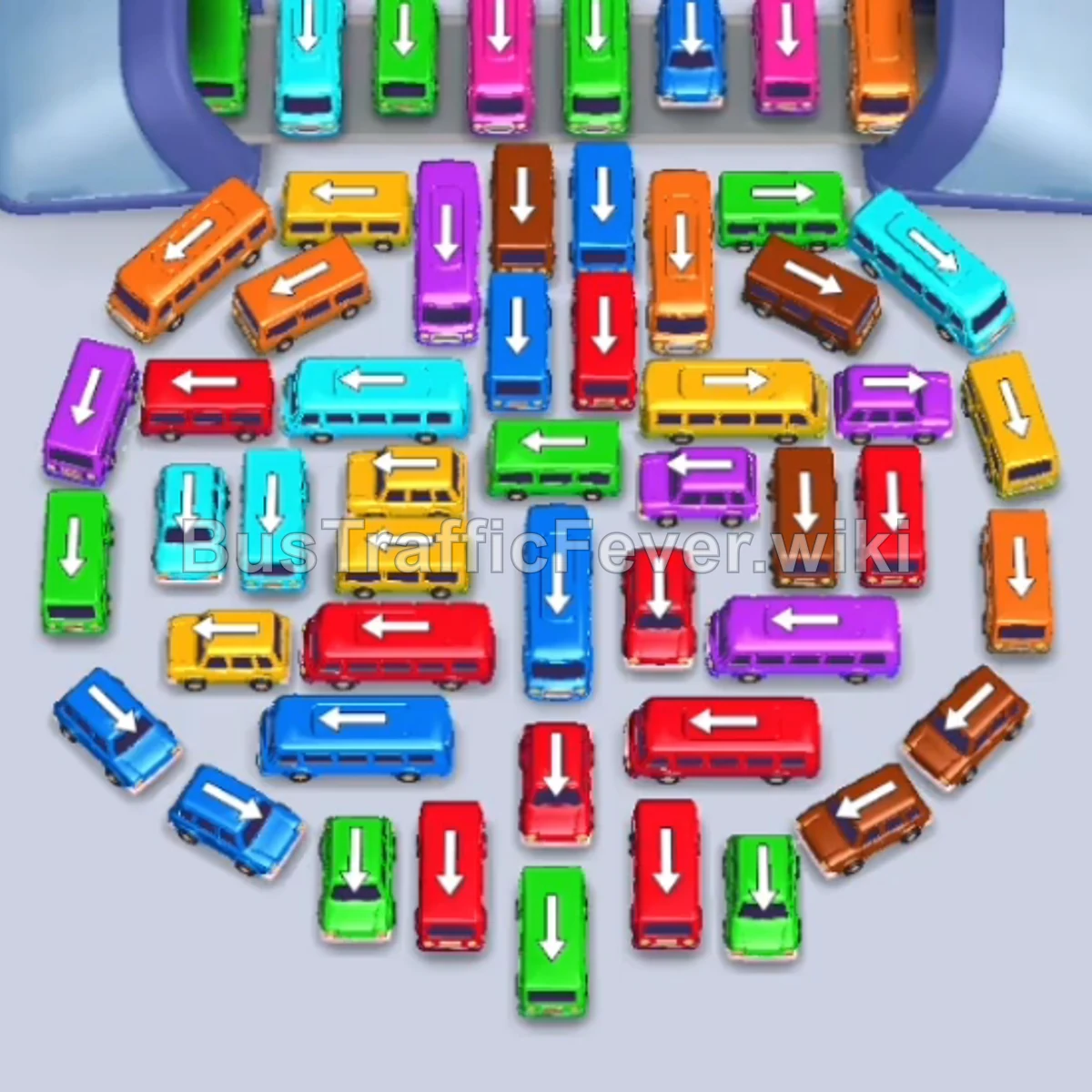

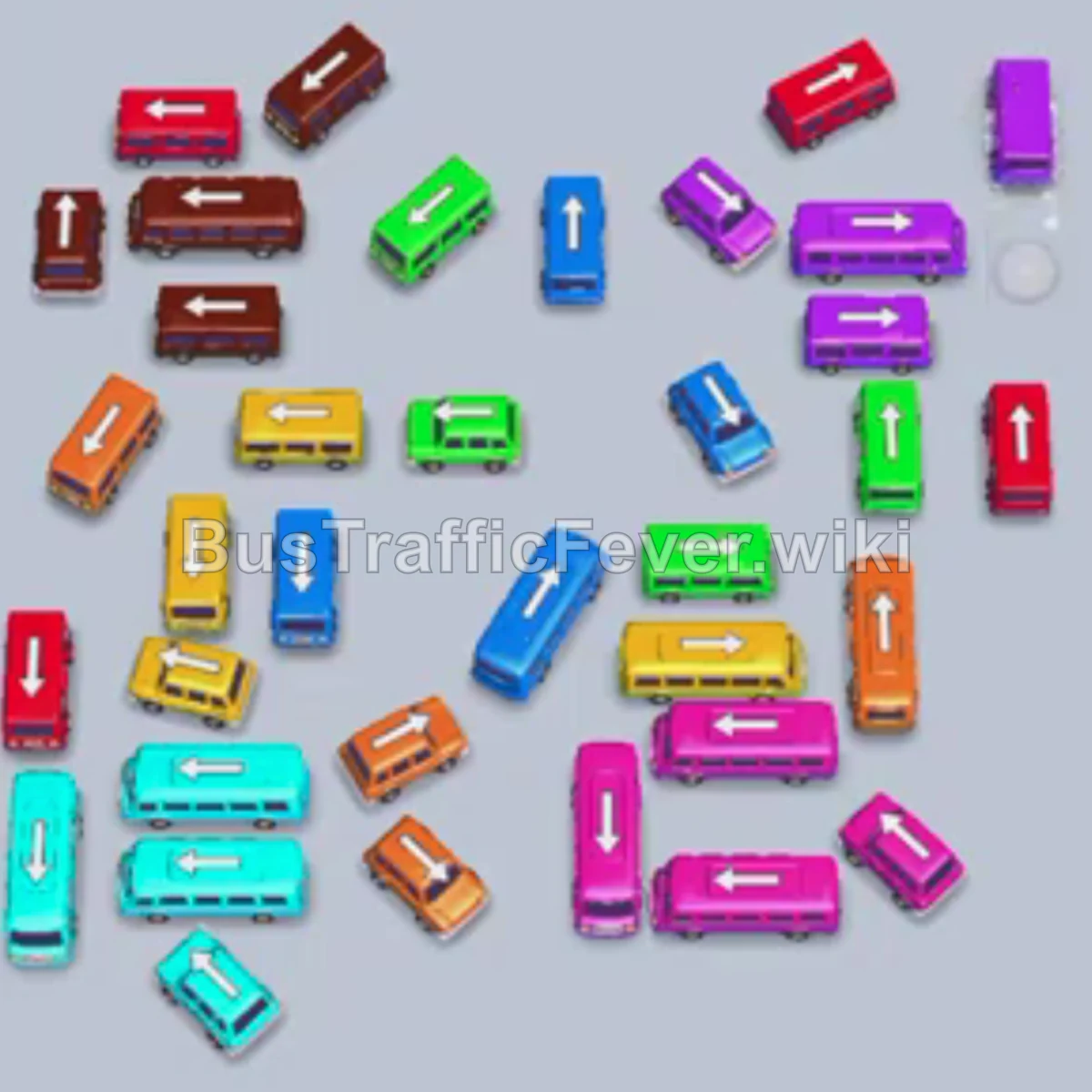
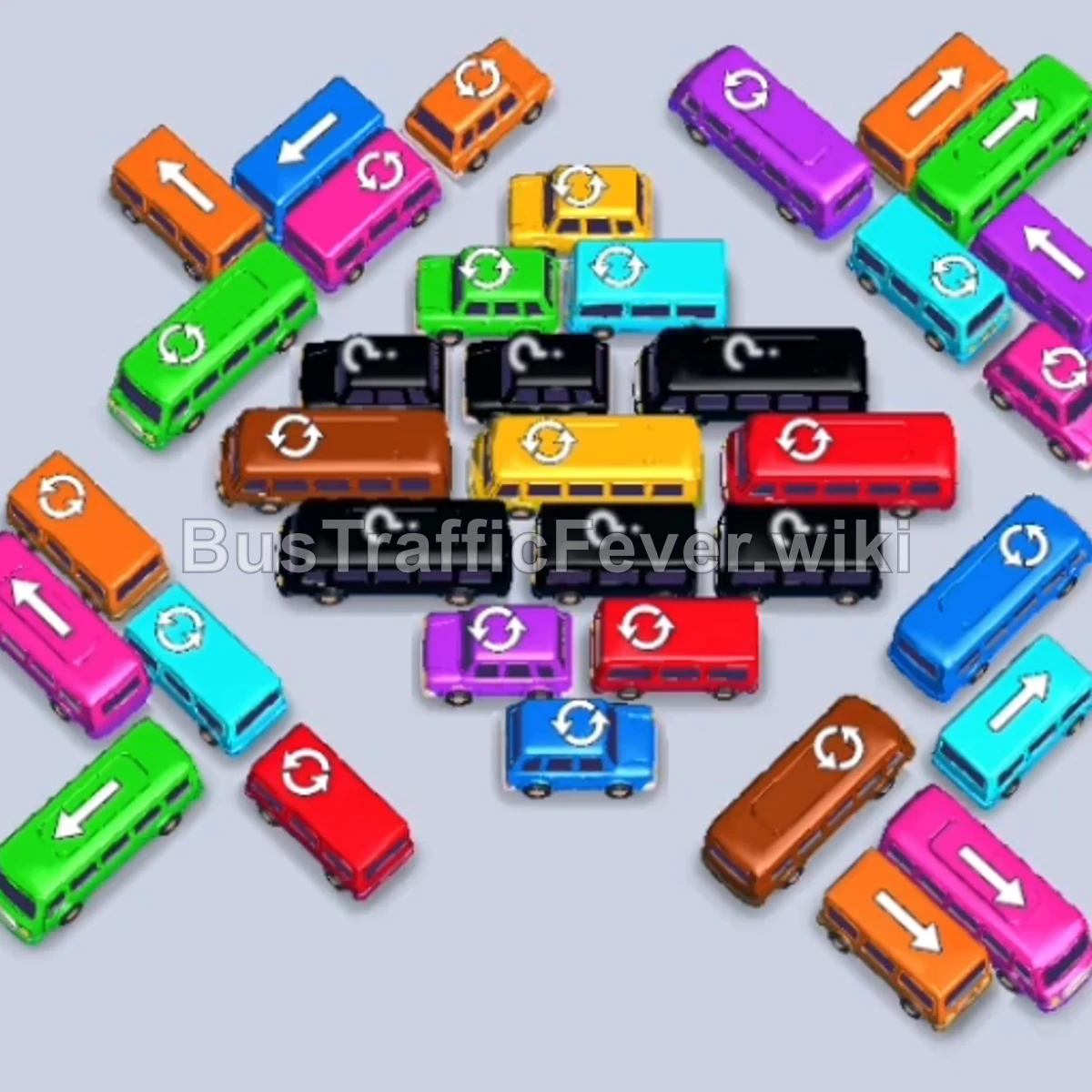

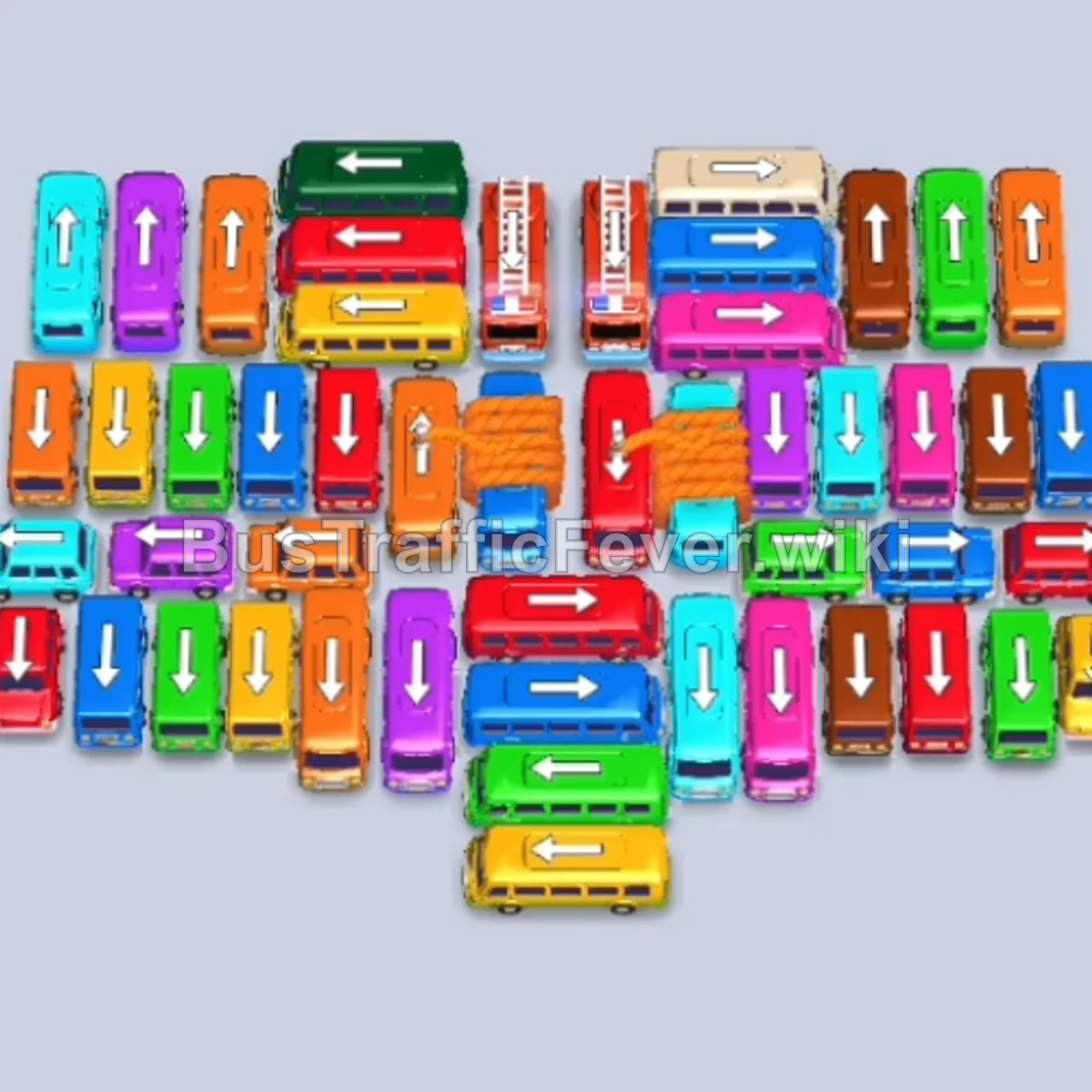
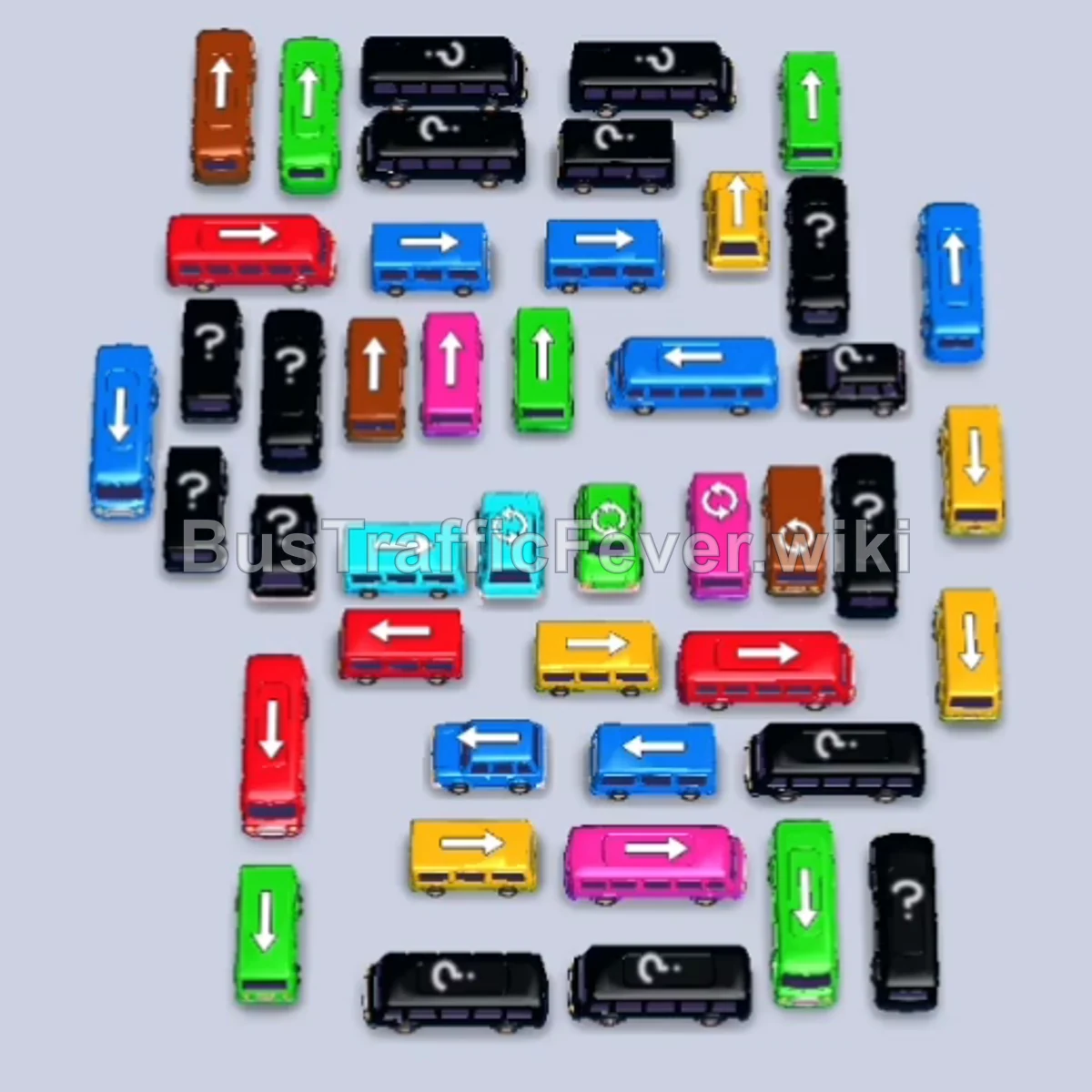




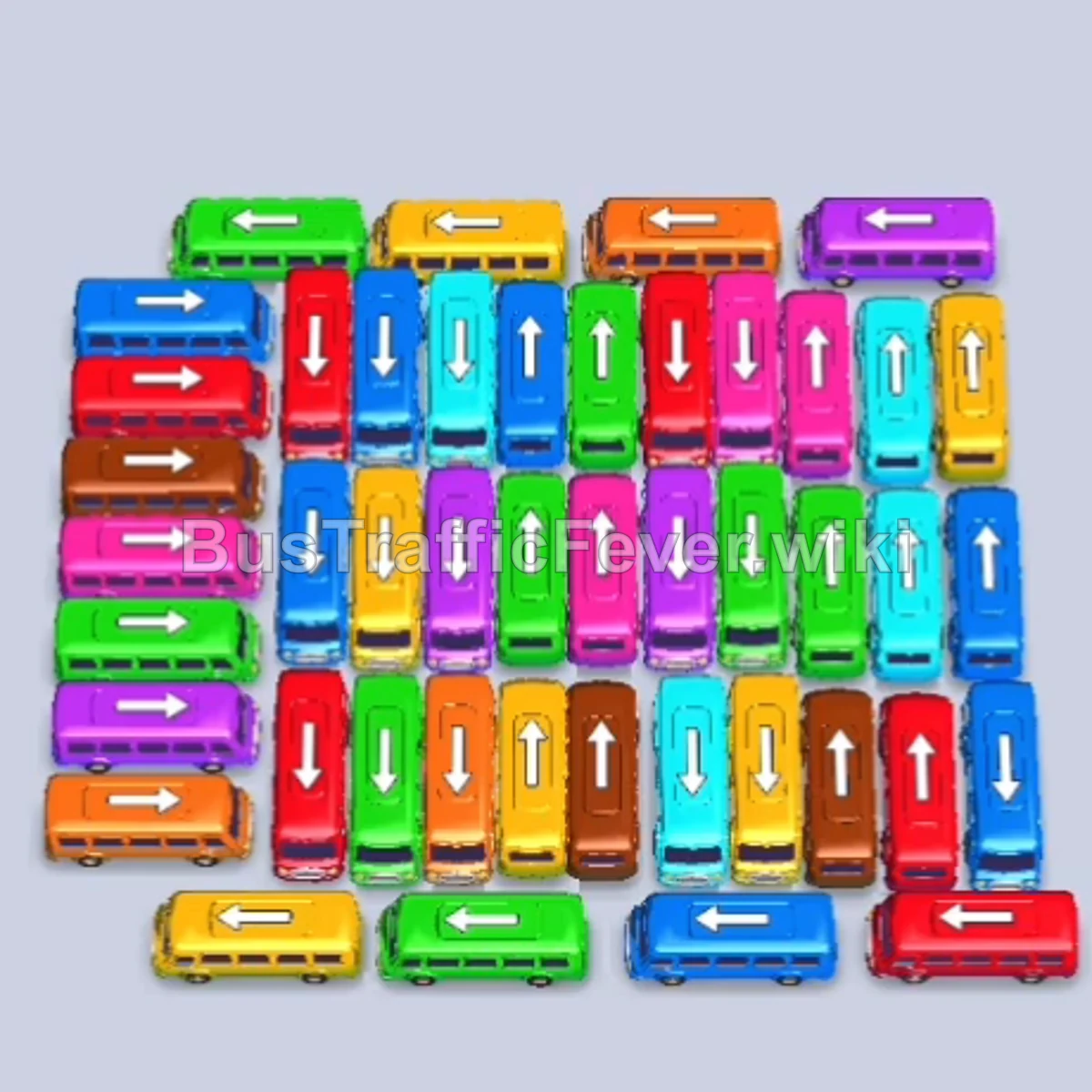
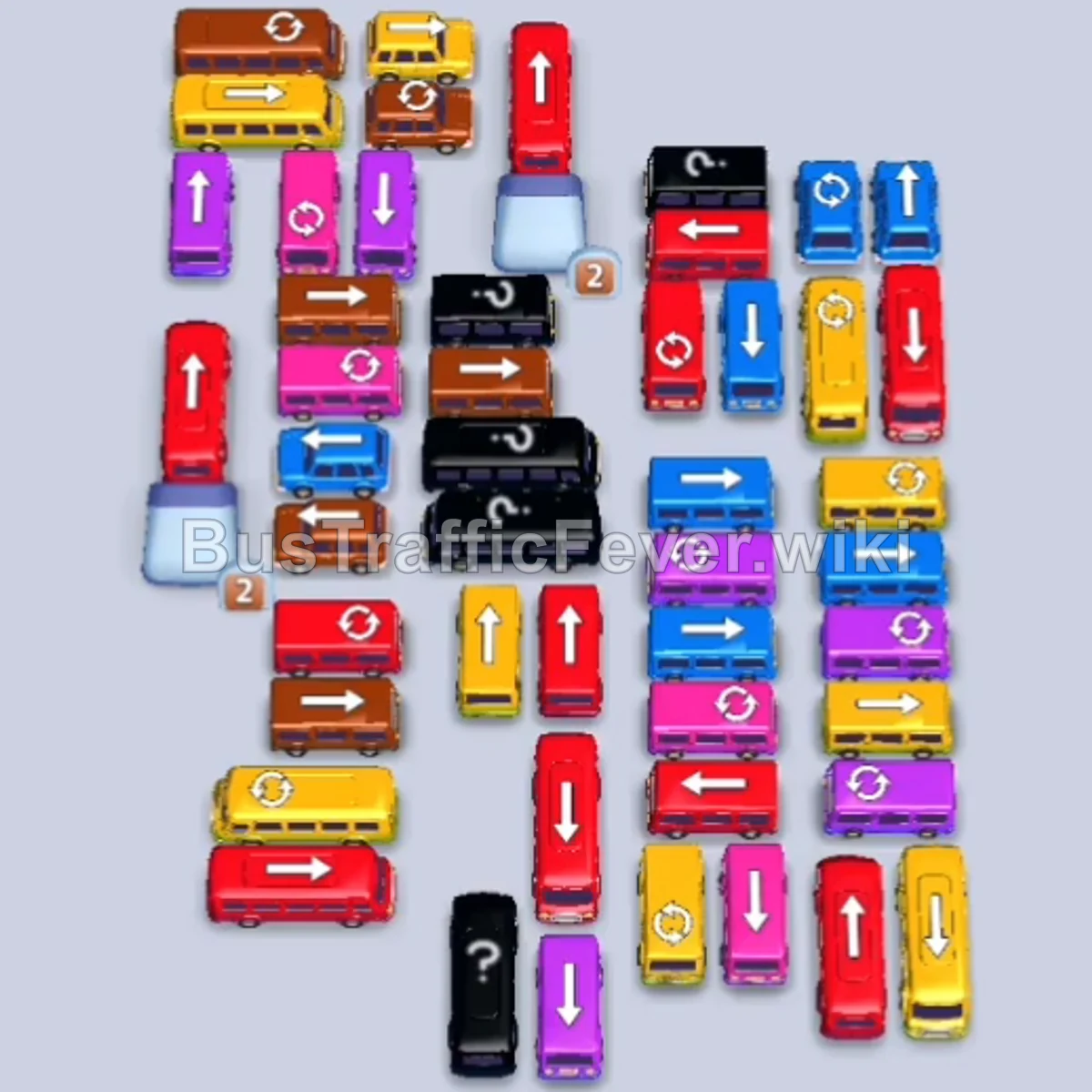





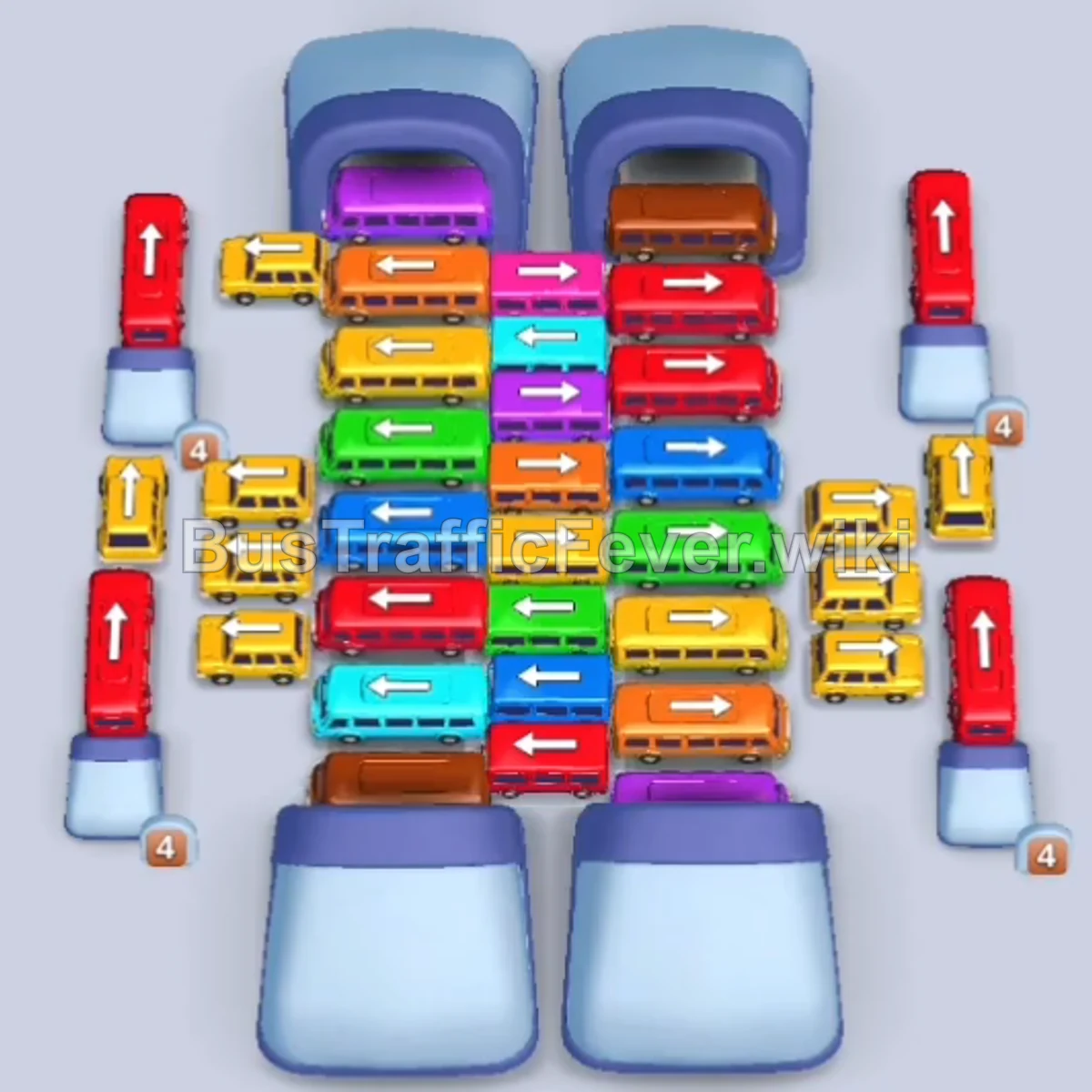

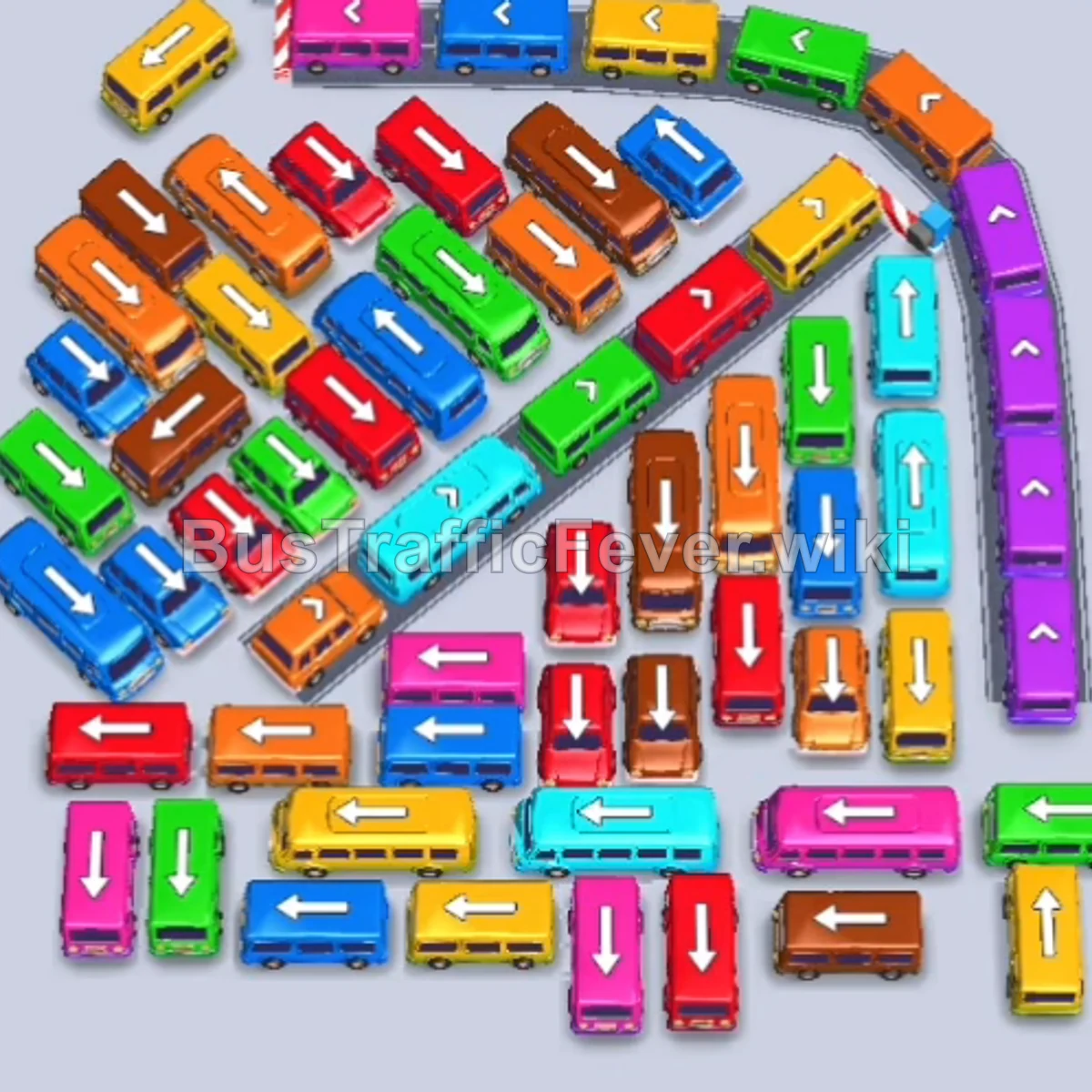
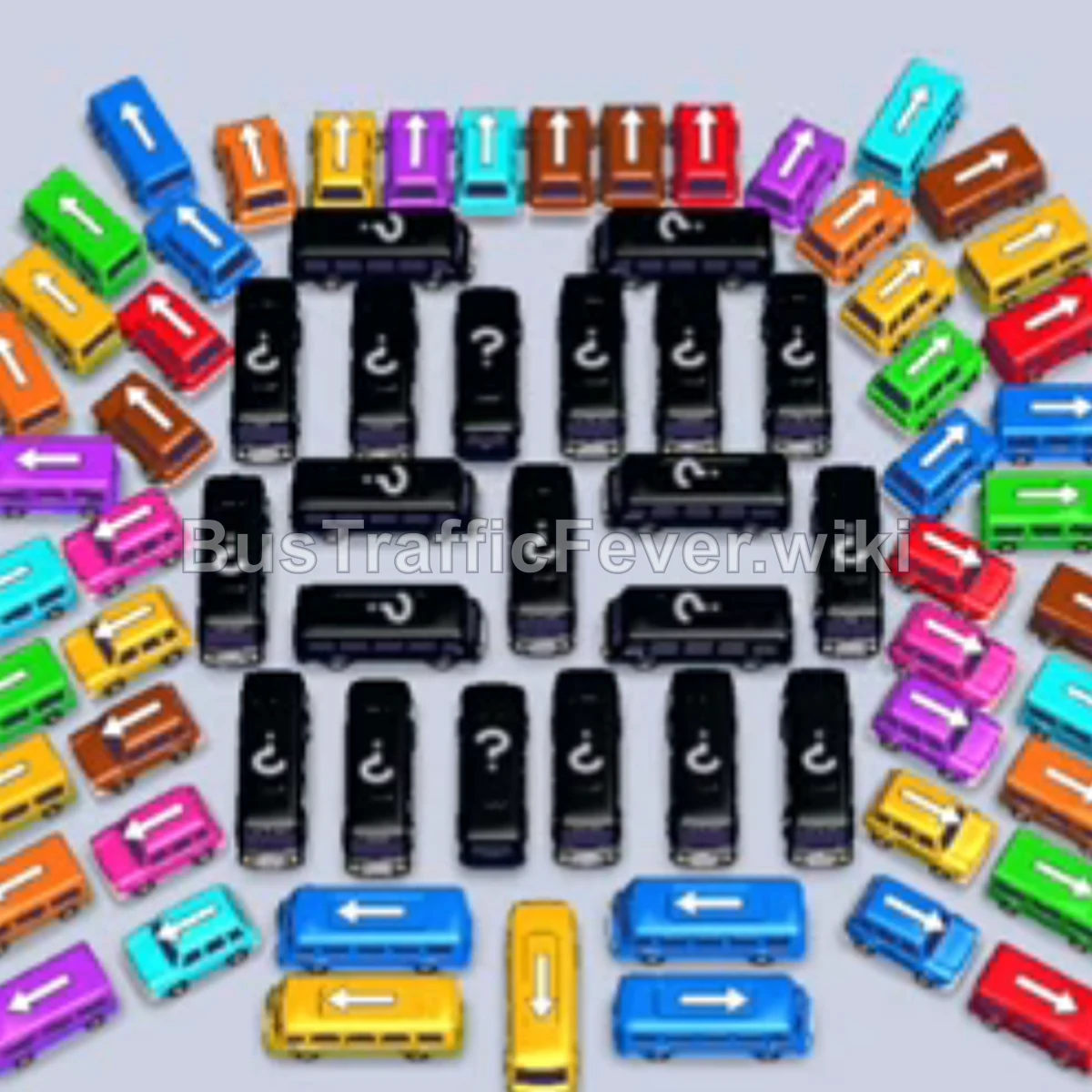

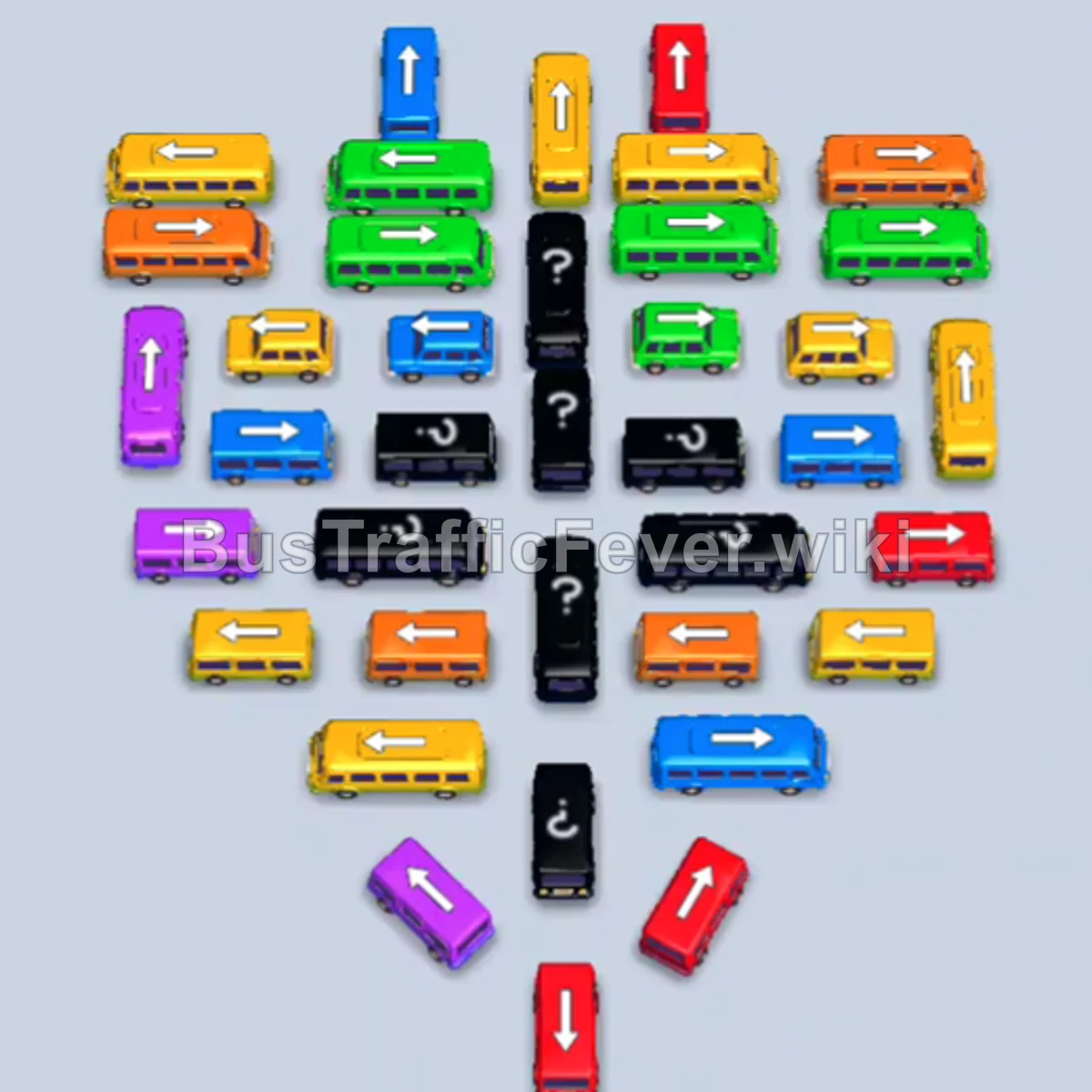

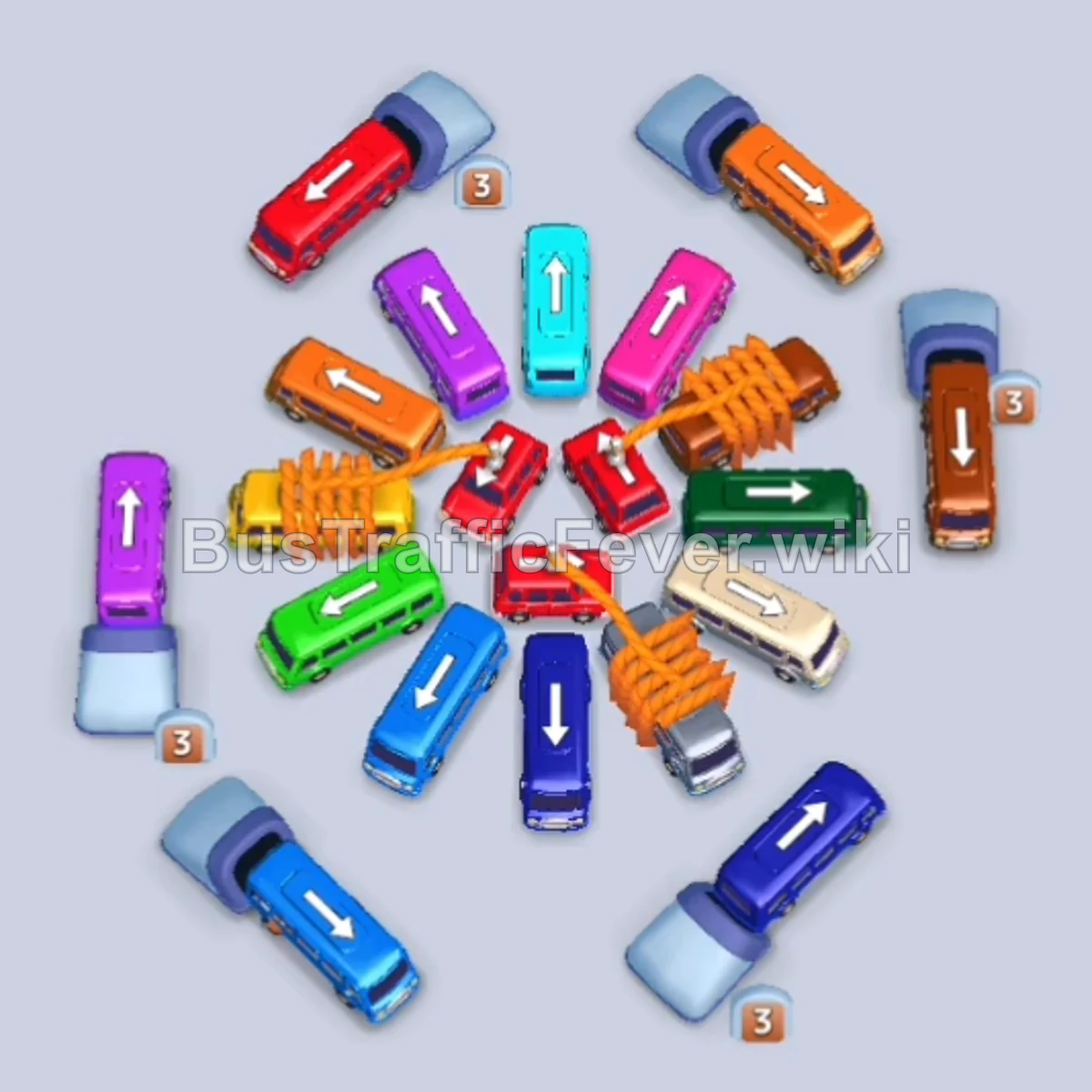
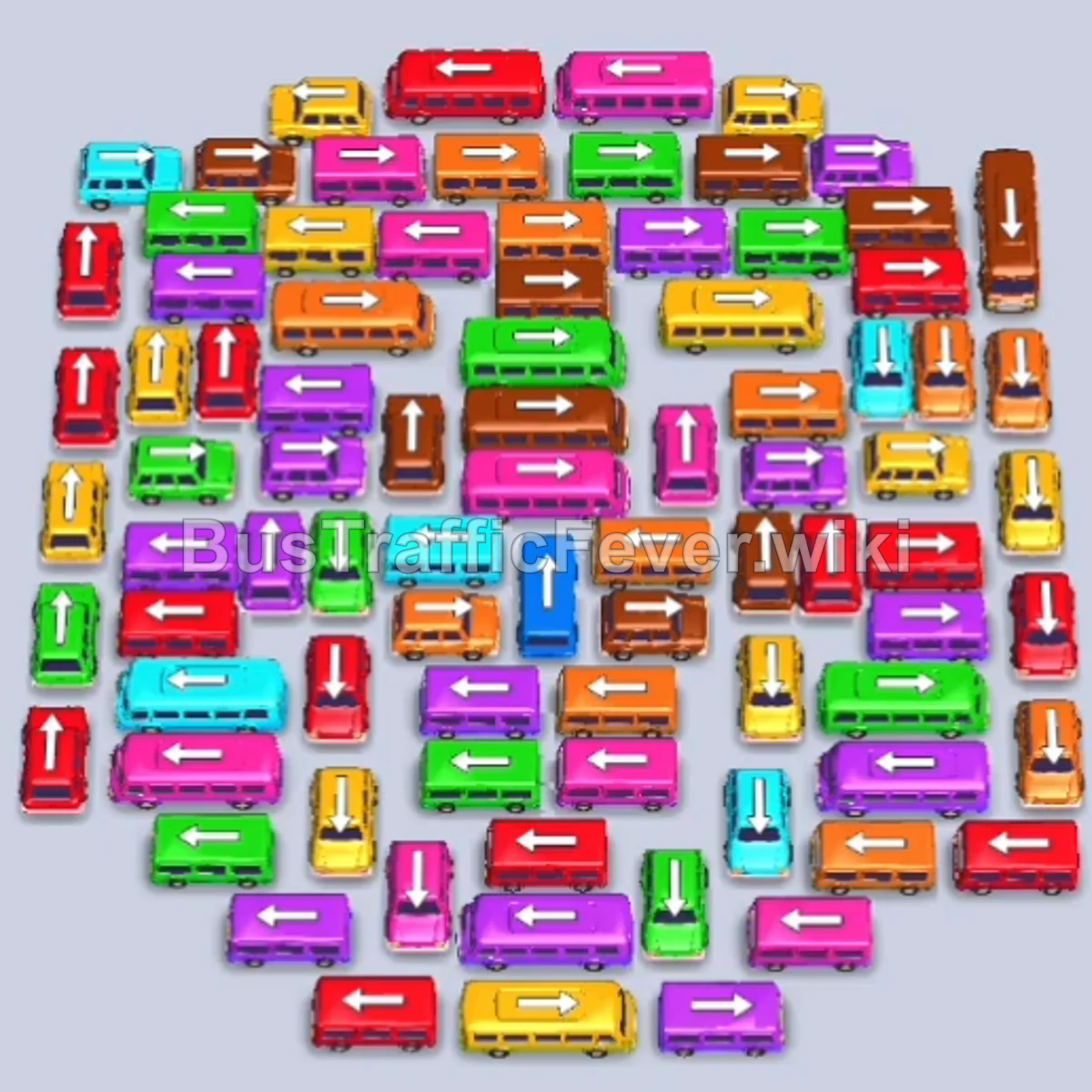
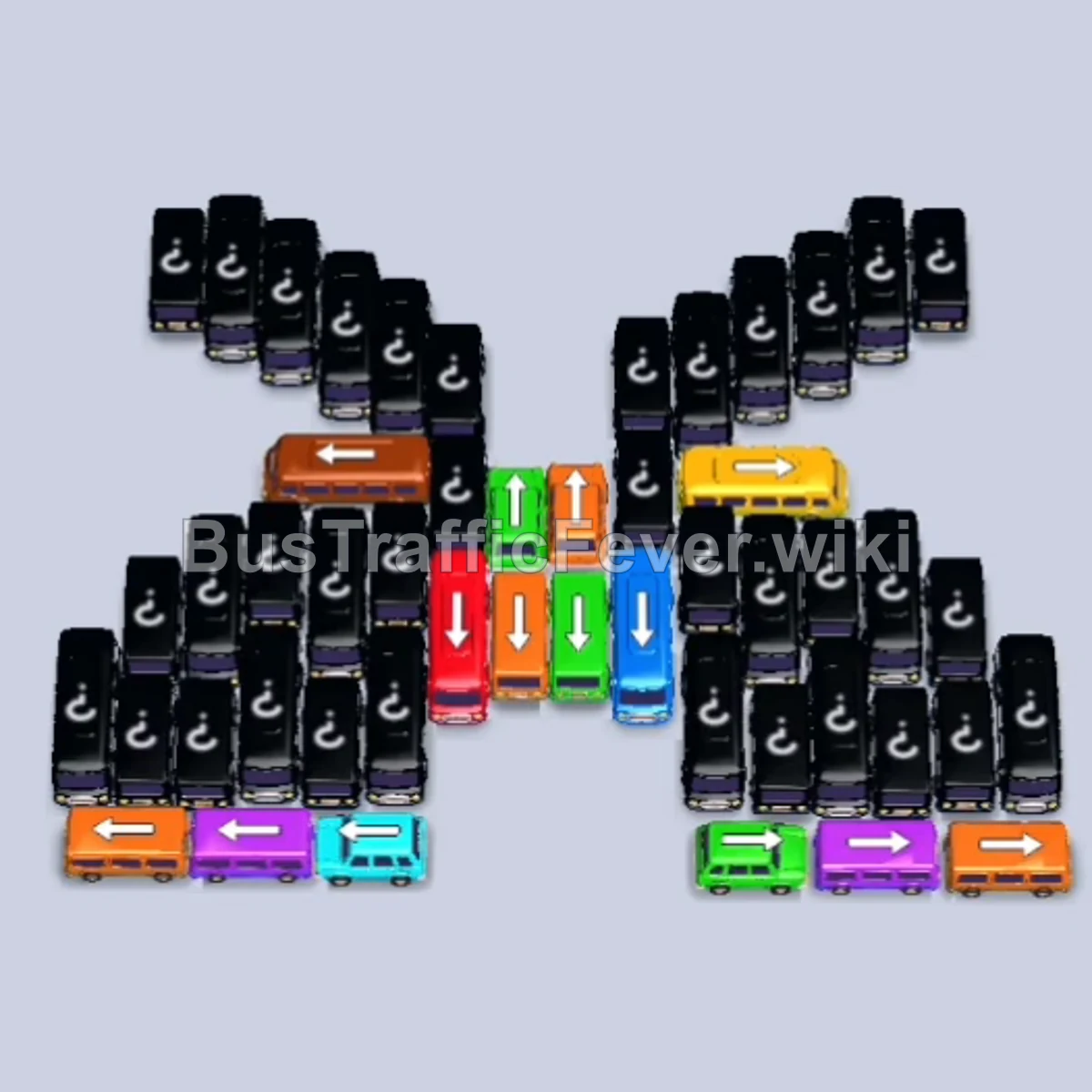
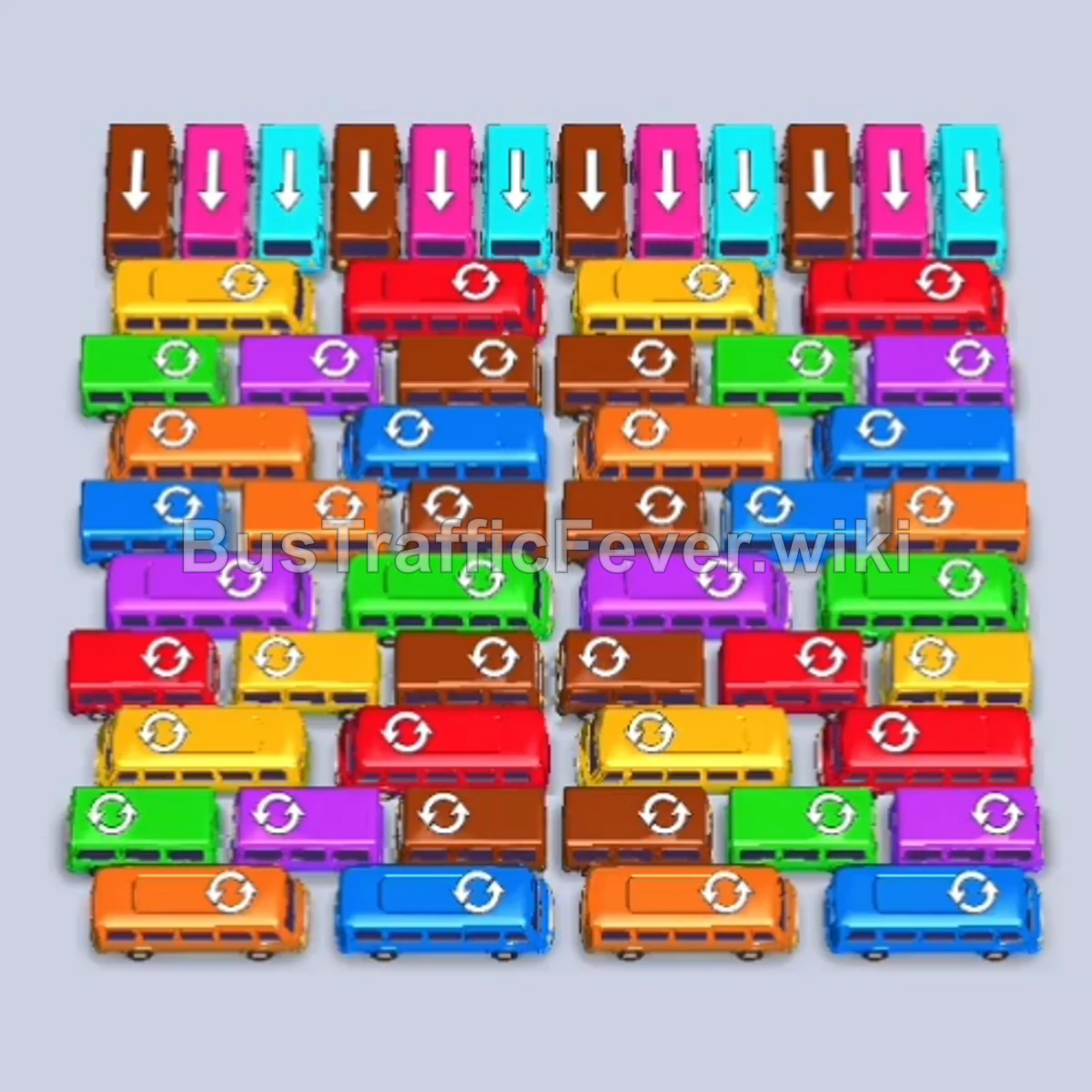
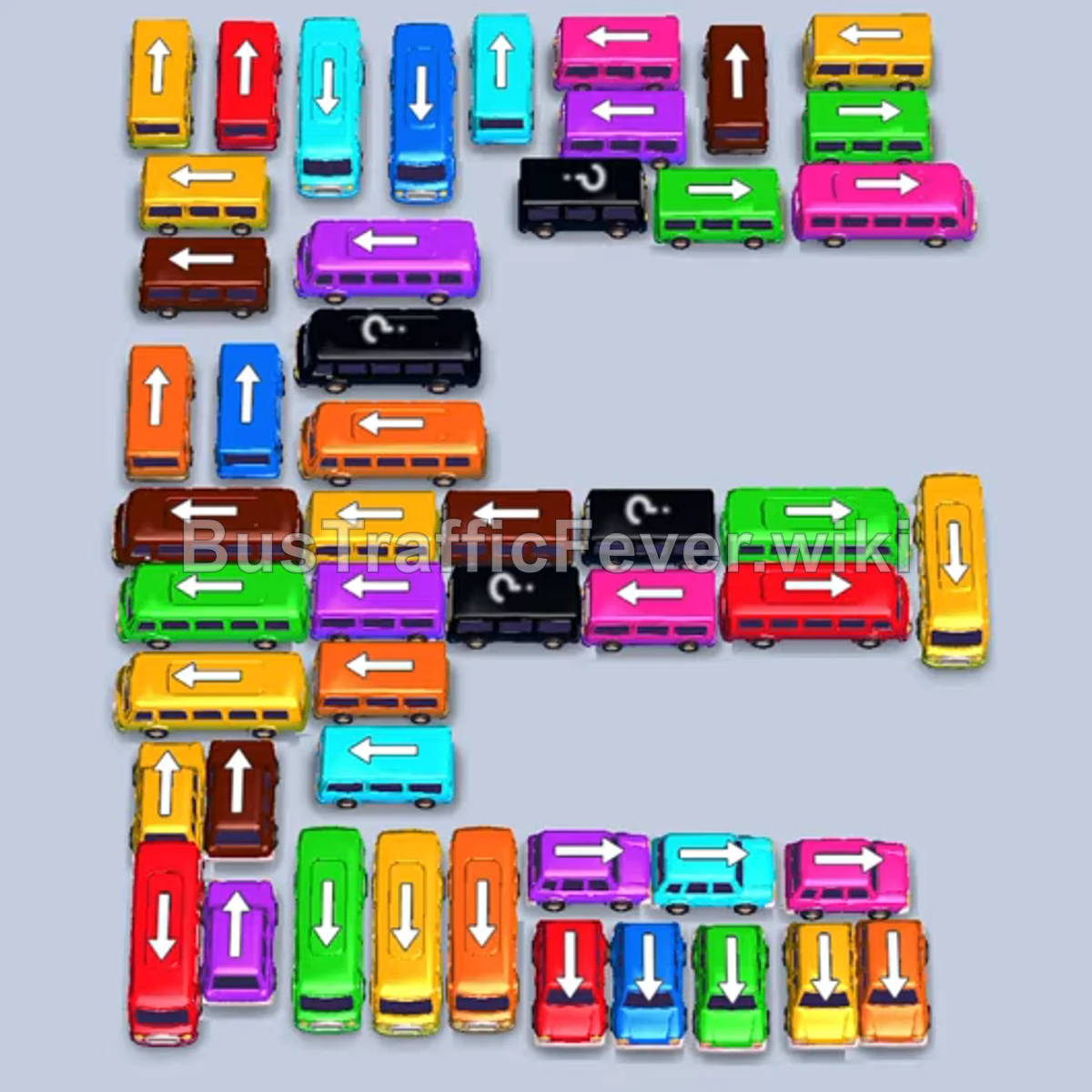
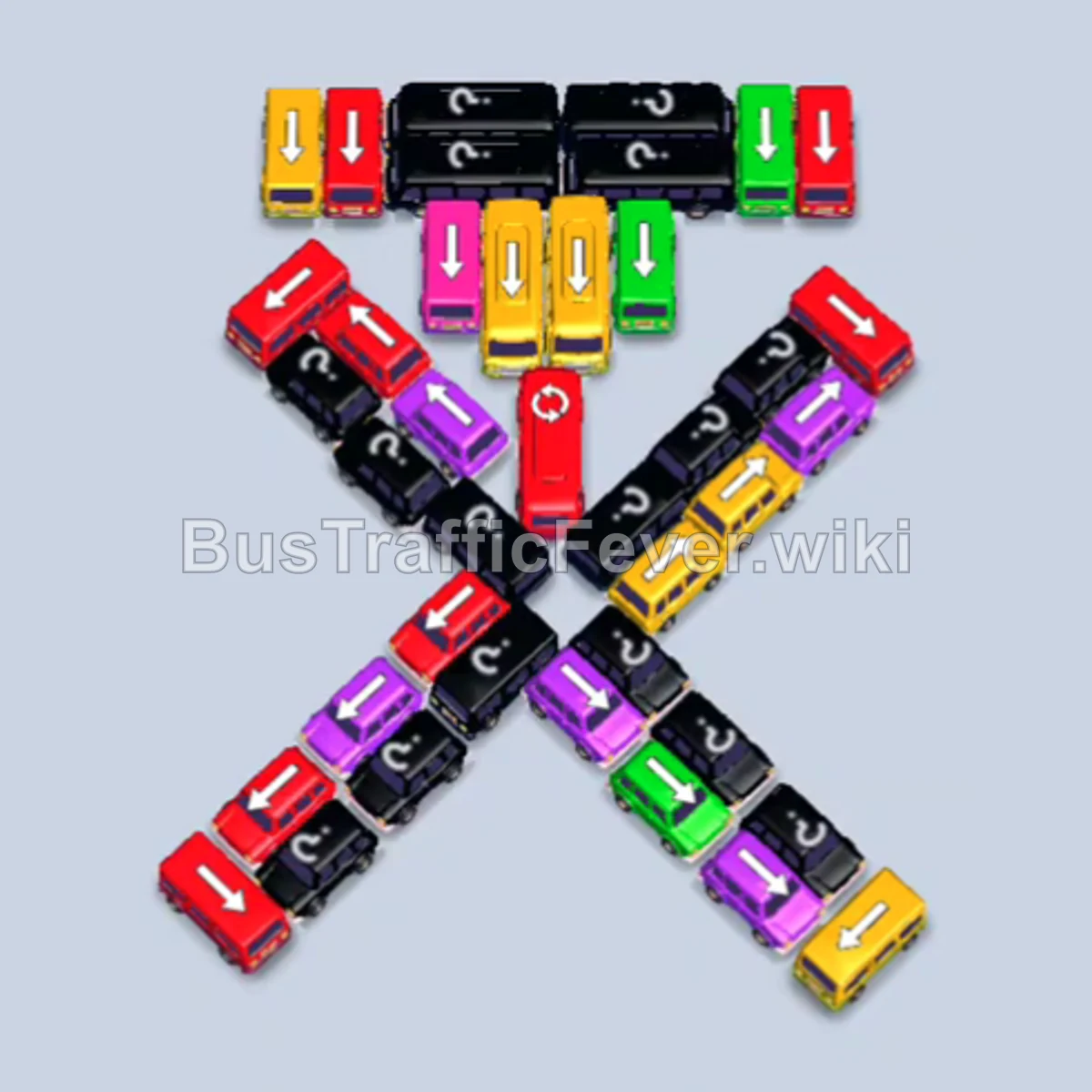



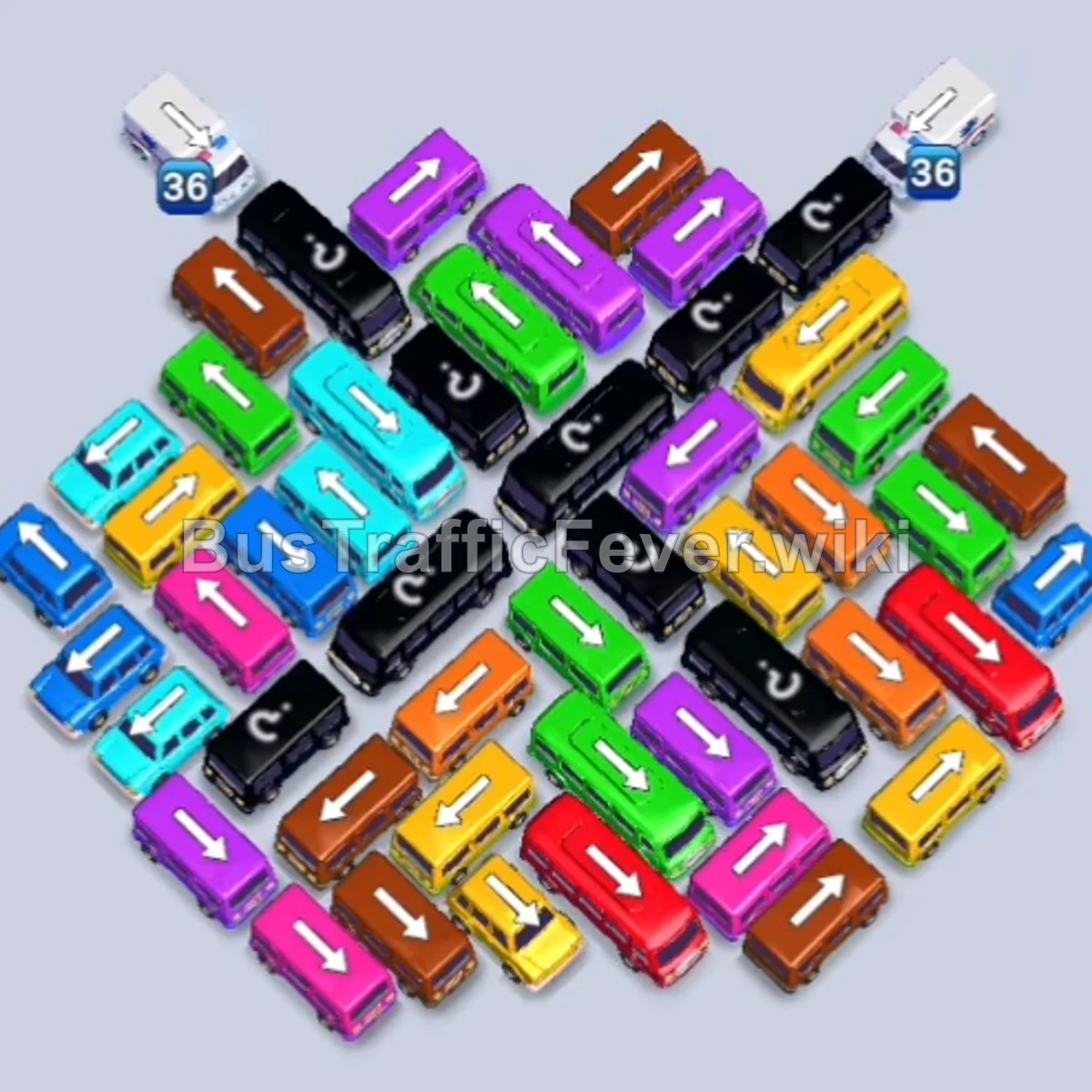
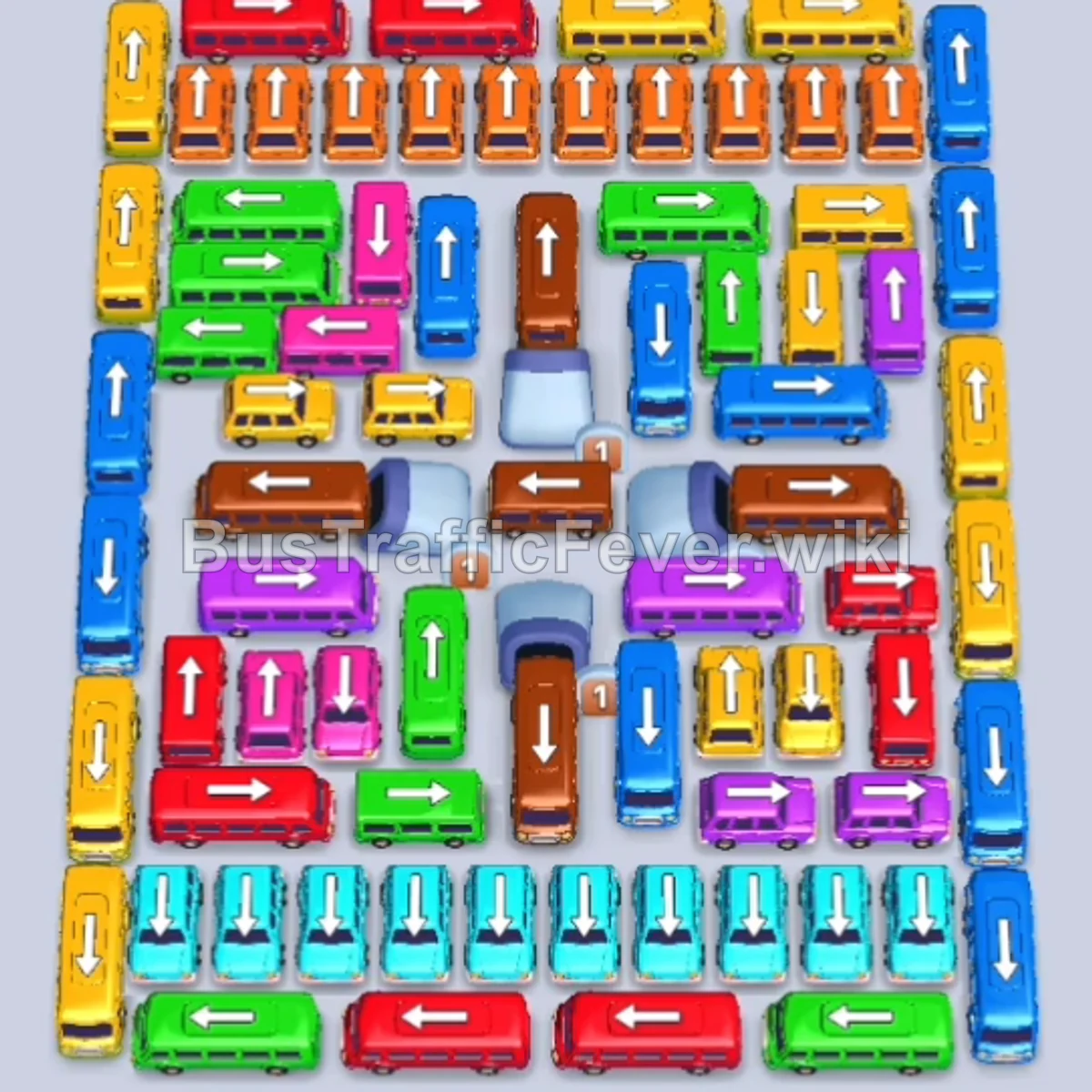
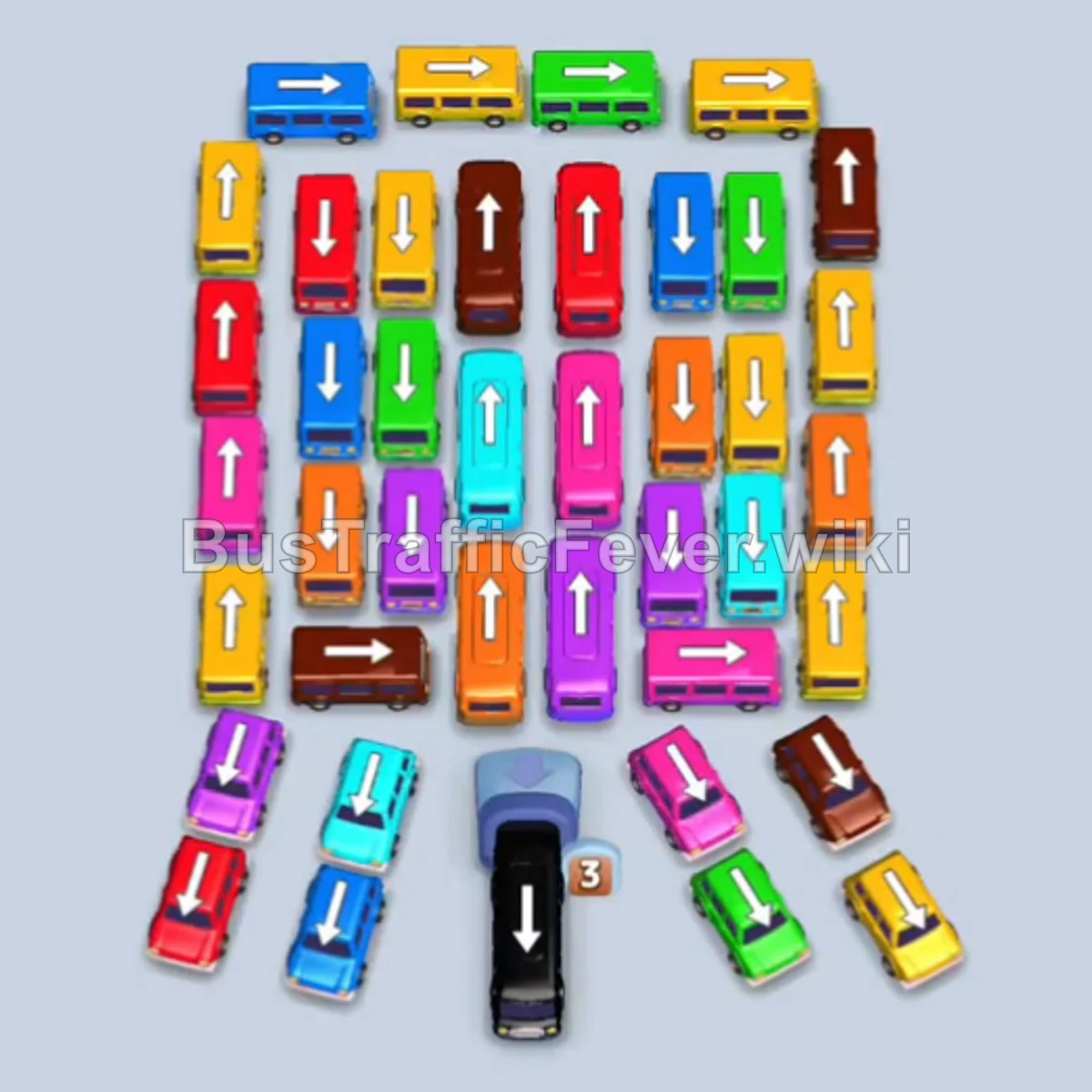
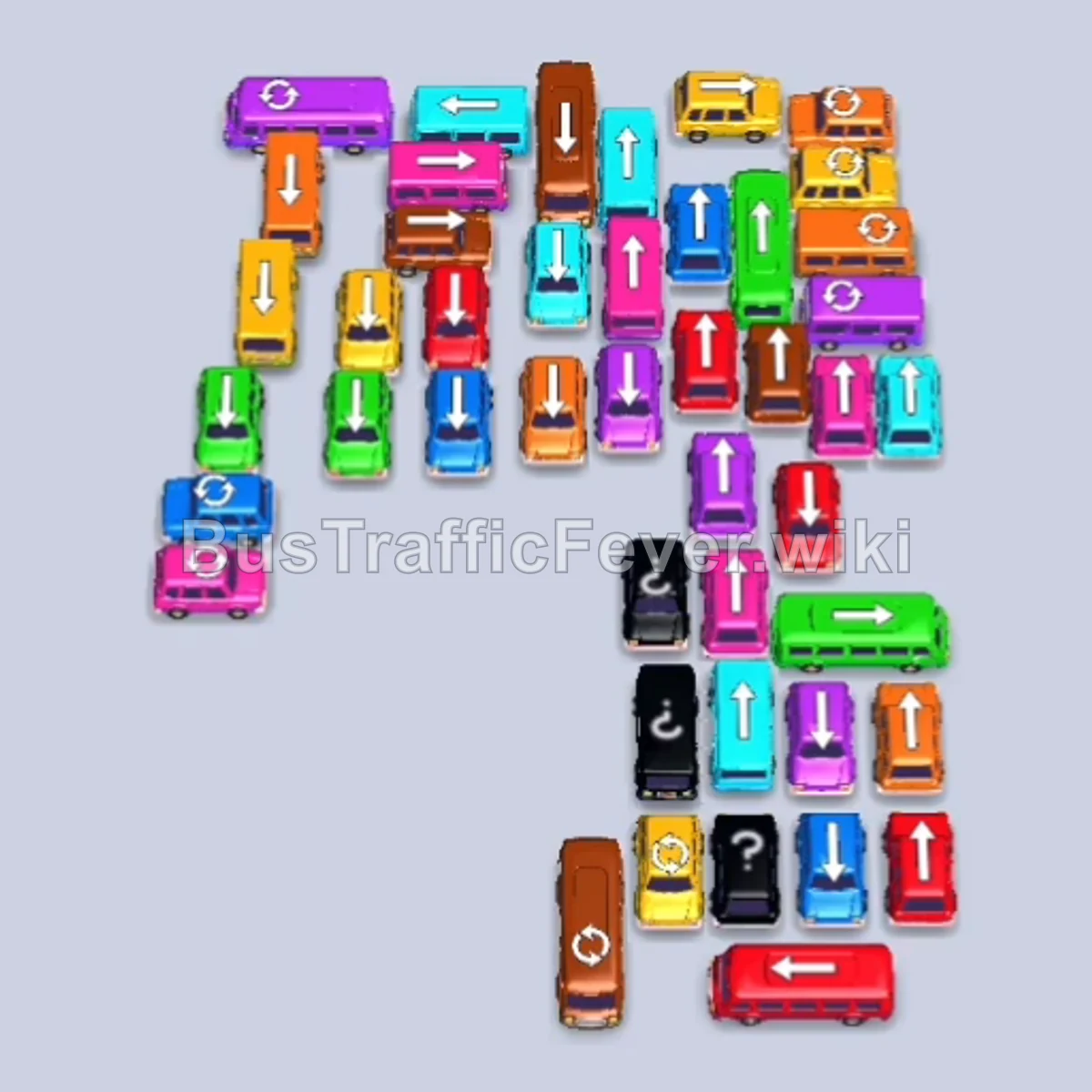
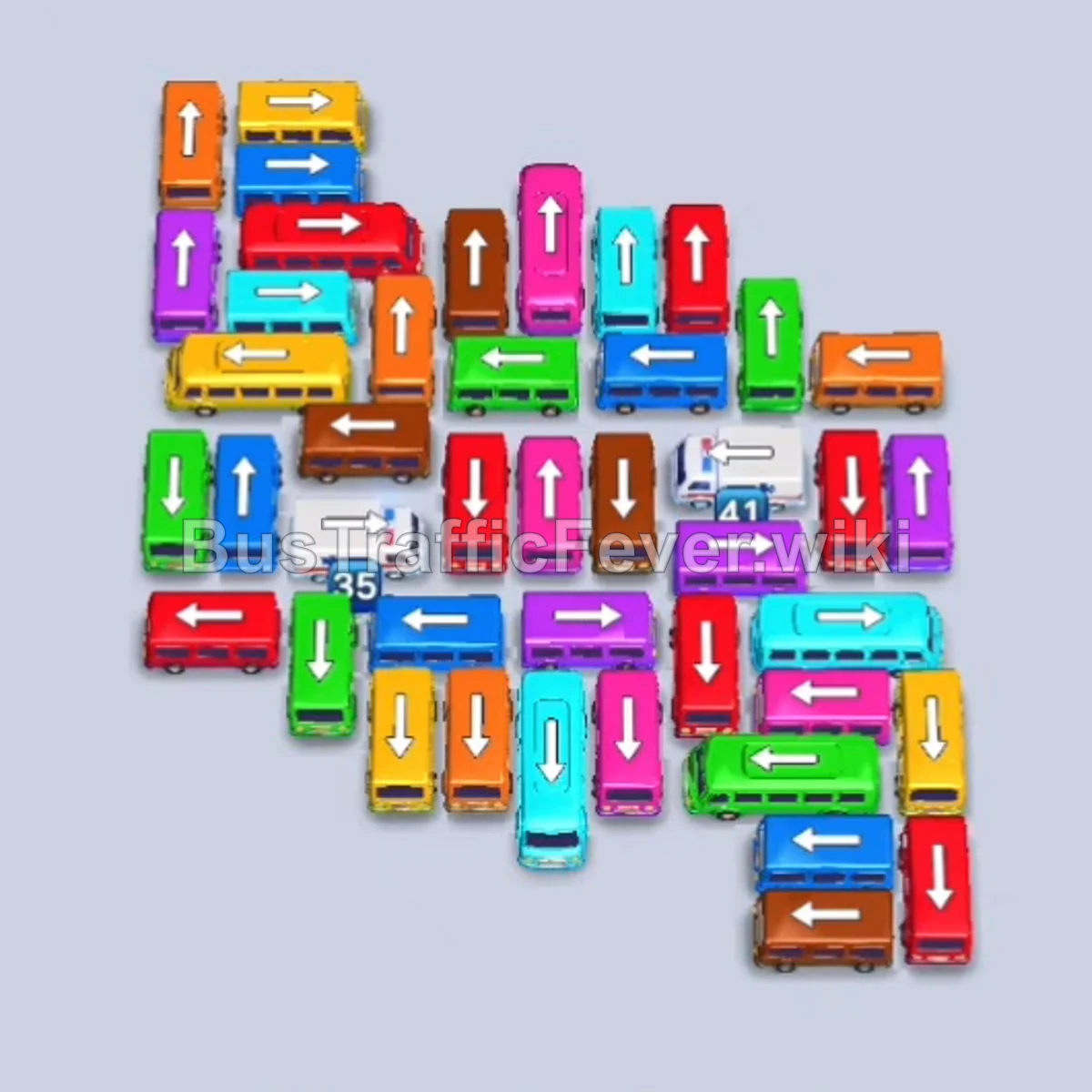
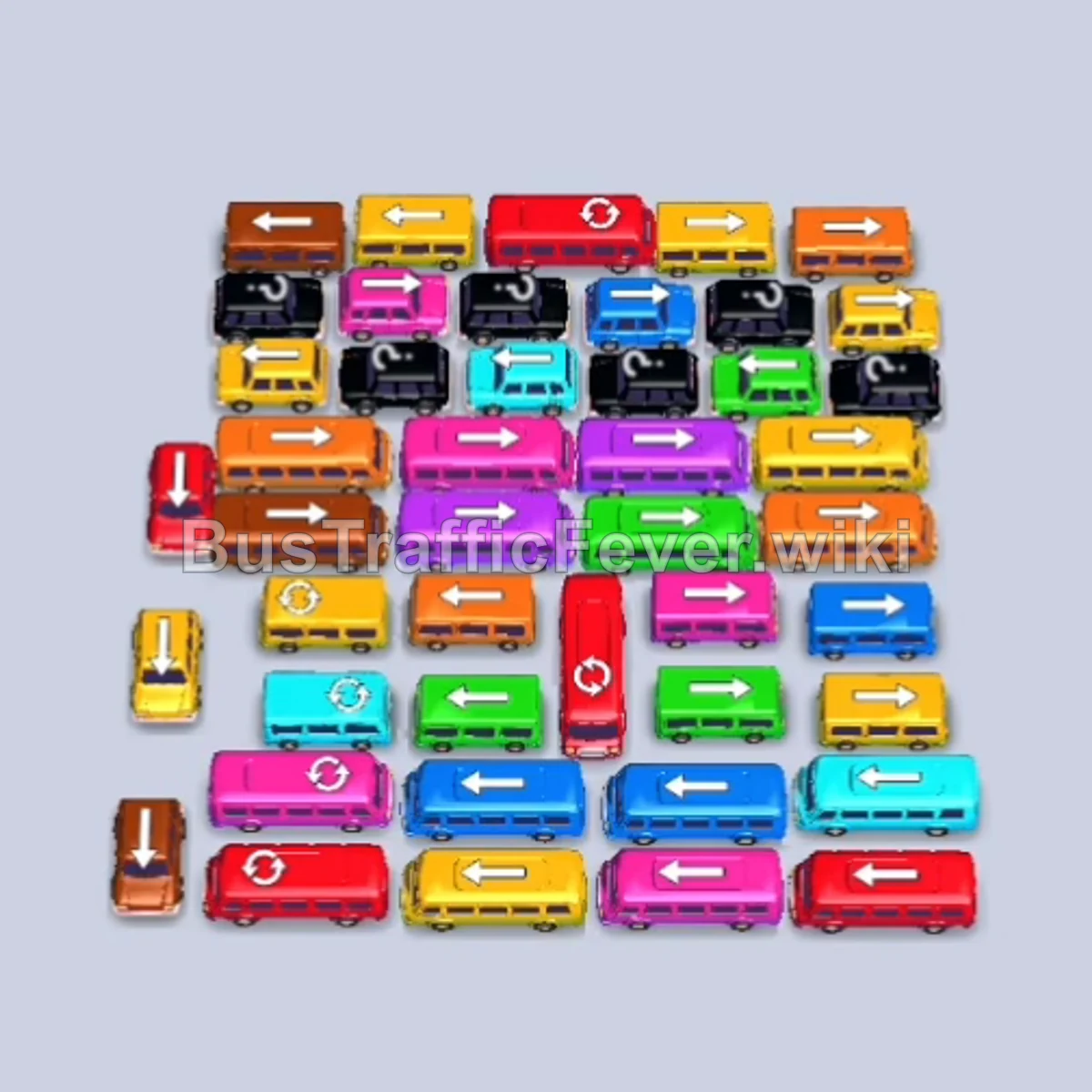
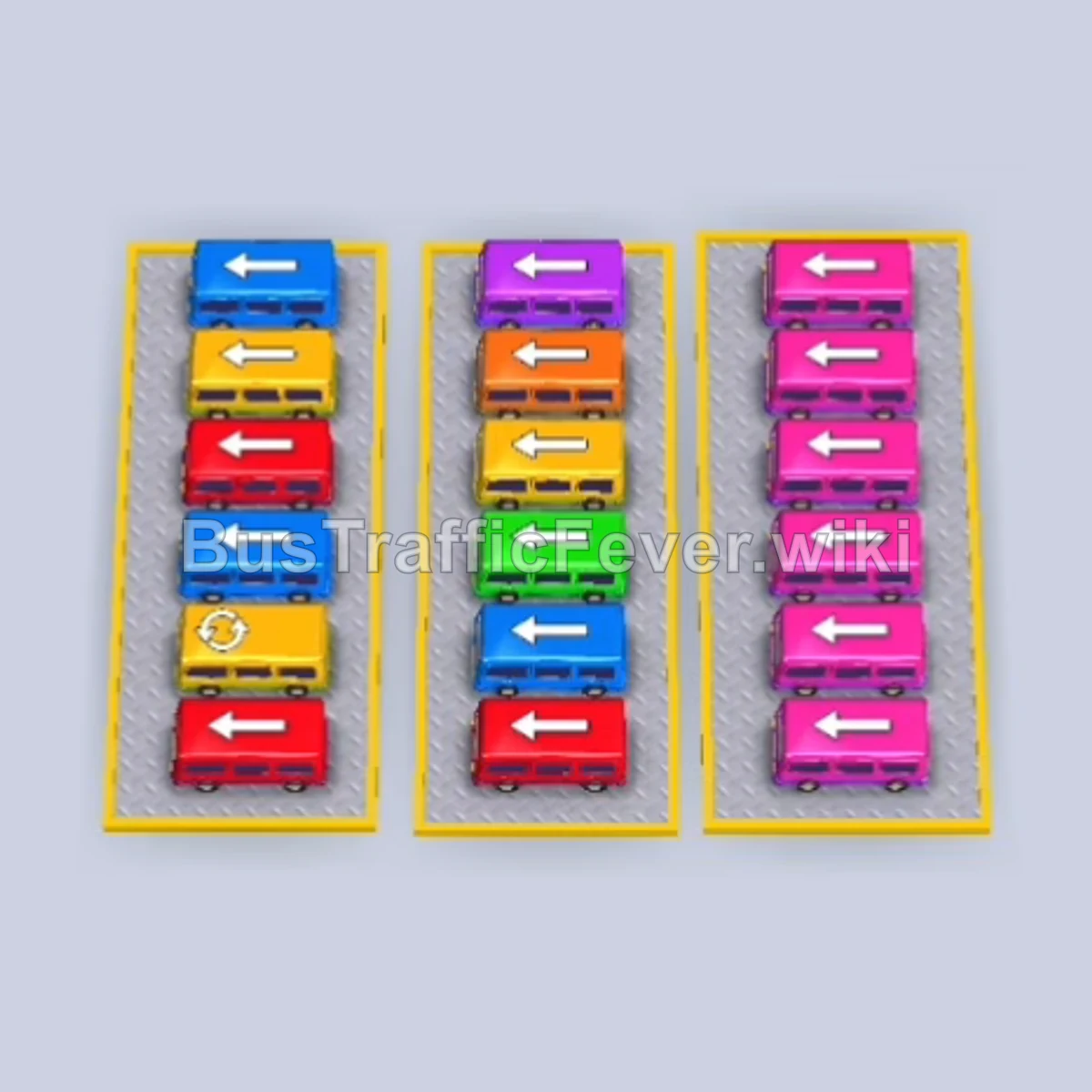
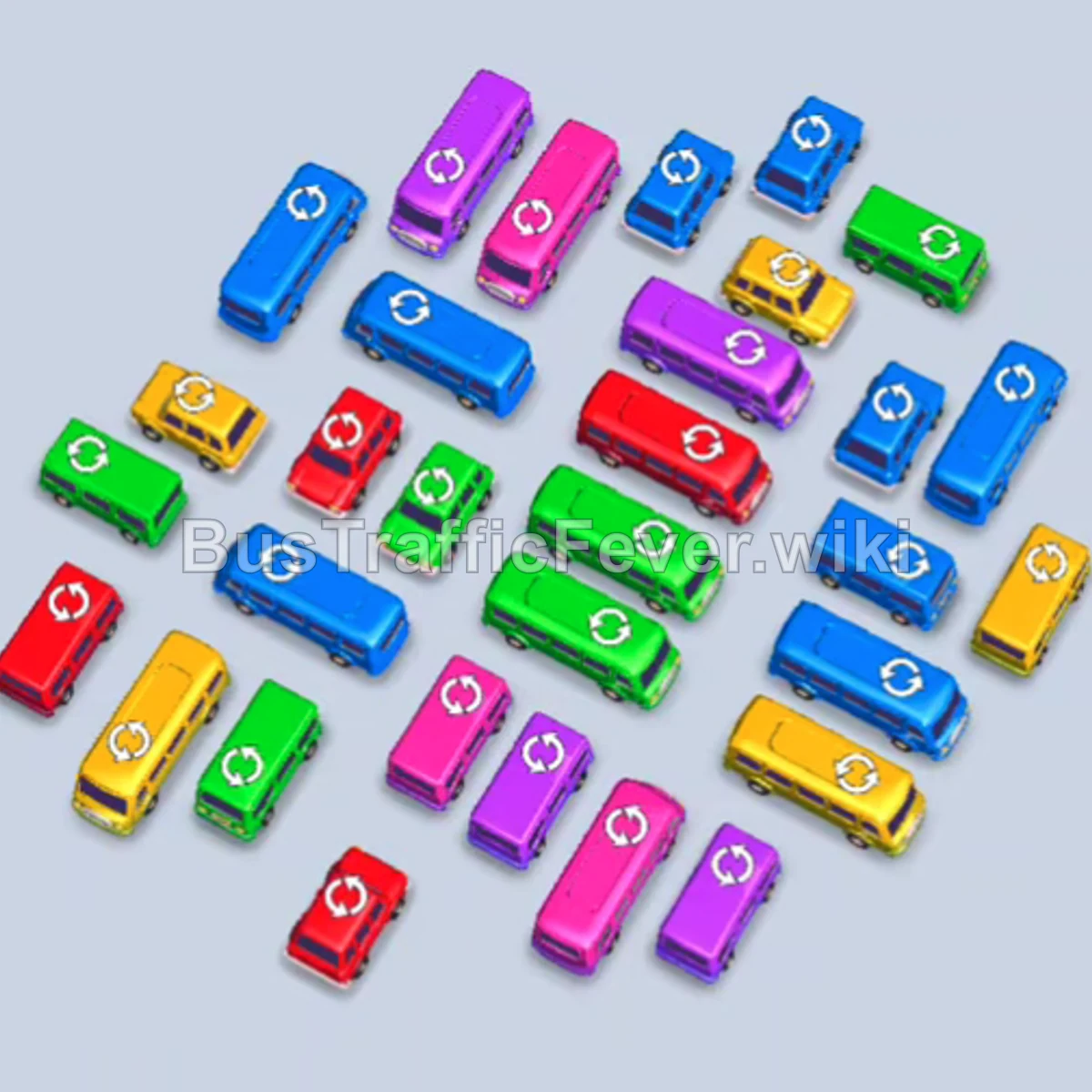
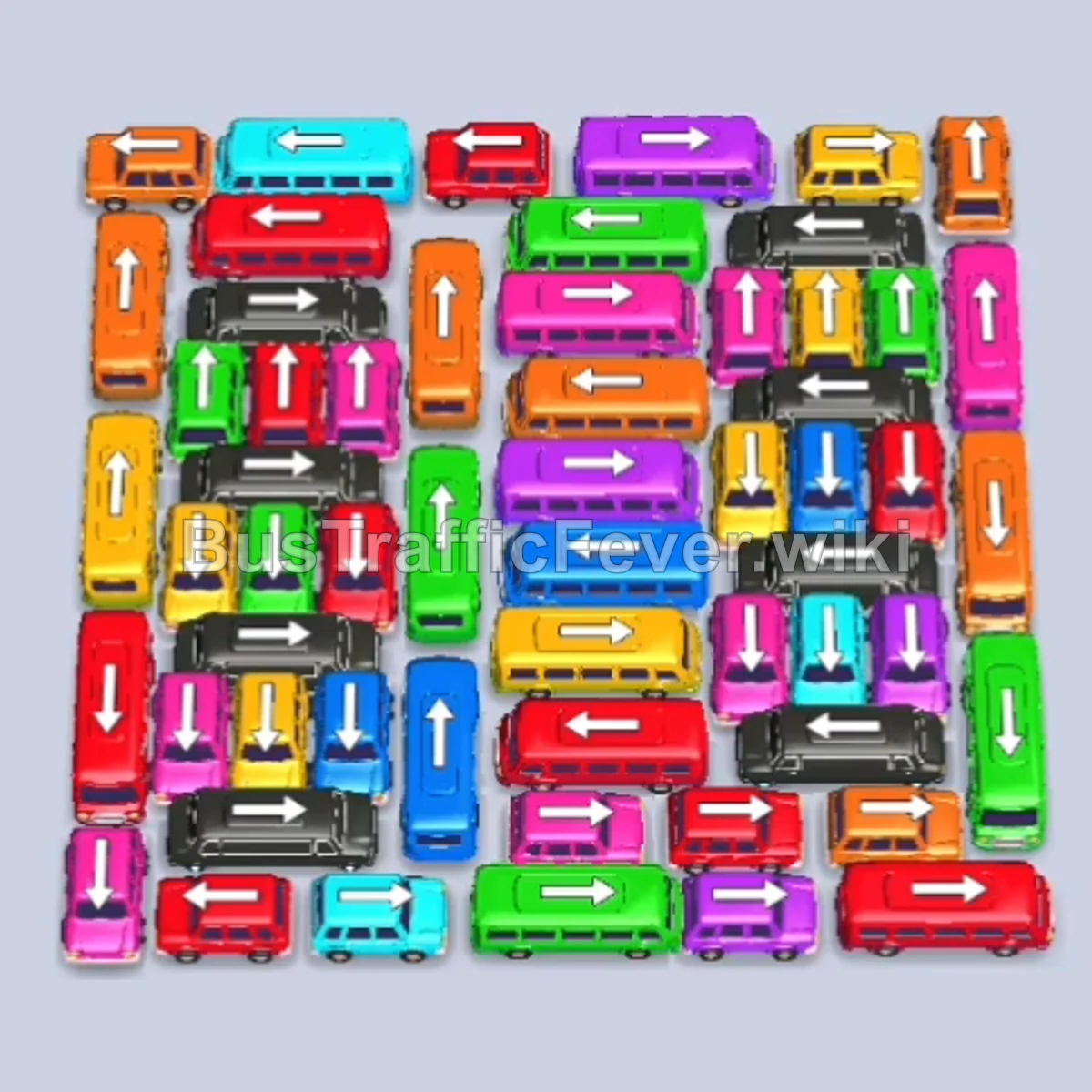
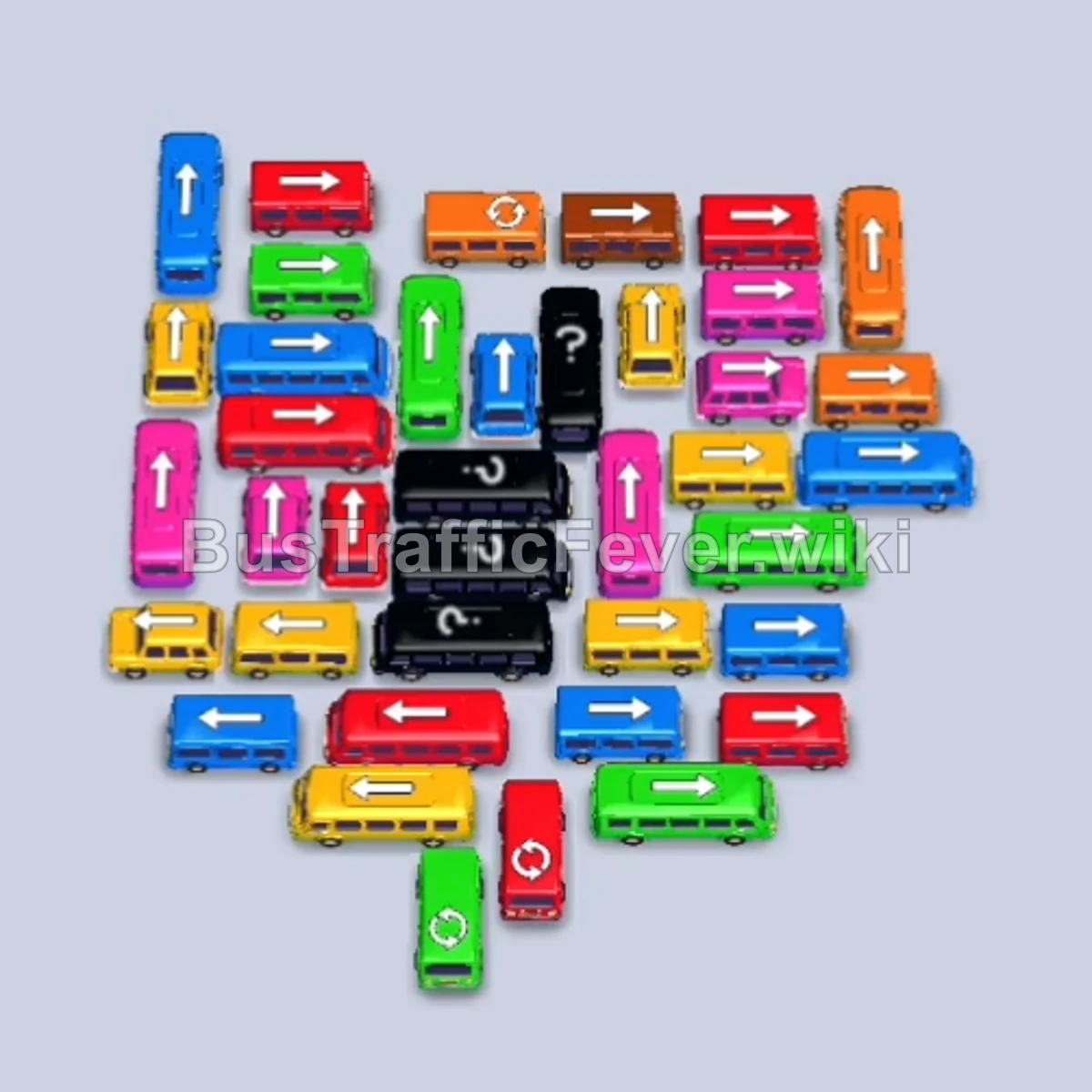
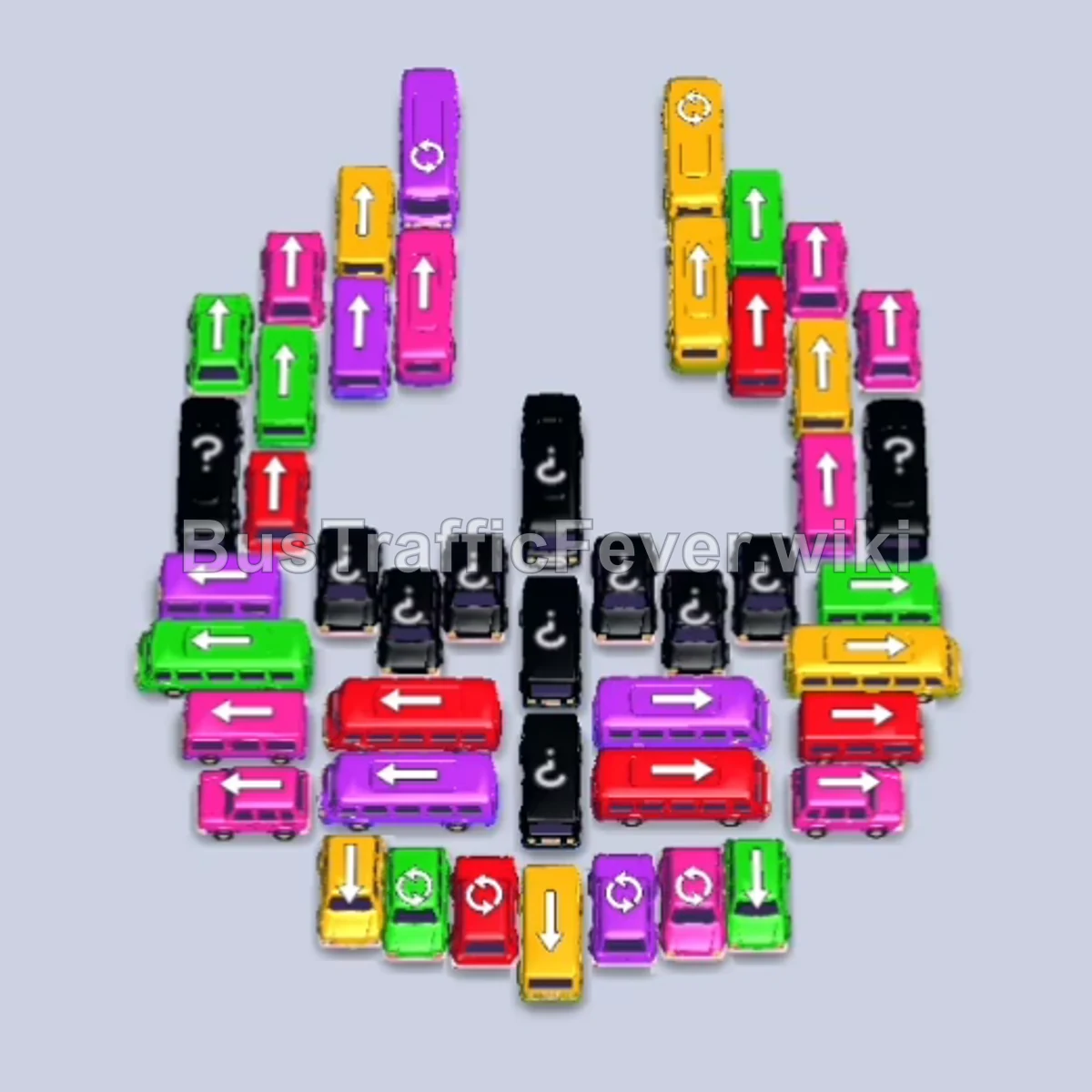
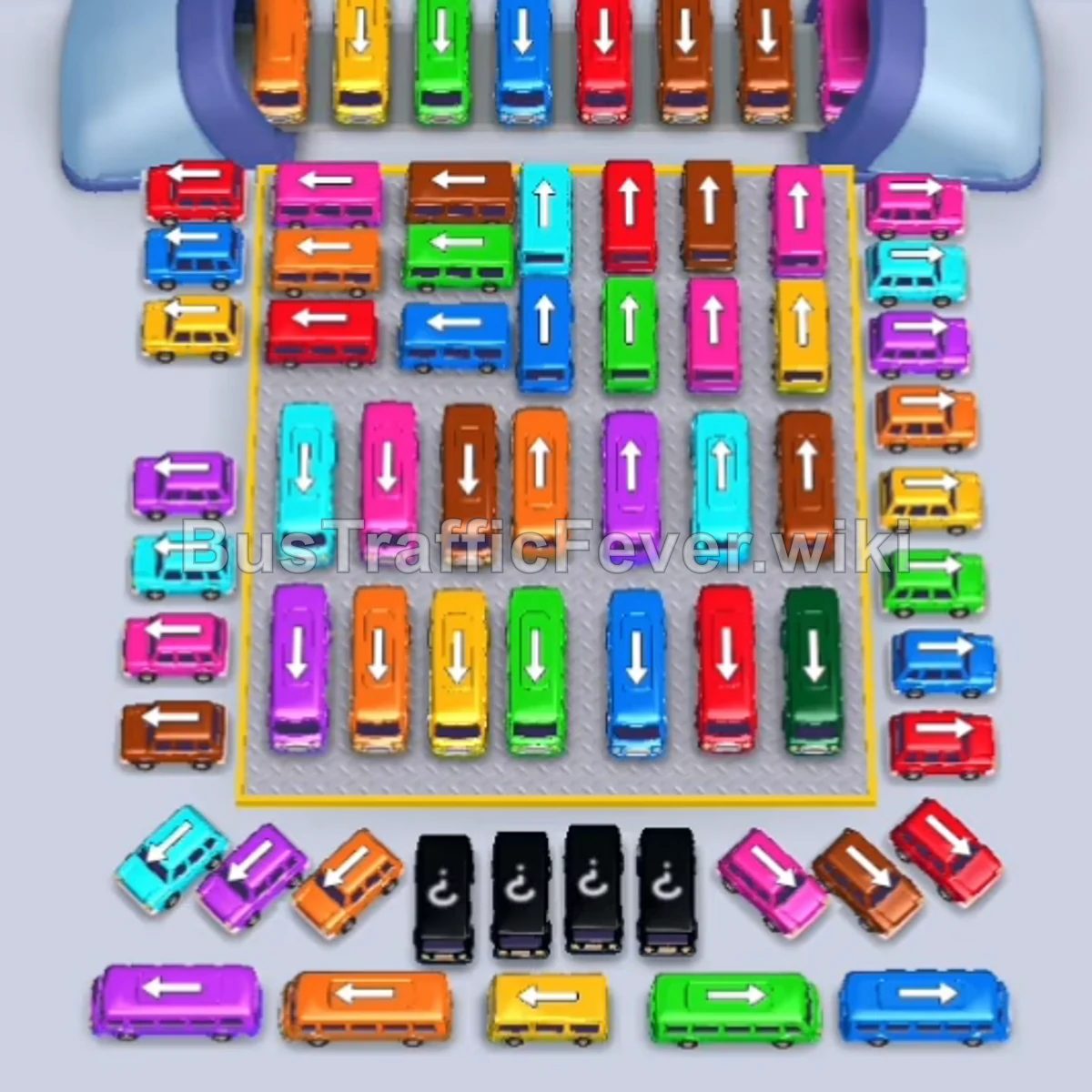

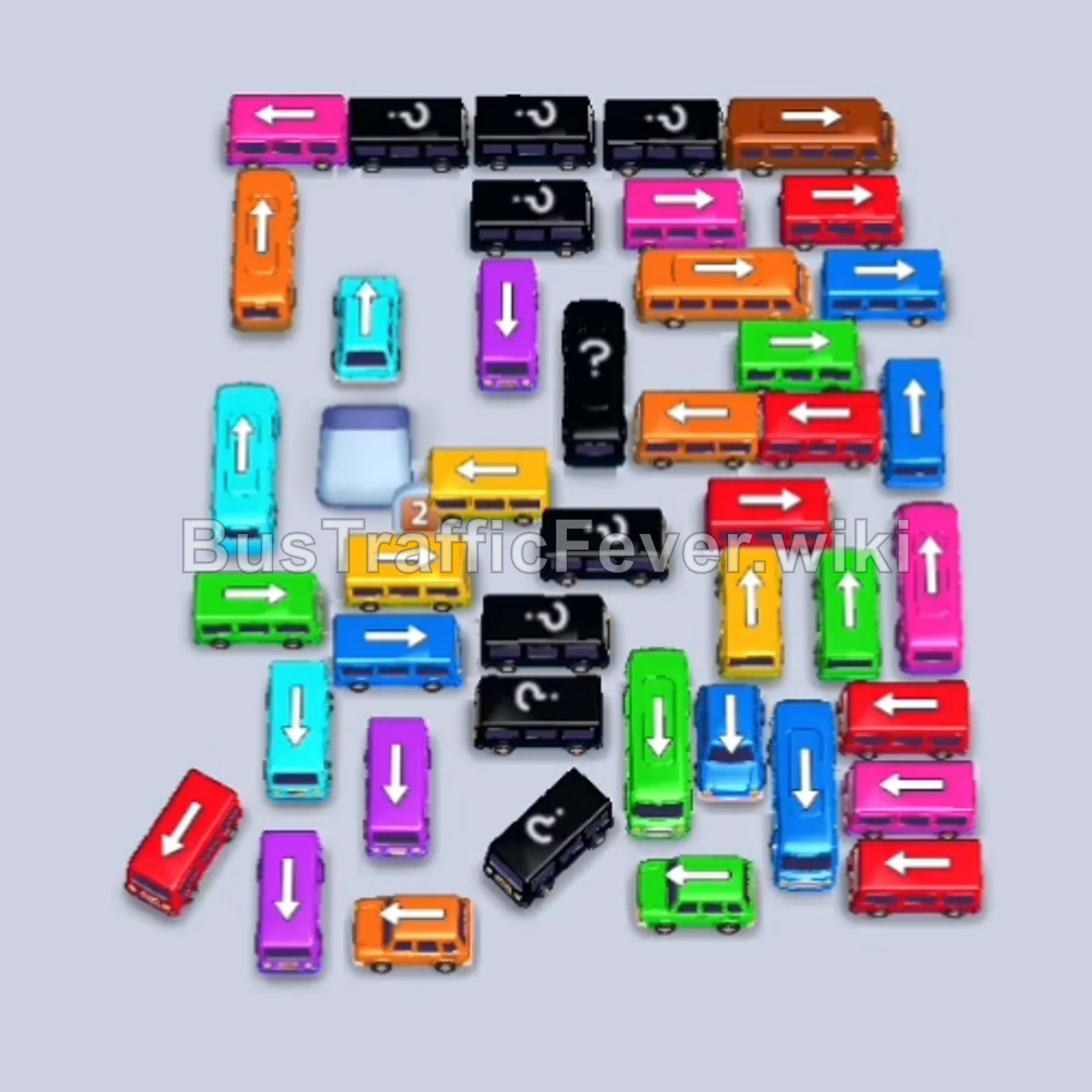

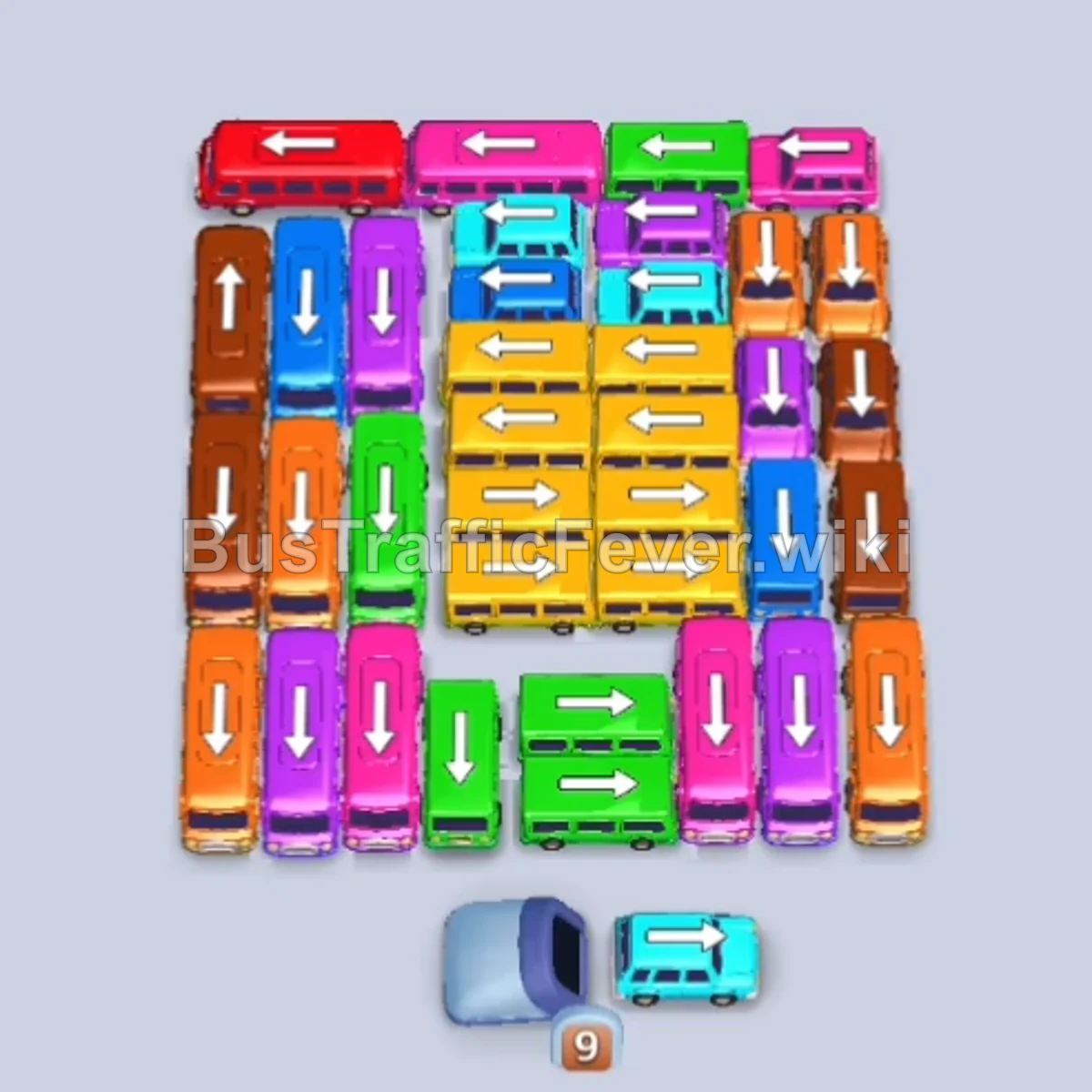
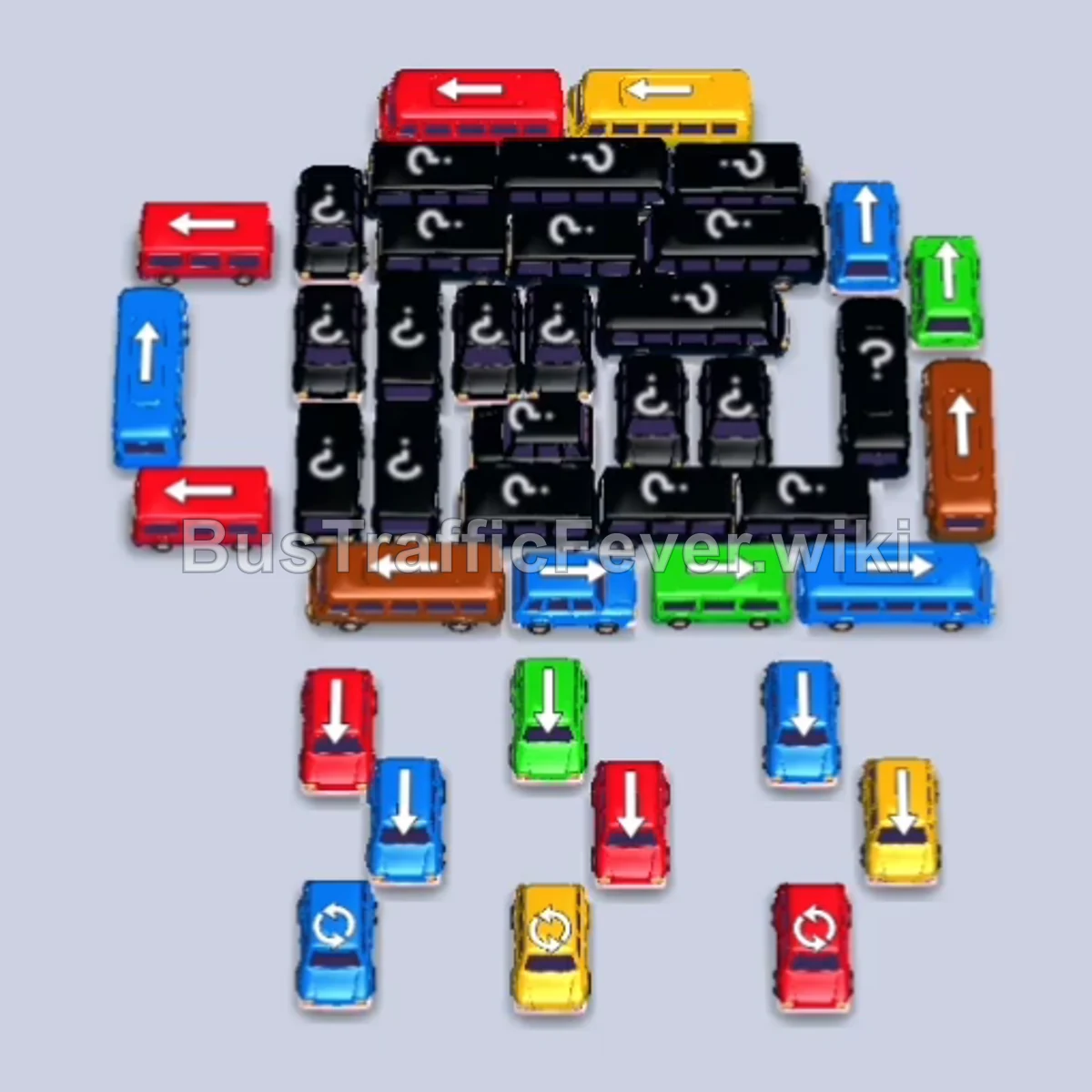
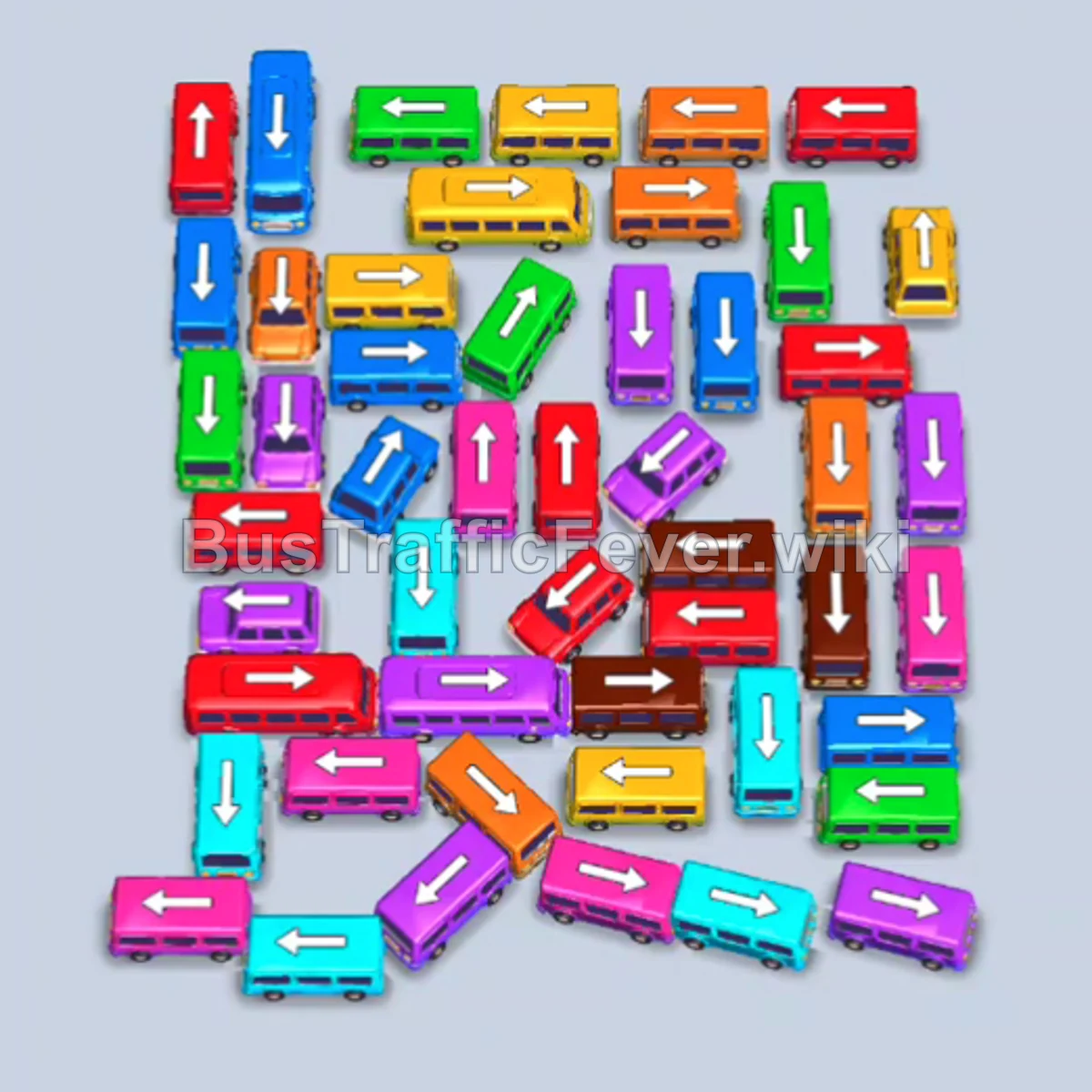
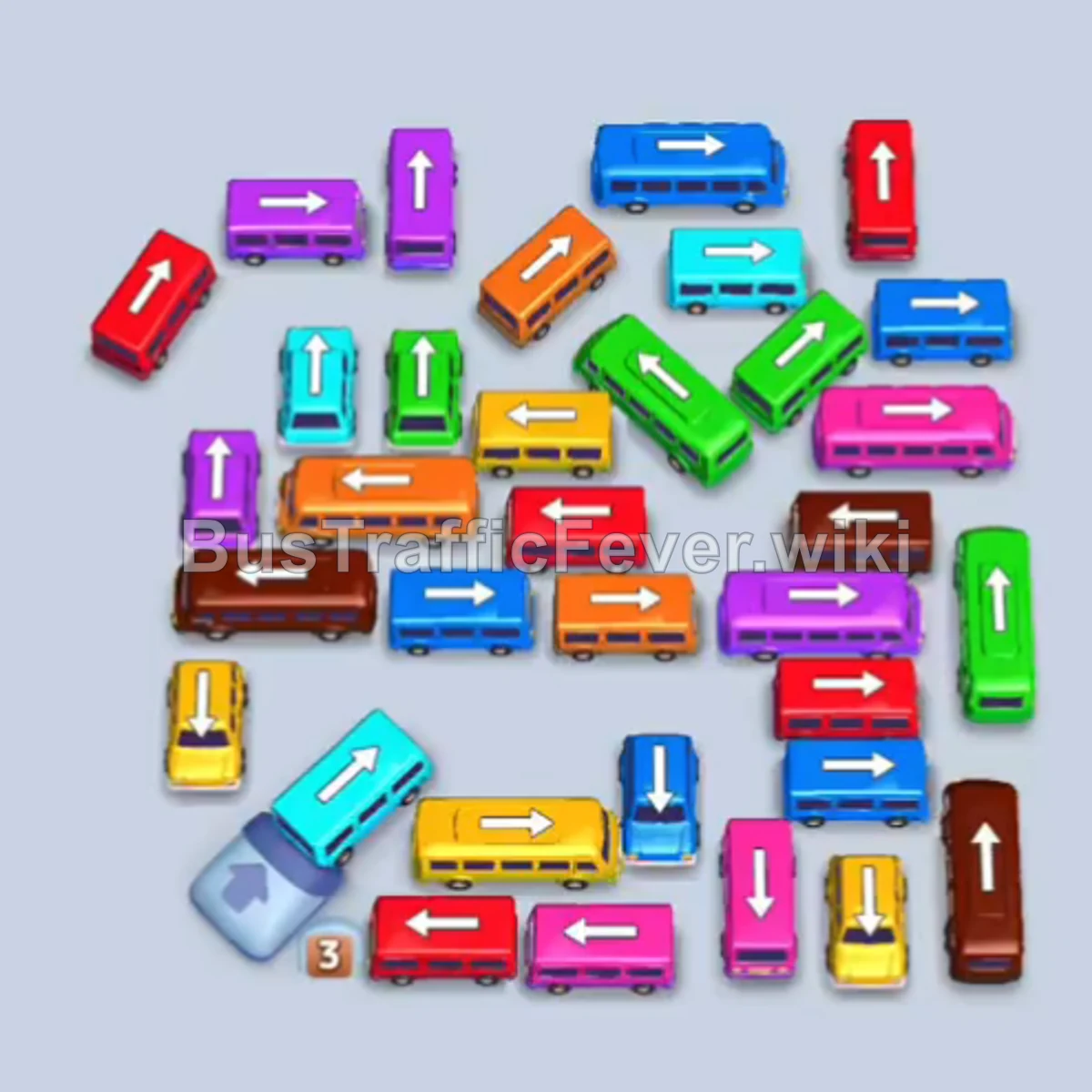


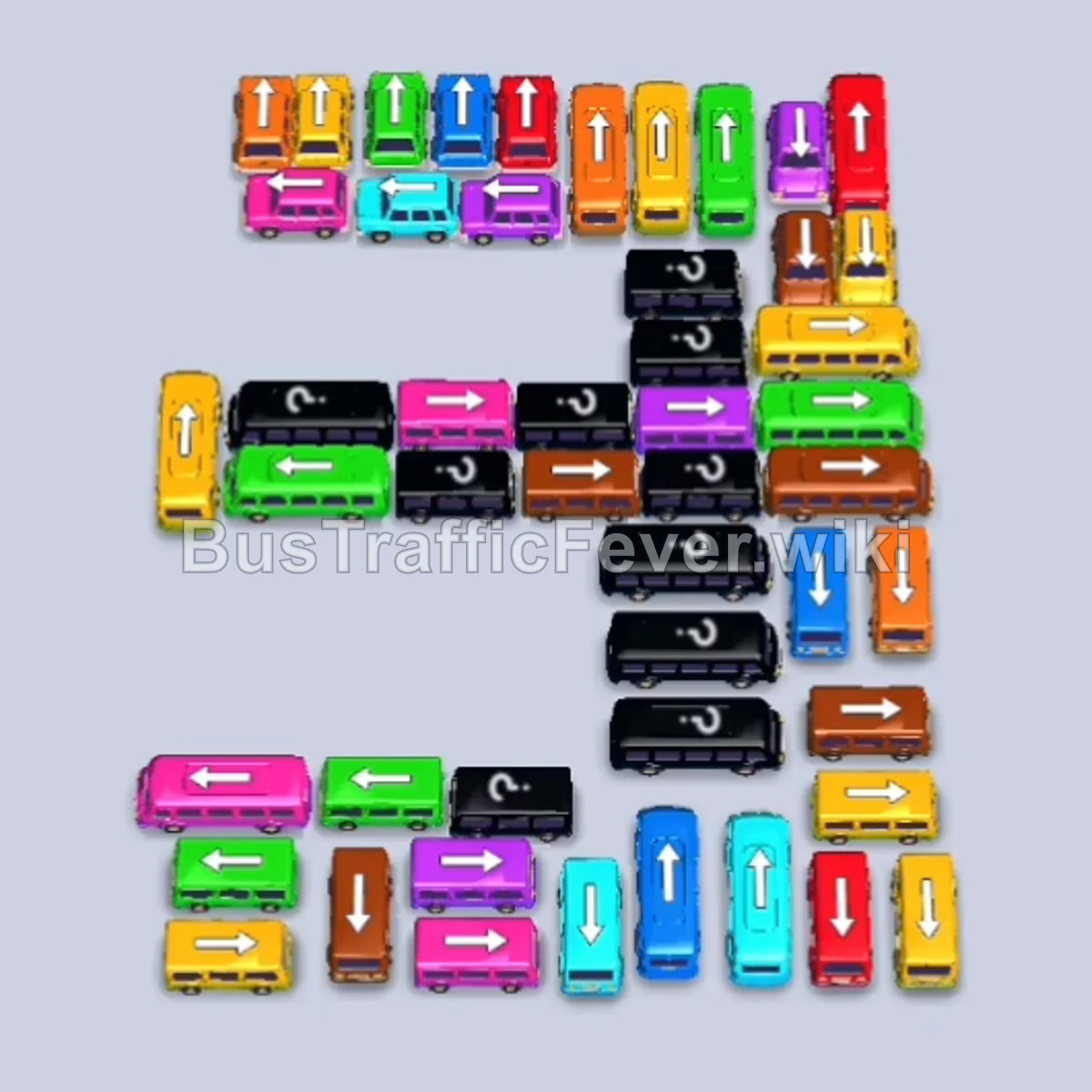
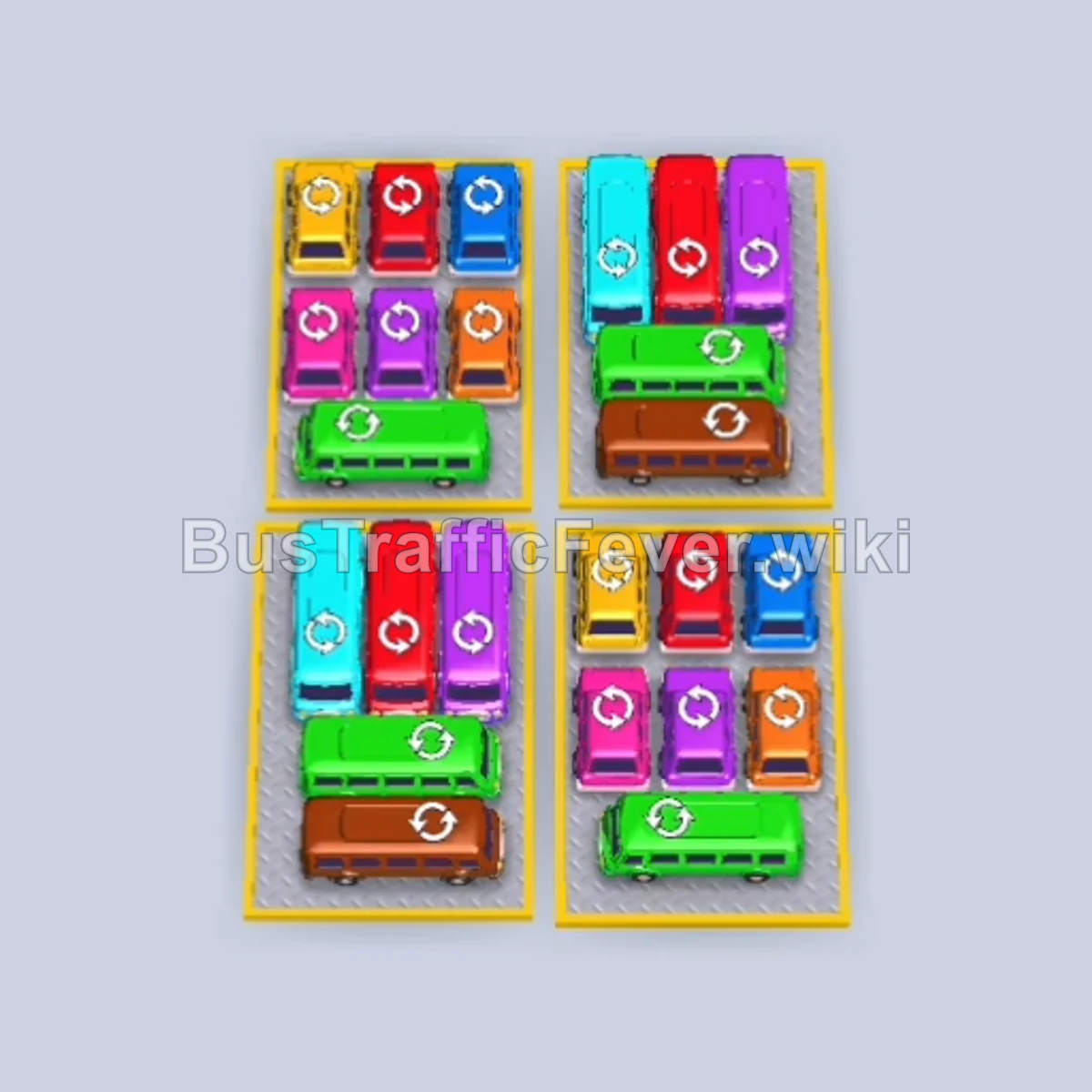
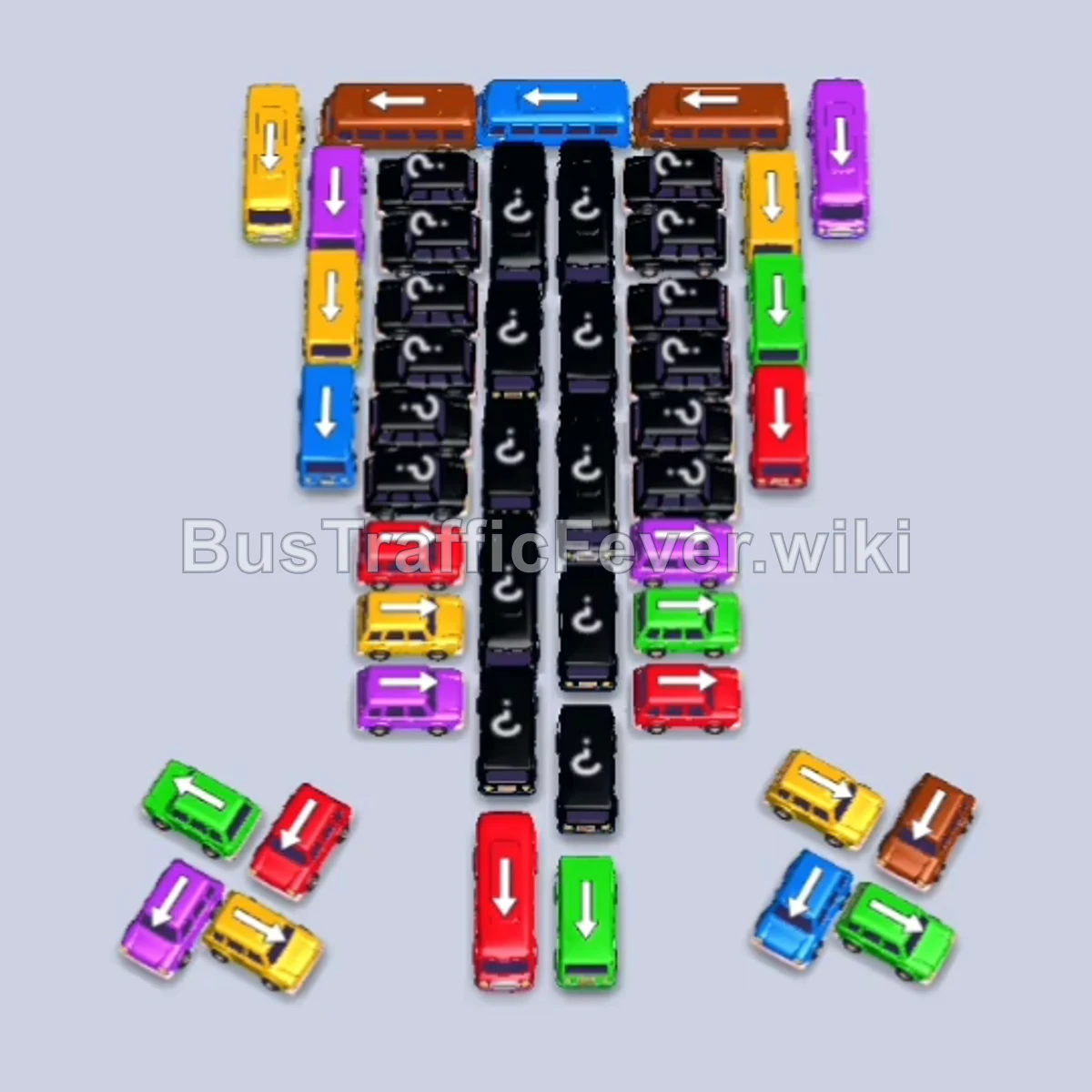
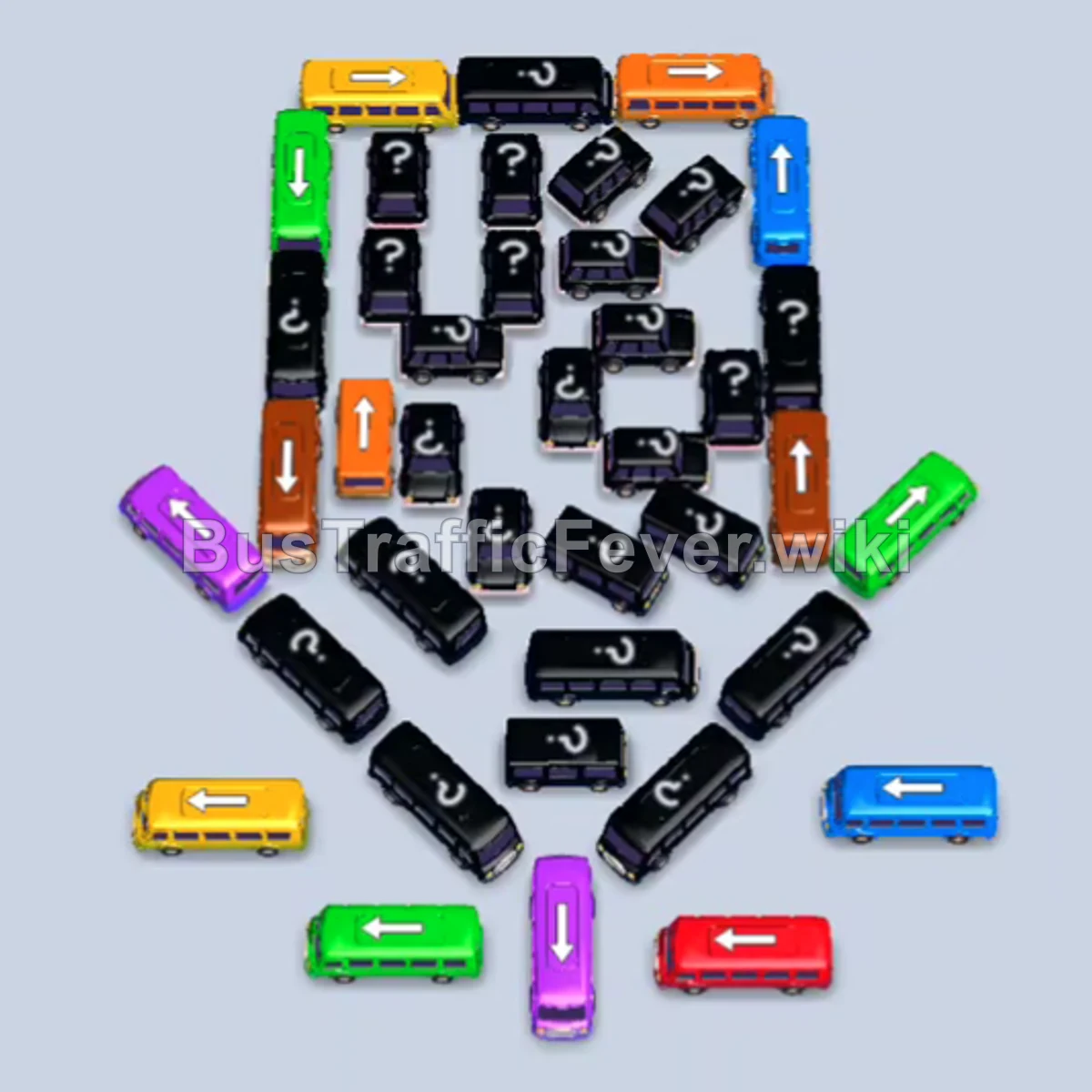
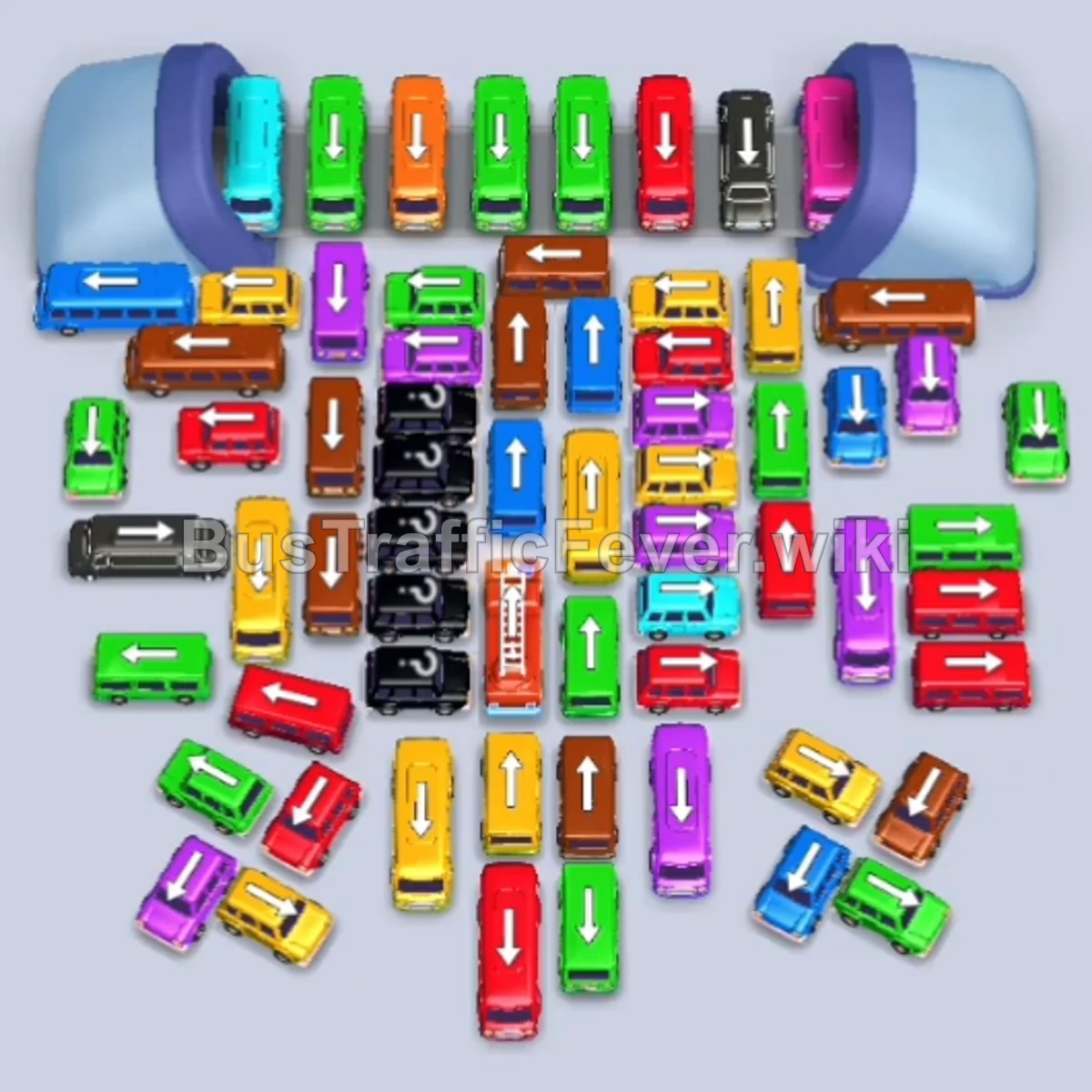



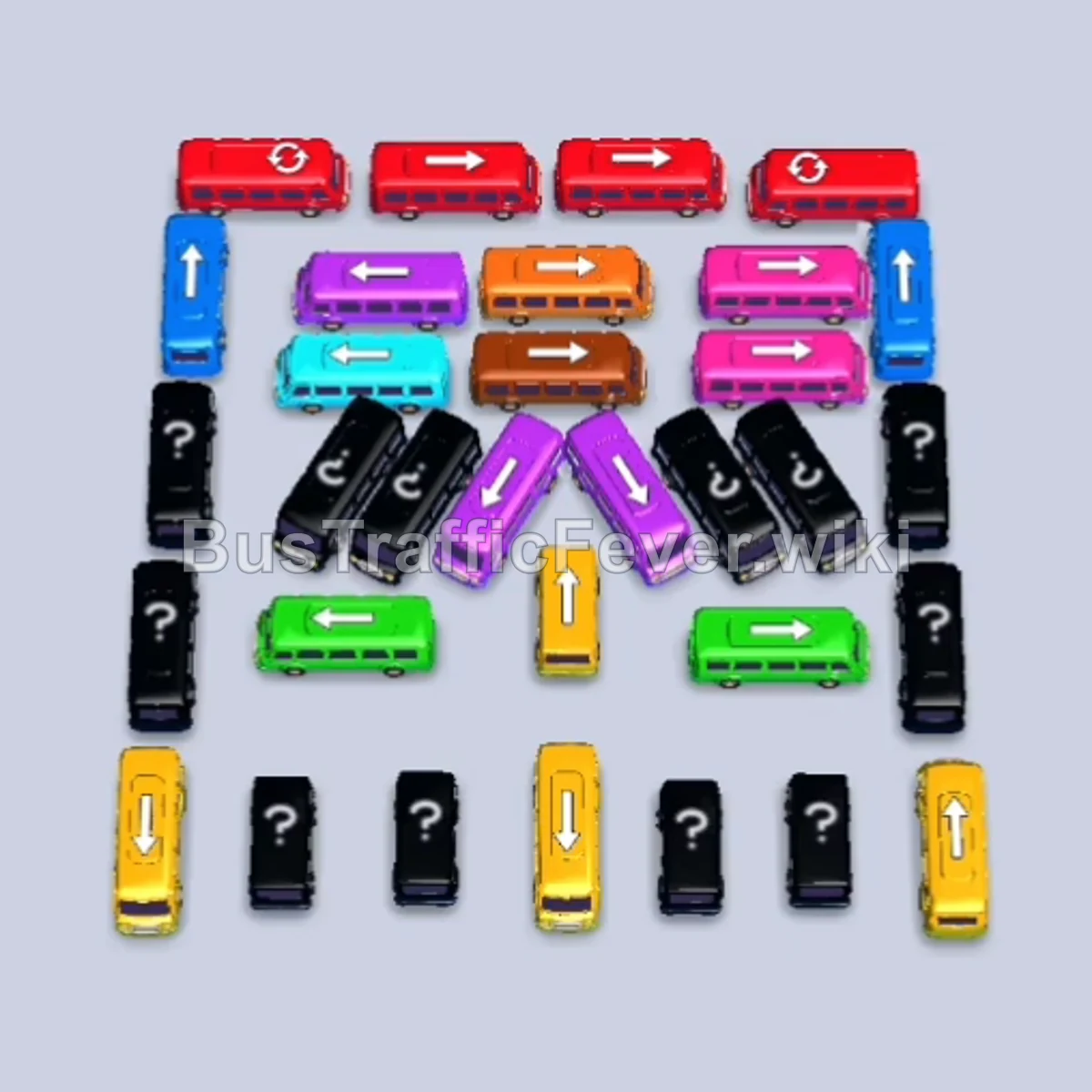



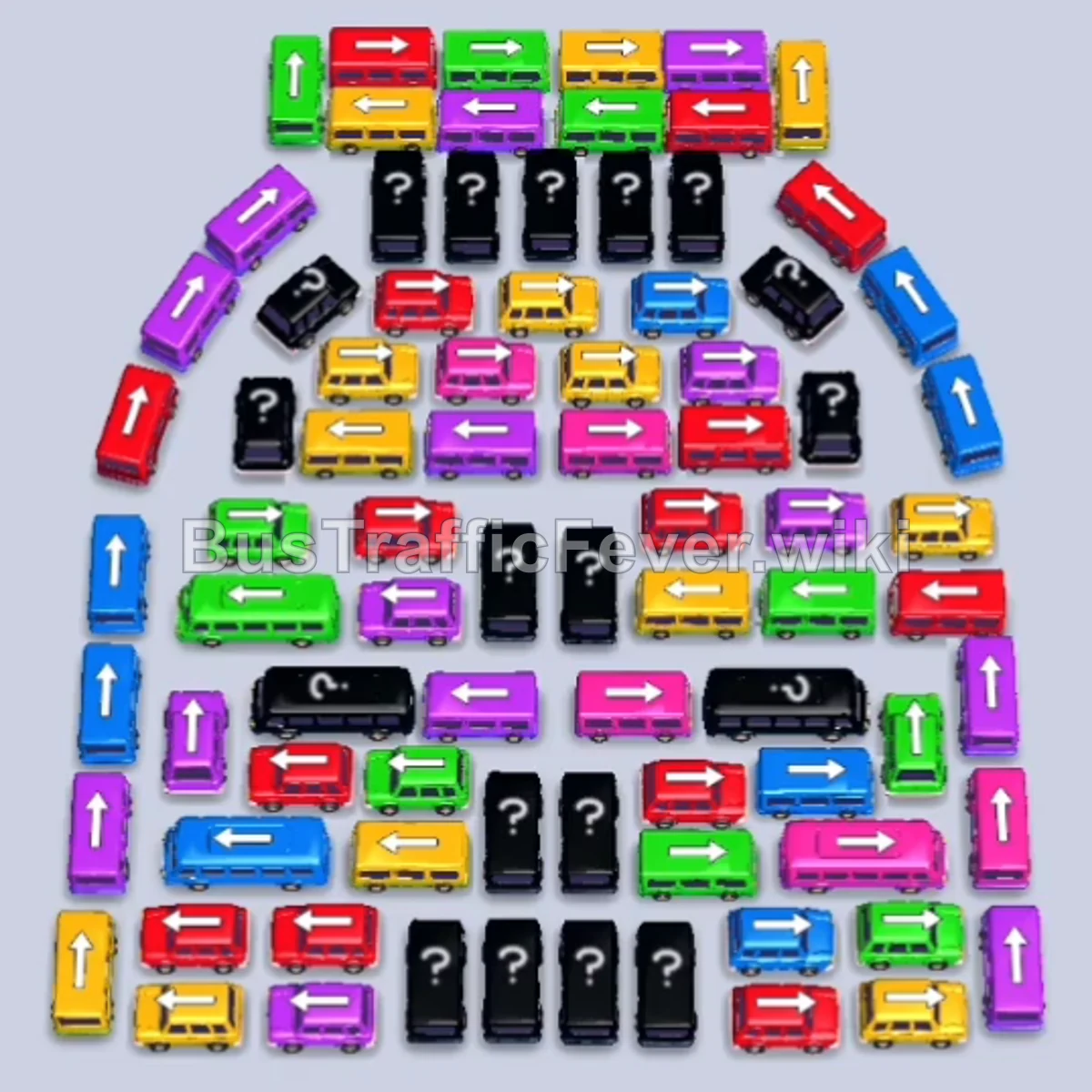



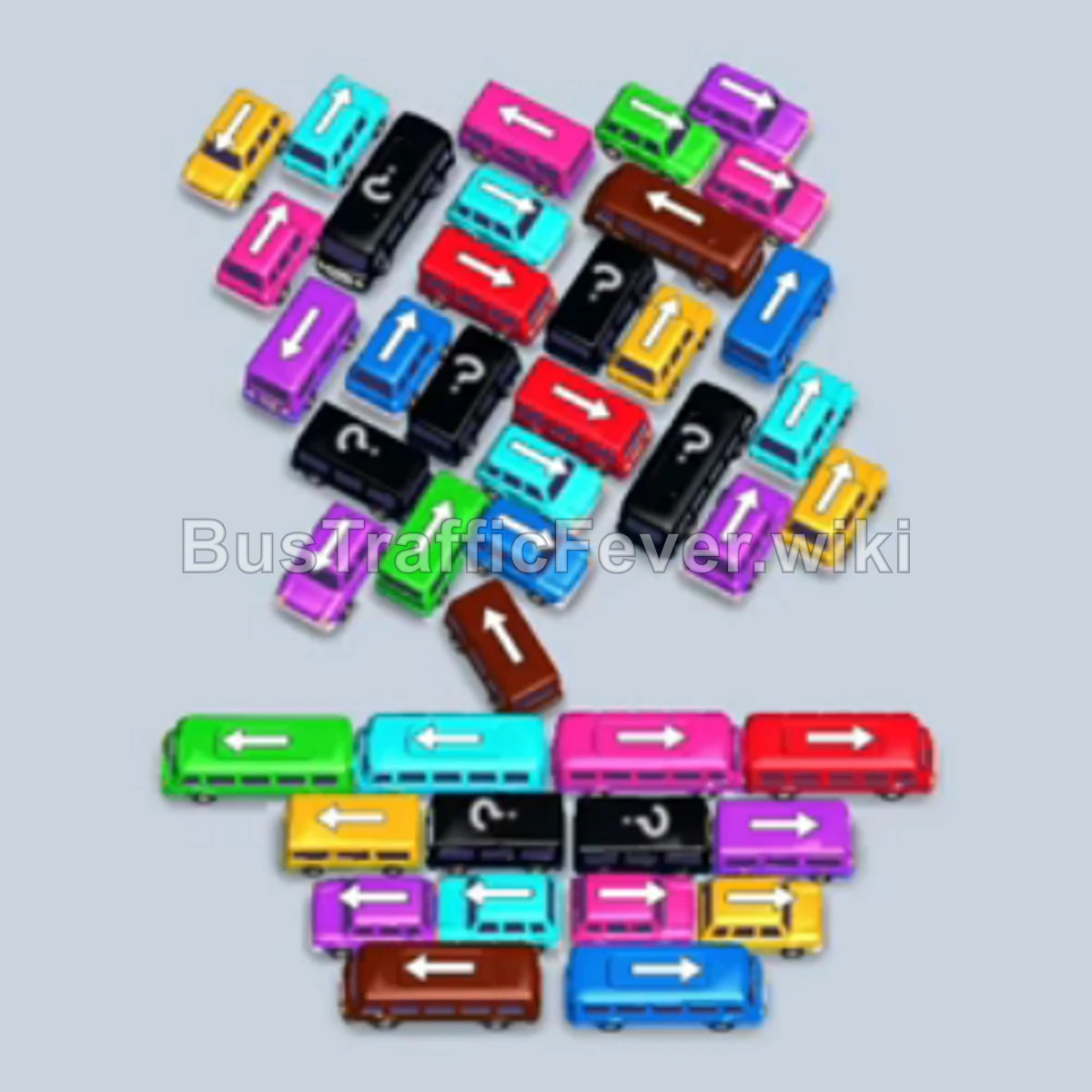



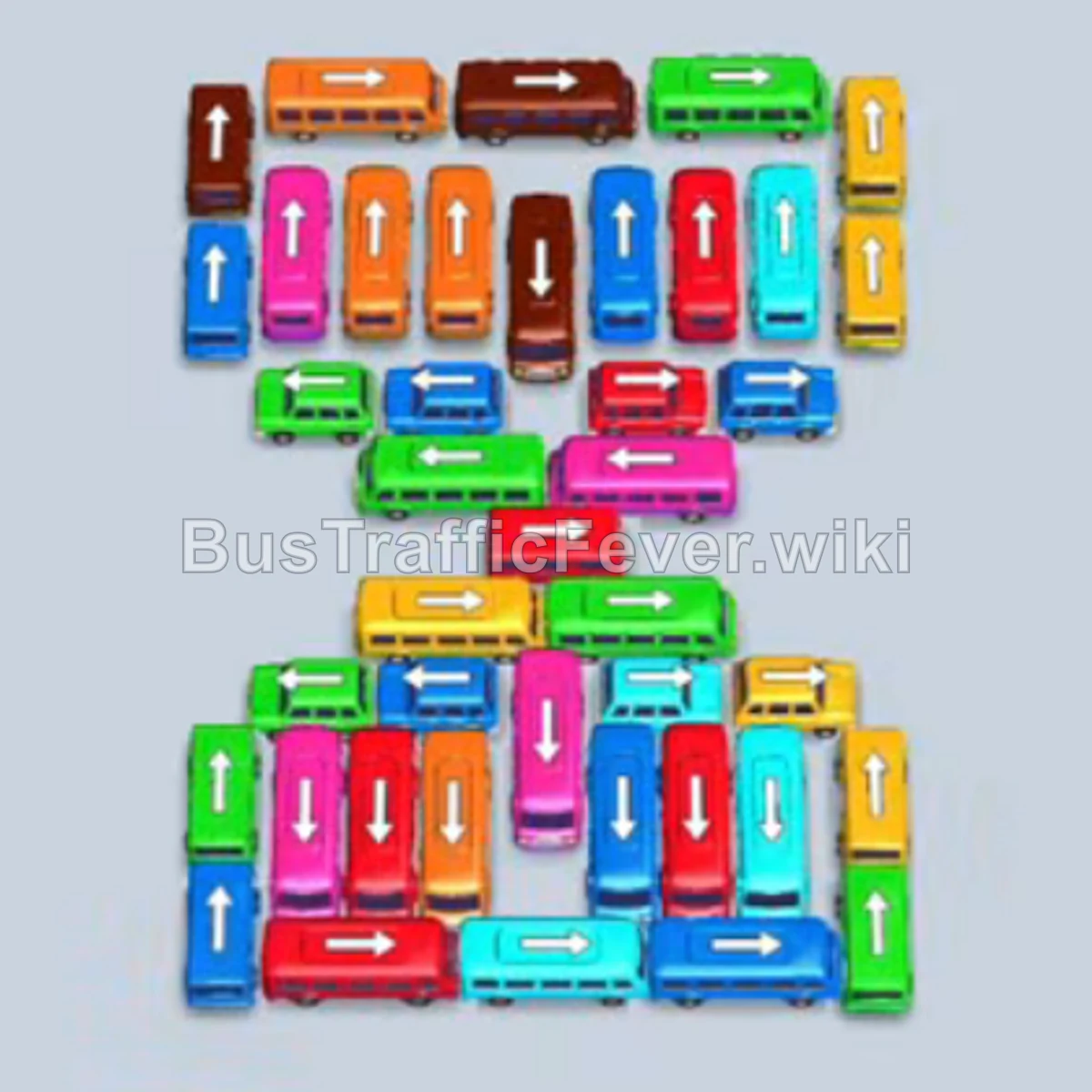



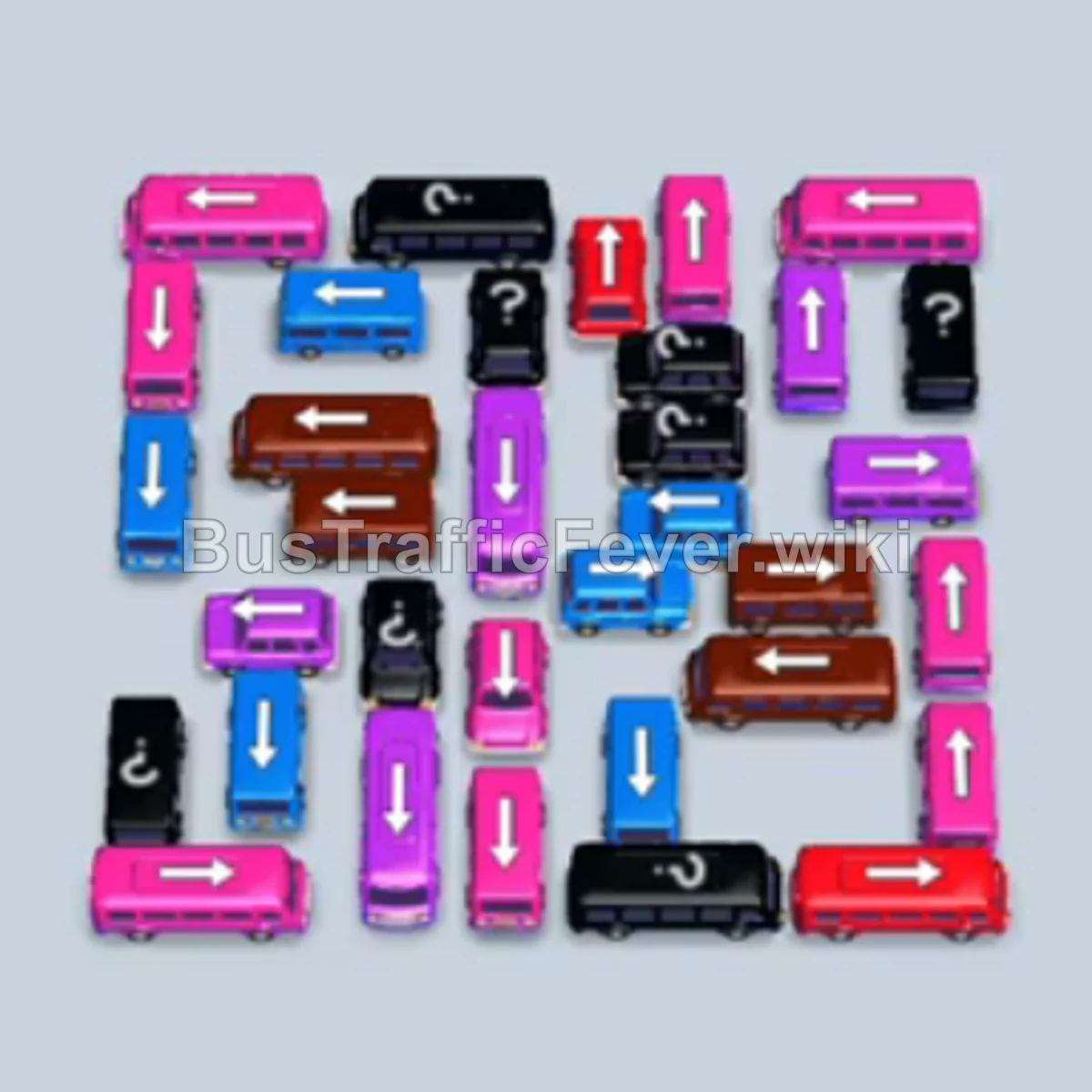

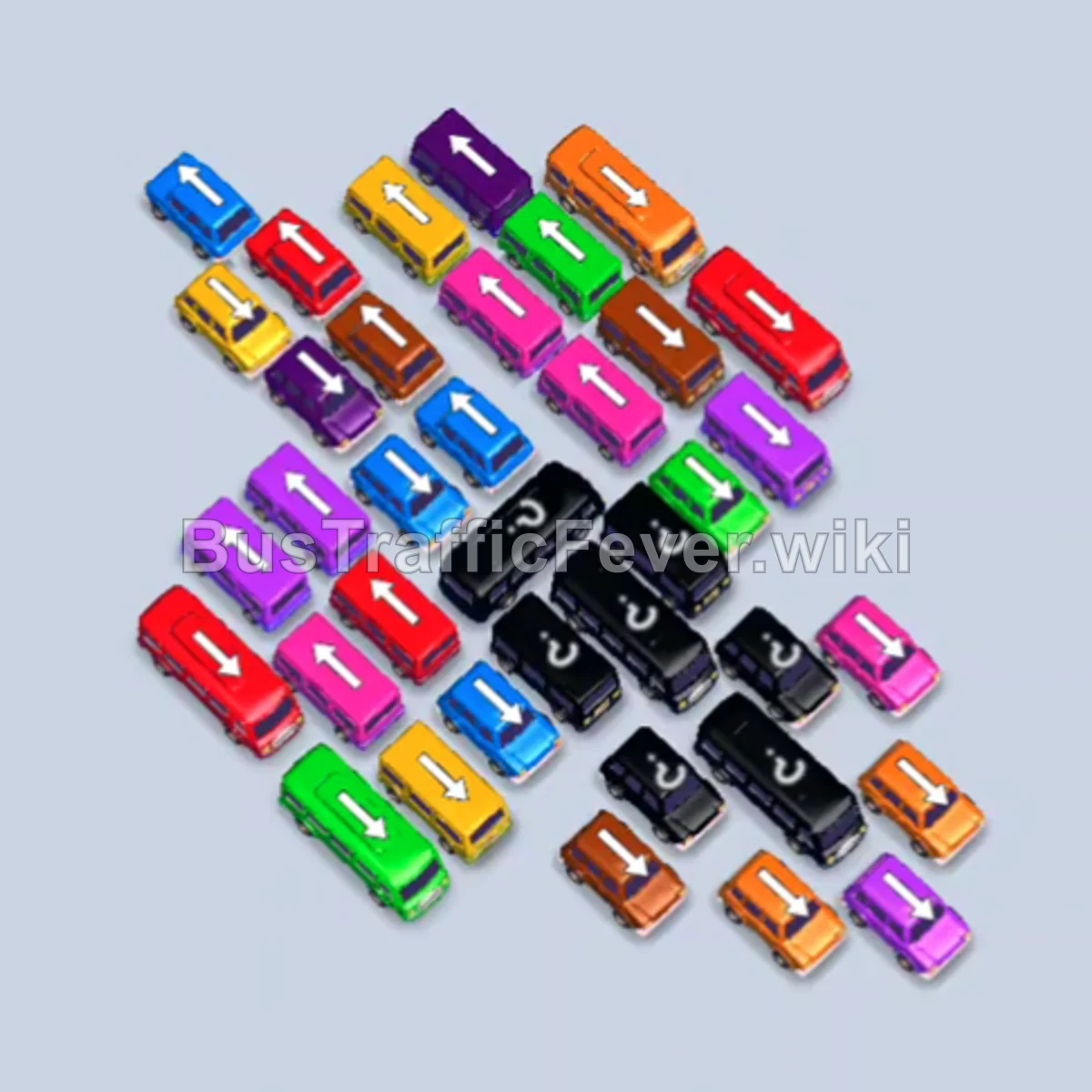
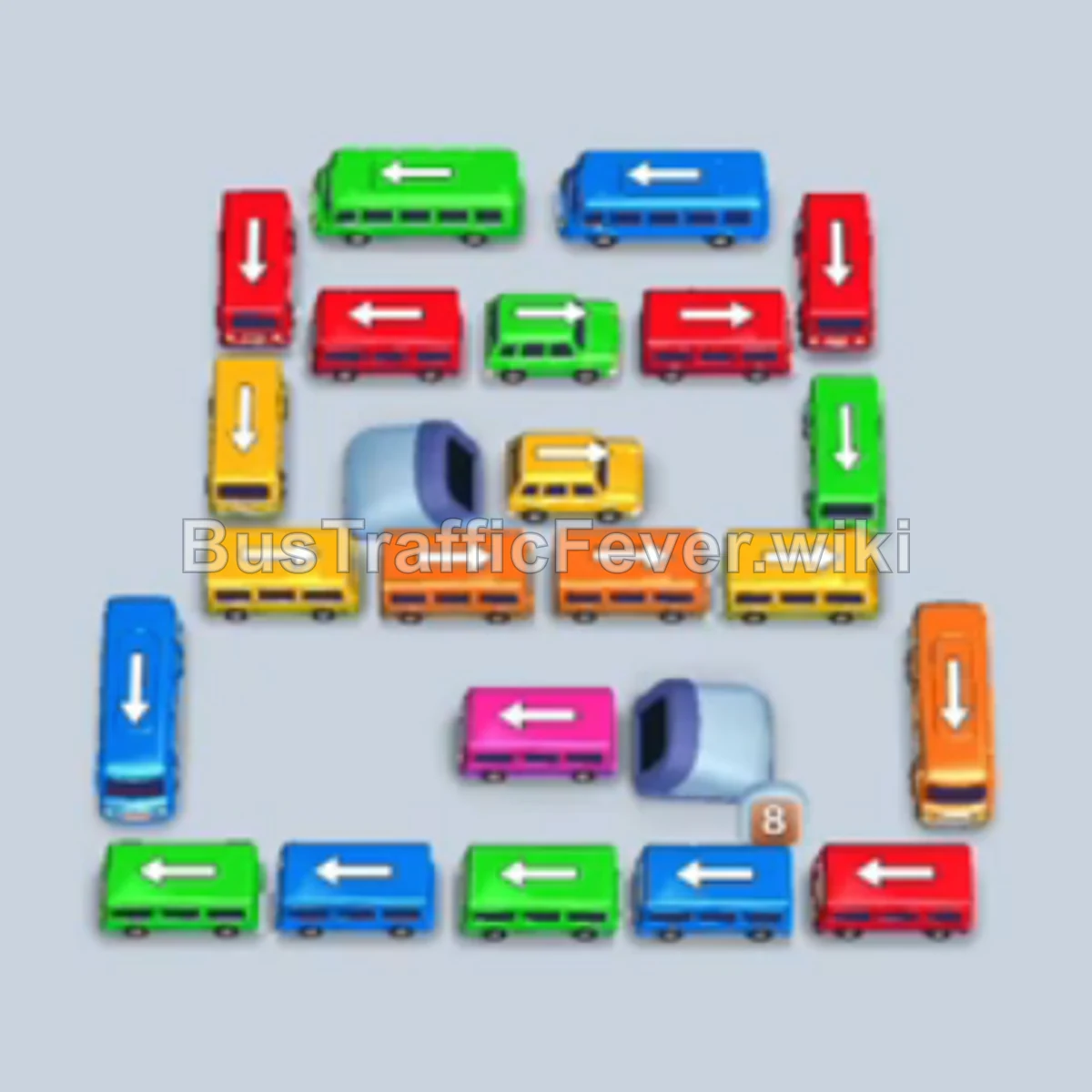


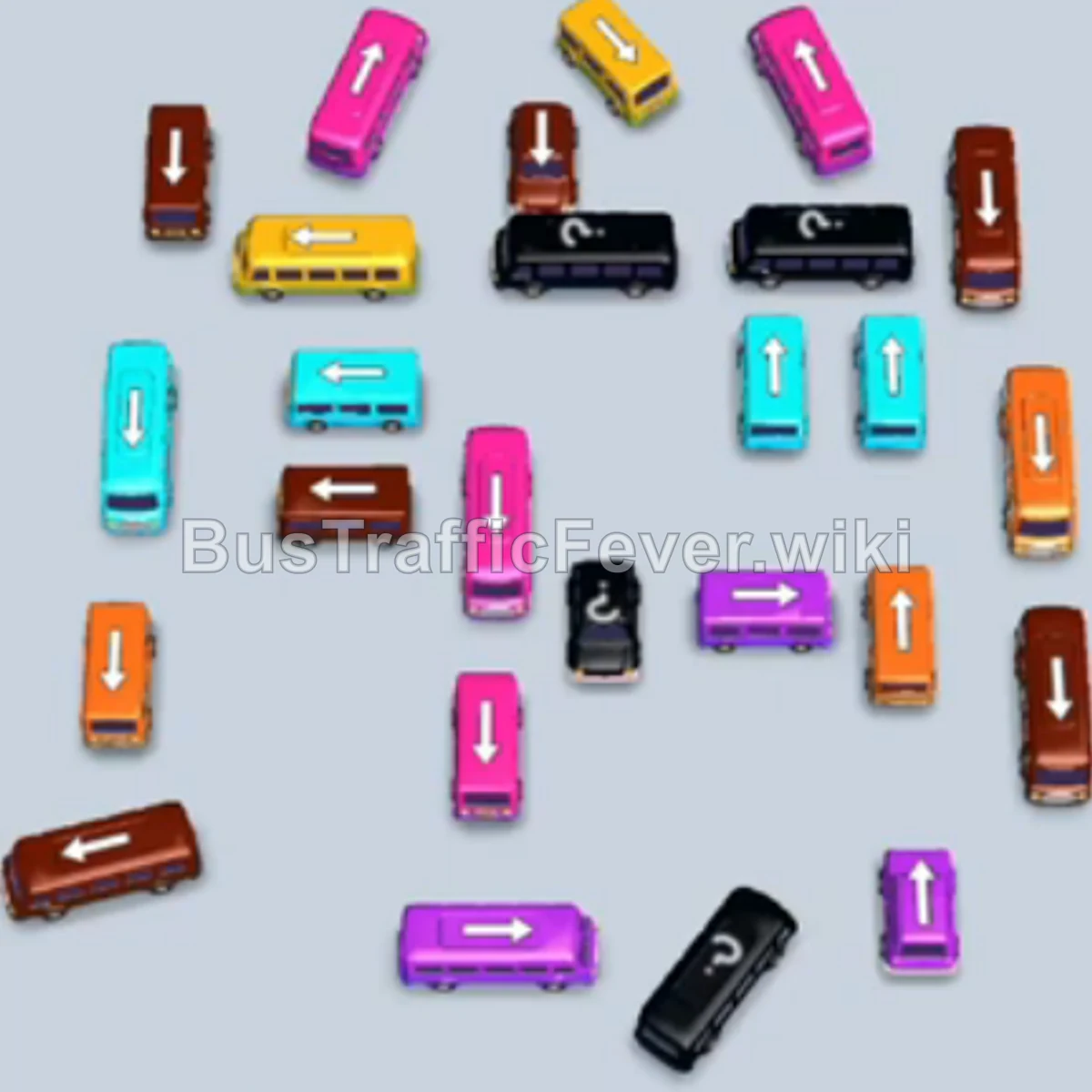

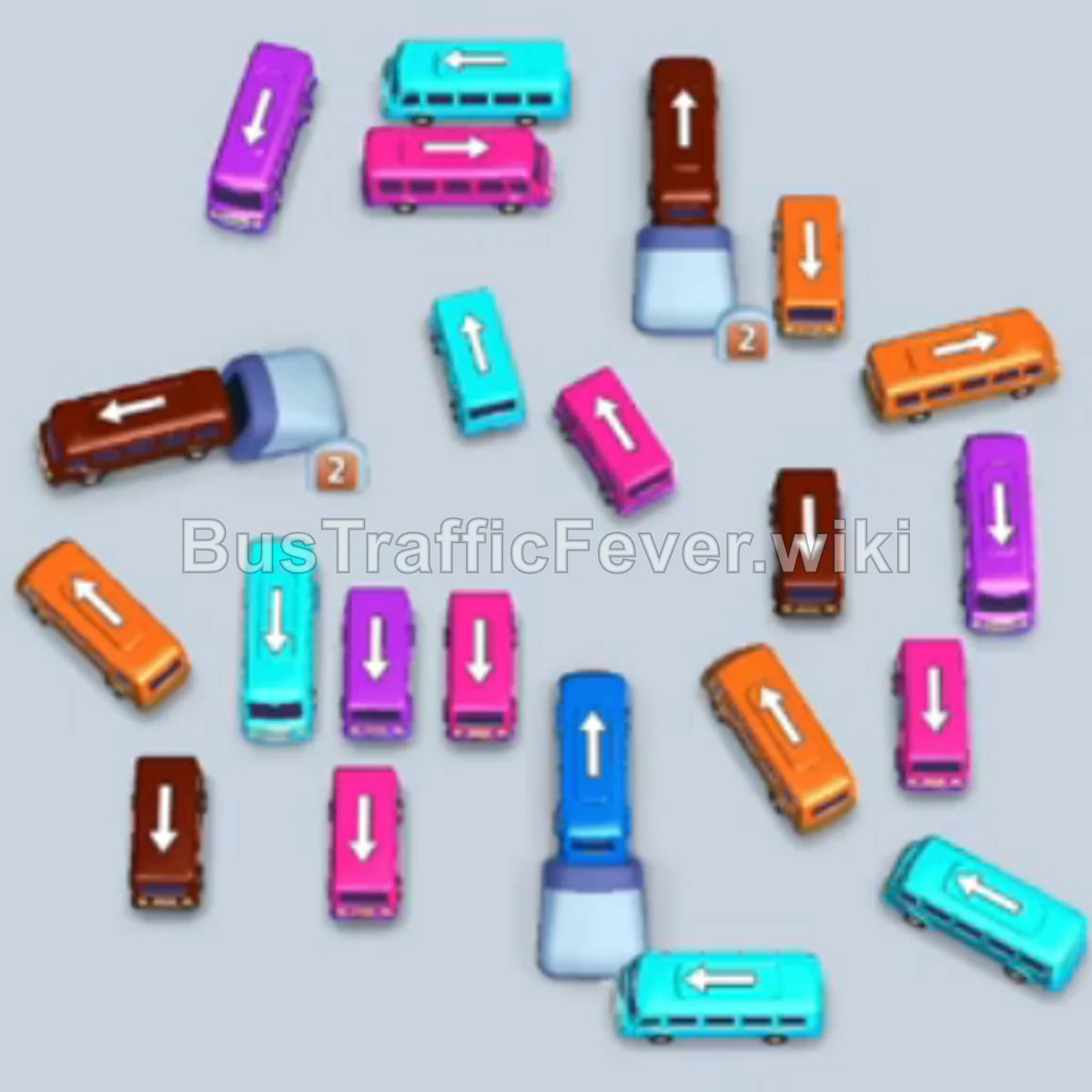
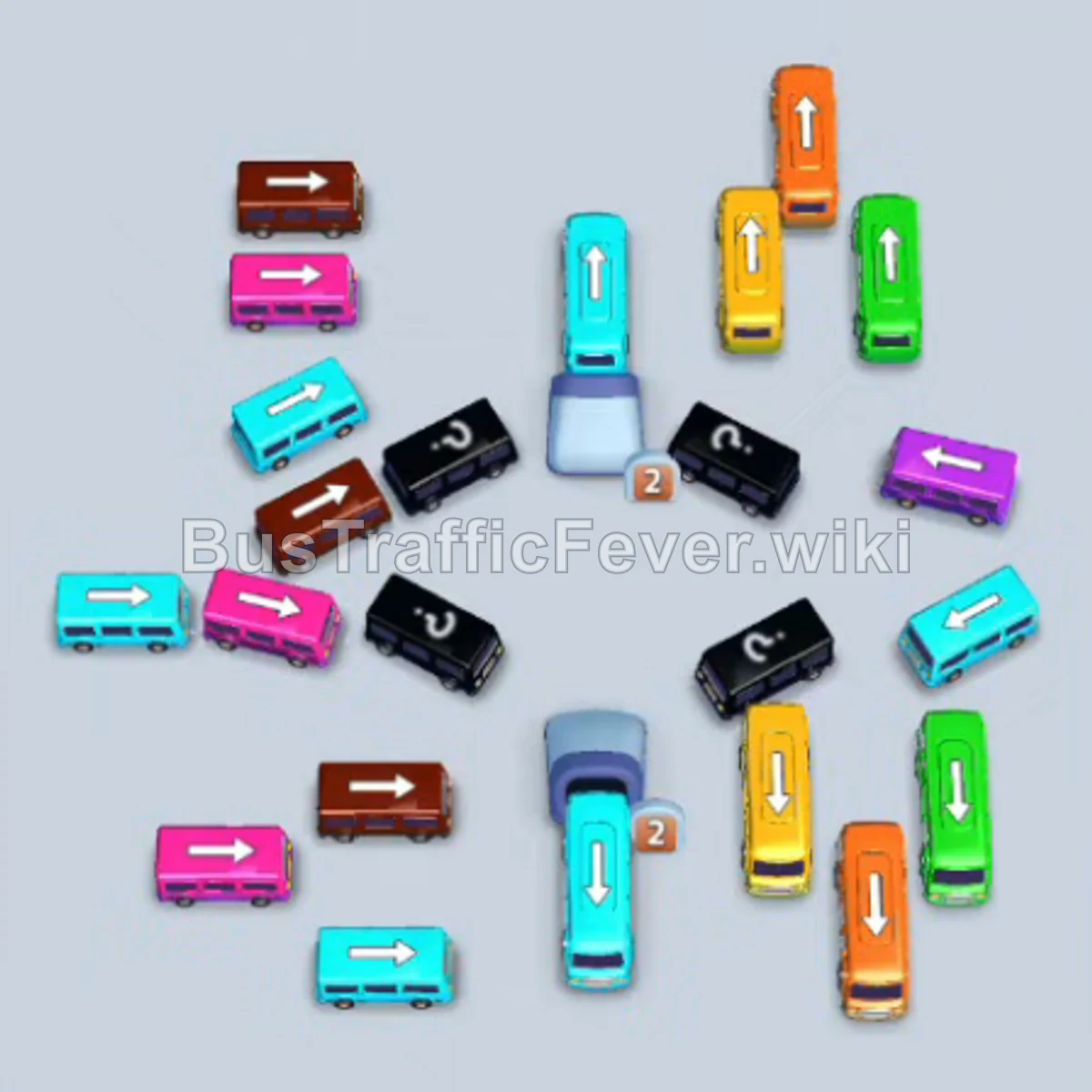
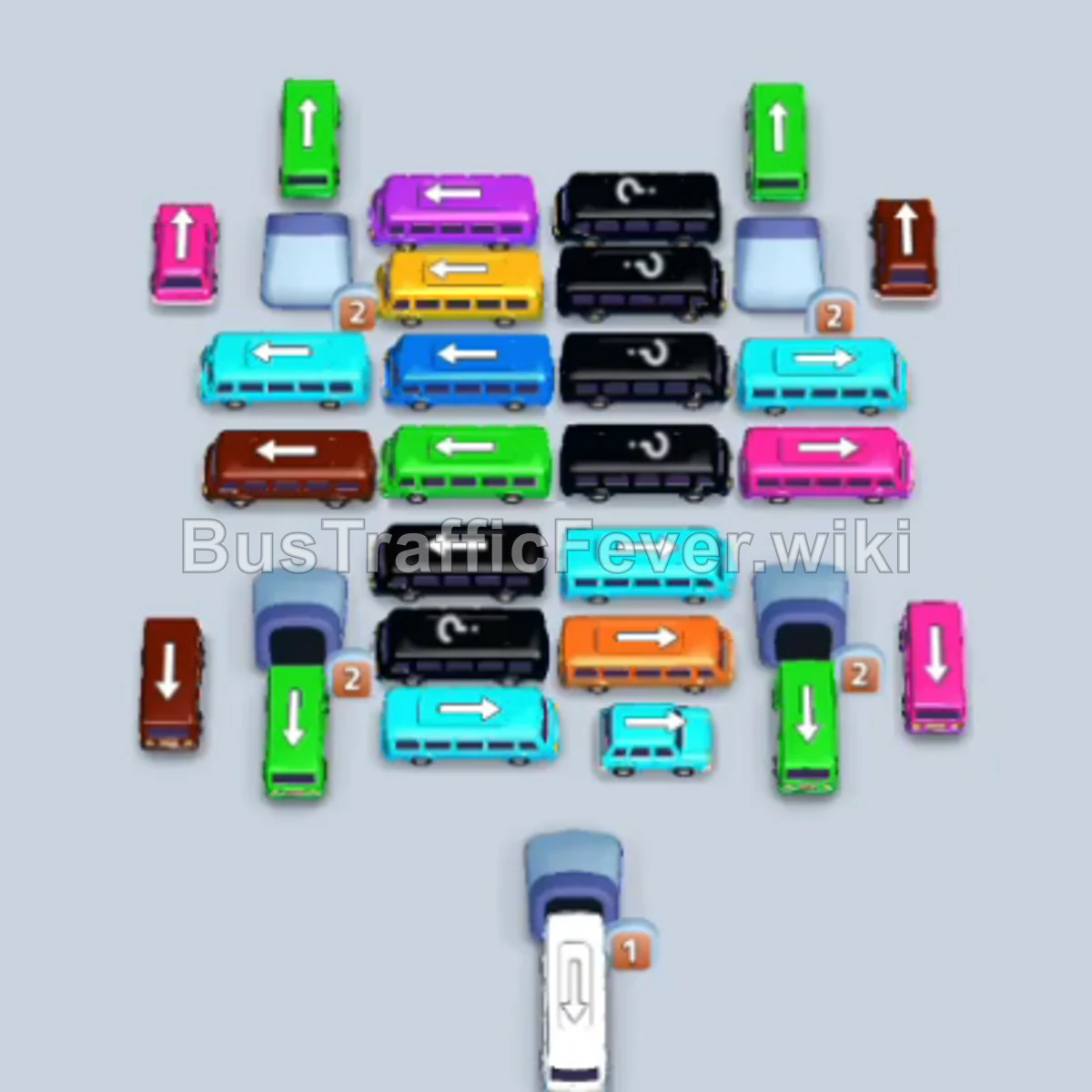


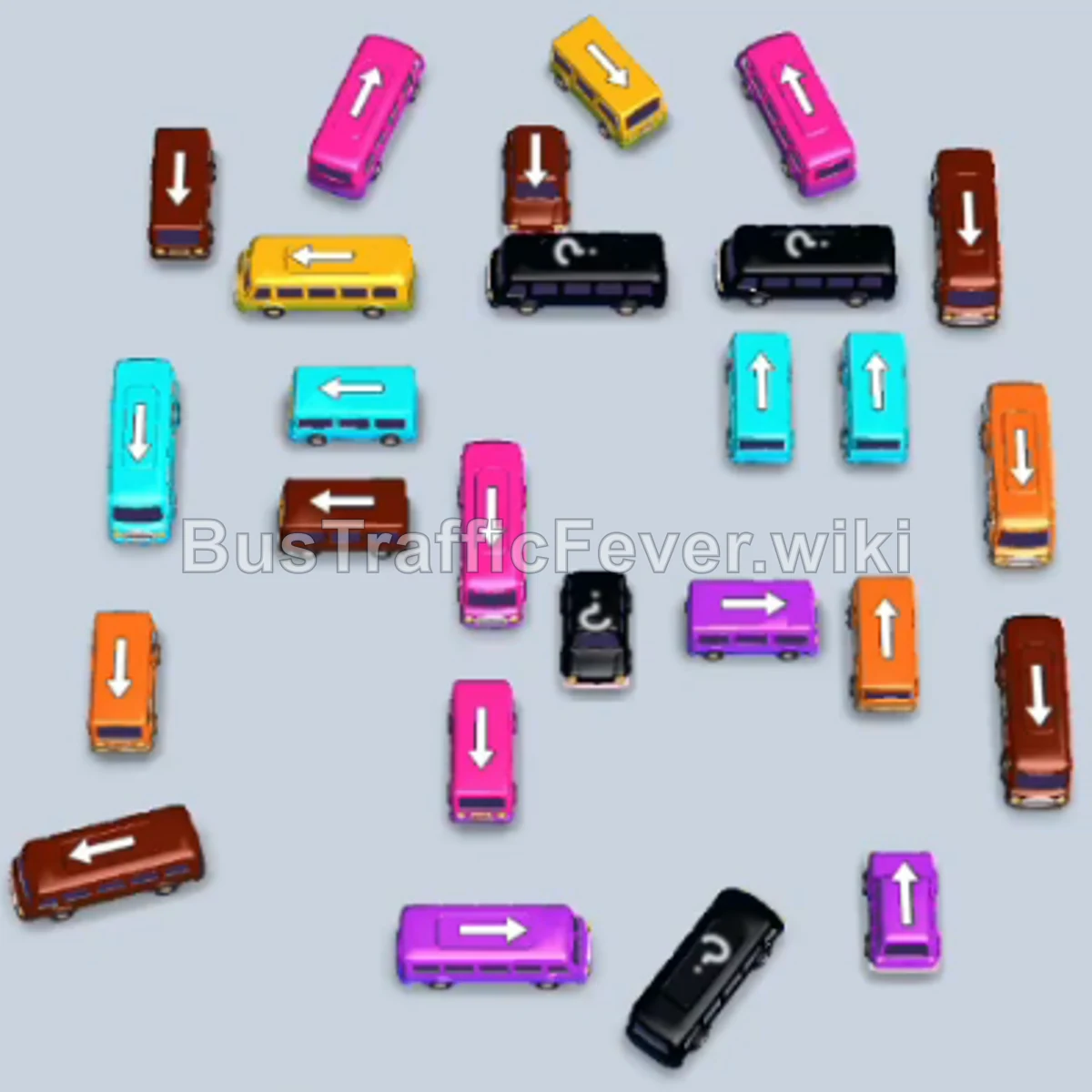
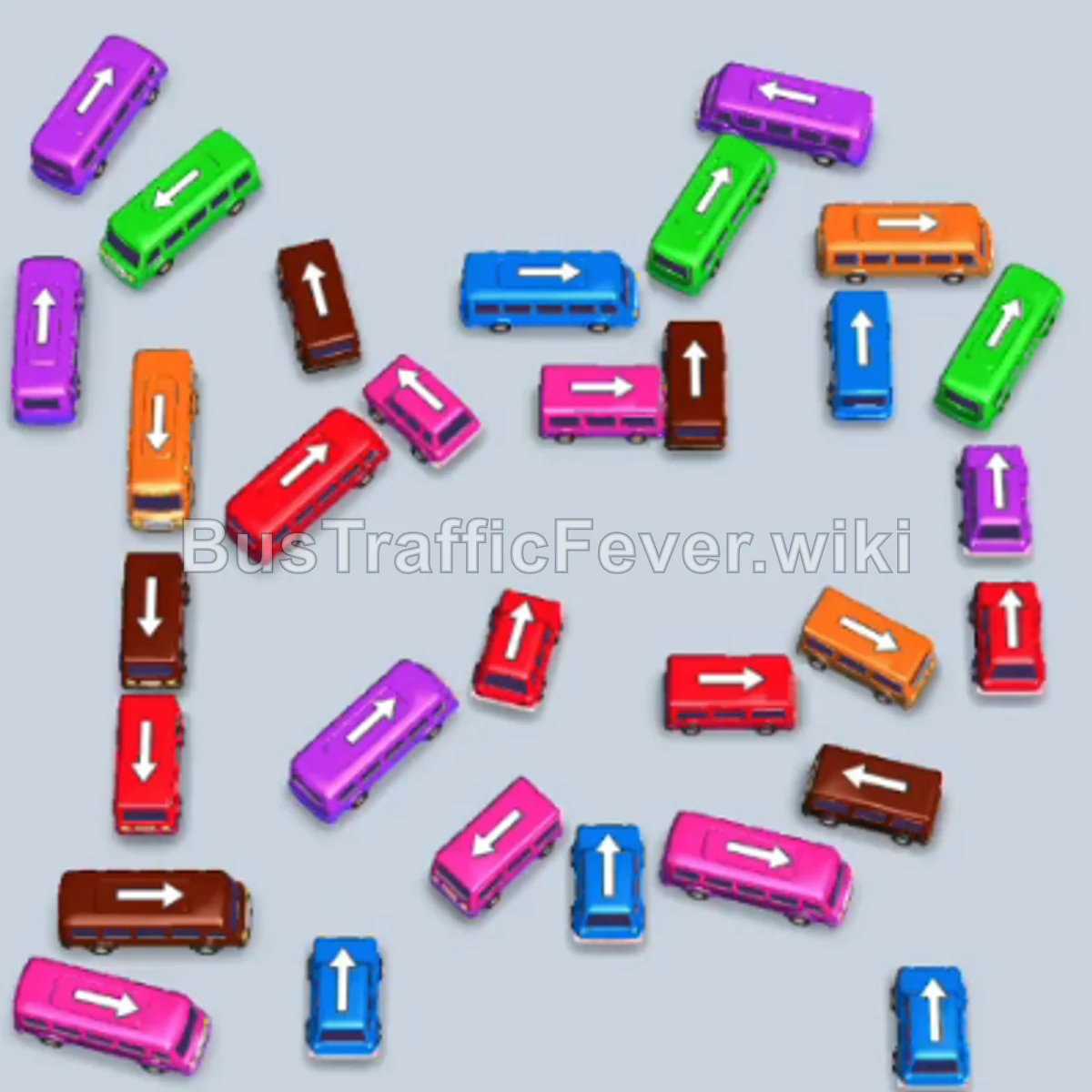

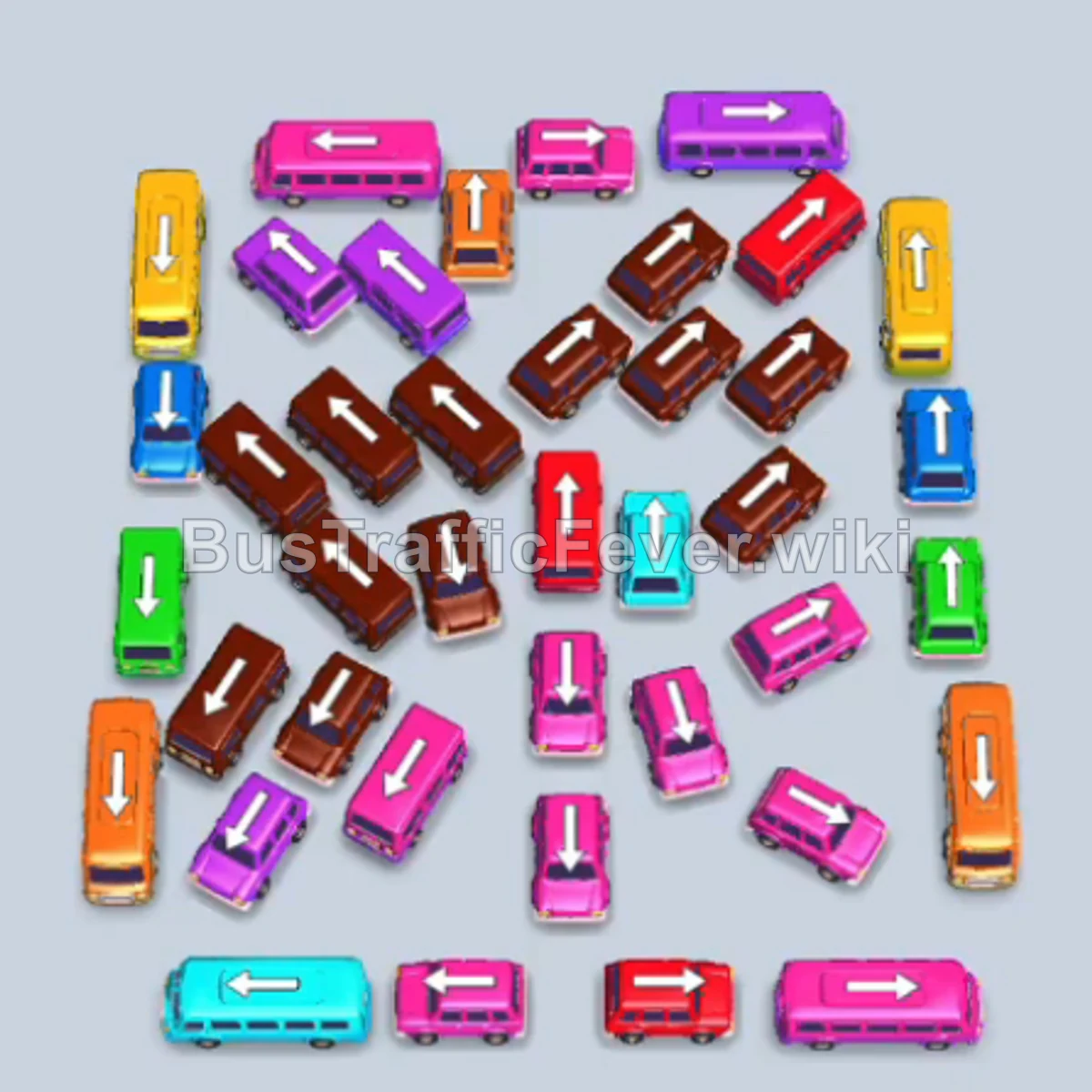

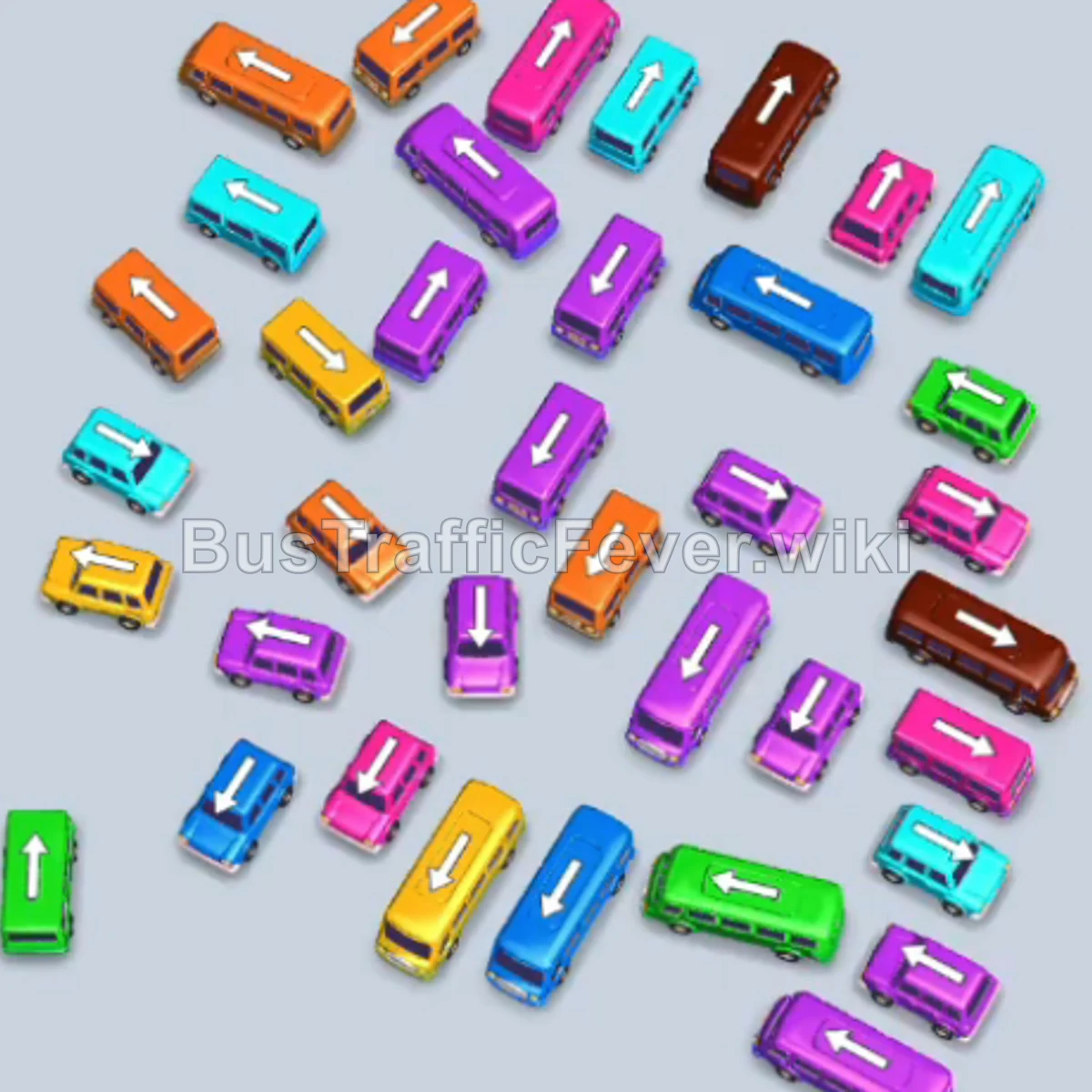

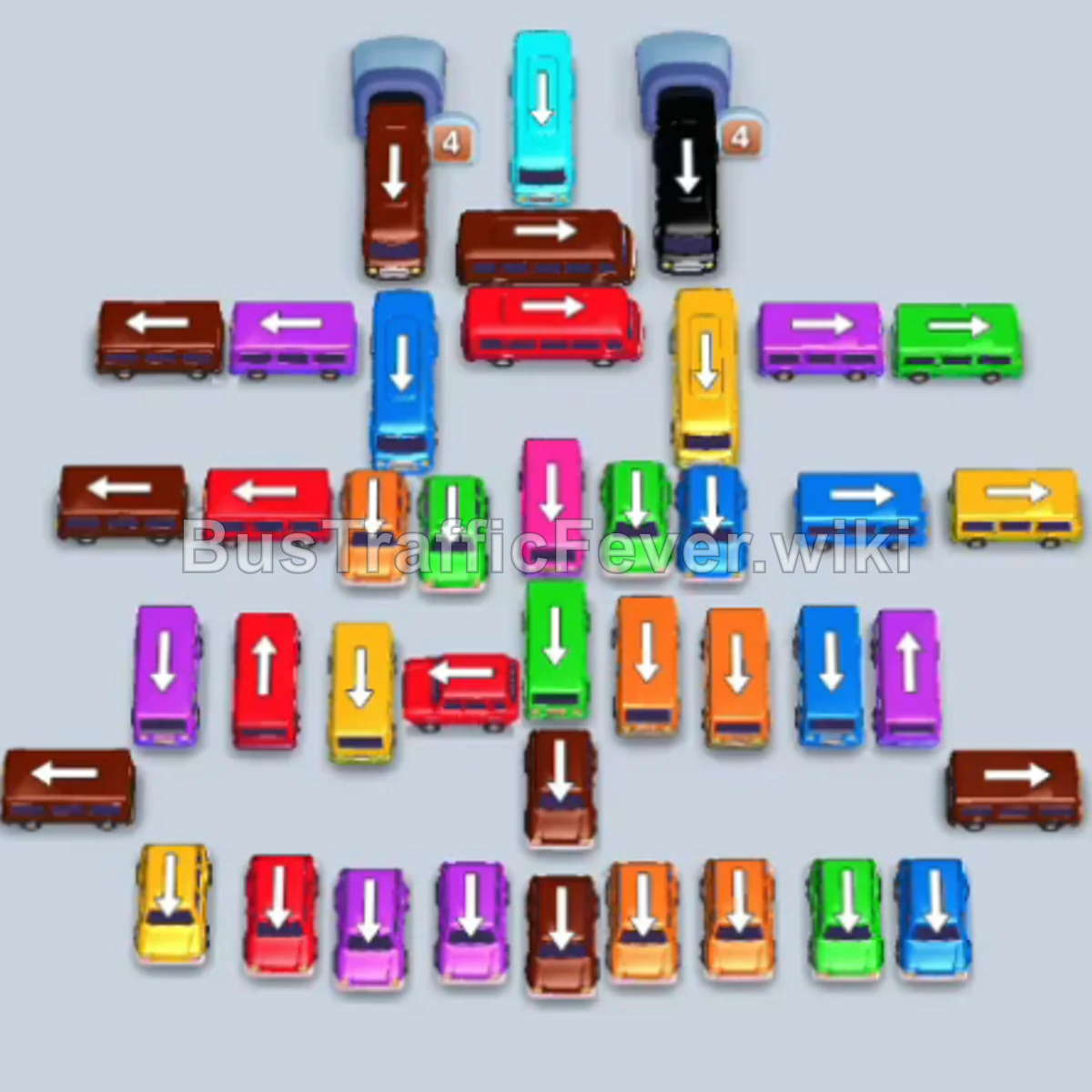


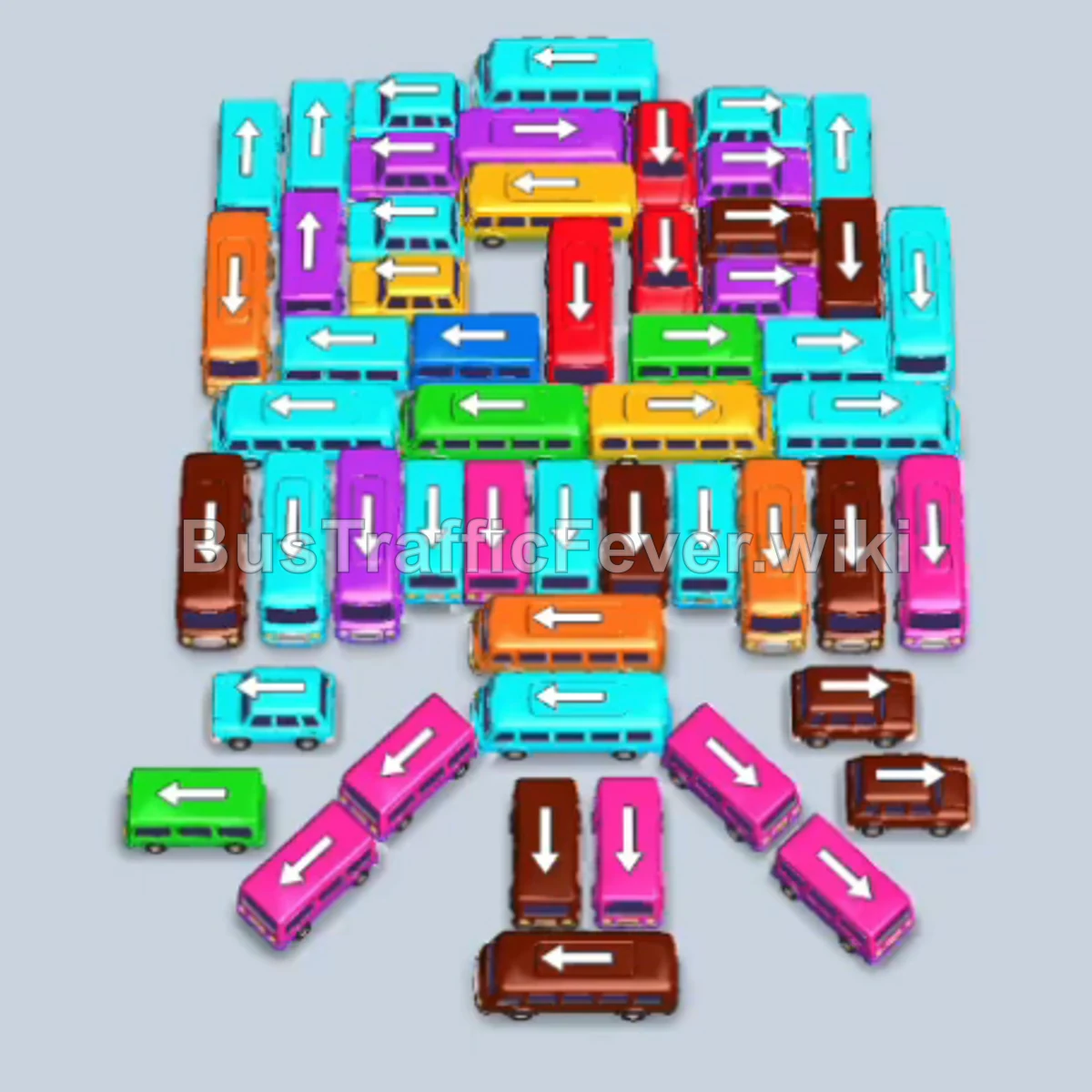


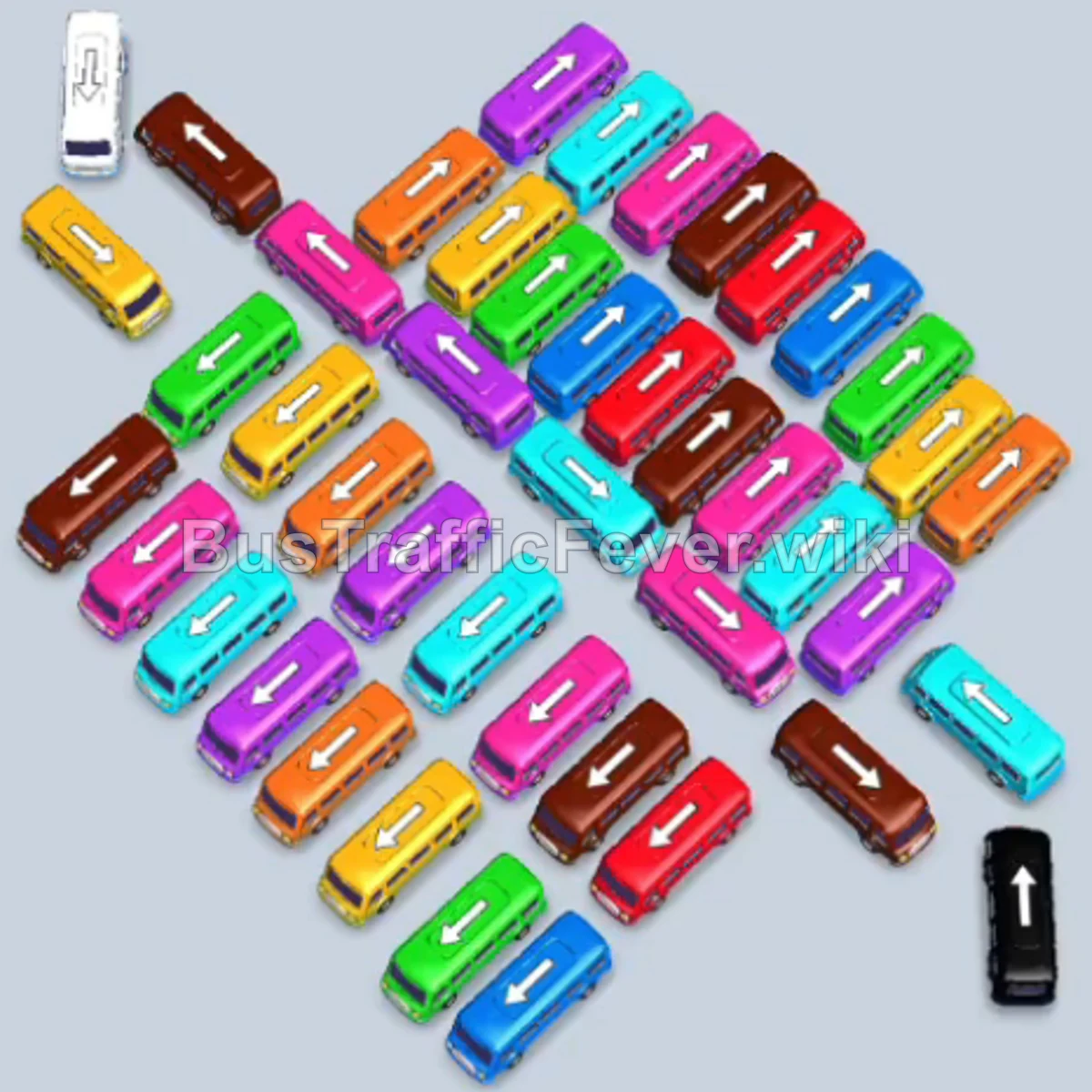



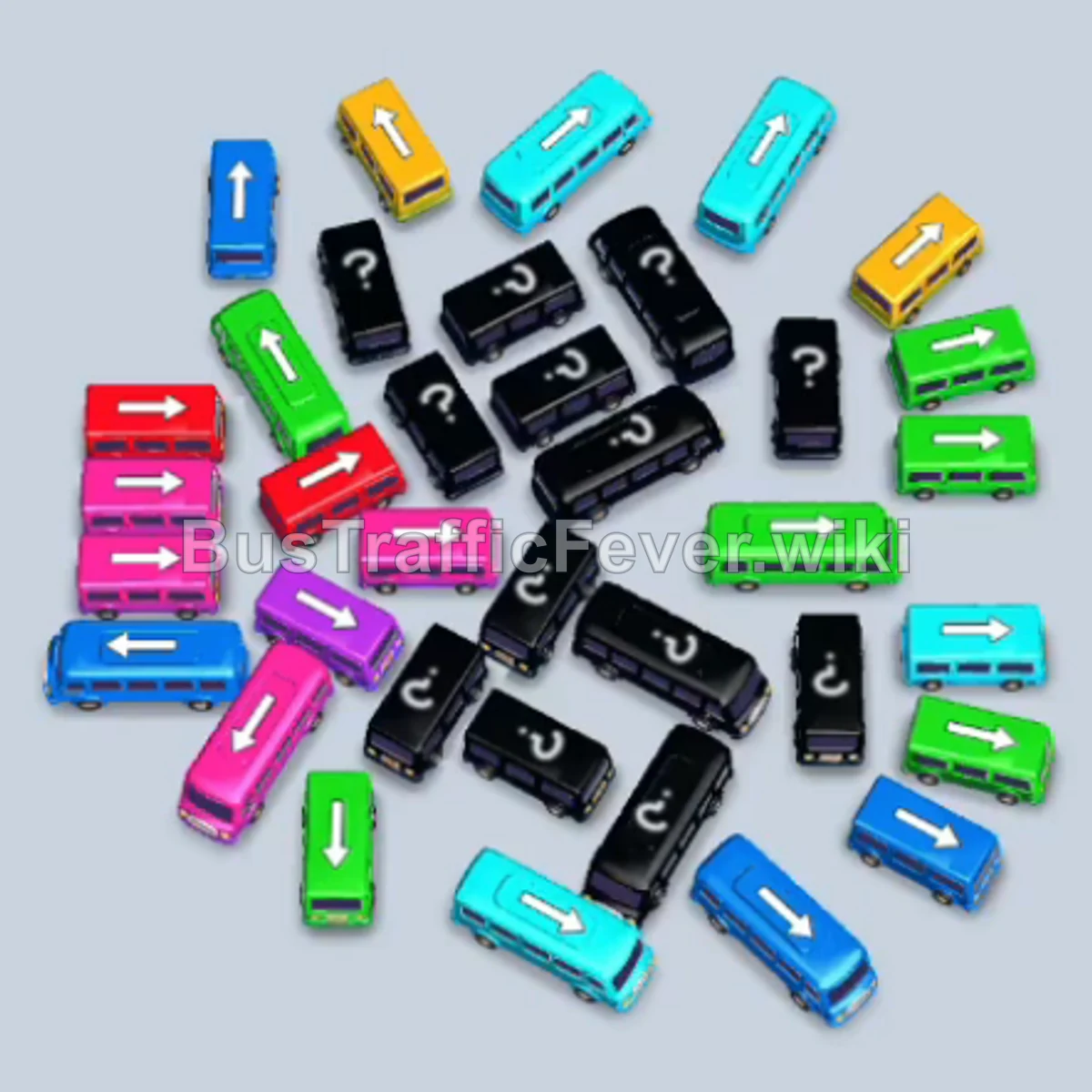
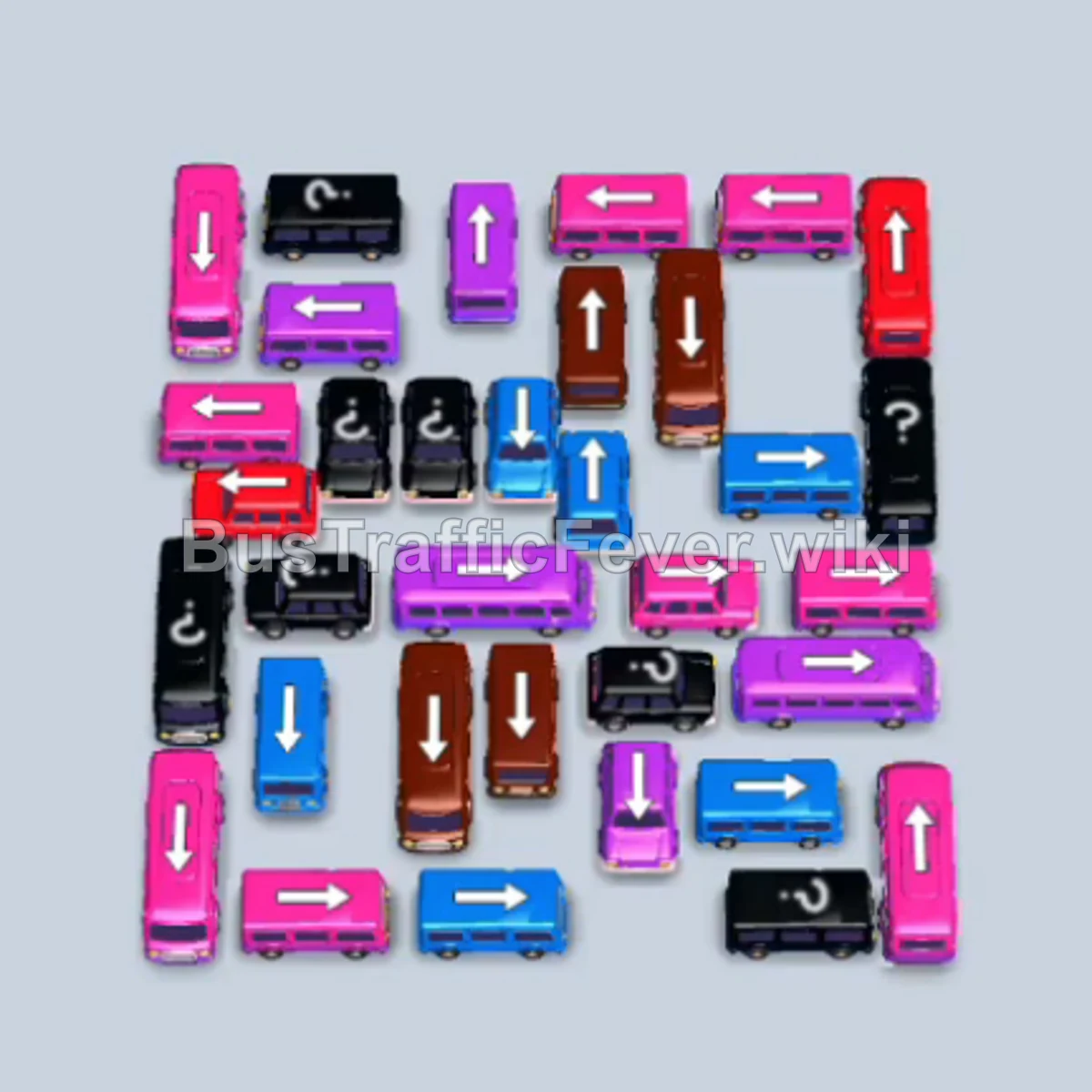
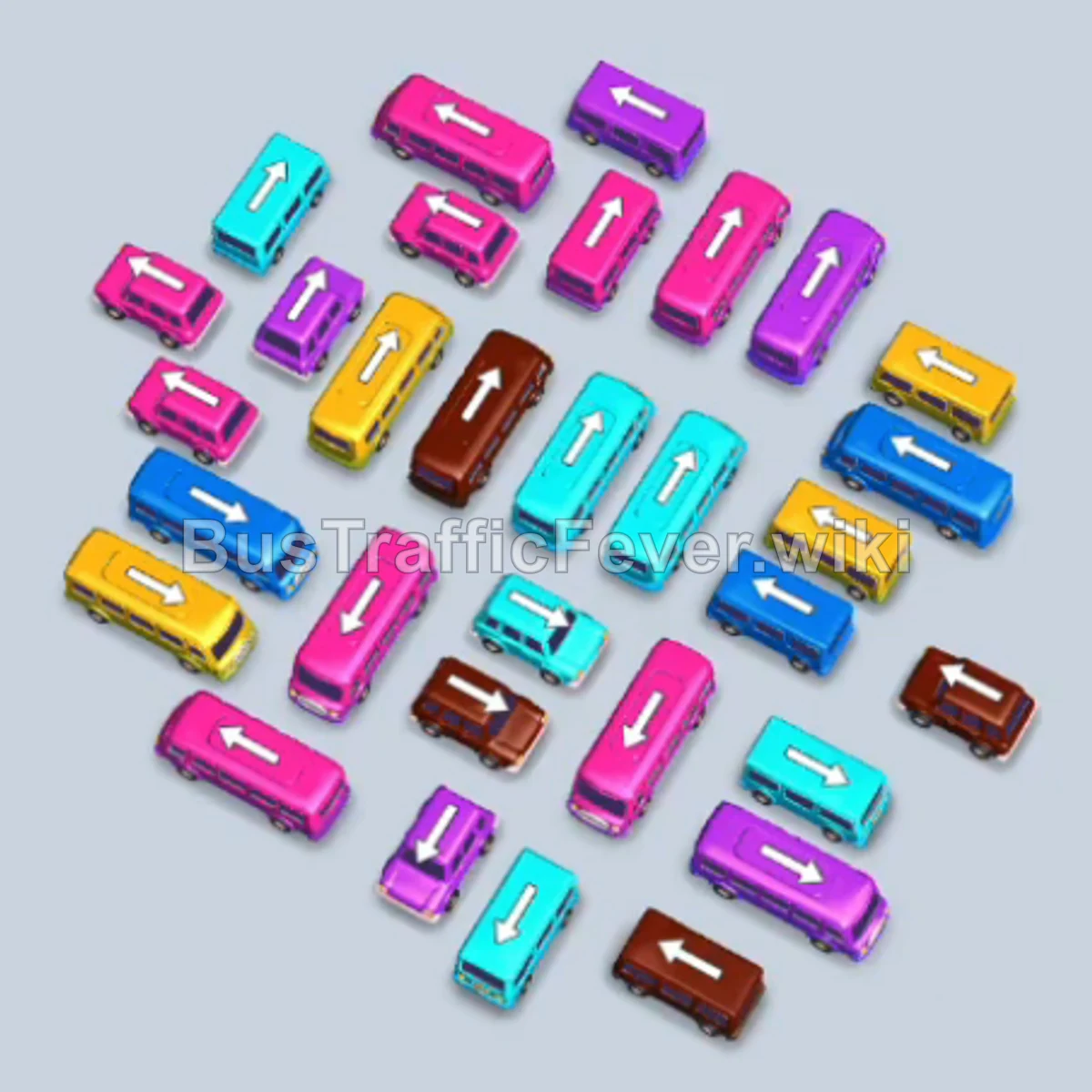






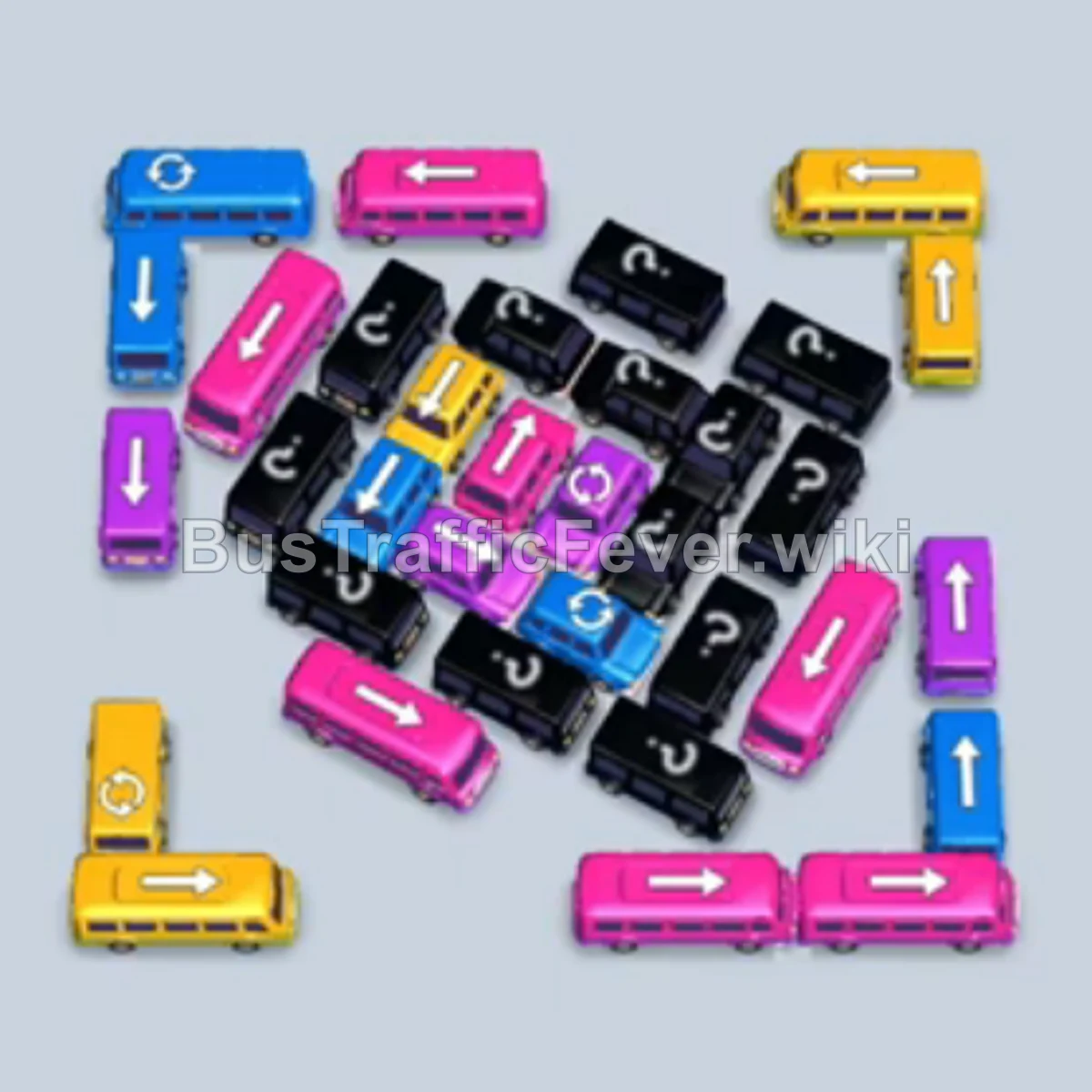






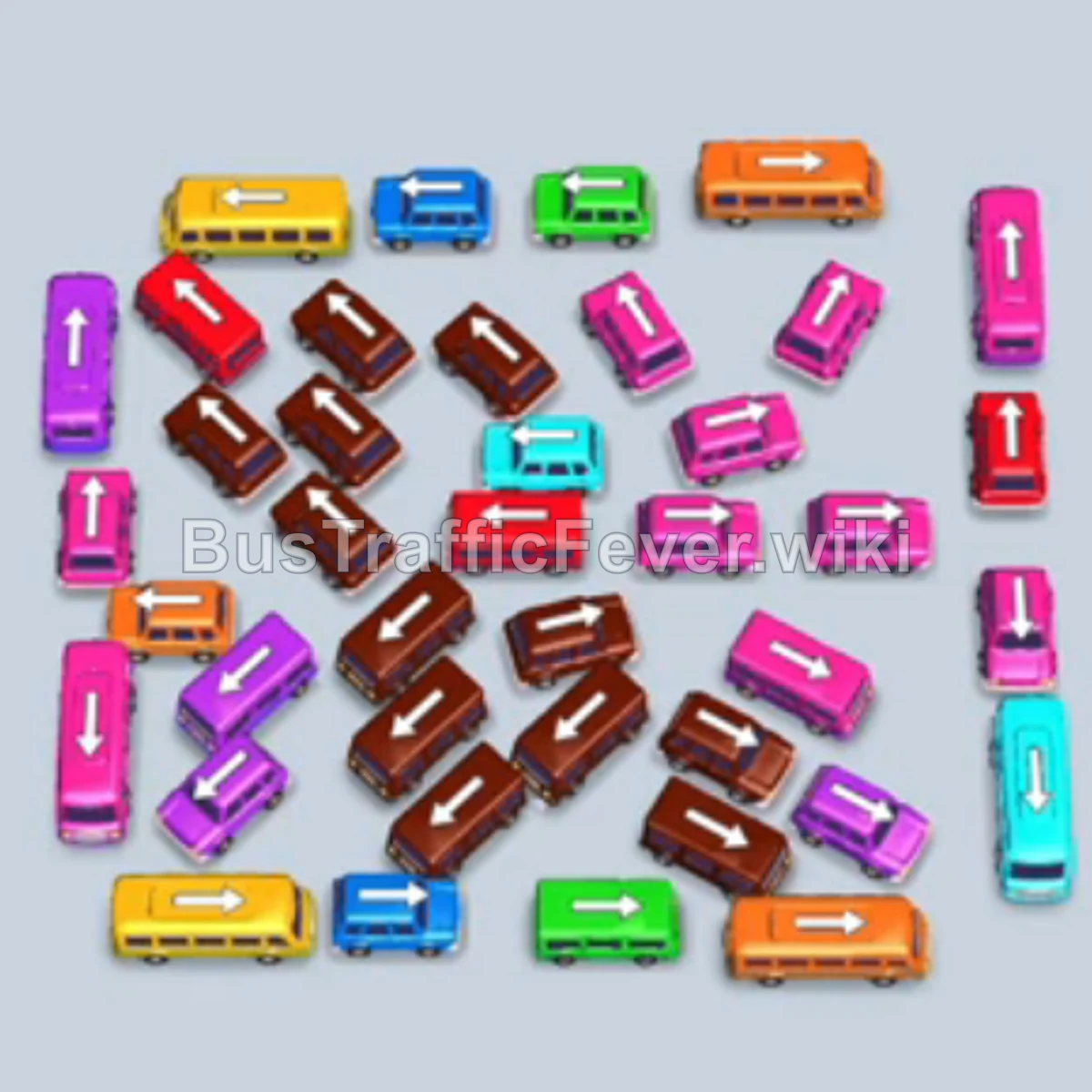
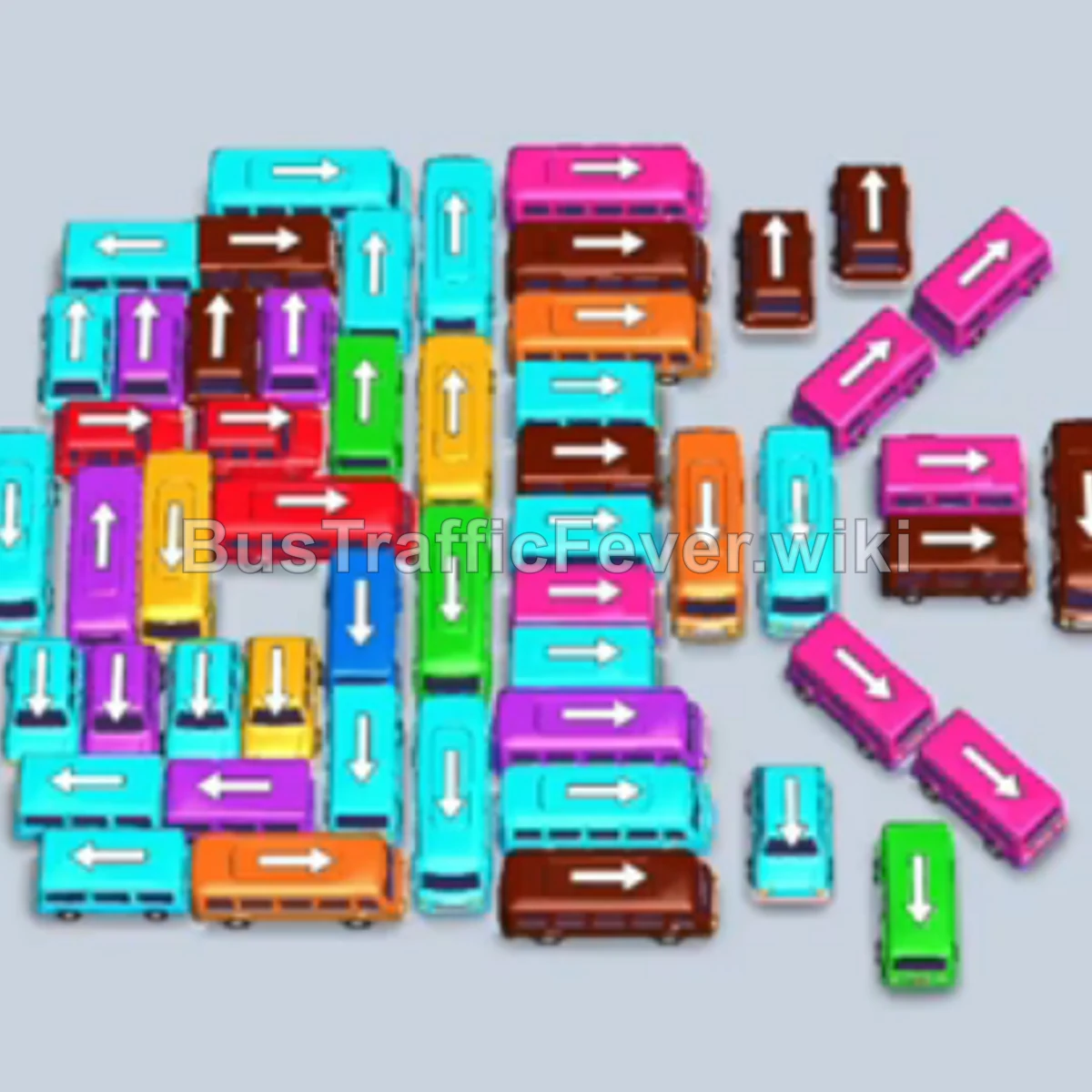
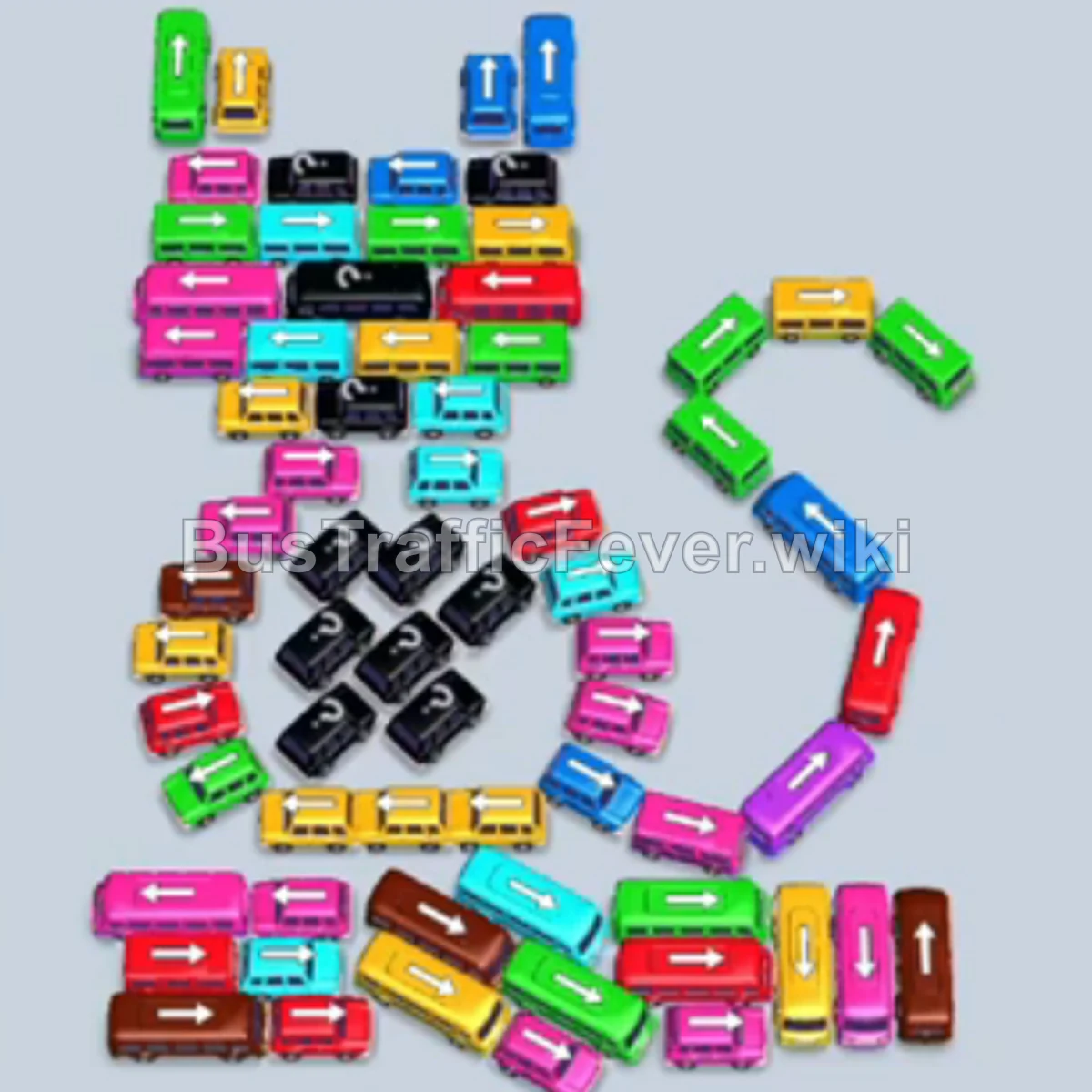
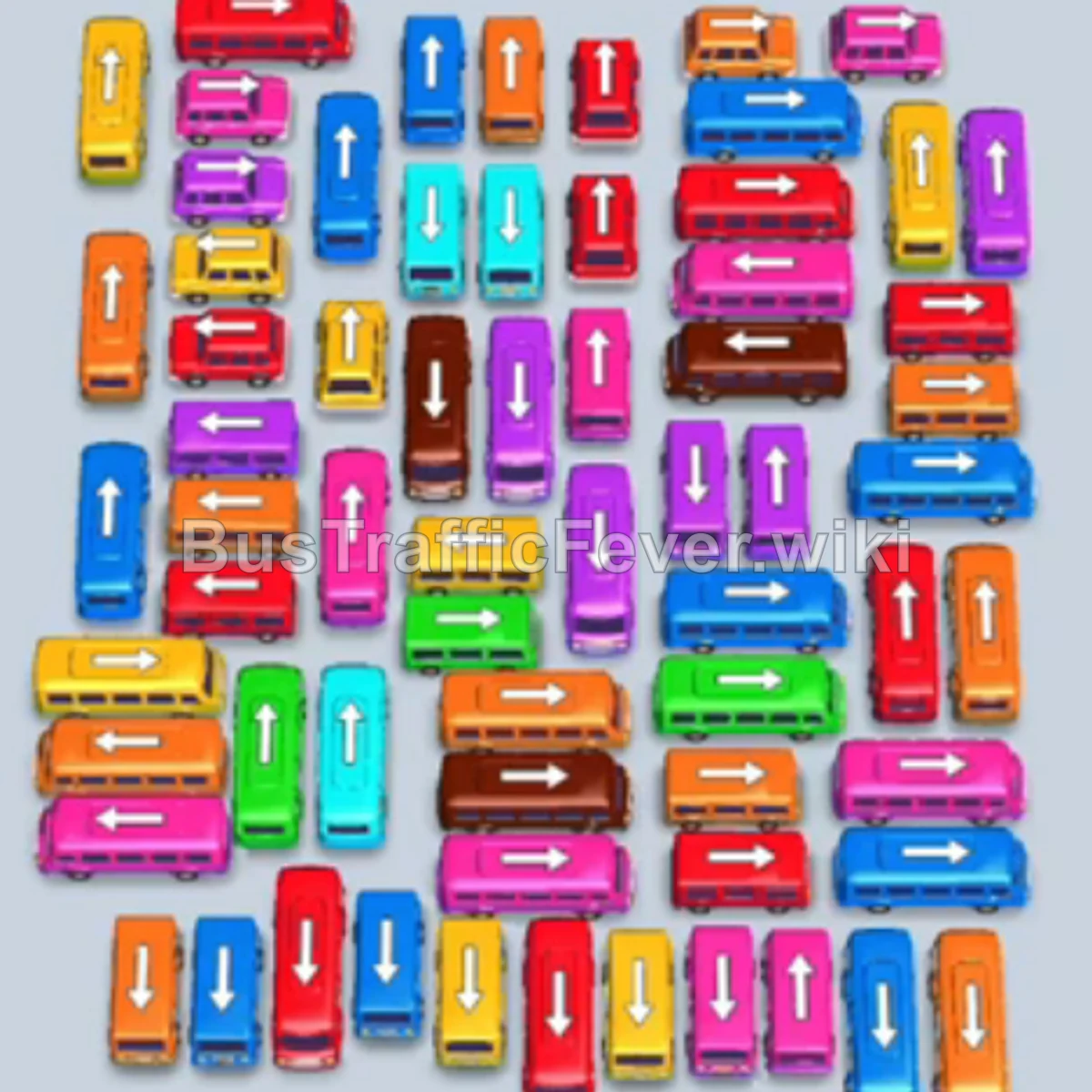



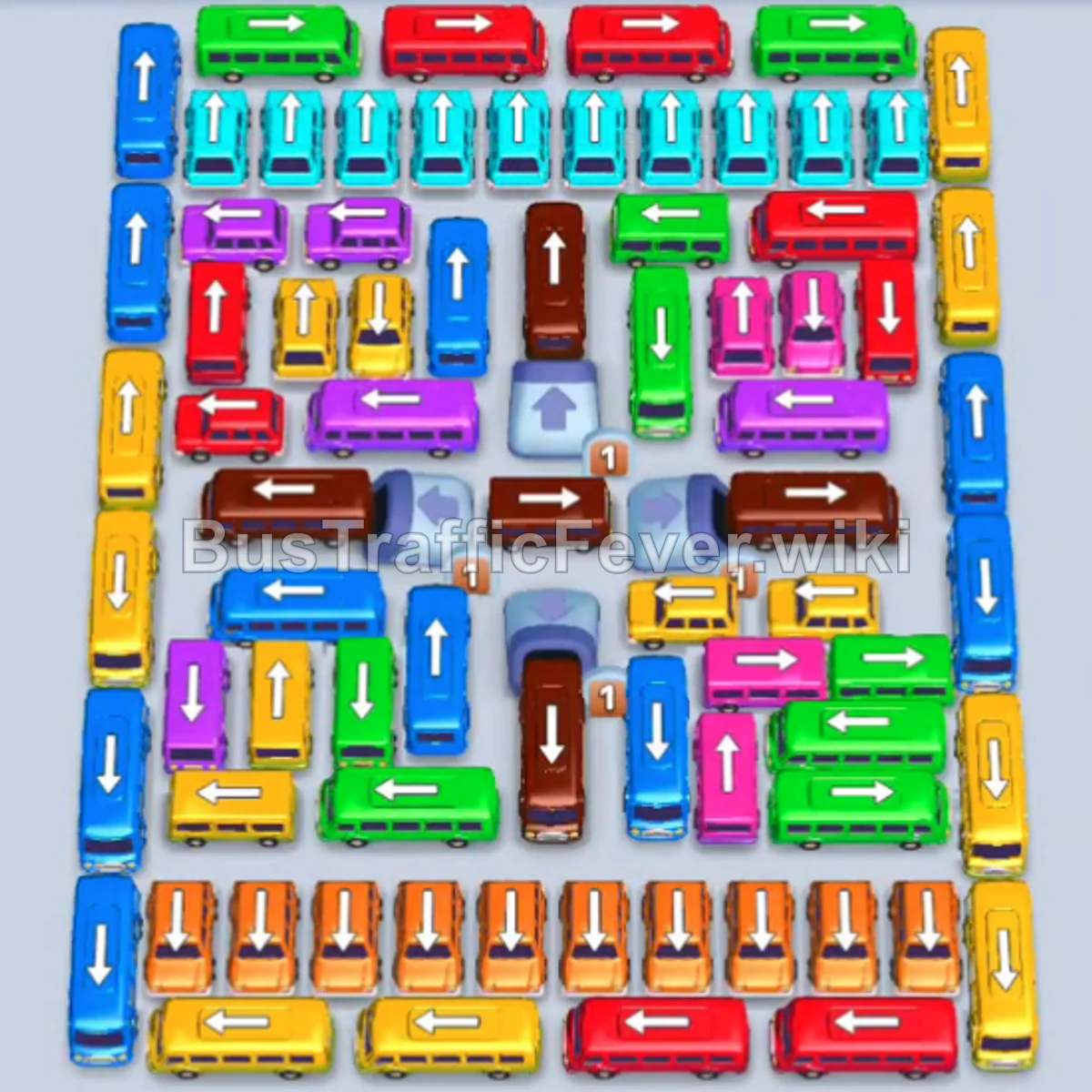


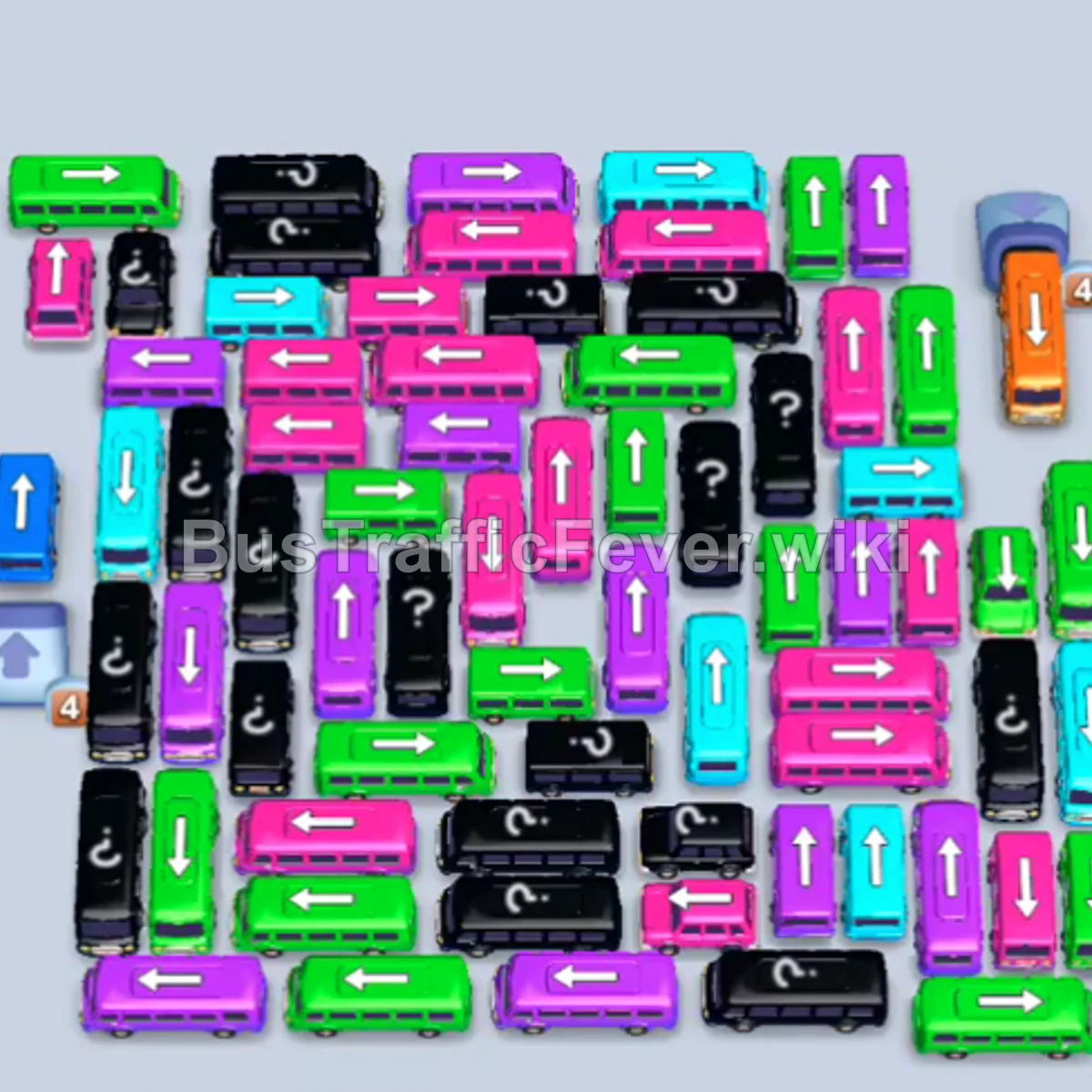
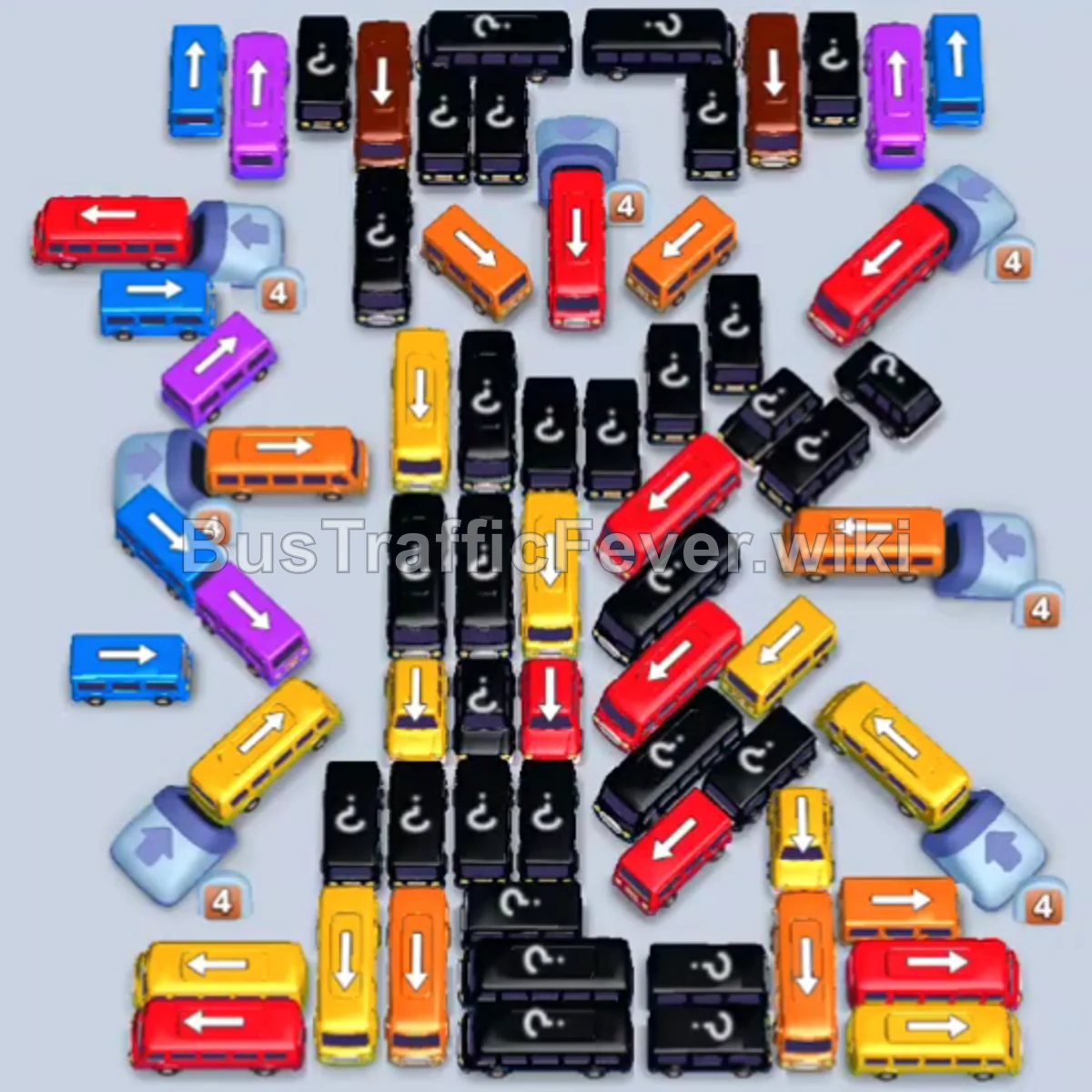
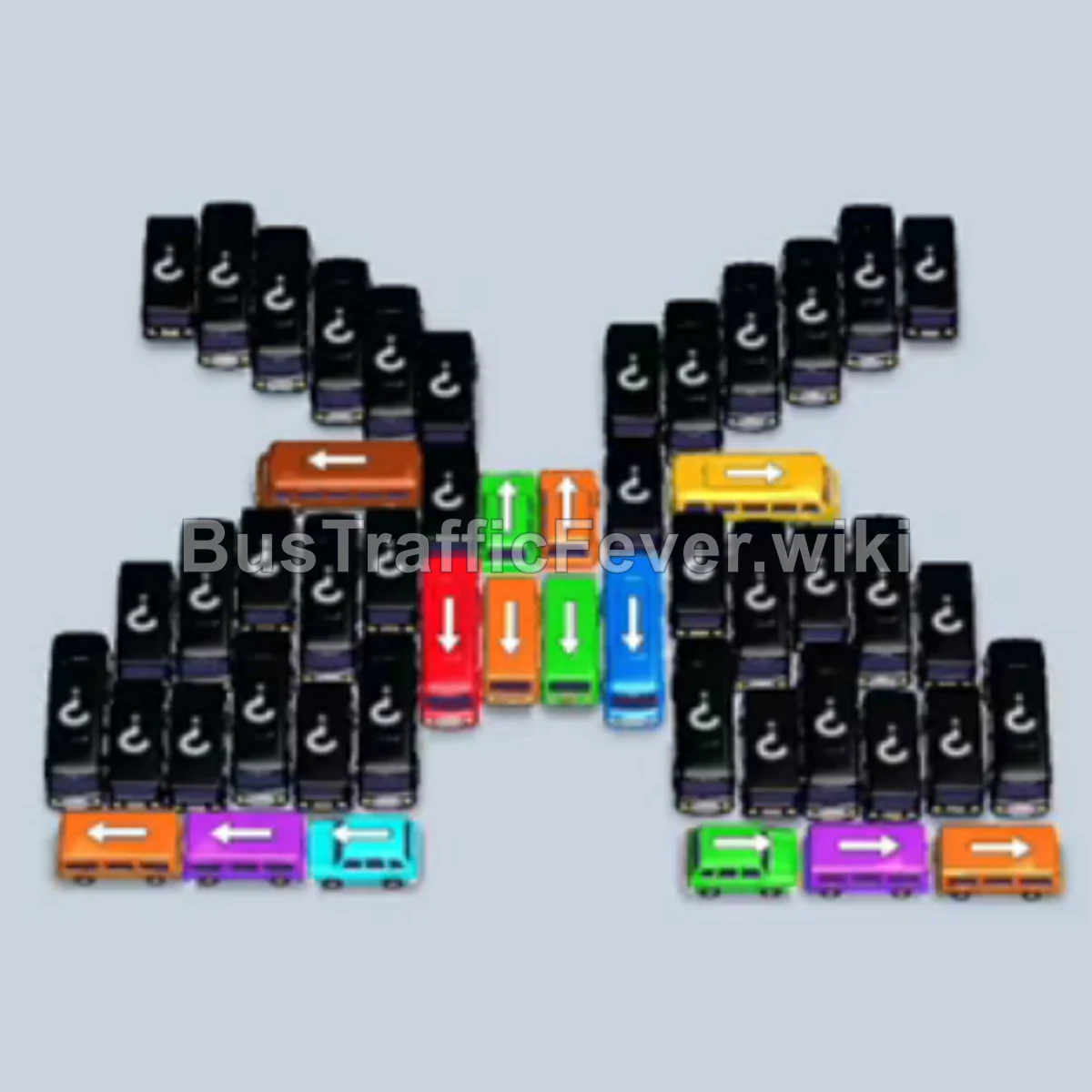

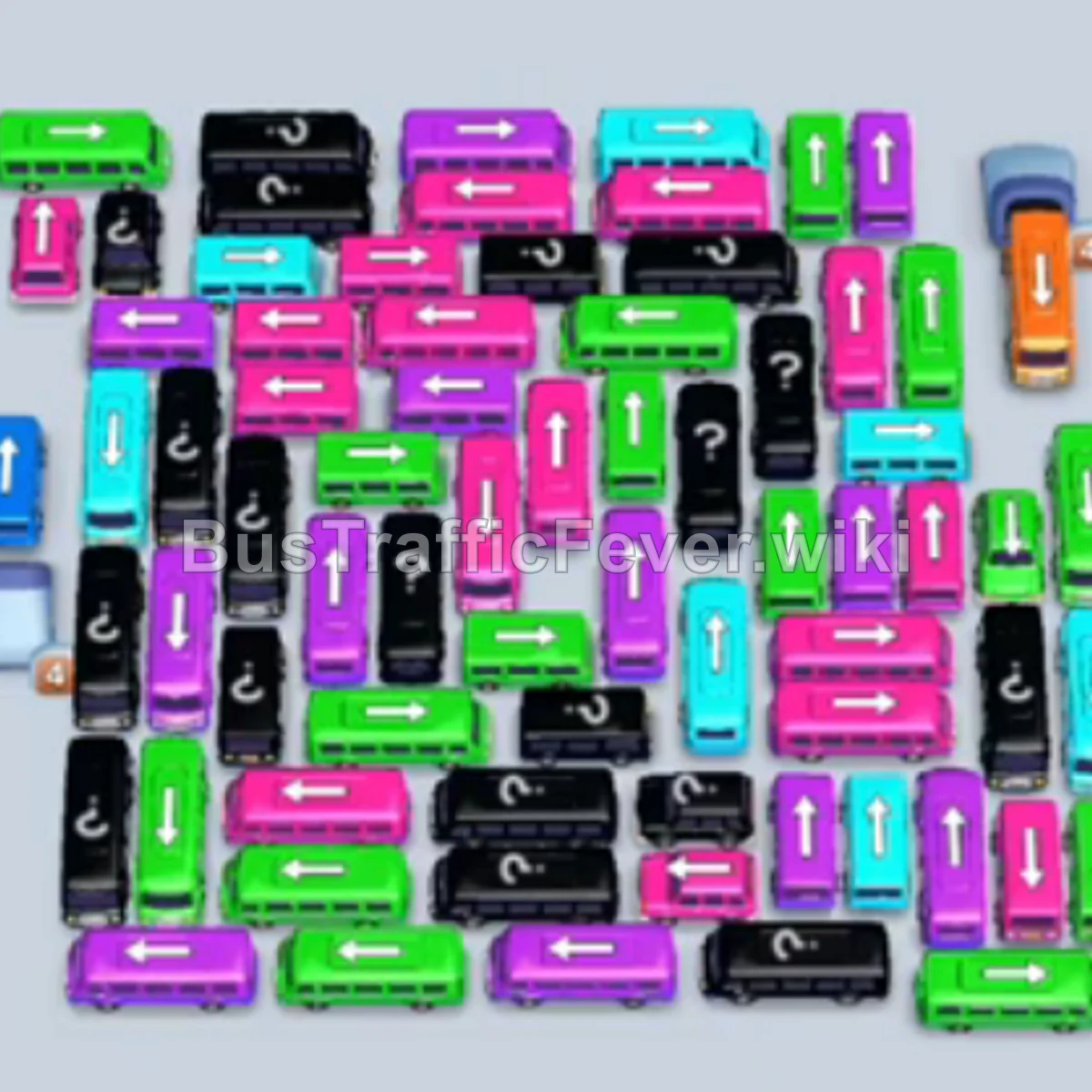
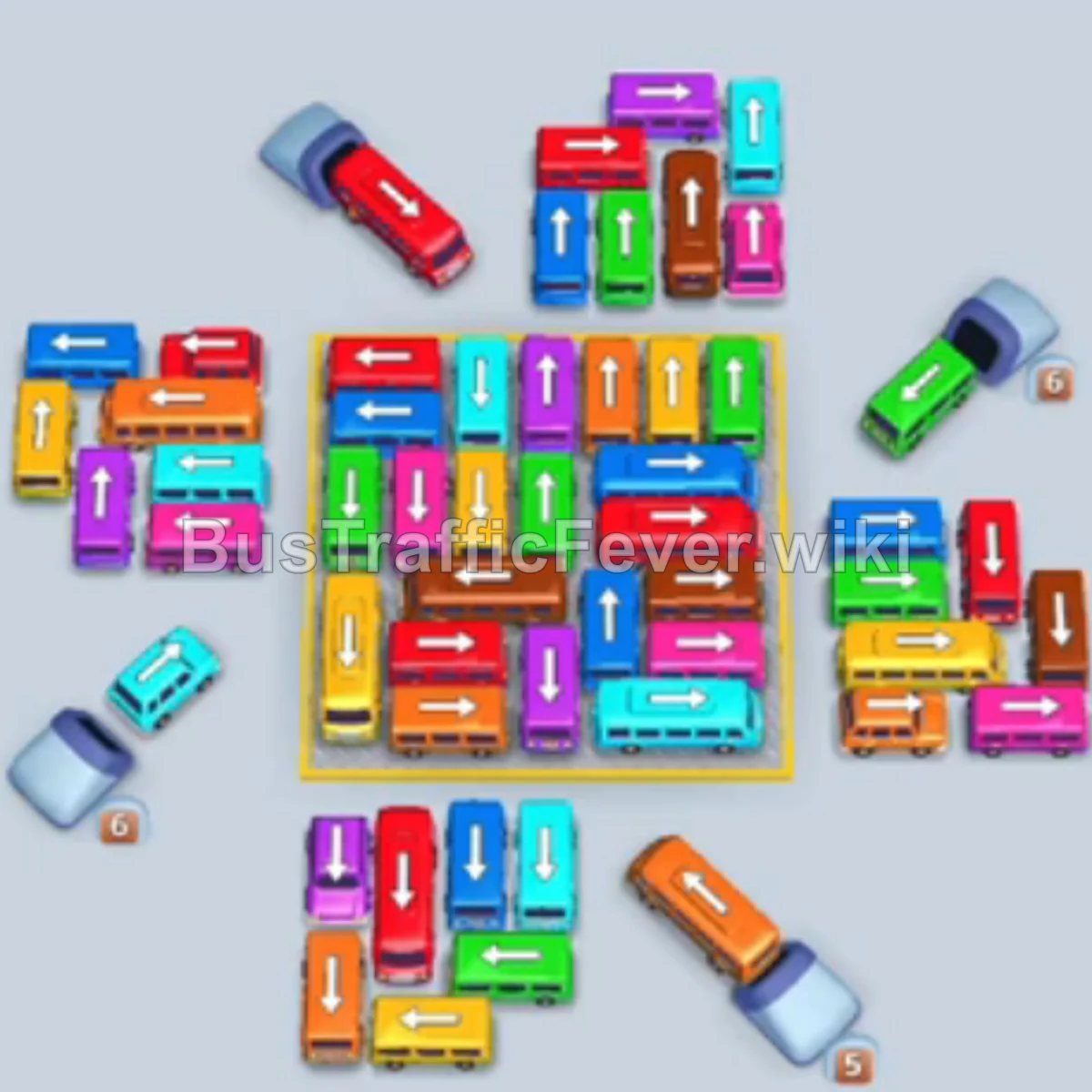
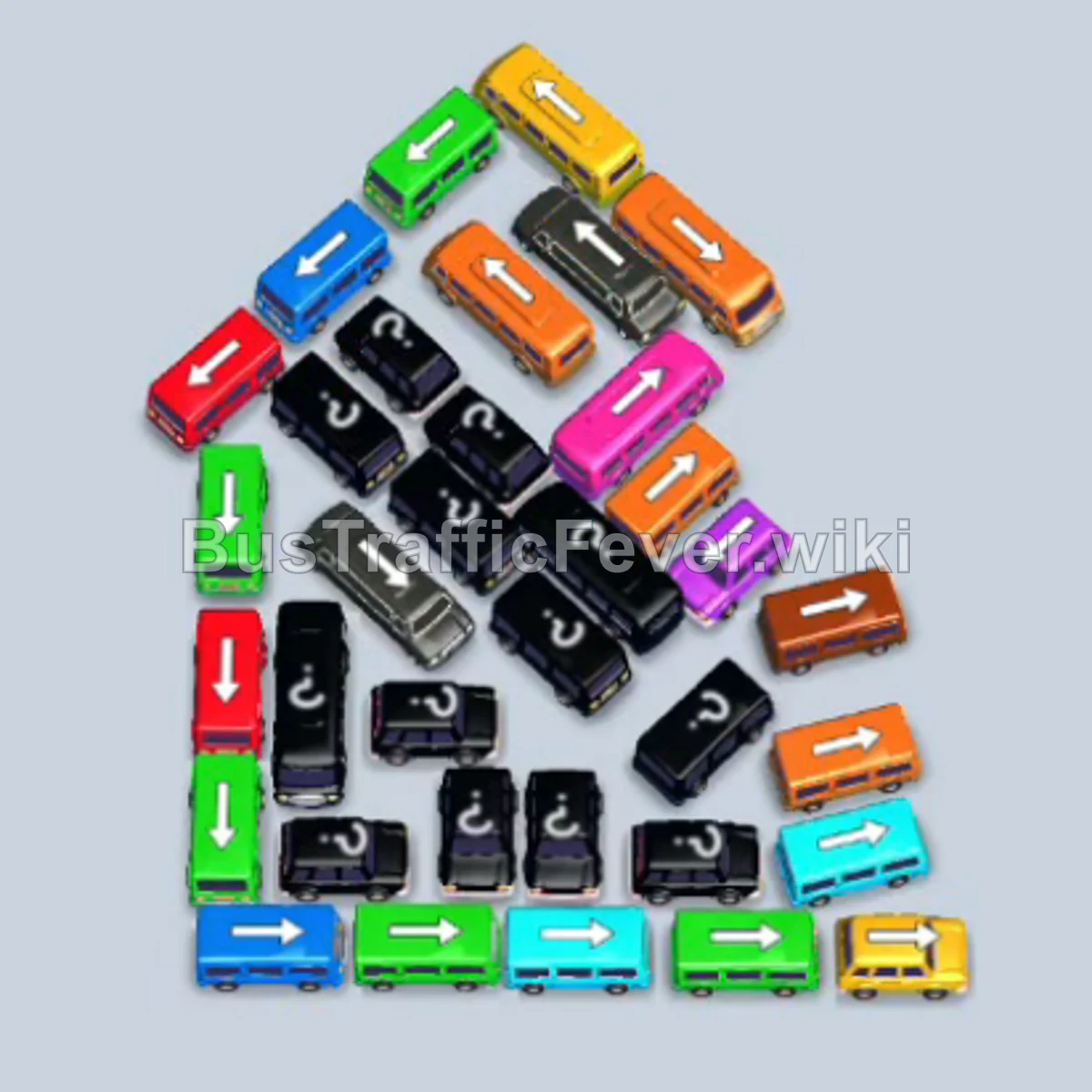


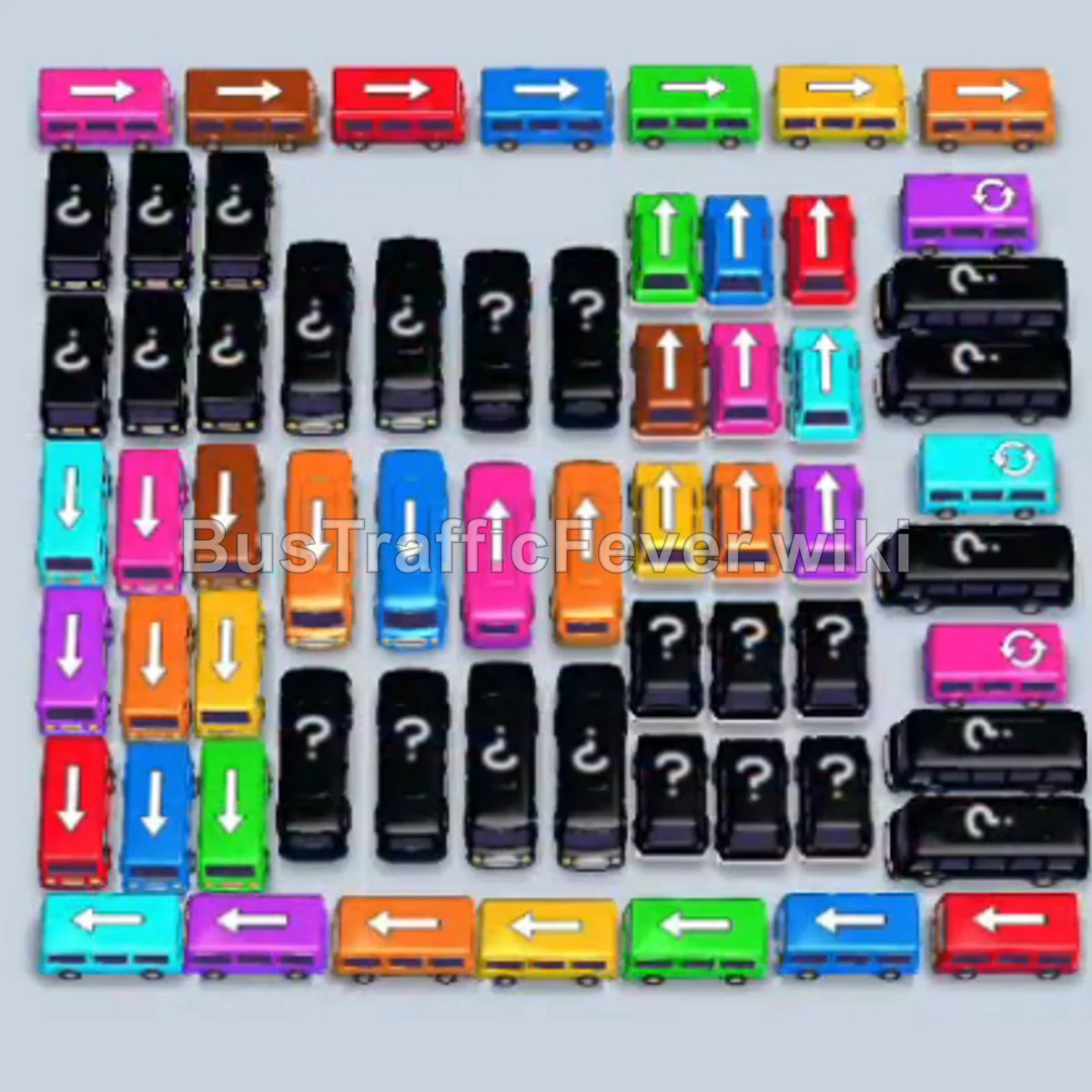
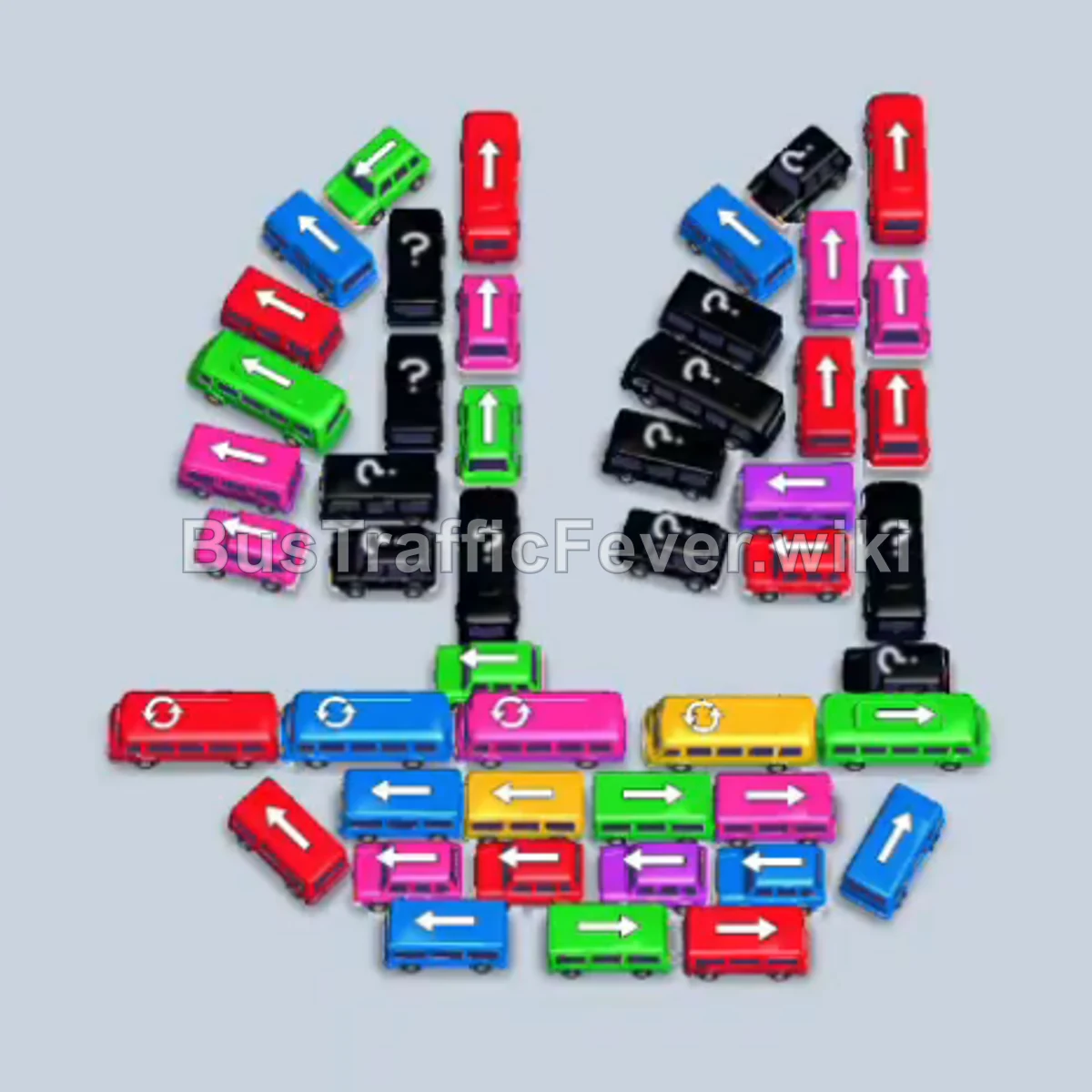


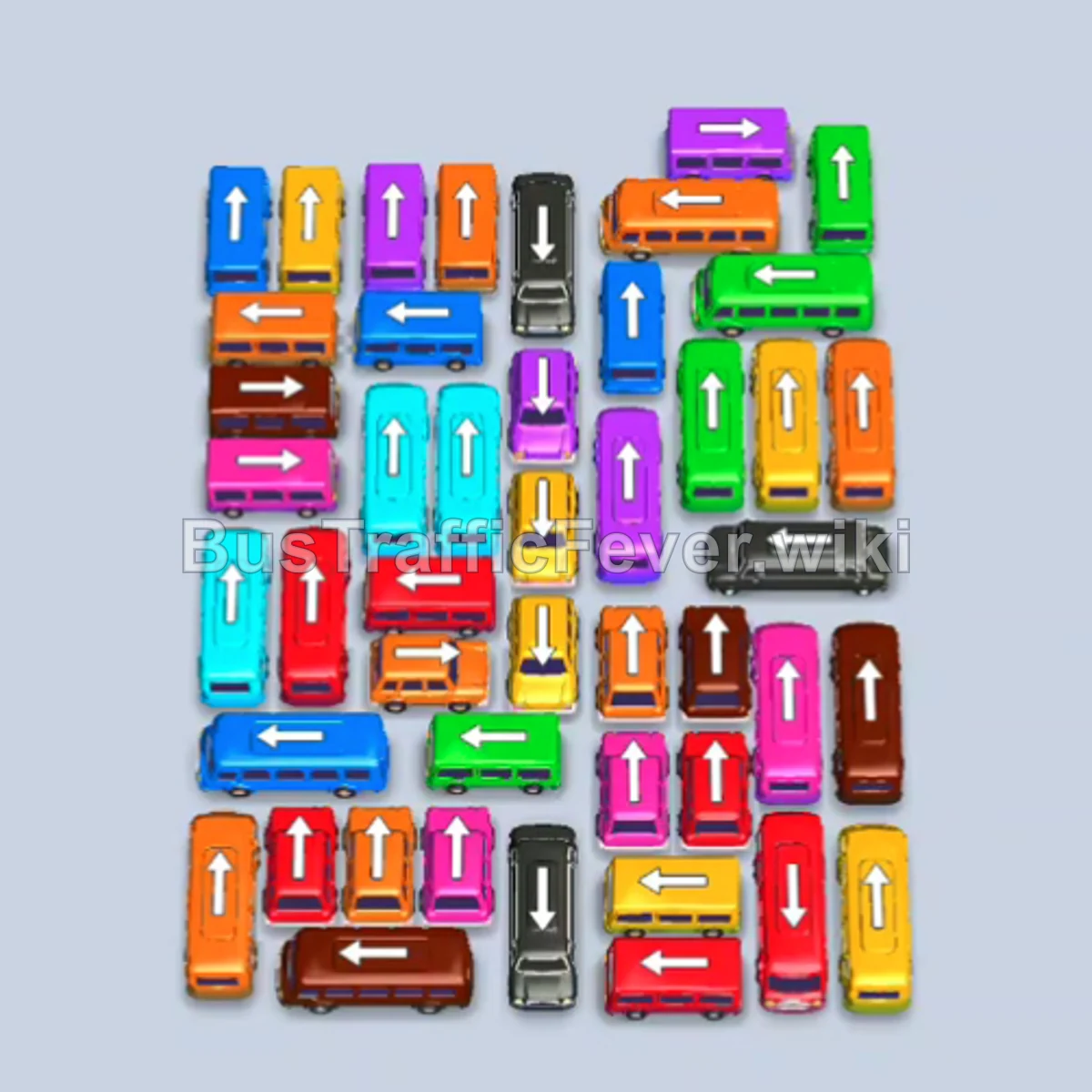
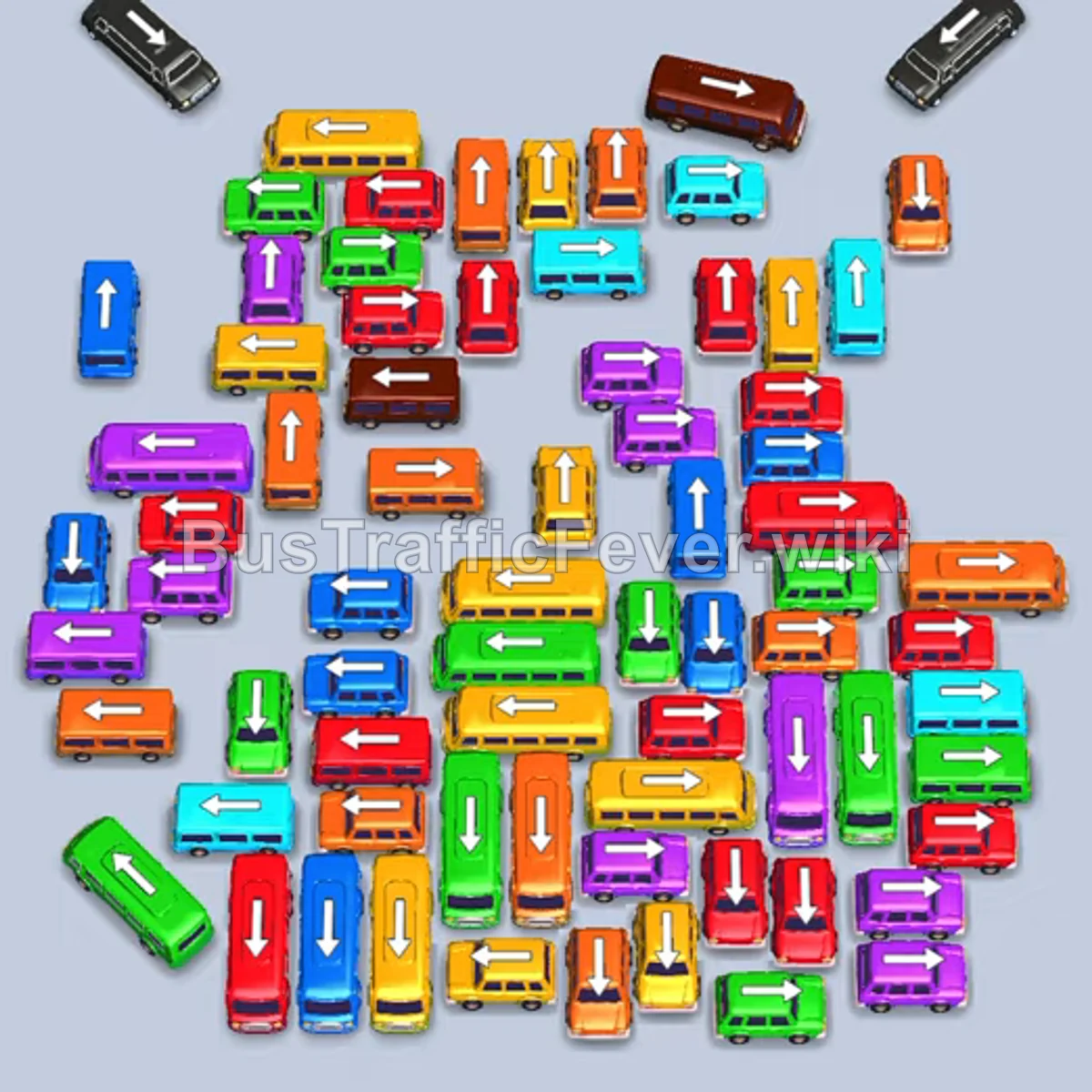
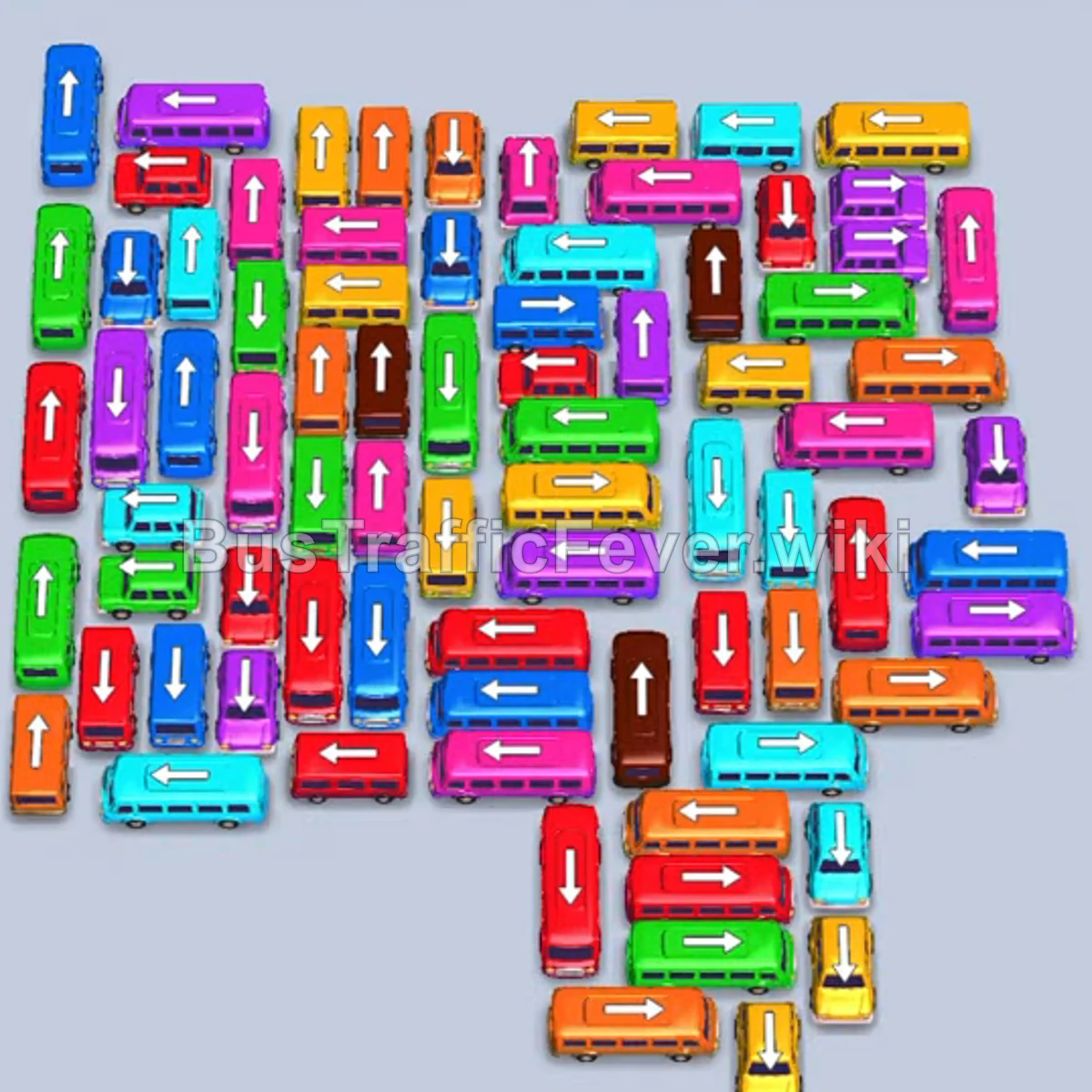

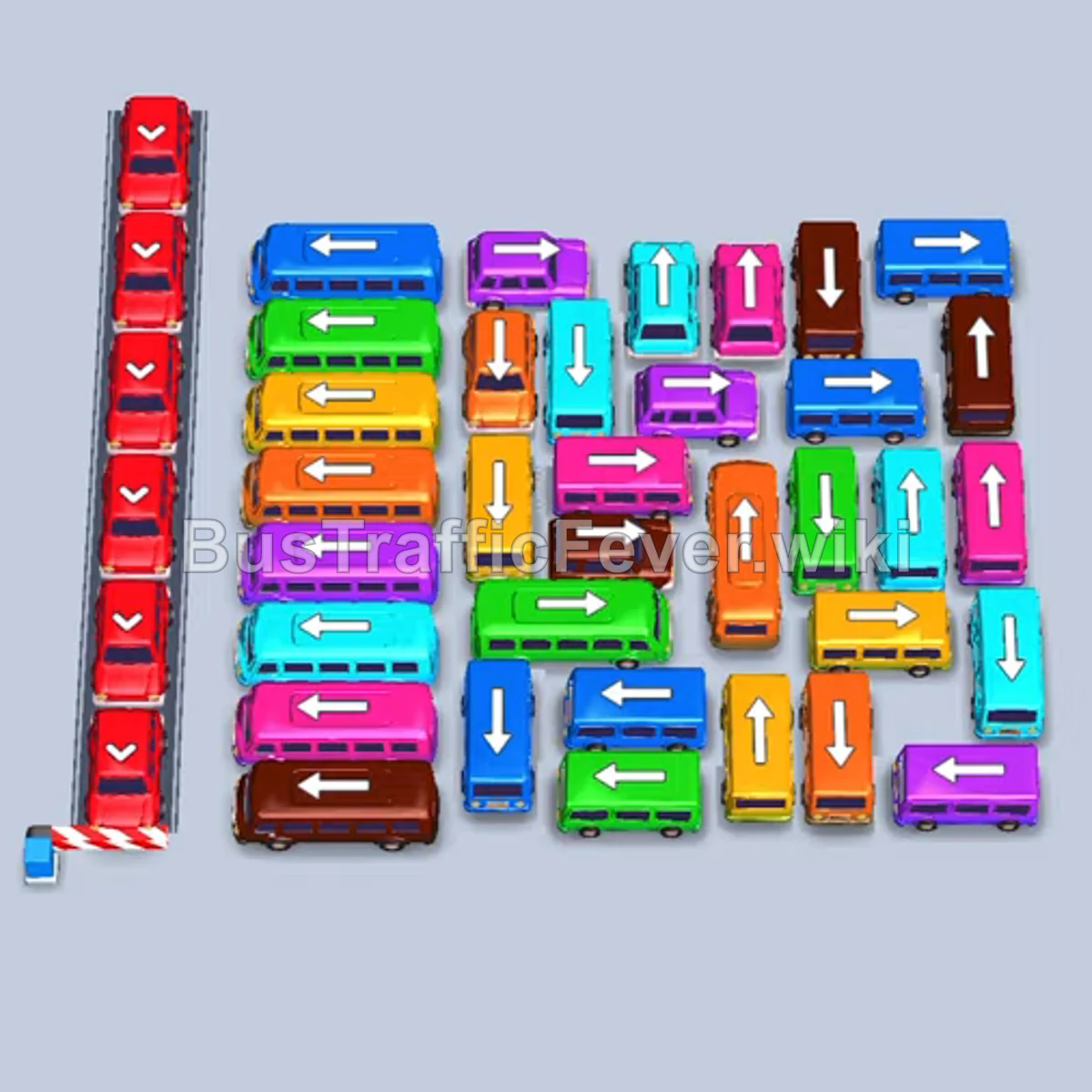


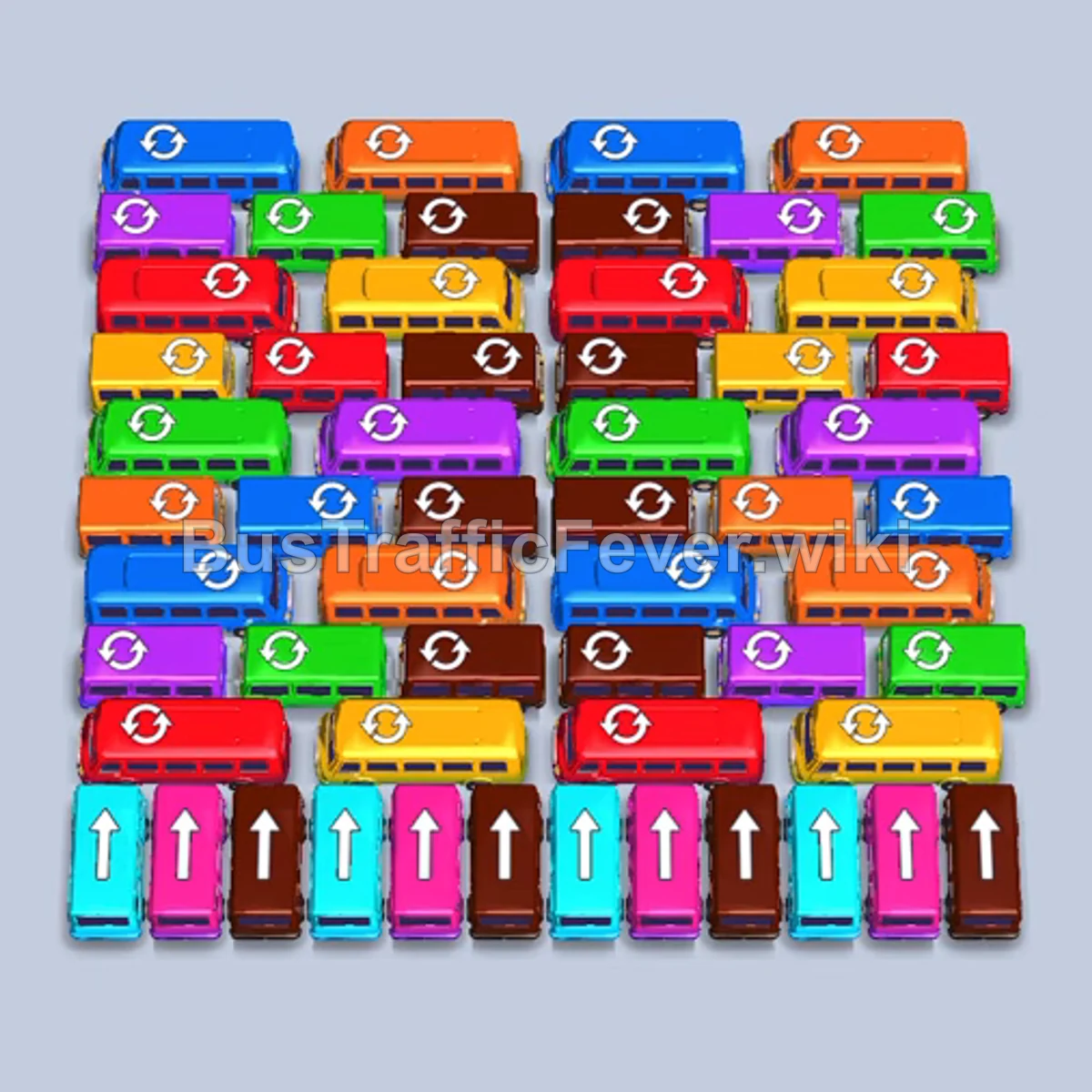
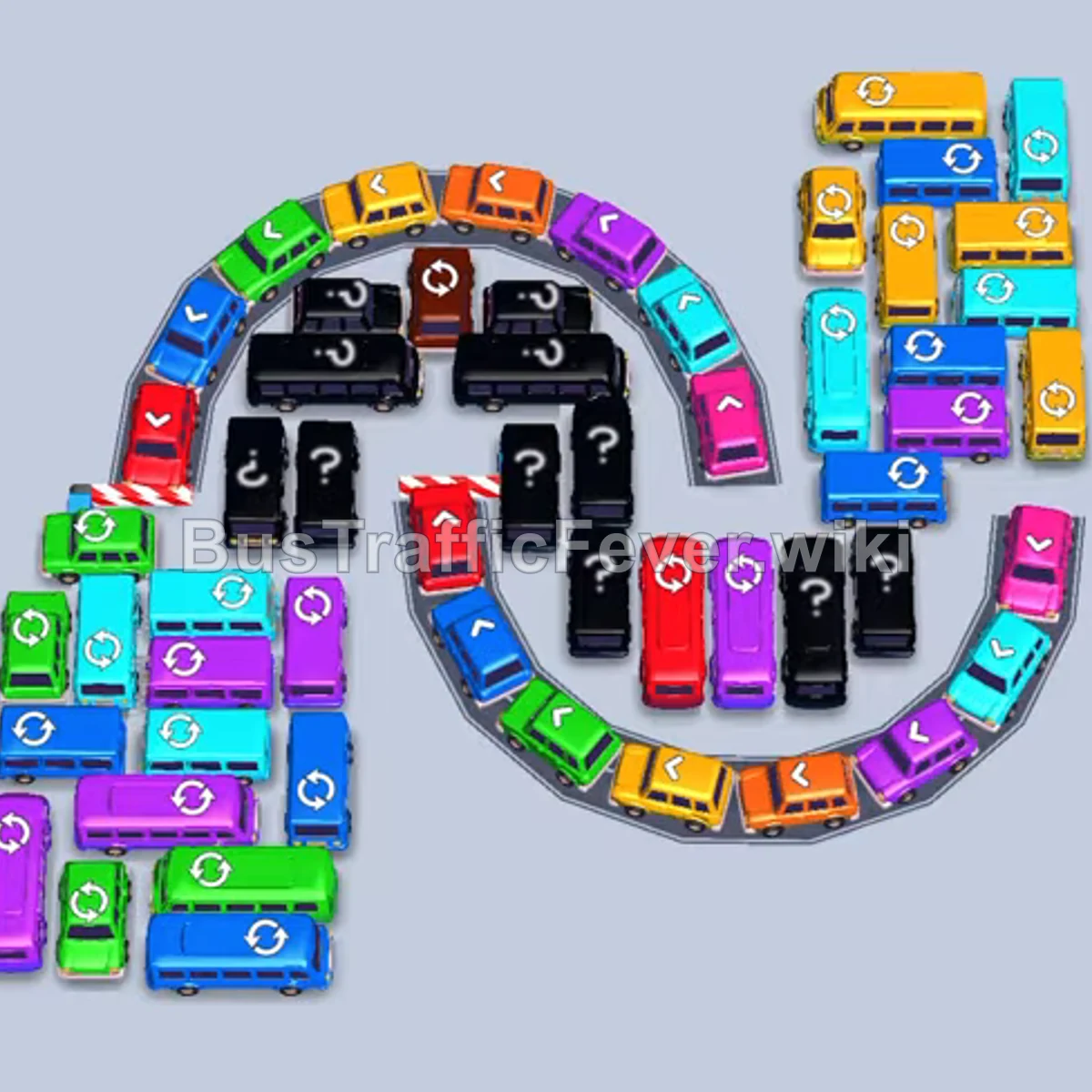

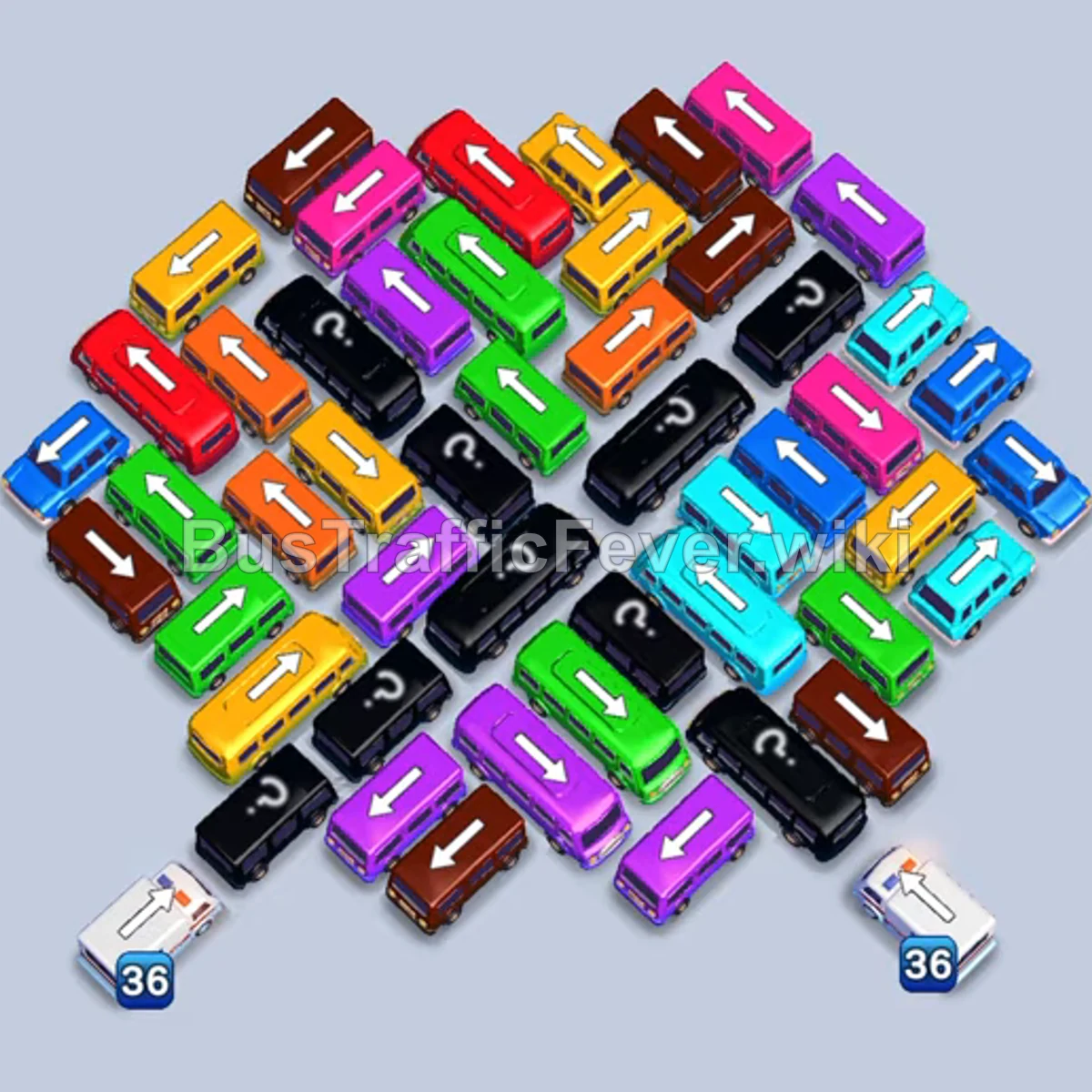
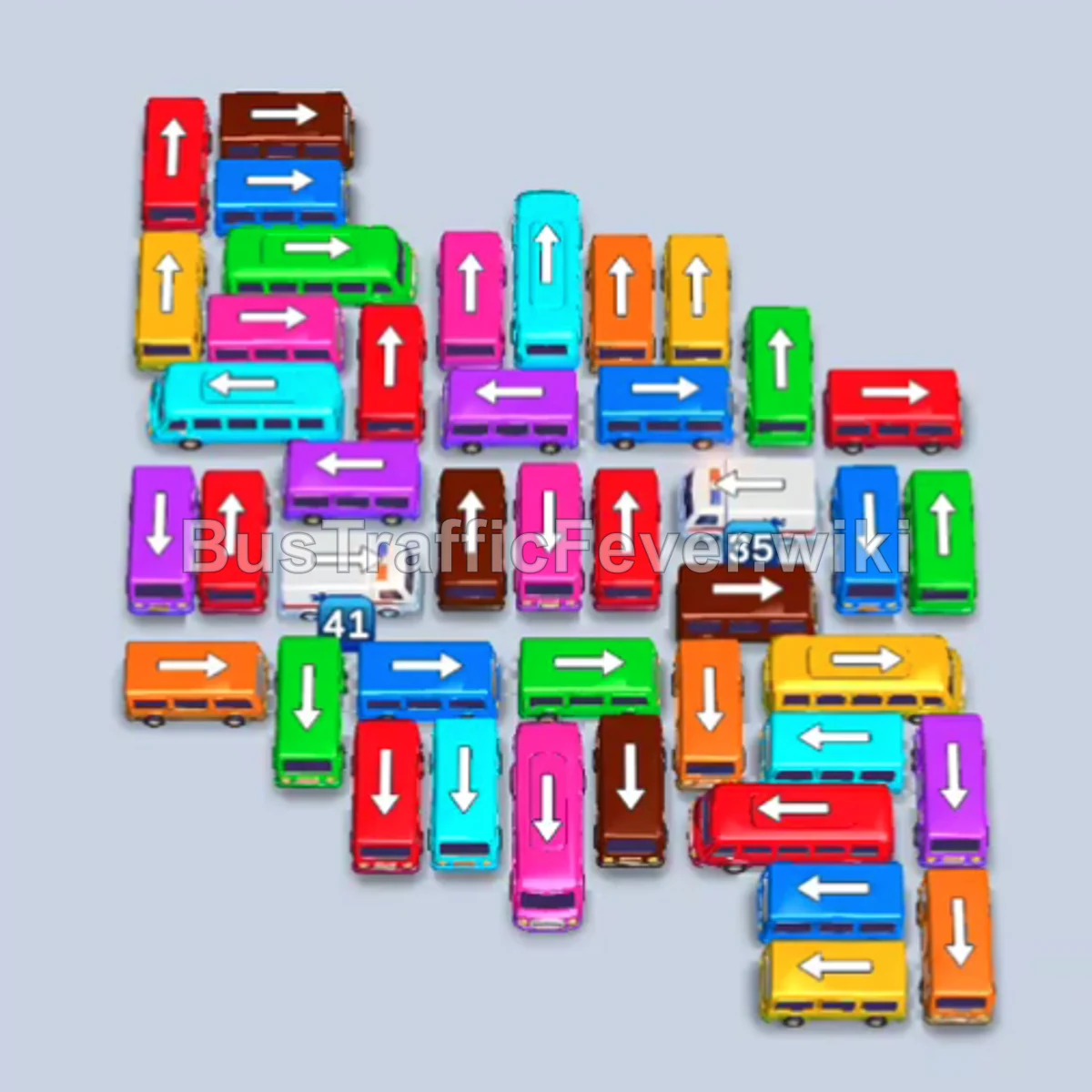
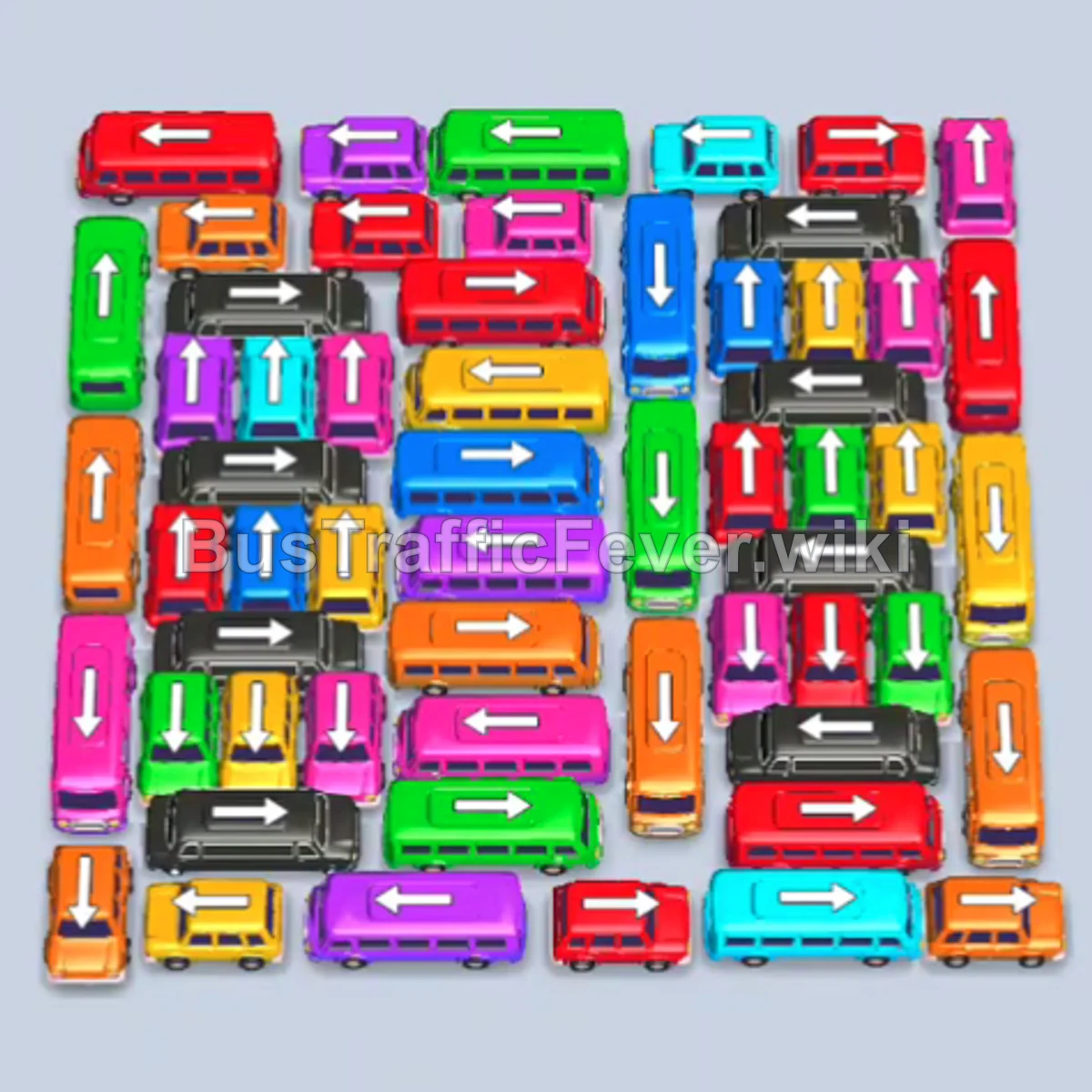
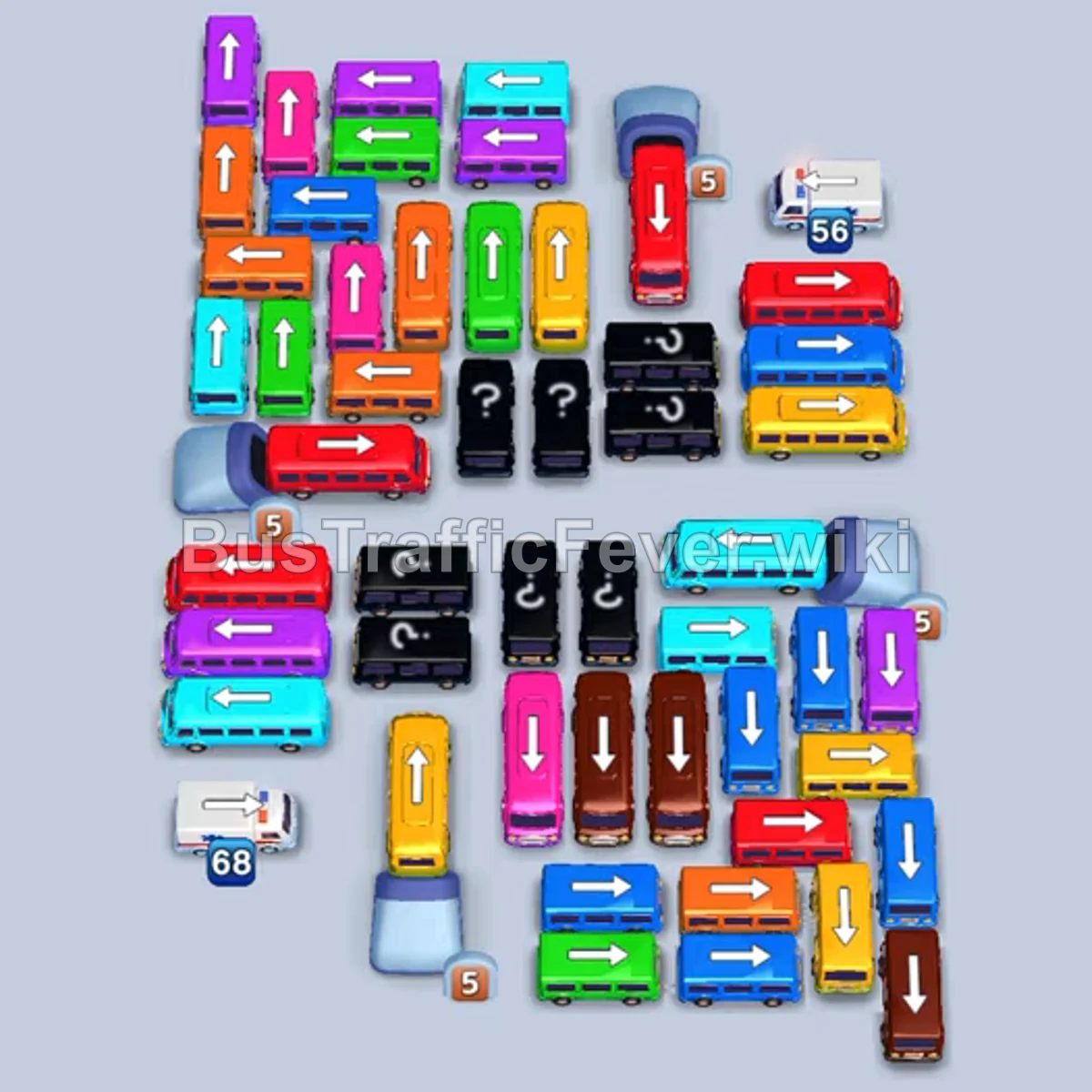
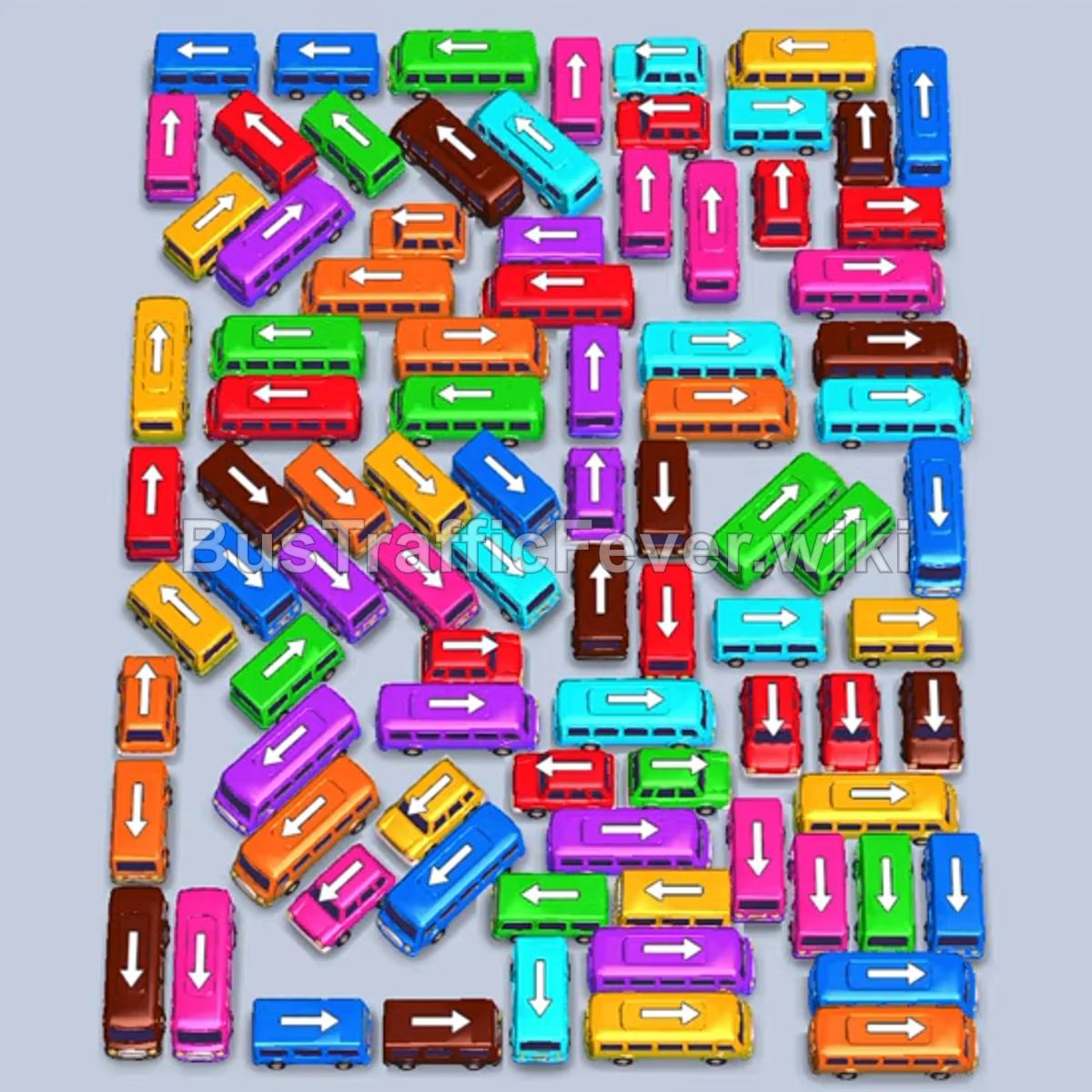

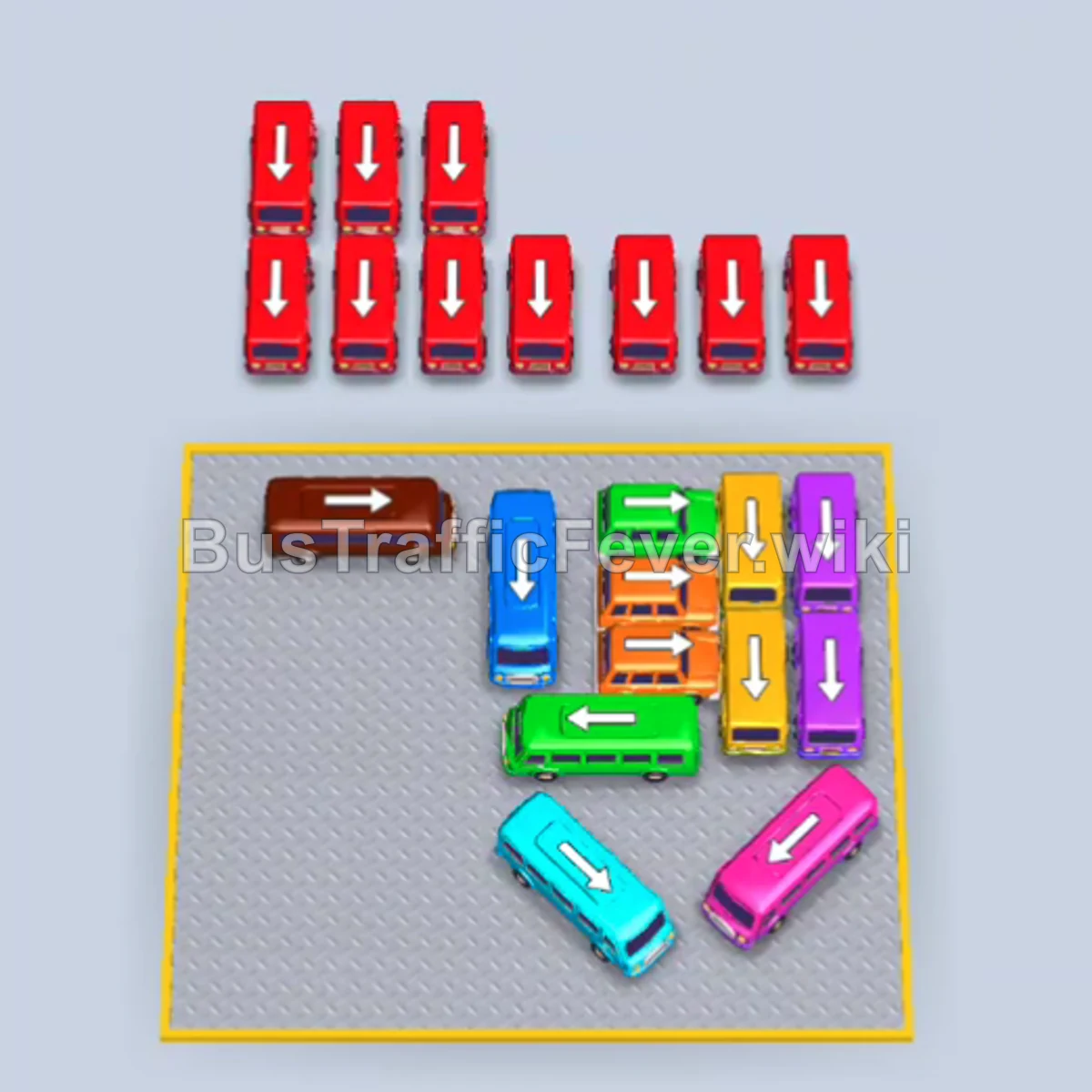
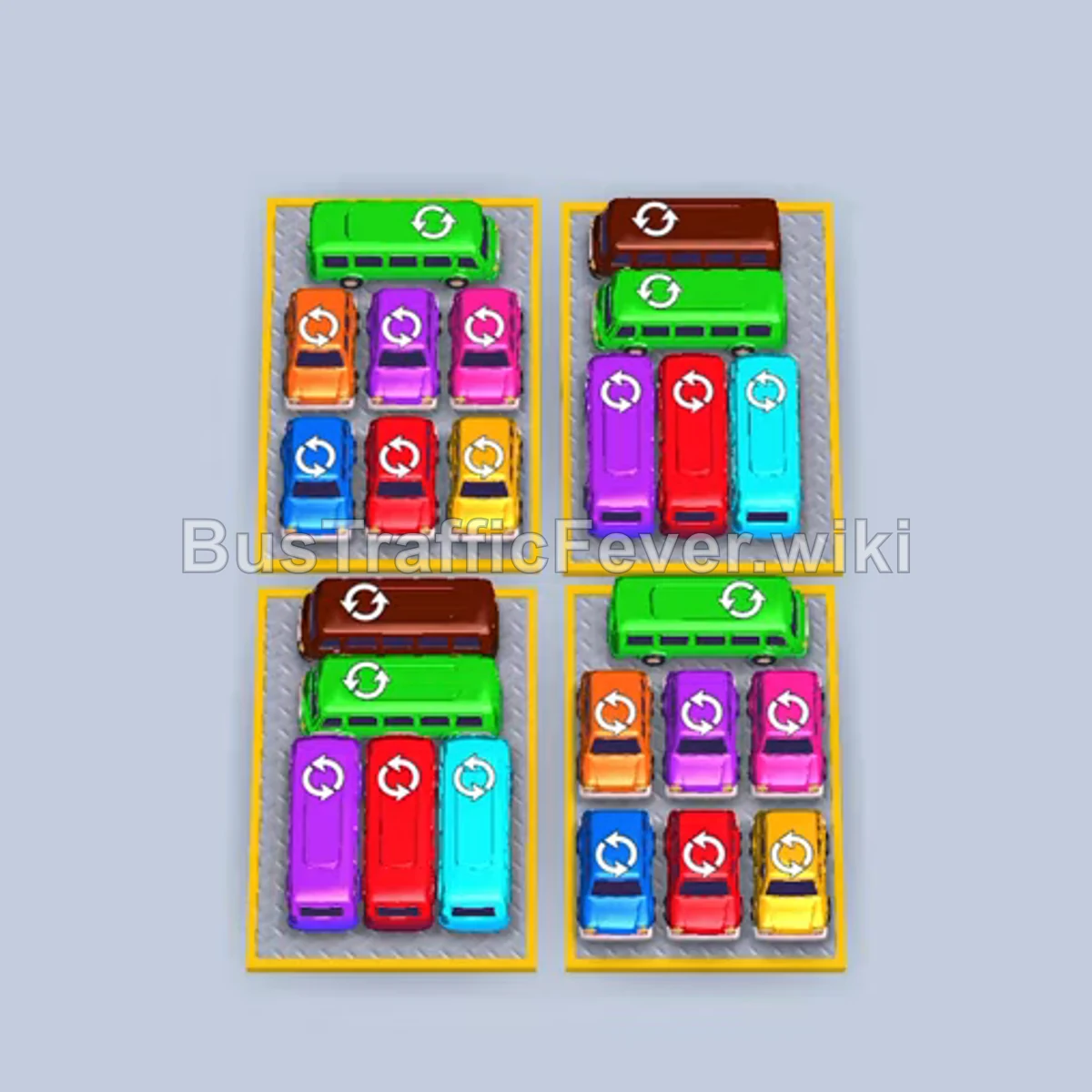

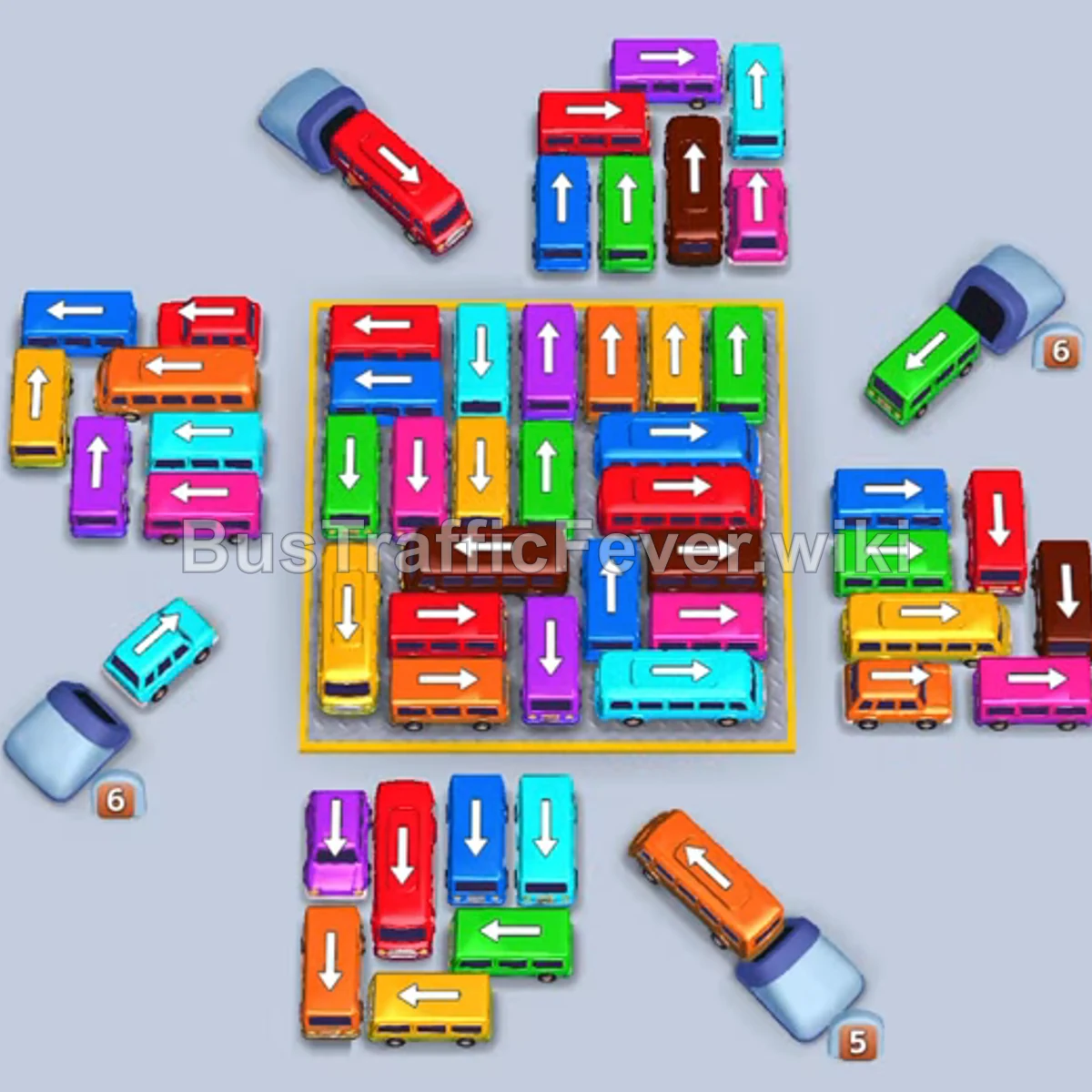
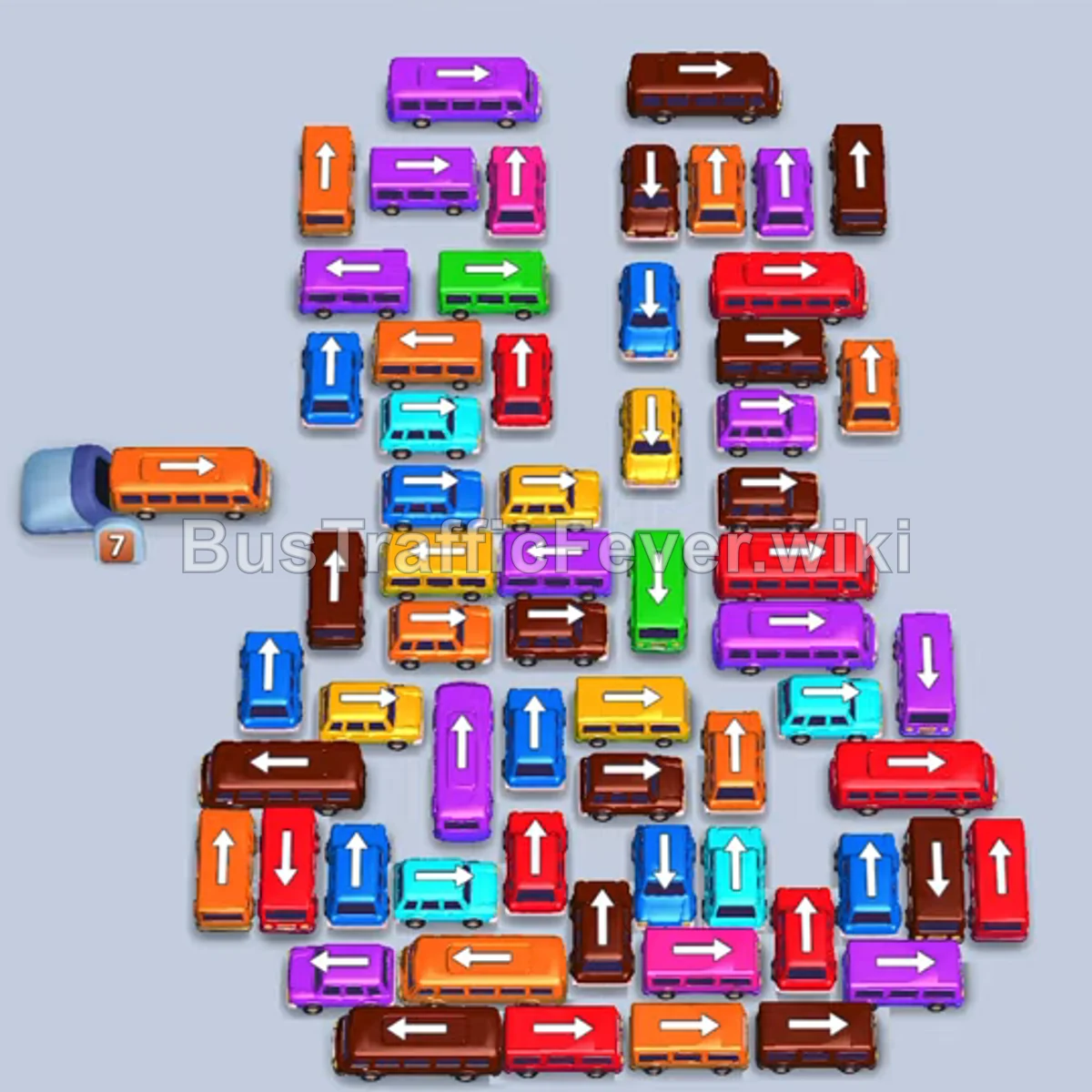

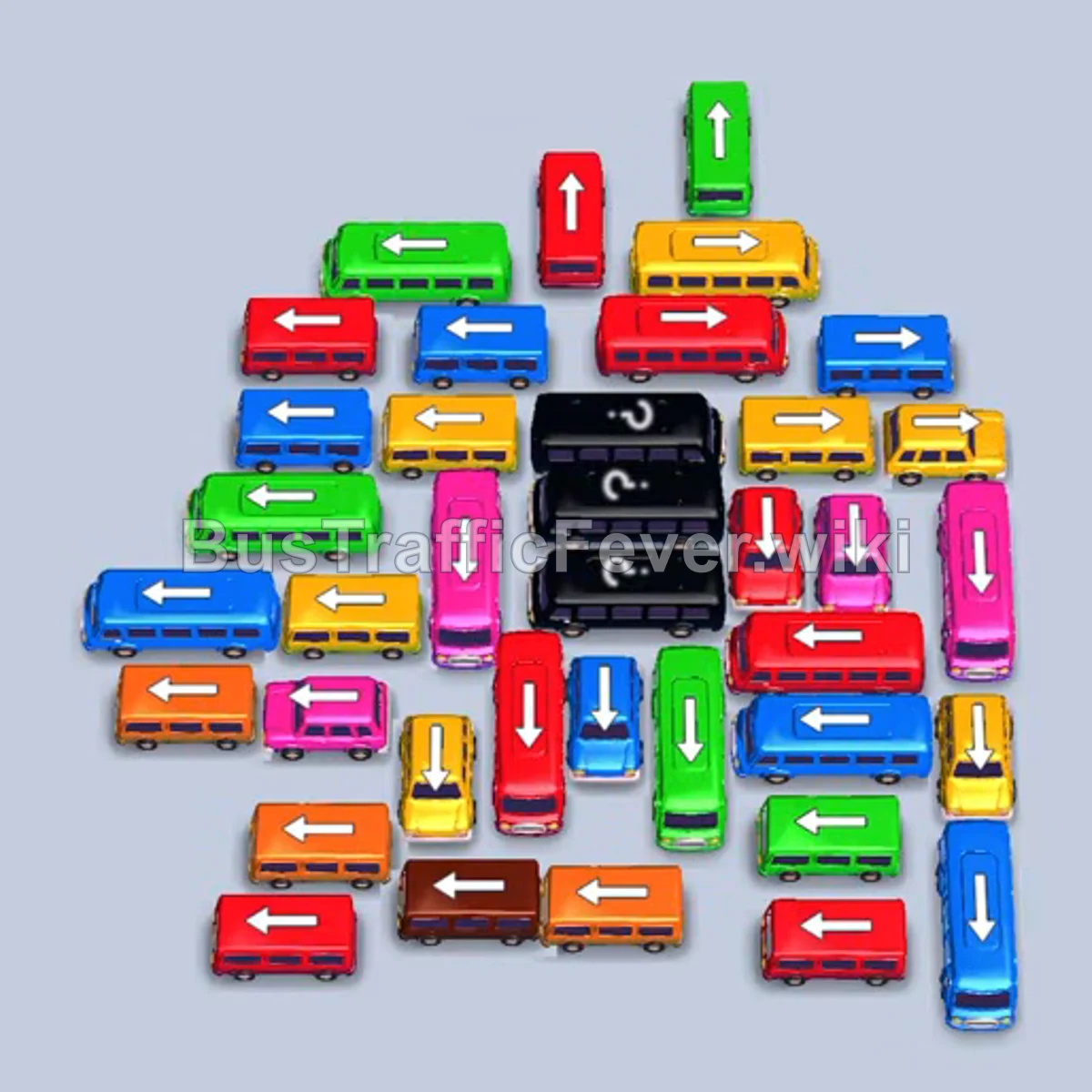
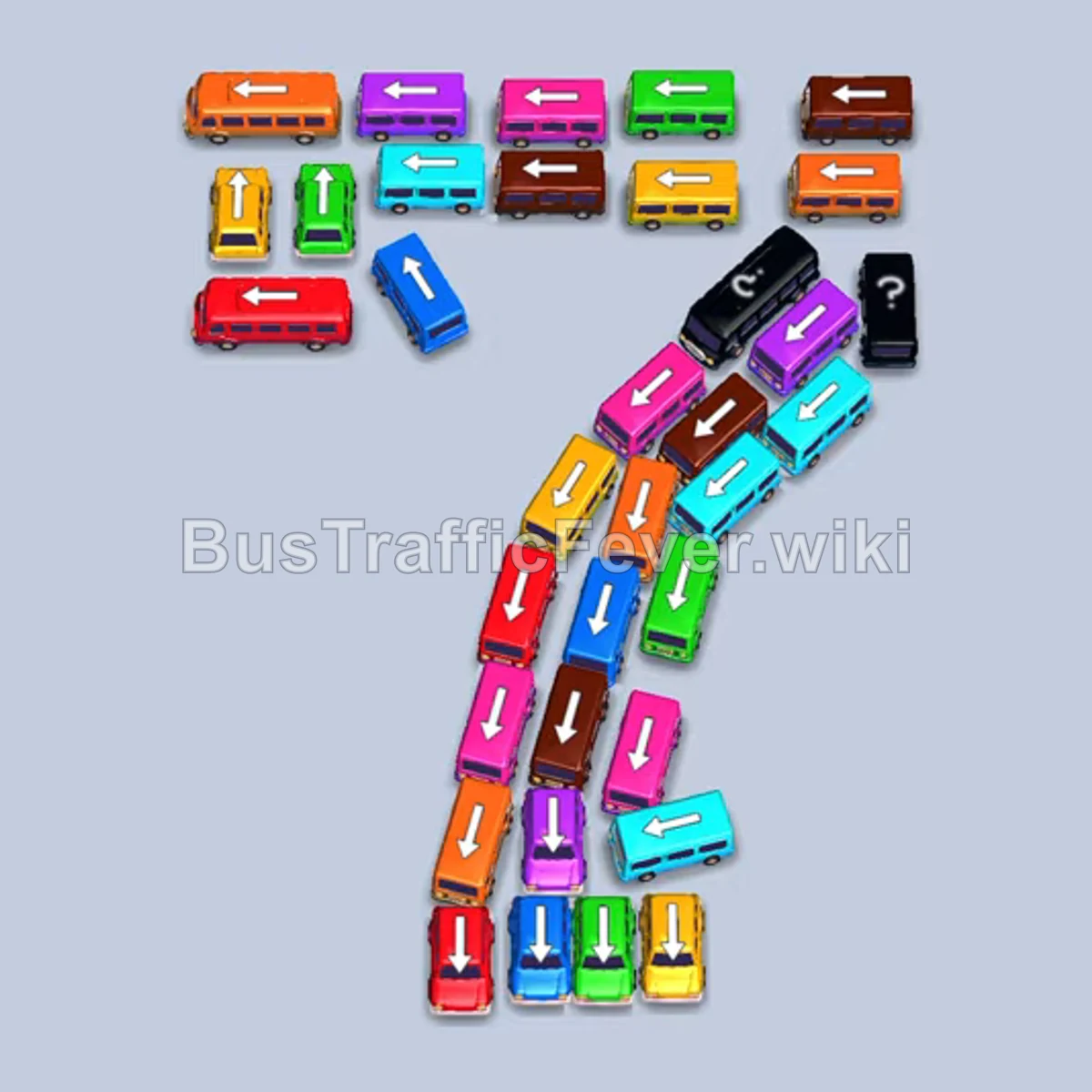
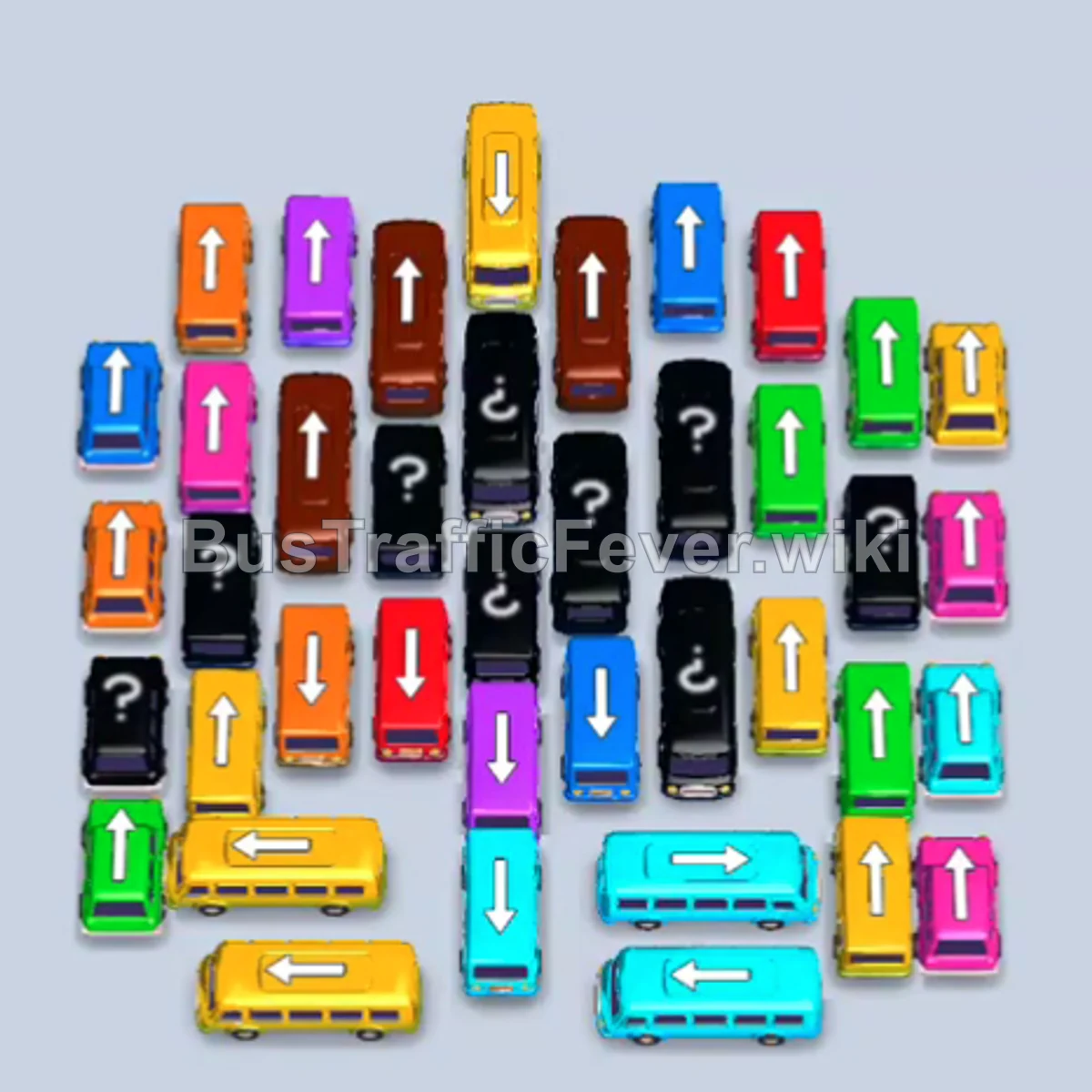



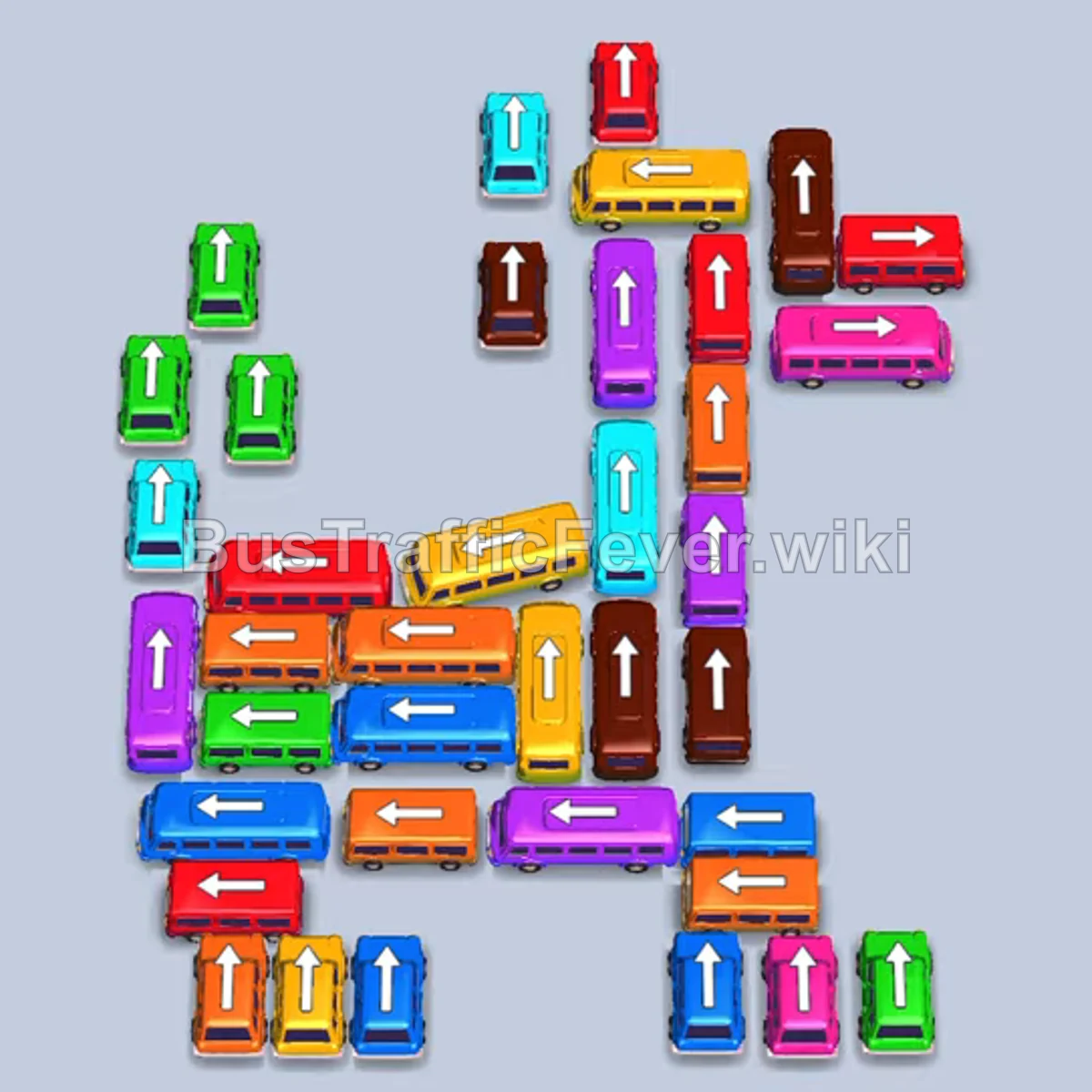
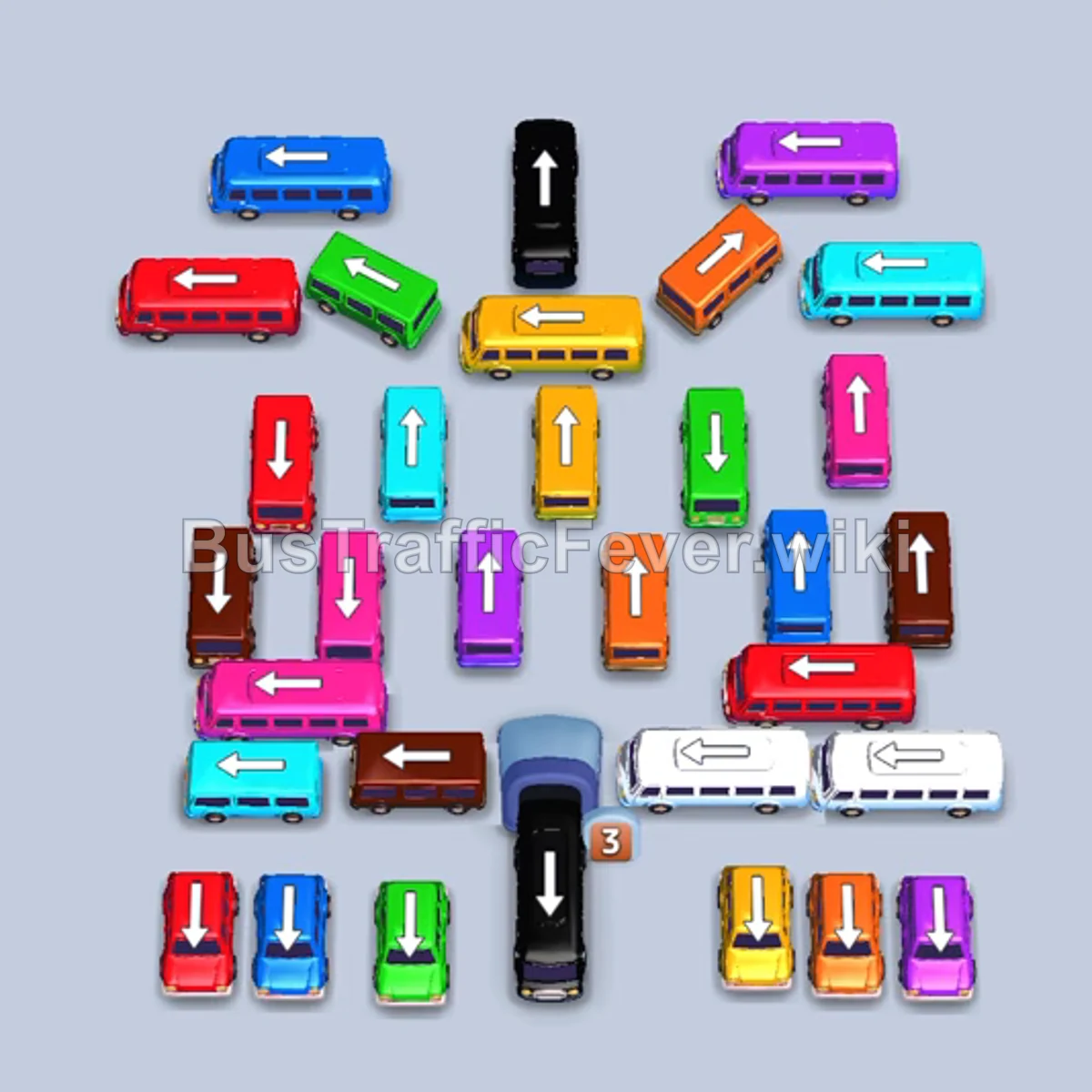
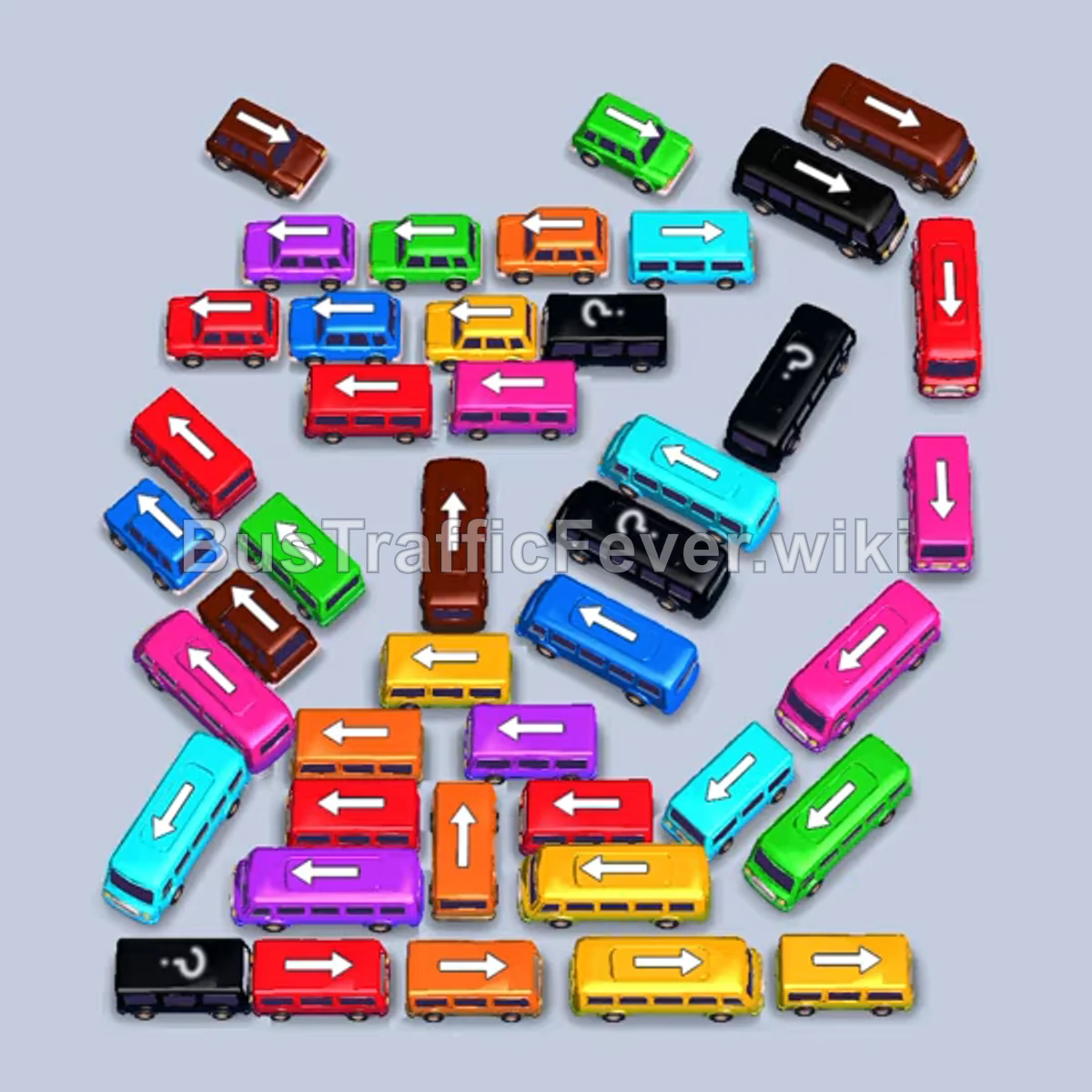
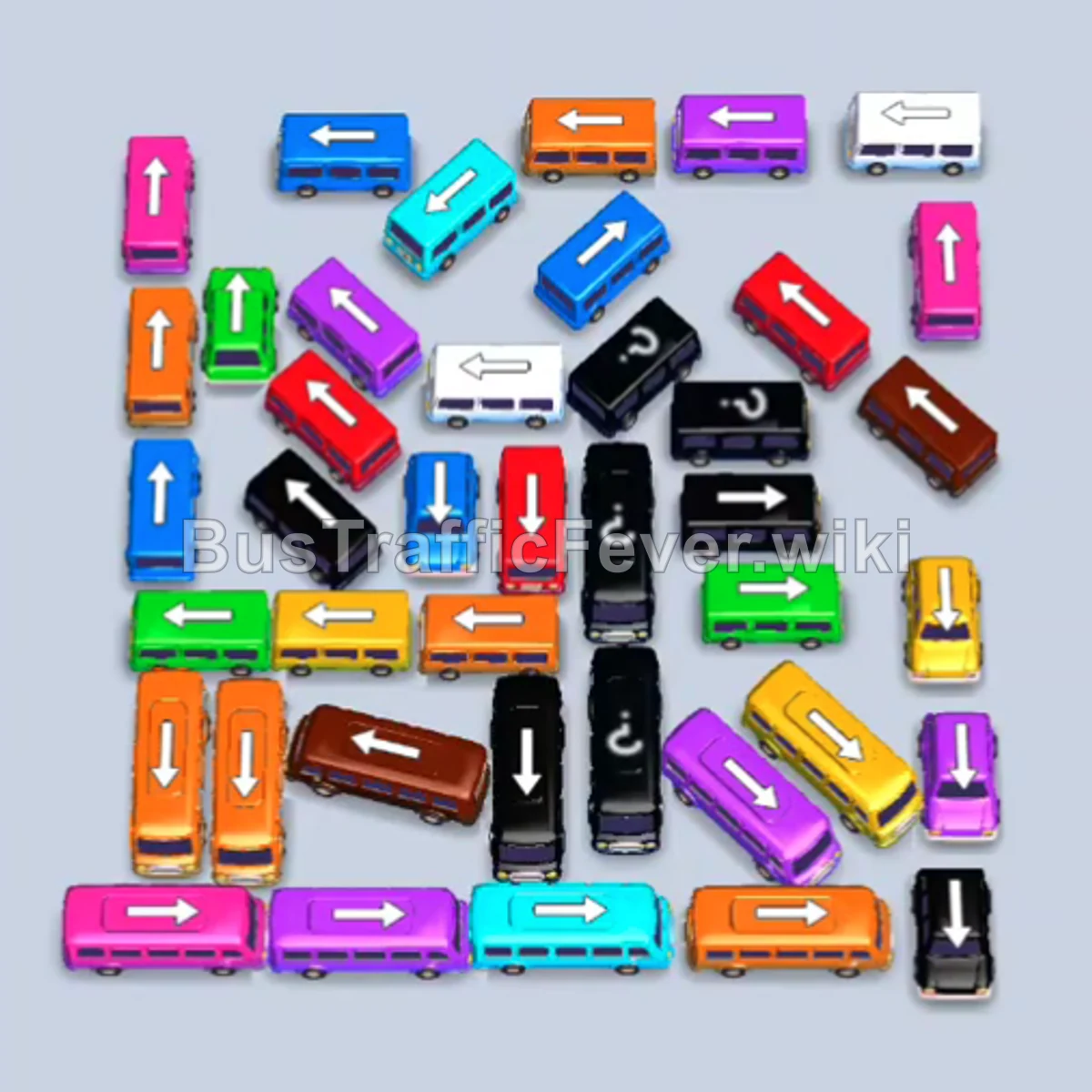

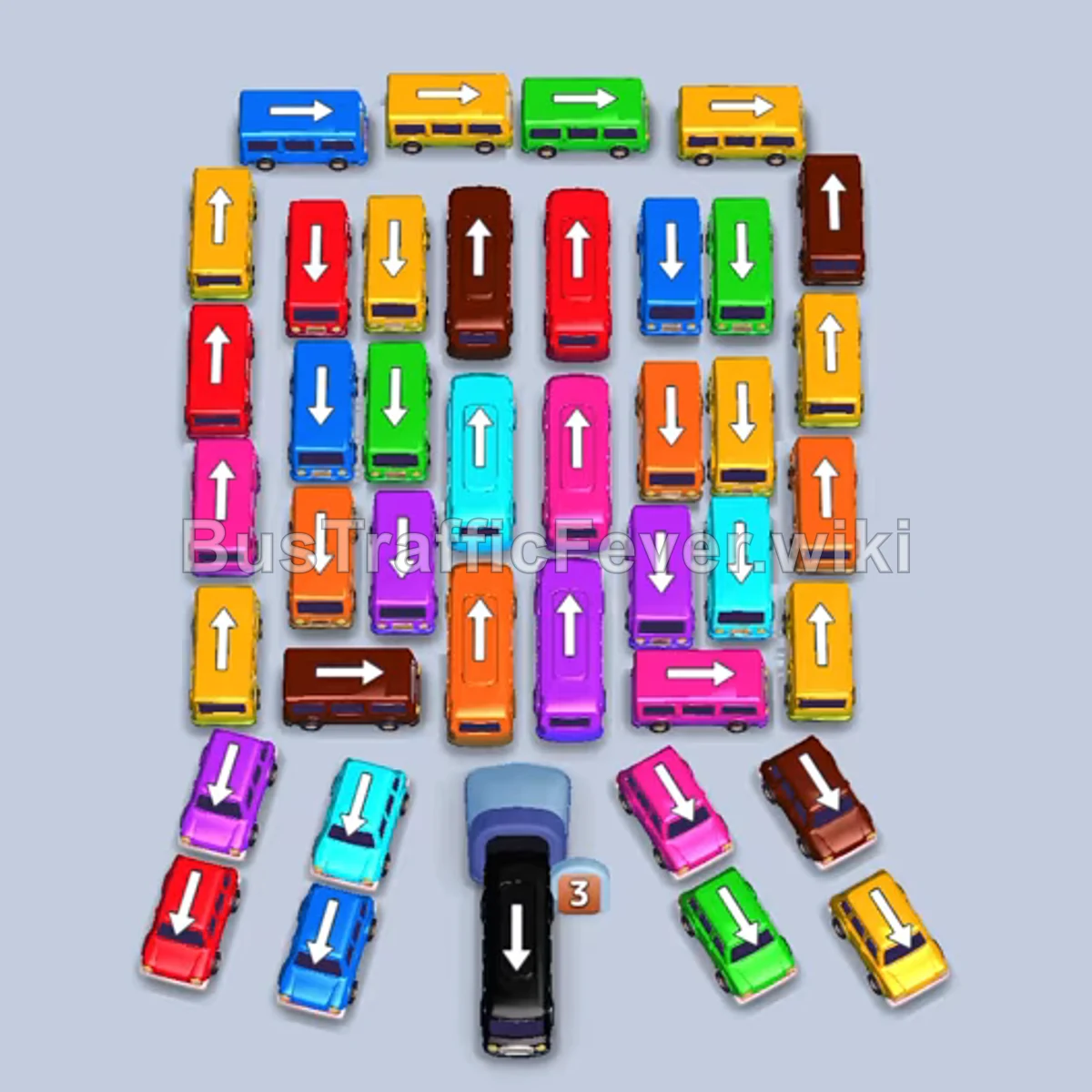
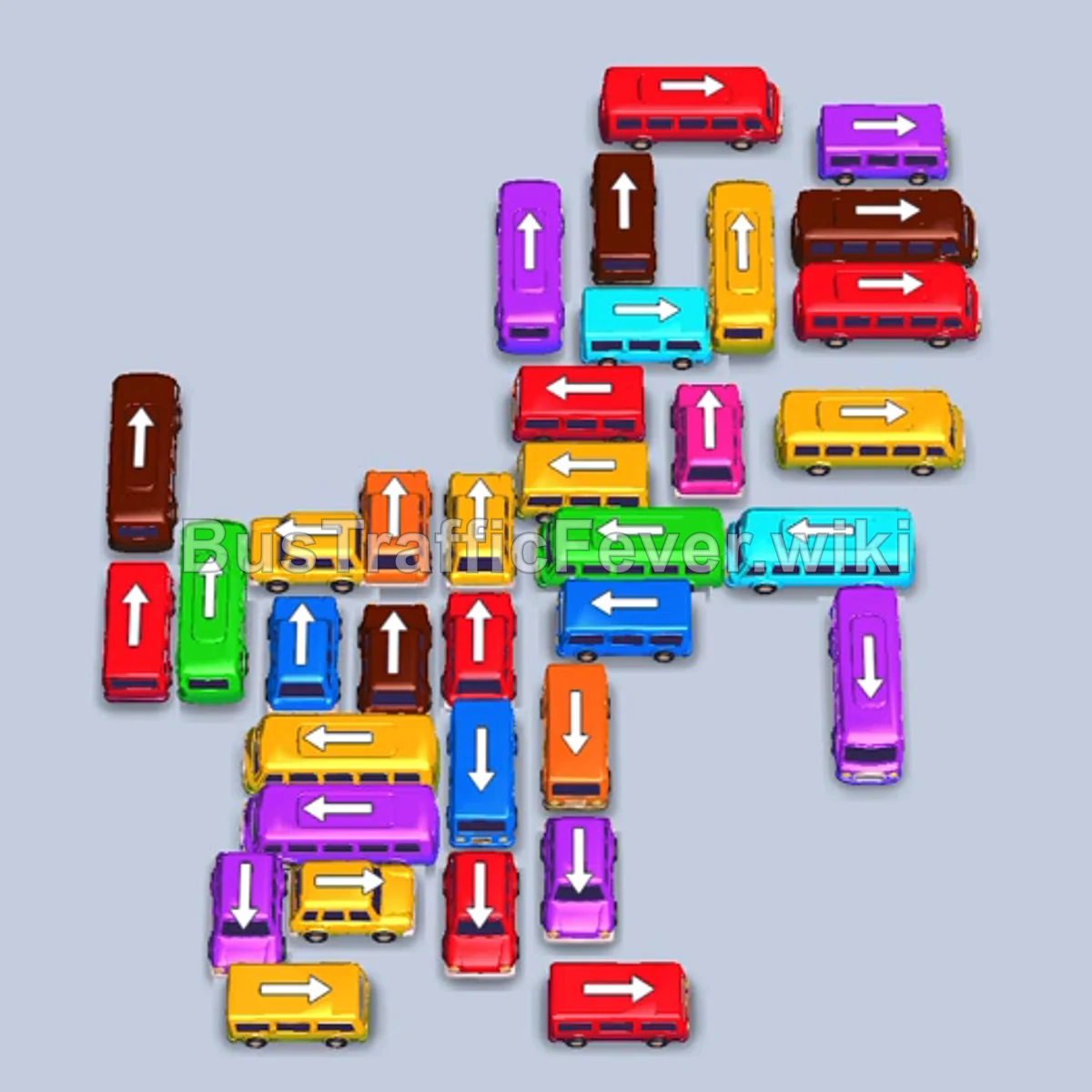


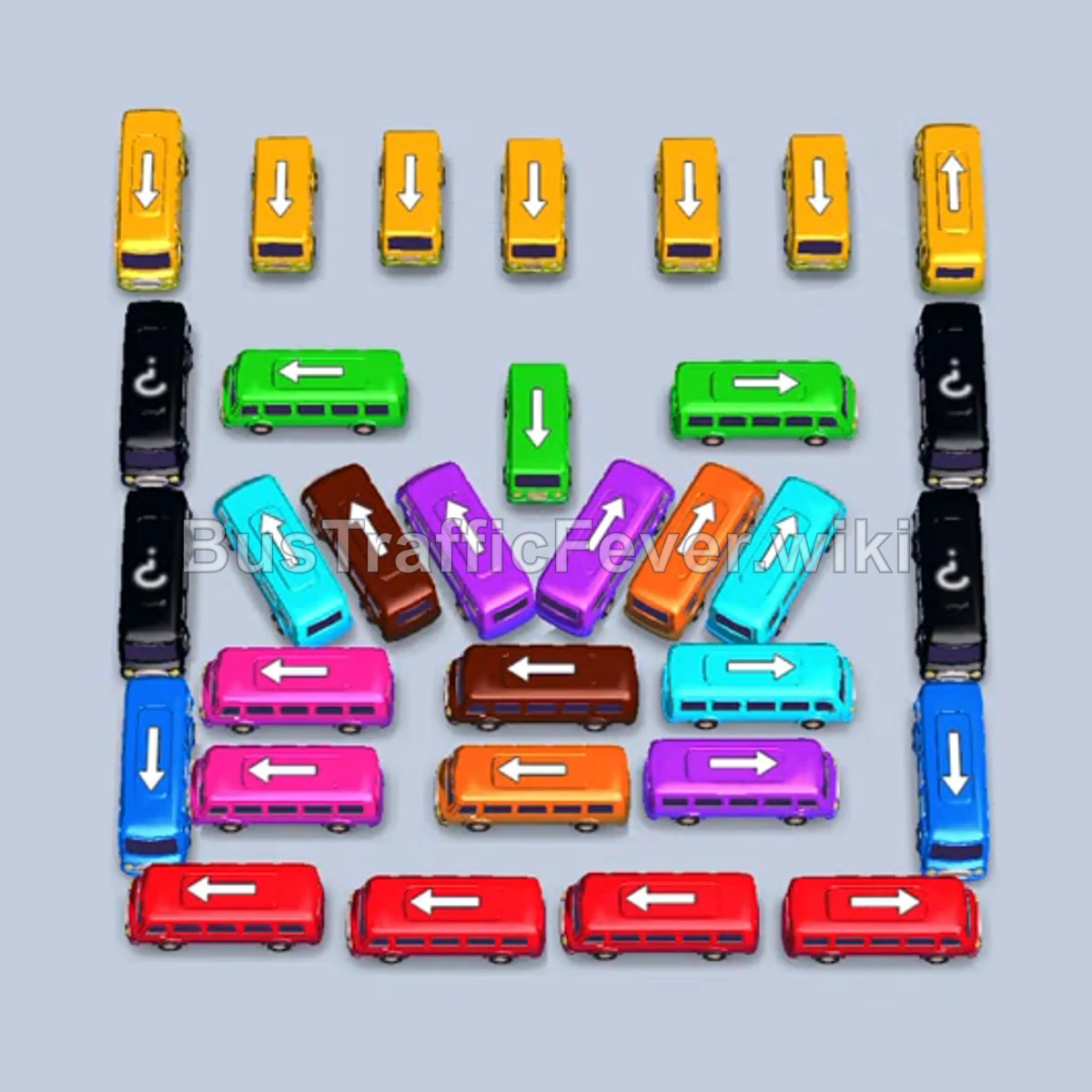
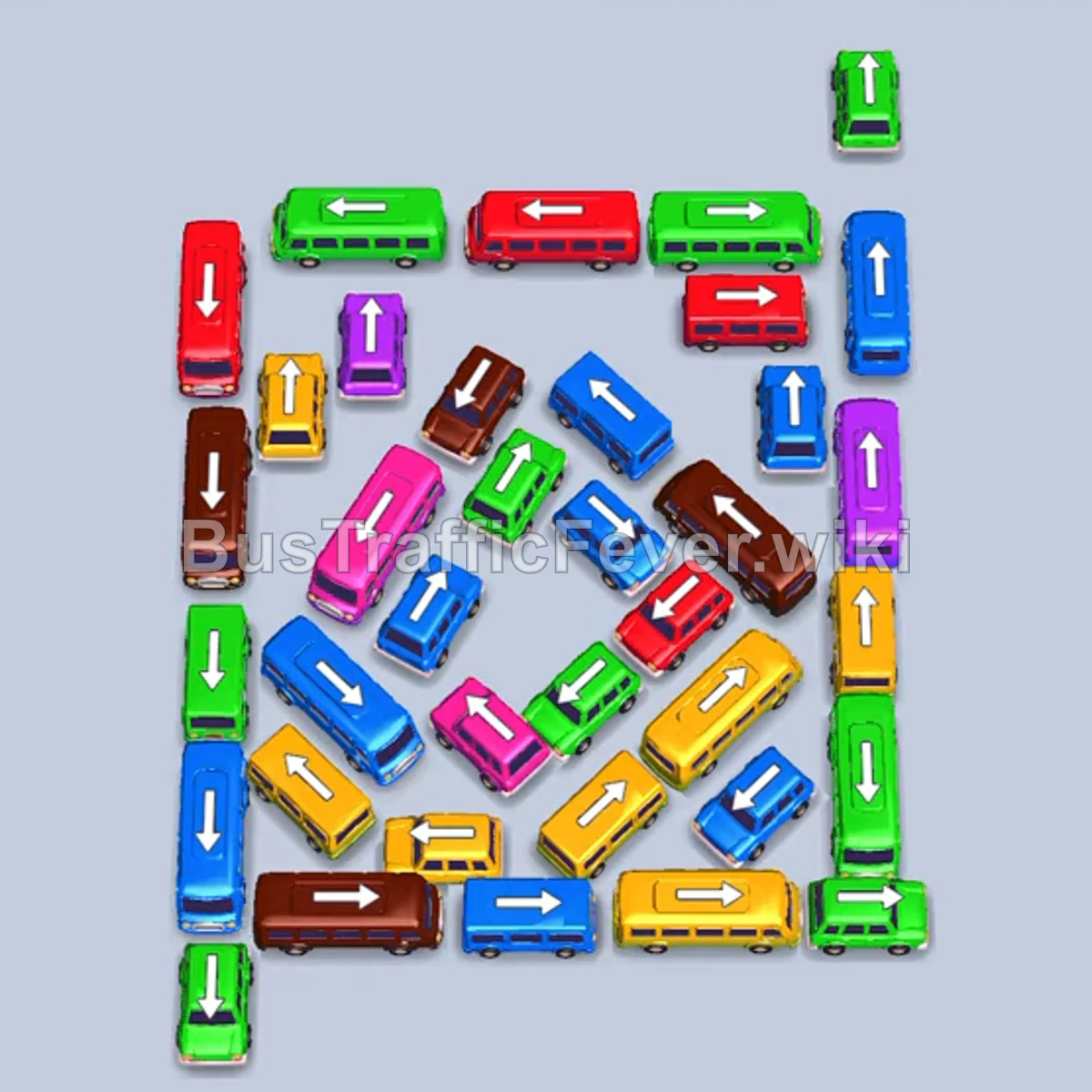
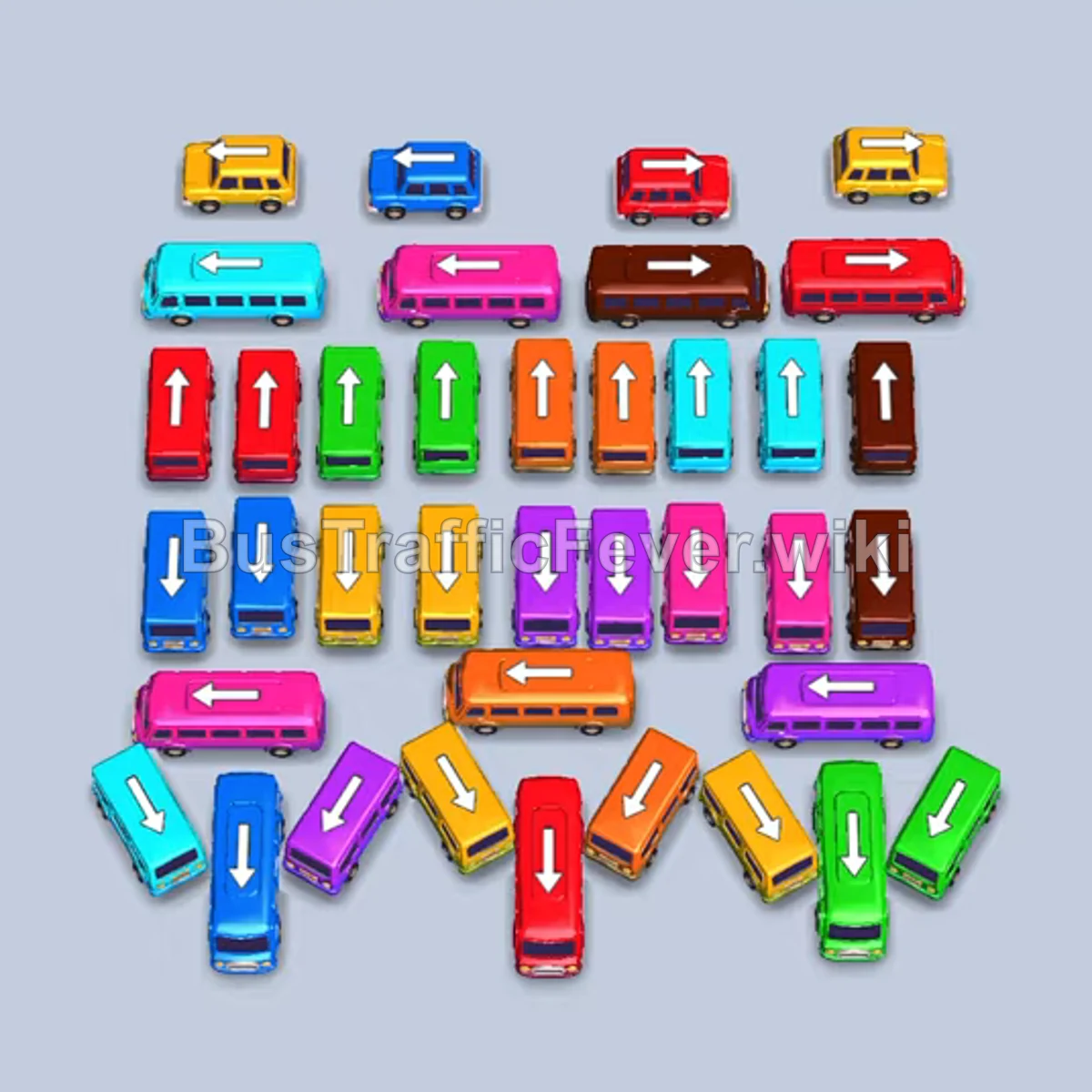
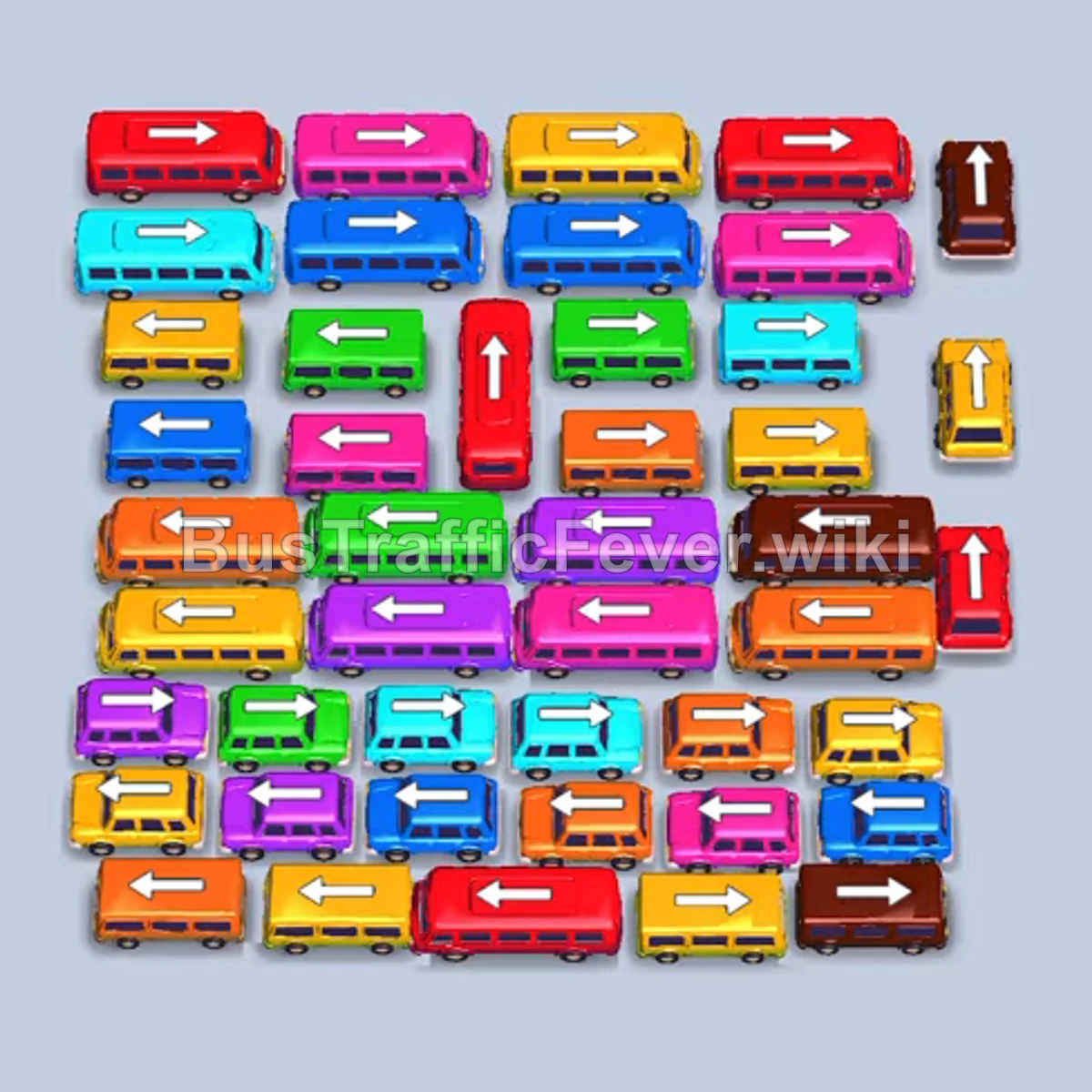
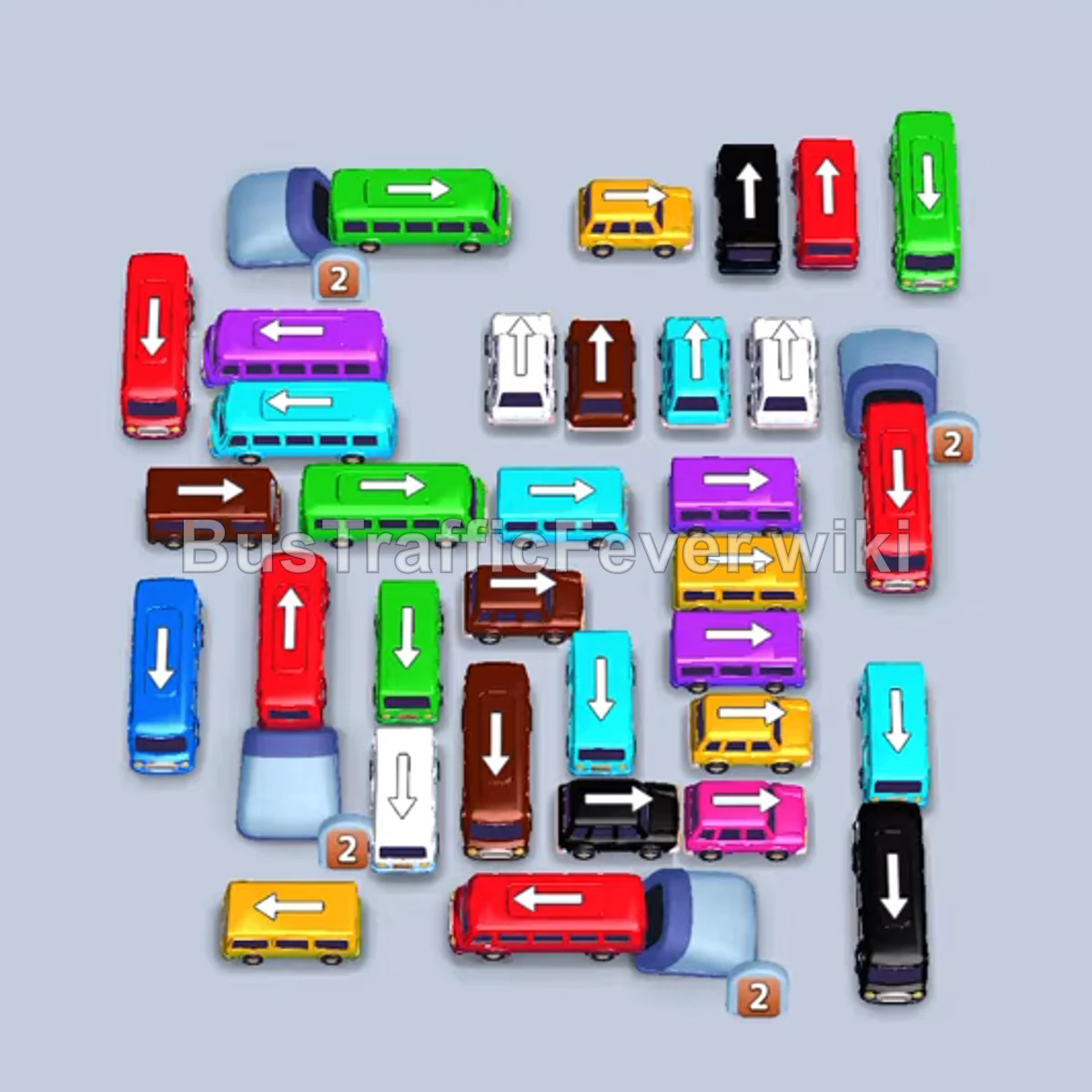
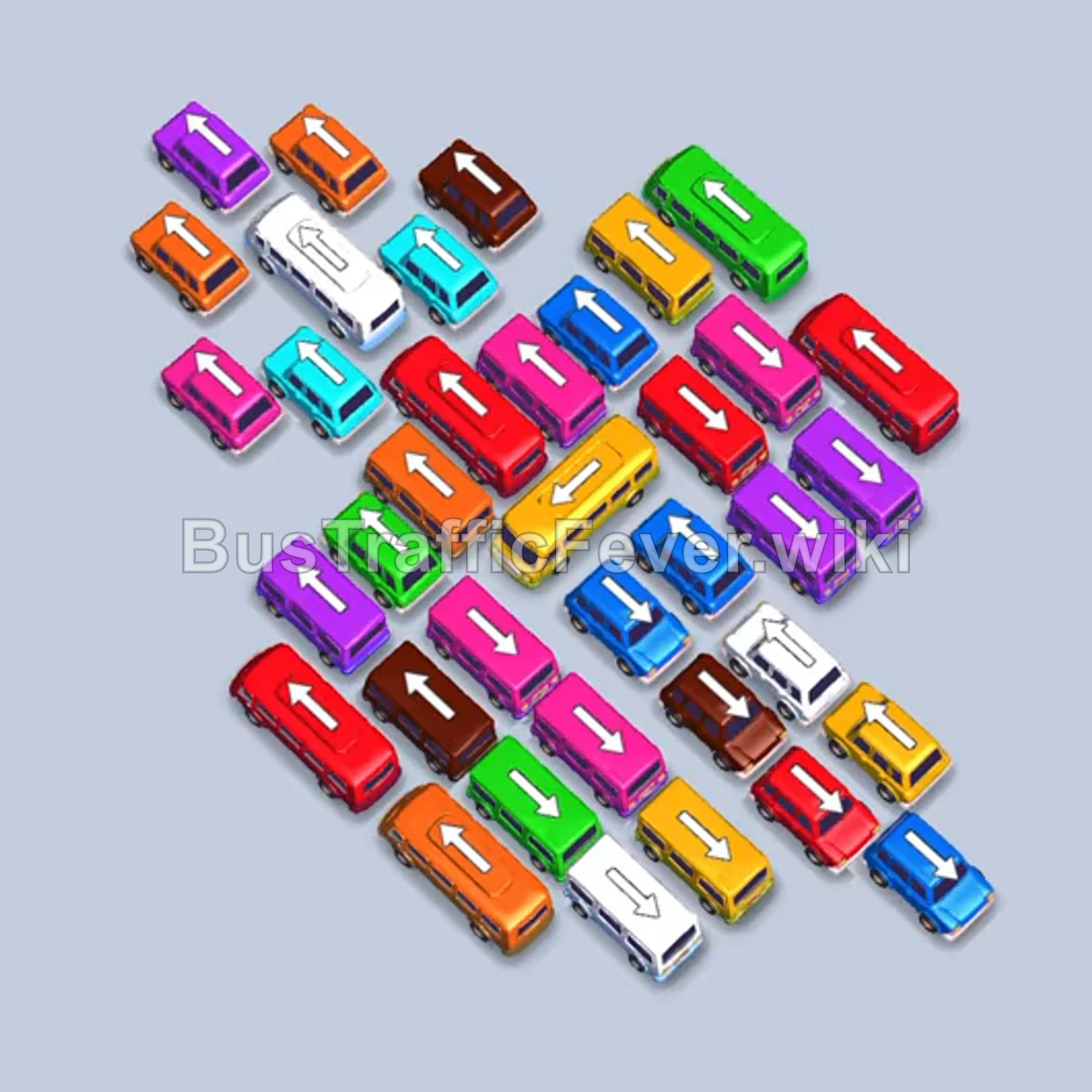
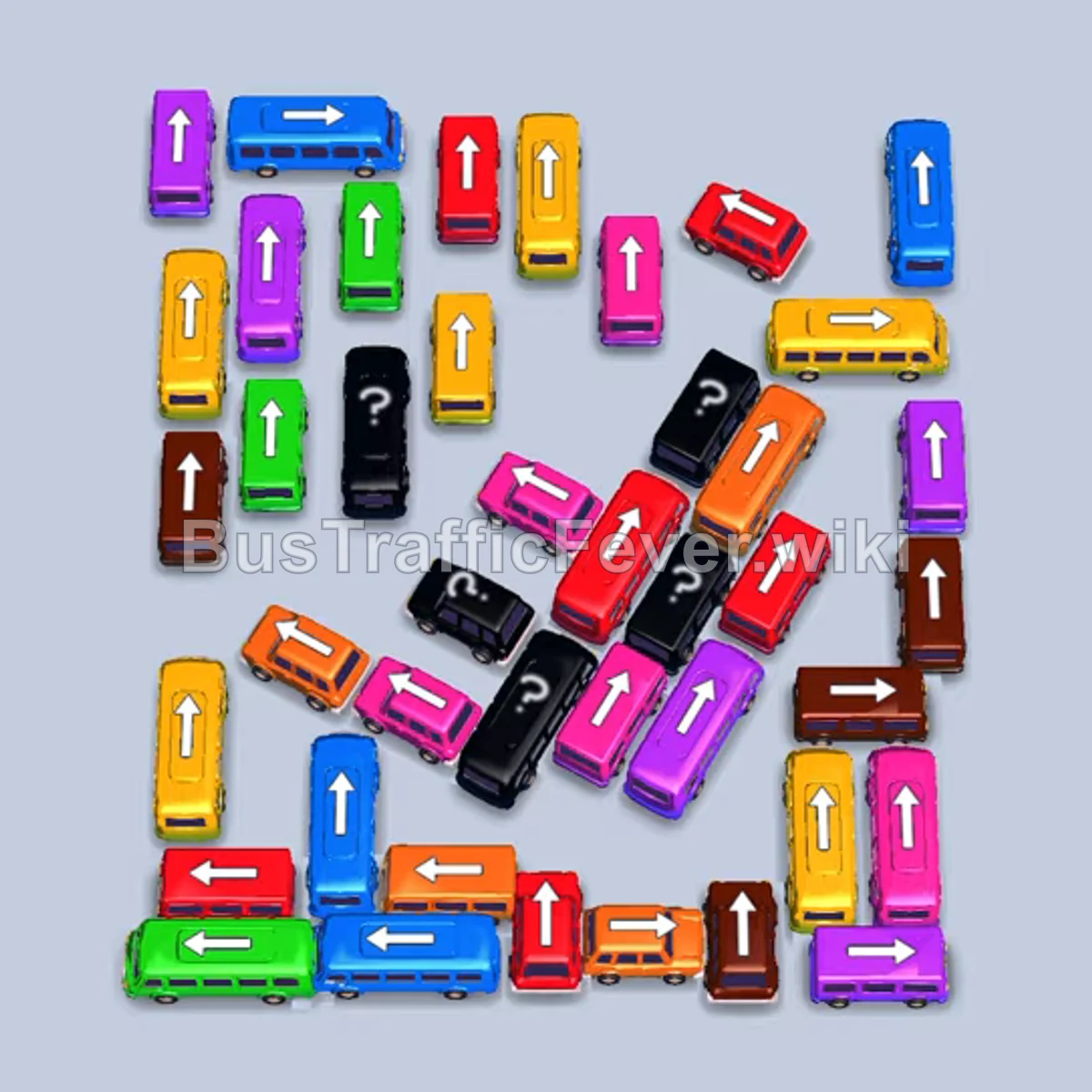
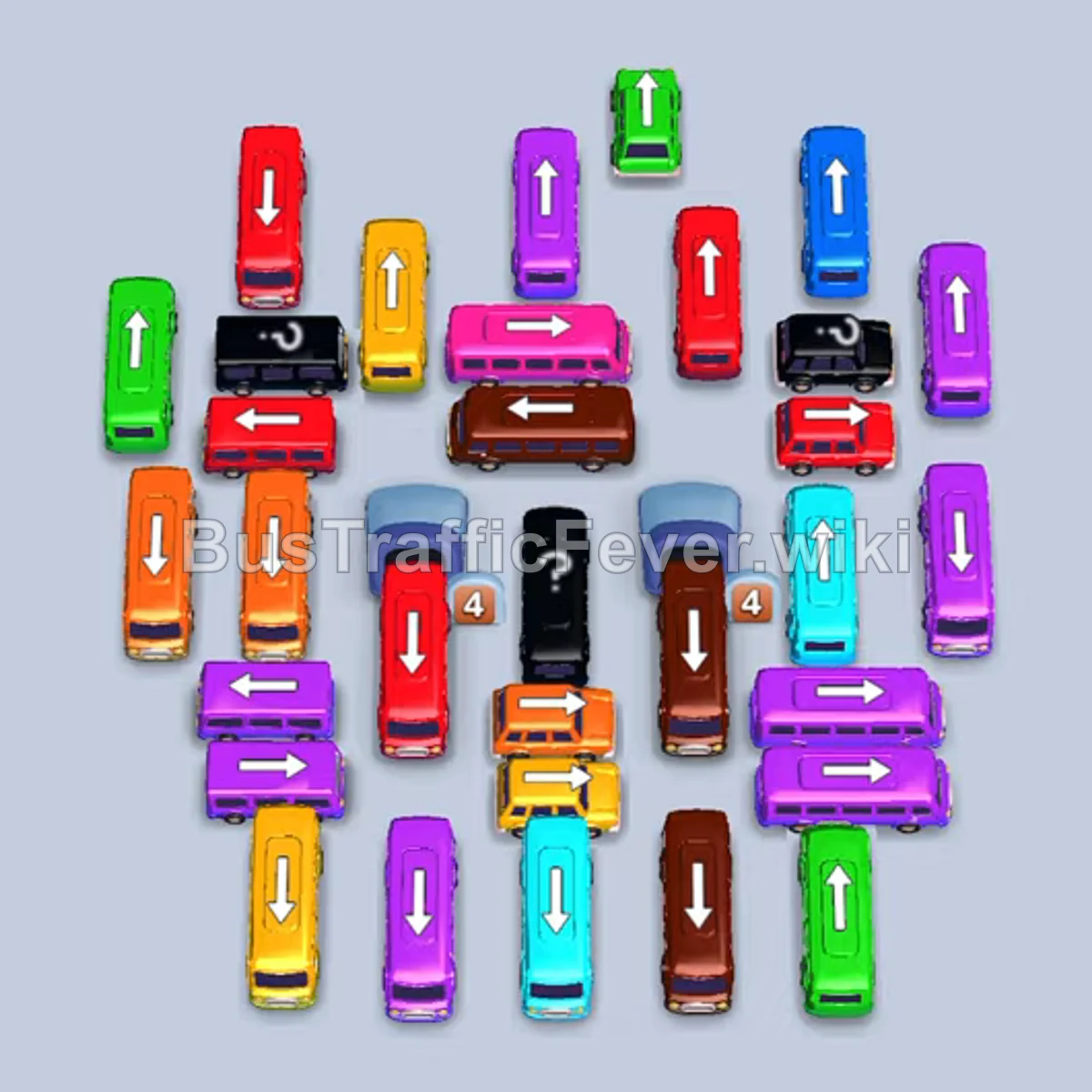
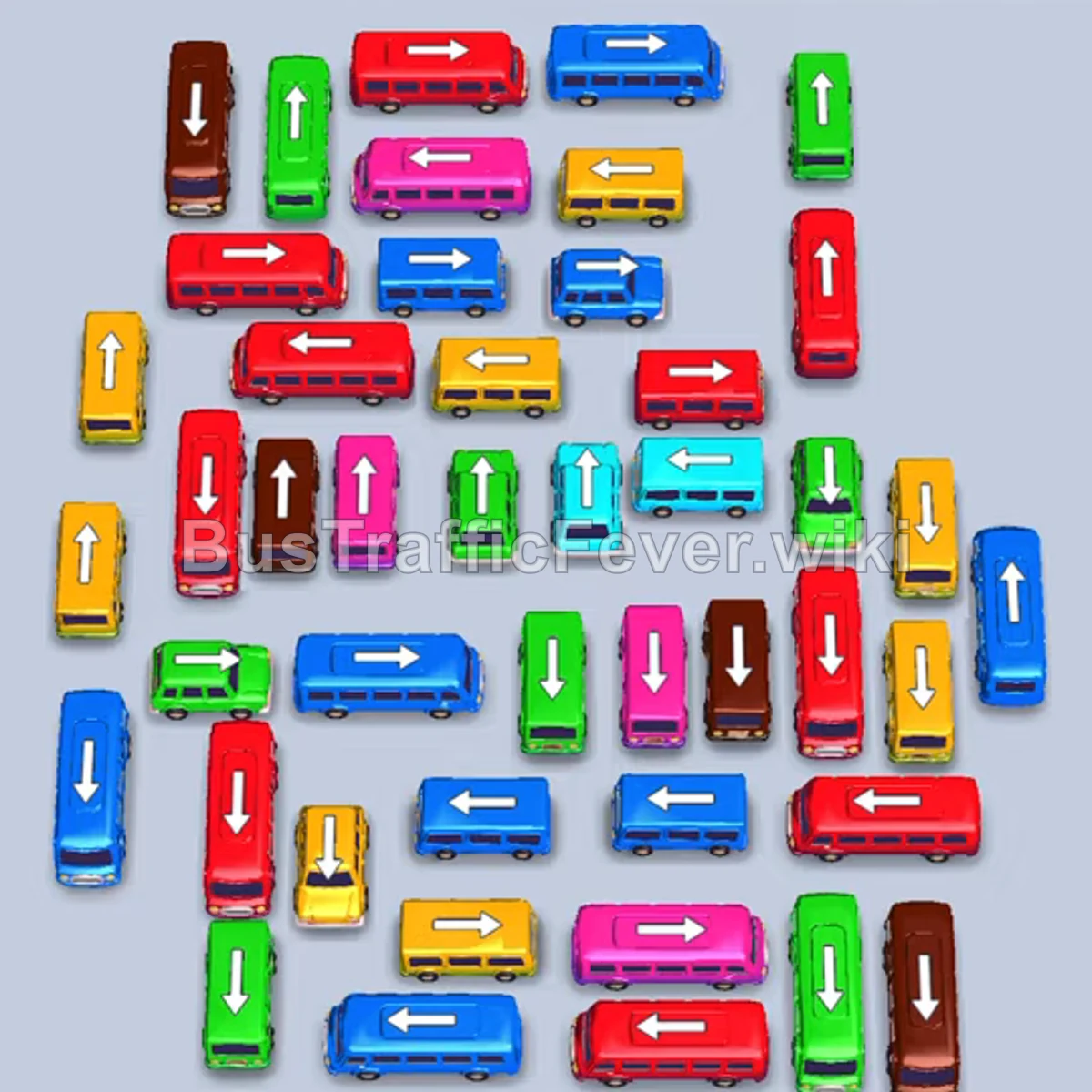
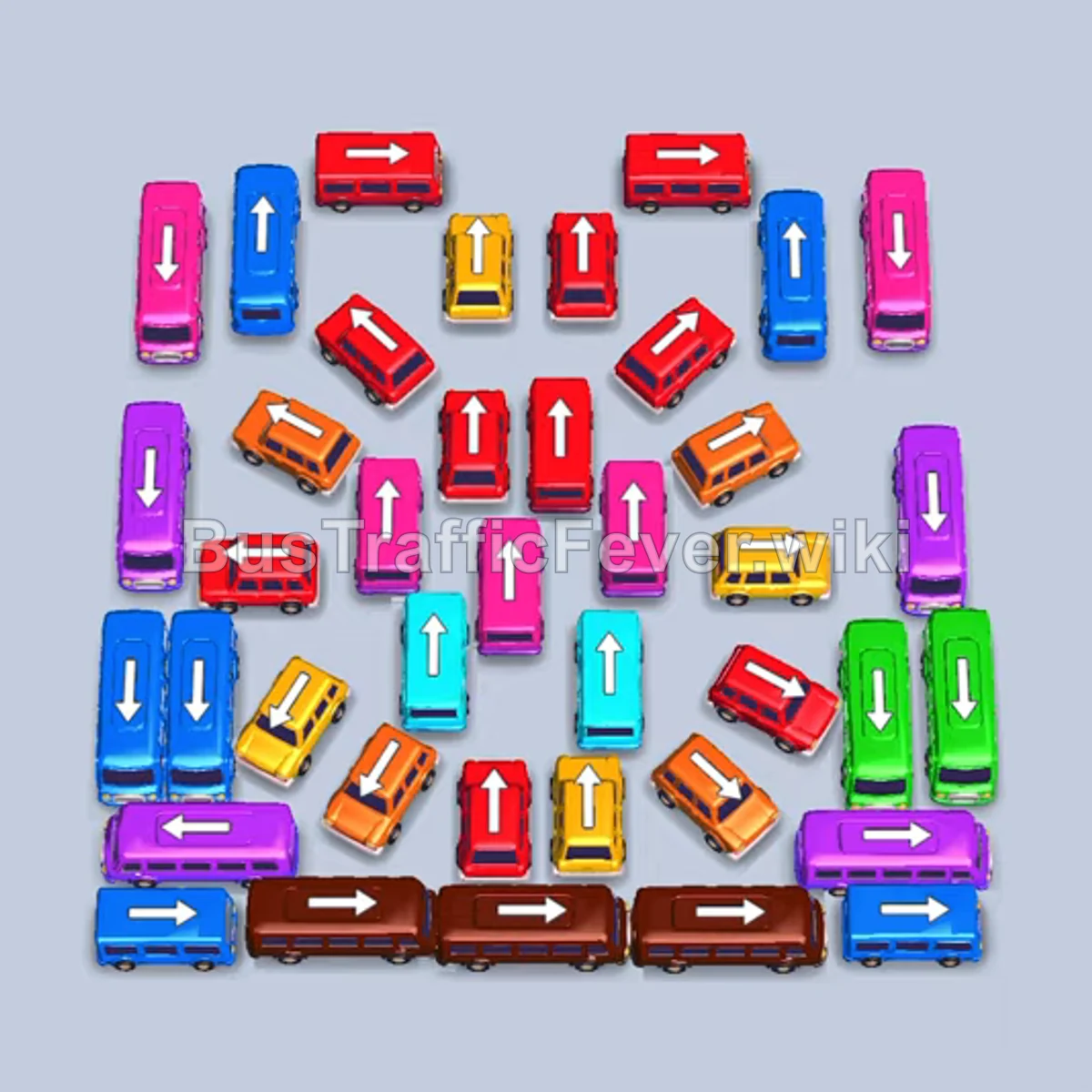
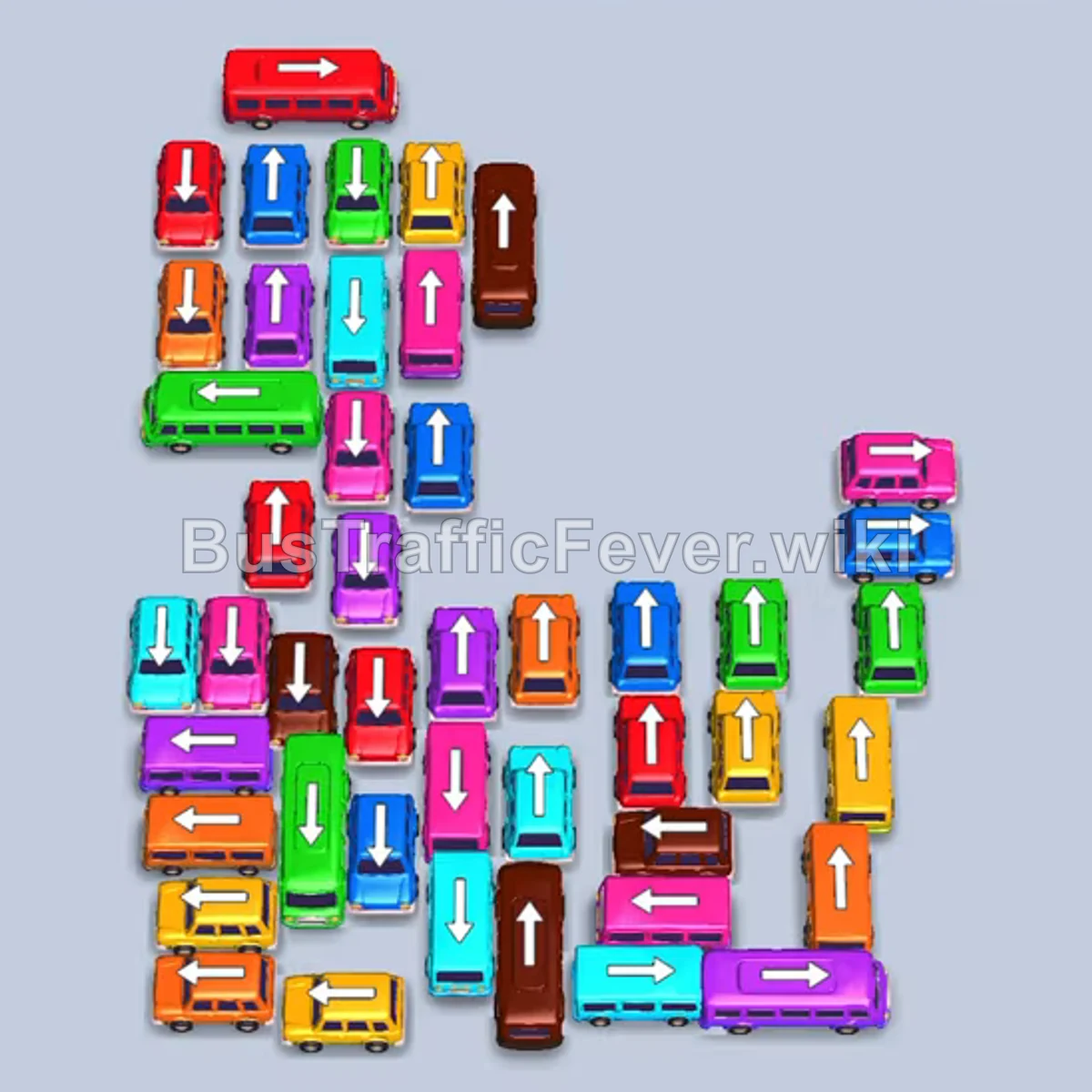
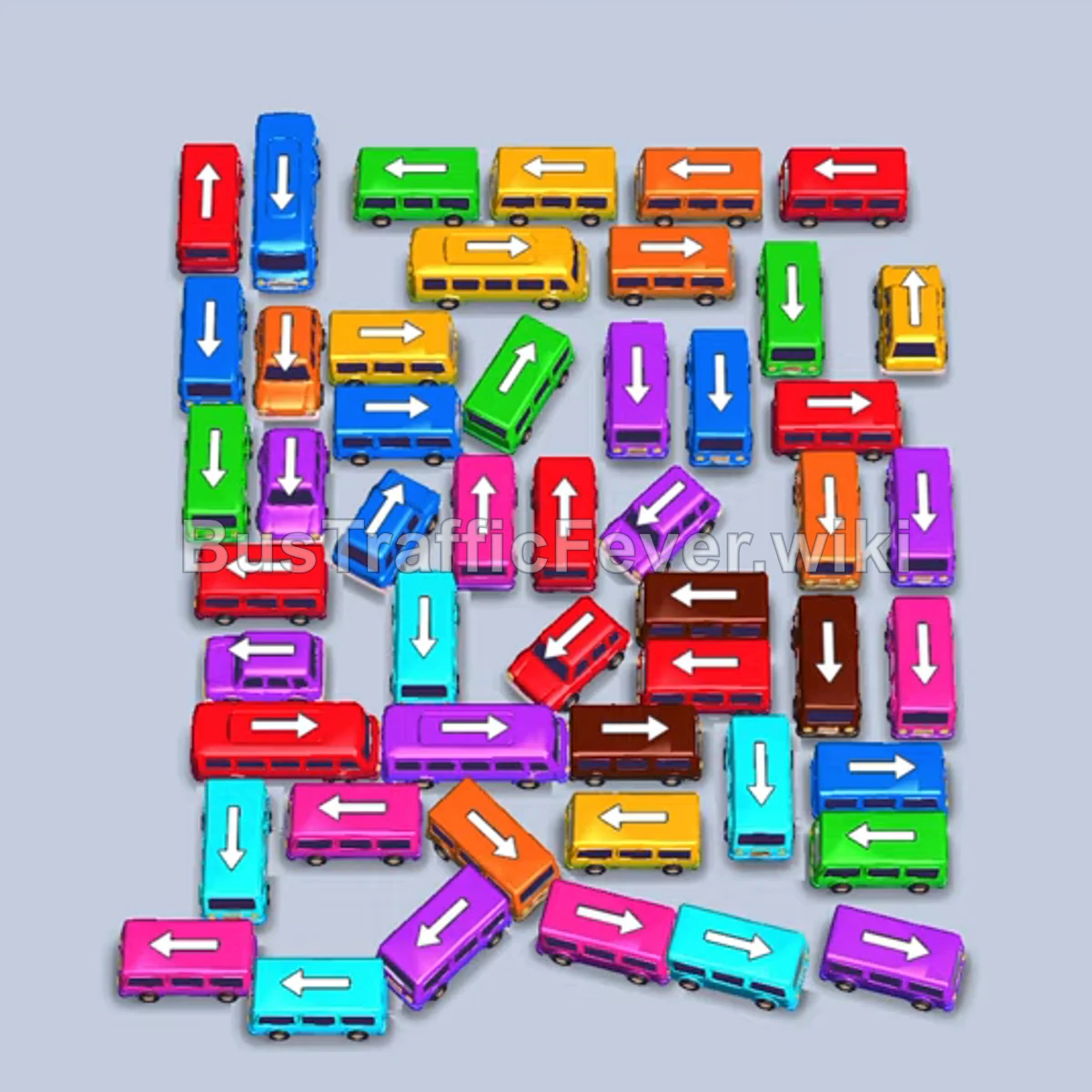
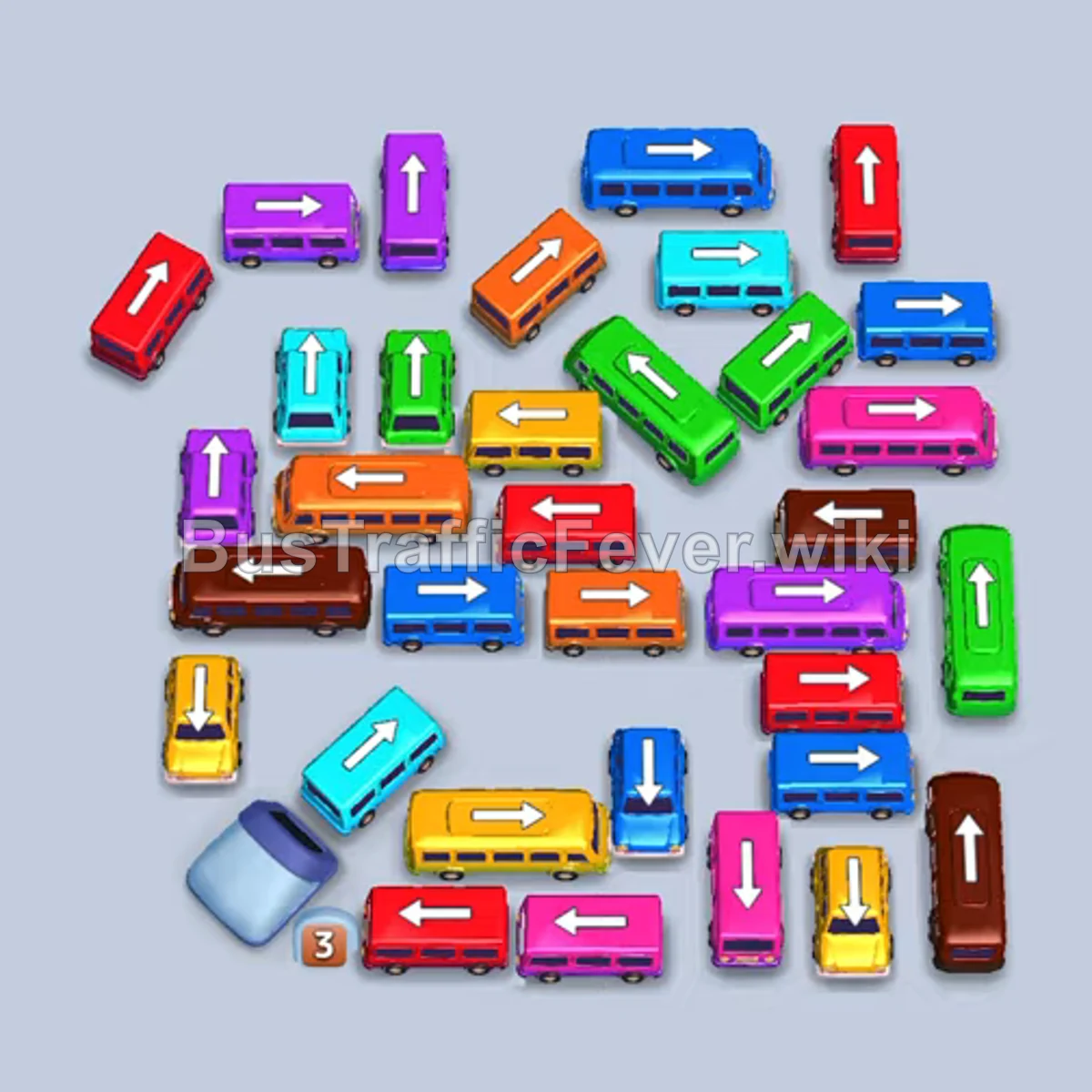

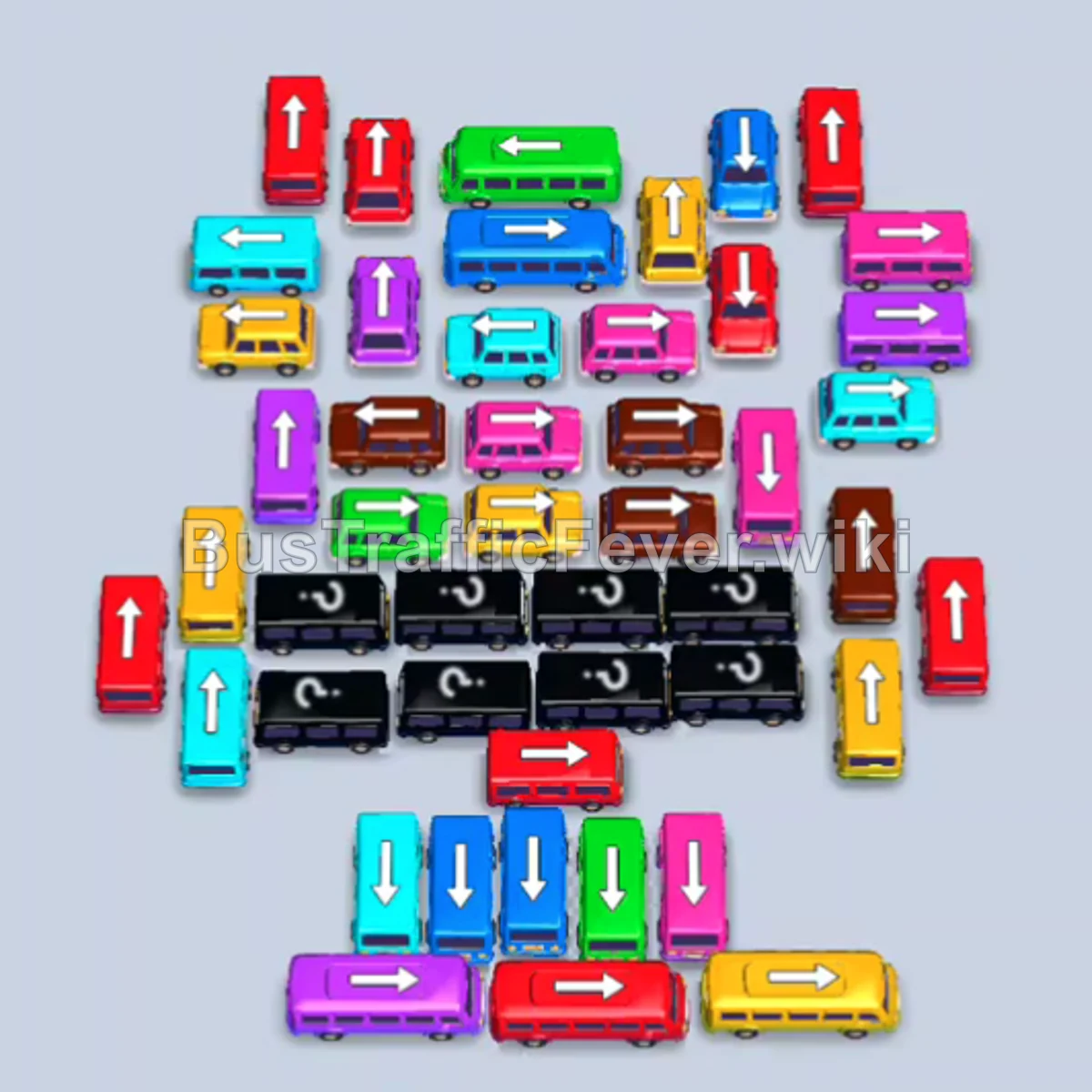
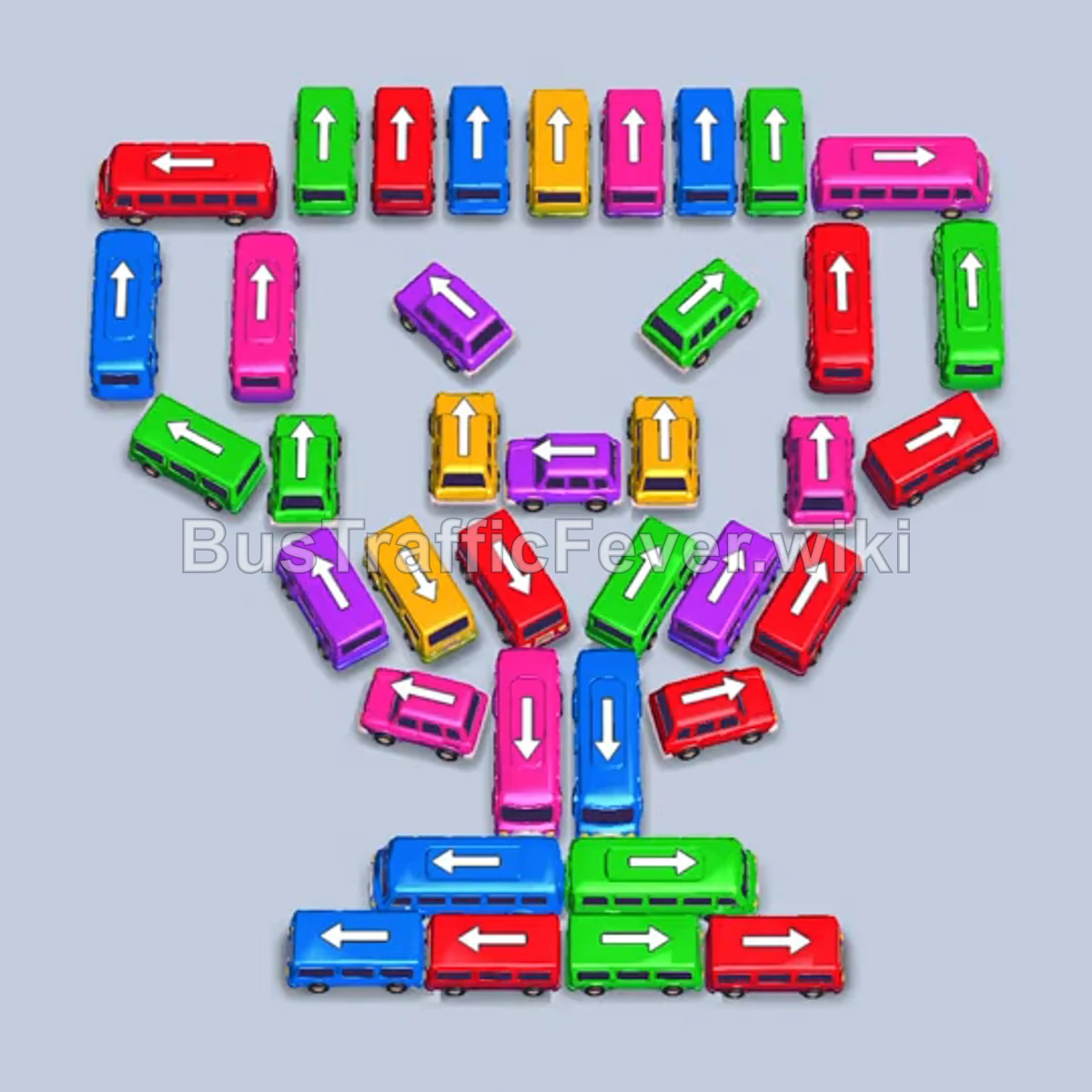



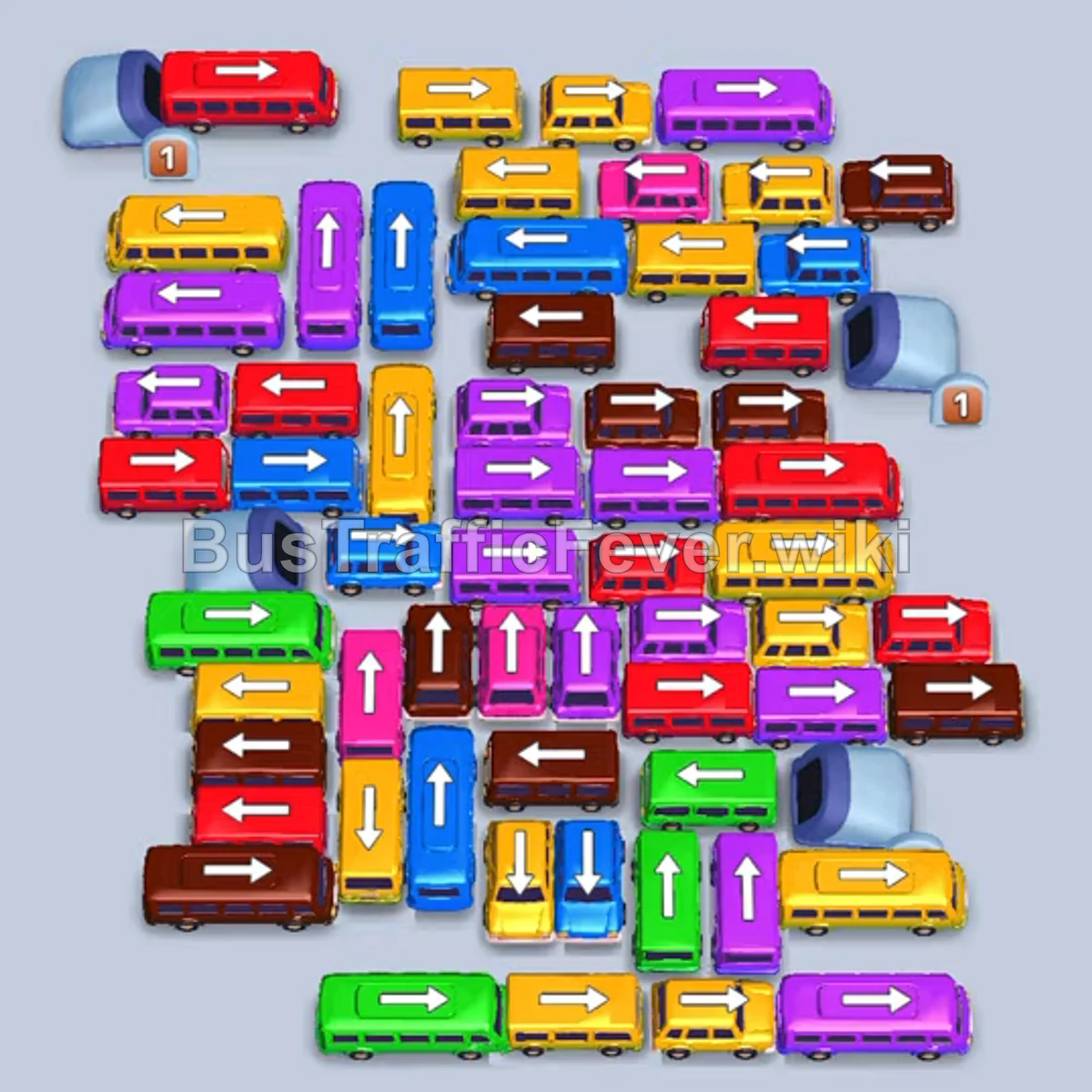
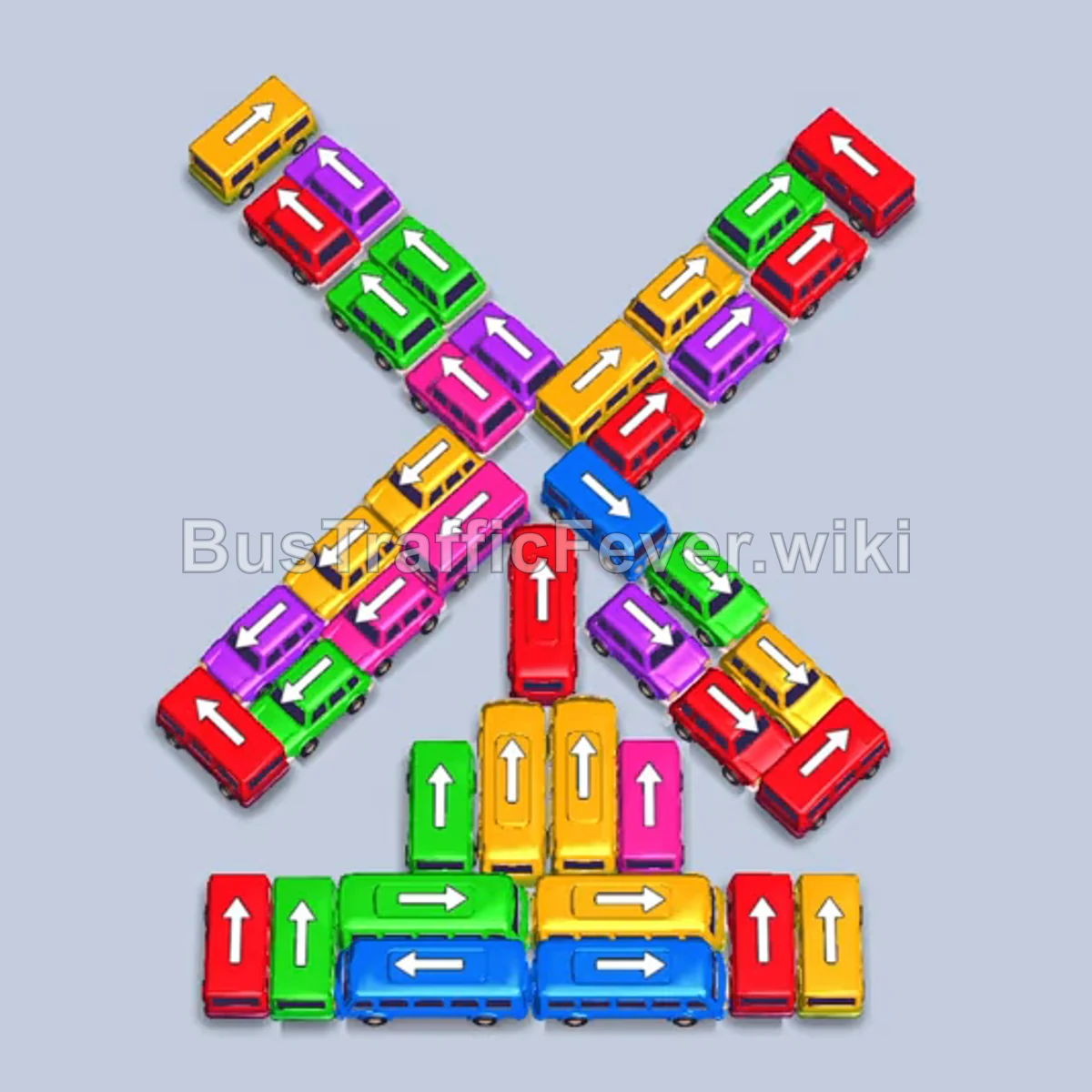
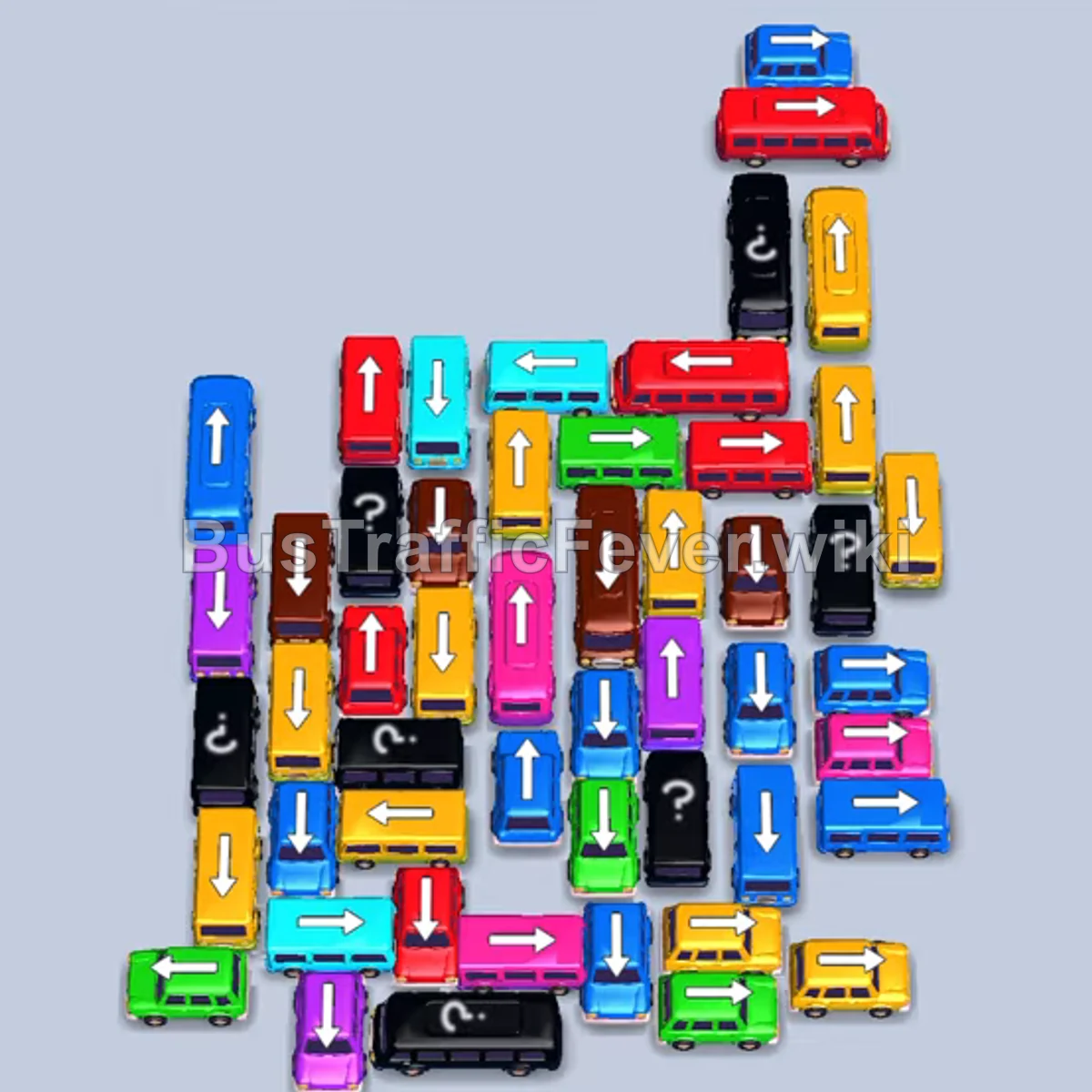
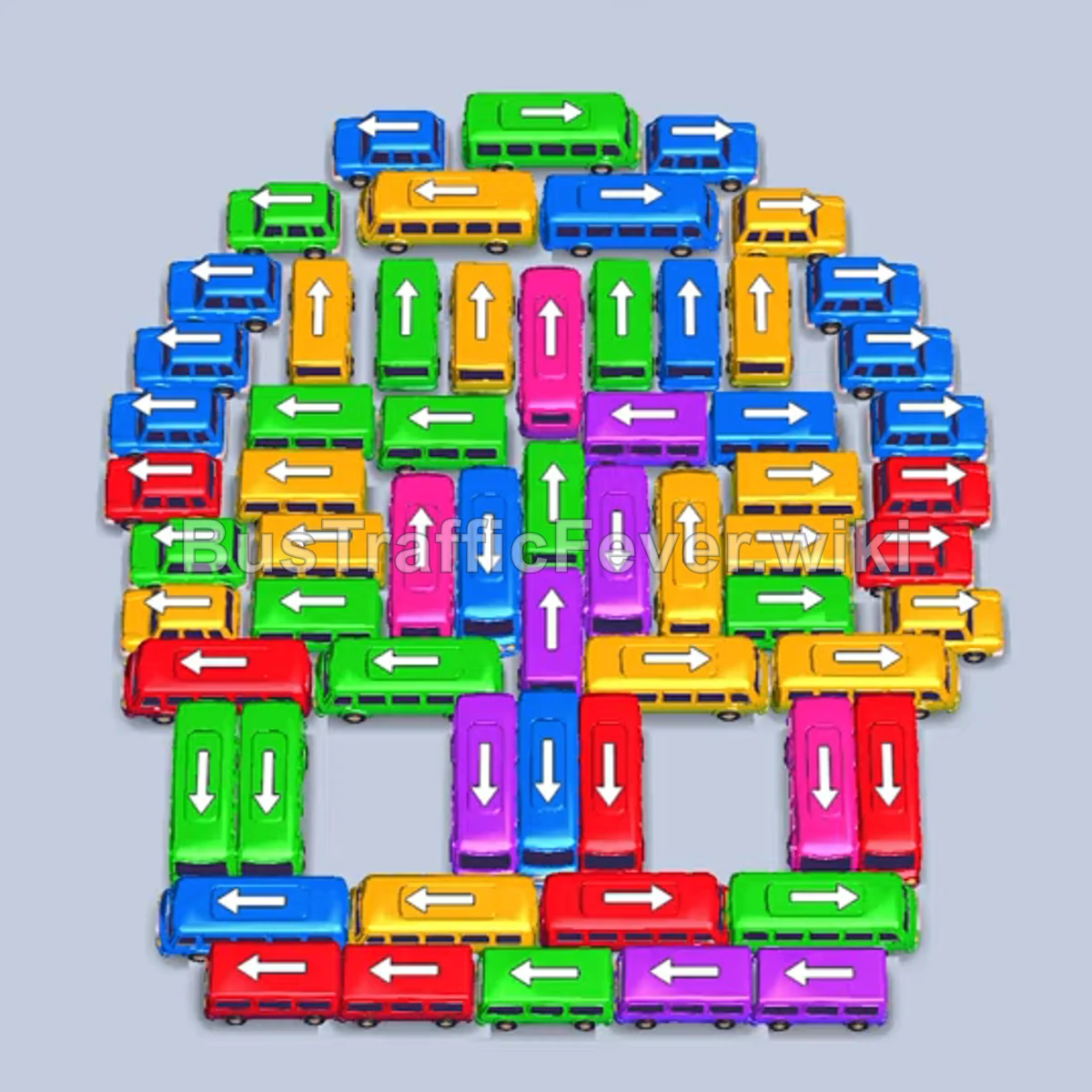

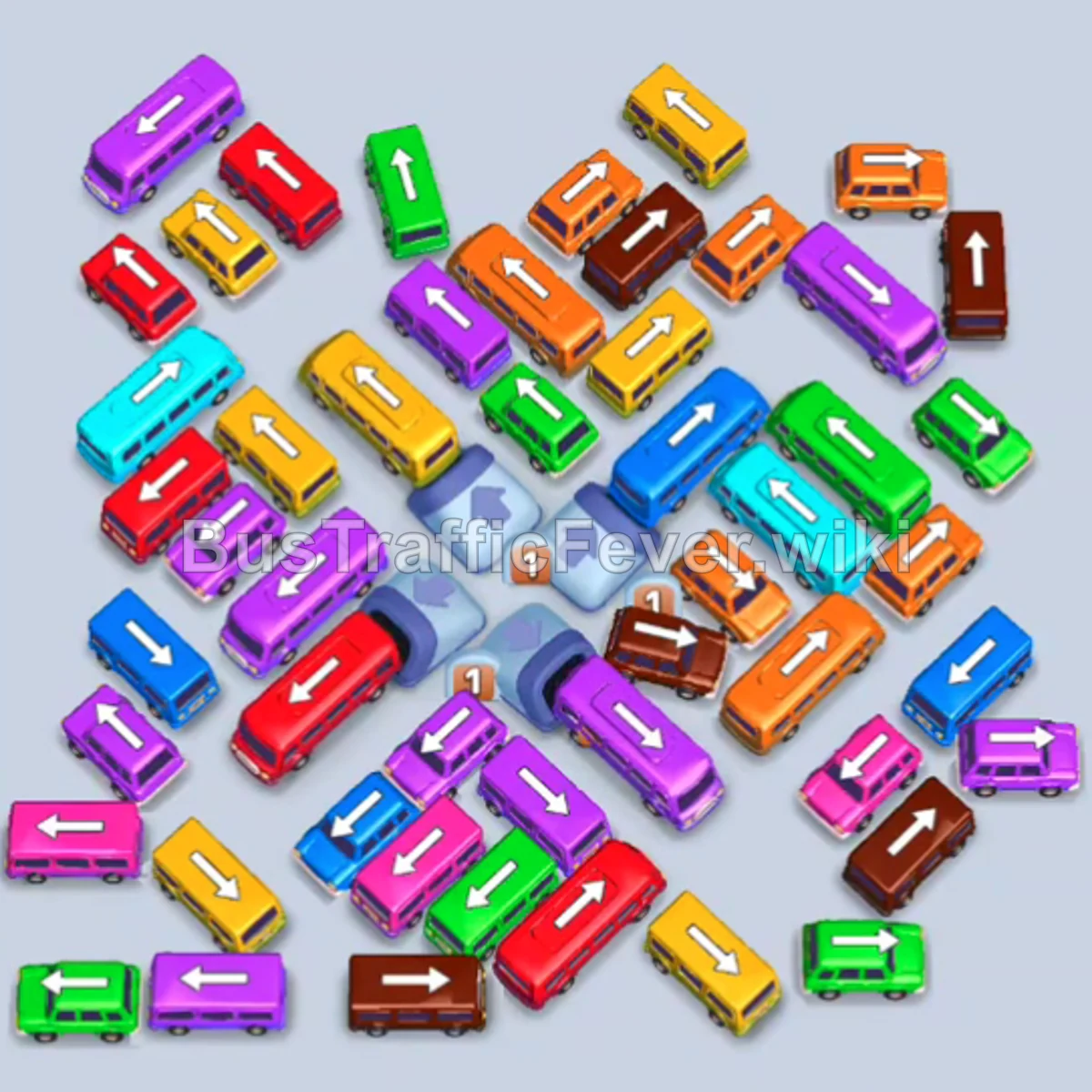
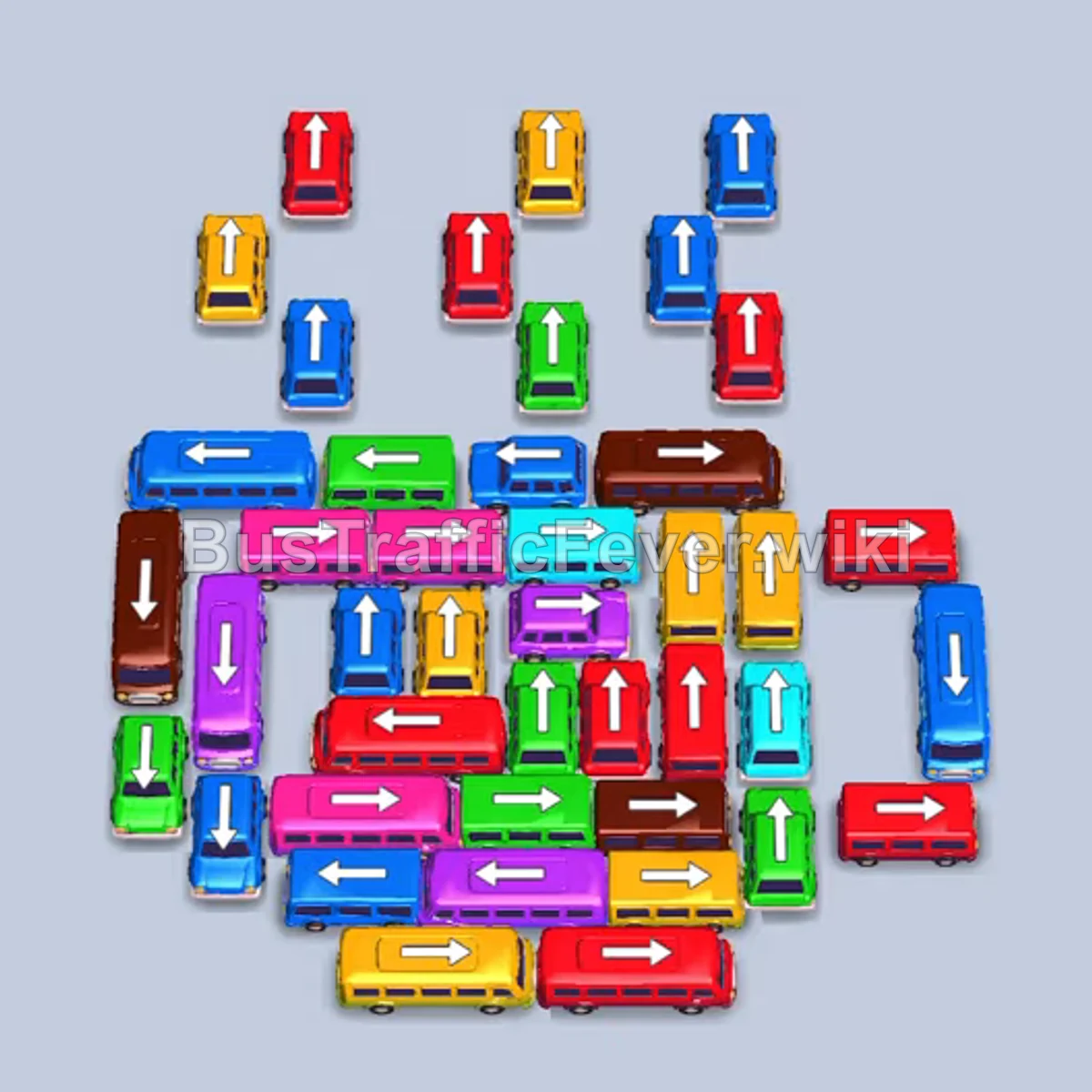
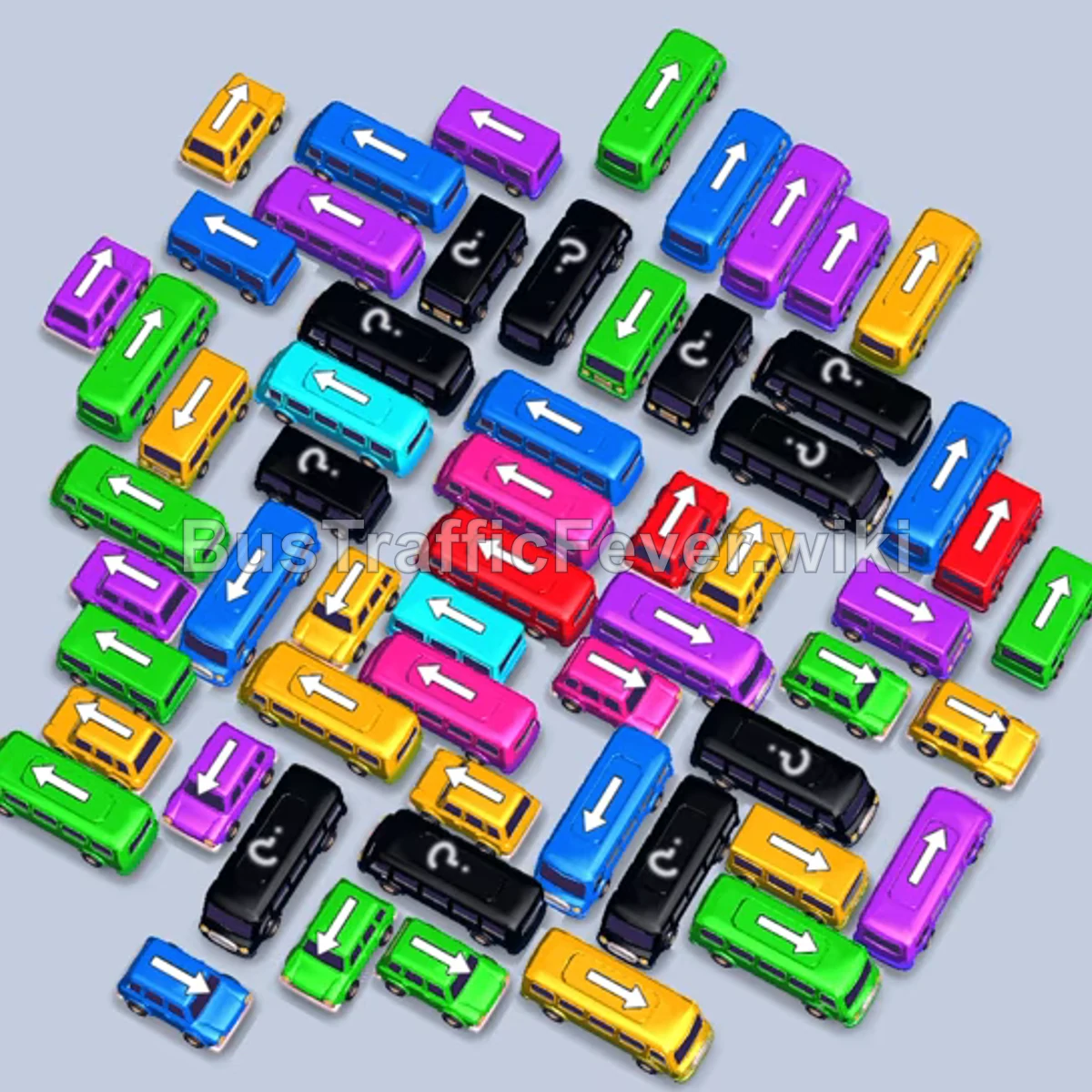
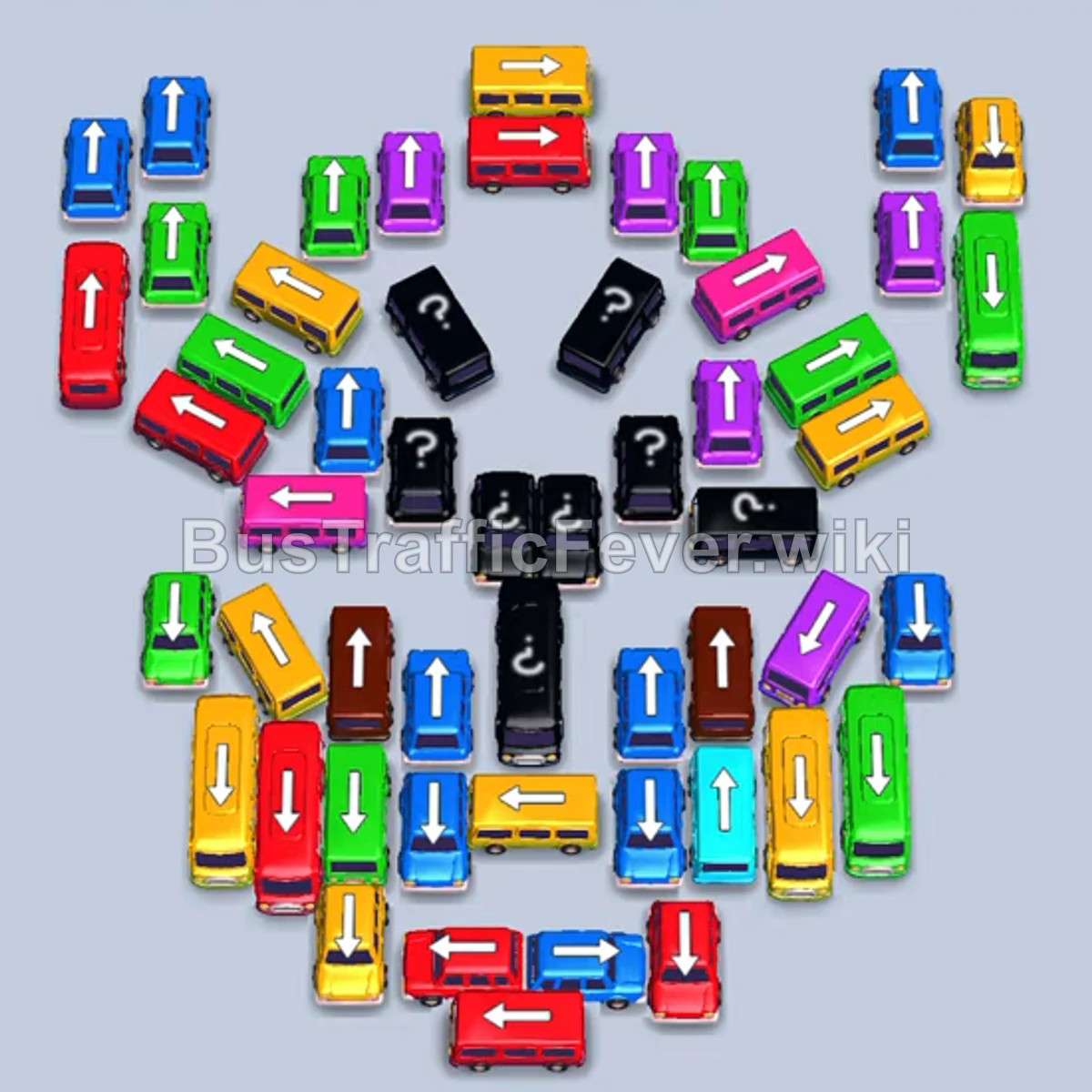
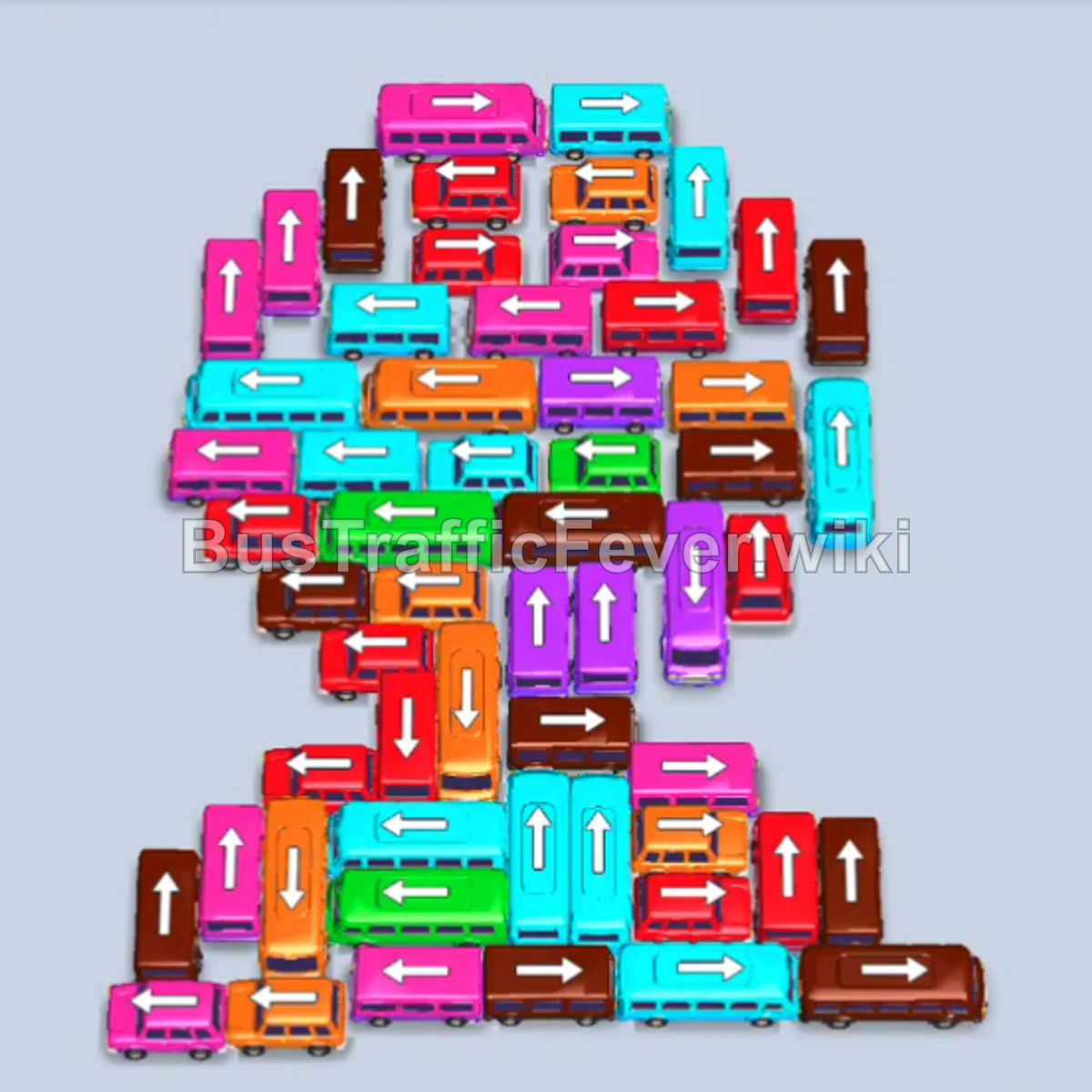

About Bus Traffic Fever
Bus Traffic Fever is a color-matching traffic-jam puzzle from GOODROID, Inc., available on iOS and Android. This independent guide brings together level solutions, gameplay basics, and practical strategies for matching buses to passengers.
What is Bus Traffic Fever?
Bus Traffic Fever is a parking-jam puzzle where you dispatch color-matched buses in the right order to clear looping pickup lanes and move every passenger off the board. The core loop pairs two simple systems: passengers wait in colored queues, and you send out the same-colored bus to pick them up and drive them off through a tight terminal.
The rules are easy to understand but strict in practice. One careless bus move can close an exit or block the next vehicle, so every level rewards planning before you tap. This wiki currently covers Levels 1–385, with walkthroughs labeled Easy, Medium, Hard, or Super Hard.
How to Play
Each level gives you a terminal full of parked buses and lanes of waiting passengers. Your goal is to clear the board by matching every passenger to a bus of the same color and sending them out the exit.
- Tap a bus to move it forward along its lane toward the pickup zone.
- A bus only picks up passengers that match its color — send the right color to the right queue.
- Check that a bus has a clear path before dispatching it.
- Watch the waiting bays: a bus may need to wait until matching passengers reach the front.
- Clear every passenger and every bus to finish the level.
Features
Use this guide to find a board, understand its opening moves, and compare the written steps with the walkthrough video.
- Walkthroughs for Levels 1–385, with difficulty labels to help you find your guide.
- Simple one-tap controls that anyone can pick up in seconds.
- Escalating puzzles that mix bus order, lane routing, and color matching.
- Quick sessions that fit a single level into a spare minute.
- Free to play on both iOS and Android.
Tips and Tricks
Plan around both the passenger queue and the space available for waiting buses.
- Check the leading passenger color and the paths of matching buses.
- If a matching bus is blocked, identify the bus that must move first.
- Stage a later color only when you understand how it will board and free its slot.
- Wait for passengers to board when the solution calls for a slot to open.
- Compare your starting layout with the guide before following its dispatch order.
Where to Download Bus Traffic Fever
Download Bus Traffic Fever only from its official stores. Once you're in the game, bookmark this page — whenever you get stuck, type the level number into the search box at the top to jump straight to its solution.
- App Store for iPhone and iPad
- Google Play for Android devices
Frequently Asked Questions
Quick answers to the most common Bus Traffic Fever questions.
- What is Bus Traffic Fever?
- Bus Traffic Fever is a color-matching traffic-jam puzzle game by GOODROID, Inc. for iOS and Android. You dispatch same-colored buses to pick up matching passengers and clear each terminal one careful move at a time.
- Which Bus Traffic Fever levels does this wiki cover?
- This wiki currently provides walkthroughs for Levels 1–385. This is our published guide coverage, not a claim about the game's total number of levels.
- How do I find the walkthrough for a specific level?
- Type the level number into the "Enter level" search box at the top of any page and hit Go, or open the All Levels page and pick your level from the grid.
- Is Bus Traffic Fever free to play?
- Yes. Bus Traffic Fever is free to download and play on both the App Store and Google Play, supported by ads and optional in-app purchases.
- Why doesn't my level match the walkthrough?
- Compare your starting bus positions and passenger colors with the board screenshot and video. If they differ, do not assume the same tap order will work; check your game version and compare nearby guides by their screenshots.