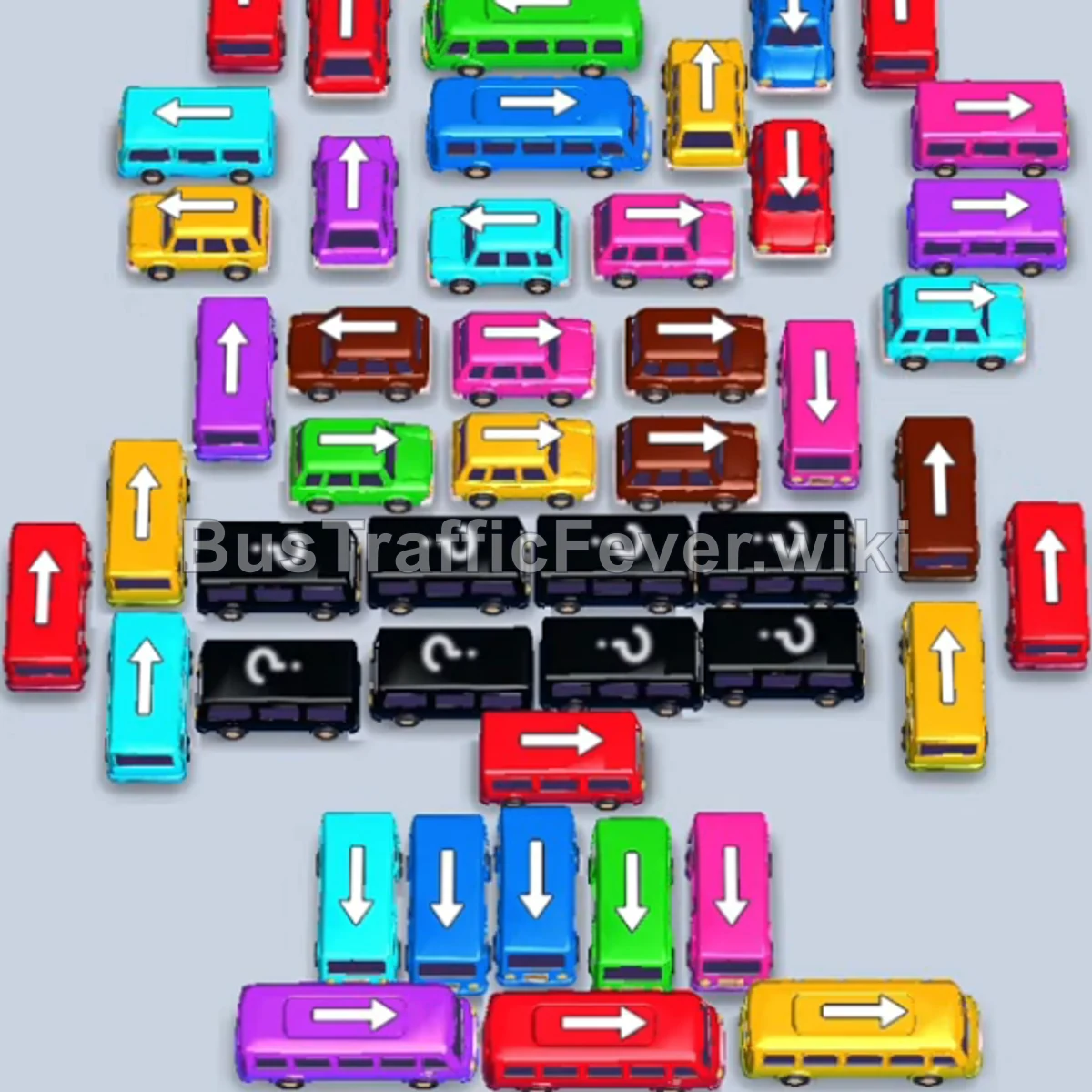
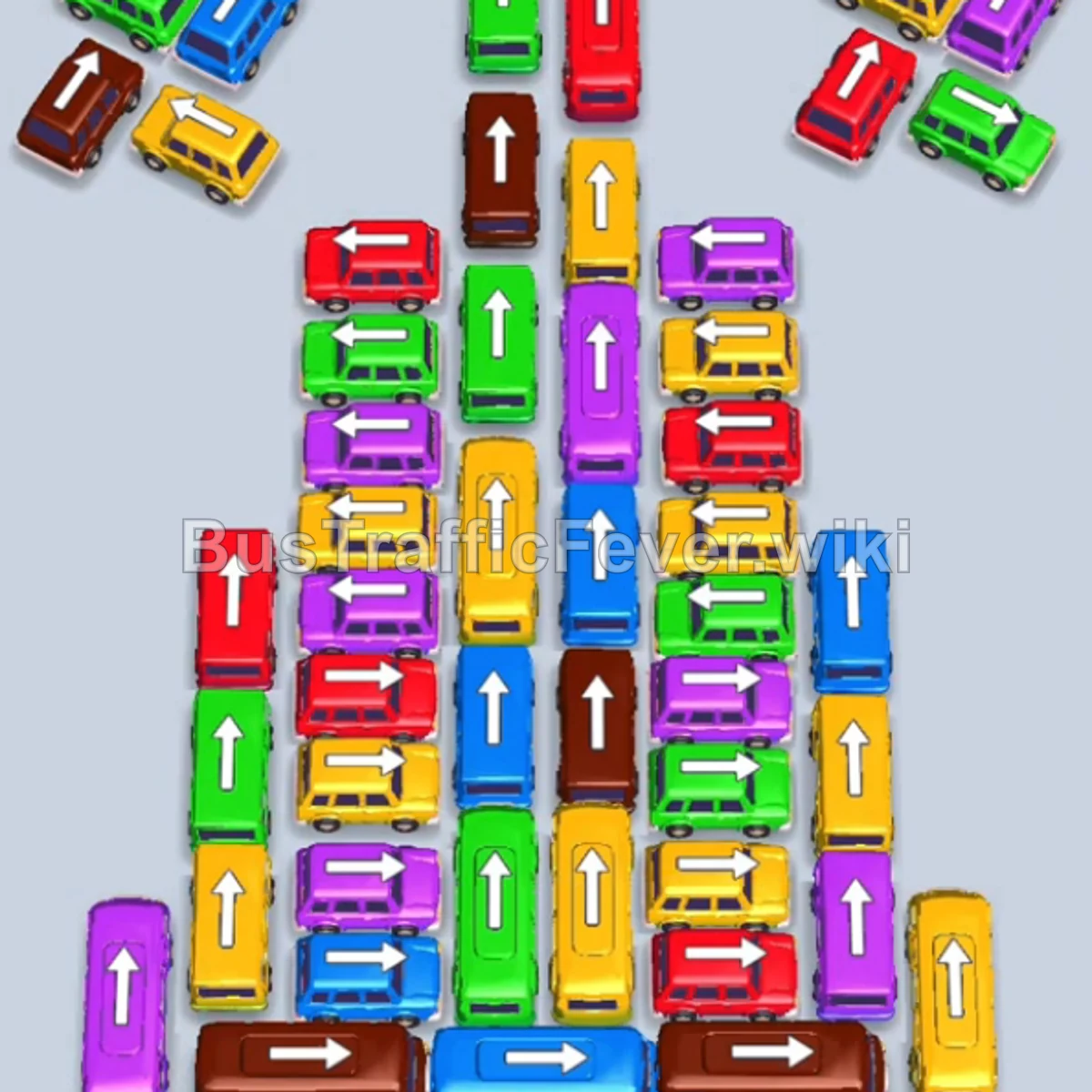
Bus Traffic Fever Level 79 Answer & Walkthrough Solution

Quick answer
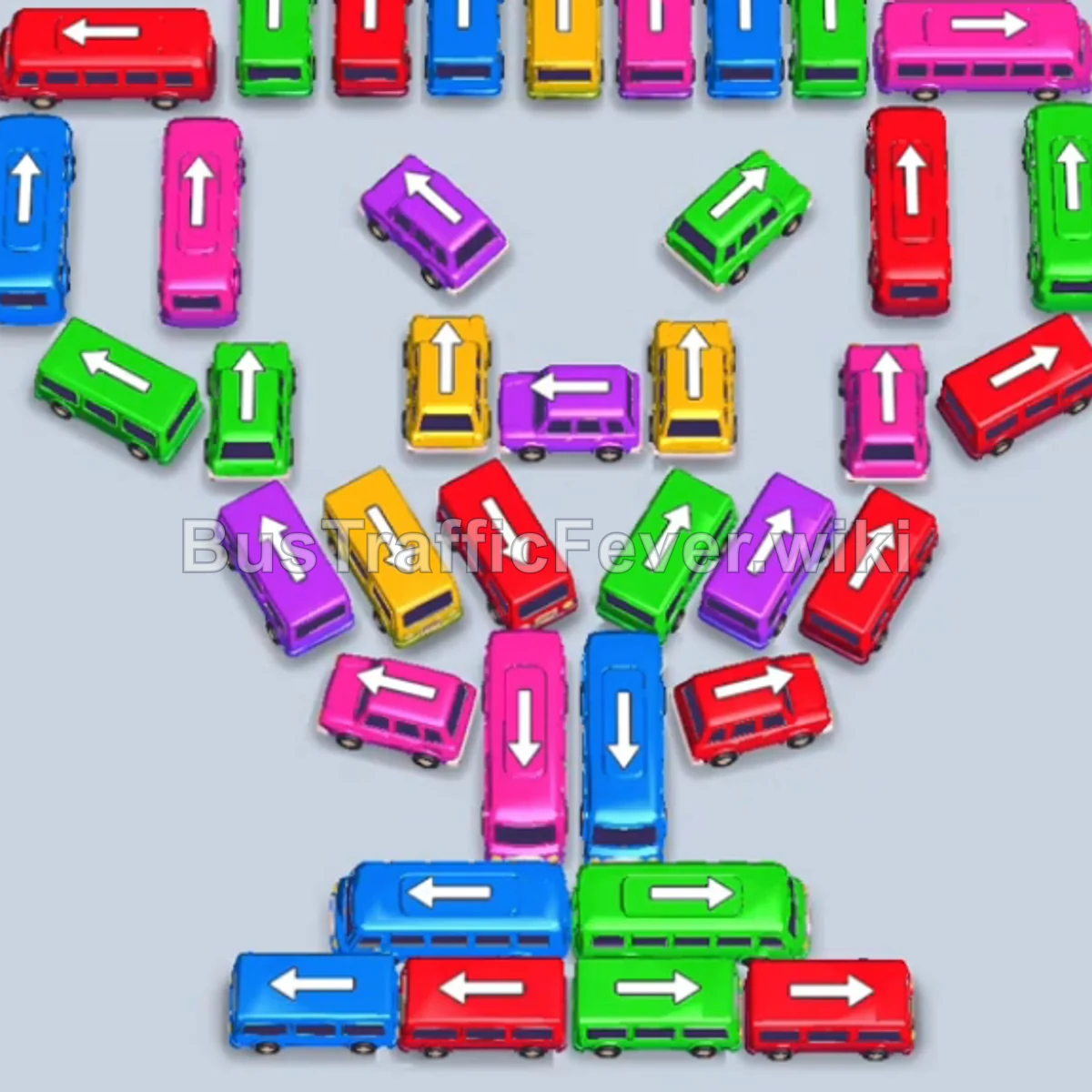
Level 79 is a dense, multi-phase board. Follow the phased order below, from “Clearing the Top Row Openings” through to “Final Sequence and Cleanup”. Stick to the exact order below rather than tapping whichever bus looks free, since one wrong move can gridlock the board.
Step-by-step solution
Phase 1: Clearing the Top Row Openings
- Tap the Red bus in the top row (second from the left, pointing up). Red passengers will board and the bus will leave.
- Tap the Blue bus in the top row (third from the left, pointing up) to pick up the incoming blue passengers.
- Tap the Pink bus in the top row (second from the right, pointing up). Pink passengers will board and it will depart.
- Tap the Blue bus at the bottom base (pointing left) to pick up the remaining blue passengers.
- Tap the Green bus on the far-left outer wing (pointing left). It fills with green passengers and leaves.
- Tap the Green bus on the far right of the top row (pointing up) to clear the large green wave.
- Tap the Red bus on the far-right outer wing (pointing right) to pick up the red passengers.
- Tap the Yellow bus on the upper-left (pointing left) to catch the yellow passenger queue.
Phase 2: Clearing Perimeter Vehicles and Lower Base
- Tap the Blue bus in the top row (fifth from the left, pointing up) to collect the next blue group.
- Tap the Red bus on the left inner diagonal (pointing down-left).
- Tap the Pink bus on the far left of the top row (pointing up). Pink passengers board and it clears the bay.
- Tap the Green bus at the lower-middle base (pointing left) to board the green passengers.
- Tap the Pink bus on the upper-left wing (pointing up).
- Tap the Pink bus in the top row (fourth from the left, pointing up). Both pink vehicles fill and depart.
- Tap the Blue bus at the bottom base (pointing left) to clear the blue passengers.
- Tap the Blue bus in the central diagonal (pointing down-left) to complete the blue queue.
Phase 3: Unlocking the Upper Wings and Center Columns
- Tap the Green bus at the top left (pointing up).
- Tap the Purple bus in the upper-center (pointing left). Purple passengers board first, followed by green passengers.
- Tap the Yellow bus in the upper-center (pointing left) to pick up the yellow passengers.
- Tap the Red bus on the outer right vertical column (pointing up) to board the long red queue.
- Tap the Green bus on the upper-right wing (pointing up). Green passengers board and it leaves.
- Tap the Purple bus on the outer-left wing (pointing left) to collect purple passengers.
- Tap the Red bus in the central V-cluster (pointing down-left).
- Tap the Green bus in the upper center (pointing up).
Phase 4: Final Sequence and Cleanup
- Tap the Blue bus at the bottom of the central V-formation (pointing down) to catch the cyan/blue passengers.
- Tap the Red bus on the lower-left diagonal (pointing down-right) to board the red queue.
- Tap the Pink bus on the middle-right wing (pointing up) to pick up pink passengers.
- Tap the Red bus on the right diagonal (pointing down-right) to clear red passengers.
- Tap the Red bus on the far left (pointing up).
- Tap the Pink bus in the center (pointing up-right). Red and pink passengers will finish boarding and depart.
- Tap the Yellow bus on the left (pointing down-left).
- Tap the Green bus in the center (pointing up).
- Tap the Purple bus on the right (pointing up-right).
- Tap the Red bus in the center (pointing up) to pick up the red queue.
- Tap the final Yellow bus in the center (pointing up) to collect the remaining yellow passengers and complete the level.
Tips for success
- Focus on the Top Row First: Clearing the top horizontal buses early frees up docking slots and gives you breathing room to stage vehicles from the dense lower chalice formation.
- Match Bus Sizes with Queues: Small buses hold fewer passengers than long buses; ensure you don’t send small buses for massive passenger lines unless paired with another vehicle of the same color.
- Avoid Filling All Staging Bays: Keep at least 2–3 bays open so vehicles that unblock critical paths can sit safely without triggering gridlock.
More Bus Traffic Fever help
Continue with the Level 78 walkthrough, review the core rules in how to play Bus Traffic Fever, or browse all level solutions to jump to another number.