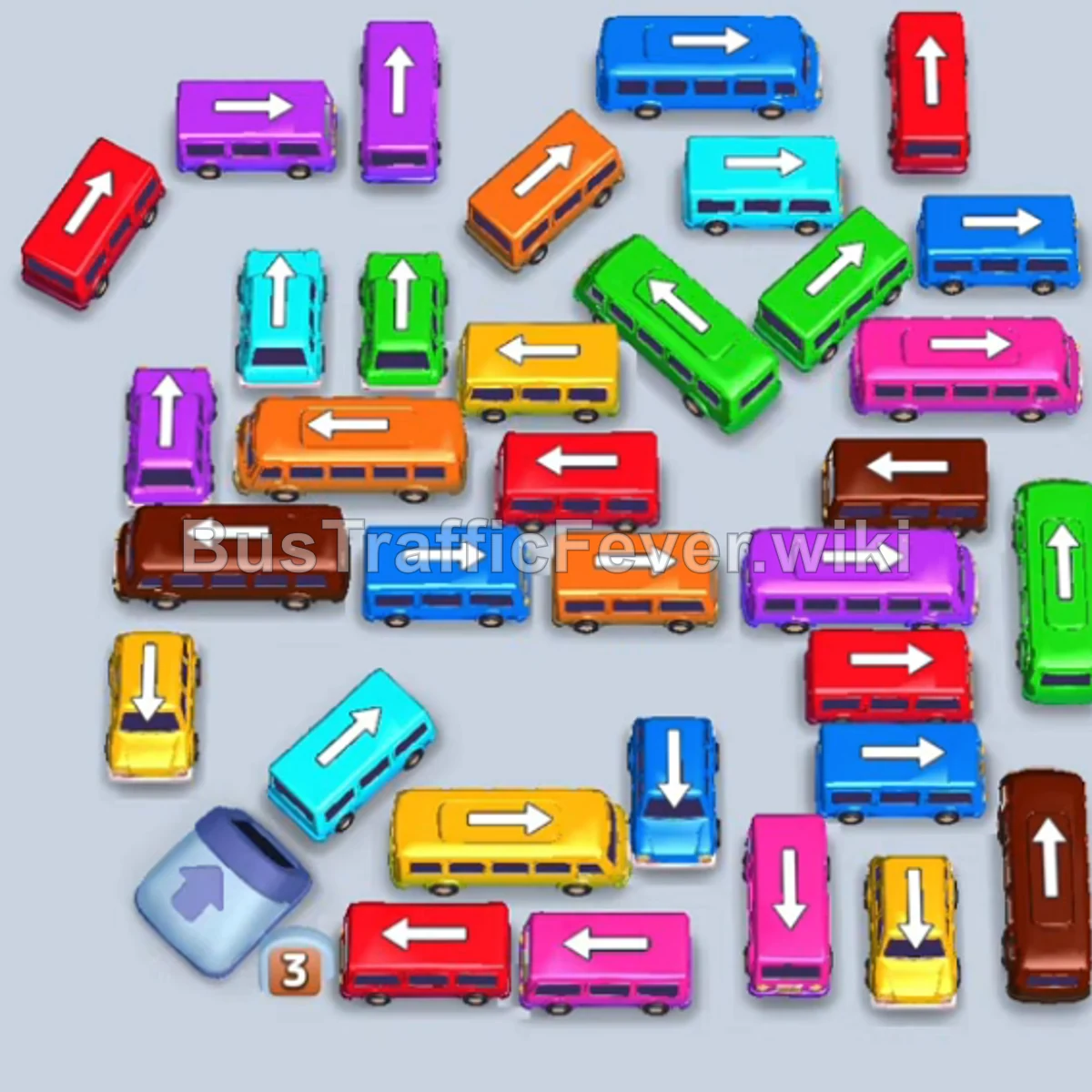
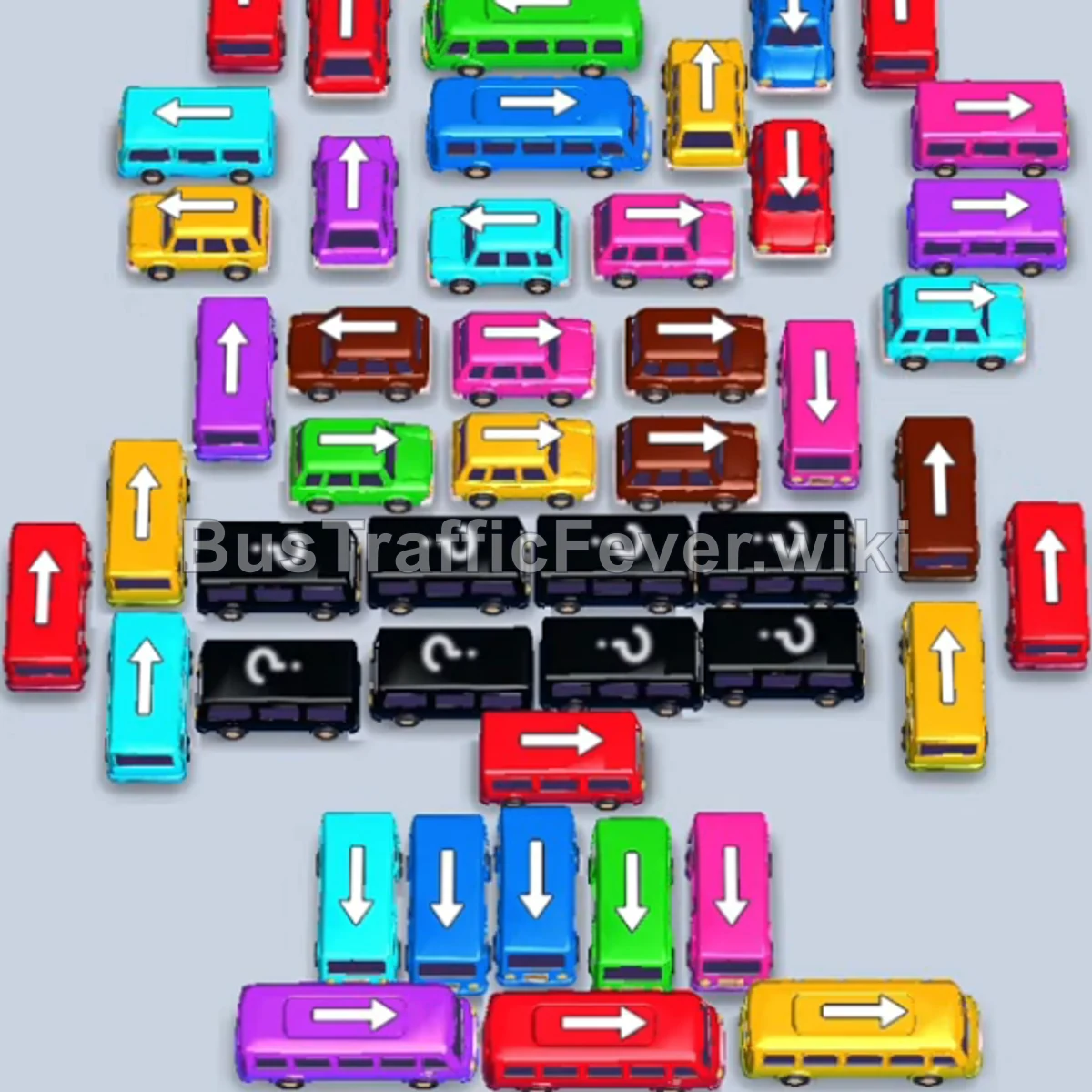
Bus Traffic Fever Level 77 Answer & Walkthrough Solution
Quick answer
Tap the Orange bus on the bottom right pointing down. Orange passengers board and it departs. Tap the Green bus on the far left pointing left. Green passengers board and it departs. Tap the Purple bus on the upper left pointing left.
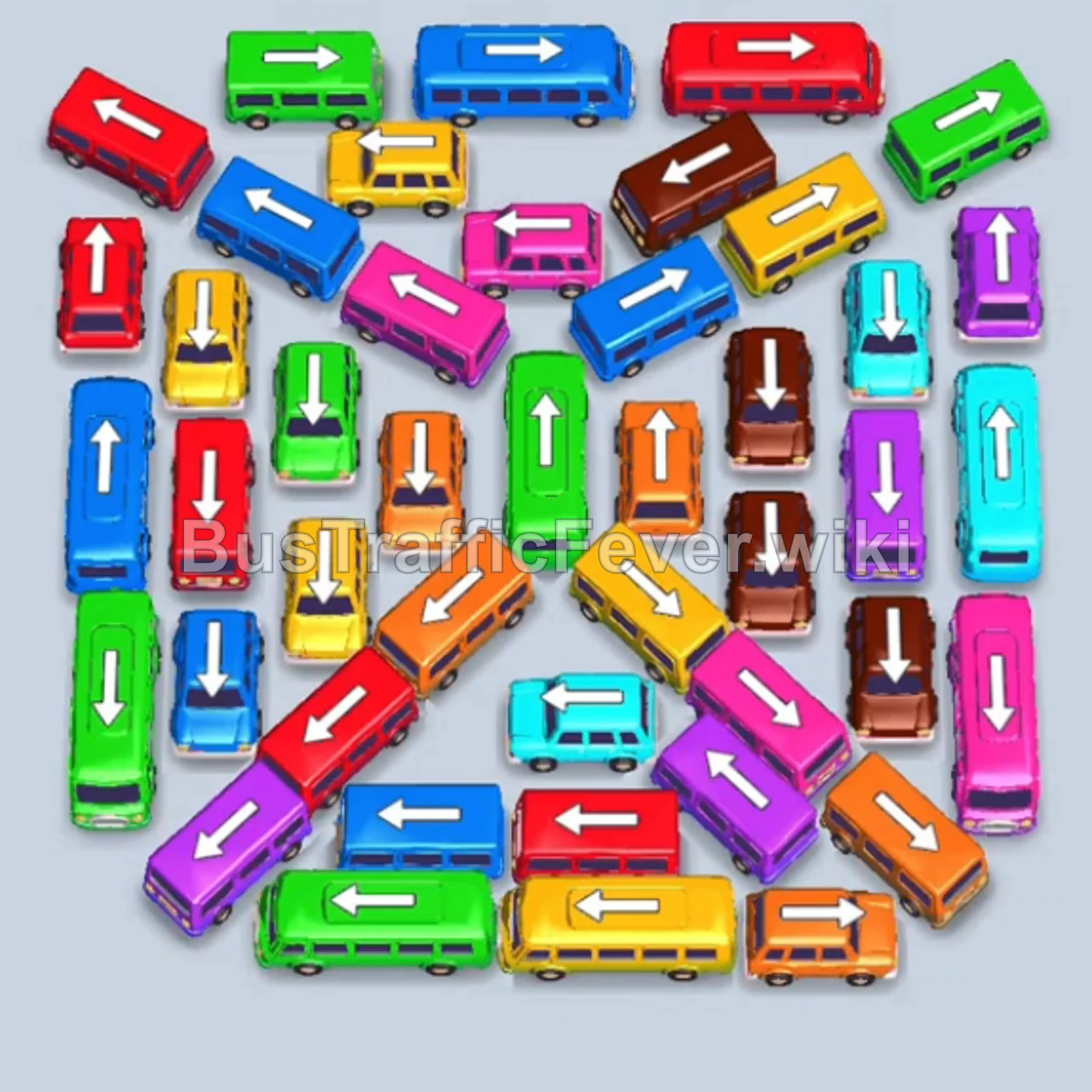
Step-by-step solution
Phase 1: Clearing Initial Perimeter Buses
- Tap the Orange bus on the bottom right pointing down. Orange passengers board and it departs.
- Tap the Green bus on the far left pointing left. Green passengers board and it departs.
- Tap the Purple bus on the upper left pointing left. Purple passengers board and it departs.
- Tap the Green bus at the bottom left pointing left. Green passengers board and it departs.
- Tap the Yellow bus at the top left pointing left. Yellow passengers board and it departs.
- Tap the Red bus at the top left pointing left to hold in a parking slot.
- Tap the Dark Blue bus on the far right pointing down. Blue passengers board and it departs, followed immediately by the parked Red bus.
- Tap the Pink bus on the far left pointing left. Pink passengers board and it departs.
- Tap the Yellow bus on the far right pointing up. Yellow passengers board and it departs.
Phase 2: Opening the Outer Loops & Mid-Grid
- Tap the Orange bus on the far right pointing right to hold in a slot.
- Tap the Brown bus on the upper right pointing up. Brown passengers board and it departs.
- Tap the Purple bus on the upper right pointing up. Purple passengers board and it departs.
- The parked Orange bus will now board orange passengers and depart.
- Tap the Light Blue (Cyan) bus on the far right pointing up. Cyan passengers board and it departs.
- Tap the Dark Blue bus on the upper left pointing down. Blue passengers board and it departs.
- Tap the Dark Blue bus on the far right pointing up. Blue passengers board and it departs.
- Tap the Purple bus on the middle right pointing right. Purple passengers board and it departs.
- Tap the Red bus on the far left pointing left. Red passengers board and it departs.
Phase 3: Untangling the Inner Ring
- Tap the Red bus at the top center pointing left.
- Tap the Orange bus on the far left pointing left. Orange passengers board and it departs, followed by the parked Red bus.
- Tap the Red bus on the far left pointing left.
- Tap the Yellow bus at the bottom pointing down.
- Tap the Light Blue (Cyan) bus in the middle pointing left. Red passengers board the parked Red bus and it departs.
- Tap the Green bus at the bottom pointing down.
- Tap the Dark Blue bus at the bottom left pointing left.
- Tap the Yellow bus at the top center pointing down. Yellow and Blue passengers board the parked Yellow and Dark Blue buses, clearing them.
- Tap the Dark Blue bus at the top pointing left. Blue passengers board and it departs.
- Tap the Red bus at the top left pointing up.
- Tap the Dark Blue bus at the top pointing left. Blue and Green passengers board, clearing the Dark Blue and parked Green buses.
- Tap the Green bus at the bottom left pointing down. Green passengers board and it departs.
Phase 4: Final Multi-Color Rush & Board Clear
- Tap the Pink bus at the top pointing left.
- Tap the Brown bus at the top right pointing right.
- Tap the Yellow bus at the top left pointing left. Yellow passengers board and it departs.
- Tap the Yellow bus at the bottom pointing down. Yellow passengers board and it departs.
- Tap the Green bus at the top left pointing left. Green passengers board and it departs.
- Tap the Yellow bus at the top left pointing left.
- Tap the Pink bus at the top pointing left.
- Tap the Orange bus in the center pointing right. Orange passengers board and it departs, followed by the parked Red bus.
- Tap the Purple bus at the bottom pointing left.
- Tap the Light Blue (Cyan) bus on the lower right pointing down. Cyan and Pink passengers board and depart.
- Tap the Light Blue (Cyan) bus on the far right pointing up. Cyan and Pink passengers board and depart.
- Tap the two Pink buses in the center pointing left.
- Tap the Brown bus in the upper center pointing left. Pink and Brown passengers board and depart.
- Tap the Green bus in the center pointing up.
- Tap the Purple bus at the bottom pointing left.
- Tap the Orange bus in the center pointing up.
- Tap the two Brown buses remaining on the right pointing down.
- All remaining passengers will board their matching vehicles, clearing the entire board for a Level 77 Perfect!
Tips for success
- Synergize Slot Parking: Several moves require parking a bus (like Red or Orange) right before tapping a bus that frees up its matching passenger queue.
- Inner Ring Focus: Prioritize clearing vehicles that block multiple inner intersections so the remaining buses have clear paths outward.
- Monitor Queue Transitions: Watch when the figure-8 passenger queues switch colors to clear multiple parked buses in rapid succession.
More Bus Traffic Fever help
Continue with the Level 76 walkthrough, review the core rules in how to play Bus Traffic Fever, or browse all level solutions to jump to another number.