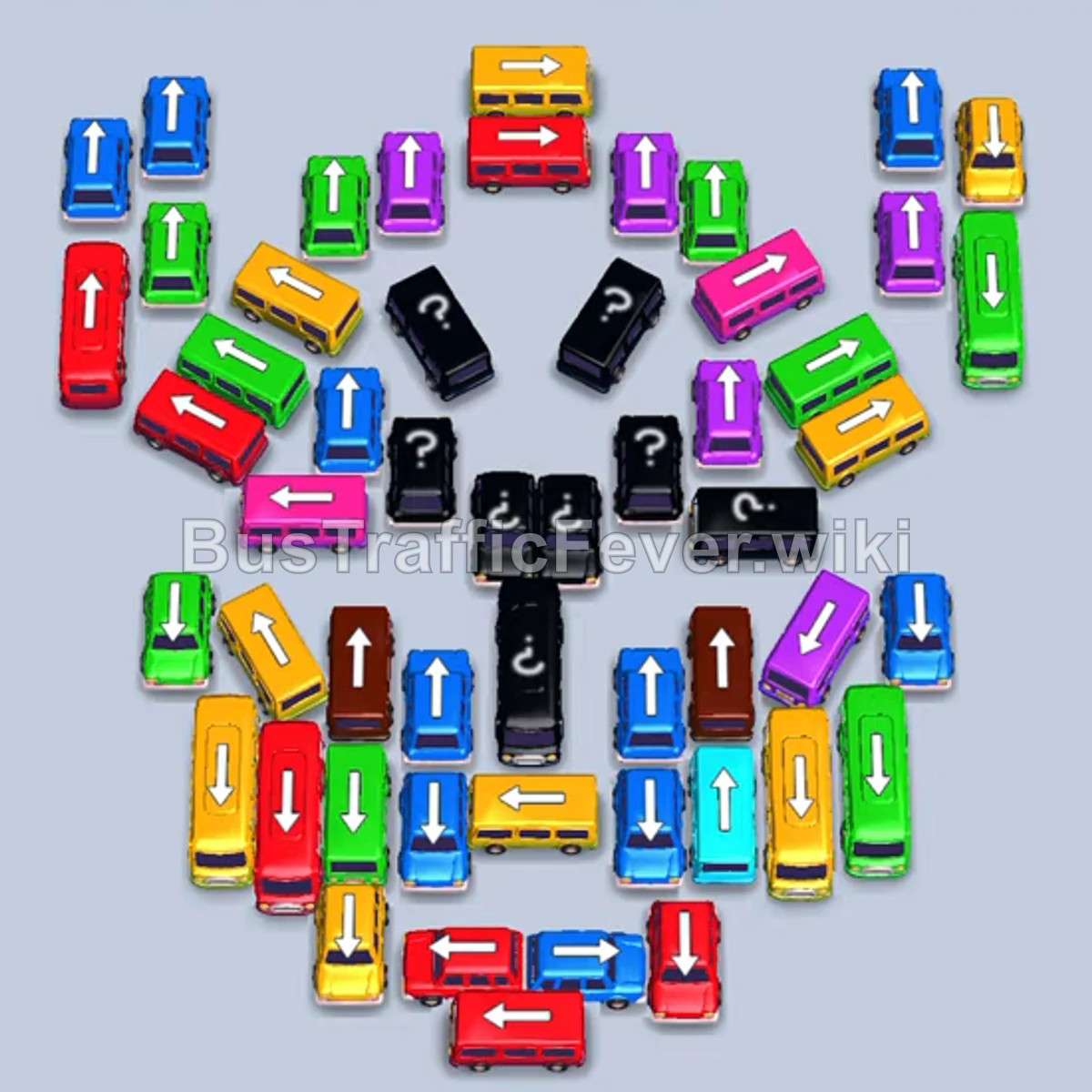
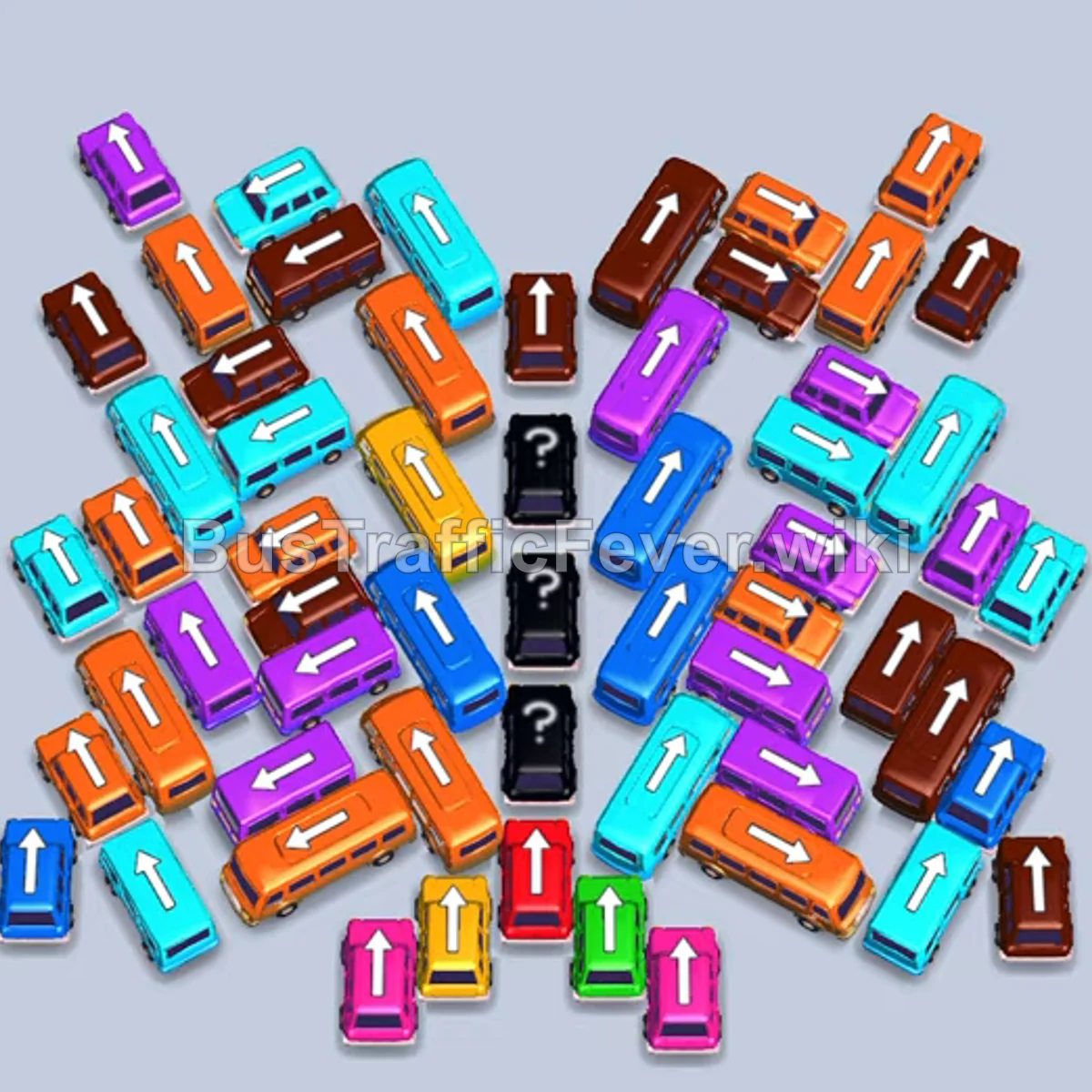
Bus Traffic Fever Level 384 Answer & Walkthrough Solution

Quick answer
Level 384 arranges vehicles into a dense, human-shaped silhouette where lower and outer vehicles block access to the vertical columns in the core. The key to clearing this level is constantly cycling vehicles into the five waiting slots so that upcoming colors in the queue match immediately, avoiding slot congestion. Clear the outer vehicles on the perimeter first to free up horizontal runners, which subsequently unlocks the vertical buses packed inside.
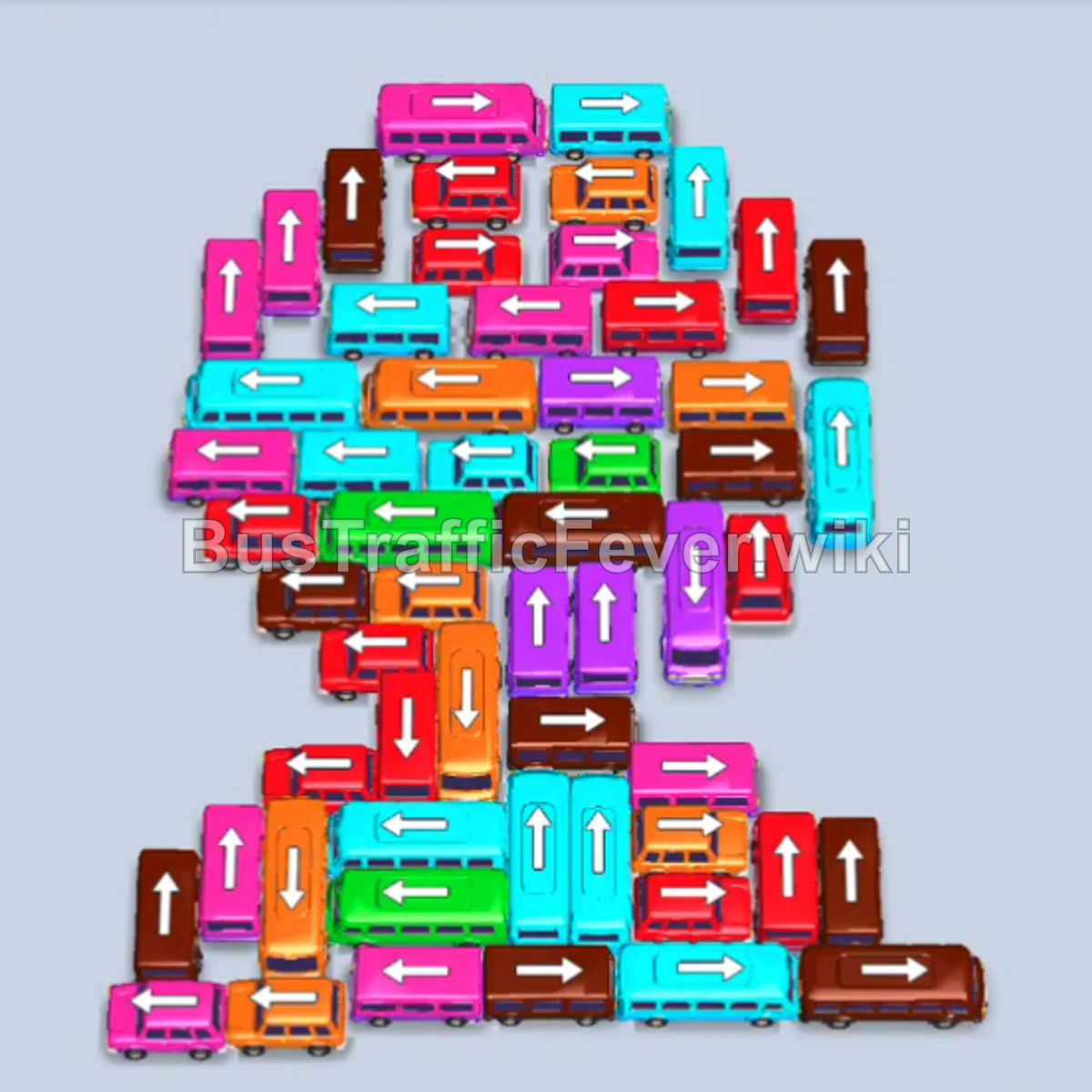
Step-by-step solution
Phase 1: Clearing the Perimeter and Lower Flanks
- Tap the cyan bus at the top center facing right to clear the entrance path and board the first cyan passengers.
- Tap the red bus on the left edge facing left.
- Tap the green bus at the bottom left facing right; it boards the green crowd, followed by the red crowd filling the red bus.
- Tap the pink bus on the middle-right edge facing right to absorb the front pink queue.
- Tap the pink bus on the upper-left flank facing down to clear incoming pink passengers.
- Tap the orange bus at the bottom left facing right.
- Tap the pink bus at the bottom left facing right; both smaller buses board and depart promptly.
- Tap the pink bus in the lower-left section facing right to clear out the remaining pink passenger surge.
- Tap the long orange bus on the left side facing right to clear the orange cluster.
- Tap the brown bus on the left edge facing left.
- Tap the cyan bus near the left edge facing right; both park and depart once their colors arrive.
Phase 2: Unlocking the Mid-Section and Side Runners
- Tap the pink bus in the center facing left to catch the next wave of pink passengers.
- Tap the cyan bus in the lower-middle section facing left to clear cyan passengers.
- Tap the brown bus on the left edge facing upward.
- Tap the pink bus at the lower-left facing right; both fill and leave the station.
- Tap the green bus on the far-left perimeter facing upward.
- Tap the brown bus on the middle-right side facing upward; the green bus clears followed by the brown bus.
- Tap the brown bus at the upper-right corner facing upward to board brown passengers.
- Tap the red bus in the center facing downward.
- Tap the red bus in the upper-left cluster facing left.
- Tap the pink bus in the upper-right area facing right.
- Tap the cyan bus near the bottom facing left; all three parked vehicles fill up and clear out.
- Tap the pink bus in the lower-middle section facing left.
- Tap the cyan bus in the center facing left; both load and exit.
- Tap the brown bus in the center facing upward.
Phase 3: Dismantling the Upper Cluster and Core Layers
- Tap the orange bus in the middle-left area facing downward.
- Tap the purple bus on the middle-right facing right; both vehicles depart as their colors arrive.
- Tap the brown bus on the upper-right side facing upward.
- Tap the cyan bus in the lower-left area facing right.
- Tap the red bus at the top left facing left.
- Tap the pink bus at the top right facing right.
- Tap the orange bus in the upper row facing left.
- Tap the orange bus in the upper-center facing left; the orange bus and bus clear the queue.
- Tap the red bus in the upper-center area facing right.
- Tap the orange bus in the middle-left area facing left; the red and orange passengers board and clear the slots.
- Tap the red bus in the center facing right.
- Tap the red bus in the upper-right corner facing left.
- Tap the cyan bus near the top facing left.
- Tap the green bus near the top facing left; both load and leave.
- Tap the orange bus in the center facing left.
- Tap the purple bus in the middle facing downward.
- Tap the orange bus in the lower section facing left; both vehicles fill and leave.
- Tap the purple bus in the center facing left.
- Tap the red bus in the center facing right.
- Tap the pink bus in the center facing right.
Phase 4: Clearing the Final Central Column
- Tap the brown bus in the center facing right.
- Tap the vertical cyan bus in the center facing upward.
- Tap the vertical brown bus in the center facing downward.
- Tap the orange bus in the upper-middle facing downward.
- Tap the pink bus in the middle facing right.
- Tap the red bus in the lower-middle area facing right.
- Tap the red bus in the lower-middle facing upward.
- Tap the pink bus in the lower-middle facing right.
- Tap the brown bus at the bottom right facing right.
- Tap the cyan bus at the bottom left facing right; both collect passengers and leave.
- Tap the brown bus at the bottom right facing right.
- Tap the orange bus at the bottom left facing upward.
- Tap the brown bus in the center facing upward to pick up brown passengers.
- Tap the cyan bus in the lower center facing upward.
- Tap the orange bus in the center facing right; the cyan bus, orange bus, and orange bus board and clear.
- Tap the red bus on the left facing downward.
- Tap the purple bus on the right facing upward.
- Tap the cyan bus at the bottom facing upward.
- Tap the red bus in the center facing downward; the remaining cyan, purple, and red passengers board to complete the level.
Tips for success
- Watch the passenger snake closely: Because the queue is tightly packed along a winding track, send vehicles that match the front 2–3 passenger groups to prevent slot lock.
- Prioritize freeing trapped vertical buses: The vertical buses in the lower-middle section hold the most capacity, but they cannot move until the horizontal buses blocking their front ends are sent out.
- Keep at least two slots open: Avoid tapping multiple buses of future colors if the front of the passenger queue isn’t ready for them; keep parking spaces flexible for quick cycle-outs.
More Bus Traffic Fever help
Continue with the Level 383 walkthrough, review the core rules in how to play Bus Traffic Fever, or browse all level solutions to jump to another number.