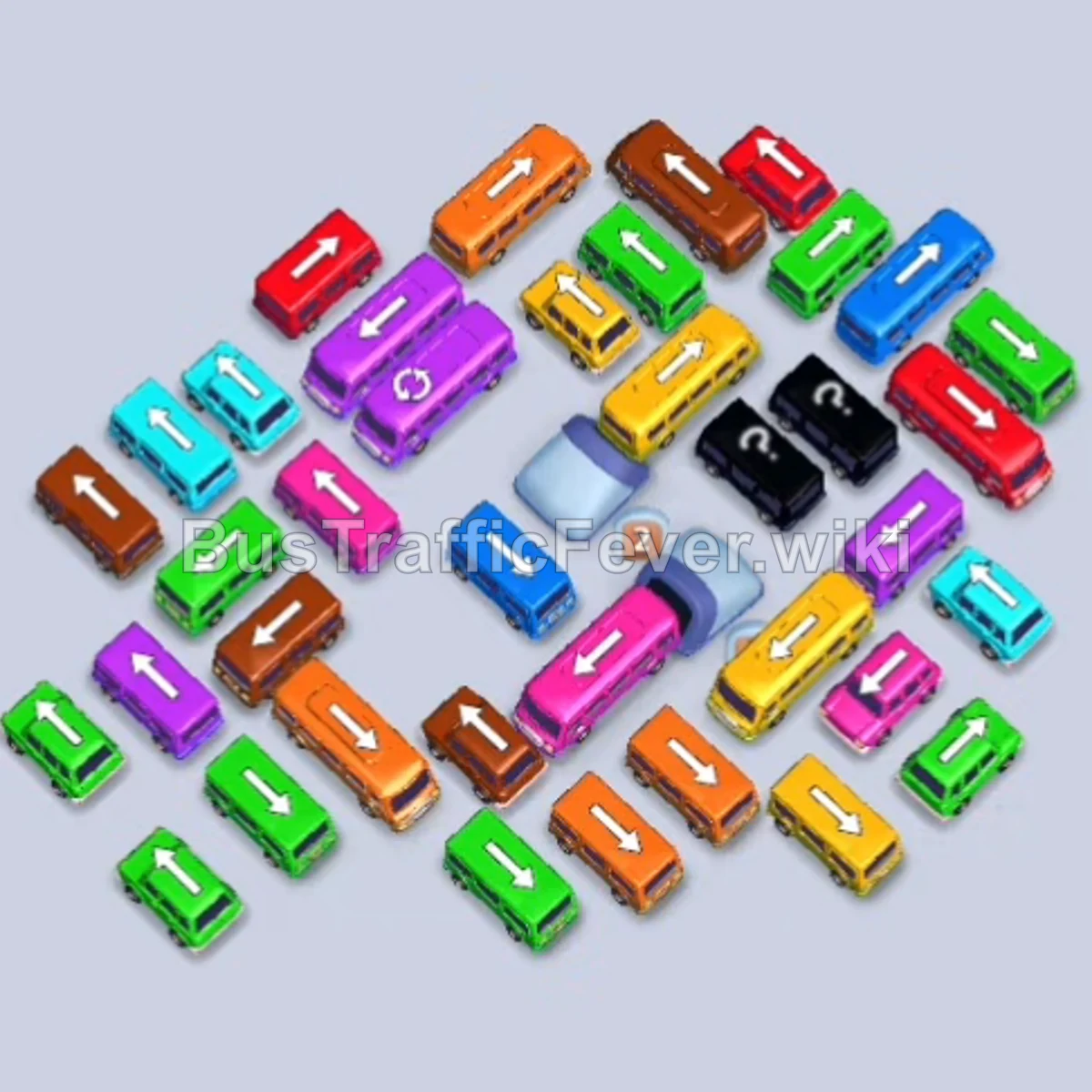
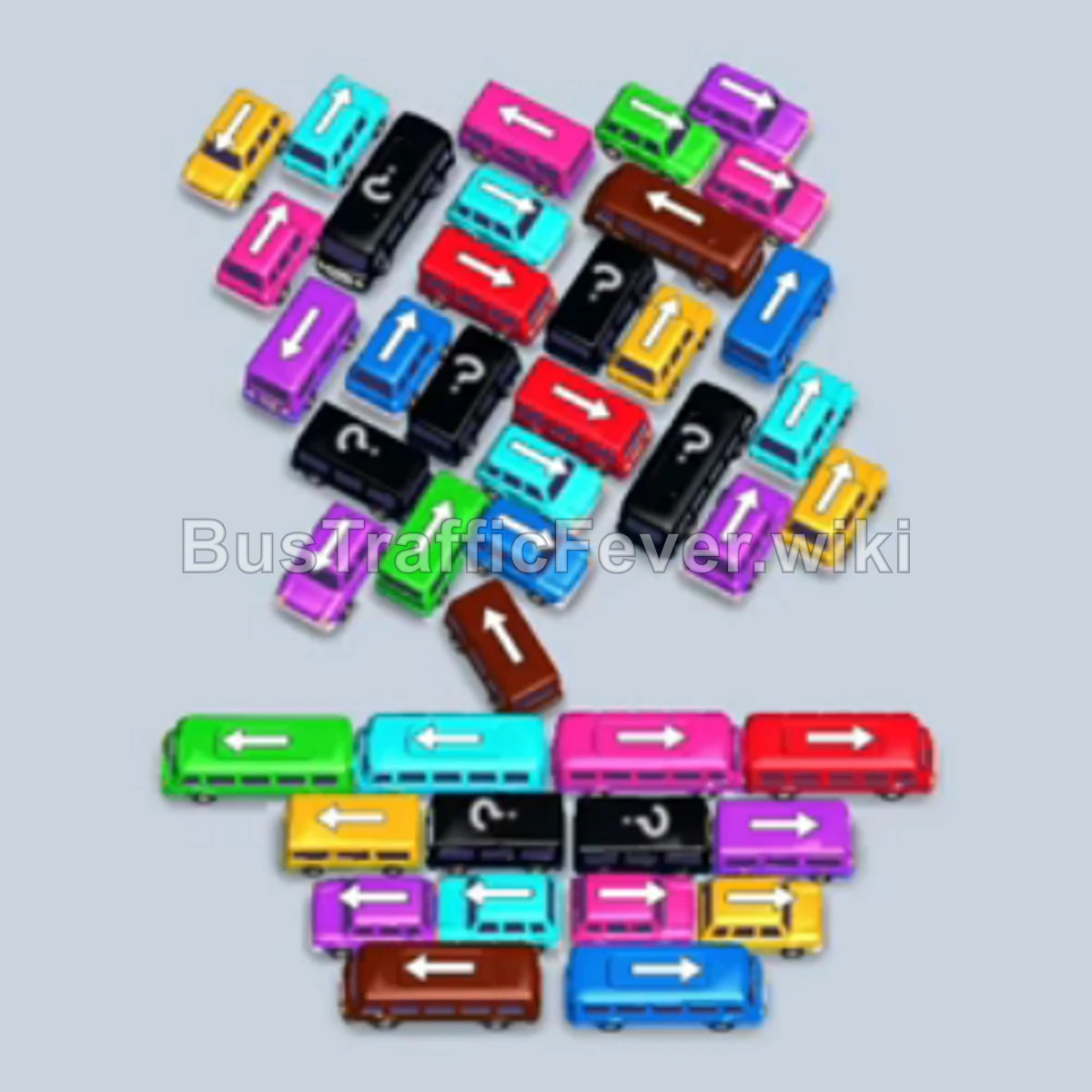
Bus Traffic Fever Level 240 Answer & Walkthrough Solution

Quick answer
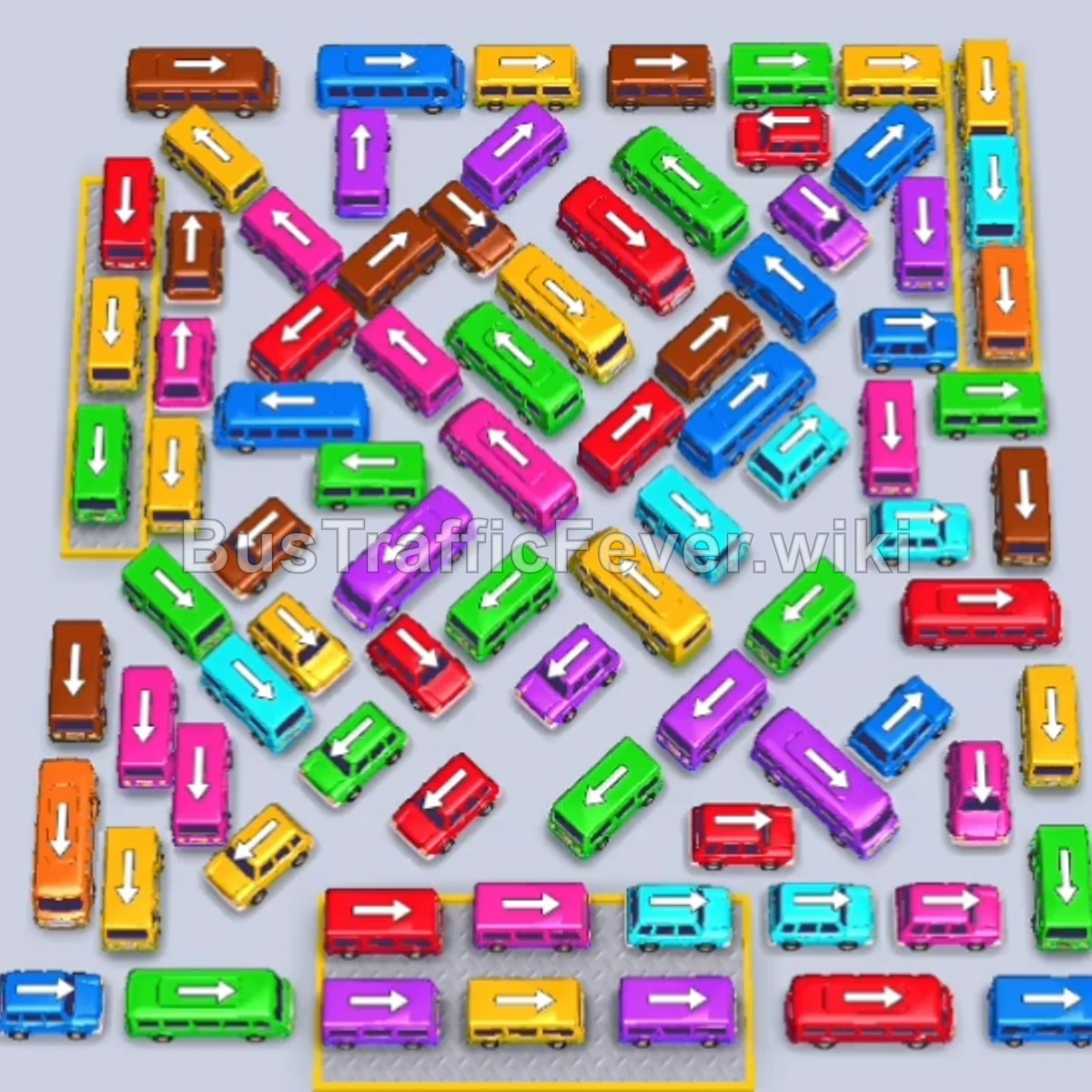
Level 240 features a massive, tightly packed grid with vehicles facing diagonally and horizontally across overlapping lanes. Success requires methodically stripping away outer perimeter vehicles to match the dual passenger loop, utilizing the auxiliary parking bay when available, and strictly prioritizing vehicles that open up blocked exit corridors rather than parking random open buses.
Step-by-step solution
Phase 1: Clearing Outer Borders & Initial Passenger Loops
- Tap the Blue bus facing right at the bottom-left edge to begin boarding initial blue passengers.
- Tap the Green bus facing right near the top-right perimeter.
- Tap the Red bus pointing downward along the upper-right edge.
- Tap the Yellow bus facing right in the upper-middle section; yellow, green, and blue passengers board, clearing the green and yellow buses.
- Tap the Brown bus pointing upward on the right side.
- Tap the Green bus pointing downward in the upper-middle lane.
- Tap the Brown bus facing right at the top-left edge.
- Tap the Pink bus facing right along the lower-right edge.
- Tap the Pink bus facing left in the middle section; pink and green passengers board, clearing both vehicles.
- Tap the Pink bus facing right near the top-right corner.
- Tap the Brown bus facing left in the middle.
- Tap the Orange bus pointing downward on the right edge.
- Tap the Yellow bus pointing downward along the right edge.
- Tap the Cyan bus pointing downward on the far-right edge.
- Tap the Yellow bus facing left in the lower-right area.
Phase 2: Opening the Right Flank & Color Sequencing
- Tap the Pink bus facing right in the middle-left area to clear the pink passenger queue.
- Tap the Cyan bus pointing downward along the right edge.
- Tap the Cyan bus facing right along the top-right perimeter.
- Tap the Purple bus pointing downward on the right edge.
- Tap the Purple bus facing left in the upper-right section; purple passengers board and clear the purple bus.
- Tap the Yellow bus pointing downward in the upper-right area.
- Tap the Yellow bus facing left in the lower-right section.
- Tap the Blue bus pointing downward on the right edge.
- Tap the Green bus pointing downward in the middle-right area; blue and green passengers board, clearing both vehicles.
- Tap the Red bus pointing downward on the right edge to board red passengers.
- Tap the Red bus pointing downward in the middle-right lane.
- Tap the Purple bus facing left in the top-middle row.
- Tap the Cyan bus pointing downward on the right edge.
- Tap the Cyan bus pointing downward in the center.
- Tap the Brown bus pointing downward on the right edge.
- Tap the Red bus facing left in the lower-right section.
- Tap the Brown bus facing right in the lower-right section to clear brown passengers.
Phase 3: Clearing the Dense Center & Unlocking Left Lanes
- Tap the Pink bus facing right in the lower-right area.
- Tap the Blue bus pointing downward on the right edge.
- Tap the Red bus pointing downward in the middle-right lane.
- Tap the Blue bus facing left in the lower-center section; red and blue passengers board, clearing both vehicles.
- Tap the Purple bus facing left in the lower-right area.
- Tap the Yellow bus facing left in the lower-middle lane.
- Tap the Green bus facing left on the lower-left flank.
- Tap the Cyan bus pointing downward on the right edge.
- Tap the Brown bus facing left in the middle section.
- Tap the Purple bus facing right in the lower-right area.
- Tap the Red bus facing right in the lower-right area.
- Tap the Red bus facing left in the middle section.
- Tap the Cyan bus pointing downward along the right edge.
- Tap the Pink bus pointing downward on the right edge.
- Tap the Red bus facing left at the top-left corner.
- Tap the Green bus facing left on the lower-left flank.
- Tap the Blue bus pointing downward on the right edge.
- Tap the Purple bus facing right in the bottom-right corner.
- Tap the Yellow bus pointing downward in the bottom-right area.
- Tap the Green bus facing right in the middle section.
- Tap the Blue bus pointing downward along the right edge.
Phase 4: Final Sequence and Cleanup
- Tap the Yellow bus pointing downward on the left perimeter.
- Tap the Pink bus facing left in the lower-middle section.
- Tap the Purple bus facing right in the lower-right area.
- Tap the Orange bus pointing downward along the left perimeter.
- Tap the Brown bus pointing downward on the left edge.
- Tap the Brown bus pointing downward in the middle.
- Tap the Purple bus facing right in the middle section.
- Tap the Red bus pointing downward at the top edge.
- Tap the Purple bus pointing downward in the center.
- Tap the Red bus facing right in the lower-right area.
- Tap the Blue bus facing left at the top-left edge.
- Tap the Green bus pointing downward in the center.
- Tap the Yellow bus pointing downward on the left edge.
- Tap the Red bus pointing downward in the lower center.
- Tap the Red bus facing right in the lower-right area.
- Tap the Cyan bus pointing downward on the left edge.
- Tap the Pink bus pointing downward in the bottom-right area.
- Tap the Purple bus pointing downward in the middle.
- Tap the Cyan bus pointing downward in the lower-middle lane.
- Tap the Blue bus pointing downward in the center.
- Tap the Orange bus pointing downward along the left edge.
- Tap the Green bus pointing downward on the lower-left side.
- Tap the Yellow bus pointing downward in the bottom-right area.
- Tap the Brown bus pointing downward in the center.
- Tap the Red bus pointing downward on the lower-left side.
- Tap the Yellow bus pointing downward on the left edge.
- Tap the Cyan bus pointing downward on the right edge.
- Tap the Green bus pointing downward in the lower-middle area.
- Tap the Yellow bus pointing downward in the bottom-right area.
- Tap the Pink bus facing left in the middle.
- Tap the Cyan bus facing right on the lower-left side.
- Tap the Brown bus pointing downward in the center.
- Tap the Green bus facing right on the lower-right side.
- Tap the Yellow bus facing left in the bottom center.
- Tap the Red bus facing left in the middle.
- Tap the Brown bus pointing downward in the middle.
- Tap the Pink bus pointing downward in the middle.
- Tap the Pink bus facing right in the bottom-right area.
- Tap the Green bus facing left in the lower-center section.
- Tap the Green bus pointing downward on the lower-left side.
- Tap the Yellow bus pointing downward on the left edge.
- Tap the Yellow bus facing left in the bottom center.
- Tap the Purple bus facing left on the lower-left flank.
- Tap the Pink bus facing right in the bottom-right area.
- Tap the Blue bus facing left in the lower-center section.
- Tap the Yellow bus facing left in the bottom center.
- Tap the Red bus pointing downward on the left edge.
- Tap the Brown bus facing right in the bottom-right area.
- Tap the Yellow bus facing right in the bottom-right area.
- Tap the Purple bus pointing downward on the lower-left flank.
- Tap the Brown bus facing right in the middle section.
- Tap the Pink bus facing right in the middle.
- Tap the Red bus pointing downward at the top edge.
- Tap the Brown bus pointing downward in the center.
- Tap the Green bus facing left on the lower-left side.
- Tap the Red bus pointing downward in the center.
- Tap the Pink bus facing right in the middle.
- Tap the Yellow bus facing left in the lower center.
- Tap the Red bus facing left on the lower-left side.
- Tap the Yellow bus pointing downward on the left edge.
- Tap the Purple bus facing left in the lower-center section.
- Tap the Green bus pointing downward on the left edge.
- Tap the Purple bus facing left on the bottom-left edge.
- Tap the Yellow bus pointing downward on the left edge.
- Tap the Purple bus facing right in the middle.
- Tap the final Cyan bus facing right on the lower-left side to pick up the remaining passengers and clear Level 240 with a Perfect! score.
Tips for success
- Peel Away the Right Perimeter: The right edge consists of numerous vertical buses pointing straight down; clearing these early removes the outer barrier and exposes the center diagonals.
- Keep High-Capacity Buses in Motion: Buses with 24–40 passenger capacity lock parking bays for a long time; make sure a bus matches an active, large passenger cluster before dispatching it.
- Use Diagonal Lanes as Escape Corridors: Because diagonal vehicles overlap multiple lanes, dispatching one diagonal bus often frees up two or three perpendicular vehicles at once.
More Bus Traffic Fever help
Continue with the Level 239 walkthrough, review the core rules in how to play Bus Traffic Fever, or browse all level solutions to jump to another number.