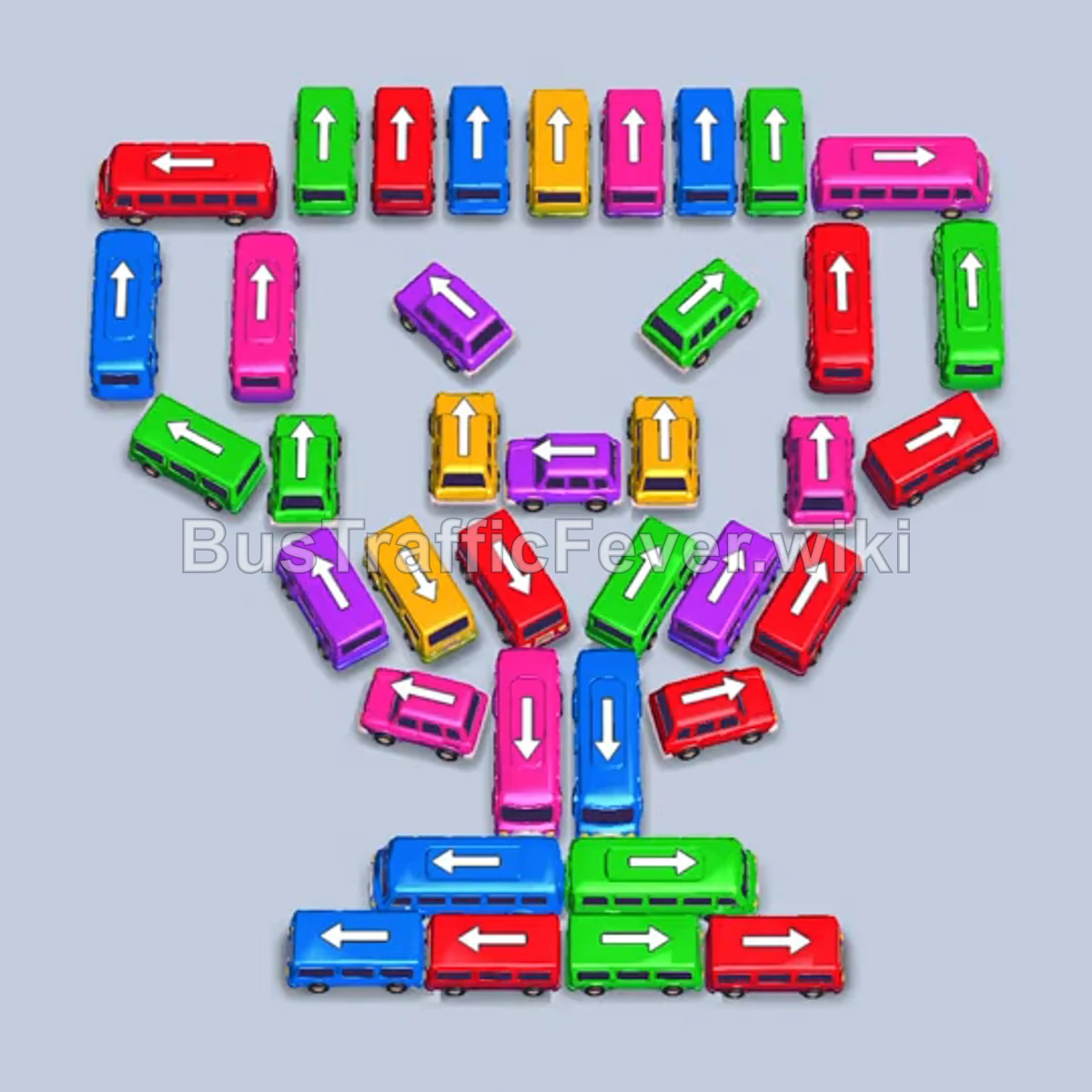
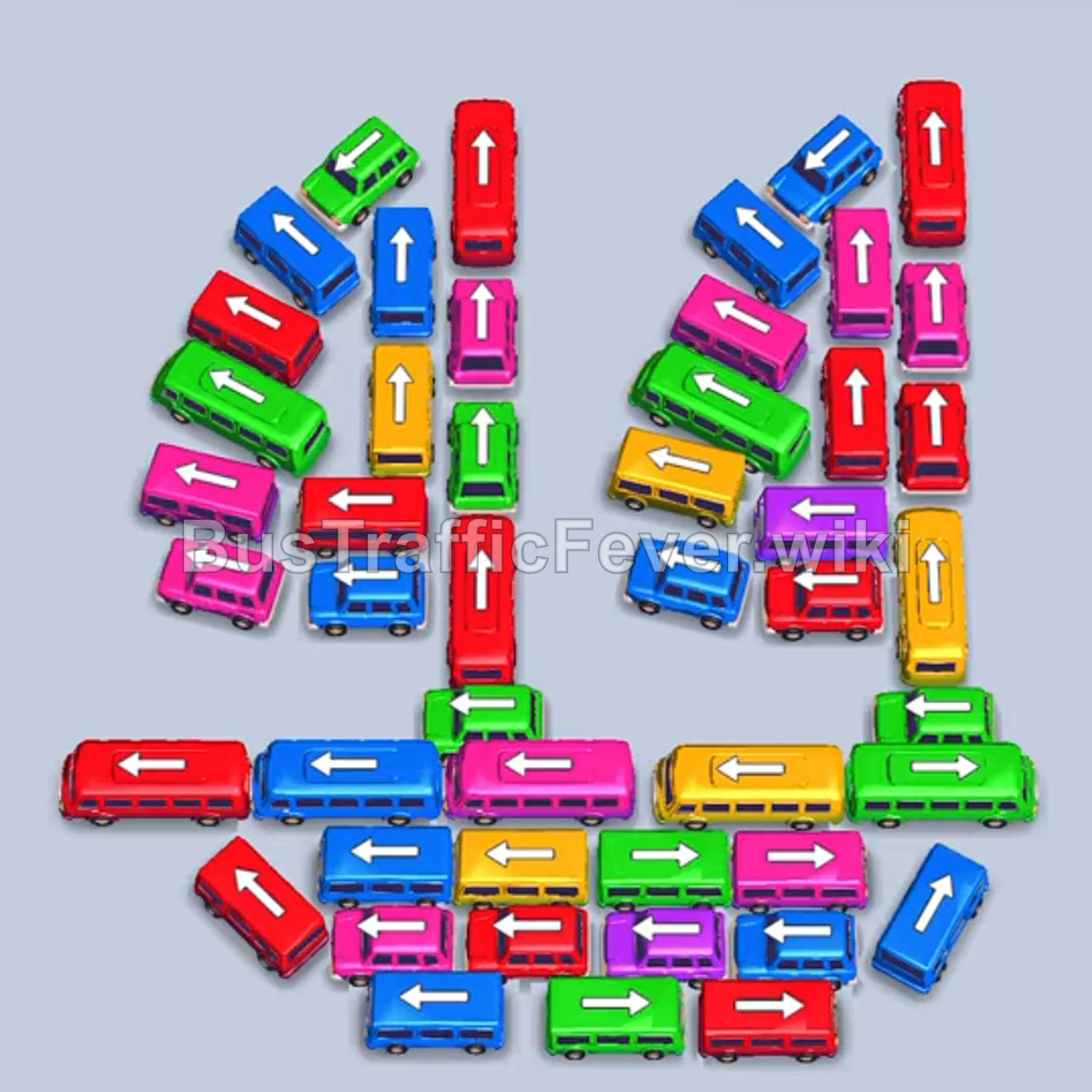
Bus Traffic Fever Level 372 Answer & Walkthrough Solution

Quick answer
The key strategy is to immediately clear the unblocked buses on the left and right wings to feed early passenger lines and open up parking spaces. Once the wings are empty, methodically peel away the central pyramid layer by layer, alternating between the vertical columns and horizontal cross-buses as parking slots free up.
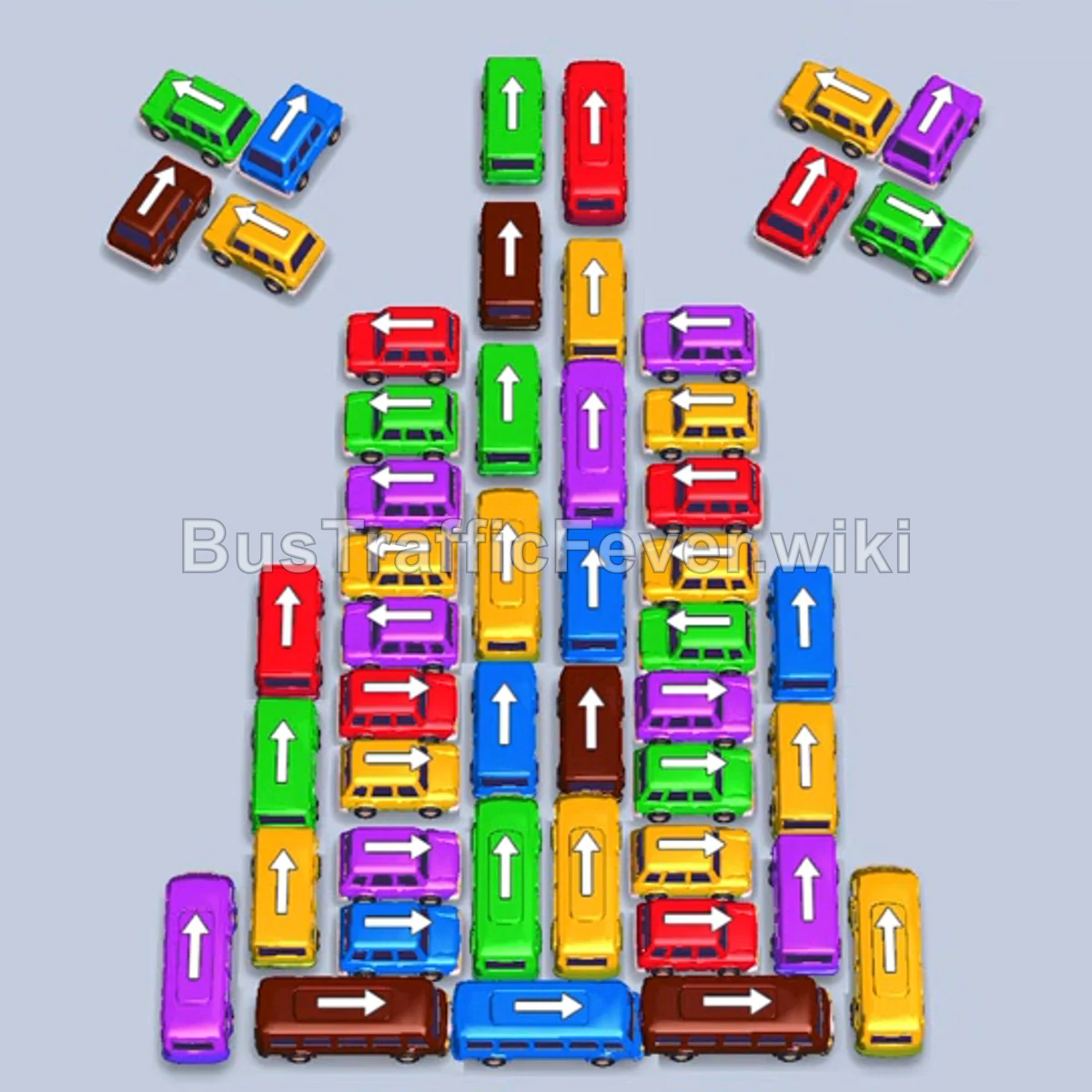
Step-by-step solution
Phase 1: Clearing the Wings and Initial Buses
- Tap the blue bus on the lower-left wing (pointing down-left).
- Tap the green bus on the left wing (pointing down-left).
- Tap the brown bus on the left wing (pointing down-left).
- Tap the yellow bus on the left wing (pointing down-left).
- As blue passengers board and the blue bus leaves, tap the blue bus at the bottom right (horizontal, pointing right).
- As the green bus clears, tap the purple bus in the lower-middle section (horizontal, pointing left).
- As the yellow and brown buses board and depart, tap the yellow bus at the top of the right wing (pointing up-right).
- Tap the green bus at the top right of the center pyramid (pointing up).
- Tap the brown bus at the top of the center stack (pointing up).
- Tap the second purple bus in the center (horizontal, pointing left).
Phase 2: Unlocking the Central Stack
- Tap the green bus near the top-center (pointing up).
- Tap the tall red bus in the center column (pointing up).
- Tap the yellow bus on the right wing (pointing up-right).
- Tap the red bus on the right wing (pointing up-right).
- Tap the green bus on the right wing (pointing up-right) once slot space opens.
- Tap the yellow bus on the left side of the middle stack (horizontal, pointing left).
- Tap the horizontal red bus in the lower section (pointing left) to clear into the newly opened parking bay.
- Tap the brown bus near the top-center (pointing up).
- Tap the yellow bus on the left side (horizontal, pointing left).
- Tap the green bus in the central column (pointing up).
- Tap the horizontal red bus in the lower center (pointing right).
- Tap the horizontal green bus at the bottom (pointing left).
- Tap the purple bus in the center column (pointing up).
Phase 3: Dismantling the Mid-Section
- Tap the yellow bus in the lower tier (horizontal, pointing right).
- Tap the yellow bus in the center (pointing up).
- Tap the blue bus in the center (pointing up).
- Tap the green bus in the center (pointing up).
- Tap the brown bus in the center (pointing up).
- Once slots open up, tap the yellow bus (pointing up) and the green bus (pointing up) from the center.
- Tap the red bus at the top of the remaining cluster (pointing left).
- Tap the purple bus below it (pointing left).
- Tap the green bus directly below (pointing left).
- Tap the green bus facing up in the right column.
- Tap the two yellow buses facing left in sequence as parking slots free.
- Tap the brown bus facing left.
- Tap the green bus facing left.
- Tap the yellow bus facing left.
Phase 4: Clearing the Final Cluster
- Tap the red bus facing left on the lower-left side.
- Tap the purple bus facing left.
- Tap the blue bus (pointing up) and brown bus (pointing up) from the lower column.
- Tap the red bus facing left.
- Tap the long yellow bus facing right.
- Tap the brown bus at the bottom (pointing left).
- Tap the blue bus, yellow bus, and purple bus in the middle row (all pointing up).
- Tap the brown bus (pointing left).
- Tap the blue bus (pointing up).
- Tap the green bus and yellow bus standing vertically side-by-side in the center.
- Tap the purple bus in the right column (pointing up).
- Tap the red bus and green bus in the center.
- Tap the green bus pointing up once the bay clears.
- Tap the yellow bus (pointing left) and red bus (pointing up).
- Finally, tap the remaining three buses in the bottom stack: blue bus, yellow bus, and purple bus (all pointing up) to finish the level.
Tips for success
- Clear the wings first: The angled buses on the outer wings have completely clear exit paths and provide an easy way to satisfy the opening queue colors.
- Watch slot limits: Avoid sending multiple buses into parking bays until the current front passengers have finished boarding, otherwise the limited holding area will jam.
- Prioritize horizontal buses: The horizontal buses lock the vertical columns above and below them; clearing them unlocks multiple vehicles at once.
More Bus Traffic Fever help
Continue with the Level 371 walkthrough, review the core rules in how to play Bus Traffic Fever, or browse all level solutions to jump to another number.