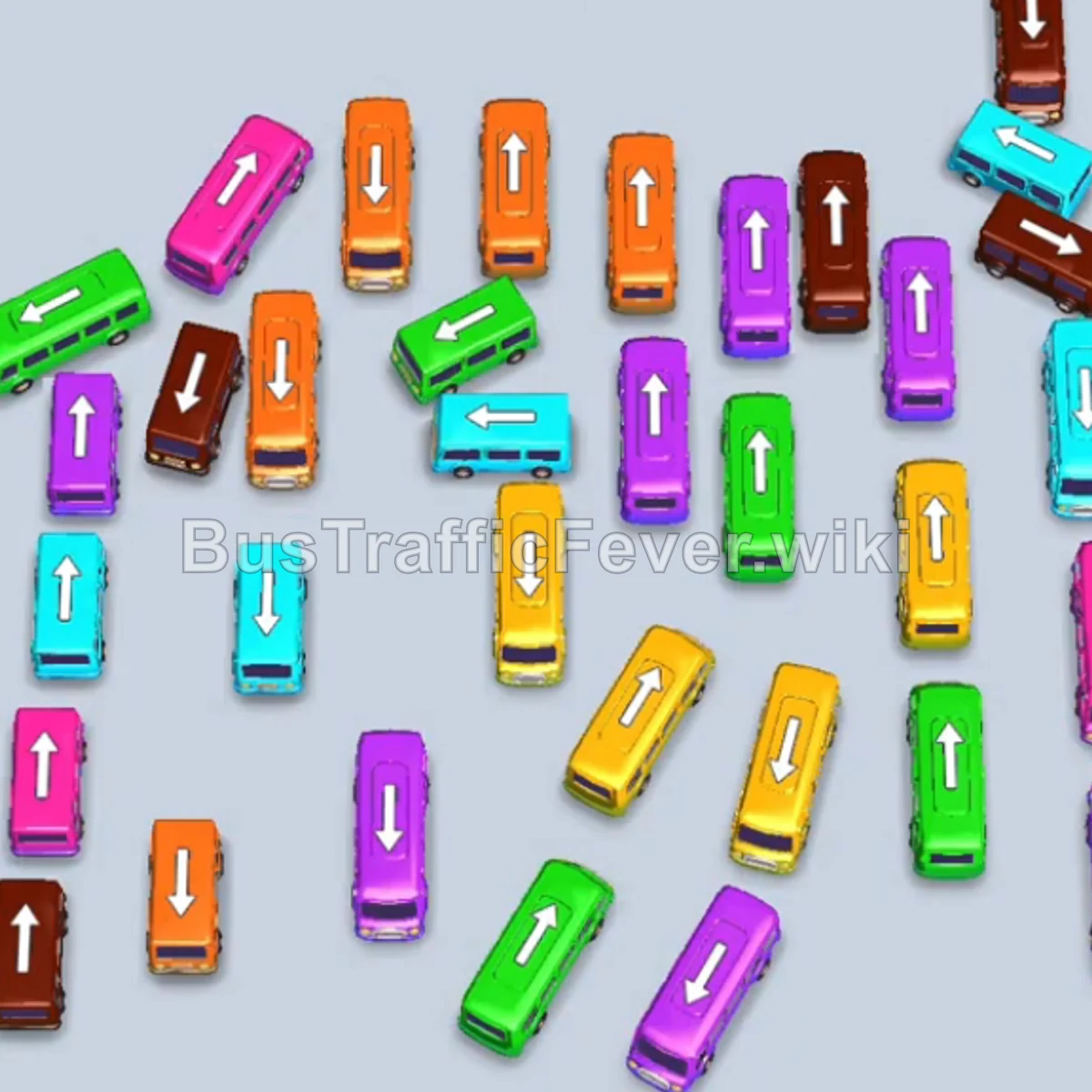
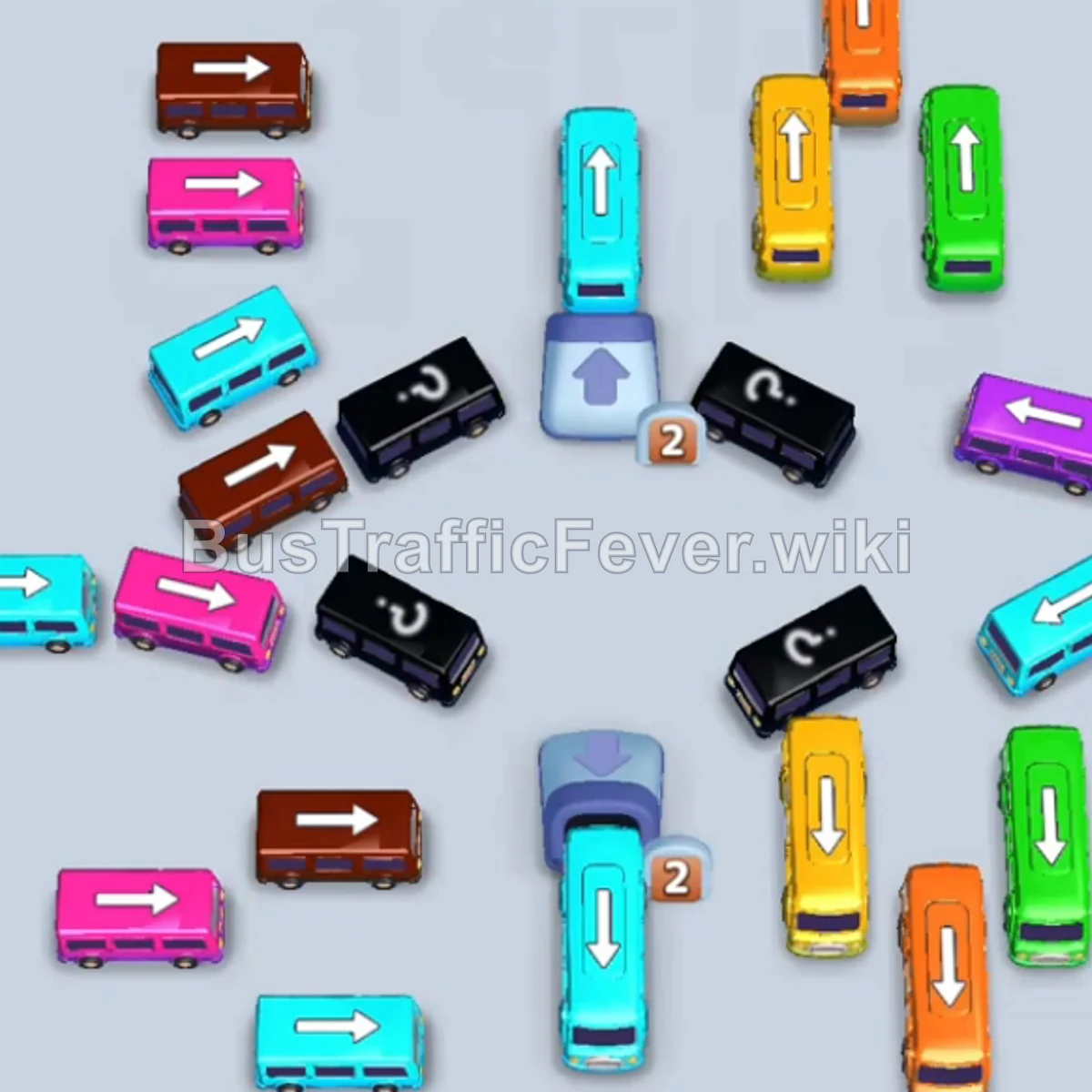
Bus Traffic Fever Level 111 Answer & Walkthrough Solution


Quick answer
Tap the Brown bus on the middle-left pointing down. It enters a parking slot and begins boarding the first brown passenger group. Tap the Pink bus near the top pointing right. Pink passengers will immediately board and clear it. Tap the Purple bus on the middle-left pointing down to occupy a waiting slot.
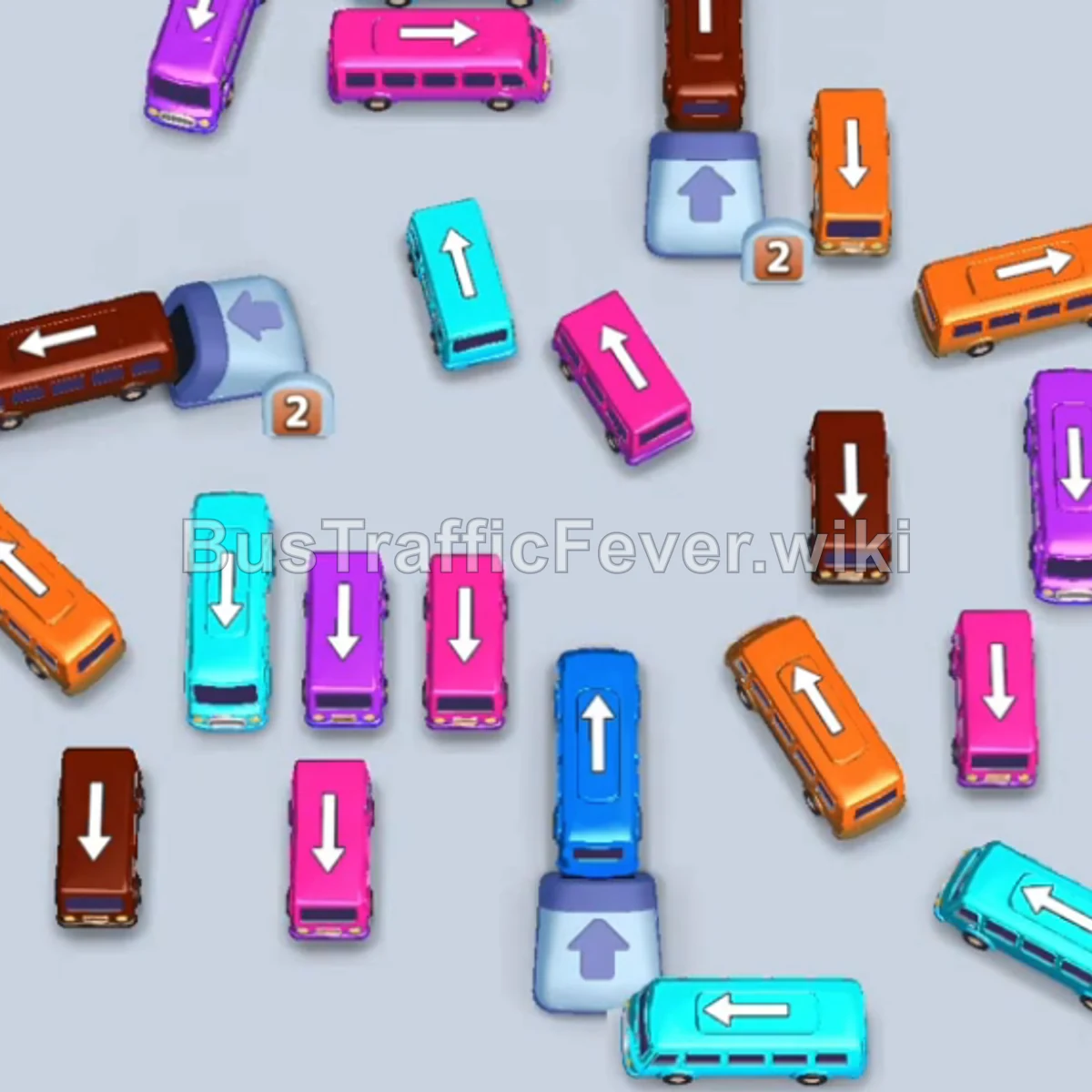
Step-by-step solution
Phase 1: Opening Moves & Unblocking Left Lanes
- Tap the Brown bus on the middle-left pointing down. It enters a parking slot and begins boarding the first brown passenger group.
- Tap the Pink bus near the top pointing right. Pink passengers will immediately board and clear it.
- Tap the Purple bus on the middle-left pointing down to occupy a waiting slot.
- Tap the Orange bus on the middle-left pointing left. Orange passengers will board and clear this bus.
- Purple passengers will then board and clear the parked Purple bus.
- Tap the Cyan bus near the top pointing right. Cyan passengers will board and exit.
- Tap the Cyan bus on the left pointing down to collect the next cyan group.
- Once the remaining brown passengers board, the first parked Brown bus will exit.
Phase 2: Clearing Center Vehicles & Counter Blocks
- Tap the Pink bus on the middle-left pointing down. Pink passengers will board and clear it.
- Tap the Orange bus in the center pointing down to board orange passengers.
- Tap the Brown bus at the top-right pointing up.
- Tap the Purple bus in the center pointing up-right.
- Tap the Green bus revealed from the counter block. Green passengers will board and clear it.
- Orange passengers will finish boarding the parked Orange bus, allowing it to leave.
- Tap the Purple bus on the bottom-left pointing left. Purple passengers will board and clear it.
- Tap the Cyan bus on the middle-left pointing up. Cyan passengers will board and exit.
Phase 3: Multi-Color Rush & Mid-Grid Clearing
- Tap the Brown bus on the bottom-left pointing down.
- Tap the Brown bus on the middle-left pointing down.
- Tap the Yellow bus in the center pointing up into a waiting slot.
- Tap the Pink bus in the center pointing down. Pink passengers will board and clear it.
- Tap the Cyan bus on the middle-right pointing down. Cyan passengers will board and clear it.
- Tap the Pink bus in the center pointing down to clear the next pink wave.
- Tap the Orange bus in the center pointing down. Orange passengers will board and leave.
- Tap the Cyan bus on the bottom-right pointing right. Cyan passengers will board and clear.
- Tap the Purple bus on the middle-right pointing down to clear purple passengers.
- Tap the Blue bus in the center pointing up. Blue passengers will board and clear it.
- The parked Brown buses and Yellow bus will now finish boarding their passengers and exit.
Phase 4: Final Sequence & Cleanup
- Tap the Cyan bus on the top-left pointing right.
- Tap the Yellow bus in the center pointing down.
- Tap the Brown bus in the center pointing down.
- Tap the Purple bus on the right pointing down.
- Cyan, yellow, brown, and purple passengers will board simultaneously, clearing all four vehicles.
- Tap the Brown bus on the bottom-left pointing down.
- Tap the Orange bus on the right pointing down.
- Finally, tap the Pink bus on the right pointing down. The last remaining brown, orange, and pink passengers will board to complete the level!
Tips for success
- Manage Multi-Vehicle Parking: Several steps require parking a bus (such as the Yellow bus or Brown bus) while smaller buses clear ahead of it. Ensure you keep at least 2 empty parking slots available.
- Unlock Counter Blocks Early: Focus on clearing vehicles directly adjacent to numeric counter blocks (like the Green bus) so hidden paths open up before the center becomes crowded.
- Match Batch Boarding: During the final phase, release the remaining vehicles in quick succession to let multiple passenger colors board at the same time without stalling.
More Bus Traffic Fever help
Continue with the Level 110 walkthrough, review the core rules in how to play Bus Traffic Fever, or browse all level solutions to jump to another number.