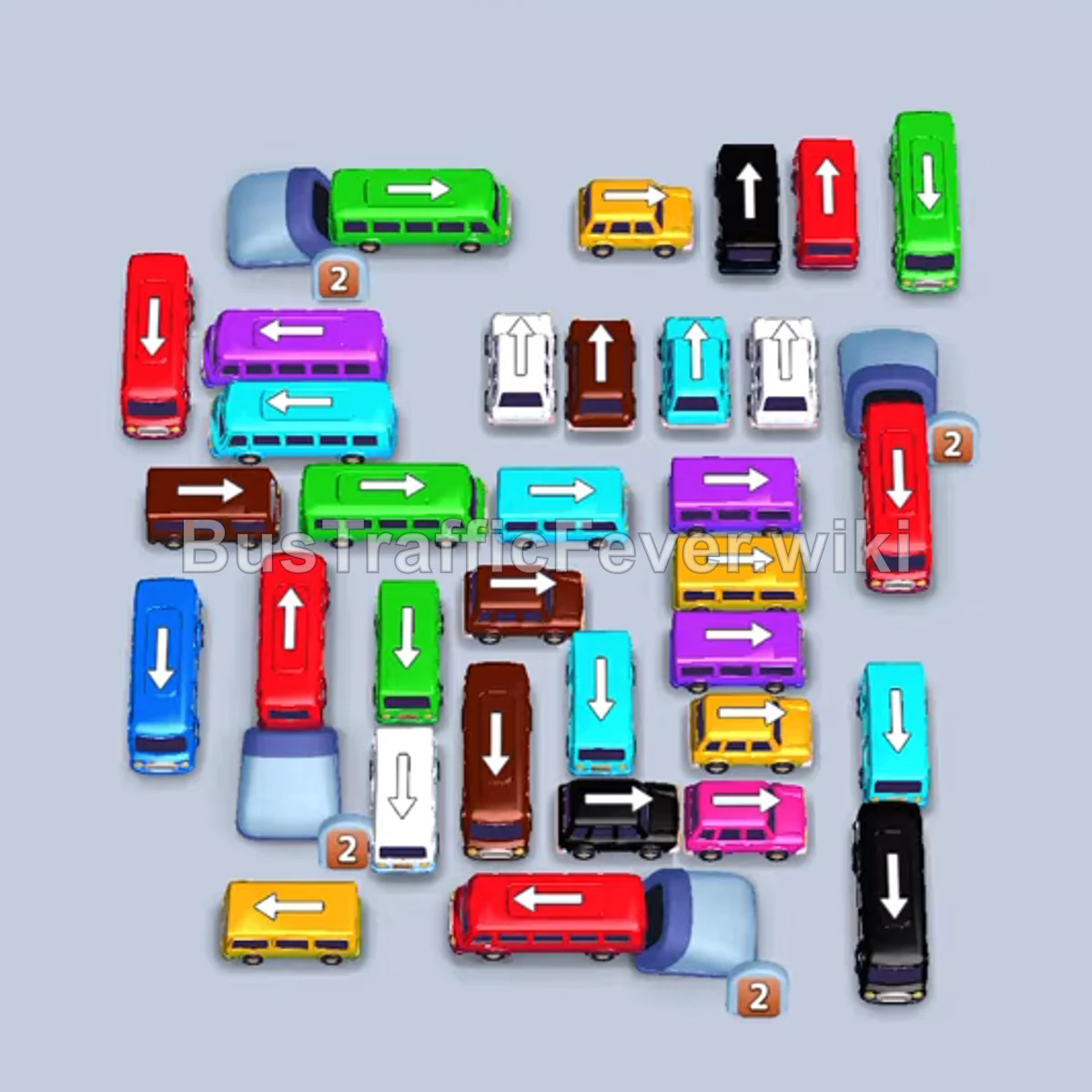
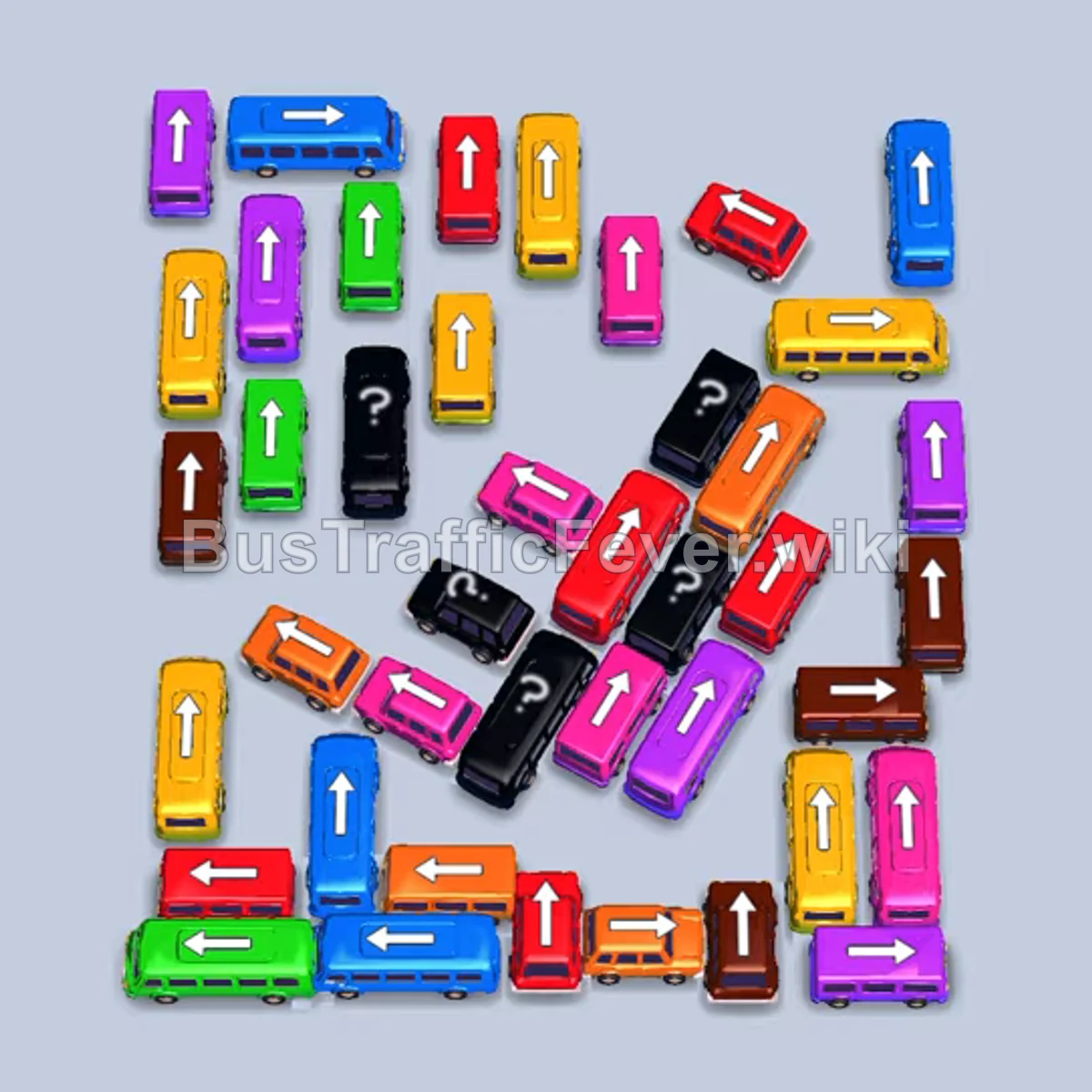
Bus Traffic Fever Level 361 Answer & Walkthrough Solution

Quick answer
Prioritize releasing perimeter vehicles matching the front passenger colors (green, red, white, orange) to open parking slots. As the cluster unblocks from top to bottom, release vehicles strictly when passenger queues match their colors to avoid jamming the waiting bays.
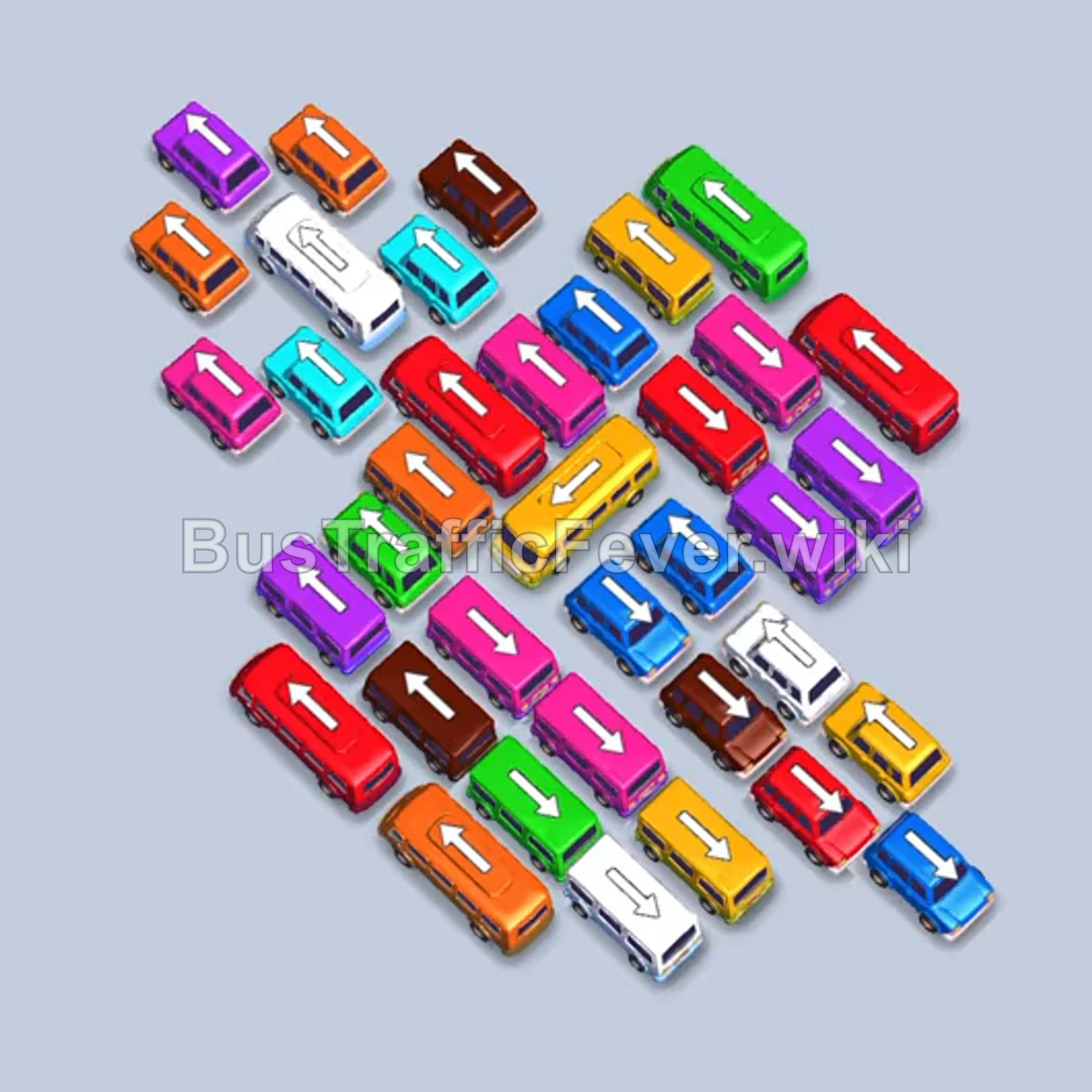
Step-by-step solution
Difficulty: Super Hard
Phase 1: Clearing the Outer Ring
- Tap the green bus at the top pointing northeast.
- Tap the red bus near the top pointing northwest.
- Tap the orange bus in the upper center pointing northeast.
- Tap the white bus on the far right pointing southeast.
- Tap the white bus on the upper left pointing southeast.
Phase 2: Unlocking Center Vehicles
- Tap the yellow bus on the far right pointing southeast.
- Tap the small green bus near the center pointing southwest.
- Tap the yellow bus in the center pointing northeast.
- Tap the purple bus on the upper right pointing southeast.
- Tap the green bus in the center pointing southeast.
- Tap the yellow bus on the lower right pointing southeast.
- Tap the cyan bus on the upper left pointing southwest.
- Tap the blue bus at the bottom right pointing southeast.
- Tap the blue bus on the upper left pointing southeast.
- Tap the green bus in the center pointing southwest.
Phase 3: Clearing Red, Orange, and Yellow Lines
- Tap the long red bus on the far left pointing southwest.
- Tap the orange bus near the bottom pointing southwest.
- Tap the purple bus on the far right pointing southeast.
- Tap the orange bus near the center pointing northeast.
- Tap the purple bus on the upper right pointing southeast.
- Tap the yellow bus on the upper left pointing northwest.
- Tap the blue bus in the middle pointing southwest.
- Tap the red bus in the center pointing southeast.
- Tap the purple bus in the center pointing southeast.
- Tap the red bus on the lower right pointing southeast.
Phase 4: Clearing White, Pink, and Purple Buses
- Tap the white bus on the left edge pointing southwest.
- Tap the white bus in the upper left pointing northwest.
- Tap the purple bus pointing southeast.
- Tap the pink bus pointing southwest.
- Tap the orange bus pointing southwest.
- Tap the pink bus pointing southeast.
- Tap the red bus pointing southwest.
- Tap the red bus pointing southeast.
- Tap the purple bus pointing southeast.
- Tap the purple bus on the far left pointing southwest.
- Tap the pink bus pointing southeast.
- Tap the purple bus pointing southeast.
- Tap the pink bus pointing southeast.
- Tap the red bus pointing southeast.
Phase 5: Emptying the Final Board
- Tap the blue bus on the far left pointing southwest.
- Tap the cyan bus pointing southwest.
- Tap the orange bus pointing southwest.
- Tap the green bus pointing southwest.
- Tap the next green bus pointing southwest.
- Tap the brown bus pointing southwest.
- Tap the brown bus pointing southeast.
- Tap the cyan bus pointing southwest.
- Tap the pink bus pointing southeast.
- Tap the yellow bus pointing southwest.
- Tap the blue bus pointing northwest.
- Tap the yellow bus pointing southeast.
- Tap the brown bus pointing southeast.
- Tap the blue bus pointing southeast.
- Tap the brown bus pointing northeast.
- Tap the final blue bus pointing northeast to finish the level.
Tips for success
- Manage the 5-slot bay: Never send two inactive buses to the waiting bay simultaneously; wait until current passengers finish boarding.
- Prioritize buses over buses: Buses consume up to 40 queue spots at once, creating fast runway for the next passenger color groups.
- Work the outer edges first: Clear perimeter buses pointing outward to free inner vehicles that are blocked in the grid.
More Bus Traffic Fever help
Continue with the Level 360 walkthrough, review the core rules in how to play Bus Traffic Fever, or browse all level solutions to jump to another number.