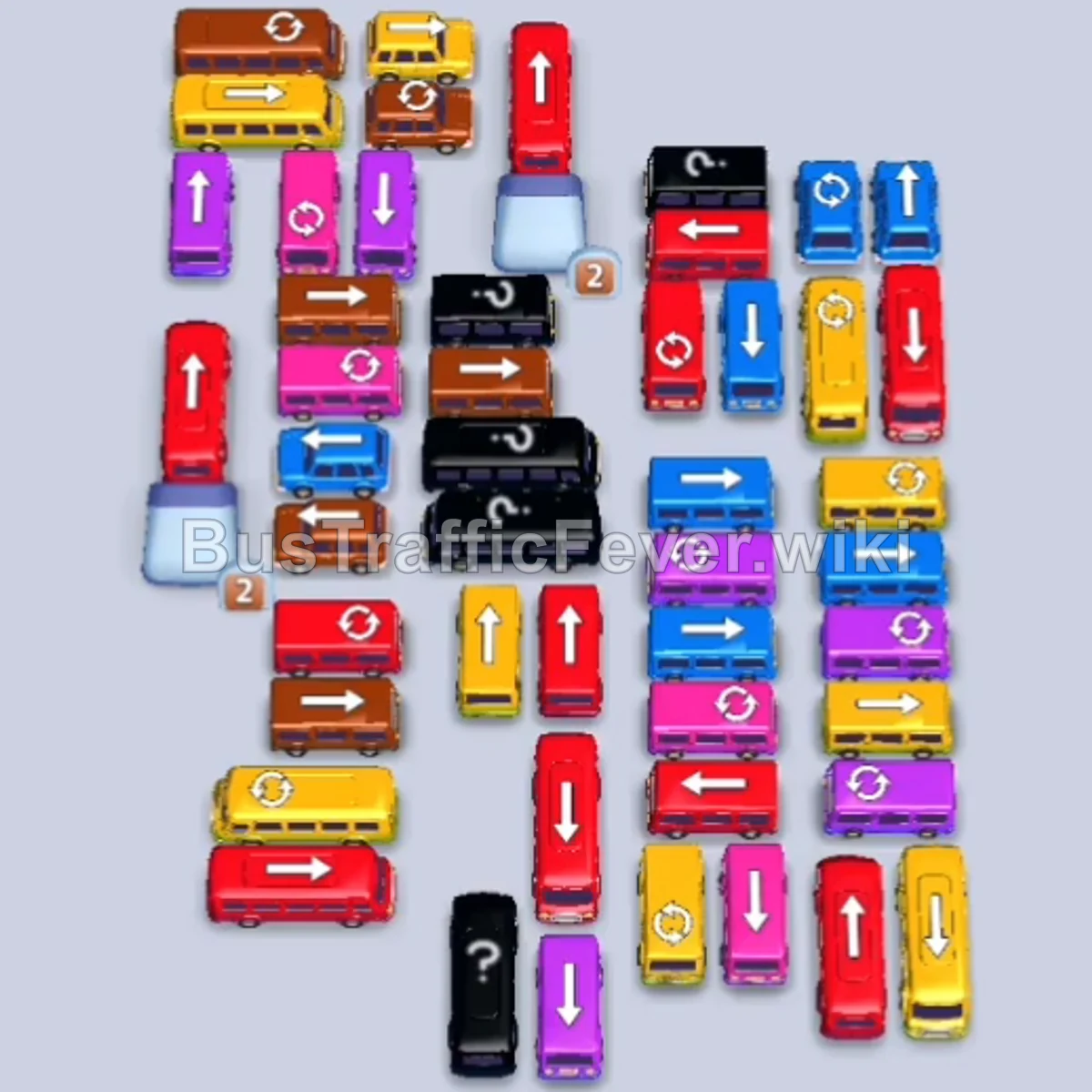
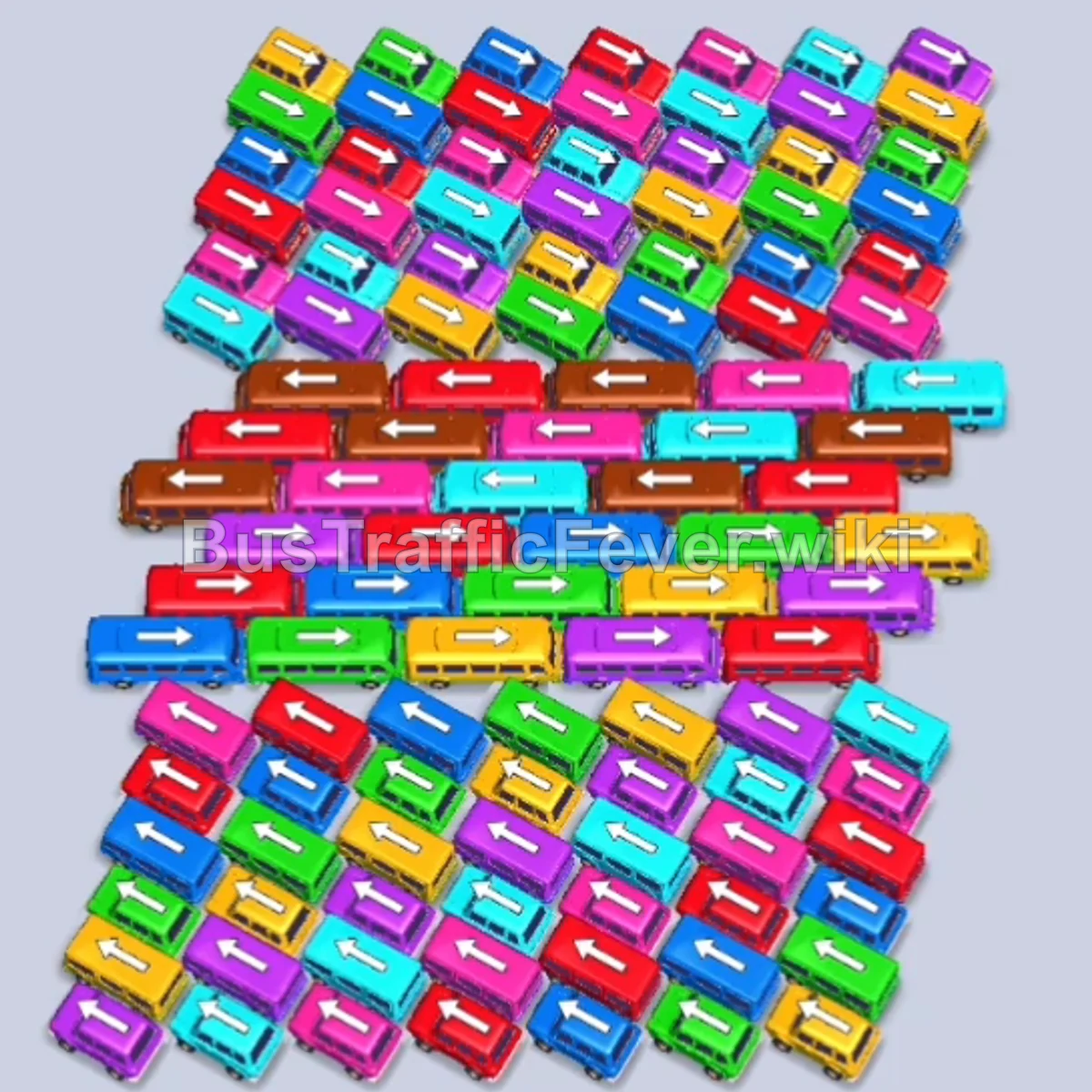
Bus Traffic Fever Level 183 Answer & Walkthrough Solution

Quick answer
Level 183 features a tightly packed central cluster bordered by horizontal rows across the top and bottom. Success depends on rapidly peeling away the upper perimeter vehicles to handle the initial Purple, Pink, Cyan, and Red passenger queues. From there, alternate between the vertical escape lanes in the center and the lower horizontal vehicles, keeping your parking bays open and rotating smoothly to avoid gridlock.
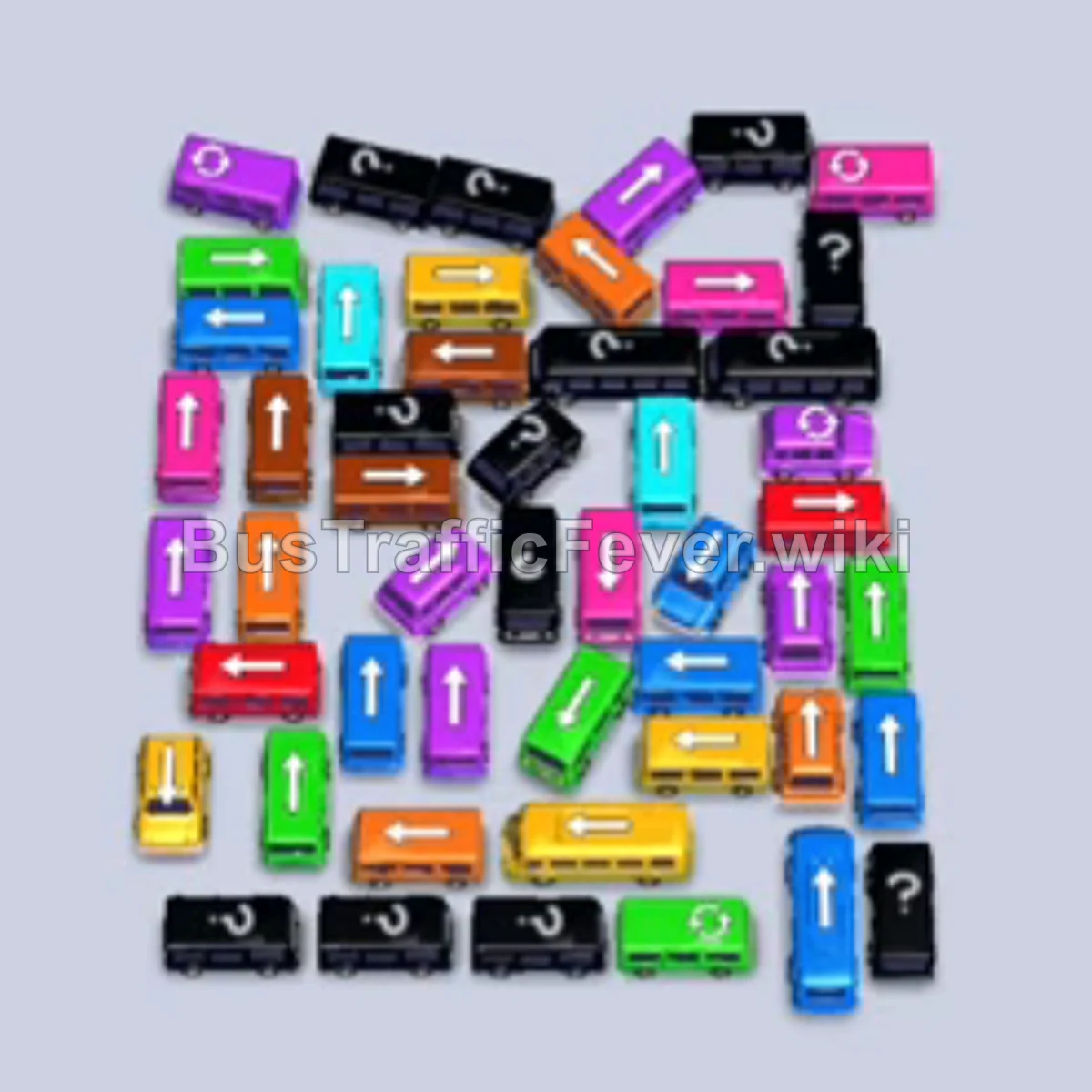
Step-by-step solution
Phase 1: Unlocking the Upper Rows & Clearing the Opening Rush
- Tap the Purple bus from the upper-left row pointing right. Purple passengers begin boarding immediately.
- Tap the Pink bus from the top-middle lane pointing right. Pink passengers board and the vehicle departs.
- Tap the Cyan bus from the upper-right section. Cyan passengers begin boarding, and the Purple bus finishes and departs.
- Tap the Red bus from the upper-left section pointing downward. Red passengers board and it exits.
- Tap the Cyan bus from the top-right row into an open bay.
- Tap the small Purple bus and Pink bus from the upper rows. Purple passengers board and clear the purple bus quickly.
- Tap the Red bus from the far-left column. Red and pink passengers board simultaneously, clearing both vehicles.
- Tap the Blue bus from the upper-right area into a bay. Blue passengers board and it departs.
Phase 2: Dismantling the Perimeter & Transitioning Traffic
- Tap the Red bus from the right side pointing downward. Red passengers board and it exits.
- Tap the Orange bus from the center grid pointing right. Orange passengers board and it departs.
- Tap the Cyan bus from the right column pointing upward.
- Tap the Pink bus from the left column into an open bay. Pink passengers board and clear it out.
- Tap the Yellow bus from the center-right column pointing upward. Yellow passengers board and it departs.
- Tap the Cyan bus from the right side. Cyan passengers board and both cyan vehicles clear their slots.
- Tap the Green bus from the right-center lane. Green passengers board and it departs.
- The remaining Cyan buses finish their passenger queues and depart, opening up fresh bays.
- Tap the Brown bus from the upper-left row and the Pink bus from the left column. Pink passengers board and clear the pink vehicle.
Phase 3: Untangling the Core Cluster & Mid-Level Grid
- Tap the Brown bus from the left side into a bay. Brown passengers board and clear both brown vehicles.
- Tap the Purple bus (40 capacity) from the lower-left section pointing right. Purple passengers begin boarding.
- Tap the Red bus from the center pointing downward and the Cyan bus from the right column. Red and cyan passengers board and clear both slots.
- Tap the Red bus from the bottom lane pointing upward. Red passengers board and clear it out.
- The long-standing Purple bus finishes boarding and departs.
- Tap the Orange bus from the bottom-left and the Green bus from the bottom lane. Green passengers board and it exits.
- Tap the Blue bus from the right column and the Purple bus from the bottom lane. Blue and purple passengers board and clear their vehicles.
- Tap the Purple bus, Blue bus, and Orange bus from the center and upper-right grid. Orange and blue passengers board and depart.
- Tap the Green bus from the bottom lane into an open bay to collect incoming green travelers.
Phase 4: Final Clearance & Evacuation
- Tap the Yellow bus from the bottom lane pointing right. Yellow passengers board and it departs.
- Tap the Red bus from the center pointing downward. Red passengers board and it exits.
- Tap the Orange bus and Red bus from the bottom lane. Red passengers board and clear out.
- Tap the Green bus from the middle-left pointing upward and the Yellow bus from the center. Both vehicles fill and depart.
- Tap the Orange bus from the bottom lane to absorb the remaining orange queue.
- Tap the Yellow bus, Green bus, and Red bus from the lower section. Yellow, green, and red passengers board in rapid succession, clearing three slots.
- Tap the Brown bus and Blue bus pointing upward from the center grid. Brown and purple passengers finish boarding and depart.
- Tap the Yellow bus from the bottom lane to pick up the remaining yellow travelers.
- Tap the final Pink bus, Purple bus, and Blue bus from the center grid into the bays. The last pink, purple, and blue passengers board their vehicles and depart to complete Level 183.
Tips for success
- Peel from the Top Down: The upper horizontal row acts as a roof that blocks multiple upward-facing vehicles underneath. Prioritize clearing the top buses early so the vertical lanes have open exits.
- Keep Color Match Timing in Mind: Before tapping a vehicle that doesn’t immediately match the front of the queue, ensure you have at least two empty bays remaining to rotate through active colors.
- Capitalize on Small Vehicles: Many vehicles in this level have smaller capacities (12–16 passengers). These depart quickly once their color reaches the front, making them ideal for rapid slot turnover.
More Bus Traffic Fever help
Continue with the Level 182 walkthrough, review the core rules in how to play Bus Traffic Fever, or browse all level solutions to jump to another number.