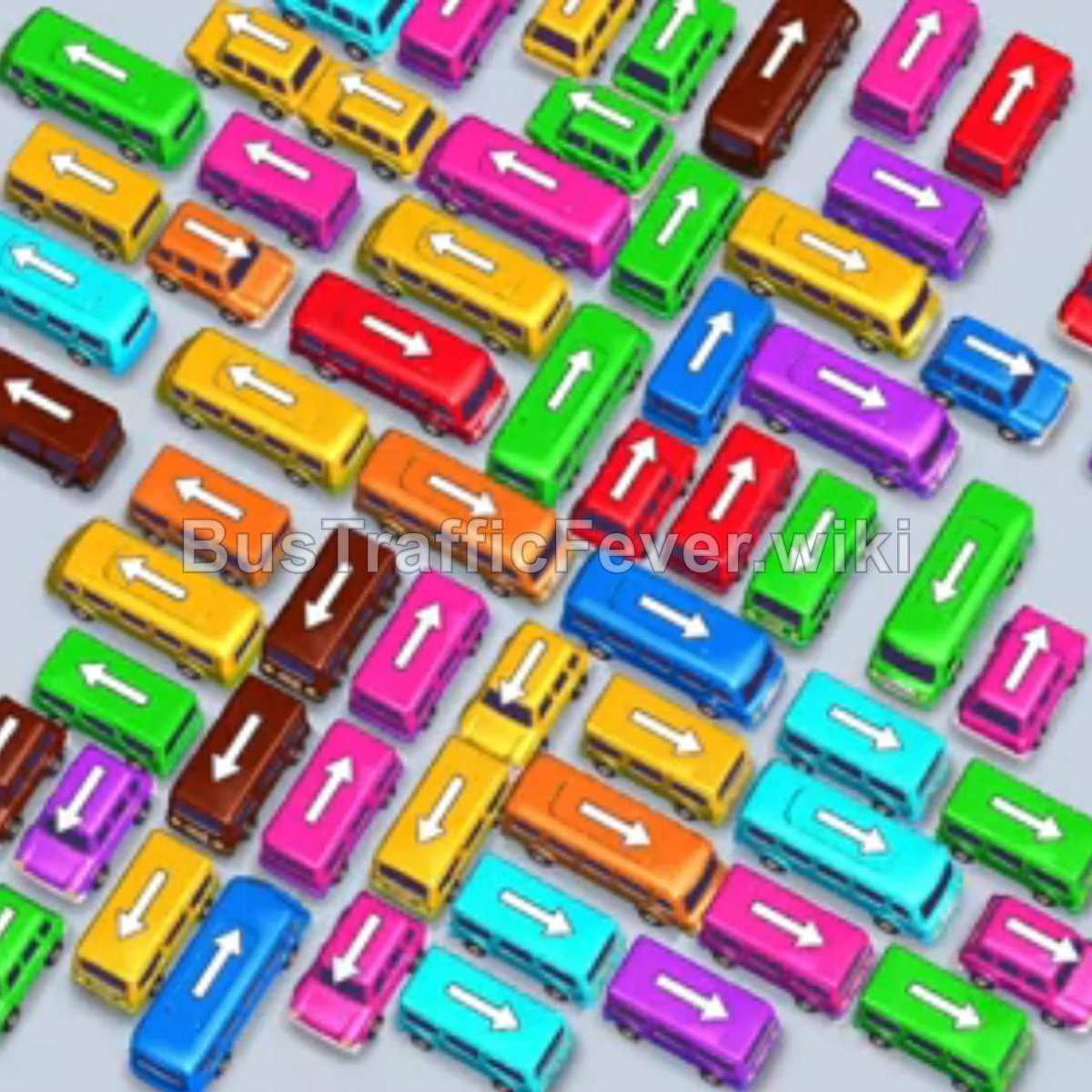
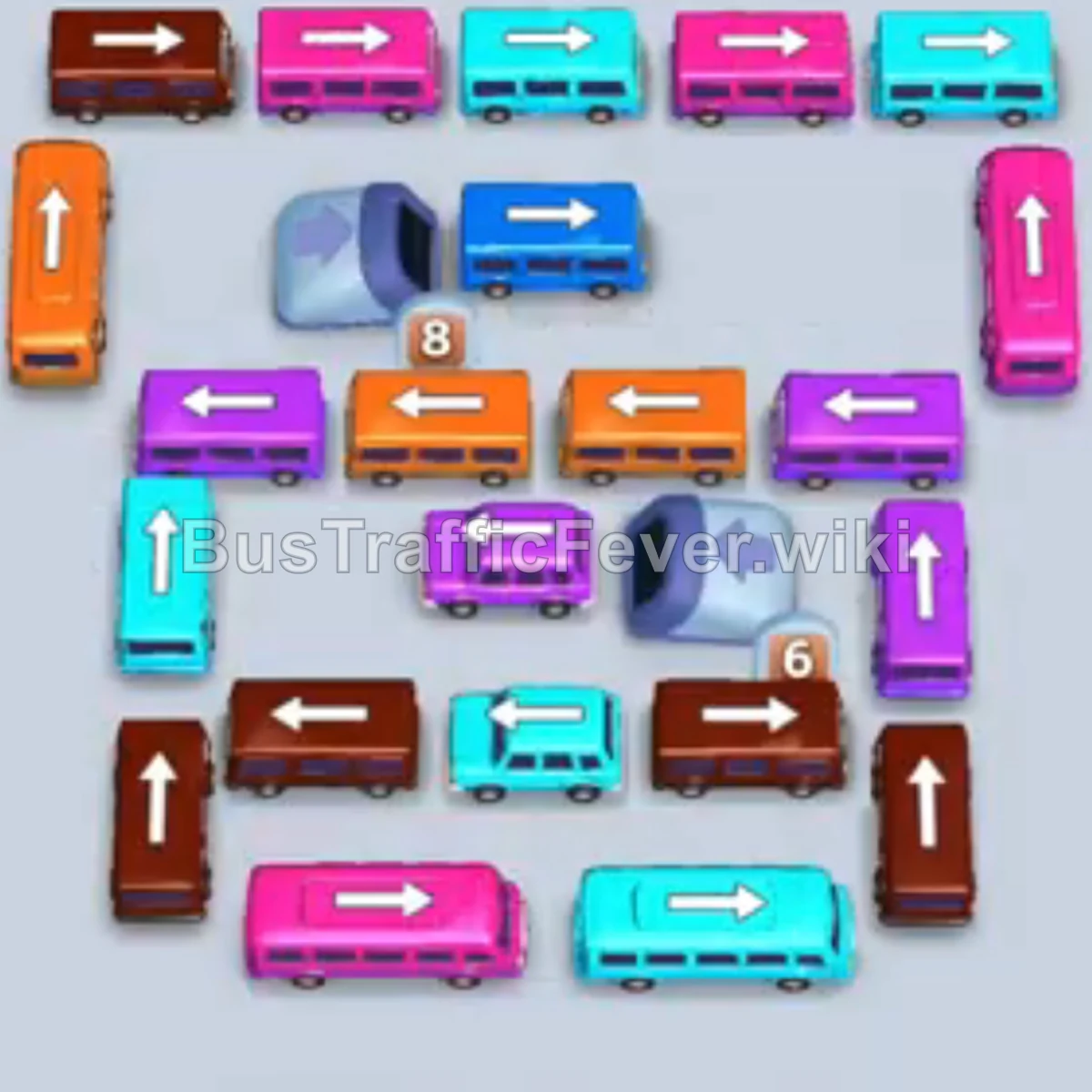
Bus Traffic Fever Level 16 Answer & Walkthrough Solution
Quick answer
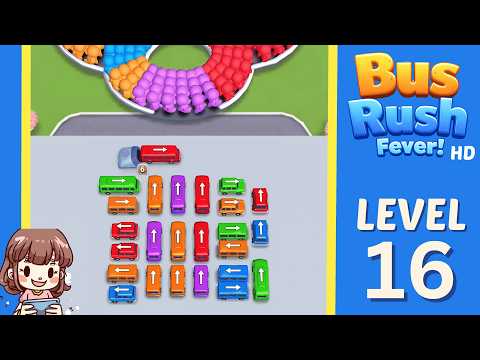
Use the embedded walkthrough for the exact order. Clear the vehicles blocking an exit first, then stage the next matching color without filling every parking slot.
Step-by-step solution
Phase 1: Unloading the Top Trailer & Outer Right Vehicles
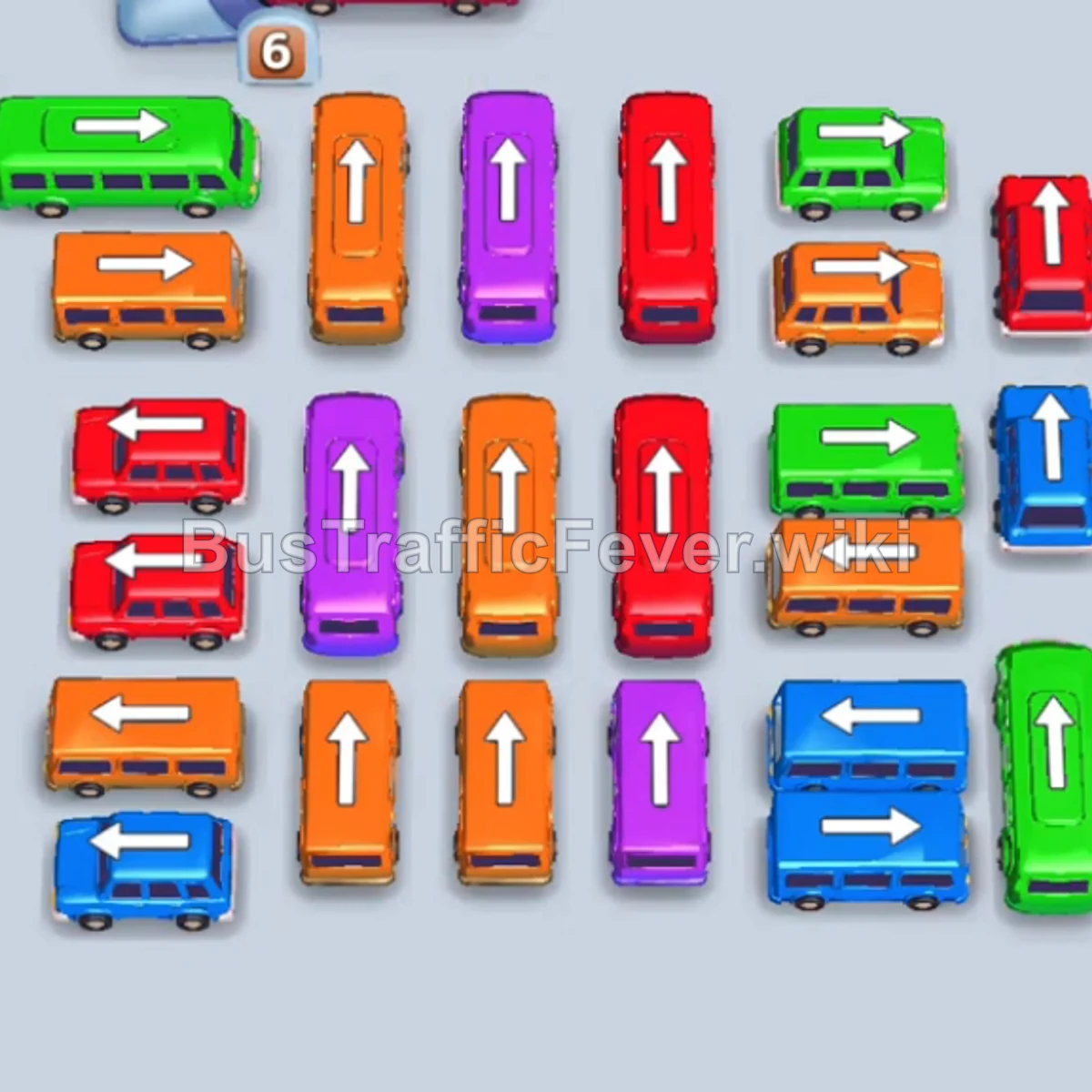
- Tap the Red bus on the top carrier truck (pointing right). It moves into slot 1, picks up the first group of red passengers, and departs.
- Tap the Orange bus on the upper-left (pointing left). It enters slot 1 to begin boarding orange passengers.
- Tap the Blue bus on the top carrier truck (pointing right). It enters slot 2; blue and orange passengers board simultaneously and both vehicles depart.
- Tap the Red bus on the top carrier truck (pointing right). It enters slot 1, picks up red passengers, and leaves.
- Tap the Red bus on the upper-right (pointing right) to park in slot 1.
- Tap the Green bus on the upper-right (pointing left) to park in slot 2. Green and red passengers board and both vehicles depart.
- Tap the Green bus on the top carrier truck (pointing right) to enter slot 2.
- Tap the Red bus at the top right of the main grid (pointing up). It parks in slot 1 to collect red passengers.
Phase 2: Clearing the Trailer Buses & Mid Flank
- Tap the Blue bus on the middle-right (pointing up). It enters slot 3, blue passengers board, and it leaves.
- Tap the Orange bus on the middle-right (pointing right). It enters slot 3, orange passengers board, and it departs.
- Tap the Purple bus on the top carrier truck (pointing right) into slot 4.
- Tap the Green bus on the middle-right (pointing right). It moves into slot 2. Green passengers finish boarding and it departs.
- The Purple bus in slot 4 moves forward, boards purple passengers, and departs.
- The parked Red bus in slot 1 finishes boarding red passengers and departs.
- Tap the Blue bus at the bottom right (pointing right). Blue passengers board and it departs.
Phase 3: Unblocking the Left Wing
- Tap the Red bus on the middle-left (pointing left). Red passengers board and it departs.
- Tap the Green bus on the top-left (pointing left). Green passengers board and it departs.
- Tap the Red bus in the upper-right center (pointing up). It parks in slot 1.
- Tap the Blue bus on the bottom-left (pointing left). Blue passengers board and it departs, followed immediately by the Red bus in slot 1.
- Tap the Orange bus on the middle-left (pointing left). Orange passengers board and it departs.
- Tap the Red bus on the lower-left (pointing left). Red passengers board and it departs.
- Tap the Green bus on the top-left (pointing left). Green passengers board and it leaves.
Phase 4: Center Column & Final Fleet Cleanup
- Tap the Blue bus on the bottom-right (pointing right). Blue passengers board and it departs.
- Tap the Red bus in the center-right column (pointing up). Red passengers board and it leaves.
- Tap the Purple bus in the upper-middle column (pointing up). It parks in slot 1 to collect purple passengers.
- Tap the Orange bus in the upper-left center column (pointing up). It parks in slot 2. Orange passengers board and it departs.
- Tap the Green bus on the middle-right (pointing left). Green passengers board and it departs.
- Tap the Orange bus in the middle center column (pointing up). It enters slot 2 while the Purple bus in slot 1 finishes boarding and departs.
- Tap the Purple bus in the center column (pointing up). Purple passengers board and it departs.
- Tap the Orange bus in the bottom-center column (pointing up) to enter slot 1.
- Tap the Purple bus on the bottom-middle right (pointing up). Purple passengers board and it departs.
- Tap the Blue bus on the bottom-right (pointing left). Blue passengers board and it clears the track.
- Tap the Orange bus on the middle-right (pointing left). The final orange passengers board the remaining buses, completing the level with a Perfect!.
Tips for success
- Prioritize the Carrier Truck: Vehicles on the top trailer block key movements—clear them as early as their colors match the queue.
- Clear Outer Columns First: Removing the buses facing outward on the left and right edges frees up the vertical lanes needed for the center buses.
- Stage Buses Smartly: Park large-capacity buses when their color is approaching in the queue so they can absorb large passenger swarms continuously without stalling the line.
More Bus Traffic Fever help
Continue with the Level 15 walkthrough or Level 17 walkthrough, review how to play Bus Traffic Fever, or browse all level solutions.