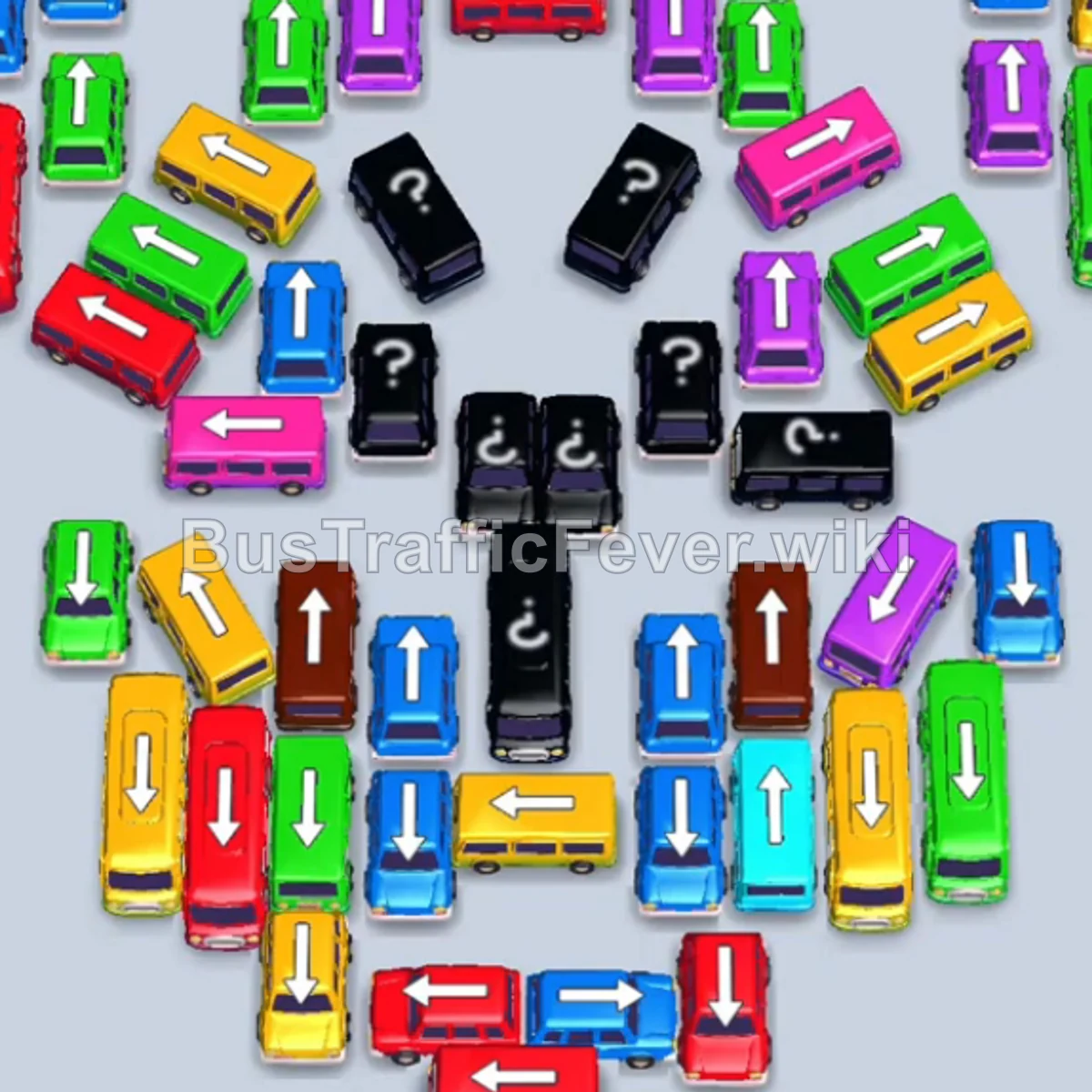
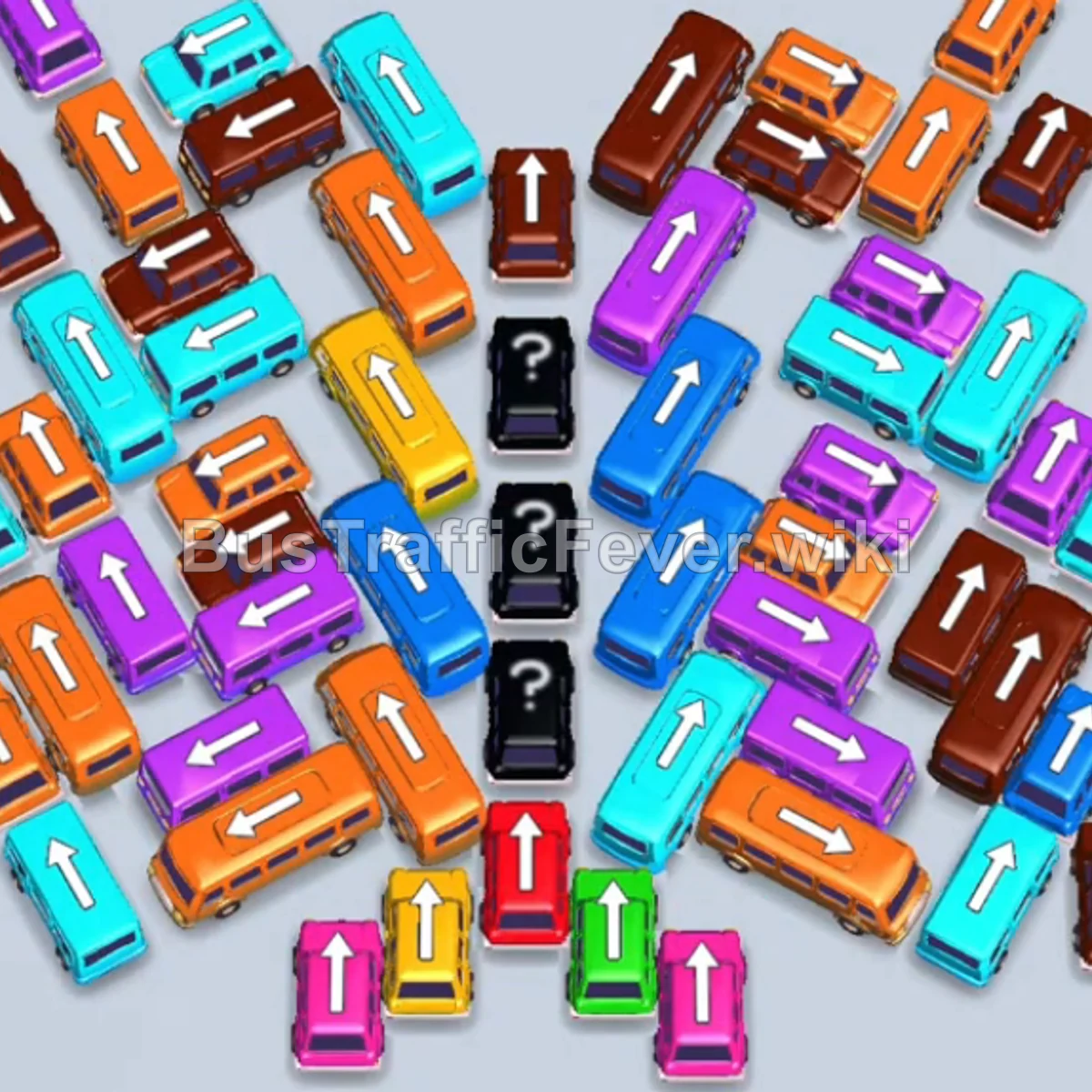
Bus Traffic Fever Level 92 Answer & Walkthrough Solution

Quick answer
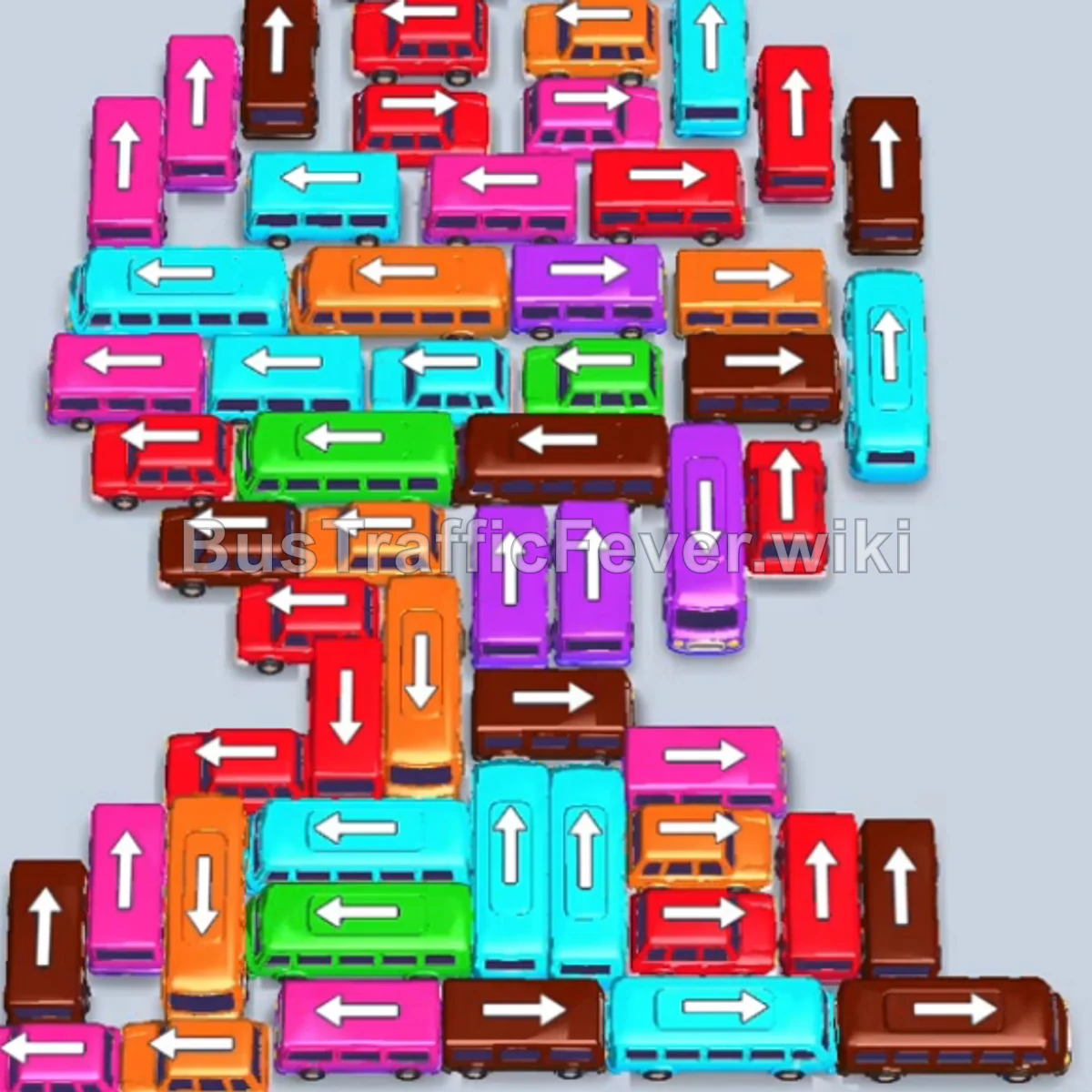
Tap the Red bus at the top left pointing upward to occupy the first parking slot. Tap the Green bus (large) at the top center; green passengers will immediately begin boarding. Tap the Cyan bus pointing right near the top.
Step-by-step solution
Phase 1: Unblocking the Top Rows & Initial Clear
- Tap the Red bus at the top left pointing upward to occupy the first parking slot.
- Tap the Green bus (large) at the top center; green passengers will immediately begin boarding.
- Tap the Cyan bus pointing right near the top. Cyan and Green passengers will board and clear their vehicles, followed by the Red bus.
- Tap the Pink bus on the upper left to board the incoming pink passengers.
- Tap the next Pink bus on the left edge into a parking slot.
- Tap the Cyan bus on the top left; pink passengers board and clear the Pink bus.
- Tap the Cyan bus (large) on the left into the parking bay.
- Tap the Orange bus in the upper-middle area to board the orange passengers.
- Tap the Pink bus and then the Brown bus to clear the next passenger waves and open up the middle layer.
Phase 2: Clearing Mid-Level Vehicles & Multi-Color Queues
- Tap the Brown bus and Orange bus into parking slots to clear their respective passenger queues.
- Tap the Pink bus and Cyan bus sequentially to board the pink and cyan queues.
- Tap the Pink bus (large) on the left edge to board the long pink passenger line.
- Tap the Brown bus (large) followed by the Red bus (large) to board the red passenger queue.
- Tap the Orange bus and Cyan bus (large) to board orange and cyan passengers.
- Tap the Brown bus (large) and Red bus (large) into the parking bays to absorb incoming red waves.
- Tap the Cyan bus, Pink bus, and Green bus as their matching colors appear in the queue.
Phase 3: Navigating Narrow Columns & Long Buses
- Tap the Red bus on the left and the Orange bus into parking spots to board the orange line.
- Tap the Cyan bus, Orange bus (large), and Purple bus to clear purple and orange passenger lines.
- Tap the Red bus to pick up the red queue.
- Tap the Brown bus (large) to clear the brown passenger group.
- Tap the Cyan bus (large), Pink bus (large), Red bus, and Purple bus (large) into the parking bays; purple, cyan, and pink passengers will board and clear their buses.
- Tap the Brown bus (large) and Red bus to collect remaining brown and red passengers.
- Tap the Cyan bus (large), Orange bus (large), and Green bus (large) to clear the green, orange, and cyan waves.
Phase 4: Final Sequence and Cleanup
- Tap the Pink bus (large), another Pink bus (large), and the Purple bus (large) into parking bays; purple and pink passengers will fill the buses and clear them.
- Tap the Red bus and Brown bus (large) to board red and brown lines.
- Tap the Red bus and Pink bus (large) into the bays to clear the next wave.
- Tap the Cyan bus (large), Red bus (large), Brown bus (large), and Orange bus (large) sequentially to absorb brown, red, orange, and cyan passengers.
- Tap the Red bus and Red bus (large) to clear the remaining red passengers.
- Tap the Cyan bus (large), Brown bus (large), and Orange bus to board the orange and brown queues.
- Finally, tap the Red bus and the Purple bus (large) to clear the remaining purple and cyan passengers, completing the level with a Perfect! rating.
Tips for success
- Manage Slot Buffers: With tall stacks of vehicles, avoid placing multiple large buses of inactive colors simultaneously, as they consume valuable parking capacity.
- Observe Queue Order: Always check the oncoming passenger line at the top to decide whether a bus or a large bus is needed to fully clear a color segment.
- Prioritize Blockers: Free up vertical lanes by moving single obstructing buses into temporary slots to release long buses waiting behind them.
More Bus Traffic Fever help
Continue with the Level 91 walkthrough, review the core rules in how to play Bus Traffic Fever, or browse all level solutions to jump to another number.