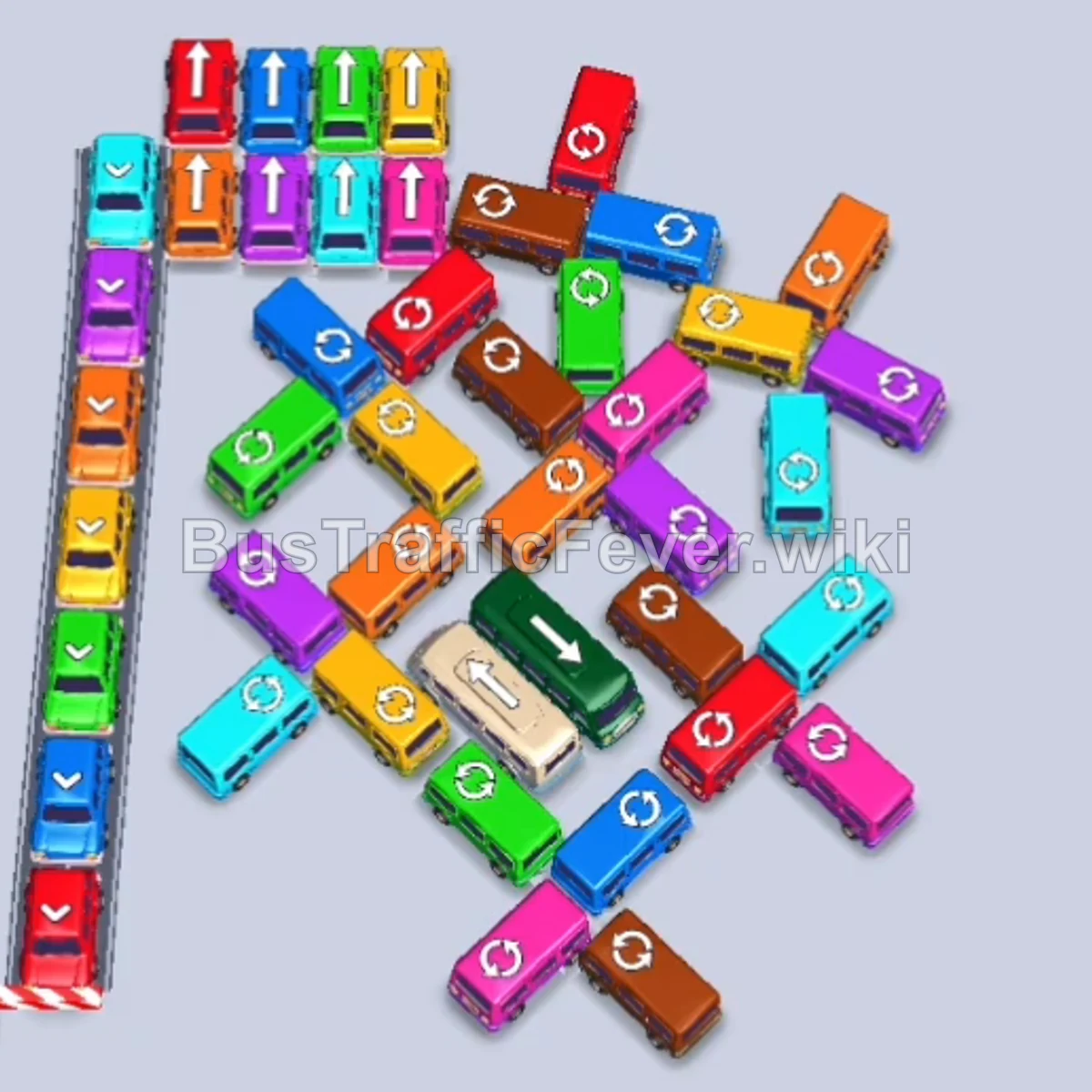
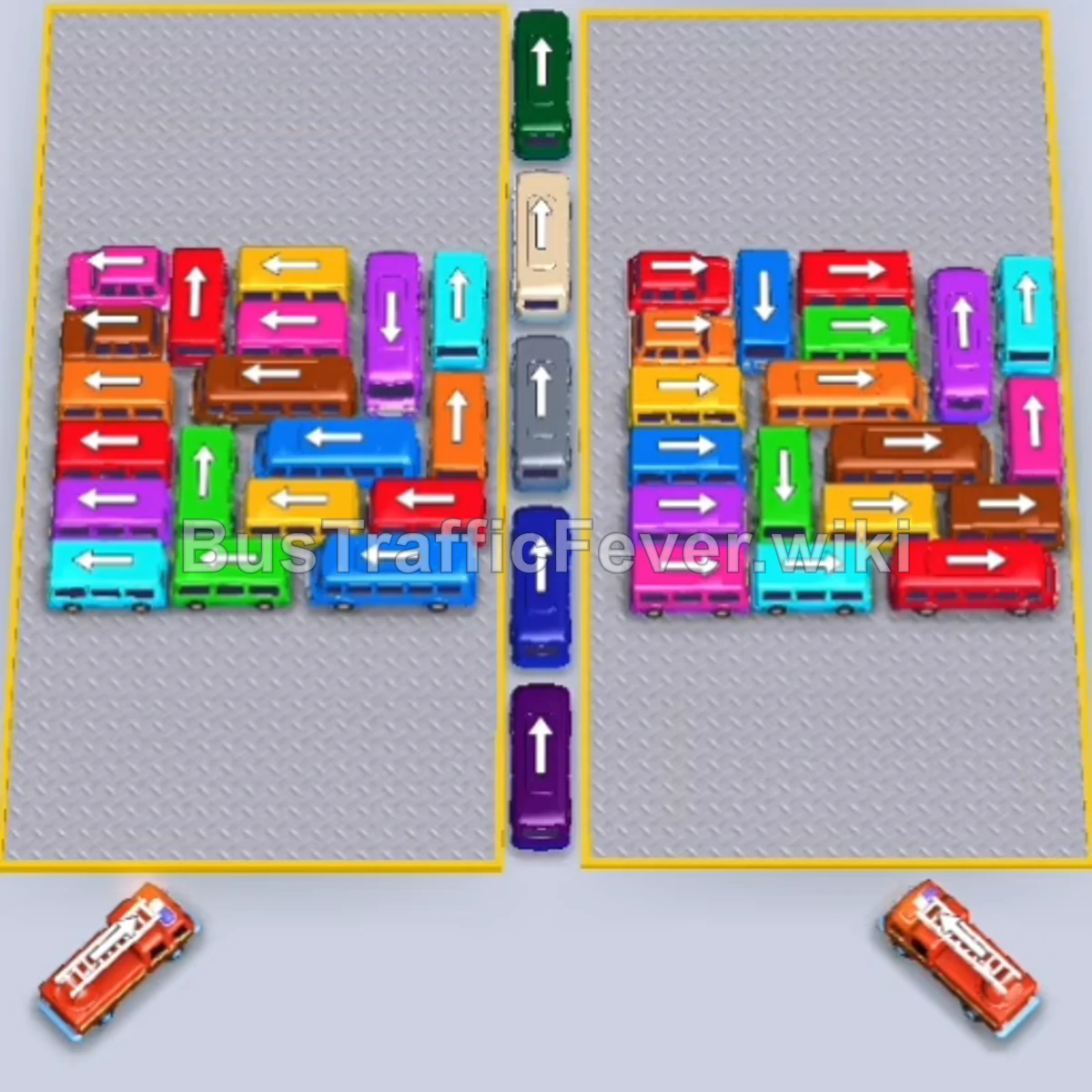
Bus Traffic Fever Level 186 Answer & Walkthrough Solution

Quick answer
Level 186 presents a complex pinwheel-style parking maze featuring a mixture of long buses and compact buses beneath a split looped passenger track. The primary challenge is that several inner vehicles have opposing directional arrows that block each other. Success requires systematically peeling off outer perimeter buses matching front-line passengers (Cyan, Red, Brown, and Green), freeing up turning corridors so that blocked inner buses and small vehicles can be safely routed to parking bays without causing a deadlock.
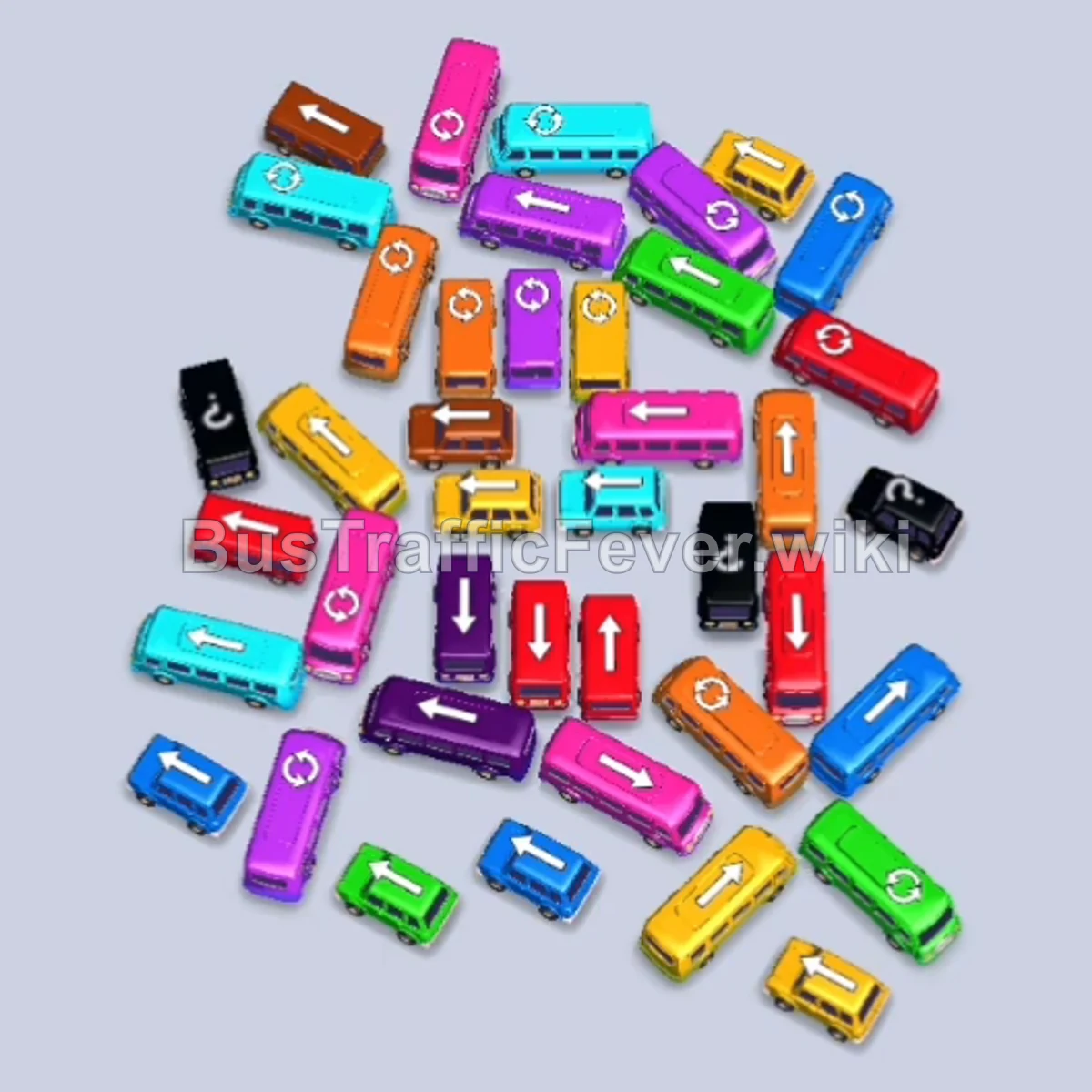
Step-by-step solution
Phase 1: Initial Perimeter Unlocking & Cyan/Red Waves
- Tap the Dark Blue bus on the middle-left flank (facing downward). It enters a parking bay and begins loading the front passenger group.
- Tap the Cyan bus at the top edge (facing right) to collect arriving cyan passengers.
- Tap the Purple bus near the top perimeter (facing left) to clear the upper-left corridor.
- Tap the Red bus at the top of the middle cluster (facing right) as red passengers reach the gates.
- Tap the Brown bus on the upper-left flank (facing left) to board incoming brown passengers.
- Tap the Orange/Brown bus on the middle-right flank (facing right).
Phase 2: Clearing Upper Cluster & Multi-Color Buses
- Tap the Red bus on the lower-right perimeter (facing left) to finish loading the red queue.
- Tap the Blue bus in the upper-middle section (facing right).
- Tap the Green bus in the upper-middle area (facing right) to begin boarding green passengers.
- Tap the Cyan bus in the upper-middle tier (facing left).
- Tap the Yellow bus in the upper-center area (facing left).
- Tap the Brown bus near the center (facing left).
- Tap the Orange bus on the far-right edge (facing downward).
- Tap the Yellow bus on the lower-right edge (facing right).
- Tap the Pink bus on the middle-right flank (facing right).
Phase 3: Breaking the Middle Layers & Releasing Mixed Buses
- Tap the Purple bus on the upper-left flank (facing right).
- Tap the Cyan bus freed in the upper-center area (facing left).
- Tap the Green bus on the lower-right flank (facing right) to load green passengers.
- Tap the Pink bus in the lower-right section (facing downward).
- Tap the Green bus in the central section (facing left).
- Tap the Purple bus on the upper-left edge (facing left).
- Tap the Orange bus on the middle-right edge (facing right).
- Tap the Pink bus on the middle-left flank (facing left).
- Tap the Yellow bus at the top right (facing right).
- Tap the Orange bus near the center (facing left).
- Tap the Cyan bus on the lower-left flank (facing right).
Phase 4: Dismantling the Lower Flanks & Center Vehicles
- Tap the Blue bus on the far-left outer edge (facing left).
- Tap the White/Pink bus in the central cluster (facing left).
- Tap the Yellow bus on the lower-left flank (facing left).
- Tap the Green bus in the lower-middle tier (facing left).
- Tap the Red bus on the far-left edge (facing left).
- Tap the vertical Red bus in the middle cluster (facing downward).
- Tap the Yellow bus in the center (facing left).
- Tap the Purple bus on the lower-left flank (facing left).
- Tap the second Yellow bus in the center (facing left).
- Tap the Purple bus in the center (facing right).
- Tap the Blue bus in the lower-middle area (facing left).
- Tap the Brown bus in the center (facing left).
Phase 5: Final Core Clearance & Victory Sequence
- Tap the Green bus on the lower-left edge (facing left).
- Tap the Purple bus remaining in the center (facing right).
- Tap the vertical Red bus in the center (facing upward).
- Tap the vertical Red bus directly adjacent (facing downward).
- Tap the Yellow bus on the lower-right side (facing right).
- Tap the Yellow bus on the lower-left edge (facing downward).
- Tap the Brown bus in the remaining group (facing right).
- Tap the Yellow bus, Orange bus, and Green bus at the bottom to clear out remaining matching passengers.
- Tap the Cyan bus at the bottom edge.
- Tap the final two Red buses at the bottom to pick up the last red passengers and complete Level 186!
Tips for success
- Beware of Pinwheel Traps: Many vehicles in this level are parked nose-to-tail in a circular pinwheel. Tapping the correct lead vehicle on the outside unlocks multiple buses behind it.
- Save Bays for Small Buses: Compact buses only hold 4–6 passengers. Avoid sending multiple buses into the bays at the same time unless their color is actively boarding, otherwise they will clog your parking bays.
- Track the Split Ring: Passengers arrive from both the left and right loops of the top conveyor belt. Ensure you anticipate which color will reach the boarding gate next before committing a vehicle.
More Bus Traffic Fever help
Continue with the Level 185 walkthrough, review the core rules in how to play Bus Traffic Fever, or browse all level solutions to jump to another number.