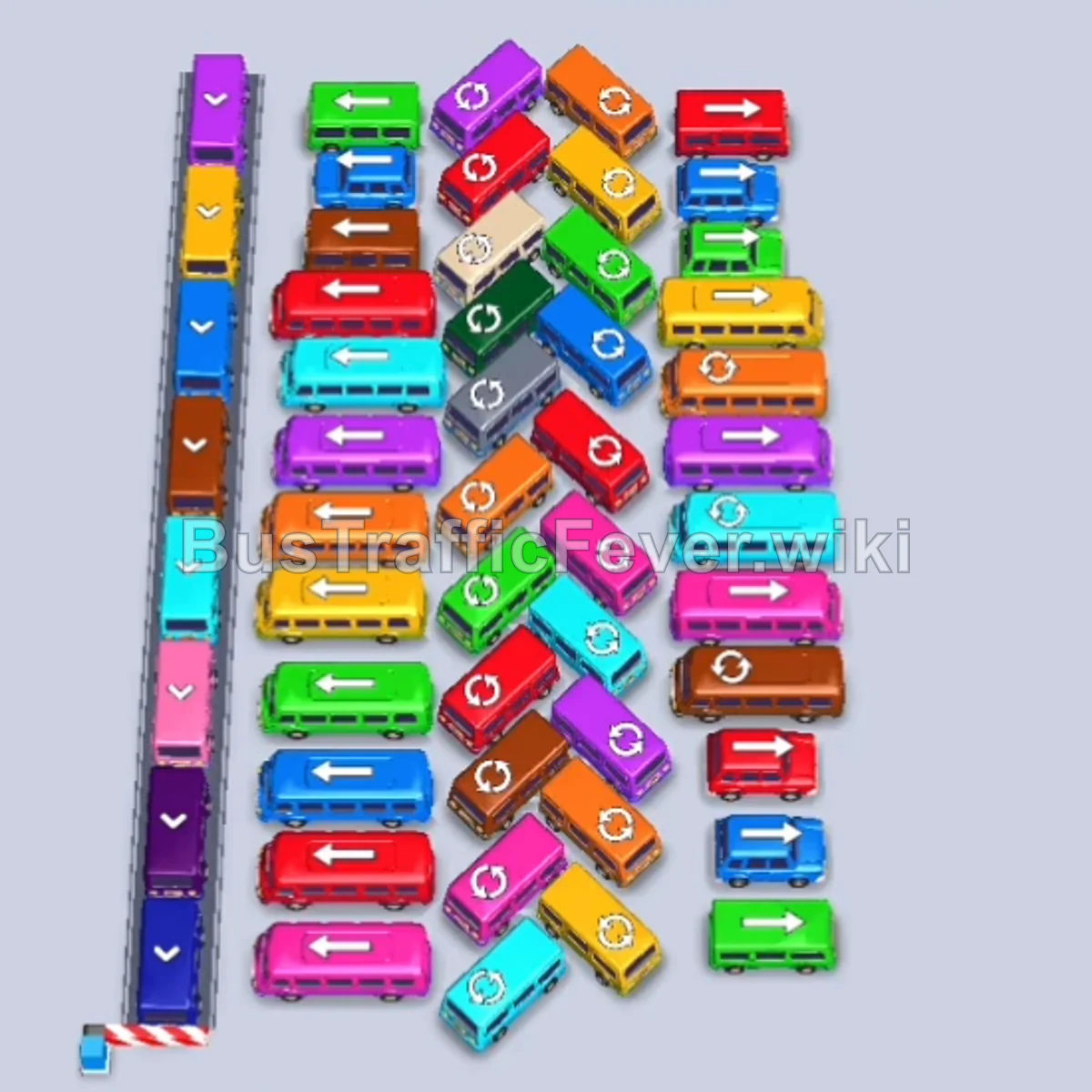
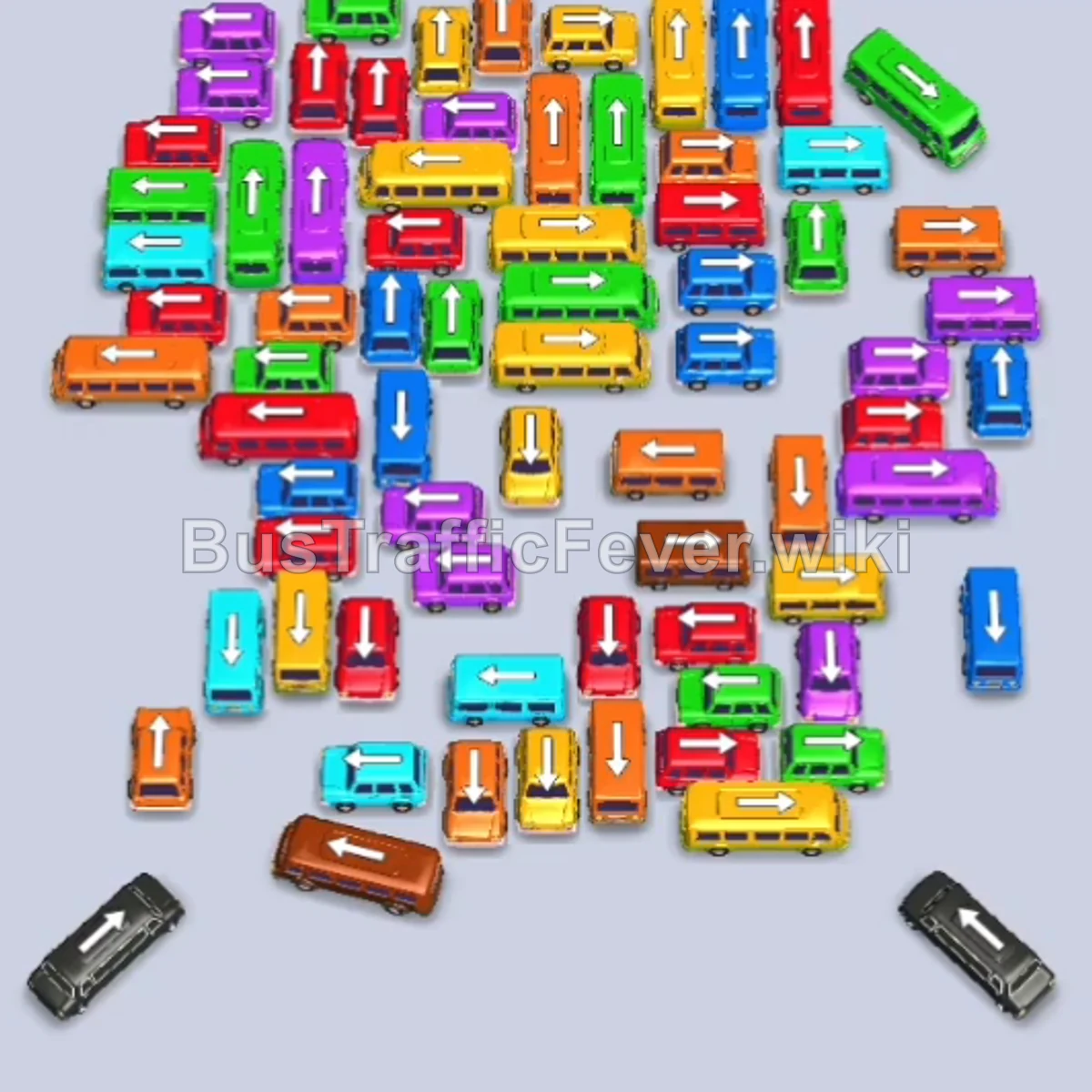
Bus Traffic Fever Level 179 Answer & Walkthrough Solution

Quick answer
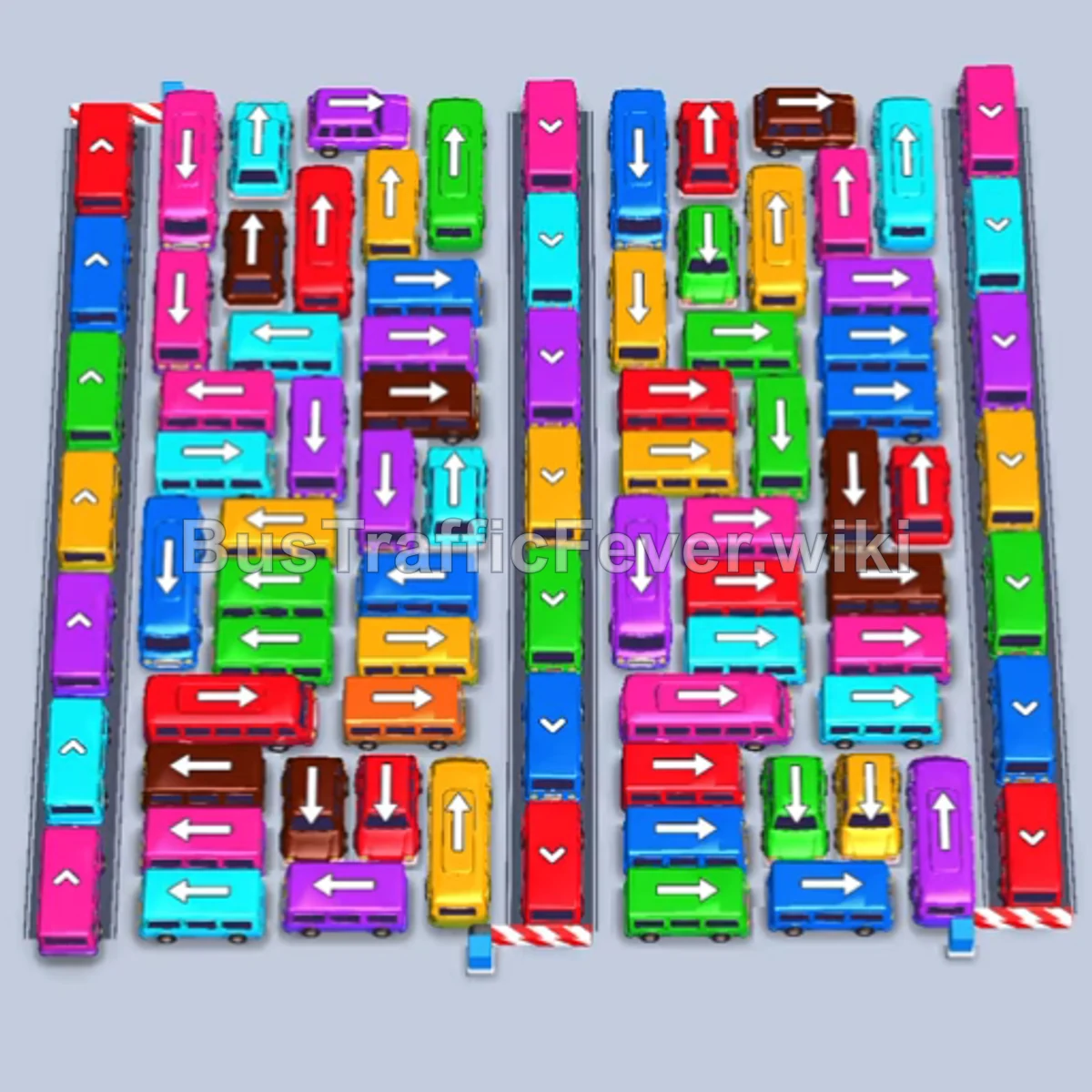
Level 179 features an intricately packed, massive parking grid with bidirectional exits. Success requires opening the upward-facing exits at the top-center immediately, using high-capacity buses (such as the Cyan 40-seater) to hold a bay while clearing rapid smaller waves, and systematically chipping away at the right-side horizontal lanes before untangling the tightly packed left vertical columns.
Step-by-step solution
Phase 1: Unlocking the Top Lanes & Managing the Initial Surge
- Tap the three Red buses pointing upward at the top of the middle columns. They will drive directly into bays 1, 2, and 3 to absorb the incoming red passenger surge.
- Tap the small Blue bus at the bottom-right corner pointing toward the right exit. It enters an open bay, collects blue passengers, and departs immediately.
- Tap the Green bus near the top-right exit to clear the front green passengers.
- Tap the Yellow bus from the upper-right section into a bay. The yellow passenger line boards and the bus departs.
- Tap the small Red bus freed up in the upper-middle area to board the next red passengers and free its parking slot.
- Tap the Purple bus from the upper-right area into a bay as the queue shifts to purple.
- Tap the Cyan bus from the right side.
- The purple and red passengers finish boarding, clearing their vehicles and opening up fresh bays.
Phase 2: Opening the Right Side and Clearing Center Rows
- Tap the Blue bus from the upper-center grid into a bay to absorb blue passengers.
- Tap the large Cyan bus (40 capacity) from the center-horizontal lane. This bus will sit steadily in a bay and continuously absorb cyan passengers over several waves.
- Tap the small Purple bus from the middle-right side; purple passengers board and it exits quickly.
- Tap the Pink bus from the right-middle section to collect the pink passenger rush.
- Tap the Brown bus and the Yellow bus (40 capacity) from the right side. Yellow passengers board rapidly and clear the bus.
- Tap the Green bus from the top section to clear the green passenger wave.
- Tap the Red bus from the center to catch incoming red passengers.
- Tap the Brown bus from the right side to pick up brown passengers.
- Tap the small Red bus from the center grid; it fills instantly and departs.
Phase 3: Dismantling the Core Grid and Mid-Level Vehicles
- Tap the small Purple bus and small Red bus from the center lane to pick up their corresponding travelers.
- Tap the small Green bus into a bay to clear the green queue.
- Tap the Pink bus from the middle-right area to service the pink crowd.
- Tap the small Blue bus, followed by the Green bus and Yellow bus from the central cluster. Passengers board each vehicle in turn, clearing three slots in rapid succession.
- The long-standing Cyan bus (40 capacity) in bay 1 finishes boarding its final passenger and finally departs.
- Tap the Cyan bus and Brown bus freed in the center to maintain vehicle rotation.
- Tap the Purple bus (40 capacity) from the center grid to soak up a large purple group.
- Tap the Blue bus and Green bus to clear their respective colors as they surface.
Phase 4: Emptying the Left Columns and Final Evacuation
- Tap the Pink bus from the lower-center grid to board the remaining pink crowd.
- Tap the small Red bus and Green bus to clear quick short lines and free slots.
- Tap the Brown bus and Blue bus from the lower section into the bays.
- Tap the Purple bus (40 capacity) and Pink bus from the lower-left area.
- Tap the Blue bus (40 capacity) to absorb the large blue wave.
- Tap the Brown bus, Green bus (40 capacity), and Yellow bus to clear the remaining rightward and downward traffic.
- Tap the Red bus (40 capacity) from the left column to collect the major red queue.
- Tap the Yellow bus and Purple bus as the queue transitions to yellow and purple.
- Tap the final Blue bus, Green bus, and Yellow bus from the bottom-left stack.
- Tap the two Pink buses at the bottom left to pick up the final pink crowd.
- Tap the final Cyan bus at the very bottom. It boards the last cyan passengers and departs to finish the level.
Tips for success
- Anchor with High-Capacity Buses: Deploying a large 40-passenger bus (like the Cyan or Red buses) early in a designated slot lets you trickle passengers continuously while cycling fast 4- and 16-seater buses through the remaining bays.
- Keep Exits Flowing from Right to Left: The right side contains many vehicles pointing rightward with short exit paths. Clearing these first opens up room to see the orientation of the vehicles buried in the center and left columns.
- Watch for Small Bus Opportunities: Whenever a small bus (capacity 4–8) matches the current passenger color, prioritize tapping it—it clears almost immediately, acting as a “free” unblock move without clogging your parking bays.
More Bus Traffic Fever help
Continue with the Level 178 walkthrough, review the core rules in how to play Bus Traffic Fever, or browse all level solutions to jump to another number.