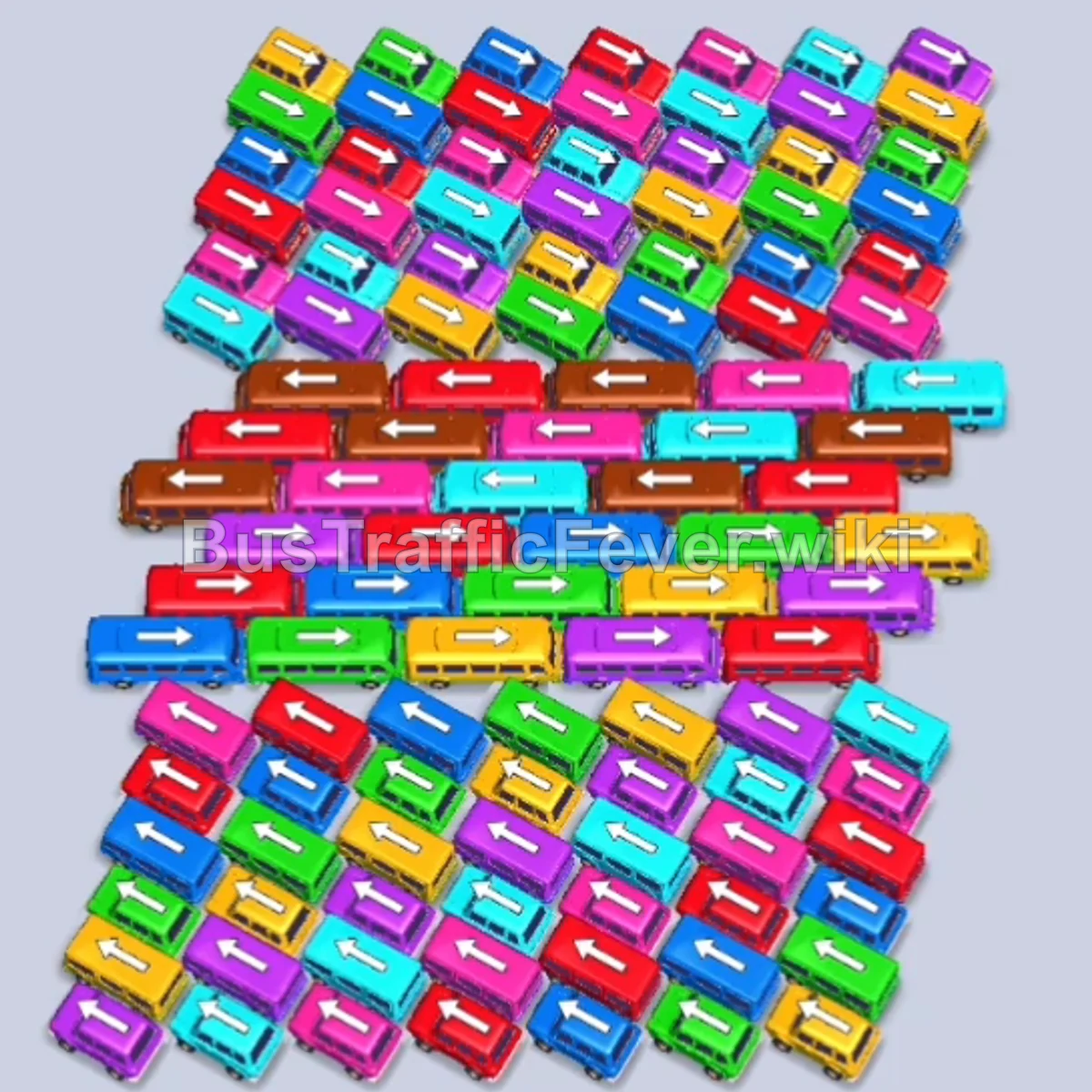
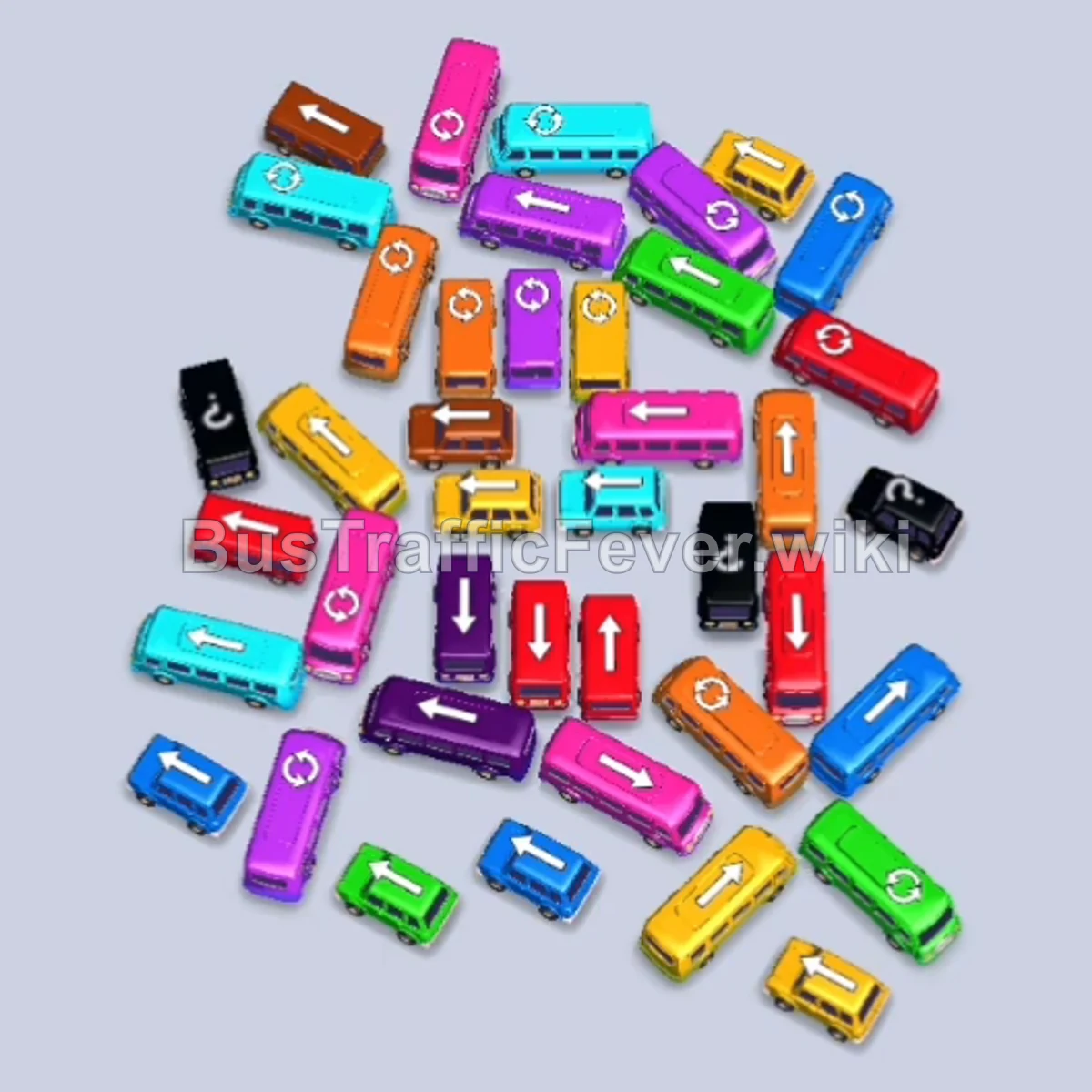
Bus Traffic Fever Level 185 Answer & Walkthrough Solution

Quick answer
Level 185 features a large, interlocked central puzzle accompanied by a tall vertical queue of compact buses on the left and a looped passenger conveyor belt above. The winning strategy relies on alternating between clearing unblocked perimeter buses in the center and peeling off buses from the left vertical line whenever their colors match the conveyor queue. Keeping parking bays open and preventing gridlock during multi-bus boarding waves is essential to unraveling the inner core.
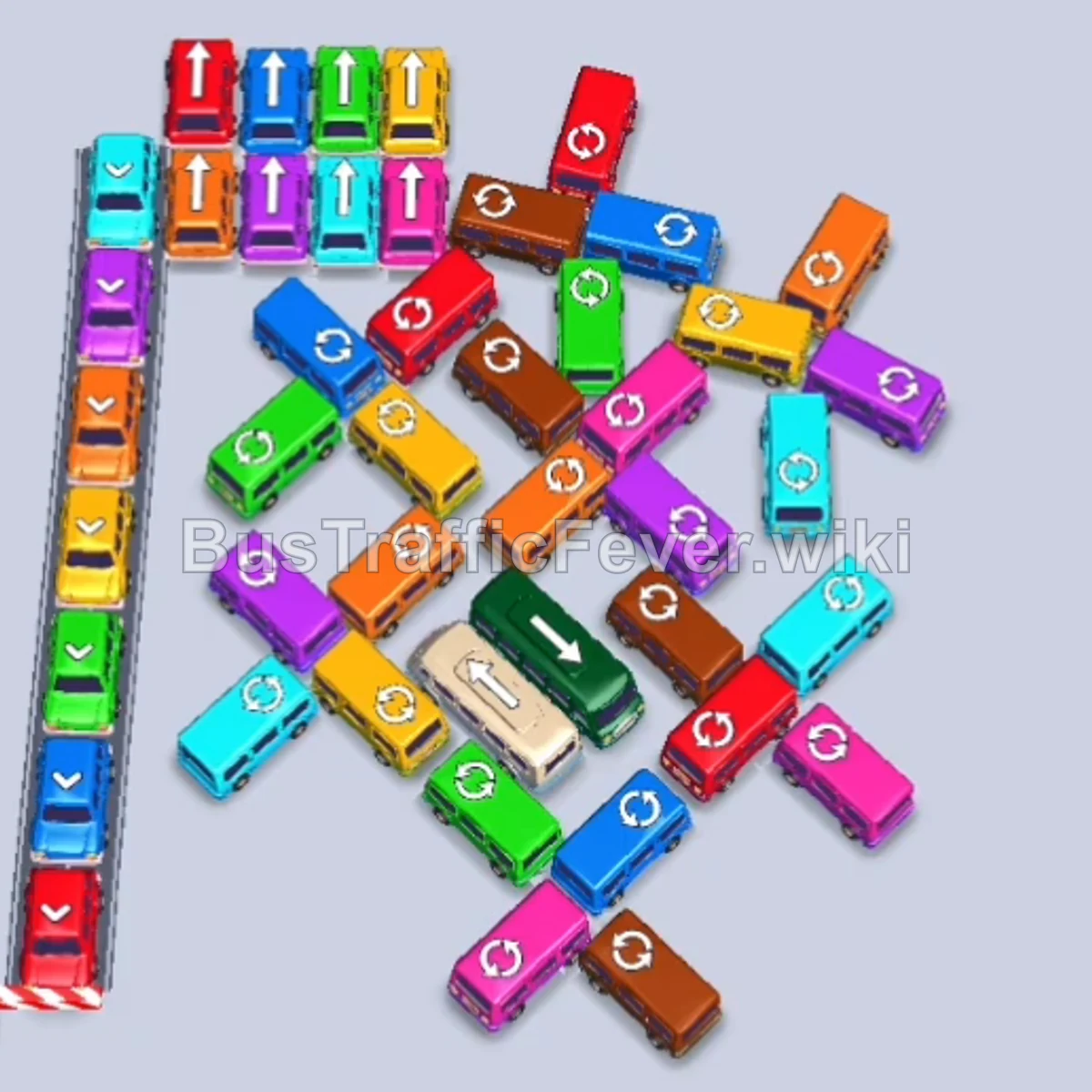
Step-by-step solution
Phase 1: Clearing the Outer Perimeter & Left Stack
- Tap the Purple bus at the top edge of the vehicle pack. It will pull into a parking bay and load the first wave of purple passengers.
- Tap the Red bus at the bottom of the left vertical stack. It exits down and left into a bay to board incoming red passengers.
- Tap the Cyan bus located at the upper-right edge of the central cluster (facing right).
- Tap the next Red bus released from the bottom of the left vertical stack to finish boarding the red passenger group.
- Tap the Brown bus on the middle-right flank (facing right) to collect arriving brown passengers.
- Tap the Pink bus near the bottom-right corner.
- Tap the Brown bus at the bottom right to clear the remainder of the brown group.
- Tap the Pink bus on the middle-right edge (facing right).
- Tap the Blue bus from the bottom-left stack.
- Tap the Cyan bus on the middle-left flank.
Phase 2: Unlocking the Upper Cluster & Early Bus Releases
- Tap the Purple bus exposed on the upper perimeter.
- Tap the Yellow bus at the bottom of the left stack.
- Tap the Green bus freed in the upper area.
- Tap the Orange/Brown bus on the middle-right side.
- Tap the Yellow bus from the left stack to clear yellow passengers.
- Tap the Green bus exiting the left flank.
- Tap the Red bus at the top left of the central cluster.
- Tap the Blue bus from the left stack.
- Tap the Green bus on the upper edge of the remaining pack.
- Tap the Pink bus near the lower-right side.
Phase 3: Dismantling the Center-Right Grid
- Tap the Yellow bus from the left stack.
- Tap the Orange bus near the bottom center.
- Tap the Purple bus exposed in the upper-middle row.
- Tap the Cyan bus on the left side.
- Tap the Pink bus near the center.
- Tap the Purple bus from the left stack.
- Tap the Cyan bus exiting from the lower-left flank.
- Tap the Green bus in the lower-left area.
- Tap the Yellow bus emerging in the center.
- Tap the Brown bus on the right side.
- Tap the Green bus from the upper-middle area.
- Tap the Blue bus near the center.
Phase 4: Clearing Central Buses & Intermediate Obstacles
- Tap the Orange bus exiting from the lower edge.
- Tap the White/Grey bus in the center of the grid to free the surrounding blocked vehicles.
- Tap the Purple bus in the center.
- Tap the Red bus in the upper-left cluster to pick up red passengers.
- Tap the Green bus facing left near the center.
- Tap the Purple bus on the middle-right.
- Tap the Orange bus on the right side.
- Tap the Purple bus in the center.
- Tap the Cyan bus exiting the lower right.
- Tap the Orange bus in the central section.
Phase 5: Final Core Vehicles & Boarding Wrap-Up
- Tap the Yellow bus exiting to the right.
- Tap the Blue bus near the upper-left corner.
- Tap the Purple bus in the center to load the remaining purple queue.
- Tap the Brown bus from the center.
- Tap the Red bus in the upper area to finish all red passengers.
- Tap the Orange bus in the core.
- Tap the Cyan bus in the middle.
- Tap the Blue bus from the remaining core.
- Tap the Green bus at the bottom.
- Tap the final Pink bus, Yellow bus, and Brown bus in sequence to clear the passenger track and complete the level!
Tips for success
- Manage the Left Stack: The vertical stack on the left unlocks one bus at a time from the bottom. Check its colors frequently so you can pop them into bays the moment matching passengers appear.
- Prioritize High-Capacity Buses: Buses take up the same single parking bay as small buses but clear out far more passengers (16–24 passengers vs. 4–6), rapidly cycling your slots.
- Keep at Least Two Empty Bays: Avoid filling all available parking slots with waiting vehicles of colors that aren’t currently at the front of the conveyor belt to prevent game-ending gridlocks.
More Bus Traffic Fever help
Continue with the Level 184 walkthrough, review the core rules in how to play Bus Traffic Fever, or browse all level solutions to jump to another number.