Bus Traffic Fever Level 48 Answer & Walkthrough Solution
Quick answer
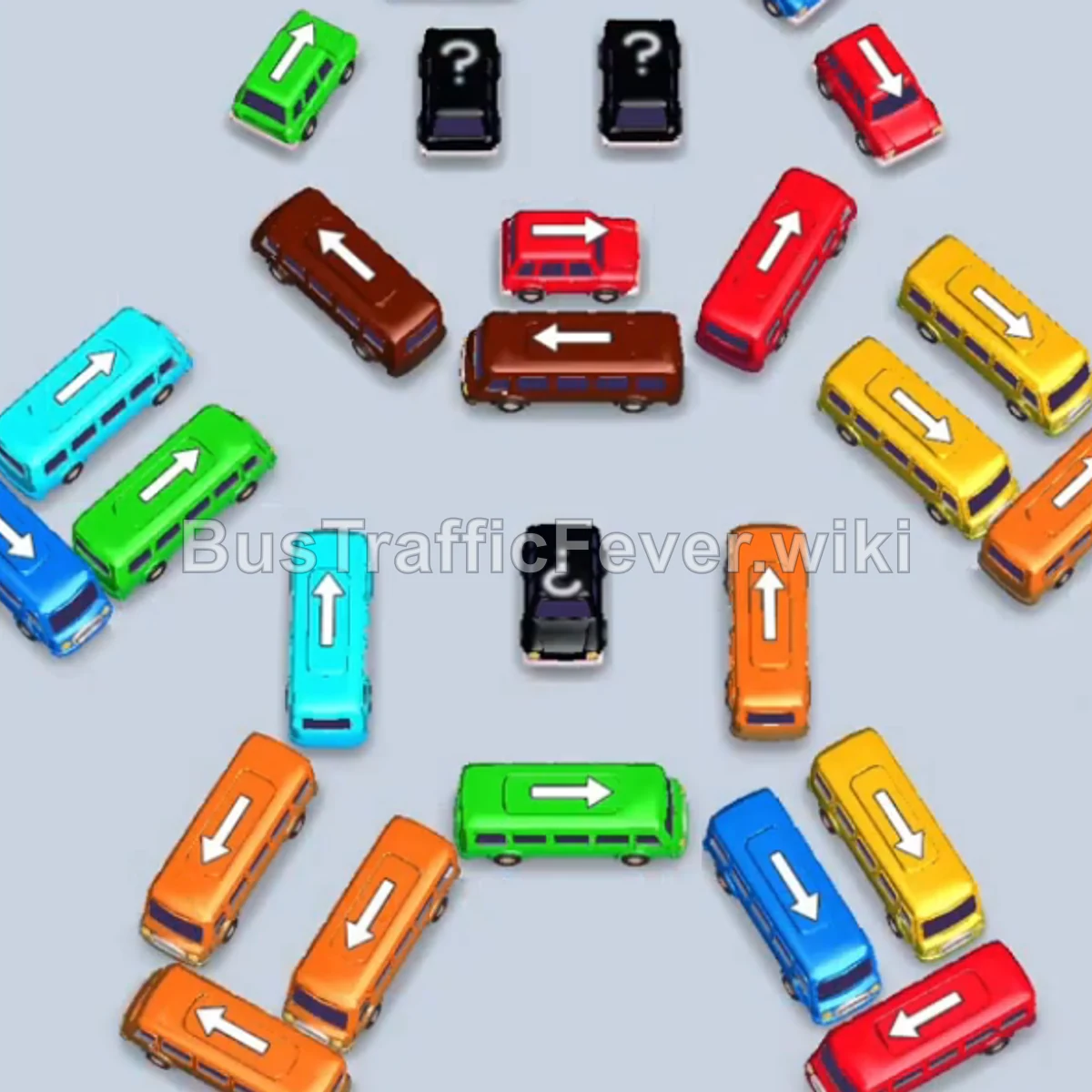
Tap the Orange bus on the upper-right flank (facing up-right). It enters parking slot 1 and begins boarding Orange passengers. Tap the Green bus on the top left (facing up-left) to park in slot 1. Tap the Green bus directly below it (facing up-left) to park in slot 2.
Step-by-step solution
Phase 1: Opening the Upper Flanks & Clearing Initial Passengers
- Tap the Orange bus on the upper-right flank (facing up-right). It enters parking slot 1 and begins boarding Orange passengers.
- Tap the Green bus on the top left (facing up-left) to park in slot 1.
- Tap the Green bus directly below it (facing up-left) to park in slot 2.
- Tap the Green bus further down the upper-left diagonal (facing up-left) to park in slot 3.
- Tap the Orange bus on the upper right (facing right) to move into slot 4 and board the next Orange passengers.
- Tap the Orange bus on the middle right (facing down-right) to finish the first Orange passenger group.
- Tap the Red bus at the top left (facing up) into slot 4 to pick up Red passengers.
- Tap the Yellow bus at the bottom right (facing down-right) to collect the Yellow passenger line.
- The Green passengers will automatically board and clear the Green bus and the first two Green buses in your parking slots.
Phase 2: Clearing the Left Central Spine & First Wave of Colors
- Tap the Red bus on the middle right (facing up-right) to clear the Red passenger queue.
- Tap the Yellow bus at the upper center (facing up-right) to board the Yellow queue.
- Tap the Orange bus on the middle right (facing up-right) to clear the Orange queue.
- Tap the Cyan bus on the middle left (facing up-right) to pick up Cyan passengers.
- Tap the Blue bus at the top center (facing up) into an open parking slot.
- Tap the Purple bus at the top center (facing up-right) to board the Purple passengers.
- Tap the Purple bus on the inner right (facing up-right) to finish the Purple queue.
- Tap the Pink bus at the center right (facing up-right) to board Pink passengers.
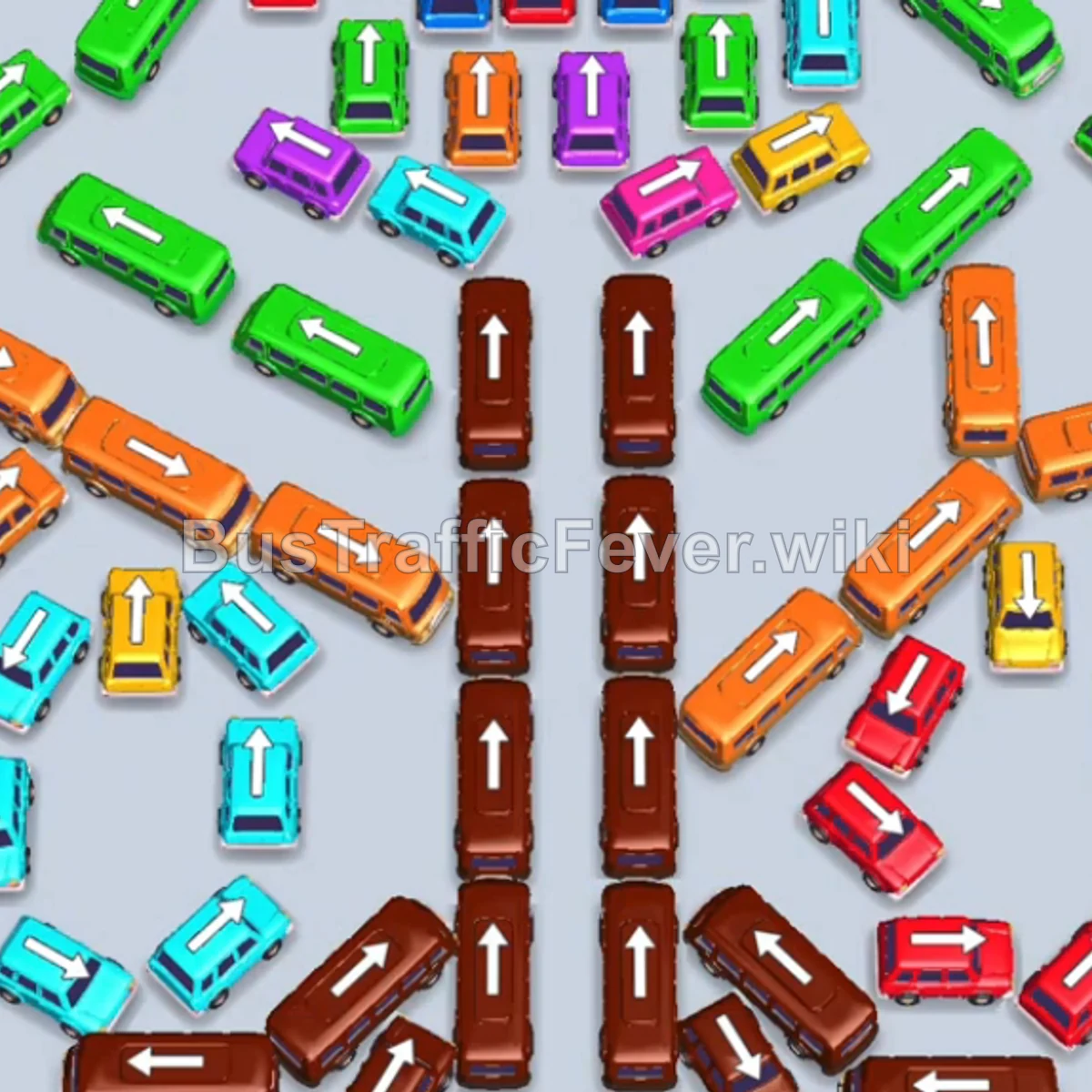
- Tap the top Brown bus on the left column of the central spine (facing up) to board Brown passengers.
- Tap the second Brown bus on the left spine (facing up) to board Brown passengers.
- Tap the third Brown bus on the left spine (facing up) to board Brown passengers.
- Tap the bottom Brown bus on the left spine (facing up) into a parking slot.
Phase 3: Dismantling the Right Central Spine & Lower Flank
- Tap the Cyan bus in the center (facing up-right) to board Cyan passengers.
- Tap the Orange bus on the upper left (facing up-right) to board Orange passengers.
- Tap the top Brown bus on the right column of the central spine (facing up) to board Brown passengers.
- Tap the Red bus at the top left (facing up) into slot 1.
- Tap the Green bus on the upper left (facing up-right) into slot 2.
- Tap the Purple bus at the top left (facing up) to board Purple passengers.
- Tap the Cyan bus at the top (facing up) to board Cyan passengers. (Red passengers will now finish boarding the Red bus).
- Tap the second Brown bus on the right spine (facing up) to board Brown passengers.
- Tap the Red bus on the far right (facing up) to board Red passengers.
- Tap the Red bus on the lower right (facing up-right) to finish the Red queue.
- Tap the third Brown bus on the right spine (facing up) to board Brown passengers.
- Tap the bottom Brown bus on the right spine (facing up) to clear the central spine.
Phase 4: Clearing the Outer Diagonals & Final Cleanup
- Tap the Brown bus on the lower-right diagonal (facing down-left) to board Brown passengers.
- Tap the Brown bus below it (facing left) to board Brown passengers.
- Tap the Green bus on the upper right (facing down-left) into parking slot 3.
- Tap the Brown bus on the lower right (facing up-right) to collect Brown passengers.
- Tap the Cyan bus on the upper left (facing up-right) to board Cyan passengers.
- Tap the Cyan bus on the inner left (facing up-right) to collect Cyan passengers.
- Tap the Brown bus on the lower right (facing down-left) to board Brown passengers.
- Tap the Brown bus at the bottom right (facing left) to finish the Brown queue.
- Tap the Red bus on the lower right (facing up-right) to clear the Red line.
- Tap the Yellow bus on the far right edge (facing up) to board Yellow passengers.
- Tap the top Orange bus on the left diagonal (facing up-left) to board Orange passengers.
- Tap the middle Orange bus on the left diagonal (facing up-left) to board Orange passengers.
- Tap the bottom Orange bus on the left diagonal (facing up-left) to clear all remaining Orange passengers.
- Tap the Cyan bus on the far left (facing up-left) to board Cyan passengers. (Remaining Green buses will now automatically board and depart).
- Tap the Green bus on the upper left (facing up-left) into a parking slot.
- Tap the Yellow bus on the inner left (facing up-right) to board Yellow passengers.
- Tap the Green bus at the top center-left (facing up) to board Green passengers.
- Tap the Orange bus on the far left (facing left) to board Orange passengers.
- Tap the Green bus at the top center-right (facing up) to board the final Green passengers.
- Tap the Cyan bus on the middle left (facing down) to collect Cyan passengers.
- Tap the last Cyan bus at the bottom left (facing up) to complete the level!
Tips for success
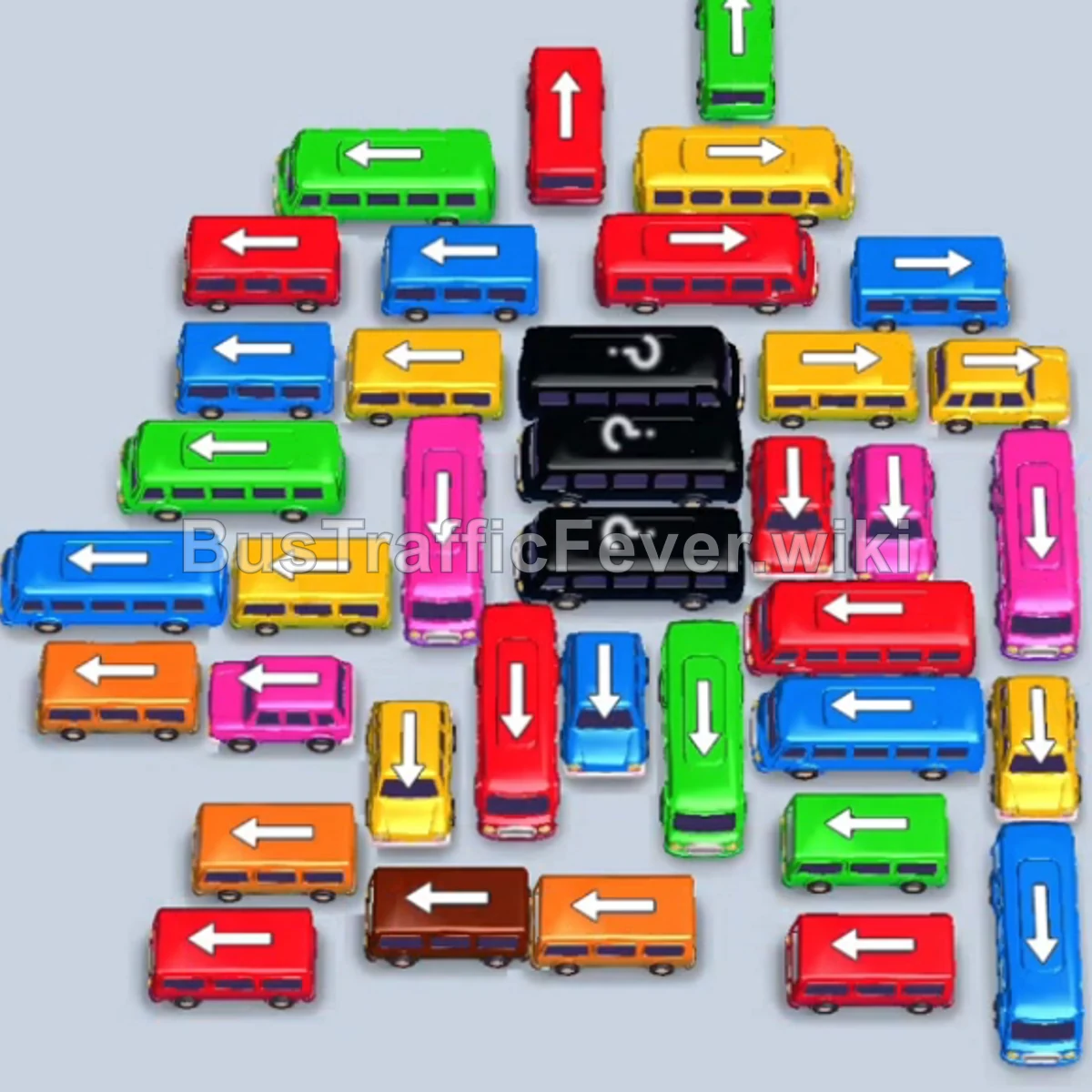
- Unpack the Central Spine Gradually: The central double column of brown buses blocks access across both sides. Move them in sync with incoming Brown passenger waves.
- Stack Same-Color Buses Early: Stacking the green and orange buses in parking slots early allows them to automatically clear massive waves of passengers once their color turns up.
- Preserve Slot Flexibility: Do not tap vehicles with no immediate matching queue unless you have at least 2 empty slots available to prevent a gridlock.
More Bus Traffic Fever help
Continue with the Level 47 walkthrough, review the core rules in how to play Bus Traffic Fever, or browse all level solutions to jump to another number.