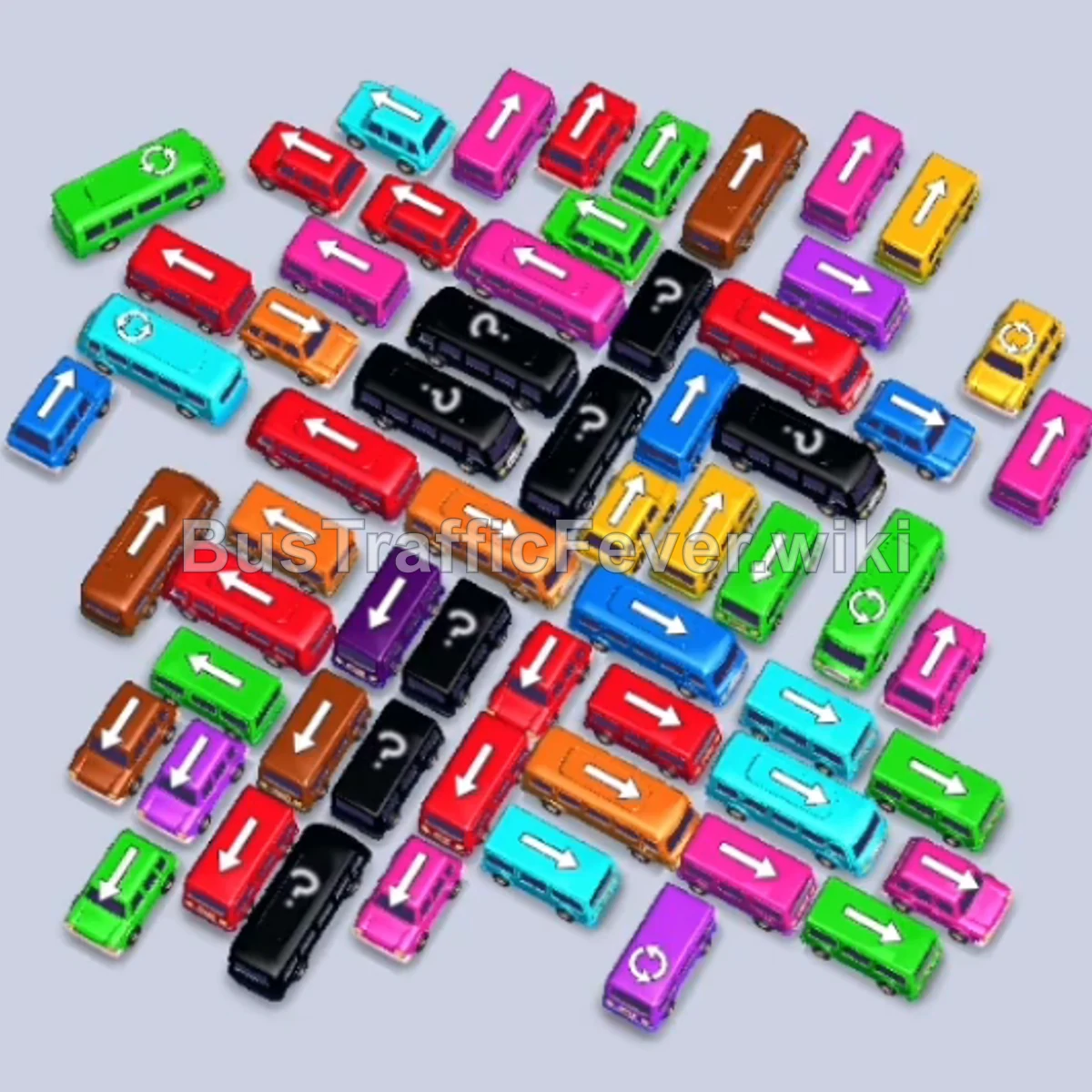
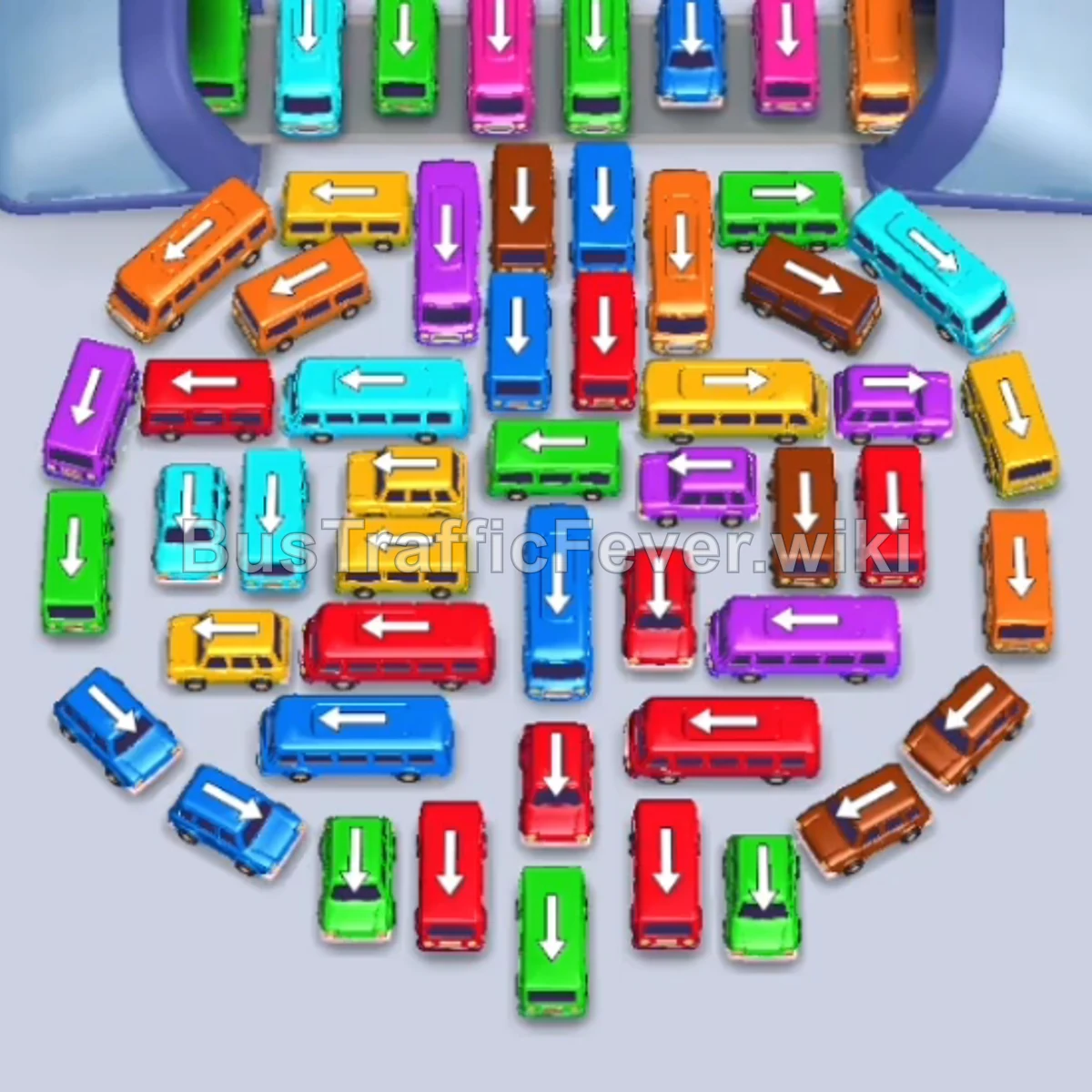
Bus Traffic Fever Level 169 Answer & Walkthrough Solution

Quick answer
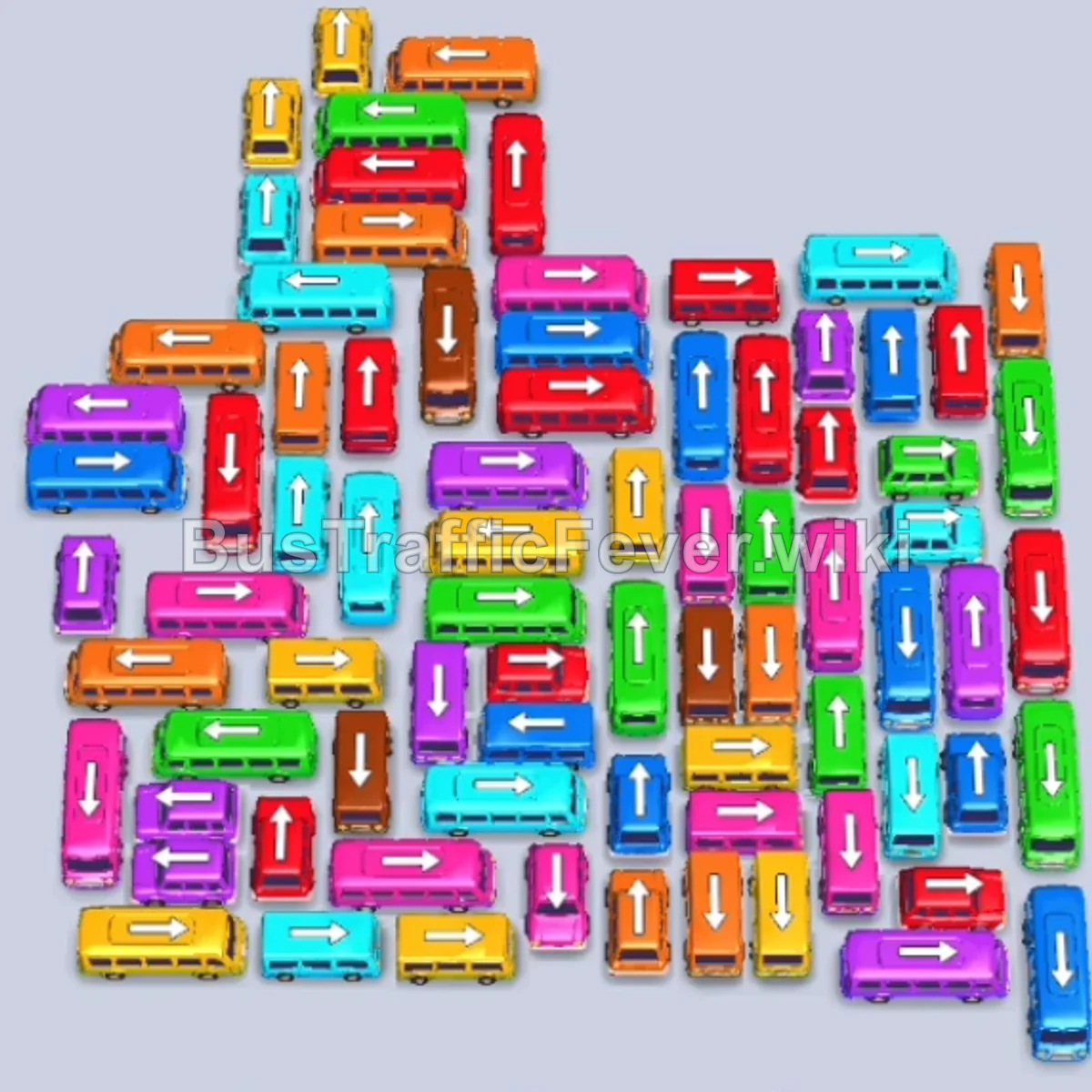
To clear Level 169, you must methodically release perimeter vehicles with clear exit paths (pointing toward the outer edges) to open up the densely packed center. Prioritize matching vehicles with the active front lines of the passenger track (starting with yellow, orange, and red), while utilizing the parking slots to temporarily hold buffer vehicles that free up tightly pinned pathways.
Step-by-step solution
Phase 1: Opening the Jam & Clearing Initial Passengers (Yellow, Orange, Red)
- Tap the Yellow bus near the upper-left corner facing left to take the first parking slot.
- Tap the second Yellow bus directly beneath the top horizontal bus to take the second slot.
- Tap the Orange bus at the top center facing right to occupy the third slot.
- Tap the vertical Red bus at the top center facing up.
- Tap the horizontal Orange bus in the upper-middle area facing right to finish boarding the first orange group.
- Tap the Cyan bus pointing right in the upper-right section to open surrounding room.
- Tap the horizontal Red bus on the far left pointing left to exit into an open parking slot.
- Once the first wave of red passengers boards, tap the Blue bus facing left on the mid-left flank.
- Tap the Yellow bus on the bottom right pointing down.
- Tap the horizontal Green bus near the top left facing left.
Phase 2: Unblocking Upper & Middle Corridors (Cyan, Purple, Green)
- Tap the vertical Red bus on the far right facing down to clear out the right column.
- Tap the small Green bus pointing up near the top-right corner.
- Tap the Purple bus facing right at the bottom right.
- Tap the Purple bus pointing right in the lower-right area.
- Tap the horizontal Green bus in the upper-left facing right.
- Tap the Orange bus pointing right on the right flank to load incoming orange passengers.
- Tap the Cyan bus facing left in the upper-middle section.
- Tap the Purple bus facing down on the mid-right edge.
- Tap the vertical Green bus pointing down on the upper-right side.
- Tap the horizontal Blue bus in the middle row facing right.
Phase 3: Dismantling the Central Grid (Pink, Red, Yellow)
- Tap the vertical Pink bus facing down in the middle column.
- Tap the vertical Red bus facing up in the center-left.
- Tap the vertical Green bus facing down in the middle section.
- Tap the horizontal Red bus in the center facing left.
- Tap the vertical Yellow bus pointing down in the middle lane.
- Tap the horizontal Cyan bus in the lower-middle area facing right.
- Tap the vertical Pink bus on the right side pointing down.
- Tap the horizontal Pink bus in the center facing left.
- Tap the vertical Red bus on the far right facing up.
- Tap the vertical Cyan bus pointing down on the far right.
Phase 4: Clearing Lower Columns & Cross Traffic
- Tap the Blue bus facing right in the bottom right corner.
- Tap the Yellow bus pointing up on the left side.
- Tap the horizontal Orange bus in the lower-left section facing right.
- Tap the vertical Cyan bus in the lower center pointing down.
- Tap the horizontal Cyan bus at the bottom right facing left.
- Tap the vertical Yellow bus in the bottom center facing down.
- Tap the horizontal Yellow bus on the lower-left facing left.
- Tap the vertical Blue bus pointing down on the right side.
- Tap the horizontal Purple bus in the lower-middle area facing right.
- Tap the vertical Green bus on the far right facing up.
Phase 5: Final Sequence & Cleanup (Brown & Remaining Passengers)
- Tap the vertical Pink bus pointing down in the center.
- Tap the horizontal Cyan bus facing right near the bottom center.
- Tap the horizontal Pink bus facing left at the bottom.
- Tap the vertical Red bus pointing up in the bottom left.
- Tap the horizontal Orange bus at the bottom facing right.
- Tap the vertical Blue bus on the lower left facing down.
- Tap the Yellow bus in the center facing right.
- Tap the horizontal Purple bus facing left.
- Tap the remaining vertical Red bus facing up.
- Tap the vertical Brown bus in the center pointing down to board the final brown passenger queue and complete the level.
Tips for success
- Track the Double-Loop Queue: Level 169 features two looping passenger tracks that converge. Always look at the colors immediately arriving at the front gates before choosing which vehicle to unpark.
- Preserve Empty Parking Slots: Keep at least two parking slots open whenever possible. If you fill all slots with buses of colors that cannot board immediately, you will trigger a game over.
- Free Trapped Vehicles Early: Vehicles pointing inward or blocked from both sides (especially the center brown and purple buses) require clearing their respective exit lanes well before their passenger wave arrives.
More Bus Traffic Fever help
Continue with the Level 168 walkthrough, review the core rules in how to play Bus Traffic Fever, or browse all level solutions to jump to another number.