Bus Traffic Fever Level 222 Answer & Walkthrough Solution

Quick answer
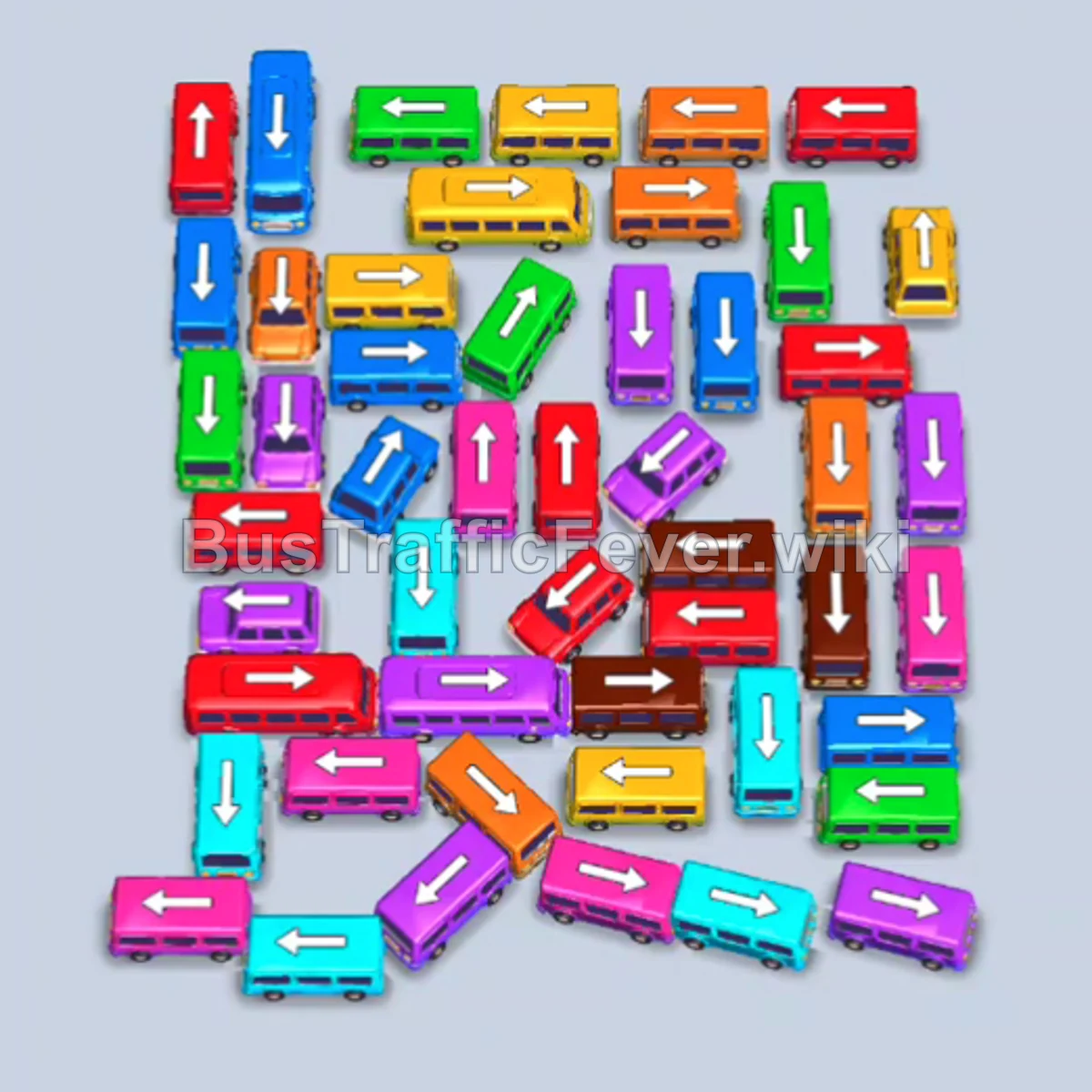
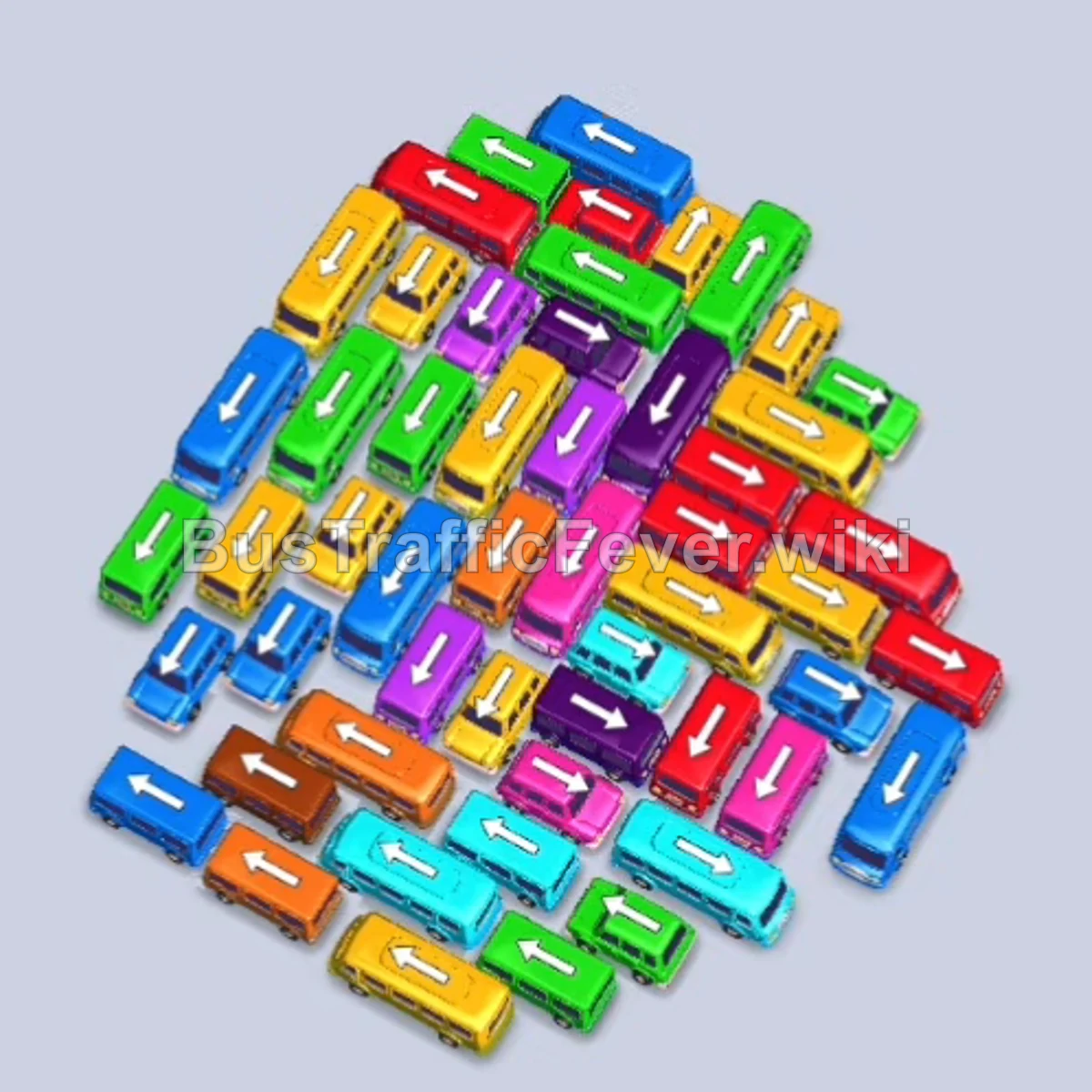
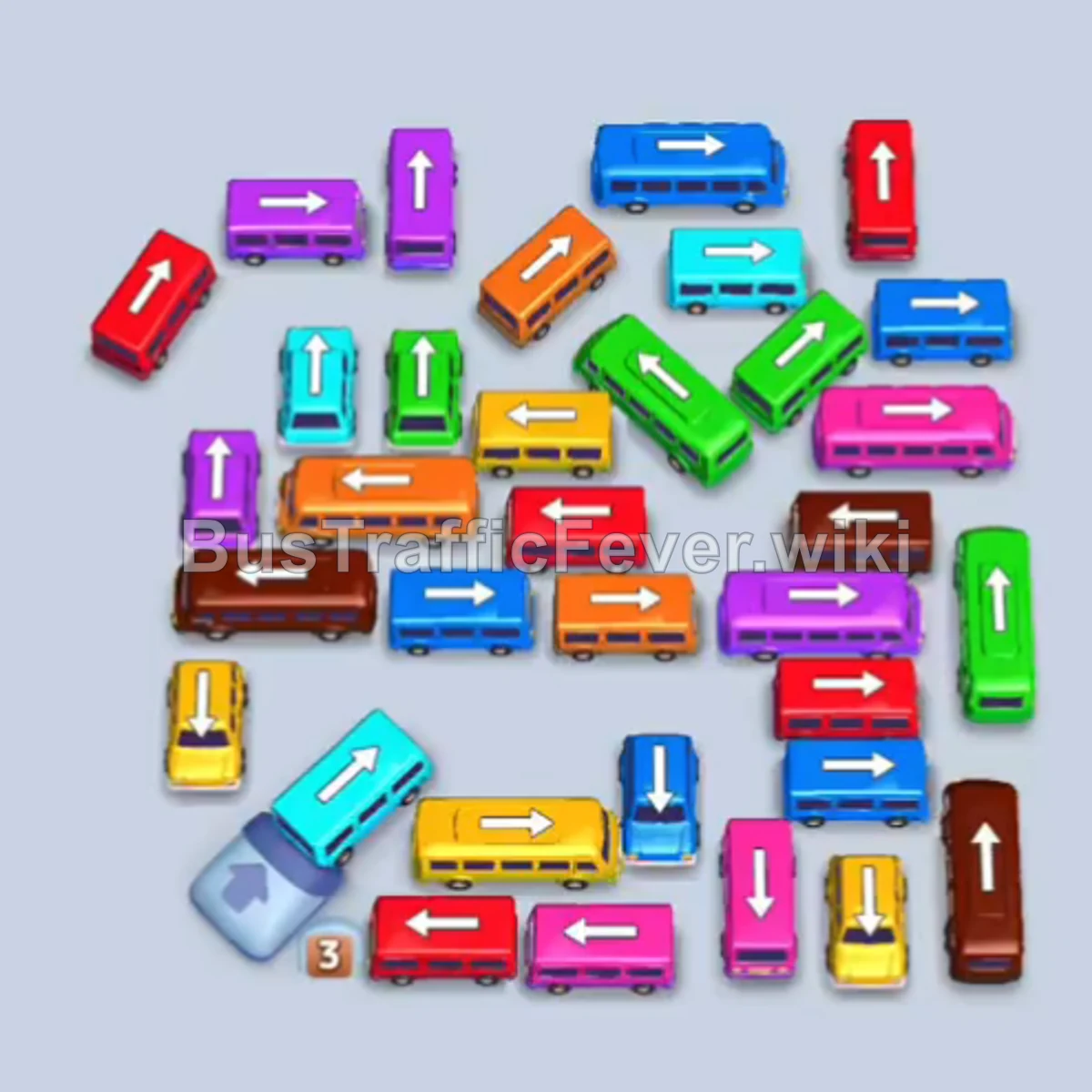
Clear out the outer vehicles systematically to board the early Red, Light Blue, and Yellow passenger groups. As the grid tightens through Purple, Pink, and Orange waves, space becomes extremely limited. Once a complete gridlock is reached, activate the Shuffle booster to rearrange the blocked vehicles, then clear the remaining colors (Green, Orange, Yellow, Blue, and Brown) to achieve a Perfect victory.
Step-by-step solution
Phase 1: Clearing Initial Vehicles (Red, Cyan & Yellow)
- Tap the small Light Blue bus at the top right to clear the lane.
- Tap the two Red buses on the upper-left into the parking bays. Red passengers will board; the first red bus departs, followed shortly by the second.
- Tap the large Light Blue bus at the upper right to take an open bay slot.
- Tap the small Light Blue bus on the middle-right to enter the next slot. Light blue passengers board both vehicles until they depart.
- Tap the small Yellow bus on the middle-left into an open slot. Yellow passengers will board and it will leave, completely clearing the parking bays.
Phase 2: Handling Purple, Red & Secondary Colors
- Tap the Orange bus on the upper right to hold in a parking slot.
- Tap the three Purple buses (one on the right facing up, two on the upper-left facing left) to fill the next bays and begin boarding purple passengers.
- Tap the Red bus on the left into the remaining slot; red passengers board immediately and it departs.
- Tap the small Cyan bus on the left into the newly freed slot to board the cyan passengers and clear.
- Allow the Purple passengers to finish boarding and depart.
- Tap the long Orange bus on the left into an open bay.
- Tap the Pink bus and adjacent vehicles into the bays as pink and orange passengers cycle through the boarding zone.
- Continue clearing accessible Green, Orange, and Cyan vehicles until all paths become obstructed and no further moves can match the queue.
Phase 3: Activating the Shuffle Booster
- Once the remaining vehicles are completely blocked and no forward moves can be made, tap the Shuffle booster icon at the bottom of the screen.
- Confirm and use the Shuffle booster (80 coins) to reorganize and reorient all remaining buses in the parking lot.
Phase 4: Final Cleanup to Victory
- Tap the Purple and Green buses that are now freed to collect their corresponding passengers at the front of the queue.
- Tap the Orange and Yellow buses into open bays as the queue transitions to orange and yellow crowds.
- Tap the Light Blue and Red vehicles to clear the next incoming waves of passengers.
- Tap the small Yellow, Blue, and Red buses at the bottom to clear out the remaining traffic.
- Tap the final Brown bus to collect the last group of brown passengers, completing Level 222.
Tips for success
- Expect the Deadlock: Certain levels in Bus Traffic Fever! are designed with unavoidable bottlenecks. When every viable path is pinned, don’t hesitate to use the Shuffle booster to reset vehicle alignments.
- Keep at Least One Bay Open: Avoid filling all five parking bays with mismatched vehicles, which causes an immediate failure if the front passengers cannot board.
- Watch Queue Transitions: Always monitor which passenger color is next in line so you can unblock and park the corresponding vehicle right as the previous crowd finishes boarding.
More Bus Traffic Fever help
Continue with the Level 221 walkthrough, review the core rules in how to play Bus Traffic Fever, or browse all level solutions to jump to another number.