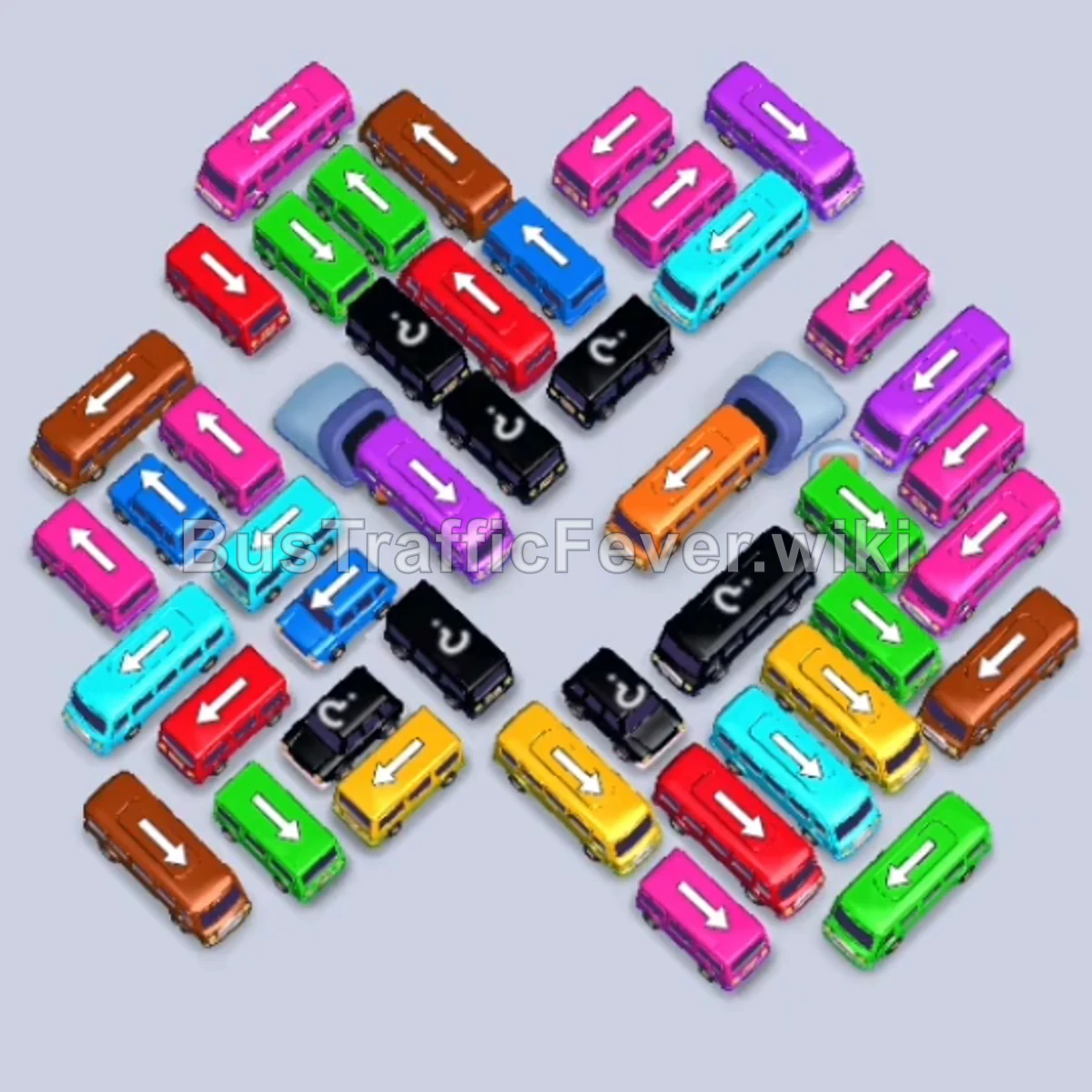
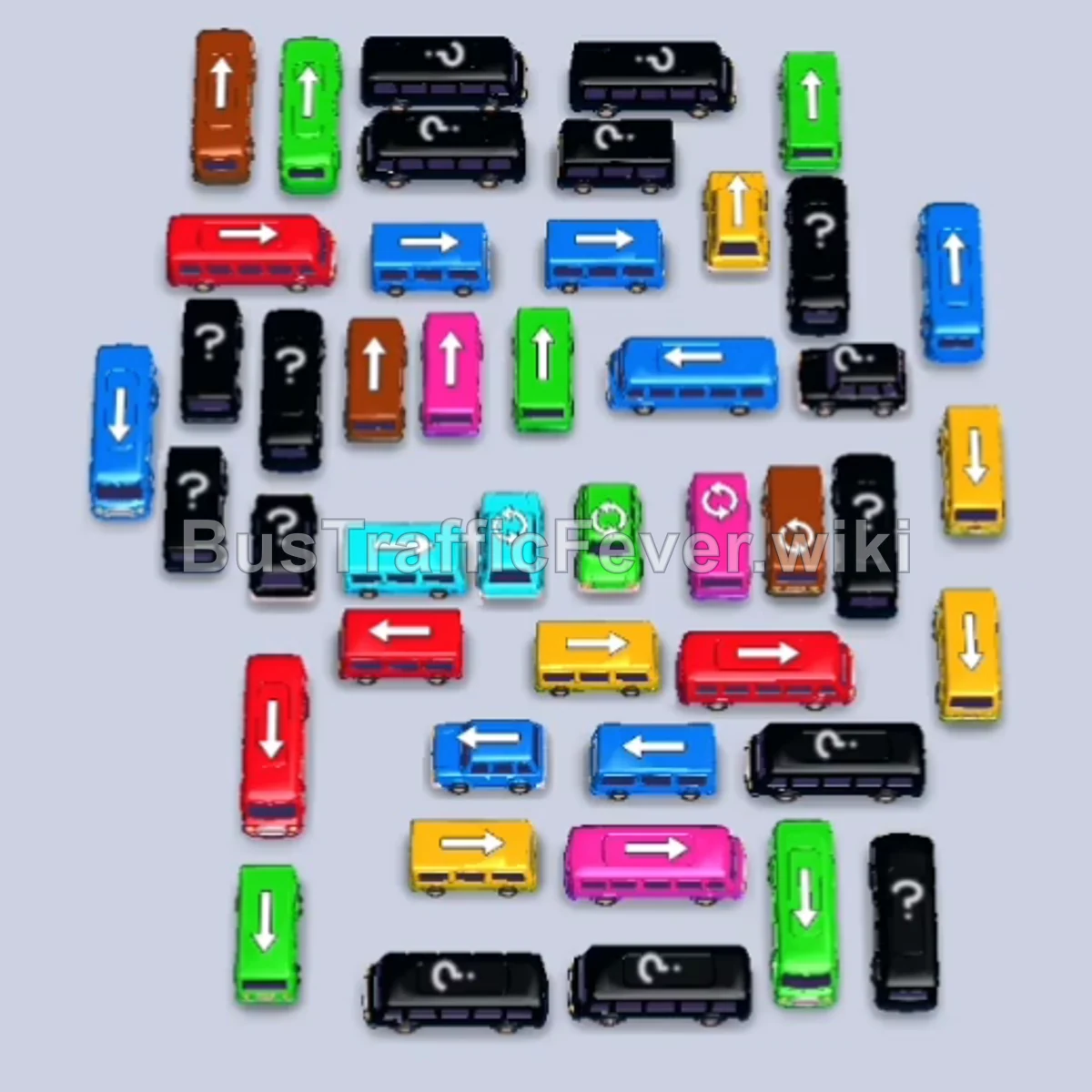
Bus Traffic Fever Level 175 Answer & Walkthrough Solution

Quick answer
Level 175 features a strict 240-second timer and a dense rectangular grid flanked by vertical exit corridors. To beat the countdown, you must immediately extract perimeter buses to open turning room, clear outer vertical lanes to give central horizontal buses a clear path to exit, and time each vehicle’s deployment to sync with the alternating colors on the double-loop track.
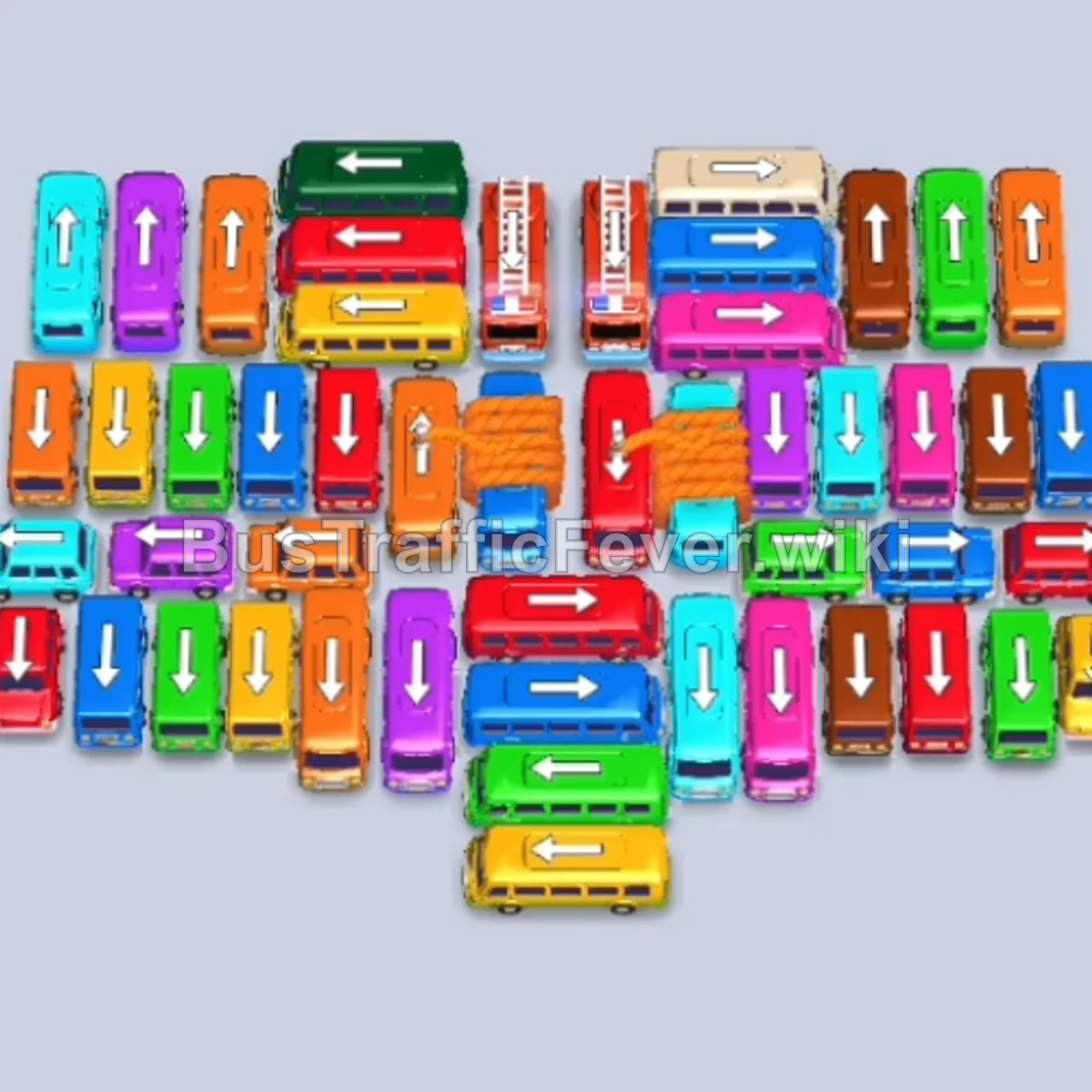
Step-by-step solution
Phase 1: Opening the Flanks & Early Clearance (Pink, Red, Blue, Green, Orange)
- Tap the horizontal Pink bus at the bottom right pointing left into the first parking slot to absorb the incoming pink queue.
- Tap the vertical Red bus on the lower-left pointing upward into the second slot.
- Tap the horizontal Blue bus on the lower-left pointing left.
- Tap the vertical Purple bus on the far-left edge pointing upward.
- Tap the vertical Orange bus in the upper-left pointing downward.
- Tap the vertical Green bus in the upper-middle pointing downward. Green and orange passengers will board immediately, freeing their slots.
- Tap the horizontal Yellow bus at the bottom center pointing left to clear arriving yellow passengers.
Phase 2: Clearing the Outer Perimeter & Lower Corridors (Yellow, Cyan, Brown, Red)
- Tap the vertical Red bus in the center pointing upward.
- Tap the vertical Green bus in the upper-center pointing upward to load the green queue.
- Tap the vertical Blue bus on the far right pointing upward.
- Tap the horizontal Orange bus in the center pointing left.
- Tap the vertical Yellow bus on the lower-left pointing downward.
- Tap the vertical Cyan bus at the bottom center pointing downward to board cyan passengers.
- Tap the vertical Yellow bus on the far-right edge pointing upward.
- Tap the vertical Cyan bus pointing downward to clear the remaining cyan line.
- Tap the vertical Brown bus on the far right pointing downward.
Phase 3: Untangling the Mid-Row Crossings (Green, Orange, Blue, Brown)
- Tap the horizontal Red bus in the center pointing right.
- Tap the horizontal Blue bus in the center pointing left. Red and blue passengers will fill both buses simultaneously.
- Tap the vertical Green bus on the lower left pointing downward.
- Tap the vertical Red bus at the bottom pointing downward.
- Tap the vertical Green bus on the far right pointing upward to finish the green passenger block.
- Tap the vertical Orange bus in the center pointing upward.
- Tap the vertical Blue bus on the far right pointing downward.
- Tap the vertical Brown bus on the far right pointing downward.
- Tap the vertical Green bus in the upper left pointing upward.
- Tap the vertical Brown bus on the far right pointing upward to clear the brown passenger queue.
Phase 4: Breaching the Heavy Core Buses (Cyan, Purple, Orange, Red)
- Tap the horizontal Blue bus in the upper right pointing right.
- Tap the vertical Cyan bus in the center pointing upward.
- Tap the horizontal Purple bus on the left pointing left.
- Tap the vertical Orange bus at the bottom left pointing downward.
- Tap the vertical Purple bus on the bottom right pointing downward.
- Tap the vertical Orange bus in the center pointing upward.
- Tap the vertical Blue bus on the left pointing downward.
- Tap the vertical Red bus on the far right pointing downward to clear arriving red passengers.
- Tap the vertical Purple bus in the center-right area pointing downward.
- Tap the vertical Red bus in the upper center pointing downward.
- Tap the vertical Orange bus in the center pointing upward.
Phase 5: Final Sequence & Cleanup (Green, White, Purple, Cyan, Yellow)
- Tap the vertical Green bus on the far right pointing upward.
- Tap the vertical Green bus in the center pointing downward.
- Tap the vertical Cyan bus in the center pointing upward to finish cyan boarding.
- Tap the vertical Yellow bus on the far left pointing downward.
- Tap the horizontal Green bus on the upper left pointing left.
- Tap the horizontal White/Grey bus in the upper right pointing right to board the white queue.
- Tap the horizontal Purple bus in the center-right pointing left.
- Tap the vertical Red bus in the center pointing downward.
- Tap the vertical Blue bus in the center pointing upward.
- Tap the vertical Orange bus in the center pointing upward.
- Tap the vertical Cyan bus in the center pointing downward.
- Tap the horizontal Red bus at the bottom pointing left.
- Tap the vertical Yellow bus on the far left pointing downward.
- Tap the vertical Green bus on the mid-left pointing downward.
- Tap the vertical Purple bus on the far right pointing downward.
- Tap the final vertical Purple bus in the center pointing downward to clear the last passengers and beat the clock.
Tips for success
- Beat the 240s Timer: Level 175 includes a countdown clock. Avoid overthinking individual moves; focus on immediately dispatching whatever vehicle matches the leading edge of the queue.
- Open the Left and Right Escape Runways: Most vertical buses in this level must escape via the far-left and far-right columns. Clearing these perimeter lanes early ensures you never get blocked by cross traffic.
- Hold the Purple Bus Strategically: The purple bus deployed in Step 4 sits in a parking slot for an extended period. Manage the remaining 6 slots carefully so you always have room to cycle vehicles in and out without triggering gridlock.
More Bus Traffic Fever help
Continue with the Level 174 walkthrough, review the core rules in how to play Bus Traffic Fever, or browse all level solutions to jump to another number.