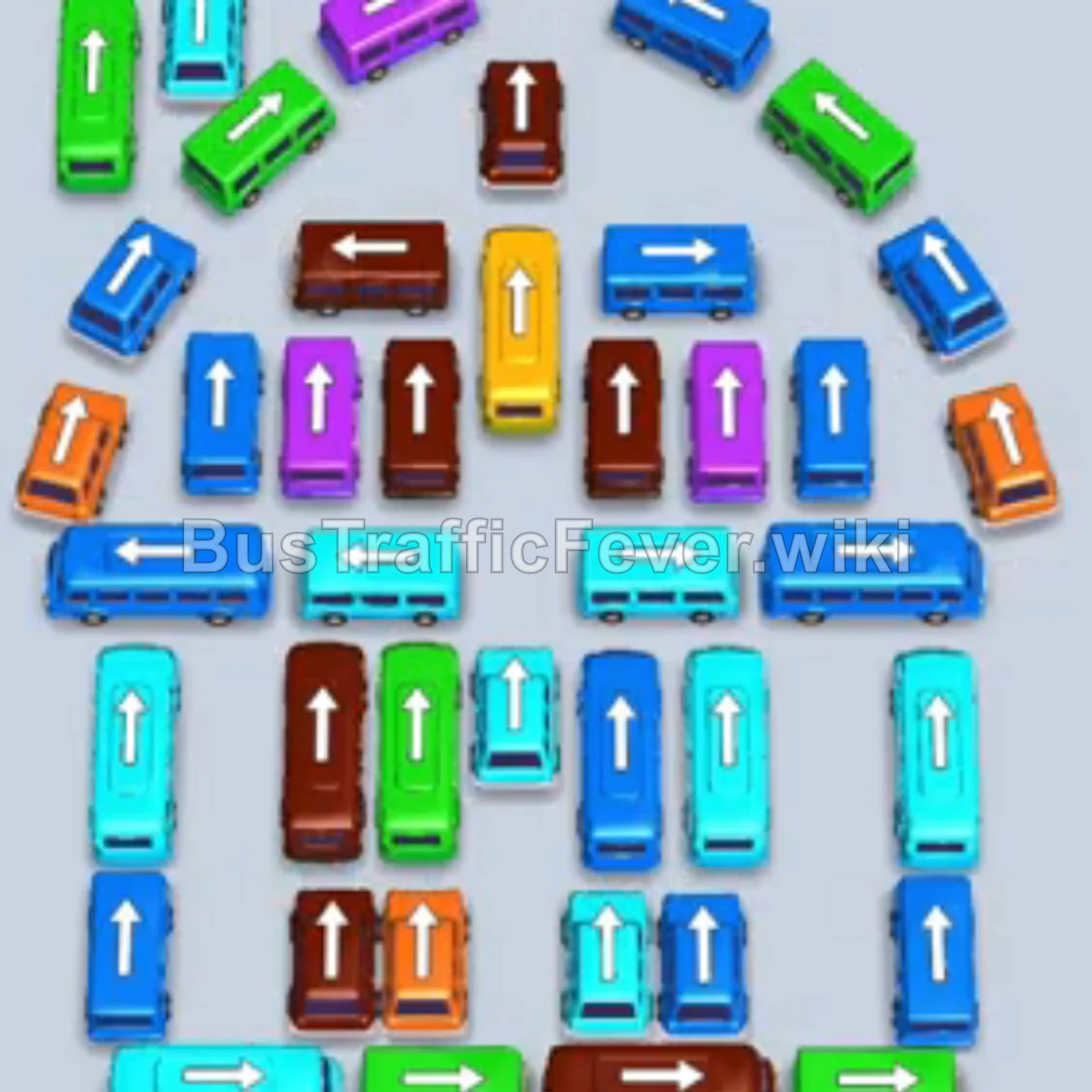
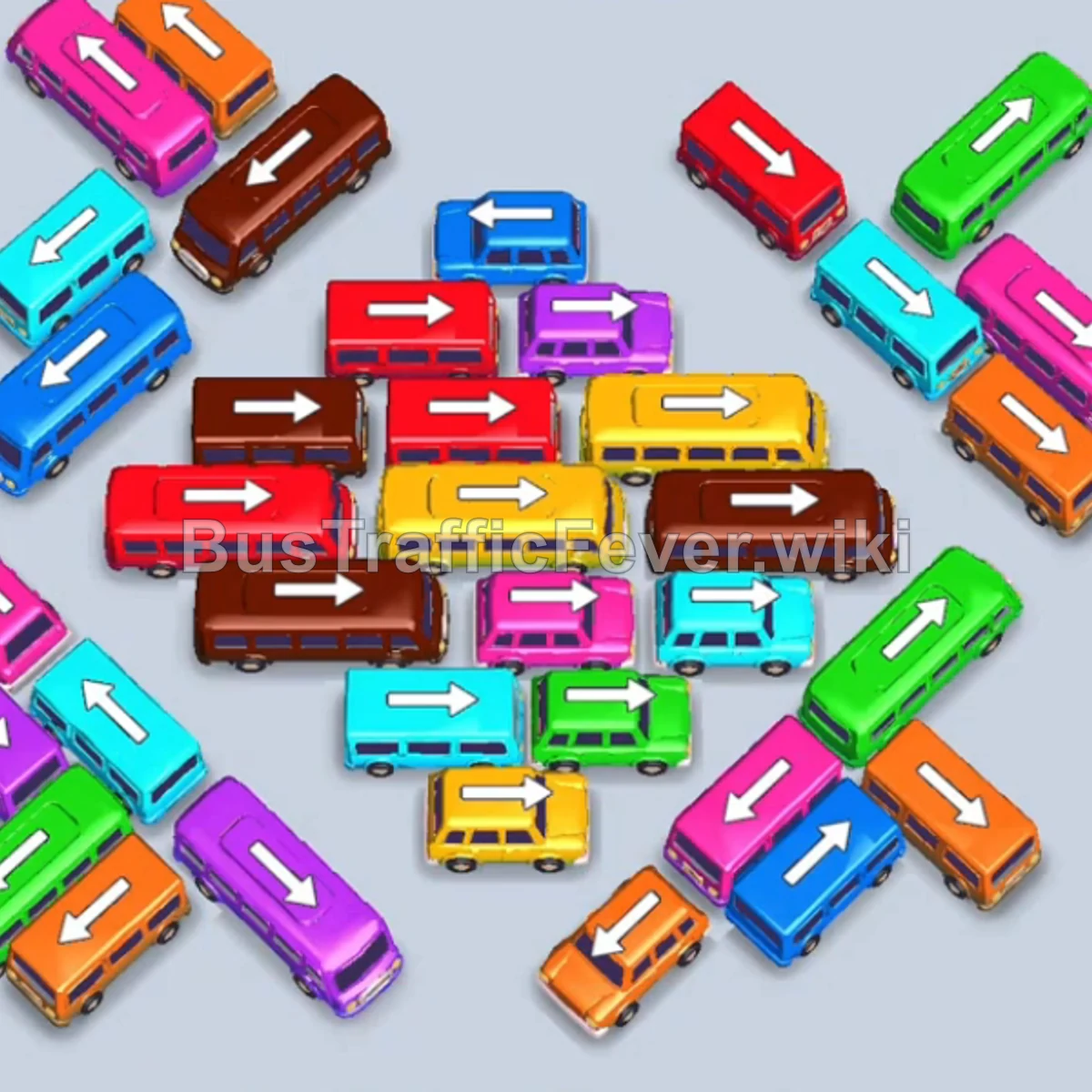
Bus Traffic Fever Level 8 Answer & Walkthrough Solution

Quick answer
Level 8 begins with several large color groups. Use the video above and stage high-capacity buses early while keeping the center column clear.
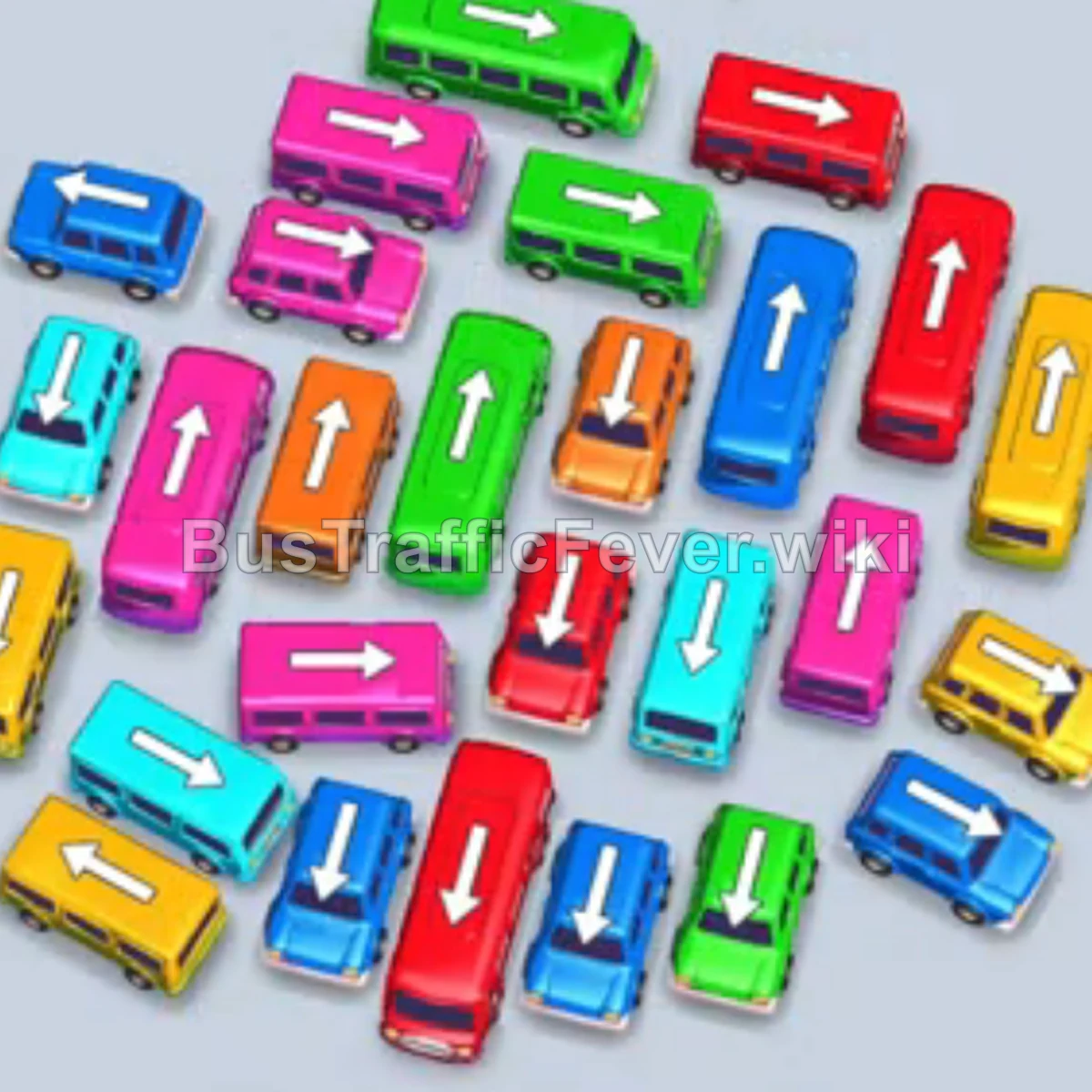
Step-by-step solution
Opening rush
- Tap the yellow large bus on the middle right.
- Tap the red large bus in the lower center.
- Tap the pink small bus at the top left.
- Tap the green small bus at the top center.
- Tap the cyan small bus on the middle left.
- Tap the cyan medium bus in the center.
Unlock the central column
- Stage the yellow medium bus on the bottom left.
- Tap the cyan small bus on the far left.
- Tap the red medium bus at the bottom center.
- Tap the green large bus at the top center.
- Let the staged red bus leave.
- Tap the red medium bus at the top right.
- Tap the blue small bus at the bottom right.
Clear the upper rows
- Let the staged yellow bus leave.
- Tap the cyan medium bus on the middle left.
- Let the red medium bus leave.
- Tap the blue small bus at the top left.
- Stage the blue large bus at the top right.
- Tap the green medium bus in the center.
- Tap the pink medium bus on the middle left.
- Let the staged yellow medium bus leave.
Finish the grid
- Tap the red small bus in the center.
- Tap the yellow small bus on the bottom left.
- Let the pink medium bus leave.
- Tap the yellow medium bus in the center.
- Tap the orange small bus in the center.
- Tap the blue small bus at the bottom right.
- Tap the green large bus in the center.
- Let the staged blue vehicles leave.
- Tap the pink small bus in the center.
- Tap the orange medium bus on the middle right.
- Tap the final pink medium bus to complete the level.
Tips for success
- Stage large buses early: Yellow, red, and blue have long opening passenger groups.
- Open the center spine: Clear top and bottom vehicles so the vertical column keeps moving.
- Keep one or two slots open: Do not fill every bay with unmatched vehicles.
If your Level 8 board looks different
Level layouts can shift between game updates. If your screen does not match exactly, keep the same decision order: open a blocked route first, use the passenger queues that are currently reachable, and avoid filling the road with buses that cannot complete a pickup yet.
More Bus Traffic Fever help
Continue with the Level 7 walkthrough or Level 9 walkthrough, review how to play Bus Traffic Fever, or browse all level solutions.