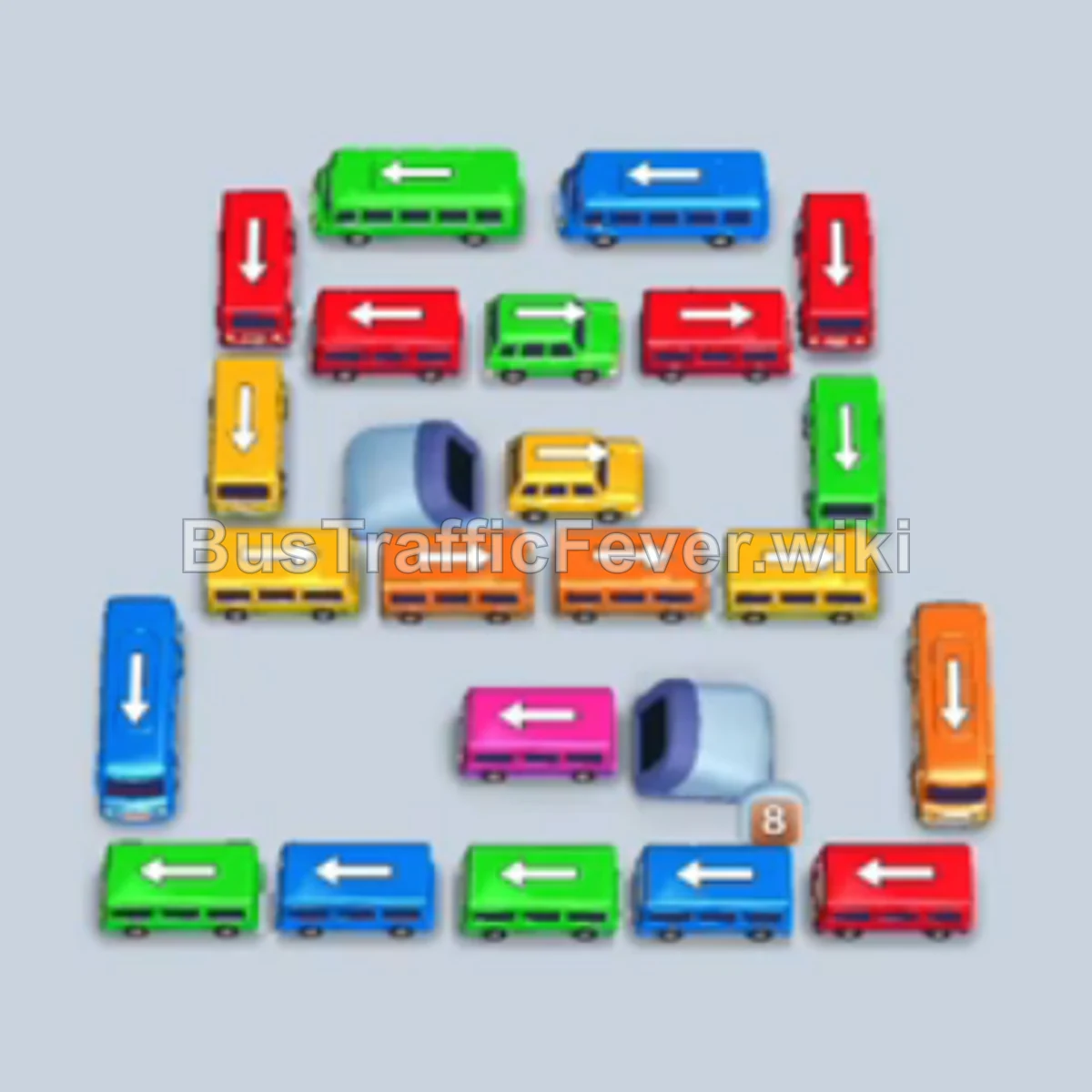
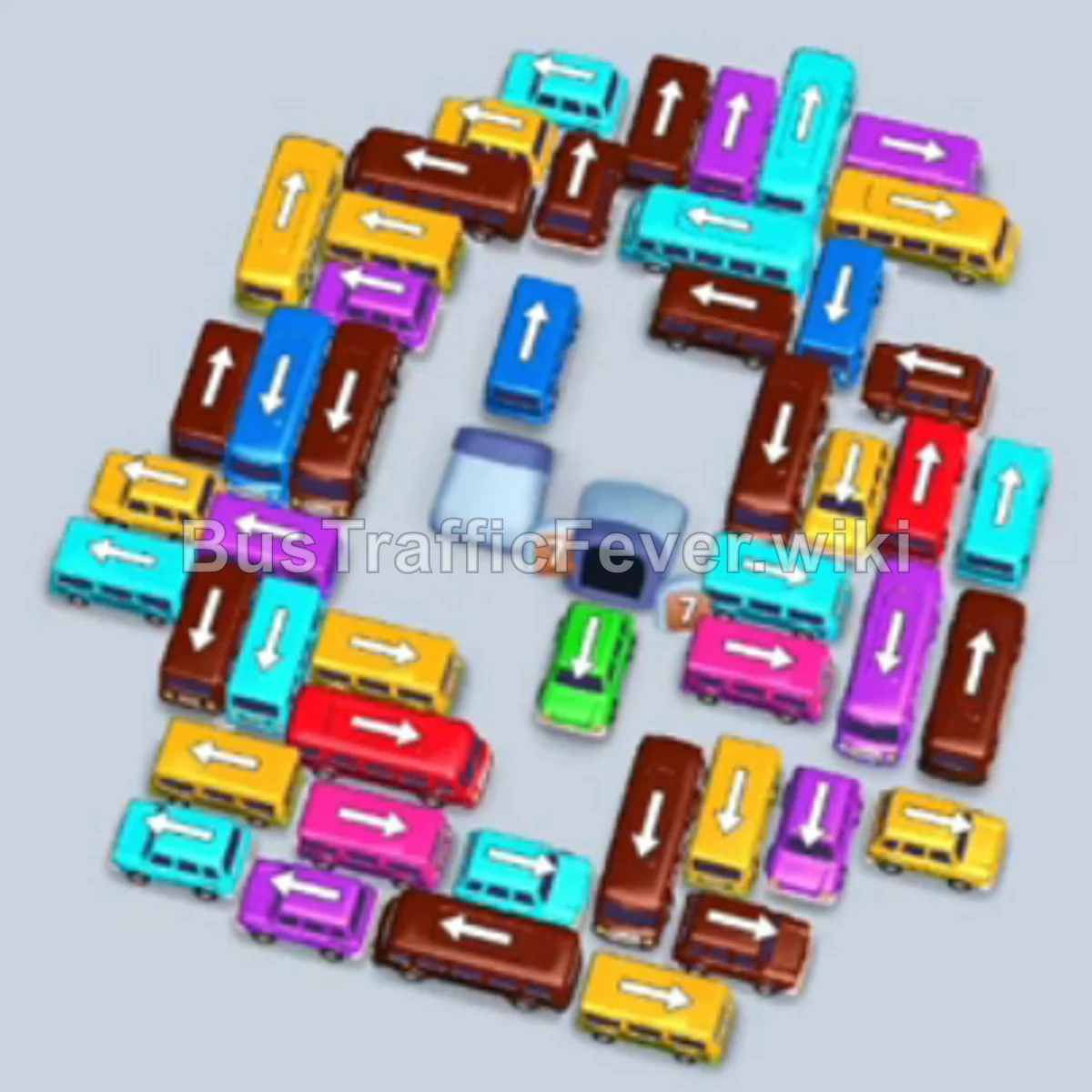
Bus Traffic Fever Level 253 Answer & Walkthrough Solution

Quick answer
To beat Level 253, carefully unravel the dense diamond-shaped traffic jam by targeting unblocked perimeter vehicles first. Synchronize your vehicle releases with the incoming passenger queue at the top of the screen so that parking bays clear rapidly and do not jam. Once the outer ring of vehicles is cleared, methodically work into the center to free high-demand passenger colors like Pink, Yellow, Brown, and Red.
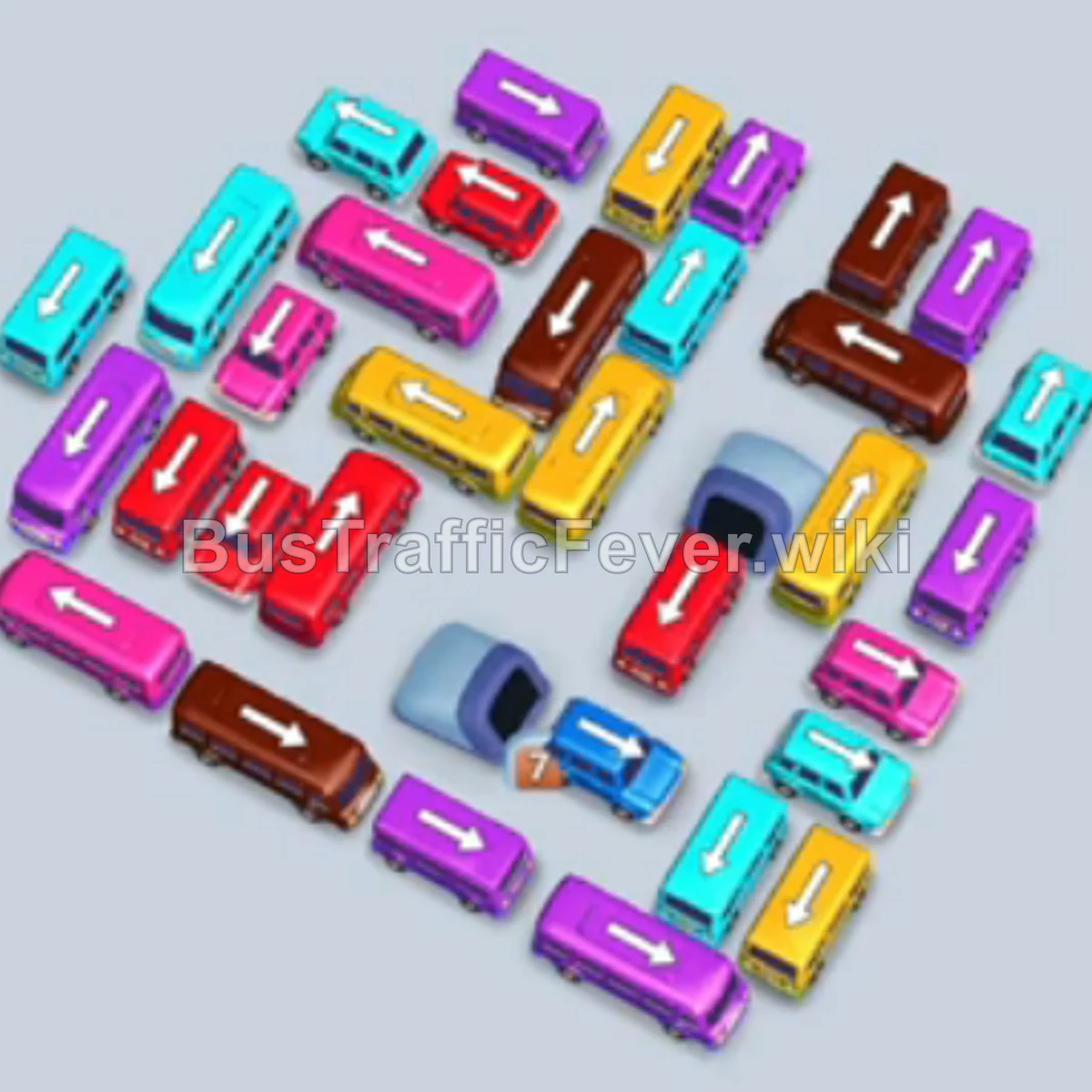
Step-by-step solution
Phase 1: Unlocking the Outer Perimeters
- Tap the Purple bus on the left-center that faces downward. It enters a parking bay, and purple passengers begin boarding immediately.
- Tap the Brown bus on the upper-right edge facing downward. Brown passengers start boarding.
- Tap the Cyan bus on the upper-left perimeter facing outward to open up lane space.
- Tap the Brown bus near the top center facing left to join the boarding queue.
- Tap the Cyan bus on the left side facing outward. Cyan passengers immediately begin boarding.
- Tap the Yellow bus along the upper-right section facing upward.
- Tap the Cyan bus at the bottom-left corner to finish boarding the first wave of cyan passengers.
- Tap the Dark Blue bus at the bottom-center facing downward.
- Tap the Yellow bus on the right side facing outward.
- Tap the Cyan bus on the left perimeter.
- Tap the Dark Blue bus on the lower-right perimeter facing right.
- Tap the Yellow bus at the top right to clear the outer perimeter.
- Tap the Yellow bus moving along the upper edge.
Phase 2: Breaking into the Mid-Layer
- Tap the Brown bus on the upper edge facing left.
- Tap the Pink bus on the upper-right side to start boarding incoming pink passengers.
- Tap the Pink bus facing upward to absorb the rest of the pink wave.
- Tap the Cyan bus in the upper-left cluster.
- Tap the Cyan bus in the mid-left area.
- Tap the Purple bus on the upper-left section.
- Tap the Pink bus on the left side.
- Tap the Pink bus in the upper-middle area.
- Tap the Cyan bus on the left perimeter to clear the lane.
- Tap the Pink bus in the center-left.
- Tap the Purple bus near the upper cluster.
- Tap the Pink bus in the mid-section.
- Tap the Red bus on the bottom edge facing downward.
- Tap the Red bus right next to it at the bottom to begin boarding red passengers.
Phase 3: Untangling the Dense Center
- Tap the Pink bus in the upper-left section.
- Tap the Yellow bus near the center.
- Tap the Yellow bus in the mid-right area.
- Tap the Cyan bus in the mid-left section.
- Tap the Pink bus facing left.
- Tap the Yellow bus in the upper-middle area.
- Tap the Pink bus in the center.
- Tap the Purple bus in the upper-left quadrant.
- Tap the Pink bus in the center.
- Tap the Brown bus on the right side.
- Tap the Brown bus facing downward.
- Tap the Cyan bus in the central area.
- Tap the Brown bus in the lower-right area.
- Tap the Brown bus near the center.
- Tap the Pink bus freed in the central grid.
- Tap the Red bus on the lower perimeter.
- Tap the Red bus moving downward from the center.
Phase 4: Resolving Remaining Bottlenecks
- Tap the Red bus in the lower cluster.
- Tap the Red bus on the bottom left.
- Tap the Red bus in the lower-middle section.
- Tap the Brown bus on the mid-right.
- Tap the Pink bus freed in the center.
- Tap the Red bus at the bottom.
- Tap the Yellow bus in the center.
- Tap the Pink bus in the mid-left area.
- Tap the Brown bus in the upper-center.
- Tap the Pink bus in the center-right.
- Tap the Purple bus in the top section.
- Tap the Cyan bus in the central grid.
- Tap the Yellow bus in the center.
- Tap the Brown bus in the center.
- Tap the Brown bus near the bottom-right.
- Tap the Cyan bus in the center.
- Tap the Red bus in the lower-center area.
- Tap the Purple bus freed in the upper grid.
Phase 5: Final Evacuation and Cleanup
- Tap the Cyan bus in the center-left.
- Tap the Pink bus in the center.
- Tap the Brown bus in the mid-right area.
- Tap the Pink bus in the lower-middle area.
- Tap the Yellow bus freed in the center.
- Tap the Purple bus in the upper-left area.
- Tap the Yellow bus in the center.
- Tap the Brown bus in the mid-center.
- Tap the Yellow bus in the right section.
- Tap the Yellow bus in the lower-center.
- Tap the Purple bus in the upper-right area.
- Tap the Yellow bus in the central area.
- Tap the Brown bus freed in the center.
- Tap the Yellow bus in the lower-center.
- Tap the Brown bus near the bottom right.
- Tap the Brown bus in the center.
- Tap the Yellow bus in the lower area.
- Tap the Purple bus in the upper section.
- Tap the Purple bus next to it.
- Tap the Red bus on the lower-left.
- Tap the Purple bus in the upper-center.
- Tap the Red bus in the lower-middle.
- Tap the Yellow bus freed in the center.
- Tap the Yellow bus in the mid-right.
- Tap the Yellow bus in the center.
- Tap the Brown bus in the upper-center.
- Tap the Yellow bus in the center.
- Tap the Pink bus in the lower section.
- Tap the Brown bus in the center.
- Tap the Pink bus in the lower area.
- Tap the Purple bus in the center.
- Tap the Pink bus in the lower area.
- Tap the Yellow bus in the center.
- Tap the Purple bus in the upper area.
- Tap the Red bus in the center.
- Tap the Yellow bus in the lower area.
- Tap the Brown bus in the center.
- Tap the Yellow bus in the lower area.
- Tap the Red bus in the center.
- Tap the Pink bus in the lower area.
- Tap the Brown bus in the center.
- Tap the Cyan bus freed in the central grid.
- Tap the Purple bus in the upper area.
- Tap the Yellow bus in the lower area.
- Tap the Red bus in the center.
- Finally, tap the last Red bus at the bottom center to clear the parking lot and finish the level.
Tips for success
- Observe the Passenger Queue: Always monitor which color group is leading the passenger line at the top. Moving matching vehicles allows them to fill and exit immediately without lingering in the 5 parking bays.
- Keep at Least 1-2 Slots Open: Never fill all 5 bays with non-matching vehicles, as doing so causes an instant game over (gridlock).
- Prioritize Blocking Vehicles: When a vehicle blocking 2–3 others has a clear escape route, prioritize tapping it to dramatically increase your available options.
More Bus Traffic Fever help
Continue with the Level 252 walkthrough, review the core rules in how to play Bus Traffic Fever, or browse all level solutions to jump to another number.