Bus Traffic Fever Level 255 Answer & Walkthrough Solution

Quick answer
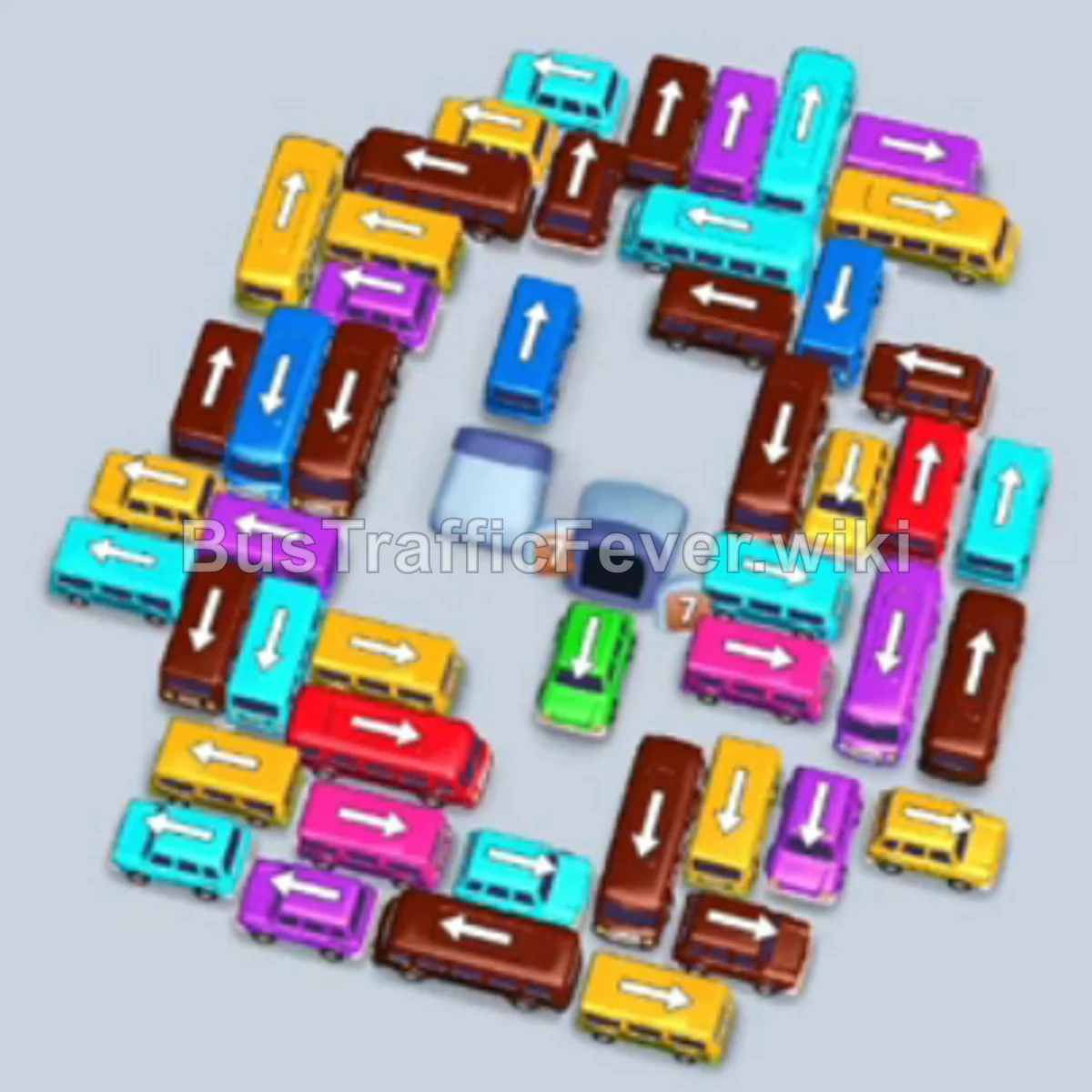
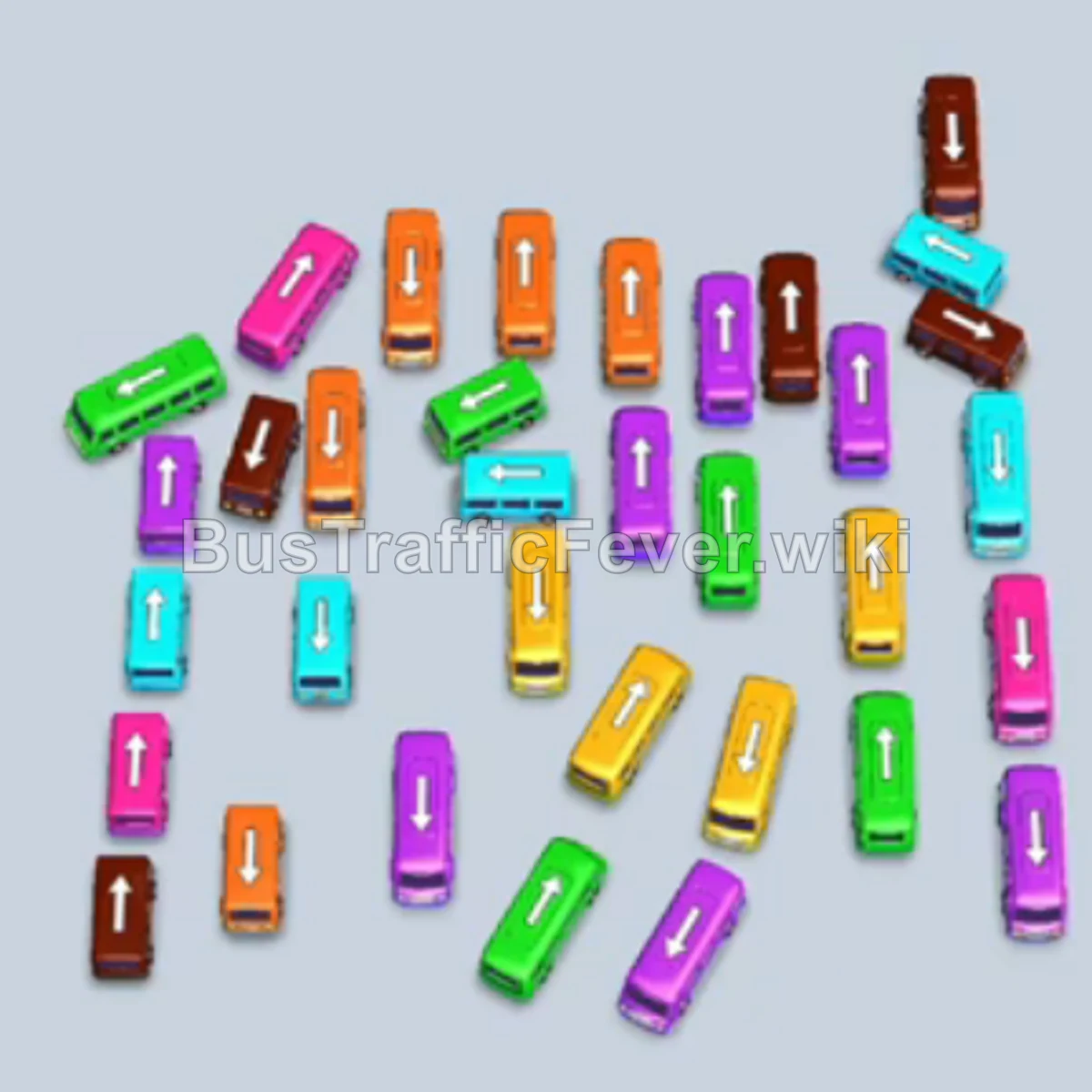
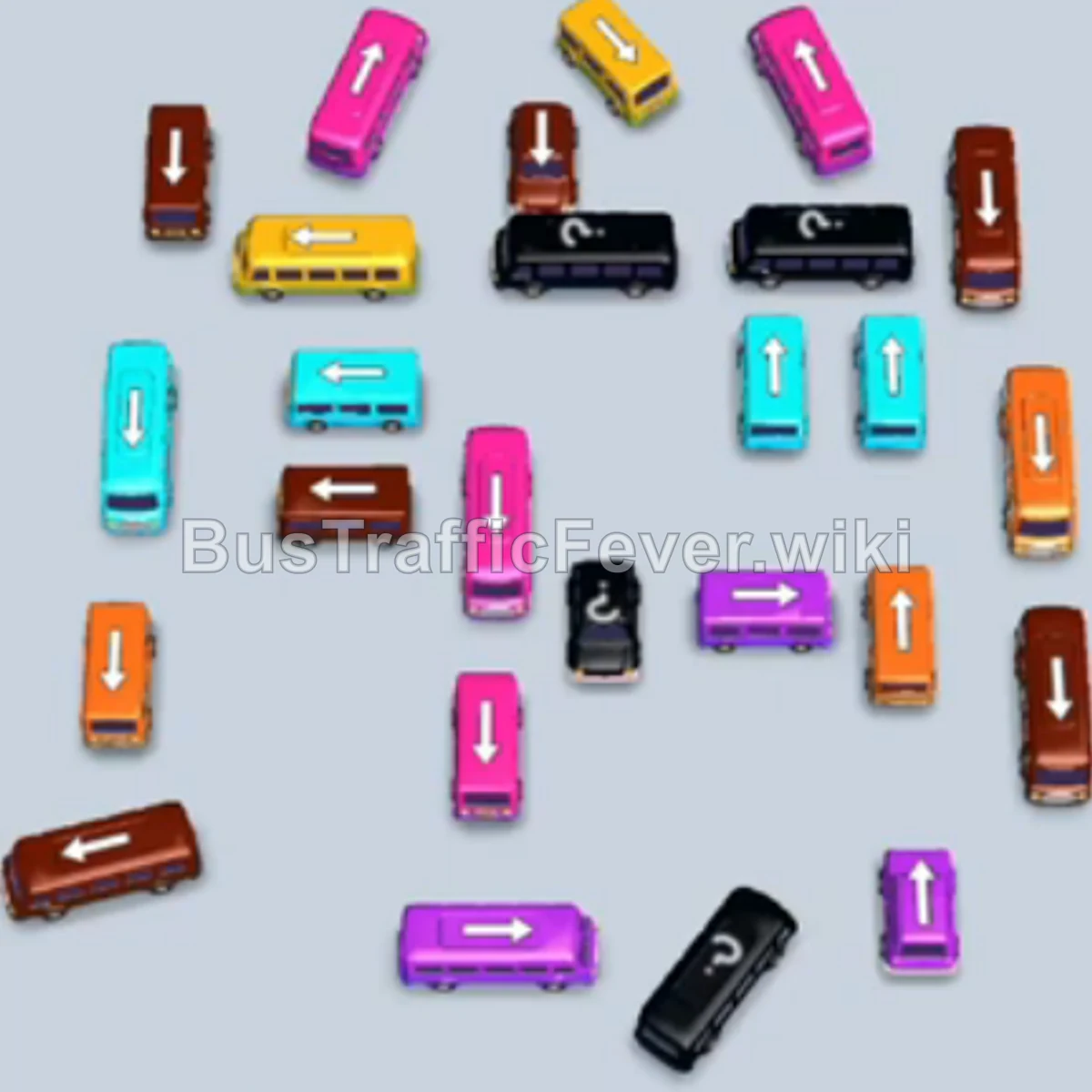
Level 255 challenges you with a tightly packed parking grid and long passenger queues consisting primarily of Brown, Pink, Yellow, Cyan, and Purple passengers. The key to clearing this level is maintaining an open flow in your 5 parking slots by tapping buses that directly match the leading passengers in the queue (starting with Brown and Pink), clearing the upper congestion first, and progressively freeing the trapped vertical buses in the center and bottom lanes.
Step-by-step solution
Phase 1: Clearing Initial Brown and Pink Queues
- Tap the horizontal Brown bus in the upper-left area. It drives into the first parking slot to board the leading brown passengers.
- Tap the horizontal Brown bus in the upper-center to take the second slot.
- Tap the horizontal Brown bus on the upper-right to occupy the third slot.
- Tap the vertical Pink bus on the upper-right side to take the fourth slot.
- Tap the horizontal Pink bus on the middle-right side to take the fifth slot.
- As the initial brown buses fill up and depart, tap the vertical Brown bus in the middle-right area to continue clearing brown passengers.
- Tap the vertical Brown bus on the far right side.
- With the brown queue finished and pink passengers moving to the front, tap the horizontal Pink bus in the center.
- Tap the vertical Pink bus in the middle column to keep pink passengers boarding continuously.
- Tap the vertical Pink bus in the lower-left area to clear out the remaining pink passengers.
Phase 2: Transitioning to Cyan and Yellow
- Tap the horizontal Cyan bus on the upper-left side into an empty slot.
- Tap the horizontal Yellow bus on the upper-left to prepare for the oncoming yellow queue.
- Tap the horizontal Cyan bus on the far left lane to help clear the cyan passenger section.
- Tap the vertical Yellow bus on the left column to fill another parking bay.
- Tap the horizontal Yellow bus in the upper-middle area to board the front yellow passengers.
- Tap the horizontal Yellow bus directly below the previous one in the center.
Phase 3: Clearing the Midfield Vehicles
- Tap the horizontal Cyan bus in the middle section to pick up remaining cyan passengers.
- Tap the horizontal Yellow bus on the middle-left side.
- Tap the horizontal Yellow bus located on the far left edge that is now freed up.
- Tap the horizontal Cyan bus on the lower-right side to clear the next cyan wave.
- Tap the horizontal Yellow bus on the lower-right side.
- Tap the vertical Brown bus on the middle-right side to position it for upcoming brown passengers.
Phase 4: Final Sequence and Cleanup
- Tap the vertical Purple bus in the lower-middle lane to occupy a slot for purple passengers.
- Tap the vertical Purple bus located directly at the bottom center.
- Tap the horizontal Cyan bus on the lower-right edge.
- Tap the horizontal Cyan bus at the bottom-right corner.
- Tap the vertical Yellow bus near the bottom center.
- Tap the vertical Brown bus in the bottom-right area.
- Tap the vertical Pink bus in the lower-middle section.
- Tap the horizontal Purple bus at the very bottom center to pick up the remaining purple passengers.
- Tap the vertical Yellow bus in the center lane.
- Finally, tap the last vertical Brown bus in the center to pick up the final brown passengers and complete the level.
Tips for success
- Match Queue Priority: Always look at the color currently at the front of the passenger queue. Never send in buses whose color queue is blocked behind hundreds of other passengers.
- Preserve Empty Slots: Avoid filling all 5 parking slots with buses that cannot actively board passengers, as this causes an immediate game over.
- Unblock Vertical Lanes: The horizontal buses in the upper sections block the vertical buses underneath them; clear the top rows early so the bottom column vehicles have a clear exit path.
More Bus Traffic Fever help
Continue with the Level 254 walkthrough, review the core rules in how to play Bus Traffic Fever, or browse all level solutions to jump to another number.