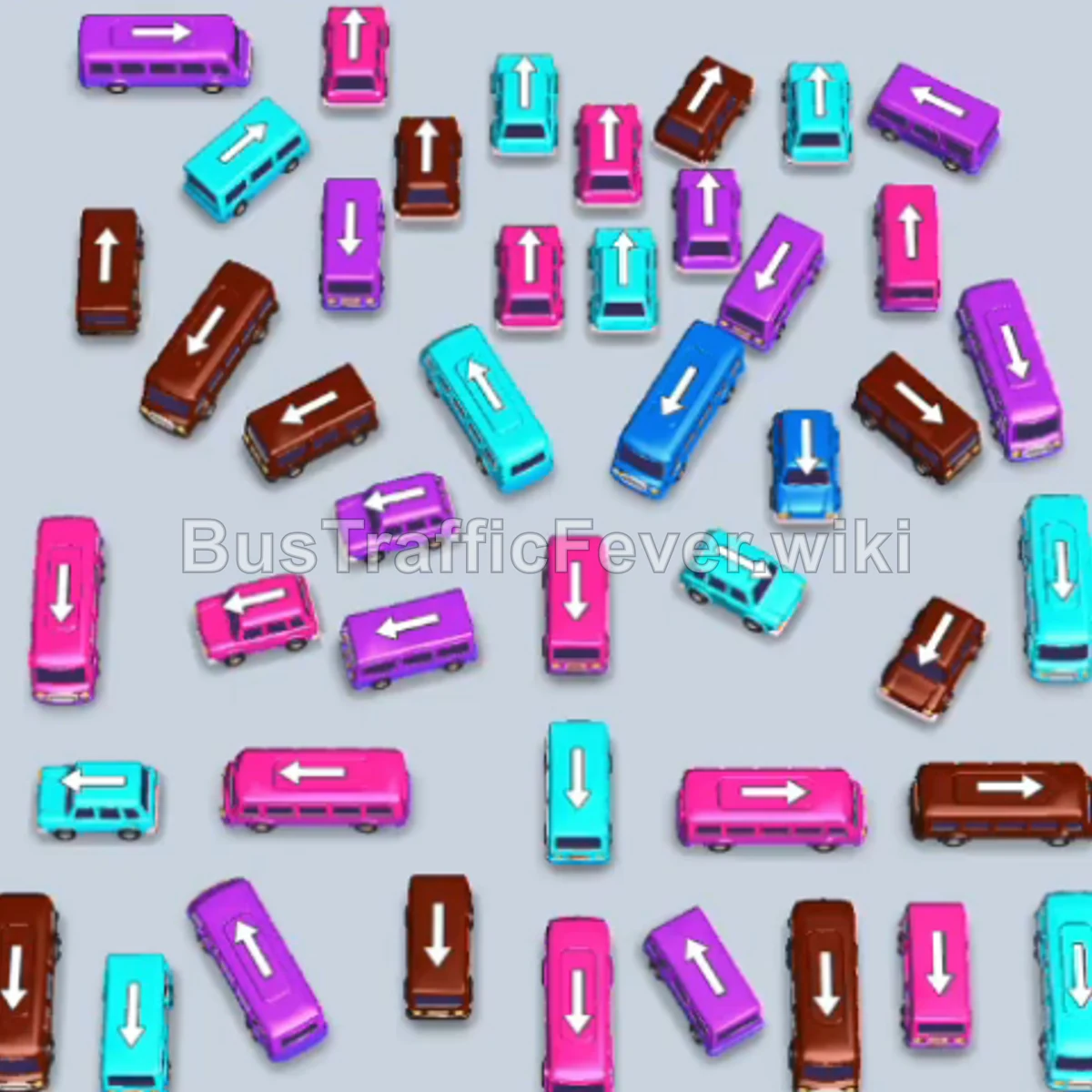
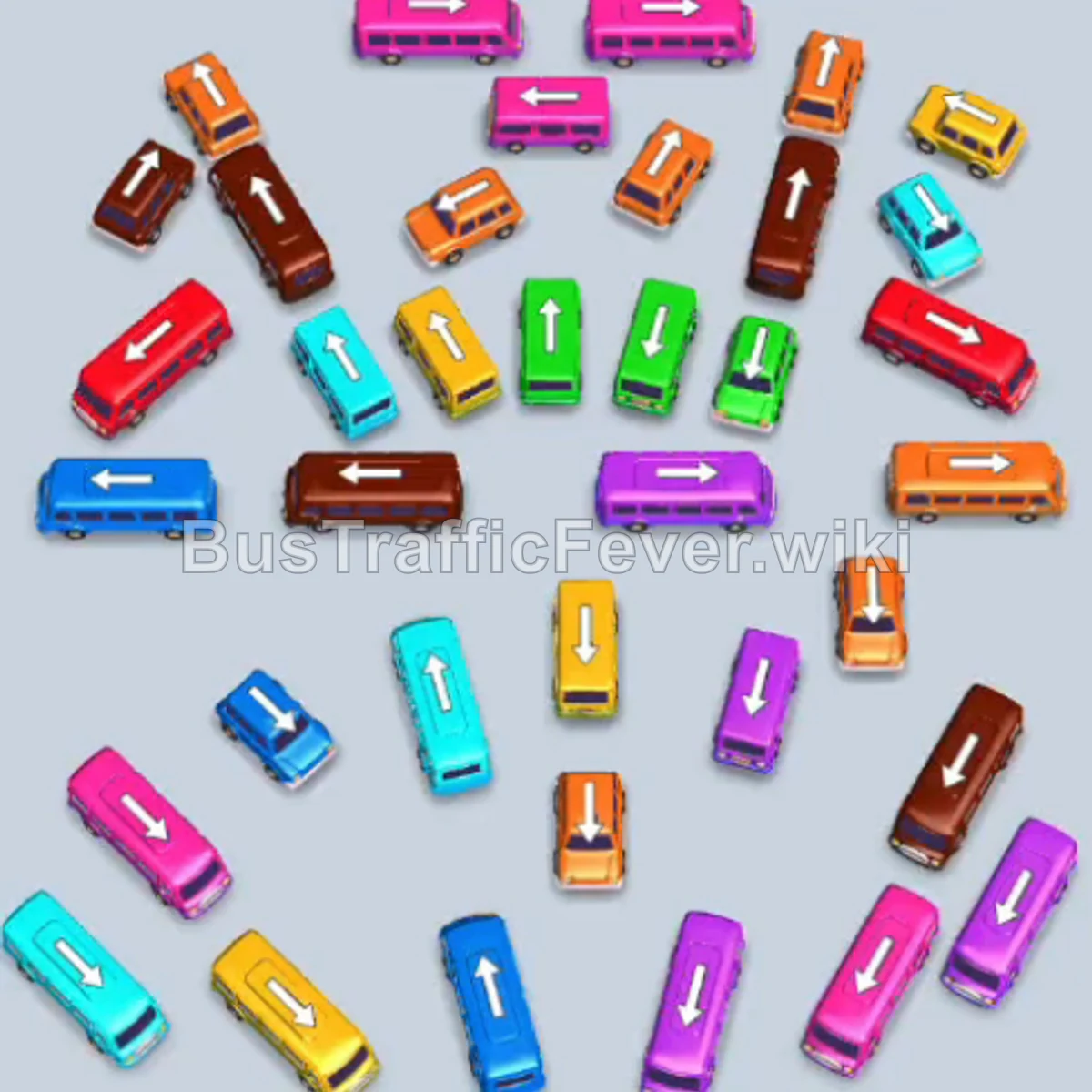
Bus Traffic Fever Level 272 Answer & Walkthrough Solution

Quick answer
Level 272 features a dense central stack of interlocking buses and an active passenger queue that cycles rapidly through light green, yellow, pink, cyan, brown, and red. The key strategy is maintaining open parking bays by only releasing buses that immediately match the current passenger wave or can safely buffer in a spare bay without causing a traffic jam.
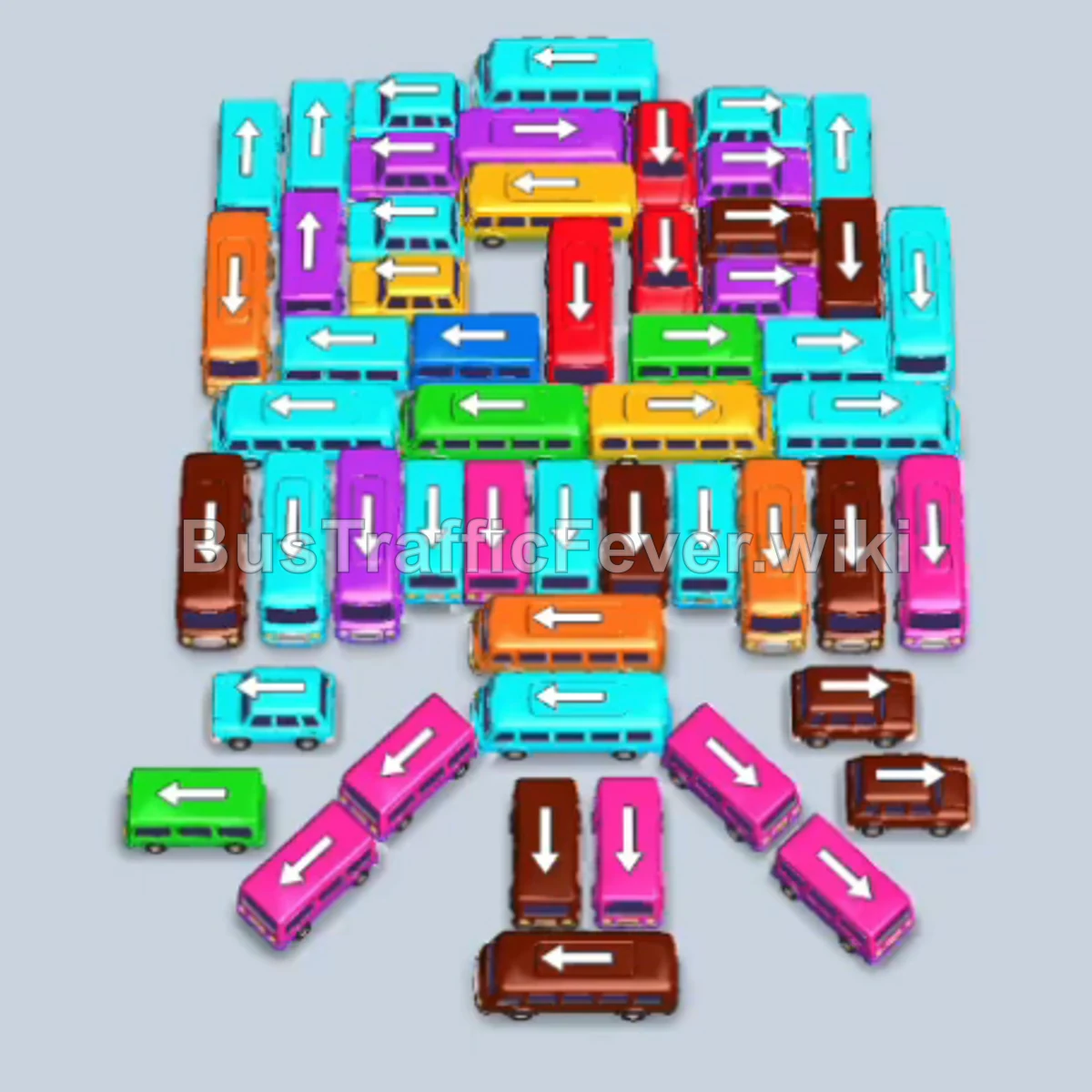
Step-by-step solution
Phase 1: Clearing Initial Green and Yellow Waves
- Tap the vertical cyan bus on the far-left outer edge to park it into Bay 3. The initial light green bus in Bay 2 immediately boards green passengers and departs.
- Tap the vertical yellow bus in the lower-middle lane to send it to Bay 2. The yellow passengers board and it drives off.
- Tap the vertical light green bus located in the upper-middle area into Bay 2. Light green passengers board and clear the slot.
- Tap the vertical pink bus freed in the upper-center area into Bay 2. The pink passenger group boards and departs.
- Tap the vertical yellow bus in the upper-right section into Bay 2. The incoming yellow crowd boards and it leaves.
- Tap the horizontal yellow bus in the lower-middle section into Bay 2. It finishes boarding the remaining yellow passengers and departs.
- Wait as the cyan passenger wave boards both the original cyan bus in Bay 1 and the parked cyan bus in Bay 3. Bay 1 departs first, followed shortly by Bay 3.
Phase 2: Unlocking the Board with Brown, Pink, and Cyan Buses
- Tap the vertical pink bus on the left side into Bay 4.
- Tap the horizontal brown bus at the bottom-left corner to send it into Bay 1. Pink passengers board Bay 4 and depart, allowing the brown crowd to start boarding Bay 1.
- Tap the horizontal brown bus in the lower-middle area into Bay 2. Brown passengers fill both Bay 1 and Bay 2; Bay 1 departs.
- Tap the vertical pink bus in the center into Bay 3. The pink wave boards Bay 3 and departs, while Bay 2 finishes boarding brown passengers and leaves.
- Tap the vertical cyan bus on the center-left into Bay 1.
- Tap the vertical cyan bus in the center into Bay 2. The cyan crowd boards both buses; Bay 1 departs, followed by Bay 2.
- Tap the vertical light green bus in the center into Bay 1. Light green passengers board and it departs.
- Tap the vertical cyan bus in the center-right into Bay 2. Cyan passengers board and it leaves.
- Tap the horizontal brown bus at the bottom center into Bay 1. The brown crowd boards and it departs.
Phase 3: Cycling Through Center Buses
- Tap the vertical light green bus in the upper-middle section into Bay 2.
- Tap the vertical cyan bus in the middle row into Bay 3. Light green passengers board Bay 2 and it departs.
- Tap the horizontal cyan bus at the lower-left into Bay 1. Cyan passengers board Bay 3 and Bay 1; Bay 3 departs.
- Tap the vertical red bus on the bottom-right corner into Bay 2. Red passengers board and it departs, while Bay 1’s cyan bus finishes loading and leaves.
- Tap the horizontal pink bus in the center into Bay 3. Pink passengers board and it departs.
- Tap the horizontal red bus in the lower-middle area into Bay 1. Red passengers board and it departs.
- Tap the horizontal brown bus on the lower-right into Bay 2.
- Tap the vertical pink bus in the center into Bay 3. The brown bus in Bay 2 finishes loading and leaves, allowing pink passengers to board Bay 3 and depart.
- Tap the horizontal brown bus in the lower-middle row into Bay 1. Brown passengers board and it departs.
- Tap the vertical cyan bus in the upper-center section into Bay 2.
- Tap the vertical red bus in the center into Bay 3. Cyan passengers board Bay 2 and it departs, followed immediately by red passengers boarding Bay 3 and departing.
Phase 4: Clearing the Remaining Perimeter and Bottom Buses
- Tap the horizontal pink bus in the center into Bay 1. Pink passengers board and it leaves.
- Tap the vertical cyan bus in the center into Bay 2. Cyan passengers board and it departs.
- Tap the vertical pink bus in the center into Bay 3. Pink passengers board and it departs.
- Tap the vertical brown bus in the center into Bay 1. Brown passengers board and it departs.
- Tap the horizontal cyan bus in the center into Bay 2. Cyan passengers board and it departs.
- Tap the horizontal yellow bus in the center into Bay 3. Yellow passengers board and it departs.
- Tap the vertical brown bus in the center into Bay 1. Brown passengers board and it departs.
- Tap the vertical light green bus in the center into Bay 2. Light green passengers board and it departs.
- Tap the horizontal pink bus in the center into Bay 3. Pink passengers board and it departs.
- Tap the vertical red bus in the center into Bay 1. Red passengers board and it departs.
- Tap the horizontal cyan bus in the center into Bay 2. Cyan passengers board and it departs.
- Tap the vertical light green bus in the center into Bay 3. Light green passengers board and it departs.
- Tap the vertical brown bus in the center into Bay 1. Brown passengers board and it departs.
- Tap the vertical red bus in the center into Bay 2. Red passengers board and it departs.
- Tap the vertical cyan bus in the center into Bay 3. Cyan passengers board and it departs.
- Tap the horizontal yellow bus in the center into Bay 1. Yellow passengers board and it departs.
- Tap the horizontal red bus in the center into Bay 2. Red passengers board and it departs.
- Tap the final horizontal pink bus at the bottom into Bay 3. The remaining pink passengers board, clearing the level.
Tips for success
- Buffer Cyan Early: Moving the far-left vertical cyan bus into Bay 3 right at the beginning keeps it safely buffered while green and yellow waves clear, perfectly matching the upcoming double-cyan passenger wave.
- Keep One Bay Free: During the rapid alternating single-bus waves in the endgame, always wait for a bus to begin boarding before calling the next one to avoid filling all four bays with mismatched colors.
- Prioritize Path Openers: Horizontal buses in the bottom row block multiple vertical buses behind them; clearing them when their colors appear ensures constant movement in the center column.
More Bus Traffic Fever help
Continue with the Level 271 walkthrough, review the core rules in how to play Bus Traffic Fever, or browse all level solutions to jump to another number.