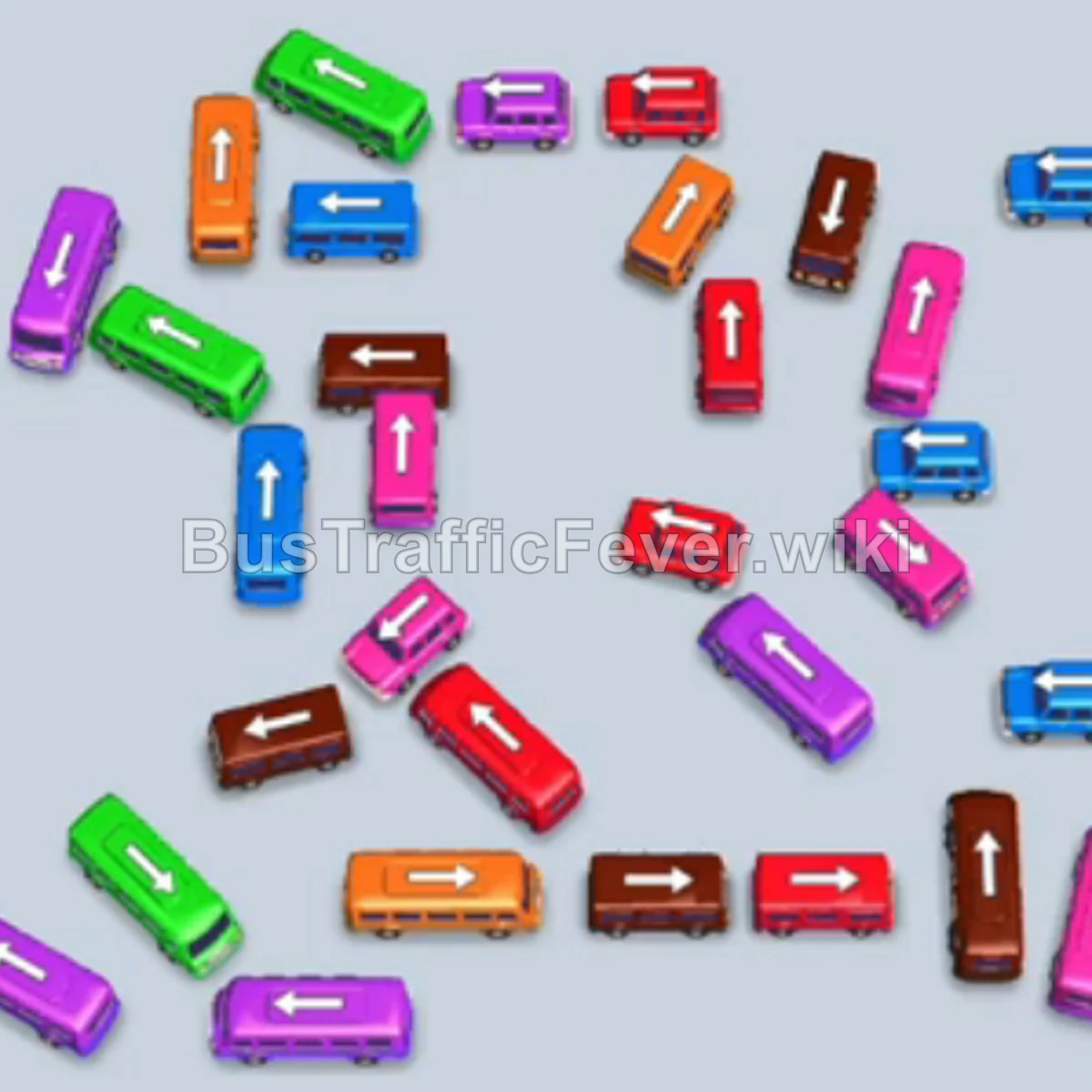
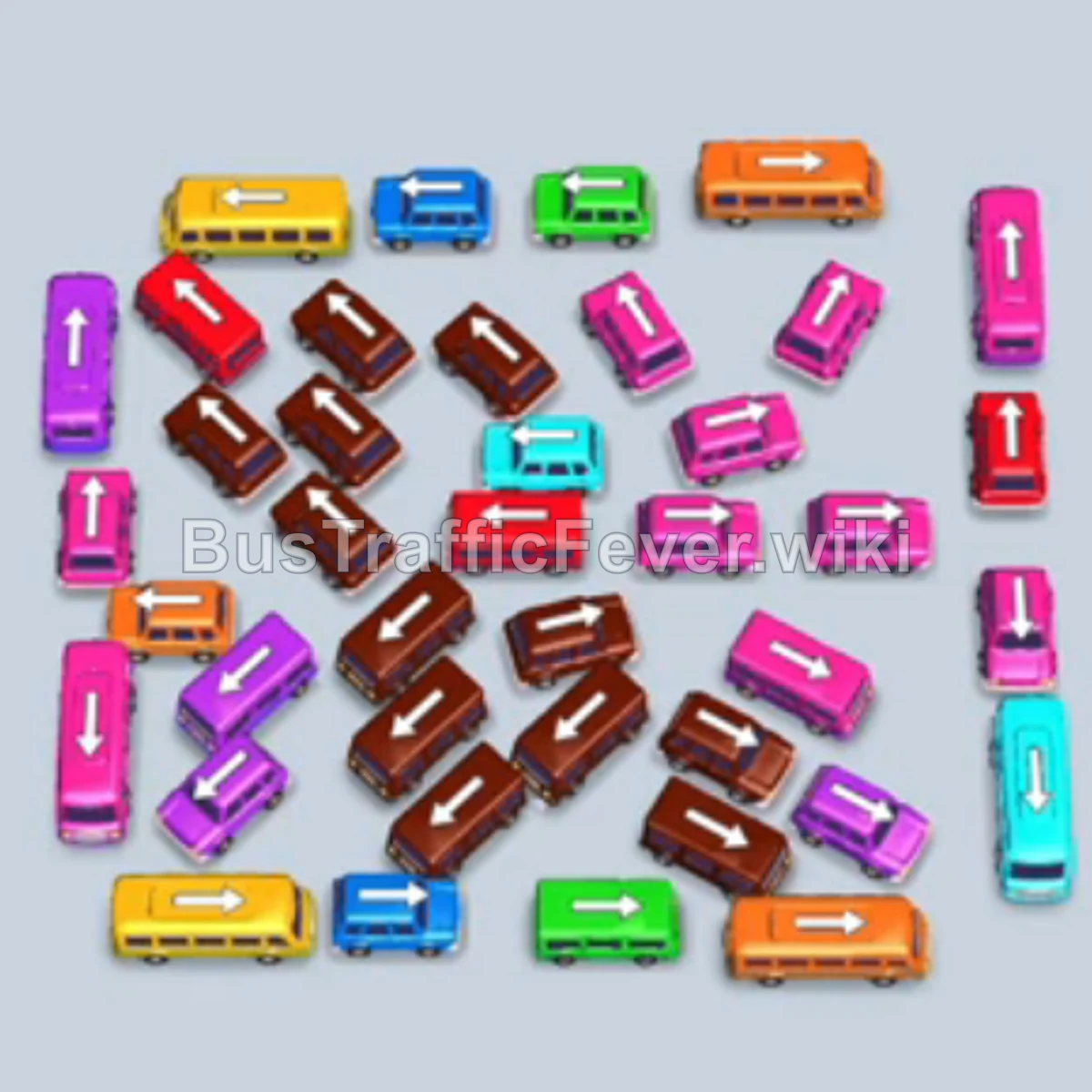
Bus Traffic Fever Level 295 Answer & Walkthrough Solution

Quick answer
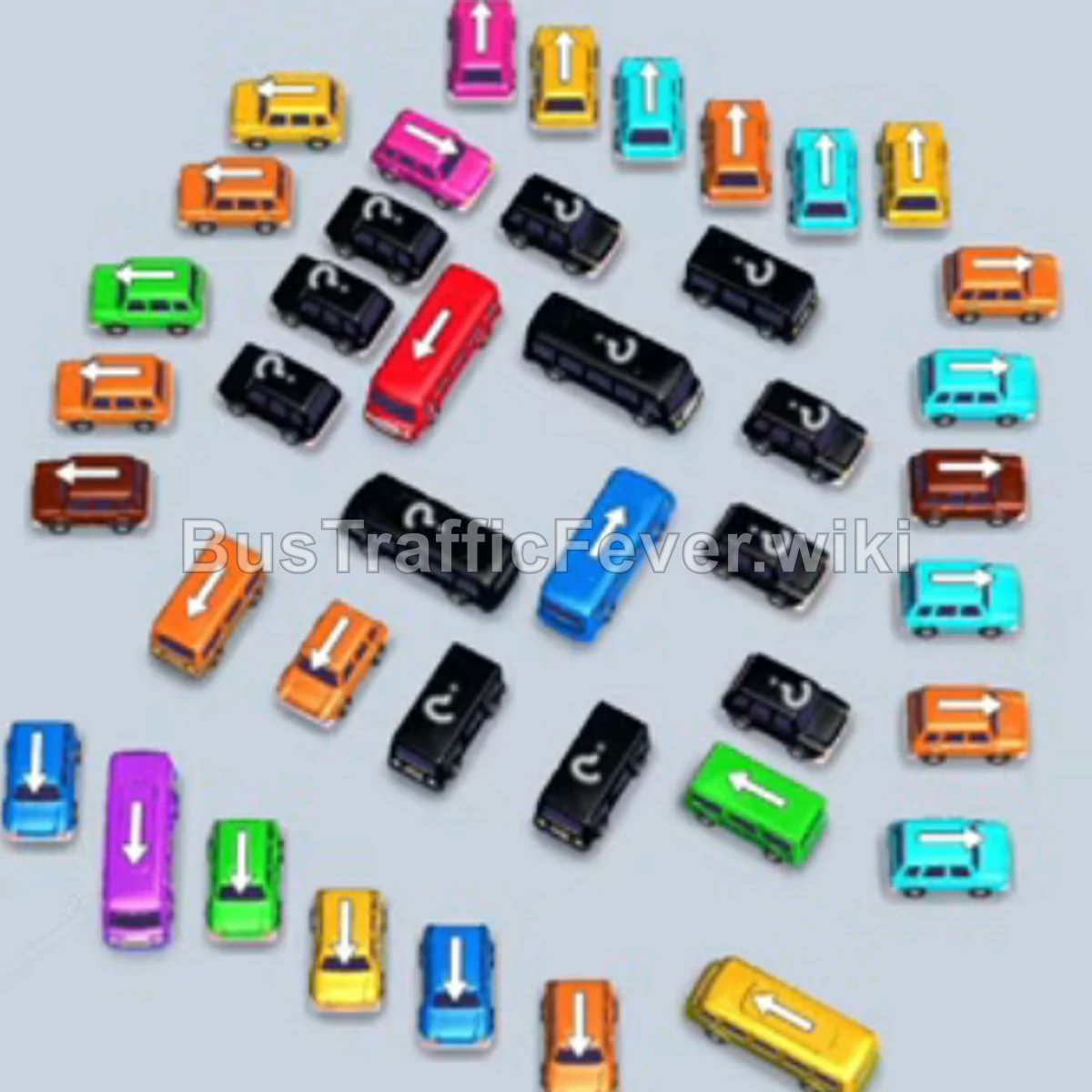
Level 295 presents a crowded circular knot of interlocking small buses and buses, alongside a two-tiered passenger snake featuring large color groups of brown, light blue, pink, and yellow. Success relies on carefully opening lanes from the outer edges to dispatch brown, pink, and green vehicles early, creating space in the staging area and parking bays without jamming all five waiting spots.
Step-by-step solution
Phase 1: Clearing Initial Brown and Green Groups
- Tap the brown bus facing left on the middle-left edge to enter the waiting bay and clear the front brown passengers.
- Tap the green bus facing up on the bottom left edge to park in the adjacent bay.
- Tap the brown bus facing up along the upper-right edge into the waiting area to absorb more brown passengers and depart.
- Tap the dark red/maroon bus facing left near the top center to hold in the bay.
- Tap the brown bus facing down on the right side into the bay, clearing the brown queue and departing.
- Tap the green bus facing left in the center, which boards remaining green passengers and exits.
- Tap the yellow bus facing left near the top edge to rest in the queue bay.
- Tap the pink bus facing right near the center right, boarding front pink passengers.
- Tap the pink bus facing down at the upper center, completely filling pink seats and departing.
Phase 2: Unlocking the Light Blue and Purple Queues
- Tap the light blue bus facing left in the lower-right area to pull into a slot and board incoming light blue passengers.
- Tap the light blue bus facing down near the middle right to board remaining light blue passengers and depart.
- Tap the dark red bus facing up in the center to match waiting red passengers and clear out.
- Tap the green bus facing left in the lower-center into the parking area.
- Tap the yellow bus facing up in the lower-center into a parking slot.
- Tap the dark red bus facing up in the bottom-left into the bay to board passengers and depart.
- Tap the light blue bus facing down in the bottom-right corner to take a slot.
- Tap the brown bus facing up on the bottom-right into a slot to clear the newly arrived brown passengers.
- Tap the purple bus facing left at the top of the remaining cluster into the bay.
- Tap the purple bus facing up near the top-center to collect passengers and exit.
- Tap the pink bus facing right in the middle-left area into the waiting area.
Phase 3: Unraveling the Center Cluster
- Tap the green bus facing up in the center into the parking area, boarding green passengers and departing.
- Tap the light blue bus facing right in the center, allowing the light blue queue to clear and exit.
- Tap the yellow bus facing left near the upper left of the cluster into the bay.
- Tap the yellow bus facing down near the middle left, boarding passengers and leaving.
- Tap the brown bus facing down in the center into a bay to absorb the brown passenger wave.
- Tap the green bus facing up in the center to board green passengers and clear.
- Tap the dark red bus facing right in the center to board and exit.
- Tap the purple bus facing up on the far left into the bay to board and depart.
- Tap the green bus facing up on the left side to finish the green passenger line.
- Tap the brown bus facing down on the lower left into the bay to board the brown group.
Phase 4: Final Boarding and Level Clear
- Tap the light blue bus facing down in the center into the bay to load passengers and depart.
- Tap the yellow bus facing up in the lower-left area into the bay.
- Tap the light blue bus facing up in the lower-left to clear the light blue line.
- Tap the yellow bus facing right at the bottom edge to board the yellow crowd.
- Tap the orange bus facing up at the bottom edge to take a waiting bay.
- Tap the purple bus facing right at the lower center to board purple passengers and depart.
- Tap the orange bus facing right in the lower right into the bay.
- Tap the green bus facing right at the lower right into the bay.
- Tap the orange bus facing up at the far left edge into the bay, allowing the remaining orange and yellow passengers to board the parked buses and clear the level.
Tips for success
- Watch Passenger Flow Transitions: The long double line shifts rapidly between brown, light blue, and pink. Avoid filling parking bays with isolated orange or purple buses early on, as their passengers appear much later in the line.
- Keep at Least One Bay Open: Several steps require parking a single vehicle temporarily to reach an unblocked bus behind it. Always ensure there is an empty parking slot before moving non-matching colors.
- Prioritize Exterior Buses: The inner grid cannot move until the surrounding angled buses are cleared out. Work clockwise around the outer perimeter to steadily widen driving lanes for the interior buses.
More Bus Traffic Fever help
Continue with the Level 294 walkthrough, review the core rules in how to play Bus Traffic Fever, or browse all level solutions to jump to another number.