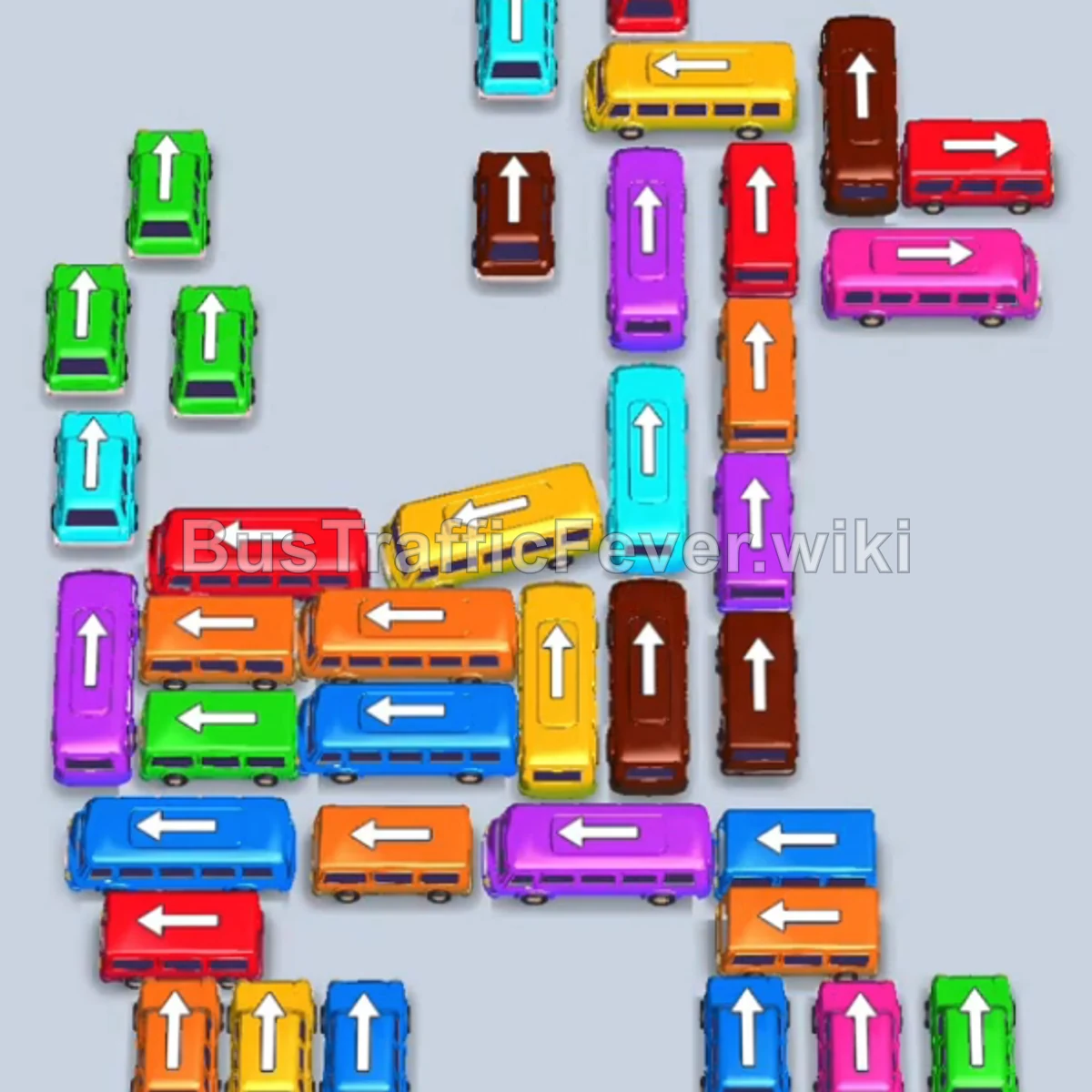
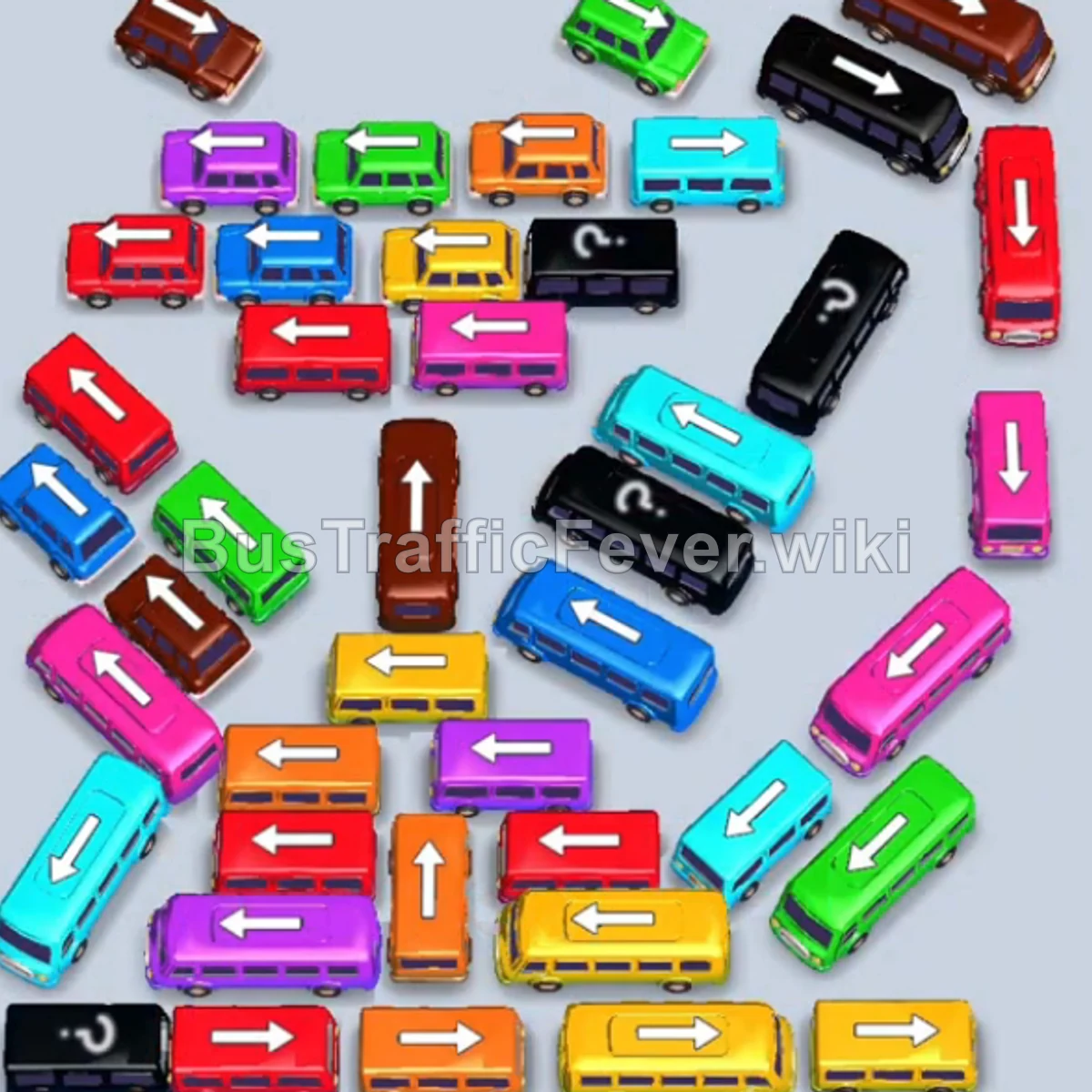
Bus Traffic Fever Level 56 Answer & Walkthrough Solution

Quick answer
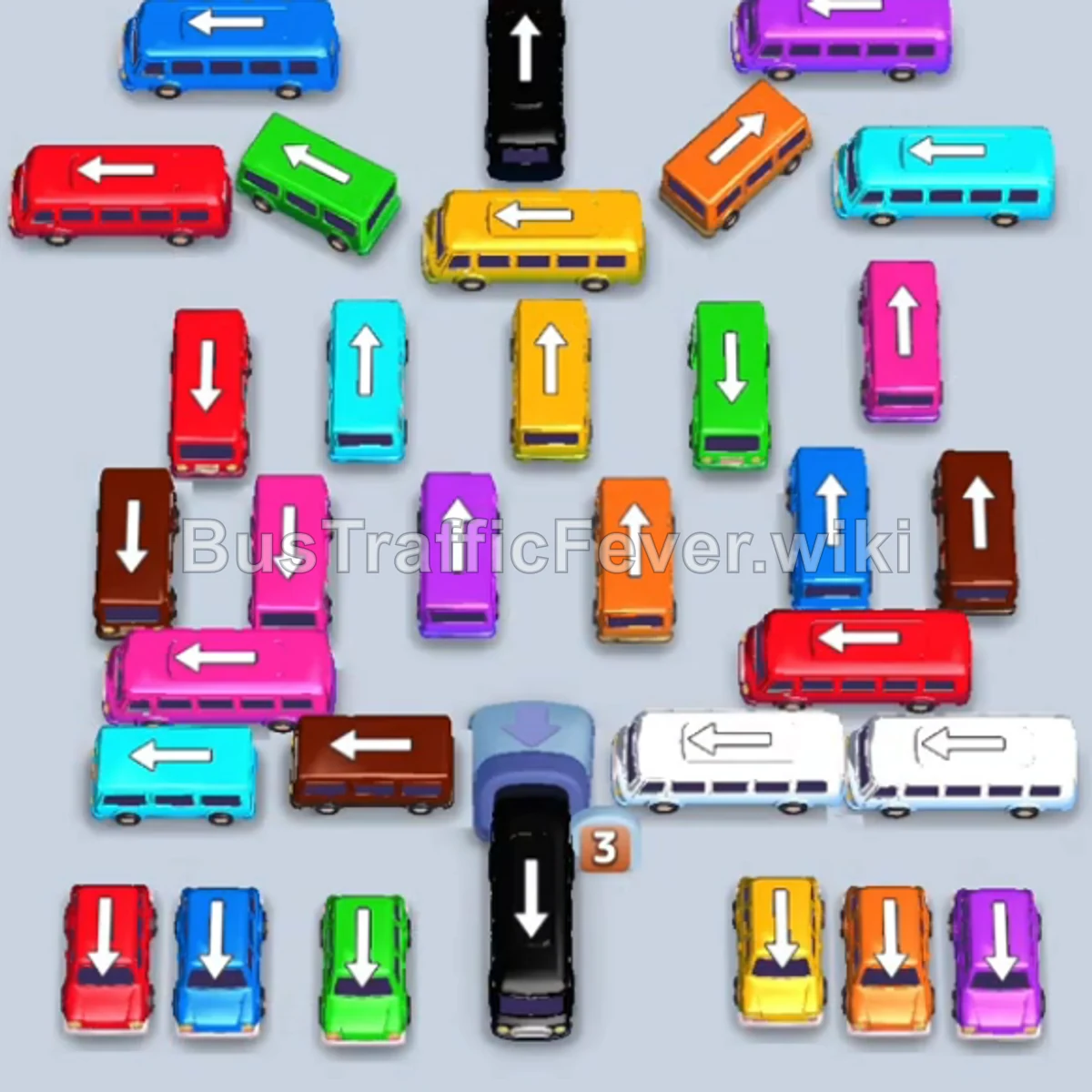
Tap the Black bus at the top center pointing up. It moves into a slot to board black passengers. Tap the Blue bus at the top left pointing right. Blue passengers will board. Tap the Purple bus at the top right pointing left.
Step-by-step solution
Phase 1: Opening the Top Perimeter & Primary Queues
- Tap the Black bus at the top center pointing up. It moves into a slot to board black passengers.
- Tap the Blue bus at the top left pointing right. Blue passengers will board.
- Tap the Purple bus at the top right pointing left.
- Tap the Purple bus in the upper-center lane pointing up. Purple passengers board and depart.
- Tap the Orange bus on the upper right pointing left to clear the next wave of orange passengers.
- Tap the Green bus on the upper left pointing right.
- Tap the Green bus located in the middle-left lane pointing up.
Phase 2: Unlocking the Center Grid
- Tap the Green bus in the middle-right lane pointing up to finish clearing green passengers.
- Tap the Teal (Cyan) bus on the far-left pointing right.
- Tap the Teal bus at the top right pointing left. Teal passengers will begin boarding.
- Tap the Orange bus on the bottom-left pointing up.
- Tap the Pink bus in the middle-left lane pointing up.
- Tap the Yellow bus at the bottom-right pointing up.
- Tap the Blue bus on the lower left pointing up.
- Tap the Yellow bus in the upper-center lane pointing left.
Phase 3: Clearing the Inner Columns & Side Outlets
- Tap the Yellow bus at the bottom-center pointing up.
- Tap the Red bus in the middle row pointing left. Red passengers will board.
- Tap the Yellow bus in the bottom-center pointing up to clear yellow passengers.
- Tap the Brown bus on the far-left pointing down.
- Tap the White bus on the middle-right pointing left.
- Tap the White bus at the bottom-right pointing left.
- Tap the Pink bus in the middle lane pointing up.
- Tap the Orange bus in the center lane pointing up.
- Tap the Blue bus on the bottom-left pointing up.
Phase 4: Final Sequence and Cleanup
- Tap the Purple bus on the middle-left pointing up.
- Tap the Red bus on the far-left pointing down.
- Tap the Red bus on the bottom-right pointing up.
- Tap the Brown bus in the middle-right lane pointing up.
- Tap the Yellow bus in the middle-right lane pointing up.
- Tap the Purple bus in the center lane pointing up.
- Tap the White bus at the bottom-left pointing right.
- Tap the Teal bus on the right pointing left, followed by the Teal bus on the left.
- Tap the Pink bus, Green bus, and Blue bus in rapid succession as their paths open up.
- Finally, tap the Red bus on the left and the Brown bus on the bottom-right to board the last passengers and complete the level!
Tips for success
- Observe the Queue: Always monitor which color group is at the front of the passenger line so you only send vehicles that can actively board immediately.
- Prioritize Horizontal Pathway Clearers: Several buses (like the top horizontal row and bottom horizontal buses) block multiple vertical columns; clearing them early opens up large sections of the board.
- Keep Empty Buffer Slots: Avoid parking multiple vehicles that cannot immediately board to ensure you don’t get stuck in gridlock.
More Bus Traffic Fever help
Continue with the Level 55 walkthrough, review the core rules in how to play Bus Traffic Fever, or browse all level solutions to jump to another number.