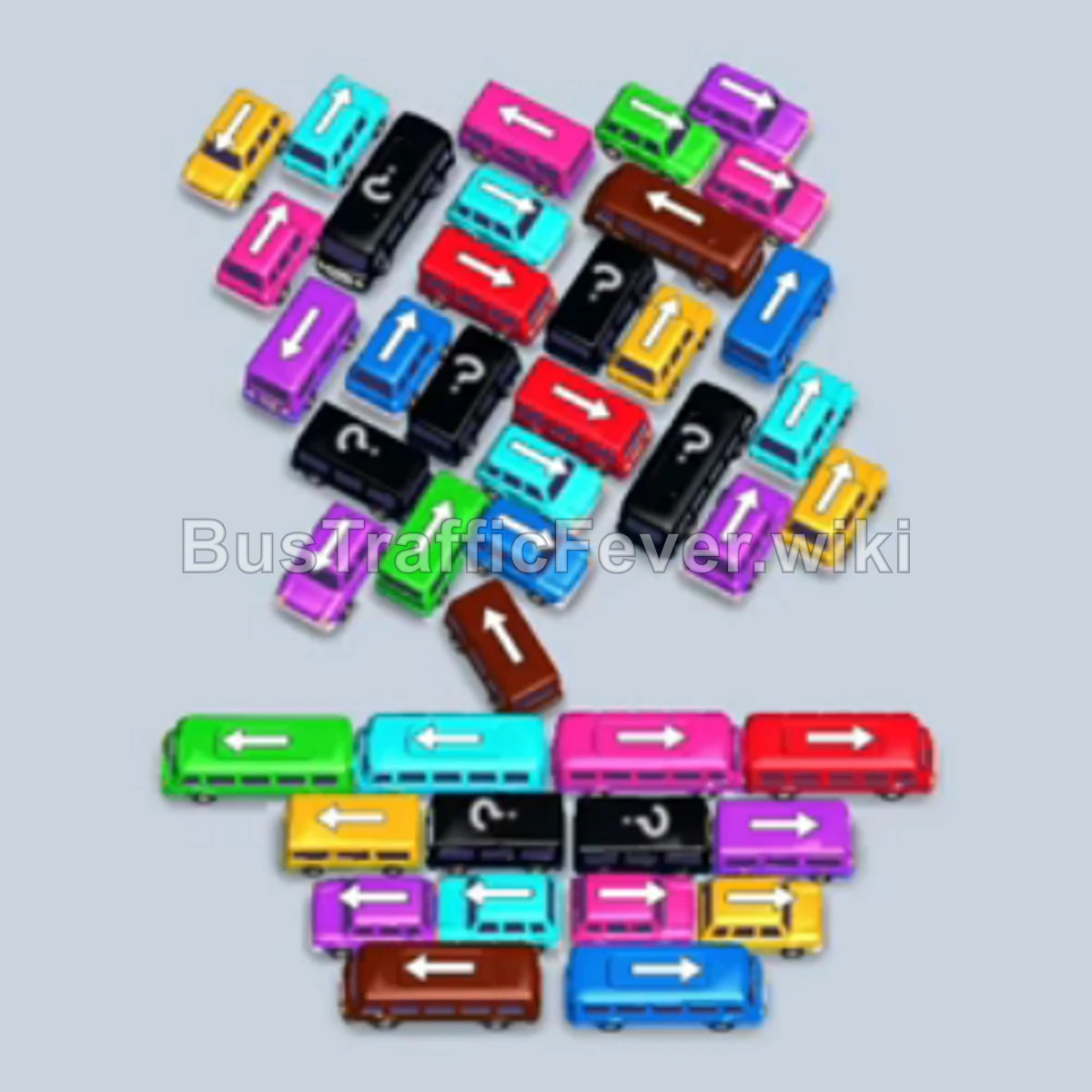
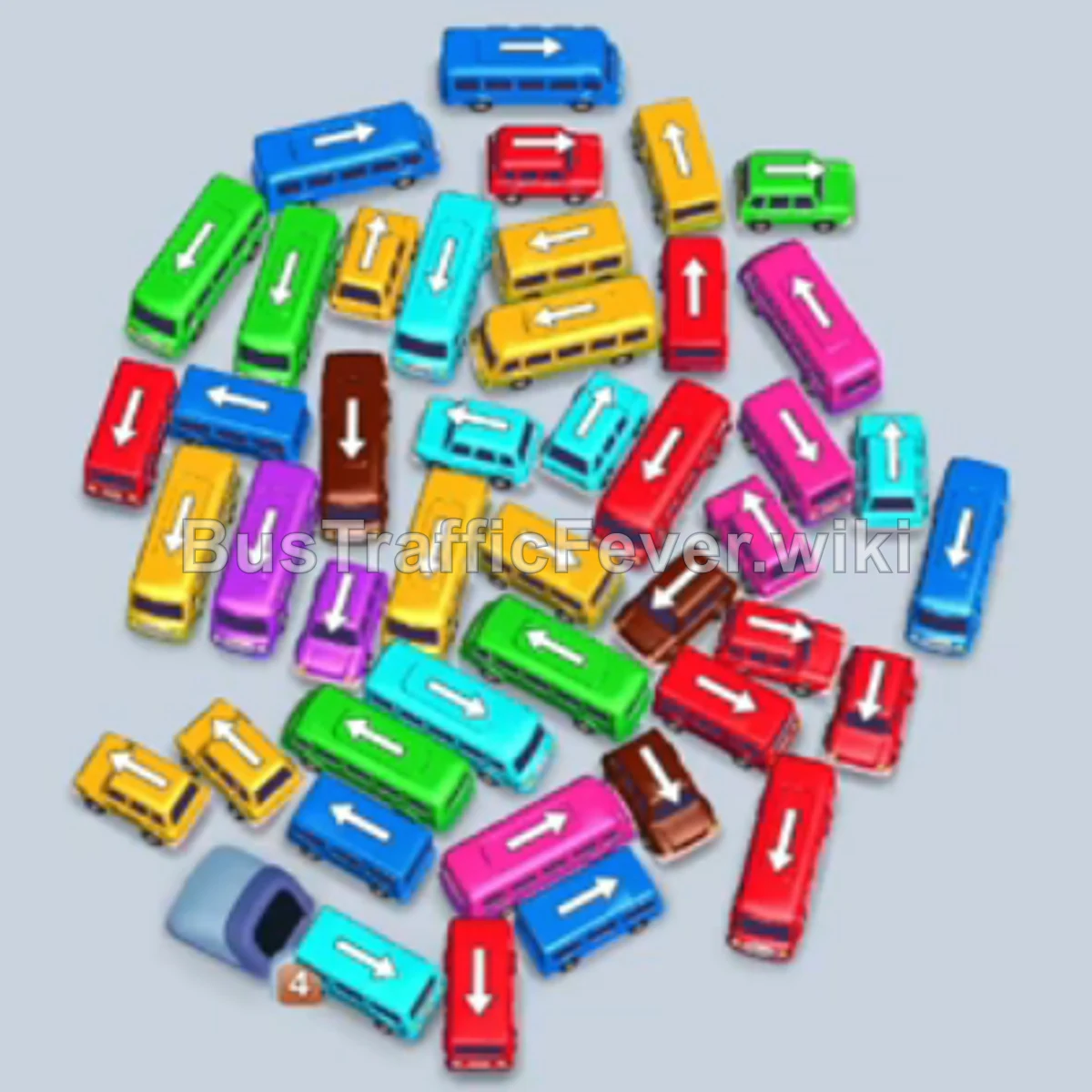
Bus Traffic Fever Level 242 Answer & Walkthrough Solution

Quick answer
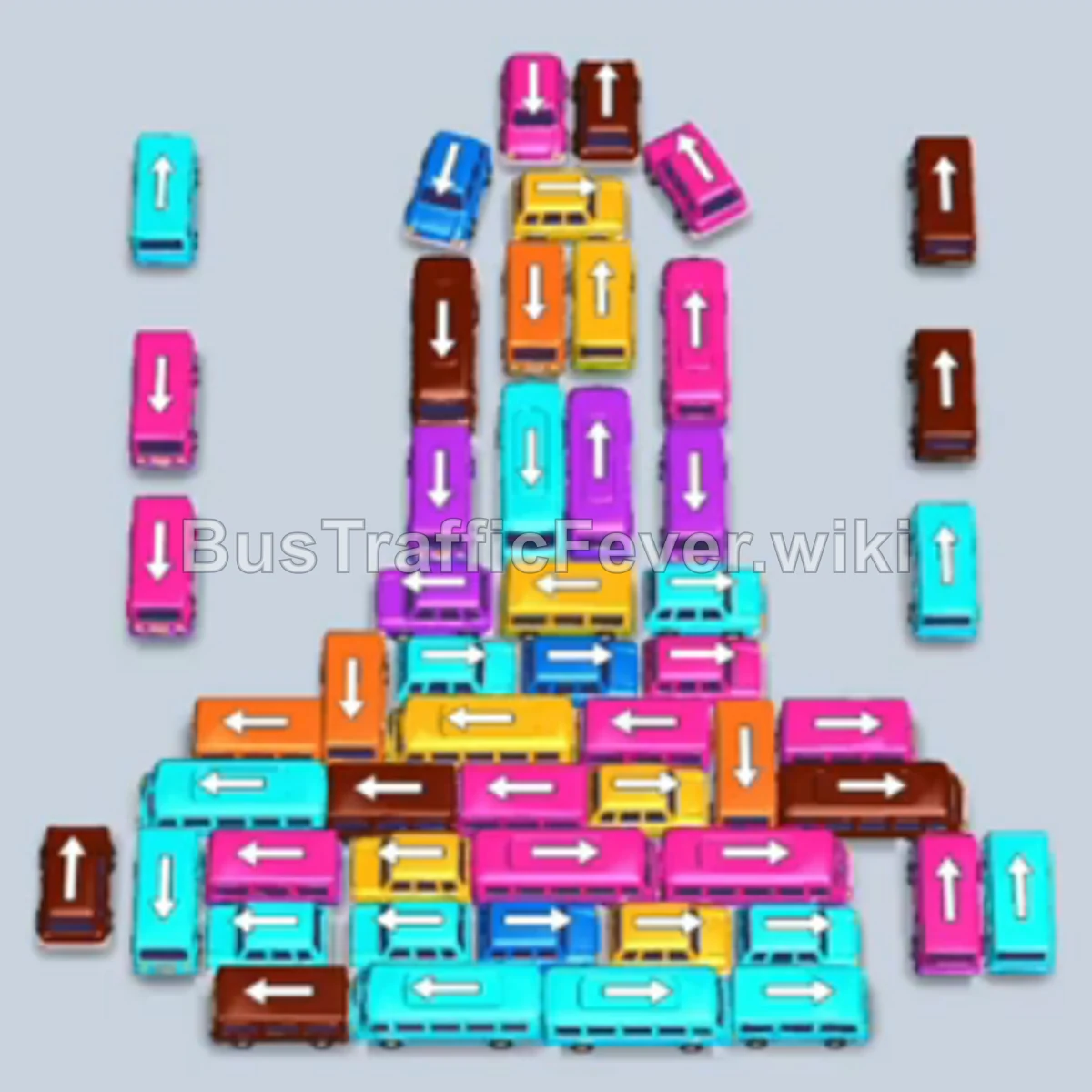
Level 242 features a dense, multi-layered formation of vehicles at the bottom and a long winding queue of passengers at the top. The key to beating this level is prioritizing the leading colors (Cyan and Brown initially) from the outside edges to unlock inner vehicles, taking advantage of the free extra parking slot offer, and avoiding filling the parking slots with blocked colors.
Step-by-step solution
Phase 1: Initial Cyan & First Brown Clearance
- Tap the vertical Cyan bus on the far outer left to occupy a slot. Cyan passengers immediately board.
- Tap the adjacent vertical Cyan bus on the outer left. Both cyan buses fill up quickly and depart.
- Tap the horizontal Brown bus on the left edge. It moves to the first slot and begins loading the incoming brown passenger queue.
- Tap the vertical Cyan bus located in the upper-left lane to catch the next group of cyan passengers.
- Tap the horizontal Cyan bus on the lower-left side to move it up into a parking slot.
- Tap the vertical Cyan bus near the left column to finish collecting the first major wave of cyan passengers.
- Claim the free extra Parking Slot when the container pop-up appears to expand your holding capacity from 5 to 6 slots.
Phase 2: Clearing Brown & Opening the Outer Grid
- Tap the vertical Brown bus on the outer left to take up the next set of brown passengers.
- Tap the horizontal Brown bus from the center-right section into a parking slot.
- Tap the vertical Cyan bus unblocked near the bottom-left to clear the remaining cyan passengers.
- Tap the horizontal Cyan bus on the lower tier. As cyan passengers board, these buses leave and free up multiple parking spaces.
- Tap the unblocked vertical Pink bus on the left side to open up movement in the left column.
- Brown vehicles finish boarding their passengers and exit the parking bay.
Phase 3: Tackling the Mixed Pink, Yellow, and Brown Waves
- Tap the vertical Yellow bus located on the upper-left tier.
- Tap the vertical Pink bus on the upper-left tier into an open slot.
- Tap the horizontal Pink bus in the middle tier; pink passengers will begin boarding both buses.
- Tap the vertical Yellow bus from the central column into a holding slot.
- Tap the horizontal Pink bus on the lower right to clear the rest of the pink queue.
- Tap the vertical Brown bus on the left column to prepare for the upcoming brown passenger group.
- Tap the horizontal Cyan bus at the bottom of the grid.
- Tap the vertical Cyan bus at the bottom-left edge.
Phase 4: Unblocking the Center & Clearing Long Buses
- Tap the horizontal Brown bus near the bottom center to collect brown passengers.
- Tap the vertical Pink bus in the middle column.
- Tap the horizontal Pink bus located just beneath the center.
- Tap the vertical Pink bus remaining in the central cluster.
- Tap the vertical Yellow bus on the right side.
- Tap the horizontal Brown bus at the bottom left.
- Tap the vertical Brown bus on the bottom row.
- Tap the newly freed vertical Cyan bus on the left.
- Tap the vertical Cyan bus in the center lane.
- Tap the horizontal Cyan bus on the bottom tier.
Phase 5: Dismantling Yellow & Orange Vehicles
- Tap the vertical Yellow bus in the upper-middle column.
- Tap the horizontal Orange bus situated in the middle layer.
- Tap the vertical Yellow bus on the right side.
- Tap the horizontal Yellow bus in the middle tier to take the yellow queue.
- Tap the horizontal Orange bus on the lower tier.
- Tap the vertical Orange bus on the left side.
- Tap the horizontal Pink bus on the bottom-right corner.
- Tap the vertical Brown bus at the bottom left.
Phase 6: Final Cleanup & Victory
- Tap the remaining vertical Cyan bus to finish off the last cyan passengers.
- Tap the horizontal Brown bus at the bottom center.
- Tap the vertical Brown bus to clear all remaining brown passengers.
- Tap the vertical Yellow bus in the center.
- Tap the vertical Yellow bus to board the remaining yellow queue.
- Tap the horizontal Orange bus at the bottom row.
- Tap the remaining vertical Pink bus in the center.
- Tap the final vertical Pink bus/bus.
- The last pink passengers board, the final buses drive away, and the level clears with a “Perfect!” rating.
Tips for success
- Observe the Queue Closely: Always watch the passenger queue sequence at the top right so you know which color will emerge next.
- Prioritize Outer Column Removals: Unblocking vehicles along the edges opens up the path for larger horizontal buses trapped in the center.
- Keep at Least 2 Slots Free: Avoid parking buses whose passenger color is buried deep in the queue, as this will lead to gridlock. Use empty slots strictly as temporary holding bays for vehicles blocking essential moves.
More Bus Traffic Fever help
Continue with the Level 241 walkthrough, review the core rules in how to play Bus Traffic Fever, or browse all level solutions to jump to another number.