Bus Traffic Fever Level 133 Answer & Walkthrough Solution
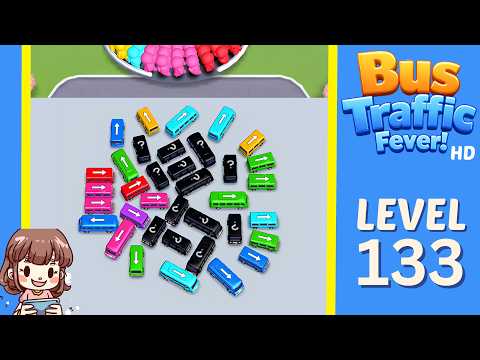

Quick answer
Tap the Yellow bus pointing upwards at the top-left of the pile. It moves to a parking slot, loads all yellow passengers, and departs. Tap the Blue bus pointing upwards on the far left. Blue passengers board and it departs.
Step-by-step solution
Phase 1: Clearing the Outer Perimeter & Opening Paths
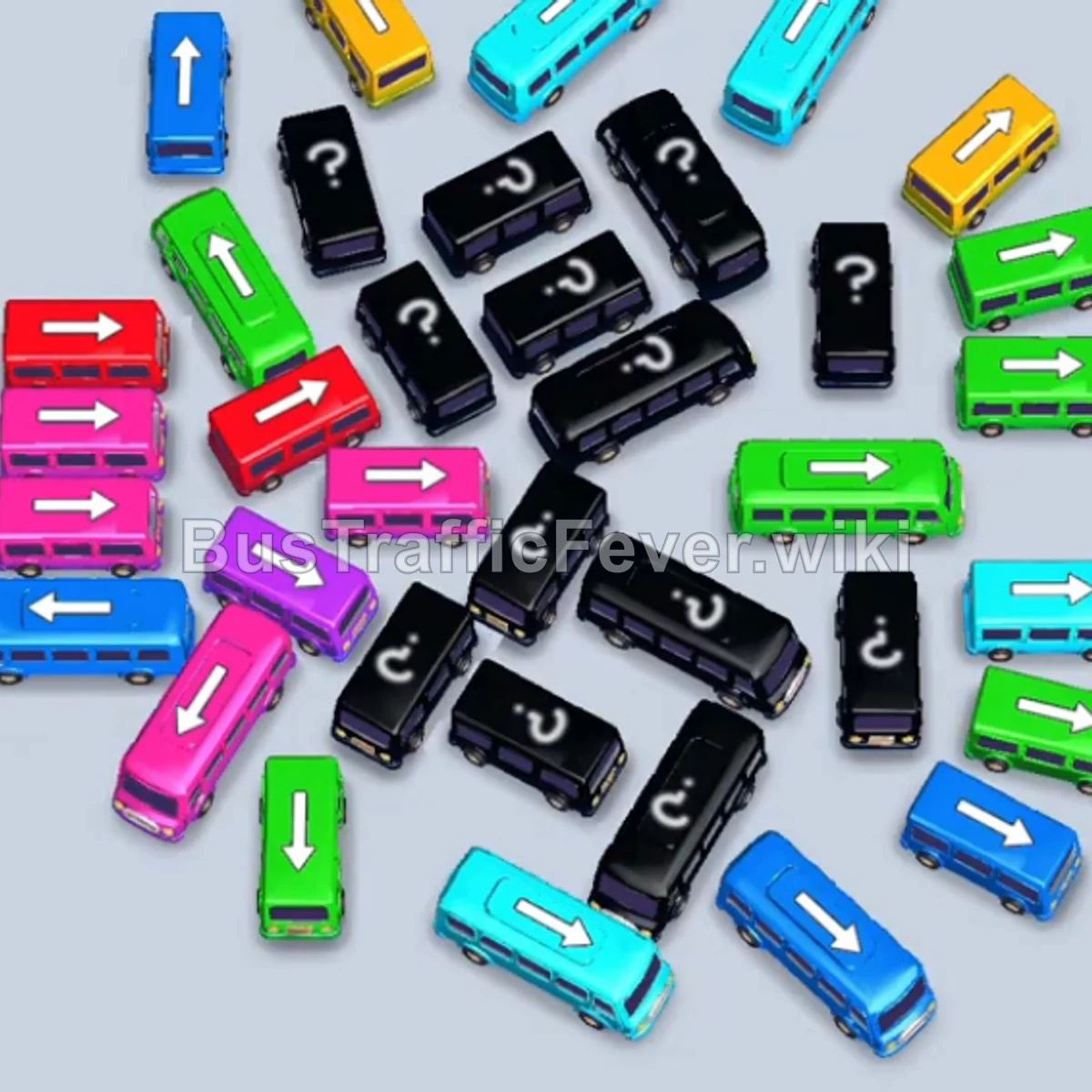
- Tap the Yellow bus pointing upwards at the top-left of the pile. It moves to a parking slot, loads all yellow passengers, and departs.
- Tap the Blue bus pointing upwards on the far left. Blue passengers board and it departs.
- Tap the Cyan (Light Blue) bus pointing upwards at the top center. It occupies a slot while awaiting cyan passengers.
- Tap the Green bus pointing right on the upper right. Green passengers board immediately and the bus leaves.
- The queue shifts to Cyan; the parked Cyan bus fills up with cyan passengers and departs.
- Tap the Pink bus pointing left on the middle-left edge. Pink passengers board and it departs.
Phase 2: Uncovering Mystery Blocks & Mid-Game Flow
- Tap the Green bus pointing upwards at the bottom-left. Green passengers board and it departs.
- Tap the Cyan bus pointing upwards on the top-right. It moves into a parking slot.
- Tap the Pink bus pointing right (revealed on the right side). Pink passengers board and it departs.
- Tap the Green bus pointing right. Green passengers board and it departs.
- Tap the Purple bus pointing upwards on the left. Purple passengers board and it departs.
- Tap the Blue bus pointing upwards at the bottom-left. Blue passengers board and it departs.
- Tap the Yellow bus pointing upwards at the top-left. Yellow passengers board and it departs.
- Tap the Green bus pointing upwards on the left. Green passengers board and it departs.
- Tap the Blue bus pointing diagonally upwards. Blue passengers board and it departs.
Phase 3: Managing Multi-Color Waves & Queues
- Tap the Red bus pointing left. It moves into an available parking slot.
- Tap the Green bus pointing right. Green passengers board and it departs.
- The Red queue begins; the parked Red bus loads passengers and departs.
- The remaining Cyan passengers board the parked Cyan bus, and it departs.
- Tap the Blue bus pointing upwards on the left. Blue passengers board and it departs.
- Tap the Cyan bus pointing upwards on the upper right. Cyan passengers board and it departs.
- Tap the Purple bus pointing up-left. Purple passengers board and it departs.
- Tap the Pink bus pointing left. Pink passengers board and it departs.
- Tap the Blue bus pointing up-right. Blue passengers board and it departs.
- Tap the Purple bus pointing right. Purple passengers board and it departs.
Phase 4: Final Sequence & Cleanup
- Tap the Green bus pointing upwards. Green passengers board and it departs.
- Tap the Pink bus pointing up-left. Pink passengers board and it departs.
- Tap the Green bus pointing up-left. Green passengers board and it departs.
- Tap the Blue bus pointing upwards. Blue passengers board and it departs.
- Tap the Green bus pointing upwards. Green passengers board and it departs.
- Tap the Cyan bus pointing downwards. Cyan passengers board and it departs.
- Tap the Purple bus pointing upwards. It moves to a parking slot.
- Tap the Green bus pointing upwards. Green passengers board and it departs.
- Tap the Red bus pointing upwards. Red passengers board.
- Tap the Cyan bus pointing upwards. Cyan passengers board and it departs.
- The Purple bus and Red bus finish loading passengers and depart.
- Tap the Green bus pointing upwards. Green passengers board and it departs.
- Tap the Red bus pointing upwards. Red passengers board.
- Tap the Pink bus pointing upwards. Pink passengers board and it departs.
- Tap the Green bus pointing upwards. Green passengers board and it departs.
- The Red bus finishes boarding and departs.
- Tap the final Red bus pointing upwards. It loads the remaining red passengers and departs.
- Tap the two remaining Pink buses on the left and right in sequence to pick up the final pink passengers and complete the level!
Tips for success
- Track the Circular Queue: Always check the oncoming passenger colors on the circular track so you can prioritize clearing the front-most color wave.
- Preserve Empty Slots: Mystery black buses won’t reveal their true colors until unblocked. Avoid filling too many parking slots in advance so you always have buffer space to untangle tightly packed buses.
- Free Up Blocked Exits: Look for buses with free arrows pointing directly outward to gradually dismantle the pile from the outside in.
More Bus Traffic Fever help
Continue with the Level 132 walkthrough, review the core rules in how to play Bus Traffic Fever, or browse all level solutions to jump to another number.