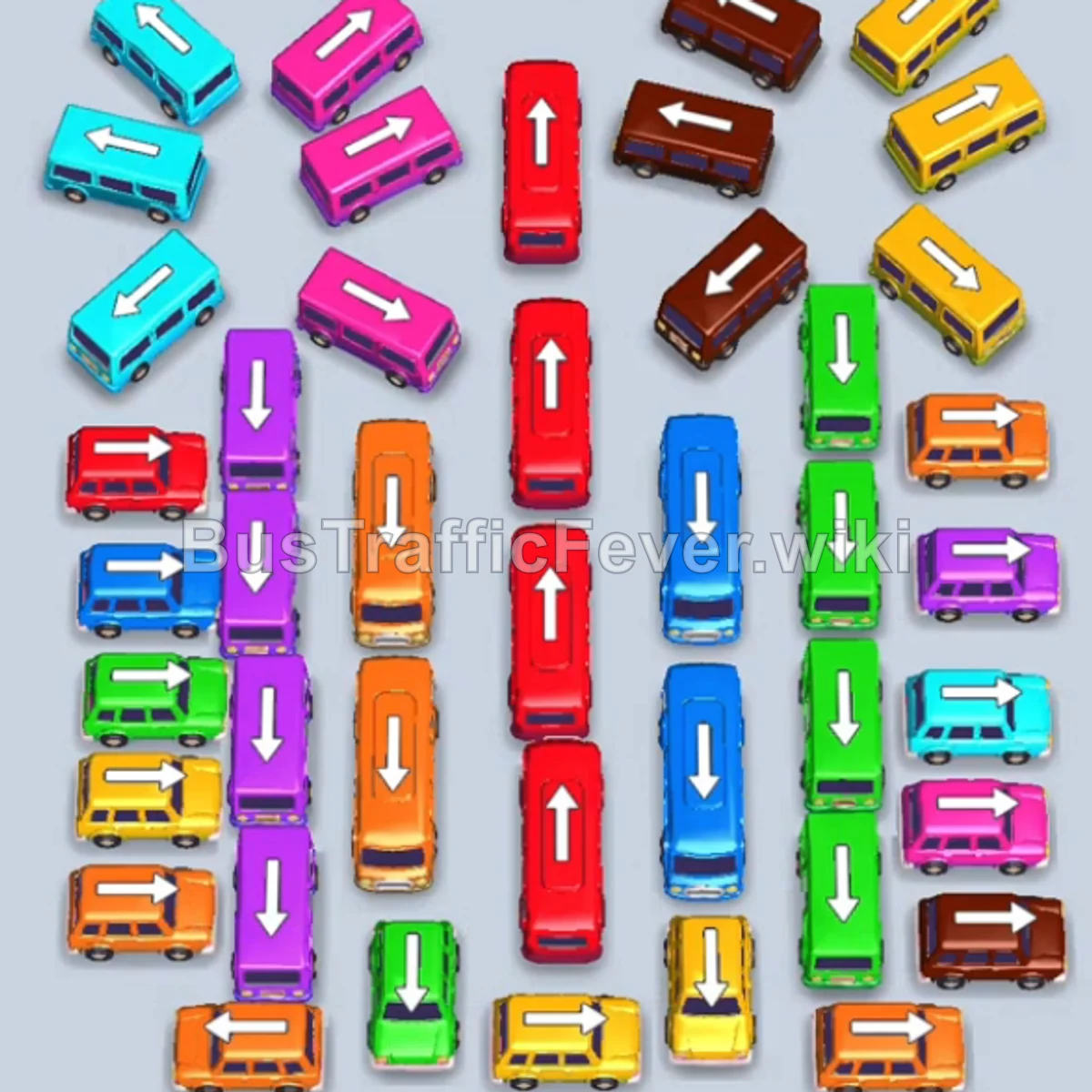
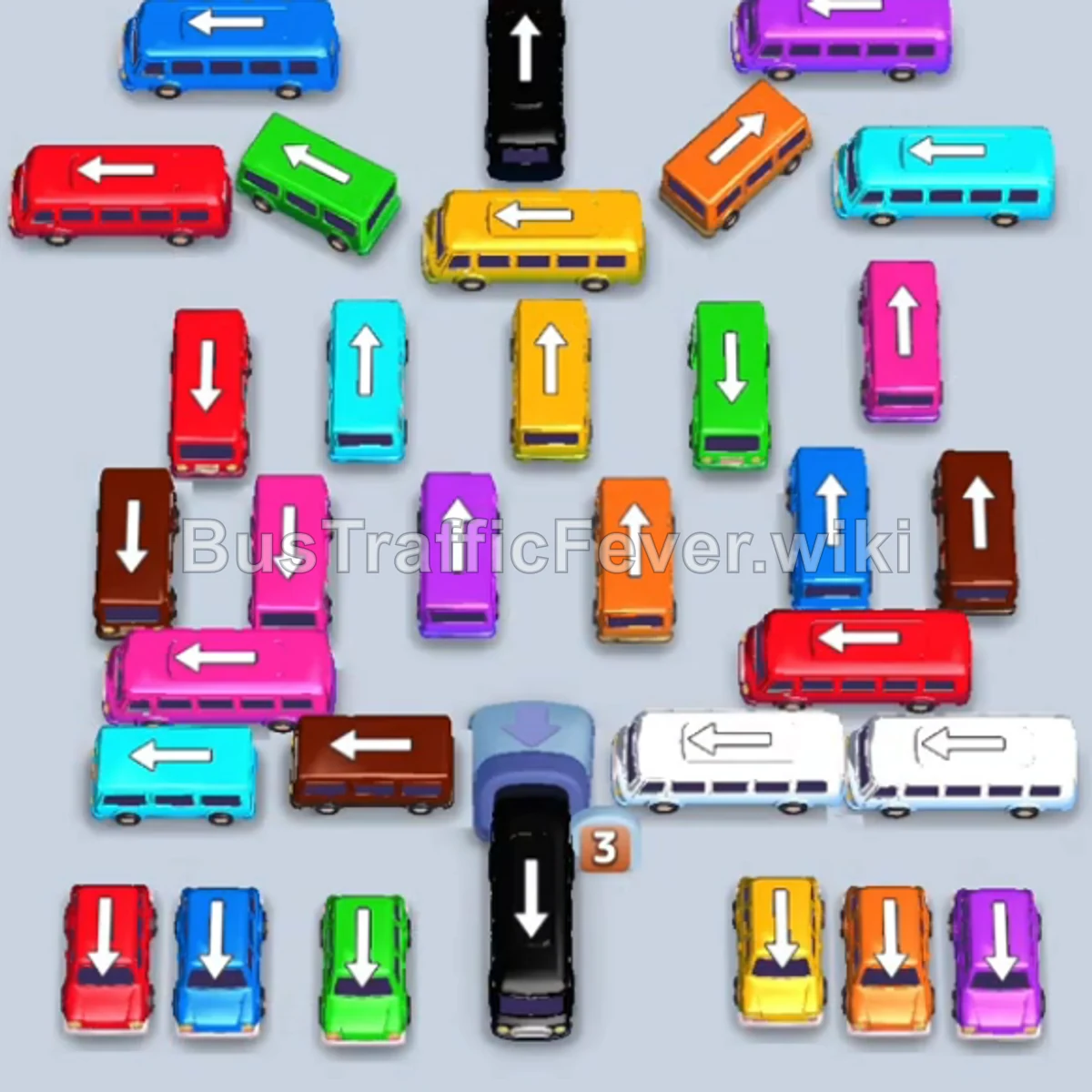
Bus Traffic Fever Level 55 Answer & Walkthrough Solution

Quick answer
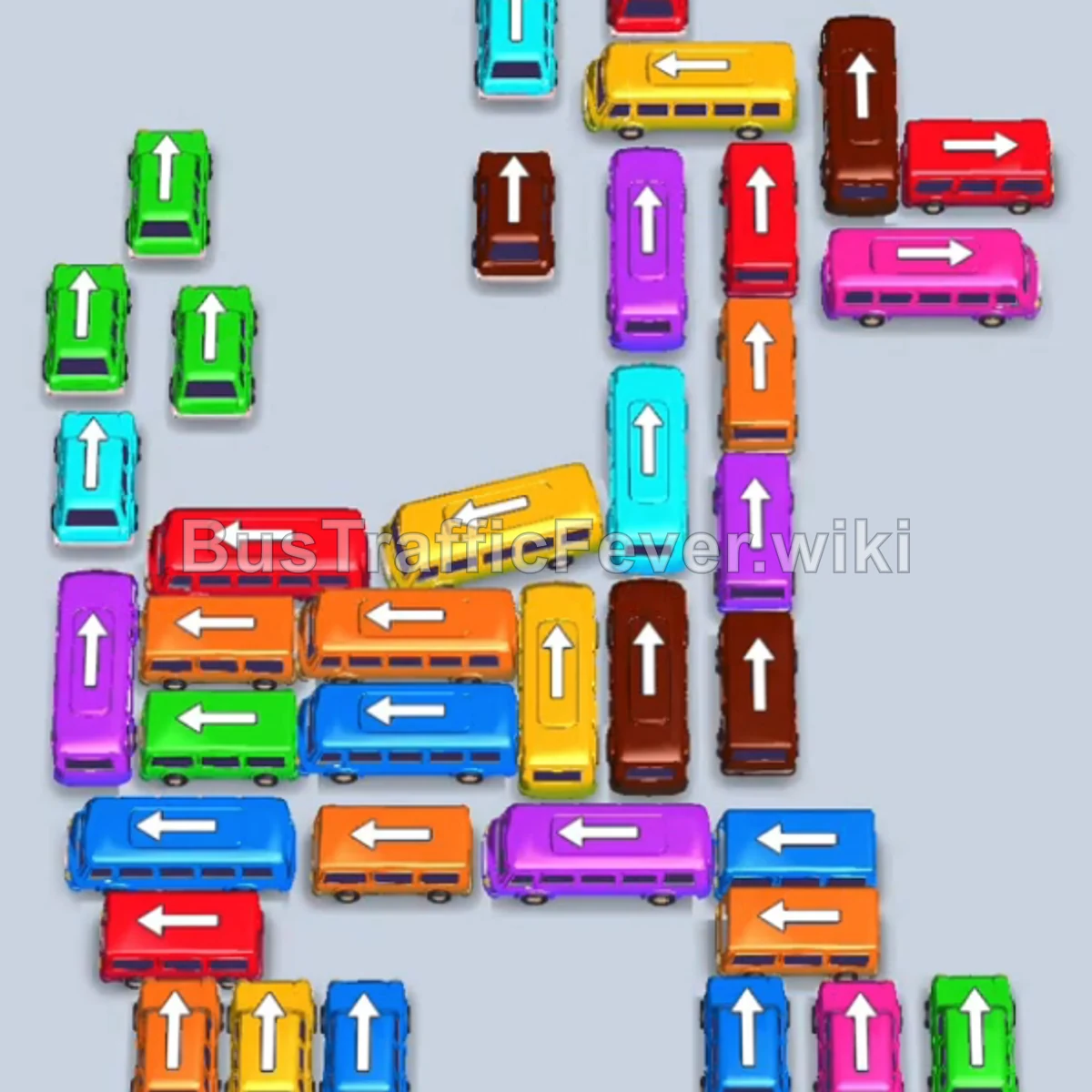
Tap the Teal (Cyan) bus at the top center pointing up. It moves into a slot to board teal passengers. Tap the Yellow bus at the top center pointing up. Yellow passengers begin boarding. Tap the Red bus at the top right pointing right.
Step-by-step solution
Phase 1: Clearing Initial Congestion
- Tap the Teal (Cyan) bus at the top center pointing up. It moves into a slot to board teal passengers.
- Tap the Yellow bus at the top center pointing up. Yellow passengers begin boarding.
- Tap the Red bus at the top right pointing right.
- Tap the Red bus behind the yellow/red bus exit path.
- Tap the first Green bus on the top left pointing up.
- Tap the second Green bus directly behind the first green bus. Both green vehicles occupy parking slots and collect green passengers.
- Tap the Teal bus on the upper left pointing up to clear the front of the teal queue.
Phase 2: Unlocking the Upper & Middle Grid
- Tap the Purple bus on the middle-left pointing up.
- Tap the Red bus on the middle-left pointing left. It moves into a parking slot to board red passengers.
- Tap the Orange bus on the middle-left pointing left. Orange passengers will board and clear.
- Tap the second Orange bus directly below it.
- Tap the Dark Blue bus on the far-left pointing up. It enters a slot and collects dark blue passengers.
- Tap the Brown bus on the right side pointing up.
- Tap the Pink bus in the middle vertical lane pointing up.
Phase 3: Managing the Lower & Center Grid
- Tap the Purple bus at the top of the right-hand column pointing up.
- Tap the Teal bus behind it in the right-hand column.
- Tap the Brown bus lower down in the right column pointing up.
- Tap the Yellow bus in the center pointing up.
- Tap the Brown bus in the center pointing up.
- Tap the Yellow bus behind the brown bus pointing up.
- Tap the Green bus on the lower left pointing up.
- Tap the Dark Blue bus on the left pointing up.
Phase 4: Final Sequence and Cleanup
- Tap the Yellow bus at the bottom-left pointing up.
- Tap the Red bus in the middle-right lane pointing up.
- Tap the Green bus in the lower-middle area pointing up.
- Tap the two Orange buses side by side at the bottom-left.
- Tap the Purple bus in the lower-center lane pointing up.
- Tap the Blue bus at the bottom-right pointing left.
- Tap the remaining Orange bus at the bottom-left.
- Tap the Blue bus at the bottom-right pointing left.
- Tap the Brown bus pointing up in the right column.
- Tap the Pink bus, followed by the Yellow bus, Blue bus, and Orange bus as they clear their paths upward.
- Tap the final Blue bus to clear the remaining blue queue and complete the level!
Tips for success
- Watch Passenger Headings: Prioritize clearing vehicles that match the current front of the passenger snake to free up parking slots quickly.
- Preserve Slot Space: Avoid parking vehicles that cannot be boarded right away if you are running low on empty spaces.
- Clear Blocking Buses First: Shorter buses often block larger buses with high passenger capacity; prioritize moving them to unlock faster clearance.
More Bus Traffic Fever help
Continue with the Level 54 walkthrough, review the core rules in how to play Bus Traffic Fever, or browse all level solutions to jump to another number.