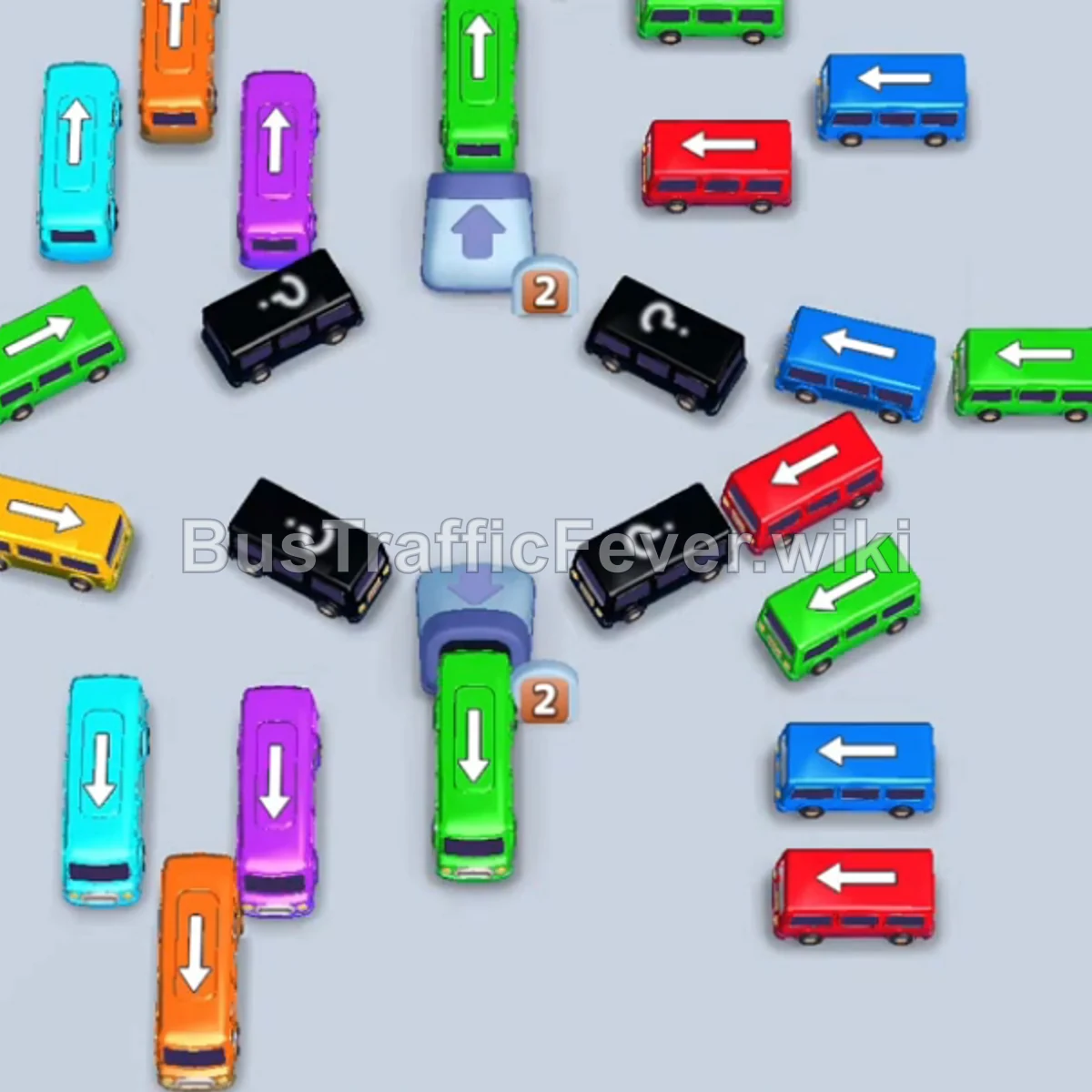
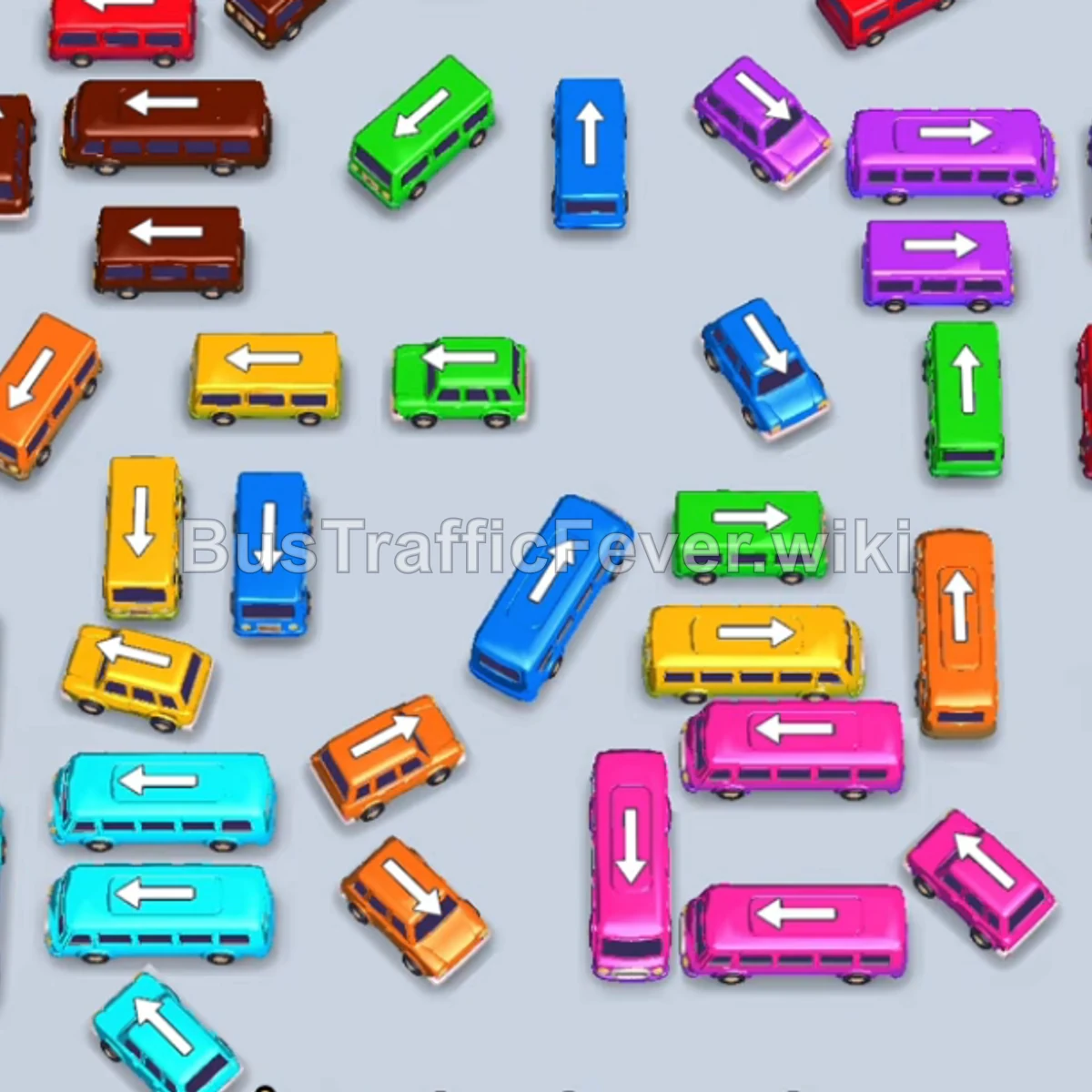
Bus Traffic Fever Level 25 Answer & Walkthrough Solution

Quick answer
Level 25 takes careful sequencing to clear. Follow the phased order below, from “Open the outer rows” through to “Clear the final cluster”. Watch the capacity numbers on the larger buses and don’t stage a color until its queue is close to the front.
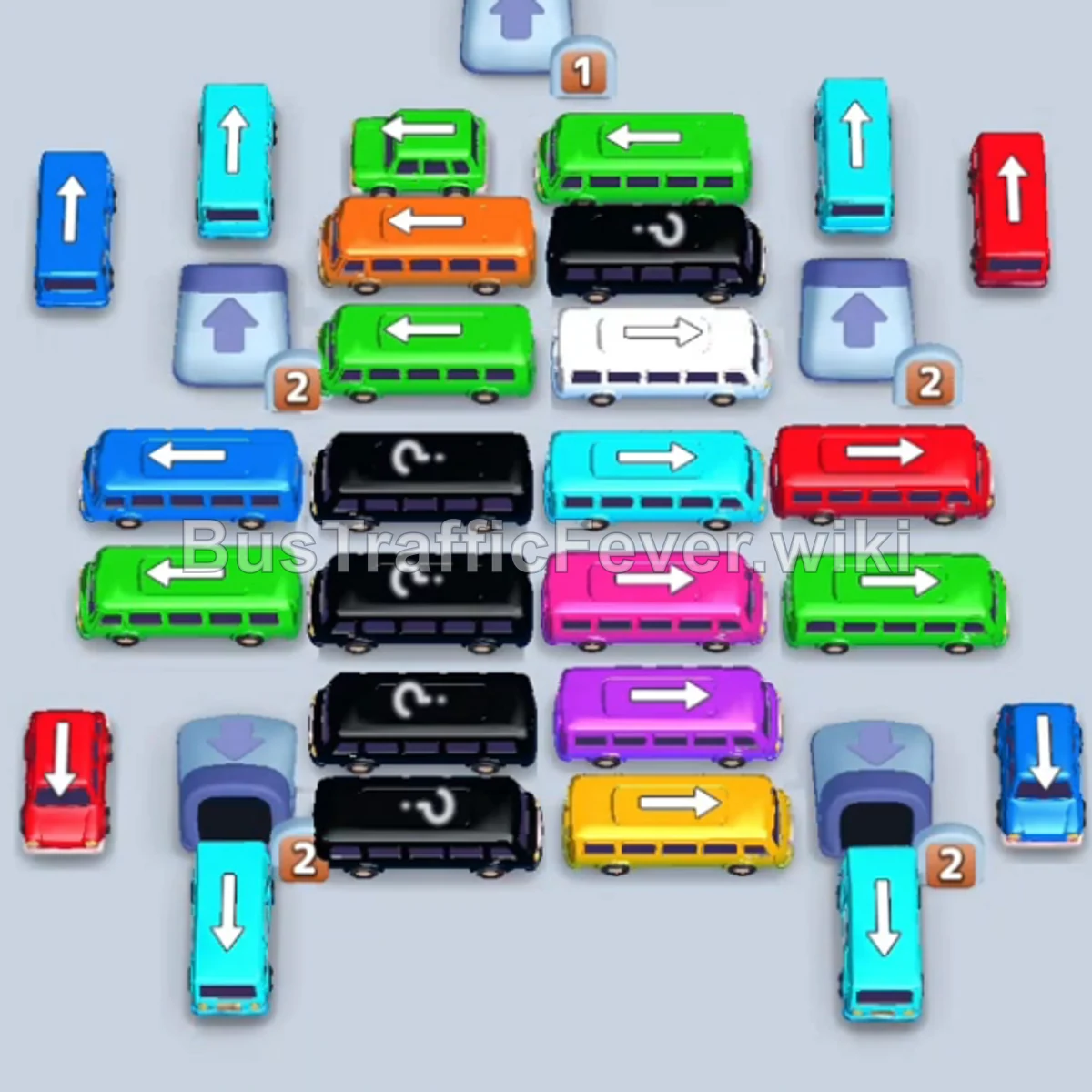
Step-by-step solution
Phase 1: Open the outer rows
- Tap the Black bus at the top center, facing up, into slot 1.
- Tap the Cyan bus on the upper left, facing up.
- Tap the Blue bus on the upper left, facing up.
- Tap the bottom-right dispenser marked
1to release a Pink bus. - Tap the released Pink bus.
- Tap the Brown bus for the incoming brown passengers.
Phase 2: Clear the upper grid
- Tap the Green bus at the top center.
- Tap the Red bus on the upper right, facing up.
- Tap the Blue bus in the upper-middle area, facing up.
- Tap the Red bus at the bottom left, facing up.
- Tap the Cyan bus on the upper right, facing up.
- Tap the Pink bus in the center-left area, facing up.
Phase 3: Navigate the middle lanes
- Tap the Purple bus on the middle right, facing right.
- Tap the Green bus on the far left.
- Tap the Pink bus on the lower right, facing up.
- Tap the Brown bus on the top left.
- Tap the Brown bus on the top right.
- Tap the Blue bus at the top center.
- Tap the Blue vehicle at the bottom right.
Phase 4: Unlock dispensers and color chains
- Tap the Cyan bus at the bottom left, facing up.
- Tap the Red bus in the center, facing up.
- Tap the Pink bus on the left, facing up.
- Tap the Brown bus on the left, facing up, into a parking slot.
- Tap the Red bus in the center, facing up. The red and brown buses depart when full.
- Tap the Orange bus in the upper row, facing right, into a slot.
- Tap the Green bus in the upper row, facing right.
- Tap the small Green vehicle from the dispenser.
Phase 5: Clear the final cluster
- Tap the White bus in the upper row.
- Tap the Yellow bus at the bottom right.
- Tap the Green bus in the center.
- Tap the Orange bus in the center.
- Tap the Purple bus in the center.
- Tap the Cyan bus in the center.
- Tap the Yellow bus at the bottom.
- Let the long-parked Black bus finish boarding.
- Tap the Brown, Cyan, and Pink buses from the bottom row into the open slots.
Tips for success
- Treat the Black bus in slot 1 as a long-stay vehicle and preserve the remaining slots.
- Release countdown dispensers as soon as a slot opens.
- Stage complementary colors side by side when the queue supports both.
More Bus Traffic Fever help
Continue with the Level 24 walkthrough, review the core rules in how to play Bus Traffic Fever, or browse all level solutions to jump to another number.