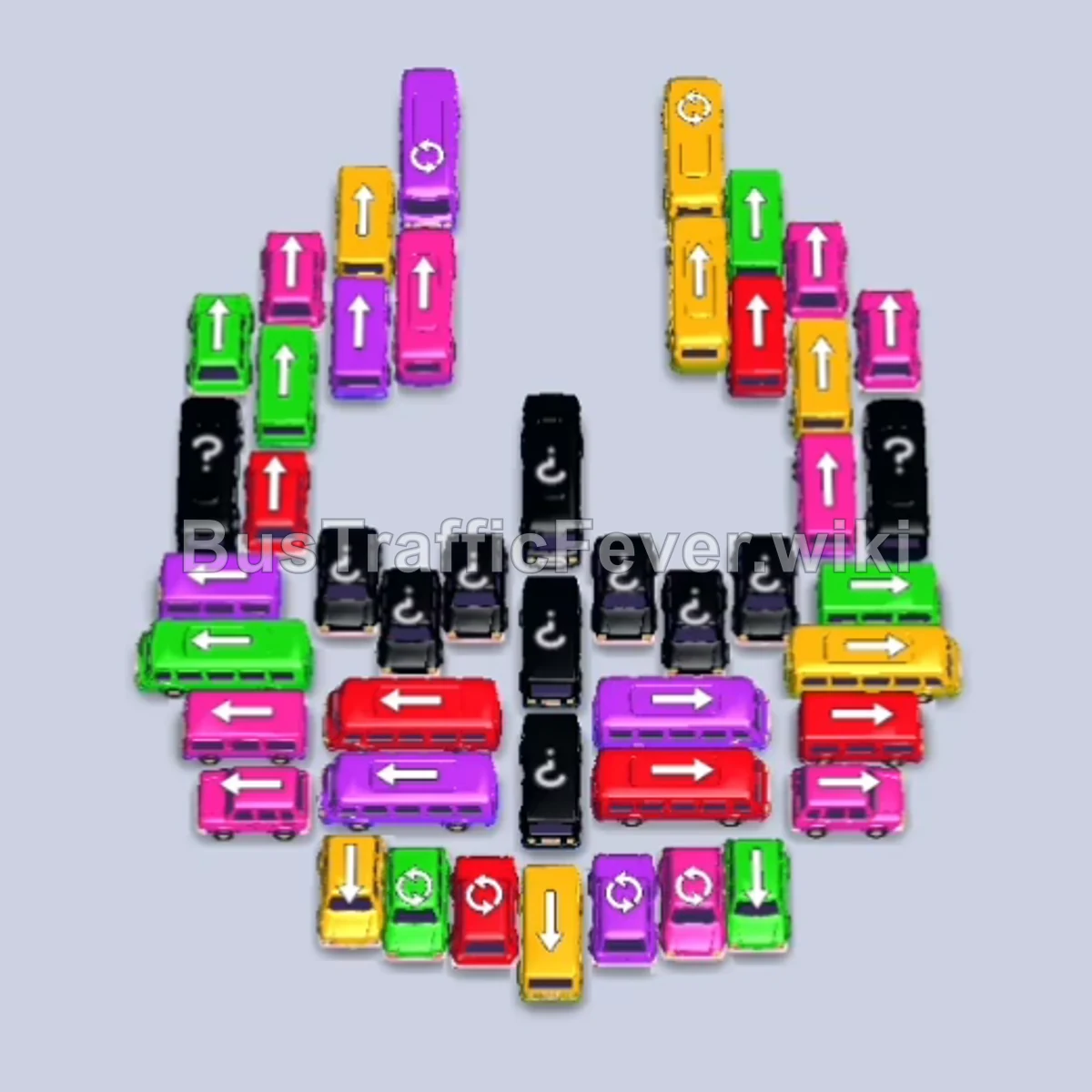
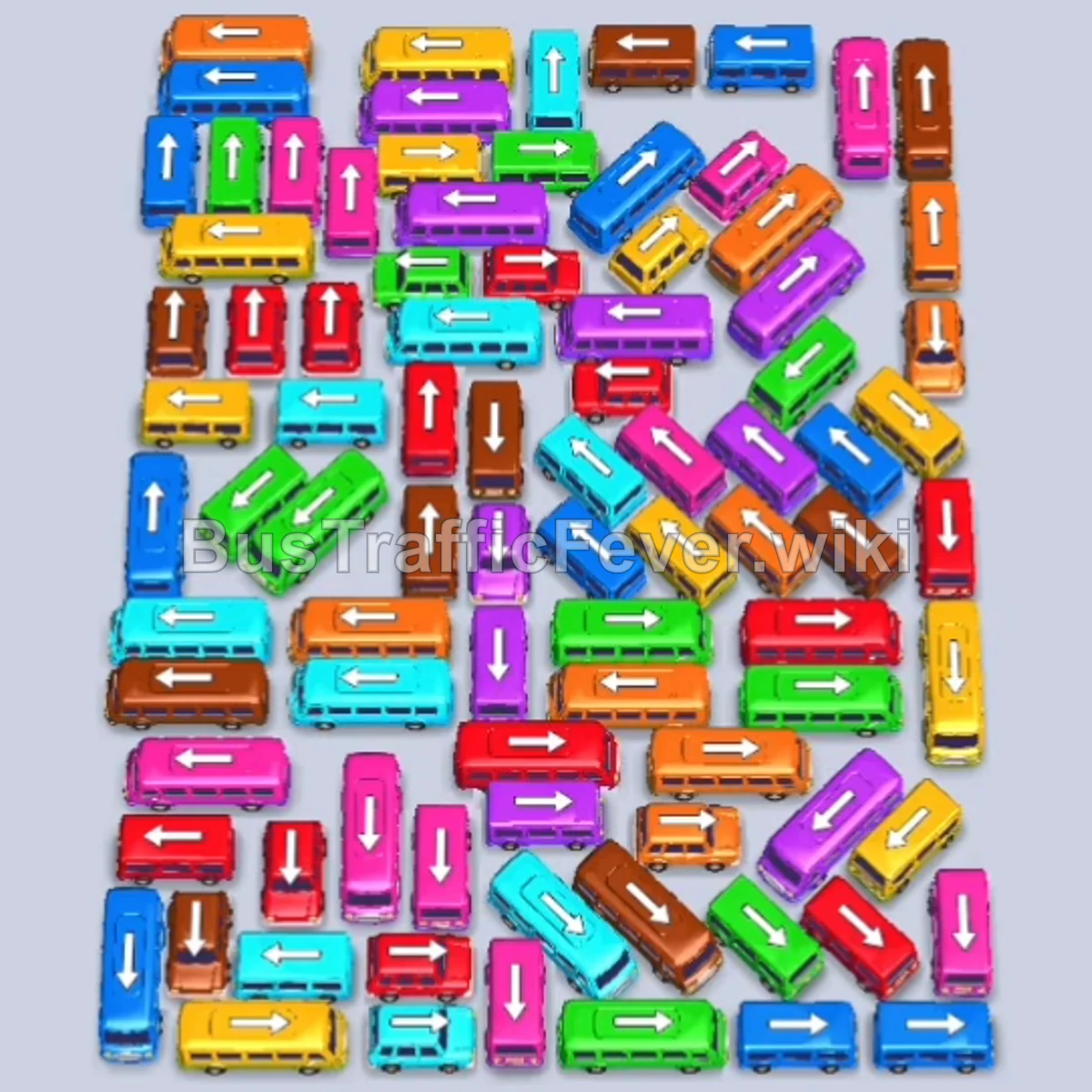
Bus Traffic Fever Level 215 Answer & Walkthrough Solution

Quick answer
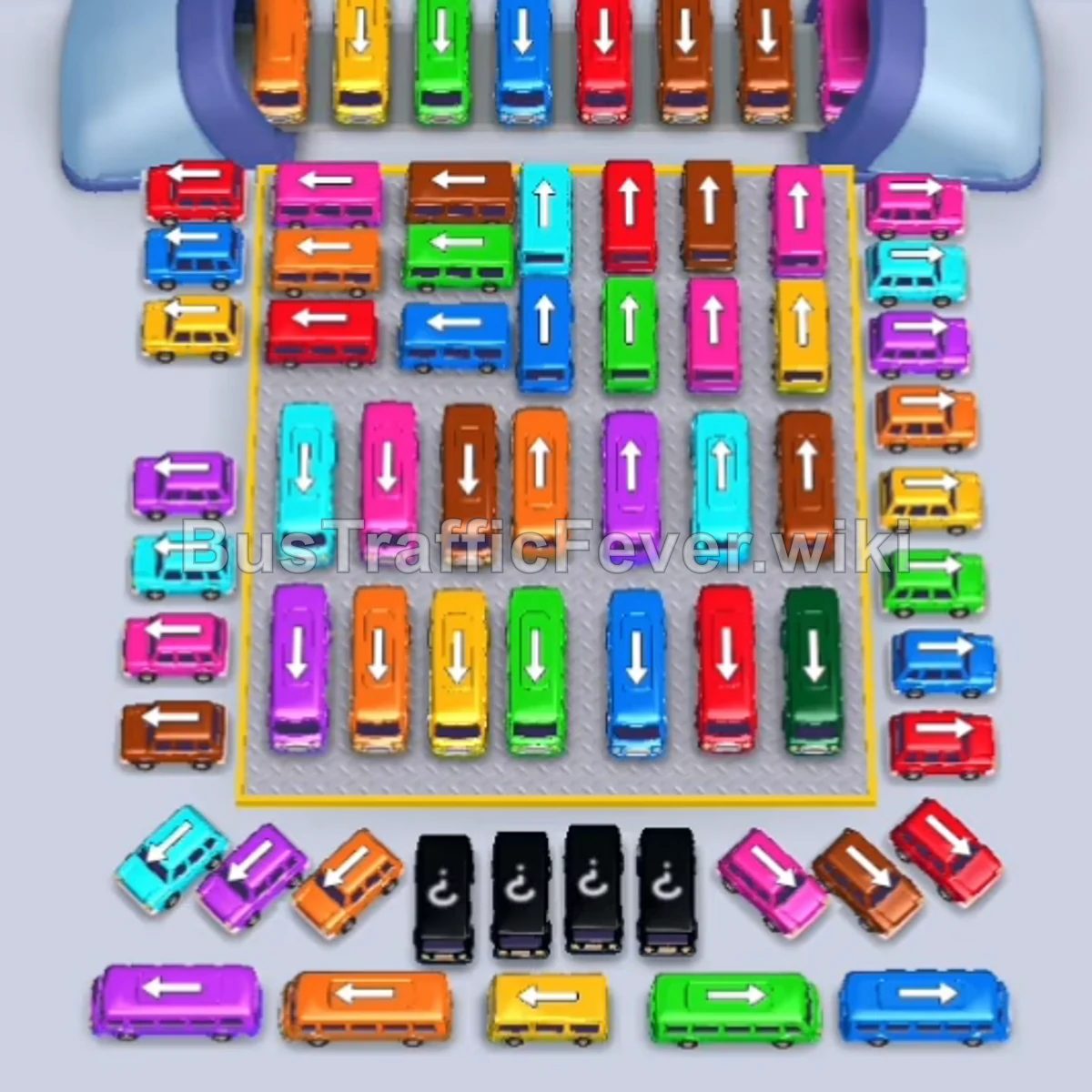
Level 215 is a challenging multi-layered puzzle featuring a sliding tunnel gate and an extensive hidden second grid beneath the primary layer. Success requires precise timing: open up the perimeter lanes first to establish a steady rotation through the parking bays, coordinate vehicle colors with the dual-branch passenger queue, and avoid filling slots with long-term blocking colors. Once the upper layer is cleared, systematically dismantle the revealed under-grid row by row.
Step-by-step solution
Phase 1: Perimeter Openers & Early Passenger Flow
- Tap the Purple bus on the upper-left perimeter. It pulls into the first bay to start collecting purple passengers.
- Tap the Orange bus on the far-left edge to occupy the second slot for the orange queue.
- Tap the Blue bus on the far-right edge to catch the blue passengers.
- Tap the Green bus near the right edge to board the green passenger surge and immediately exit.
- Tap the Yellow bus in the upper-left section to fill and depart.
- Tap the Red bus on the center-right side.
- Tap the Purple bus on the lower-left edge.
- Tap the Red bus in the upper-center column to board incoming red passengers.
- Tap the Brown bus in the center lane.
- Tap the Pink bus at the top center.
- Tap the Orange bus in the middle lane.
- Tap the Blue bus on the upper left.
- Tap the Green bus on the center-left.
- Tap the Green bus on the lower-right edge to absorb green passengers.
- Tap the Cyan bus on the lower left.
- Tap the Orange bus in the center.
- Tap the Purple bus on the middle-left side.
- Tap the Cyan bus on the upper left to absorb cyan passengers.
Phase 2: Clearing the Center & Revealing the Lower Grid
- Tap the Orange bus on the far left.
- Tap the Pink bus on the upper right.
- Tap the Yellow bus in the middle-right lane.
- Tap the Blue bus in the middle-right lane.
- Tap the Blue bus on the lower left.
- Tap the Yellow bus on the far left.
- Tap the Pink bus on the far right.
- Tap the Blue bus on the lower right.
- Tap the Yellow bus at the bottom-left corner to clear yellow passengers.
- Tap the Brown bus on the middle-right.
- Tap the Red bus at the top center.
- Tap the Yellow bus in the center column.
- Tap the Pink bus on the upper left.
- Tap the Yellow bus in the middle-right area.
- Tap the Brown bus in the lower-center column.
- Tap the Orange bus in the upper-center row.
- Tap the Cyan bus on the upper right.
- Tap the Brown bus on the lower left.
- Tap the Green bus on the upper left.
- Tap the Blue bus in the center column.
- Tap the Cyan bus in the center row.
- Tap the Green bus in the upper-center lane.
- Tap the Red bus in the upper-center lane.
- Tap the Brown bus on the far-right edge.
- Tap the Green bus on the upper-left side.
- Tap the Pink bus in the center lane.
- Tap the Cyan bus in the center.
- Tap the Cyan bus in the center row.
- Tap the Green bus in the center row.
- Tap the Orange bus in the center. The initial grid now clears completely, exposing the hidden second layer.
Phase 3: Dismantling the Under-Grid
- Tap the Green bus on the center-right of the revealed board.
- Tap the Blue bus on the center-right.
- Tap the White bus in the center-left column.
- Tap the second White bus directly behind it.
- Tap the Yellow bus in the middle-right lane.
- Tap the Green bus in the center column.
- Tap the Red bus in the center lane.
- Tap the Red bus in the center.
- Tap the Pink bus in the lower-center row.
- Tap the Orange bus on the center-right.
- Tap the Black bus in the center.
- Tap the Orange bus in the center lane.
- Tap the Cyan bus on the lower left.
- Tap the Purple bus on the far left.
- Tap the Red bus on the upper left.
- Tap the Brown bus on the lower left.
- Tap the Red bus on the center-right.
- Tap the Brown bus in the center column.
- Tap the Blue bus on the center-left.
- Tap the Cyan bus on the center-right.
- Tap the Pink bus on the upper left.
- Tap the Red bus on the center-left.
- Tap the Purple bus on the upper left.
- Tap the Pink bus on the upper right.
- Tap the Brown bus in the upper-center lane.
- Tap the Purple bus on the far left.
- Tap the Green bus on the lower right.
- Tap the Orange bus in the center.
- Tap the Yellow bus in the center.
- Tap the Cyan bus in the center lane.
- Tap the Red bus in the center.
- Tap the Red bus on the lower right.
Phase 4: Tunnel Chute Clears & Final Completion
- Tap the Blue bus in the center lane.
- Tap the Purple bus on the lower right.
- Tap the Yellow bus on the far left.
- Tap the Cyan bus in the center column.
- Tap the Pink bus on the lower left.
- Tap the Orange bus in the center.
- Tap the Brown bus in the center column.
- Tap the Cyan bus in the center row.
- Tap the Orange bus in the center.
- Tap the Yellow bus at the bottom center.
- Tap the Green bus moving through the central tunnel gate.
- Tap the Orange bus on the lower left.
- Tap the Purple bus on the lower left.
- Tap the Brown bus at the bottom left.
- Tap the Blue bus in the middle lane.
- Tap the Red bus in the lower center.
- Tap the Cyan bus at the bottom left.
- Tap the Purple bus in the lower center.
- Tap the Orange bus in the middle lane.
- Tap the Pink bus at the bottom center.
- Tap the Brown bus at the bottom center to clear the final passengers and finish the level.
Tips for success
- Anticipate the Second Layer: Clearing the first board is only half the battle. Conserve parking bays toward the end of Phase 2 so you don’t enter the newly revealed grid with a clogged parking lot.
- Watch the Tunnel Gate: The middle tunnel limits the path of travel for central vehicles. Make sure vehicles ahead of the gate move first so those behind have a clear line to the exit.
- Prioritize High-Capacity Buses: Whenever a 40-capacity bus matches the front colors of the queue, send it in immediately to consume giant blocks of passengers and free up bays rapidly.
More Bus Traffic Fever help
Continue with the Level 214 walkthrough, review the core rules in how to play Bus Traffic Fever, or browse all level solutions to jump to another number.