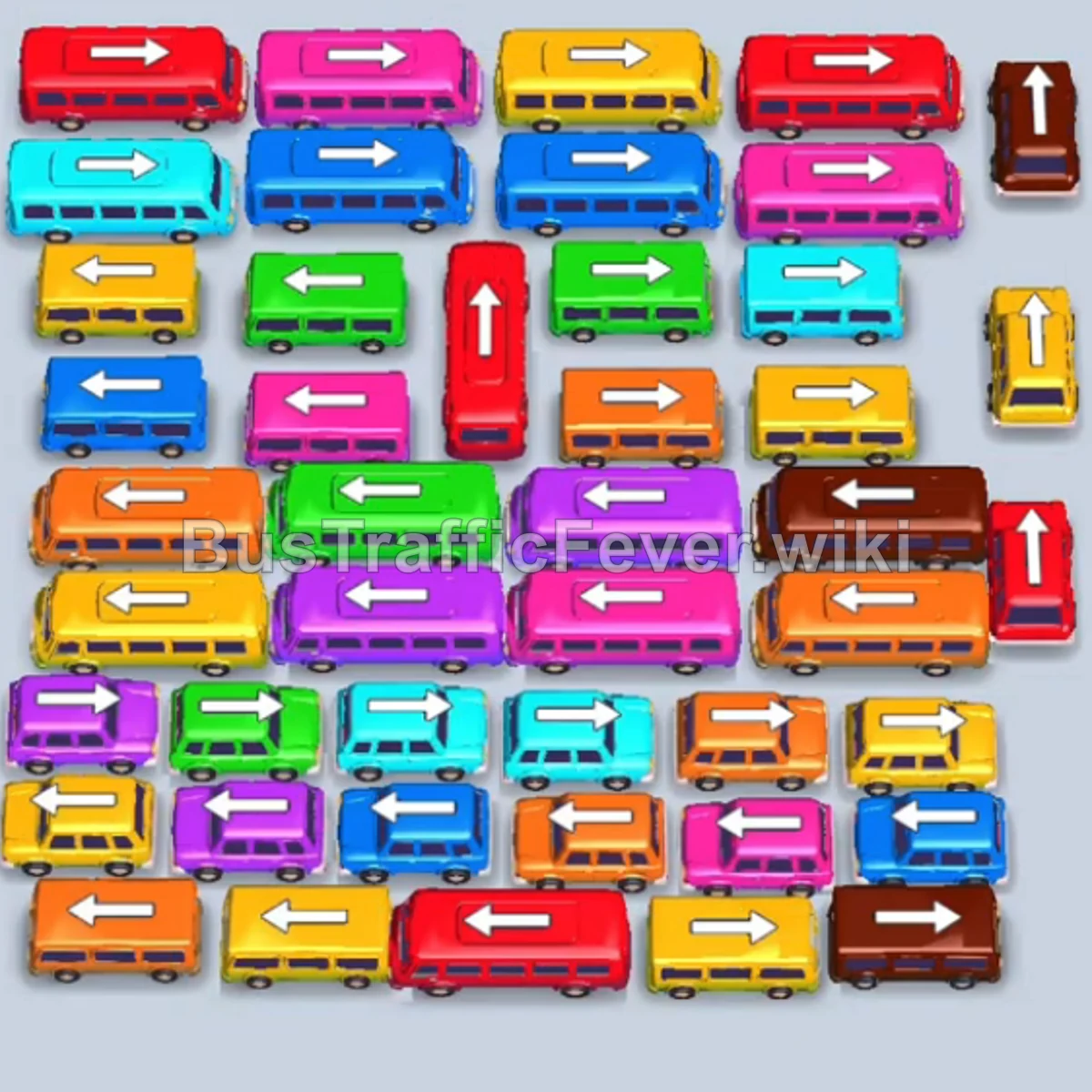
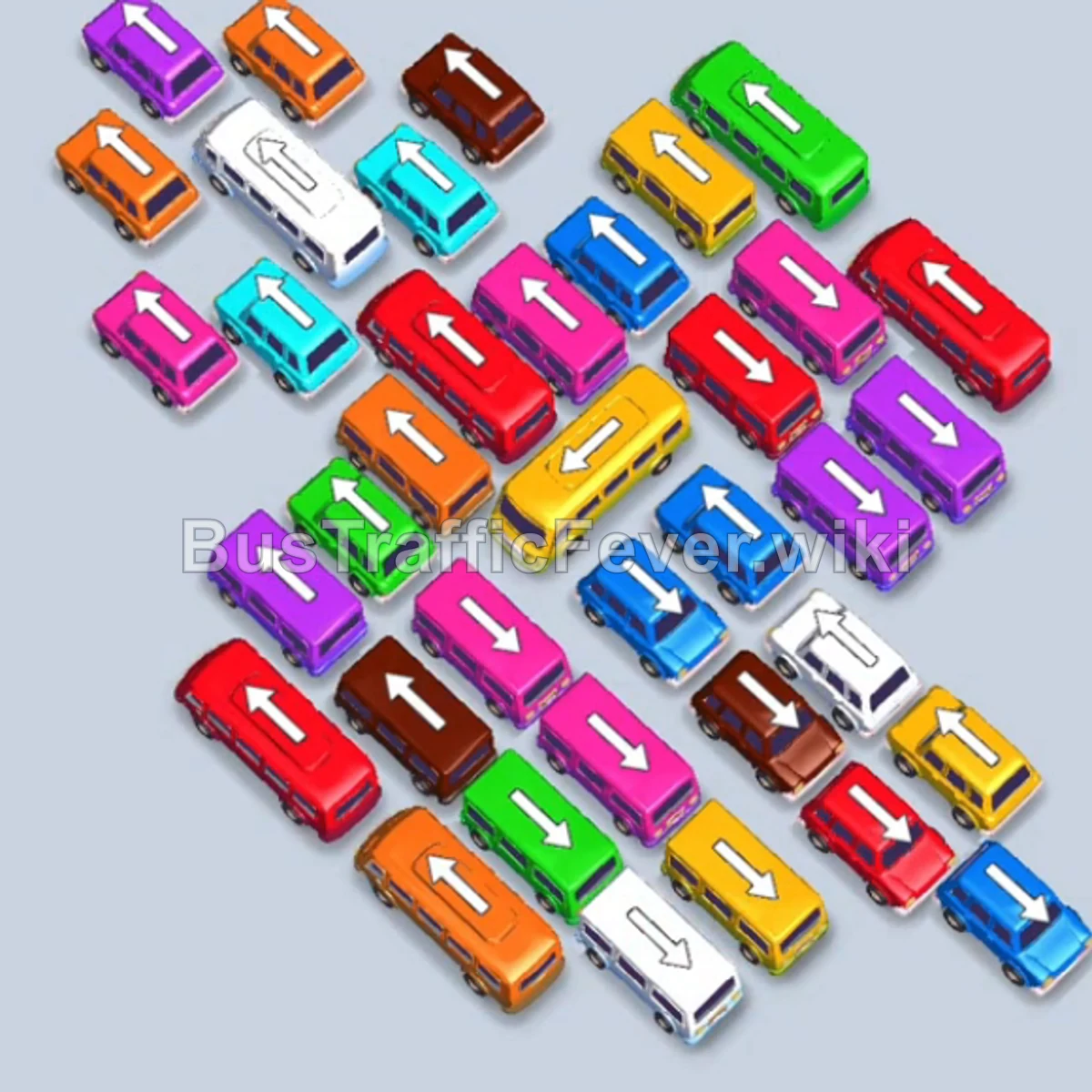
Bus Traffic Fever Level 68 Answer & Walkthrough Solution

Quick answer
Tap the vertical Black bus at the top right. It enters slot 1 and begins loading black passengers. Tap the horizontal Light Blue bus on the middle right into slot 2. Light blue passengers board and it departs immediately. Tap the first vertical Red bus on the far right into slot 2.
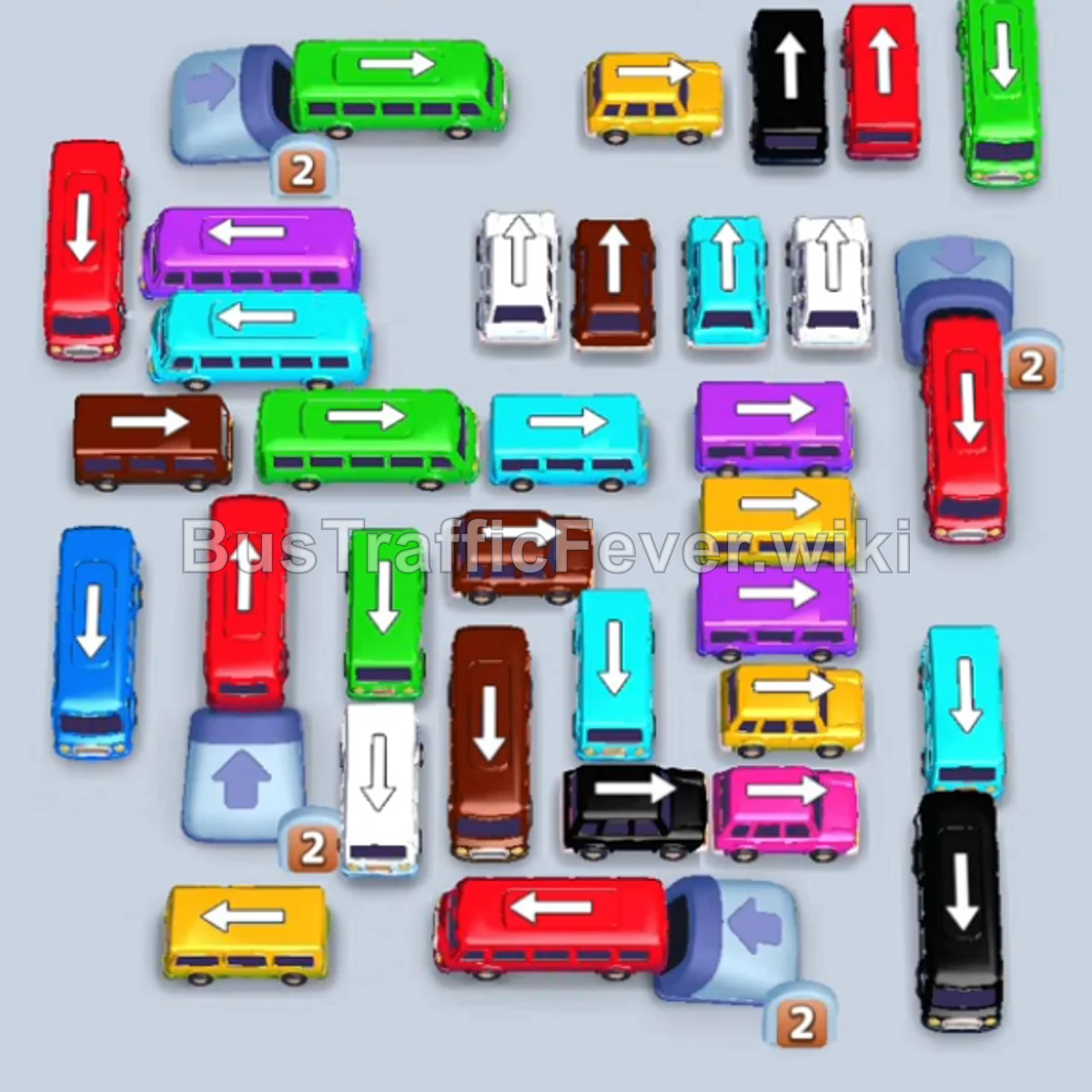
Step-by-step solution
Phase 1: Initial Perimeter Clearing & Opening Parking Bays
- Tap the vertical Black bus at the top right. It enters slot 1 and begins loading black passengers.
- Tap the horizontal Light Blue bus on the middle right into slot 2. Light blue passengers board and it departs immediately.
- Tap the first vertical Red bus on the far right into slot 2.
- Tap the second vertical Red bus on the far right into slot 3 to stage for the large upcoming red passenger wave.
- Tap the horizontal Blue bus at the top left into slot 4. Blue passengers will board and clear.
- Tap the vertical White bus on the middle right into slot 4. White passengers board and depart.
- Tap the horizontal Blue bus at the bottom left into slot 4 to clear the next blue passenger group.
Phase 2: Clearing Multiple Colored Queues & Midfield Vehicles
- Red passengers finish boarding the first Red bus in slot 2 and it departs, while the second Red bus begins loading in slot 3.
- Tap the horizontal Yellow bus at the bottom left into slot 2 to clear yellow passengers.
- Tap the horizontal Purple bus at the bottom right into slot 2. Purple passengers board and it exits.
- Tap the vertical Green bus on the far right into slot 4 to absorb 40 green passengers.
- Tap the horizontal Brown bus on the far right into slot 4 to collect brown passengers.
- Tap the horizontal Purple bus at the bottom right into slot 4 to pick up incoming purple passengers.
- Tap the vertical Pink bus at the bottom right into slot 4 to load pink passengers.
- Tap the horizontal Yellow bus at the bottom right into slot 4 to clear yellow passengers.
- Tap the horizontal Brown bus at the bottom right into slot 4 to finish off the brown passenger queue.
Phase 3: Deep Row Extraction & High-Capacity Transfers
- The second Red bus in slot 3 finishes loading and departs.
- Tap the vertical Yellow bus at the top left into slot 3 to clear yellow passengers.
- Tap the horizontal Green bus at the top right into slot 4 to load 40 green passengers.
- Tap the horizontal Yellow bus at the bottom right into slot 3 to collect yellow passengers.
- Tap the horizontal Pink bus at the bottom left into slot 3.
- Tap the vertical Pink bus on the far left into slot 4 to finish the pink line.
- Tap the slanted Green bus at the top right into slot 4 to clear green passengers.
- Tap the horizontal Light Blue bus on the far right into slot 3 to pick up light blue passengers.
- Tap the vertical Purple bus on the far left into slot 3. It boards 40 purple passengers and clears.
- Tap the horizontal Brown bus in the center into slot 3 to clear the large brown crowd.
- Tap the horizontal Light Blue bus on the far left into slot 3. It loads 40 light blue passengers and departs.
Phase 4: Unblocking the Core & Final Sequence
- Tap the horizontal Black bus at the bottom right into slot 2. Both black vehicles in slots 1 and 2 finish boarding all black passengers and depart.
- The remaining Red bus finishes boarding and departs.
- Tap the vertical Red bus on the far right into slot 1.
- Tap the horizontal Yellow bus on the far right into slot 2. Both vehicles load their respective passengers and depart.
- Tap the horizontal Green bus at the top left into slot 1 to clear the incoming green line.
- Tap the horizontal Yellow bus at the bottom left into slot 1.
- Tap the vertical White bus on the middle right into slot 2. White passengers board and depart.
- Tap the second horizontal Yellow bus at the top left into slot 2.
- Tap the second vertical White bus on the middle right into slot 3 to finish the white queue.
- Tap the vertical Red bus, vertical Orange bus, and vertical Purple bus on the left into the open slots to clear the red, orange, and purple passengers.
- Tap the vertical Brown bus in the center and the two remaining Light Blue buses in the center and bottom.
- All remaining brown and light blue passengers will board to complete Level 68 with a Perfect rating!
Tips for success
- Park Long-Queue Buses Early: Vehicles holding 40 passengers (like the Black and Red buses in the beginning) take a long time to fill; keep them in the leftmost slots while using the rightmost slots for fast-clearing 16/24 passenger buses.
- Prioritize Trapped Columns: The vertical stacks in the center and left require outer buses to be removed first; clear flanking buses whenever their matching color appears in the overhead track.
- Maintain Slot Flexibility: Keep at least two open staging slots available during the mid-game so you don’t get locked out while waiting for multi-bus passenger waves.
More Bus Traffic Fever help
Continue with the Level 67 walkthrough, review the core rules in how to play Bus Traffic Fever, or browse all level solutions to jump to another number.