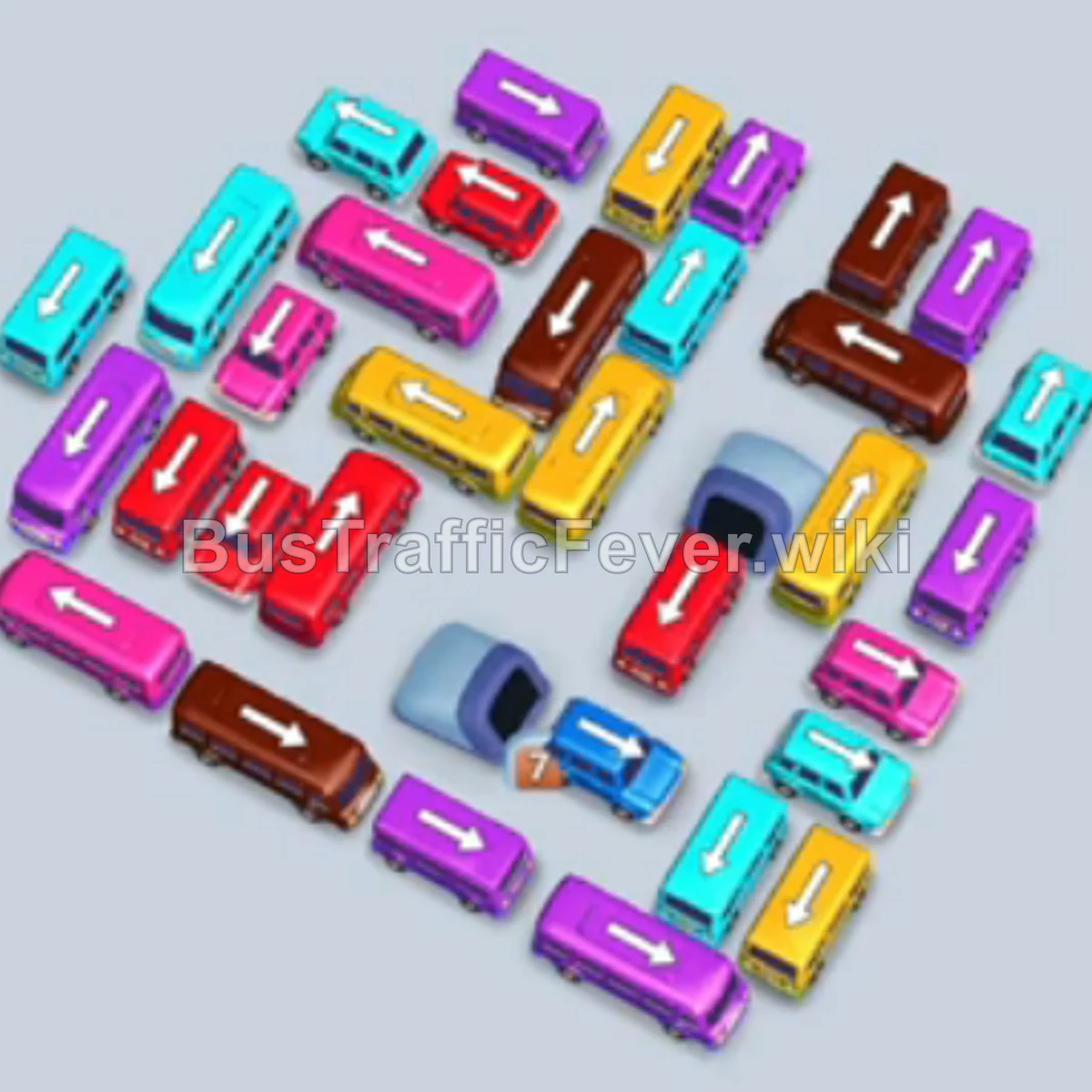
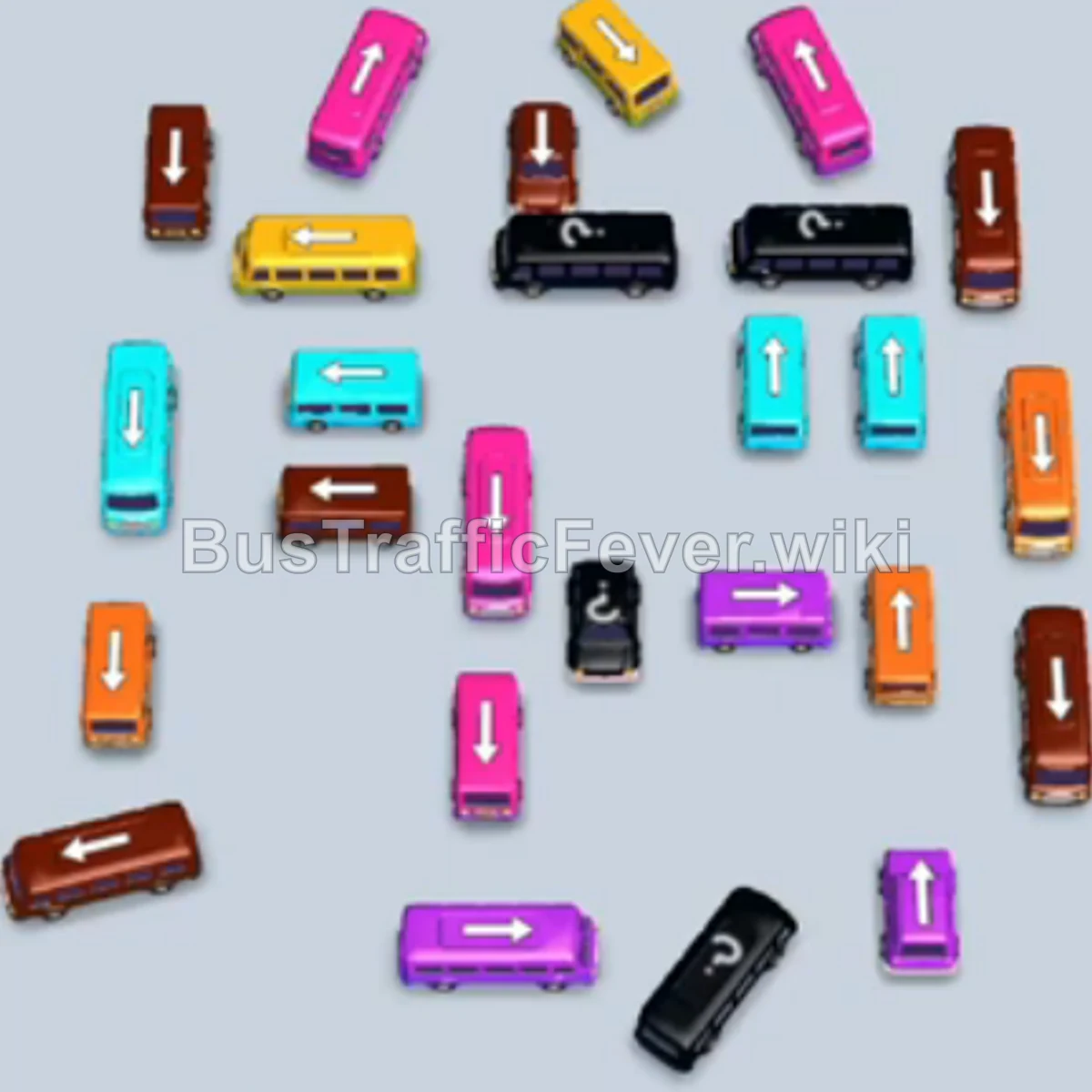
Bus Traffic Fever Level 254 Answer & Walkthrough Solution

Quick answer
Level 254 features a dense rectangular loop of vehicles surrounding an inner gridlock. To clear this stage, focus on freeing the outer perimeter vehicles first to satisfy the initial Yellow and Brown passenger waves. Keep the 5 parking bays circulating by matching vehicle colors to the queue head, and prioritize releasing vehicles that block multiple inner lanes. Once the outer ring is hollowed out, work inward to clear the Pink, Cyan, and Red clusters before evacuating the final core.
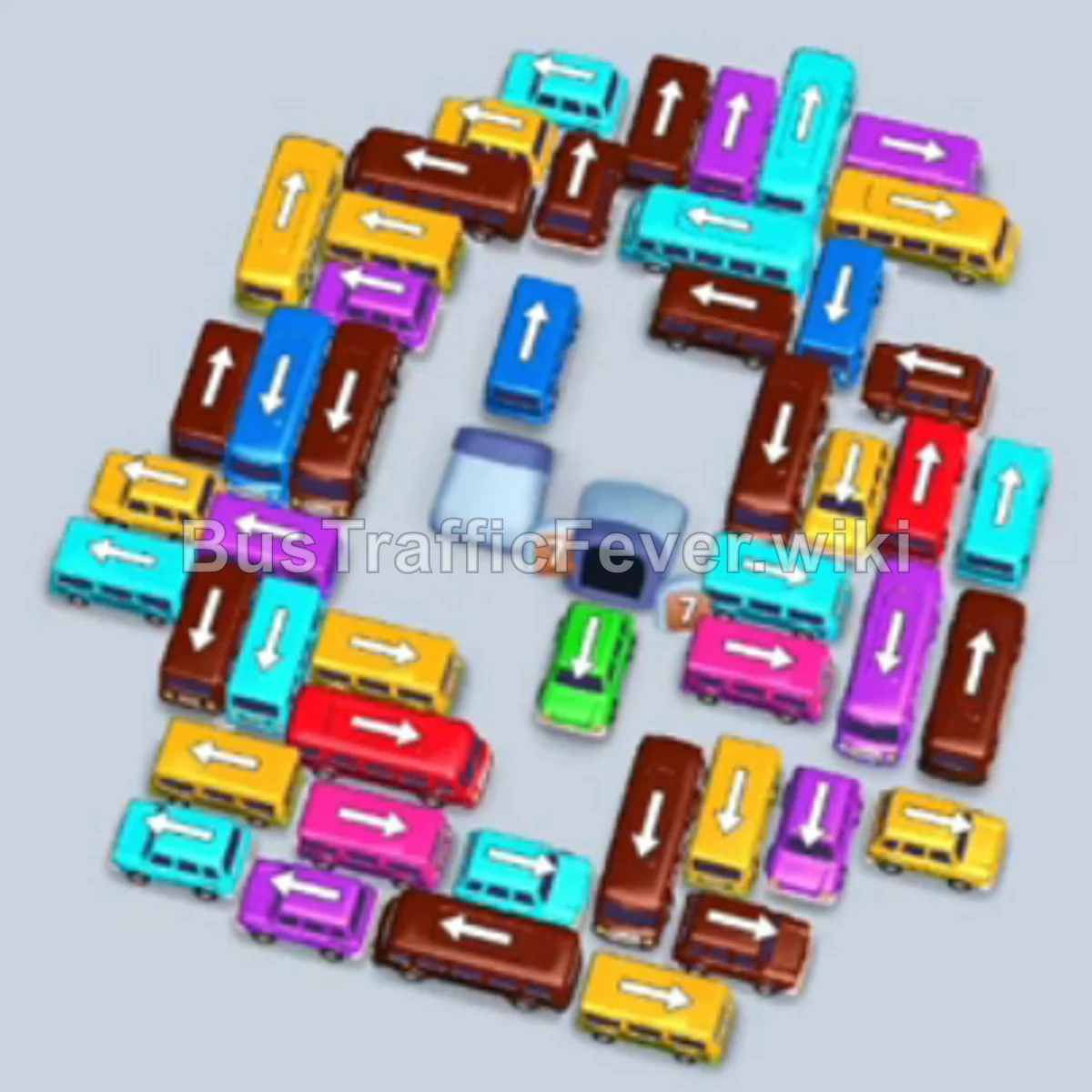
Step-by-step solution
Phase 1: Initial Perimeter Clearing (Yellow & Brown Waves)
- Tap the Yellow bus at the bottom-left corner facing upward. It occupies the first parking bay, and yellow passengers begin boarding immediately.
- Tap the Brown bus on the middle-right perimeter facing downward. It enters a parking bay and begins boarding brown passengers.
- Tap the Brown bus near the top-center edge facing right to join the brown boarding group.
- Tap the Yellow bus on the middle-left edge to take a slot and assist with incoming yellow passengers.
- Tap the Brown bus at the top-right corner to clear out the remaining brown passengers.
- Tap the Yellow bus at the bottom left to continue boarding yellow passengers as the brown vehicles depart.
- Tap the Yellow bus along the bottom-center edge facing left.
- Tap the Yellow bus on the lower-left section.
- Tap the Yellow bus at the bottom center. Yellow passengers finish boarding, completely clearing the yellow queue.
Phase 2: Clearing the Outer Ring & Lane Openings
- The queue shifts to Pink. Tap the Pink bus at the top-left corner facing left.
- Tap the Purple bus on the bottom-right perimeter facing downward to free lane space.
- Tap the Purple bus next to it facing downward into an open slot.
- Tap the Cyan bus on the top-left outer edge facing upward.
- Tap the Pink bus at the top right facing upward to start boarding pink passengers.
- Tap the Red bus at the bottom left facing downward.
- Tap the Yellow bus on the lower-left edge.
- Tap the Cyan bus along the top-left perimeter.
- Tap the Red bus on the bottom-left corner facing down.
- Tap the Cyan bus on the left side facing left.
- Tap the Cyan bus next to it on the outer left edge.
- Tap the Red bus on the lower perimeter.
- Tap the Pink bus on the upper-right edge to board pink passengers.
- Tap the Cyan bus on the left perimeter.
- Tap the Cyan bus near the top-left corner.
- Tap the Pink bus in the upper-middle section.
- Tap the Pink bus on the upper-right perimeter.
- Tap the Pink bus facing upward in the upper section.
- Tap the Pink bus on the right side.
- Tap the Pink bus freed near the top-center to finish the pink passenger wave.
Phase 3: Unraveling the Mid-Layer Corridors
- The queue shifts to Yellow and Cyan. Tap the Yellow bus freed on the upper-left corridor.
- Tap the Yellow bus right behind it.
- Tap the Yellow bus in the upper-middle area.
- Tap the Cyan bus on the upper-left side to pick up incoming cyan passengers.
- Tap the Cyan bus in the mid-left section.
- Tap the Cyan bus on the left edge facing downward.
- Tap the Cyan bus freed on the mid-left corridor.
- Tap the Purple bus on the bottom-right perimeter.
- Tap the Purple bus next to it on the lower-right side.
- Tap the Purple bus in the lower-right cluster.
- Tap the Purple bus facing downward on the right edge.
- Tap the Yellow bus in the upper-center area to board yellow passengers.
- Tap the Yellow bus directly below it.
- Tap the Yellow bus in the center corridor.
- Tap the Yellow bus on the middle-left side.
- Tap the Red bus in the lower-left section to open up inner traffic flow.
- Tap the Red bus adjacent to it on the bottom perimeter.
- Tap the Yellow bus in the central section.
- Tap the Red bus at the bottom center.
- Tap the Red bus on the lower-right side.
- Tap the Red bus on the bottom-right edge to start boarding red passengers.
Phase 4: Resolving the Core Bottlenecks
- Tap the Yellow bus freed in the central grid.
- Tap the Yellow bus next to it in the center.
- Tap the Yellow bus on the right side of the inner loop.
- Tap the Cyan bus in the center-left area.
- Tap the Cyan bus right behind it to board cyan passengers.
- Tap the Red bus in the lower-center grid.
- Tap the Red bus on the mid-left side.
- Tap the Red bus in the central area.
- Tap the Red bus at the bottom of the central cluster.
- Tap the Yellow bus in the mid-right corridor.
- Tap the Purple bus in the center-right area.
- Tap the Purple bus next to it to pick up purple passengers.
- Tap the Red bus in the mid-left grid.
- Tap the Red bus in the center.
- Tap the Red bus on the right side of the center.
- Tap the Cyan bus freed in the upper-center area.
- Tap the Red bus in the lower-middle grid.
- Tap the Red bus on the middle-right side.
- Tap the Red bus in the center.
- Tap the Red bus directly below it to complete the red passenger group.
- Tap the Purple bus in the upper-middle section.
- Tap the Purple bus in the center-right section.
- Tap the Purple bus in the center.
- Tap the Cyan bus freed in the central corridor.
- Tap the Purple bus in the center to finish boarding the purple queue.
- Tap the Cyan bus in the central grid.
- Tap the Cyan bus directly behind it.
- Tap the Cyan bus in the mid-right area.
- Tap the Cyan bus on the right side.
- Tap the Purple bus remaining in the center-right area.
Phase 5: Final Vehicle Evacuation and Cleanup
- Tap the Red bus in the center area.
- Tap the Purple bus in the upper-center area.
- Tap the Cyan bus in the center.
- Tap the Cyan bus next to it.
- Tap the Cyan bus in the mid-left section.
- Tap the Cyan bus in the lower-left grid.
- Tap the Cyan bus facing outward.
- Tap the Yellow bus in the center.
- Tap the Yellow bus directly below it.
- Tap the Red bus in the lower-center section.
- Tap the Red bus in the mid-right section.
- Tap the Red bus on the right side.
- Tap the Cyan bus in the center.
- Tap the Cyan bus next to it to clear the remaining cyan passengers.
- Tap the Red bus in the center-right grid.
- Tap the Red bus in the center.
- Tap the Red bus on the bottom-right side.
- Tap the Red bus in the lower-center grid.
- Tap the Cyan bus in the mid-left area.
- Tap the Cyan bus in the center.
- Tap the Cyan bus on the right side.
- Tap the Cyan bus in the lower-right area.
- Tap the Cyan bus at the bottom to complete cyan boarding.
- Tap the Brown bus in the center.
- Tap the Brown bus directly adjacent to it.
- Tap the Red bus in the lower grid.
- Tap the Cyan bus remaining in the center.
- Tap the Red bus in the center.
- Tap the Red bus next to it.
- Tap the Brown bus in the center.
- Tap the Brown bus on the lower-right side.
- Tap the Brown bus at the bottom right.
- Tap the Dark Blue bus in the center-left.
- Tap the Dark Blue bus in the center.
- Tap the Dark Blue bus on the right side to clear blue passengers.
- Tap the Yellow bus in the center.
- Tap the Yellow bus on the lower-left side.
- Tap the Yellow bus at the bottom left.
- Tap the Cyan bus in the center.
- Tap the Cyan bus at the bottom center.
- Tap the Dark Blue bus in the center.
- Tap the Dark Blue bus at the bottom right.
- Tap the Red bus in the center.
- Tap the Red bus on the lower-right side.
- Finally, tap the last Red bus at the bottom center to board the remaining passengers and clear the level.
Tips for success
- Track the Double-Line Queue: Notice that the passenger line feeds from both left and right loops into the center. Always anticipate which color becomes primary next so you don’t stall your bays.
- Preserve Slot Buffer: Keep at least 1 or 2 parking slots open. Tapping off-color vehicles just to clear paths is viable only when you have space for them to wait.
- Unblock from Out to In: Outer loop buses lock in inner grid vehicles. Never try to force inner buses out before clearing their respective escape vectors on the perimeter.
More Bus Traffic Fever help
Continue with the Level 253 walkthrough, review the core rules in how to play Bus Traffic Fever, or browse all level solutions to jump to another number.