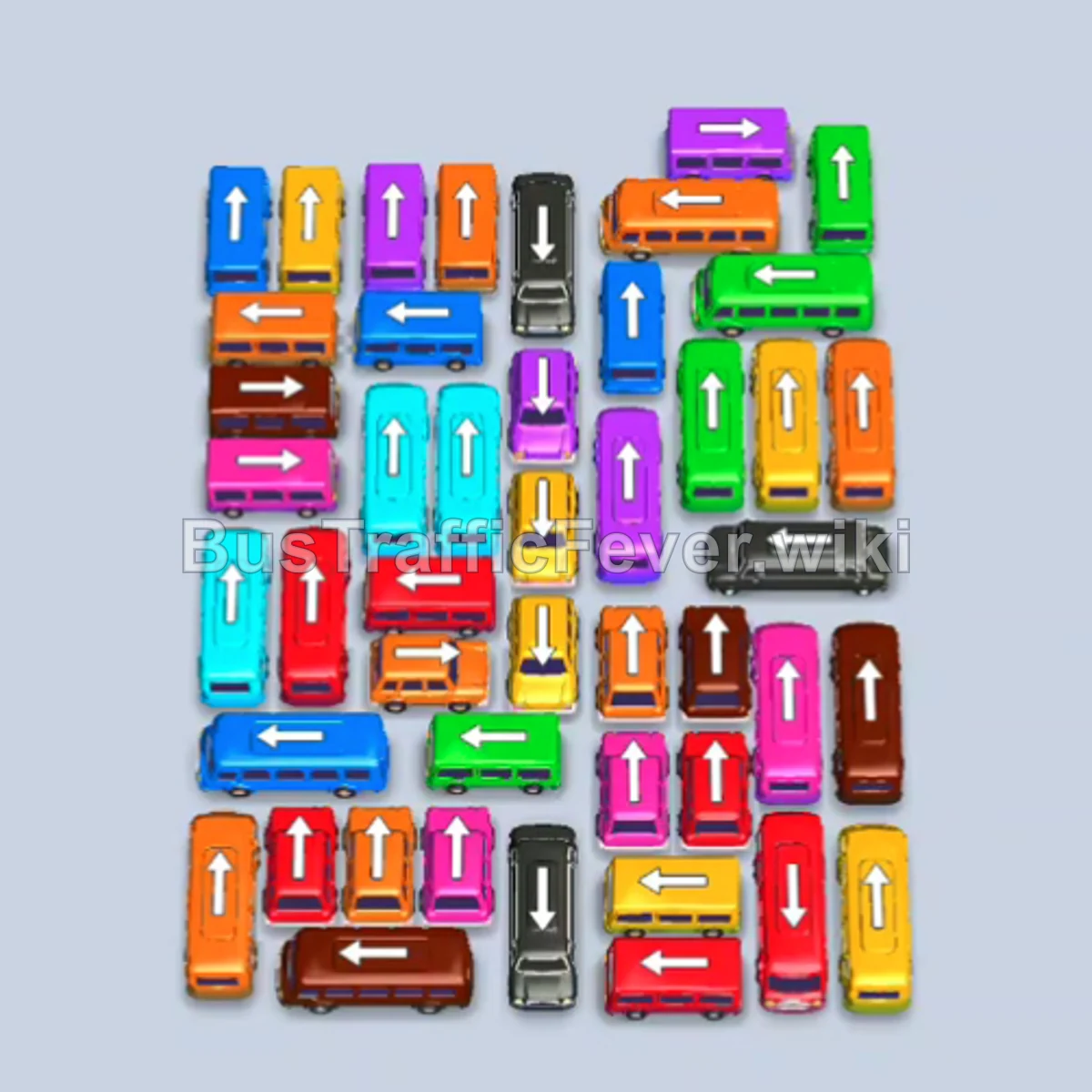
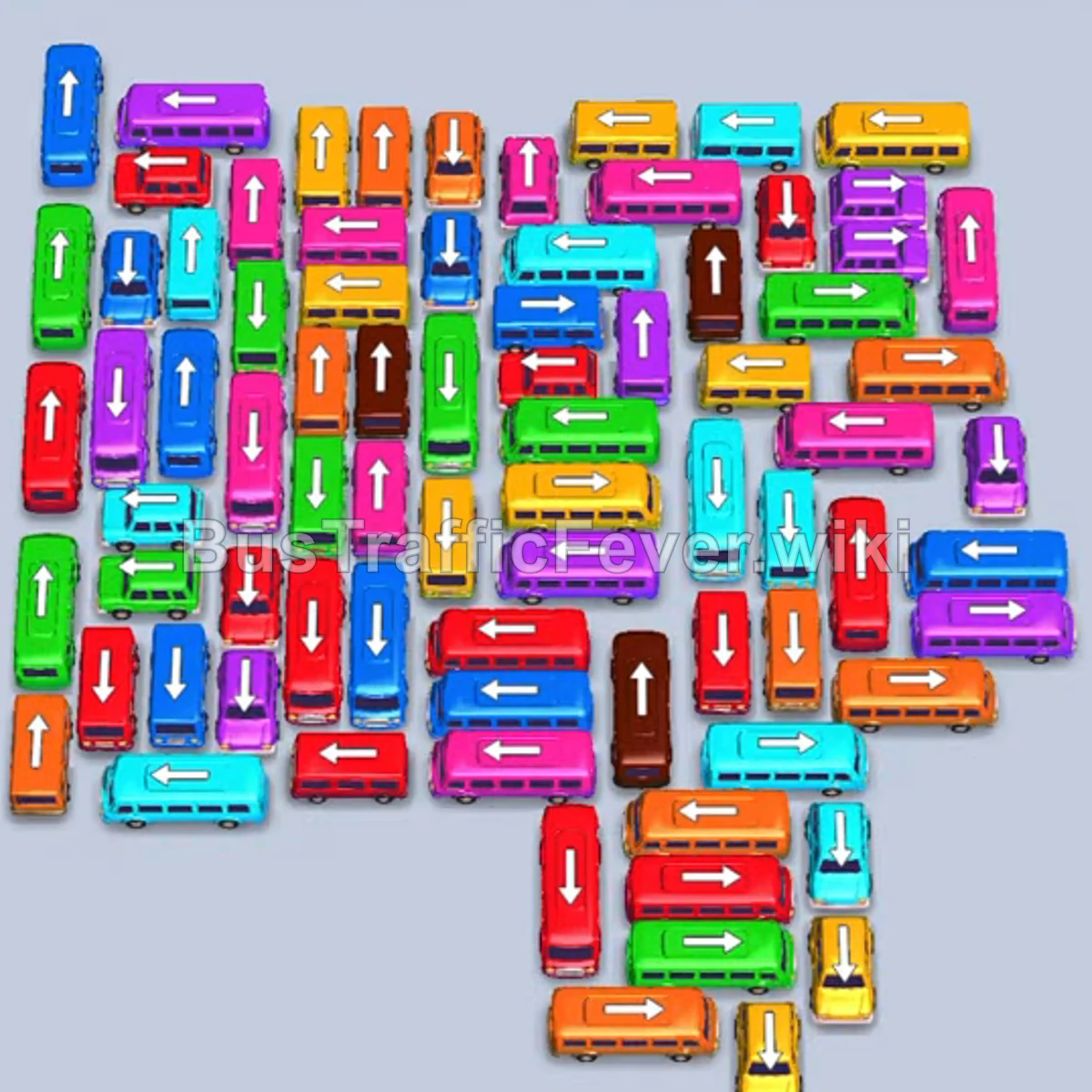
Bus Traffic Fever Level 320 Answer & Walkthrough Solution

Quick answer
Level 320 features a densely packed grid with heavy interlocks and long passenger queues dominated initially by red, orange, and purple. The winning strategy relies on clearing peripheral vehicles that face clear exit paths to steadily free large buses in the center, while keeping parking slots available by matching vehicles immediately to the active passenger line.
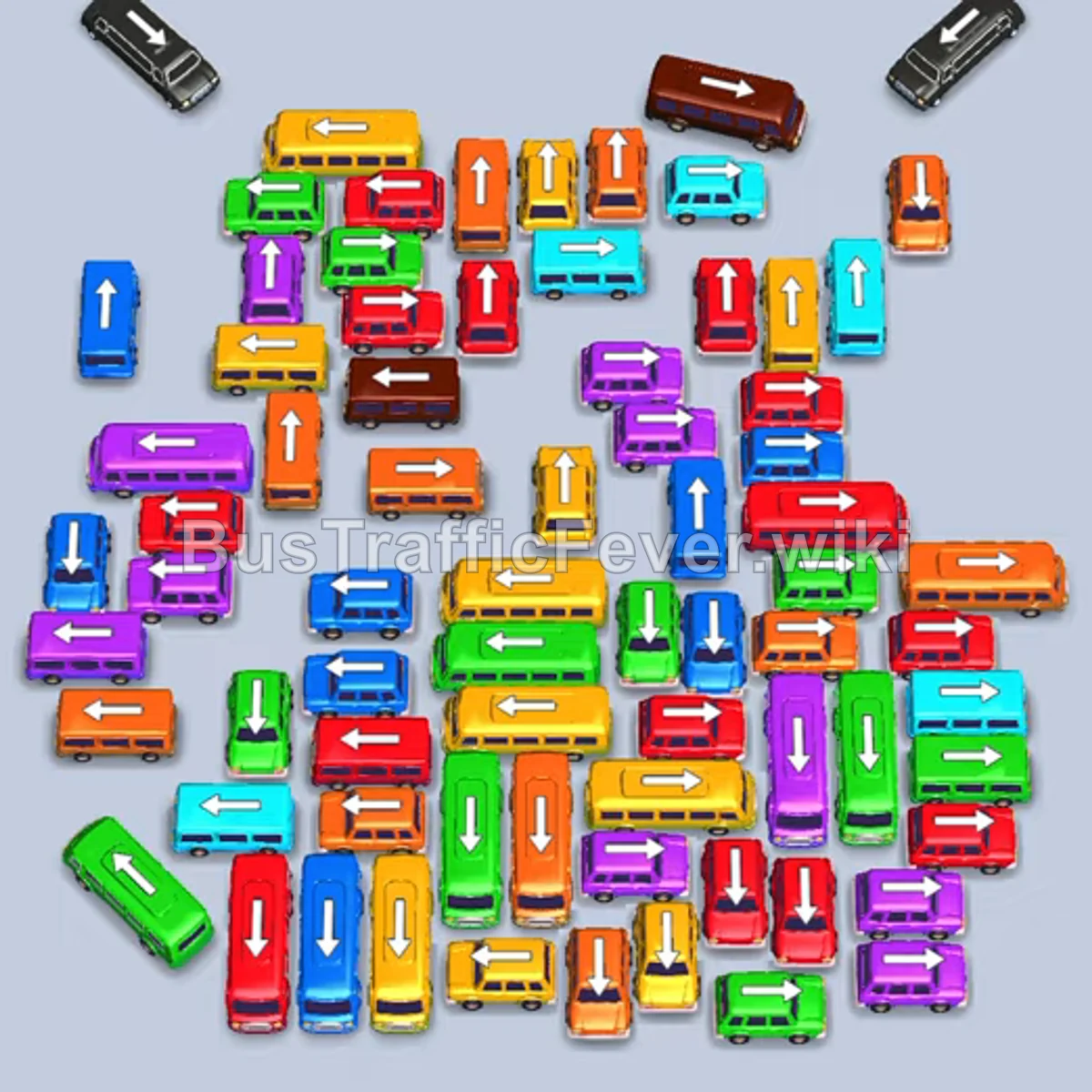
Step-by-step solution
Phase 1: Opening Clears – Orange & Red Rush
- Tap the green bus at the bottom-left corner facing down-left to clear the lane.
- Tap the yellow bus at the bottom-left facing left into the parking area.
- Tap the red bus in the lower-middle facing left to take incoming red passengers.
- Tap the blue bus in the center facing left into an open slot.
- Tap the orange bus in the lower-middle facing right; it fills and departs.
- Tap the orange bus in the lower-middle facing right to finish the active orange queue.
- Tap the red bus at the bottom edge facing left to load remaining red passengers, clearing the red bus.
- Tap the orange bus in the upper-middle facing left to take new orange arrivals.
- Tap the red bus on the middle-right facing left to board advancing red passengers.
- Tap the red bus in the upper-center facing left into the open bay.
- Tap the green bus on the middle-left facing left into parking.
- Tap the red bus on the far right facing left to finish boarding and exit.
- Tap the purple bus on the middle-left facing down to board arriving purple passengers.
- Tap the green bus at the bottom-right facing up-left.
- Tap the purple bus on the middle-right facing left to join the purple queue.
- Tap the orange bus in the lower-center facing right to clear orange passengers and depart.
- Tap the purple bus on the right facing left into parking.
- Tap the orange bus in the center facing up into the bay.
- Tap the green bus on the middle-left facing up to collect green passengers.
- Tap the orange bus on the lower-left facing right; it fills and exits.
- Tap the green bus on the center-right facing left.
- Tap the orange bus on the lower-right facing left; it boards and leaves.
- Tap the green bus on the lower-right facing left.
- Tap the orange bus in the center facing left to finish orange passengers.
- Tap the red bus on the middle-right facing up.
- Tap the yellow bus in the lower-center facing left; it fills and departs.
Phase 2: Unlocking Center Grid – Purple & Green Queues
- Tap the red bus in the center facing left into parking.
- Tap the red bus on the lower-left facing left.
- Tap the red bus in the center facing up to clear the red queue.
- Tap the yellow bus on the lower-left facing right; it departs once filled.
- Tap the red bus in the center facing left into the open bay.
- Tap the purple bus in the upper-left facing down to collect purple passengers.
- Tap the purple bus in the center facing left into parking.
- Tap the green bus in the center facing right to load green passengers.
- Tap the yellow bus in the center facing left; it boards and exits.
- Tap the yellow bus in the center facing down; it fills and leaves.
- Tap the blue bus in the lower-middle facing left to load blue passengers and depart.
- Tap the blue bus in the center facing right; it clears the blue queue and leaves.
- Tap the green bus in the upper-left facing left to park.
- Tap the red bus on the bottom-right facing up.
- Tap the orange bus on the middle-left facing right to absorb orange arrivals.
- Tap the green bus in the center facing right to clear green passengers.
- Tap the brown bus at the top edge facing left into parking to board brown passengers.
- Tap the red bus on the lower-right facing left.
- Tap the green bus in the center facing left; it fills and departs.
- Tap the purple bus in the center facing right into the open bay.
Phase 3: Cycling Middle Lanes – Yellow, Cyan & Blue
- Tap the cyan bus on the lower-right facing left into parking.
- Tap the cyan bus in the center facing left to join the queue.
- Tap the orange bus on the middle-right facing left.
- Tap the red bus in the center facing left to take red passengers.
- Tap the orange bus on the lower-middle facing left to exit.
- Tap the purple bus in the upper-center facing left; it boards and leaves.
- Tap the blue bus in the center facing left into parking.
- Tap the blue bus on the center-right facing left to finish blue passengers.
- Tap the cyan bus in the center facing left to absorb cyan arrivals.
- Tap the yellow bus in the lower-middle facing right to board yellow passengers.
- Tap the yellow bus in the lower-center facing left; it fills and leaves.
- Tap the purple bus in the center facing left to clear purple passengers.
- Tap the red bus in the center facing up to board red passengers.
- Tap the green bus in the lower-left facing up to pick up green passengers.
- Tap the green bus on the lower-left facing right to clear the lane.
- Tap the orange bus on the lower-right facing left; it loads and departs.
- Tap the purple bus in the center facing left to board purple passengers.
- Tap the yellow bus on the lower-middle facing right.
- Tap the yellow bus on the lower-right facing left to finish yellow arrivals.
Phase 4: Mid-Grid Untangling – Matching Mixed Frontlines
- Tap the green bus on the upper-left facing down to board green passengers.
- Tap the yellow bus in the center facing right into parking.
- Tap the red bus on the upper-middle facing left to take red passengers.
- Tap the yellow bus in the center facing right; it fills and departs.
- Tap the red bus on the middle-left facing left.
- Tap the blue bus on the center-right facing left to board blue passengers.
- Tap the blue bus in the center facing left to exit.
- Tap the cyan bus in the center facing up to take cyan passengers.
- Tap the yellow bus in the center facing right to clear yellow arrivals.
- Tap the purple bus in the lower-center facing left to board purple passengers.
- Tap the cyan bus in the center facing left to absorb the cyan line.
- Tap the red bus on the middle-right facing left.
- Tap the red bus on the lower-right facing left to exit.
- Tap the cyan bus on the center-right facing left to board cyan passengers.
- Tap the green bus in the lower-middle facing right.
- Tap the red bus on the lower-left facing left to exit.
- Tap the orange bus on the lower-middle facing left to board orange passengers.
- Tap the cyan bus on the lower-right facing left.
- Tap the yellow bus on the middle-left facing right to board yellow arrivals.
- Tap the cyan bus on the center-right facing left to clear cyan passengers.
Phase 5: Clearing Core Blockers – Black & Secondary Queues
- Tap the red bus on the middle-left facing left to exit.
- Tap the purple bus on the middle-left facing left.
- Tap the purple bus on the lower-middle facing left to clear purple passengers.
- Tap the blue bus on the middle-left facing right to board blue arrivals.
- Tap the cyan bus on the middle-left facing right to clear remaining cyan.
- Tap the purple bus on the middle-left facing up to exit.
- Tap the blue bus in the lower-left facing right to finish blue passengers.
- Tap the yellow bus on the middle-right facing left to board yellow arrivals.
- Tap the orange bus on the middle-right facing left.
- Tap the yellow bus in the lower-middle facing left to clear yellow passengers.
- Tap the orange bus on the lower-middle facing left to board orange arrivals.
- Tap the green bus in the center facing left to take green passengers.
- Tap the purple bus in the center facing down to exit.
- Tap the black bus in the upper-right facing left into parking; black passengers board.
- Tap the green bus on the lower-middle facing right to finish green passengers.
- Tap the red bus in the center facing left to board red arrivals.
- Tap the green bus on the middle-left facing down to exit.
- Tap the blue bus on the middle-left facing down.
- Tap the blue bus in the lower-middle facing left to clear blue passengers.
- Tap the black bus on the upper-right facing left to board black passengers.
- Tap the orange bus in the center facing down to clear orange passengers.
- Tap the black bus on the upper-left facing down-left into parking.
- Tap the yellow bus on the middle-left facing down to clear yellow arrivals.
Phase 6: Final Cleanup – Brown & Remaining Buses
- Tap the yellow bus in the center facing right to finish yellow passengers.
- Tap the green bus on the lower-left facing up to board green arrivals.
- Tap the purple bus on the middle-left facing down.
- Tap the purple bus in the center facing down to clear purple passengers.
- Tap the red bus in the center facing left to clear red arrivals.
- Tap the green bus in the center facing right to finish green passengers.
- Tap the brown bus on the middle-right facing left to board brown passengers.
- Tap the blue bus in the center facing left to clear the blue line.
- Tap the yellow bus in the center facing left to board remaining yellow passengers.
- Tap the orange bus in the center facing right to clear orange passengers.
- Tap the brown bus in the center facing left to board brown passengers.
- Tap the brown bus in the center facing left; it fills the final brown queue and clears the level.
Tips for success
- Prioritize Outer Free Lanes First: Several vehicles along the bottom-left and bottom-right edges have clear paths out; clearing them early prevents congestion and unlocks central buses.
- Conserve Parking Space: Never send buses into empty parking bays unless their corresponding color is near the front of the queue, as inactive large buses quickly lock the slots.
- Watch Color Transitions: Red, orange, and purple queues repeat multiple times throughout the board. Always check both sides of the passenger line before choosing between similarly positioned vehicles.
More Bus Traffic Fever help
Continue with the Level 319 walkthrough, review the core rules in how to play Bus Traffic Fever, or browse all level solutions to jump to another number.