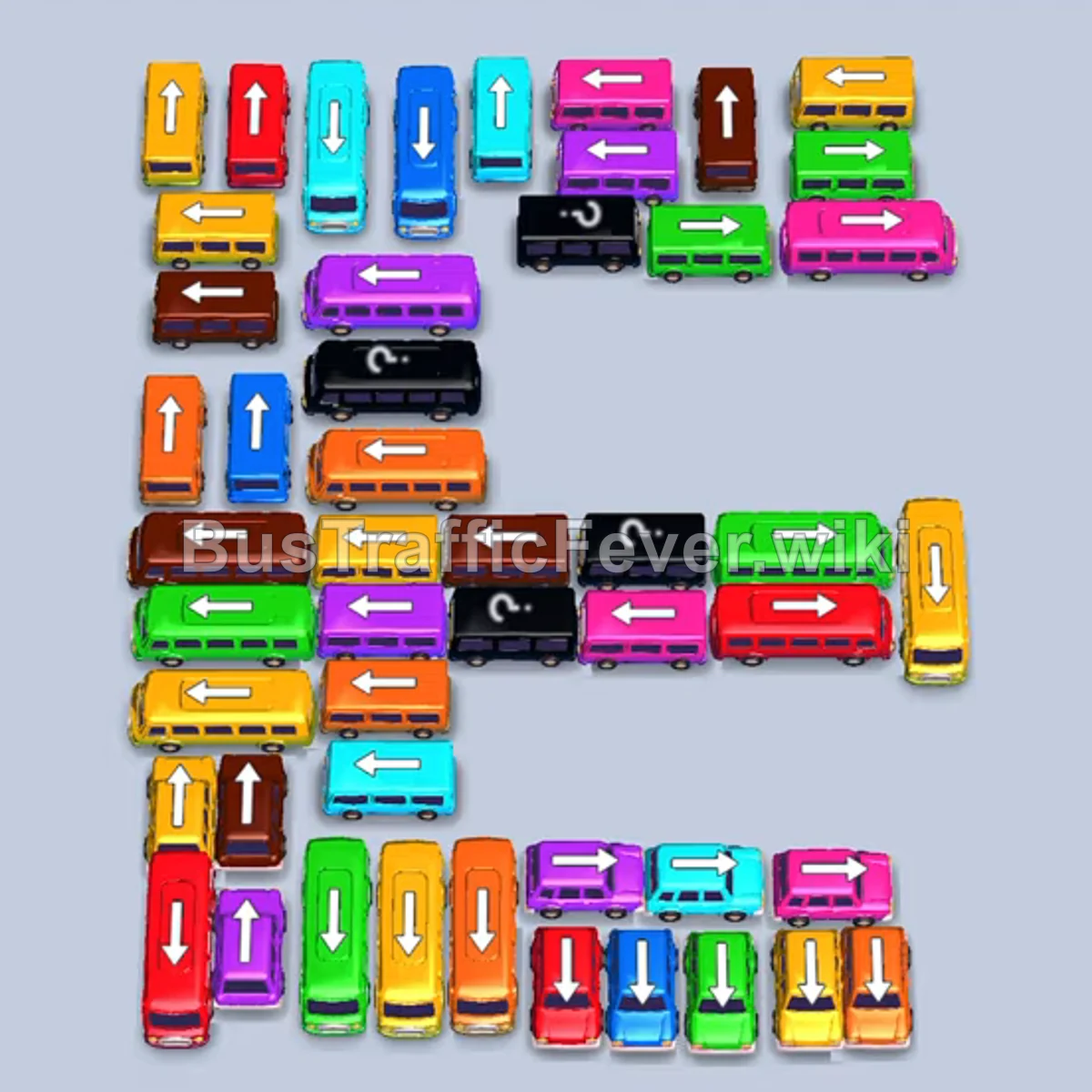
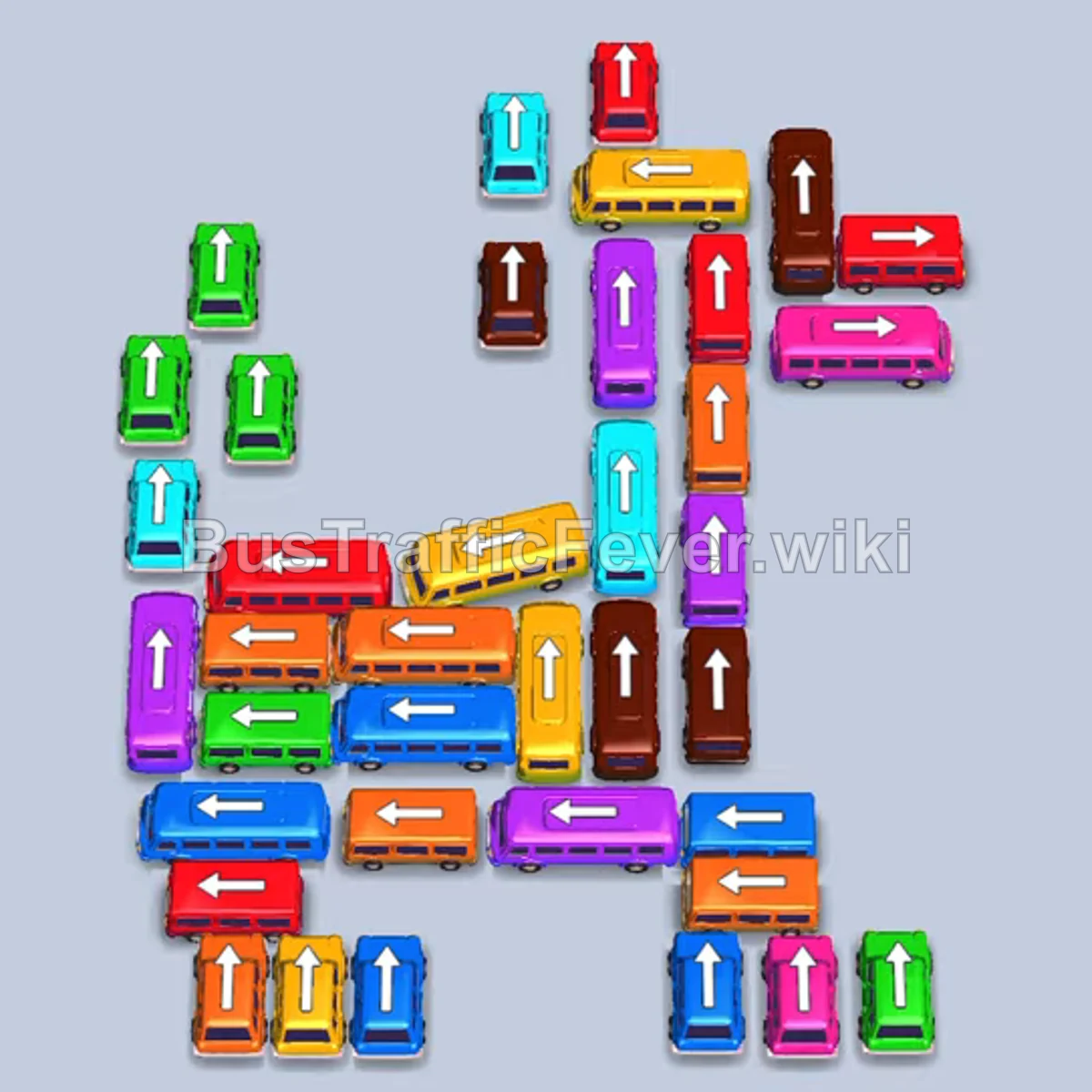
Bus Traffic Fever Level 346 Answer & Walkthrough Solution

Quick answer
Prioritize clearing the outer rows to unlock the congested vertical corridors in the center. Match incoming queue colors—starting with brown and green, then transitioning through purple, red, cyan, and yellow—while keeping open waiting bays to avoid gridlock.
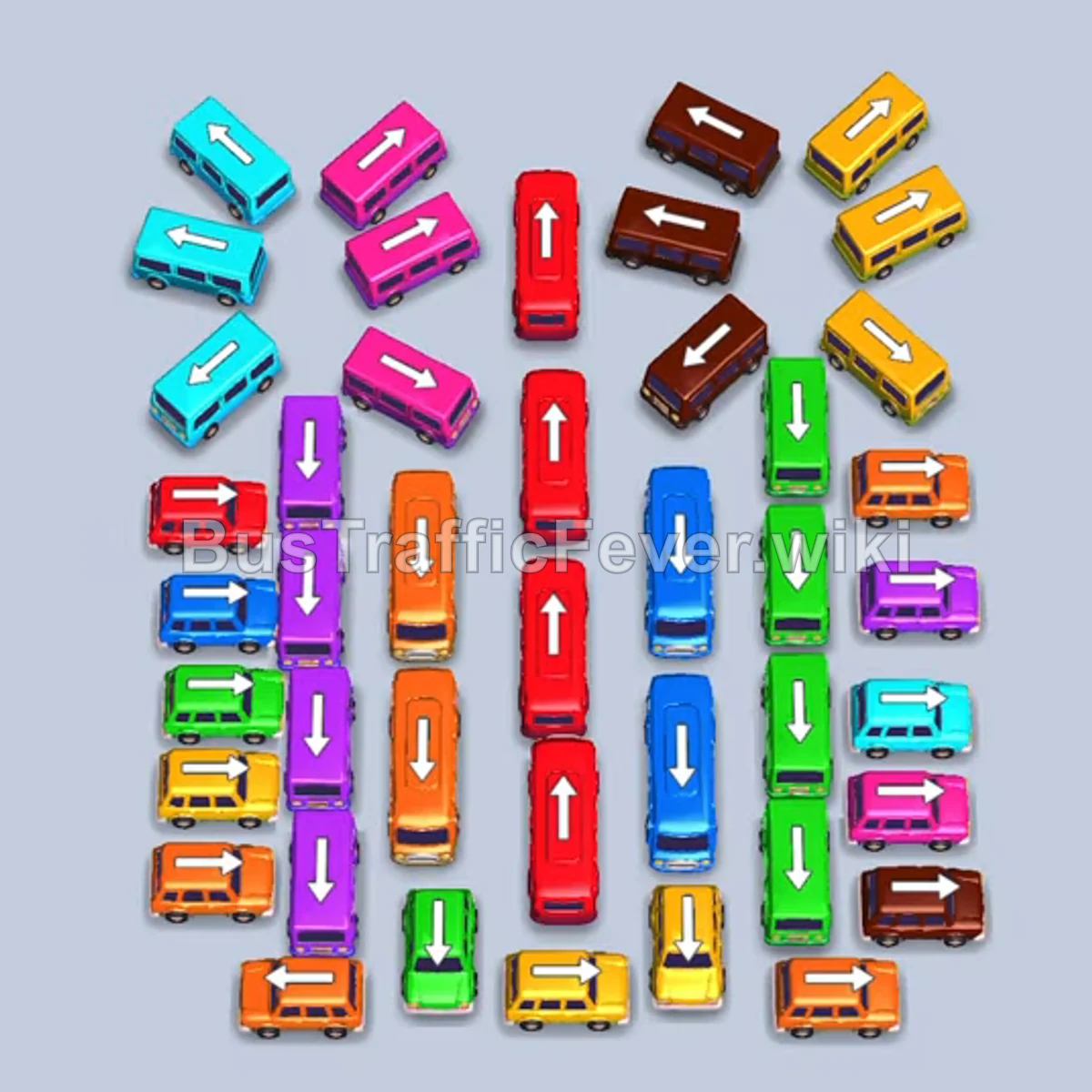
Step-by-step solution
Difficulty: Hard
Phase 1: Unlocking Brown and Green
- Tap the top-center horizontal brown bus facing left.
- Tap the upper-right diagonal brown bus facing up-right.
- Tap the bottom horizontal green bus facing left.
- Tap the center vertical orange bus facing down into an open bay.
- Tap the center vertical green bus facing up.
- Tap the middle-right vertical green bus facing up.
- Tap the bottom-left horizontal green bus facing left.
- Tap the middle-left vertical green bus facing down to board passengers and exit.
- Tap the bottom-center vertical green bus facing down to clear green passengers.
Phase 2: Clearing Brown and Purple
- Tap the upper-right diagonal brown bus facing up-left.
- Tap the bottom-right horizontal brown bus facing right.
- Tap the middle-left horizontal purple bus facing right.
- Tap the right horizontal brown bus facing right to finish the brown queue.
- Tap the left horizontal purple bus facing right.
- Tap the upper-left diagonal purple bus facing up-right.
Phase 3: Clearing Red and Cyan
- Tap the center-left vertical red bus facing down.
- Tap the top-center vertical red bus facing down.
- Tap the center vertical red bus facing up.
- Tap the bottom horizontal red bus facing right.
- Tap the bottom-left vertical red bus facing up to complete the red queue.
- Tap the center-left horizontal cyan bus facing right.
- Tap the middle-right vertical cyan bus facing down into a bay.
- Tap the bottom horizontal orange bus facing left.
- Tap the center-left vertical purple bus facing up.
- Tap the bottom-right horizontal purple bus facing right.
- Tap the middle-right horizontal cyan bus facing right.
- Tap the center-left vertical purple bus facing up to clear purple passengers.
- Tap the middle-left vertical cyan bus facing up.
- Tap the middle-right vertical cyan bus facing up.
- Tap the bottom horizontal cyan bus facing left.
- Tap the bottom-left vertical purple bus facing up.
- Tap the bottom-right horizontal cyan bus facing right.
- Tap the bottom-left vertical cyan bus facing down.
- Tap the top-left diagonal cyan bus facing down-left to finish cyan passengers.
Phase 4: Clearing Center Columns and Yellow/Blue
- Tap the center-top horizontal brown bus facing left.
- Tap the center vertical red bus facing down.
- Tap the center vertical red bus facing up.
- Tap the center vertical yellow bus facing up.
- Tap the right horizontal yellow bus facing right.
- Tap the bottom horizontal yellow bus facing right.
- Tap the center vertical blue bus facing down.
- Tap the center horizontal green bus facing left.
- Tap the center vertical blue bus facing down.
Phase 5: Final Clean-Up
- Tap the bottom-left horizontal orange bus facing left.
- Tap the left horizontal orange bus facing left.
- Tap the center vertical blue bus facing up.
- Tap the bottom-right horizontal yellow bus facing right.
- Tap the bottom-left horizontal orange bus facing left.
- Tap the center horizontal orange bus facing right.
- Tap the bottom-right horizontal purple bus facing right.
- Tap the center horizontal brown bus facing left.
- Tap the bottom-left horizontal yellow bus facing left.
- Tap the bottom-left horizontal red bus facing left.
- Tap the bottom-left horizontal purple bus facing left.
- Tap the bottom-left horizontal purple bus facing left.
- Tap the bottom-right horizontal green bus facing left.
- Tap the bottom-right horizontal yellow bus facing right.
- Tap the remaining bottom-right vertical green bus facing down to finish the level.
Tips for success
- Clear the middle column early: The center column contains several large buses that block side traffic; clearing buses out into waiting bays allows these vertical buses to escape.
- Track the looping line: Watch both ends of the passenger loop to anticipate which color will arrive next and park matching vehicles in advance.
- Park non-matching buses deliberately: Send blocked off-color vehicles into empty waiting spots only when they directly unblock the active passenger color.
More Bus Traffic Fever help
Continue with the Level 345 walkthrough, review the core rules in how to play Bus Traffic Fever, or browse all level solutions to jump to another number.