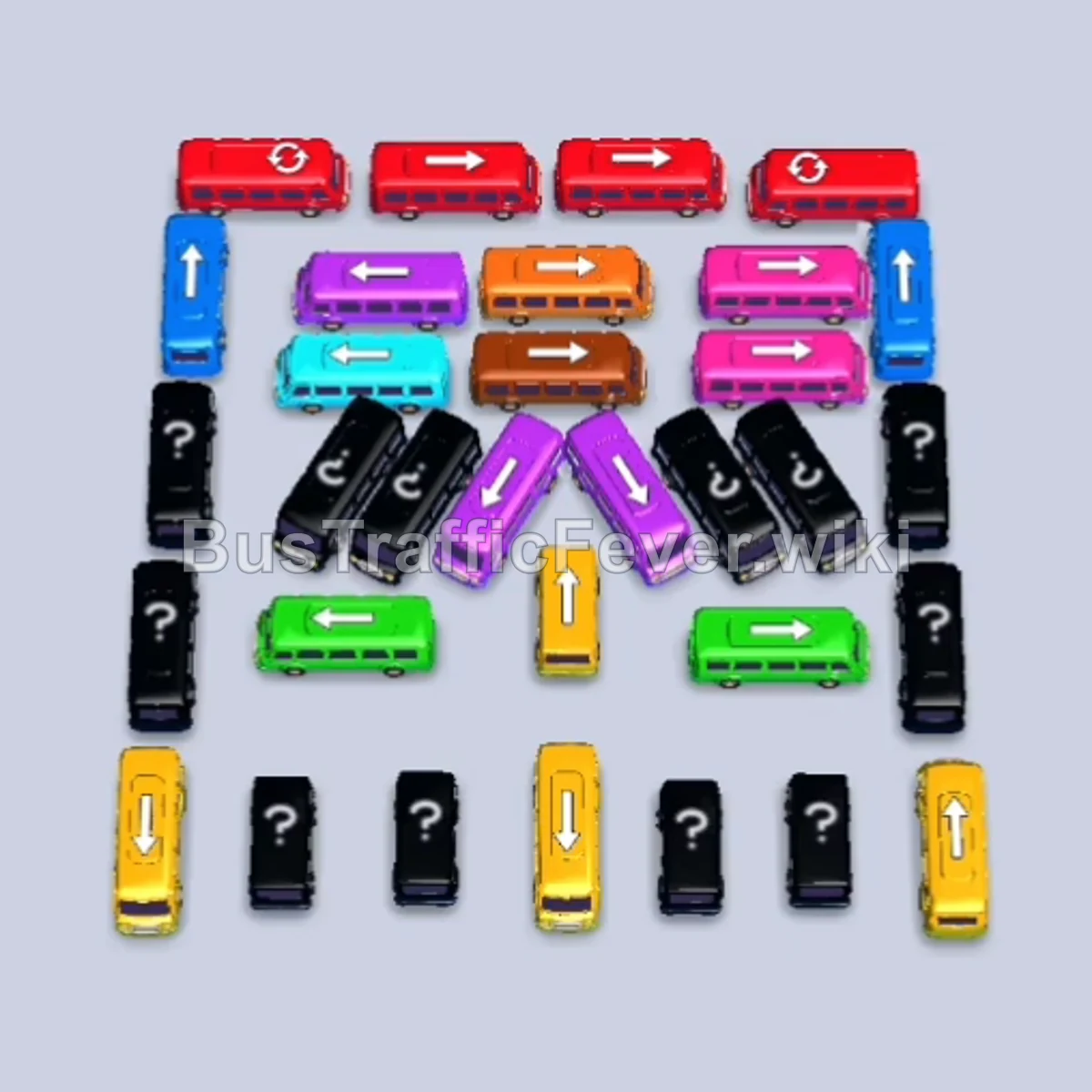
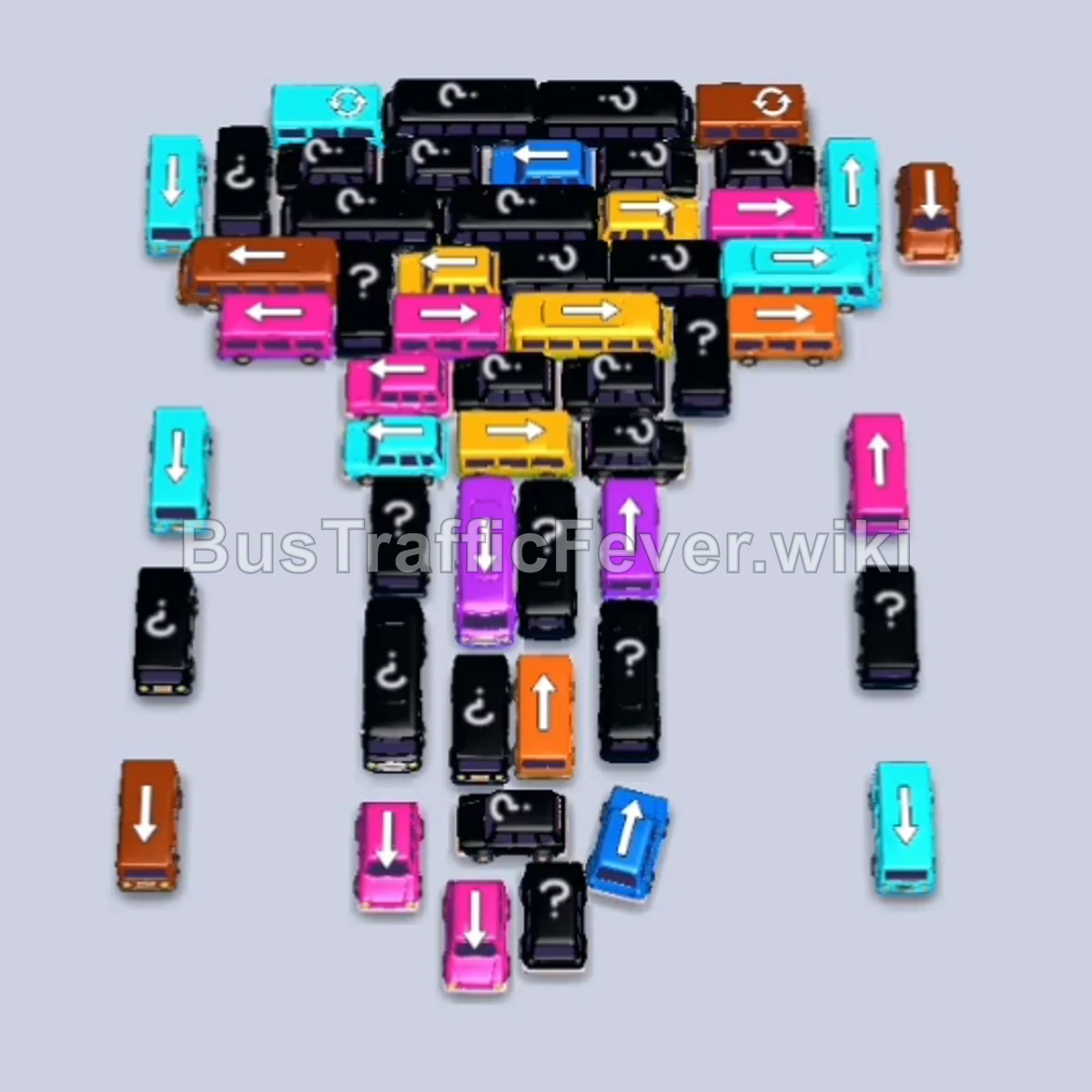
Bus Traffic Fever Level 234 Answer & Walkthrough Solution
Quick answer
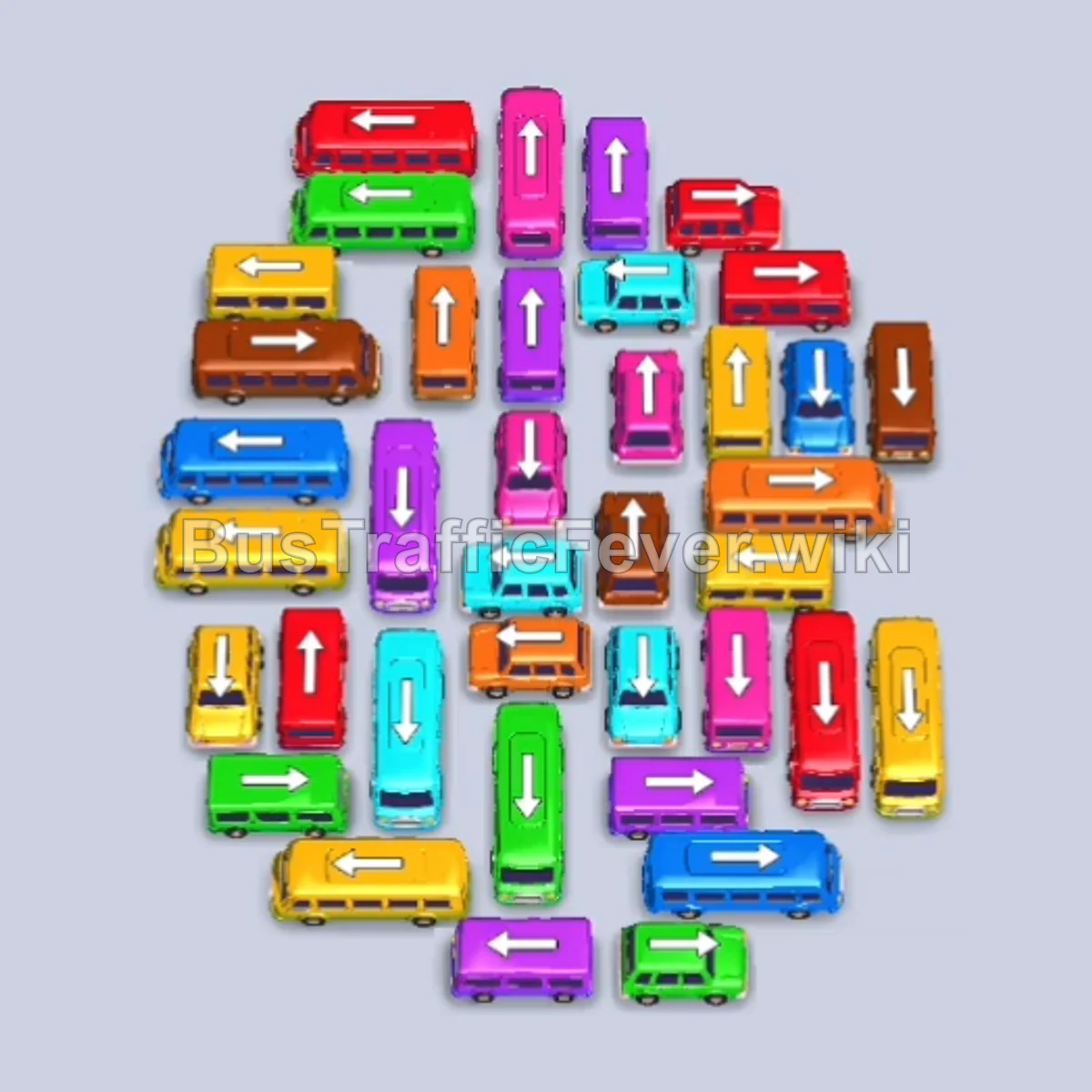
To solve Level 234, start by picking off the exposed outer perimeter vehicles—primarily Red, Yellow, and Orange—to handle the first mixed passenger waves without clogging the parking slots. Then, systematically peel away the outer layers to access the congested vertical spine in the center, alternating between Purple, Cyan, and Yellow buses as their passenger groups approach the gates. Finally, unleash the clustered vehicles on the left side in a synchronized four-bus rush to clear the remaining passenger rings.
Step-by-step solution
Phase 1: Clearing the Outer Perimeter & Initial Waves
- Tap the Red bus at the top right of the cluster (pointing right). It enters the first parking slot and loads the initial red passenger group.
- Tap the Yellow bus on the far right edge (pointing down). It parks in the second slot and clears the first yellow passengers.
- Tap the horizontal Orange bus on the middle-right (pointing right). It occupies an open slot, boarding the oncoming orange passengers.
- Tap the vertical Purple bus on the middle-left (pointing down). It moves into a parking slot to prepare for purple passengers.
- Tap the Pink bus in the upper center (pointing up). It parks in a slot to absorb the incoming pink wave.
- Tap the vertical Yellow bus on the lower-left (pointing down) into an open parking bay to start collecting the next yellow group.
- Tap the vertical Cyan bus on the far left (pointing down). It parks and boards the cyan passenger group.
Phase 2: Managing Mid-Layer Waves & Freeing the Flanks
- Tap the vertical Brown bus on the far right (pointing down). It enters a slot, collects brown passengers, and departs.
- Tap the Red bus on the upper right (pointing right). It moves into a slot to clear the next red passenger wave.
- Tap the vertical Blue bus on the far right (pointing down). It parks, loads blue passengers, and leaves.
- Tap the vertical Red bus at the bottom right (pointing down). It finishes loading the remaining red passengers and departs.
- Tap the vertical Green bus in the upper center (pointing up). It enters an open parking slot to take green passengers.
- Tap the vertical Yellow bus on the left side (pointing down) into a slot.
- Tap the vertical Blue bus on the middle right (pointing down). It boards the second blue wave and departs.
Phase 3: Unblocking the Center Spine
- Tap the vertical Purple bus on the lower right (pointing down). It boards purple passengers and departs.
- Tap the vertical Pink bus at the bottom right (pointing down). It loads pink passengers and departs.
- Tap the vertical Cyan bus at the bottom center (pointing down). It collects cyan passengers and departs.
- Tap the vertical Orange bus in the lower-middle column (pointing up). It loads orange passengers and departs.
- Tap the vertical Red bus in the center (pointing down). It finishes the remaining red passengers and departs.
- Tap the horizontal Green bus at the bottom left (pointing left) into the first slot.
- Tap the vertical Purple bus in the lower center (pointing down). It takes purple passengers and departs.
Phase 4: Final Sequence and Cleanup
- Tap the vertical Yellow bus in the center (pointing down). It clears incoming yellow passengers.
- Tap the vertical Purple bus in the mid-center (pointing down) to hold in a slot.
- Tap the horizontal Yellow bus in the center-right (pointing left) into a slot.
- Tap the horizontal Cyan bus near the top center (pointing right). It boards cyan passengers and departs immediately.
- Tap the vertical Purple bus in the center (pointing down) to double up with the waiting Purple bus and clear the purple queue.
- Tap the topmost vertical Purple bus (pointing up). It fills with purple passengers and departs.
- Tap the horizontal Cyan bus in the middle row (pointing left). It boards cyan passengers and departs.
- Tap the vertical Yellow bus in the center (pointing down). It finishes the yellow passengers and departs.
- Tap the remaining vertical Blue bus on the right (pointing down). It boards blue passengers and departs.
- Tap the horizontal Brown bus on the upper left (pointing right) into an open slot.
- Tap the vertical Green bus on the lower left (pointing up) into a slot.
- Tap the vertical Yellow bus on the far left (pointing down) into a slot.
- Tap the vertical Red bus on the middle left (pointing up) into a slot. All four buses now load their respective colors simultaneously and depart.
- Tap the horizontal Orange bus in the remaining cluster (pointing left) into an open slot.
- Tap the final vertical Pink bus (pointing down). Both final buses load their passengers and leave to complete the level.
Tips for success
- Observe the Queue: Watch the inner track to see which passenger colors are advancing toward the boarding gate so you only release matching vehicles.
- Use Slots Strategically: Keep at least two to three parking bays free at all times; do not move non-matching blocking vehicles unless there is plenty of buffer space.
- Avoid Gridlock: In the final stages, wait for multiple slots to clear before releasing blocked multi-colored clusters, allowing them to depart in quick succession.
More Bus Traffic Fever help
Continue with the Level 233 walkthrough, review the core rules in how to play Bus Traffic Fever, or browse all level solutions to jump to another number.