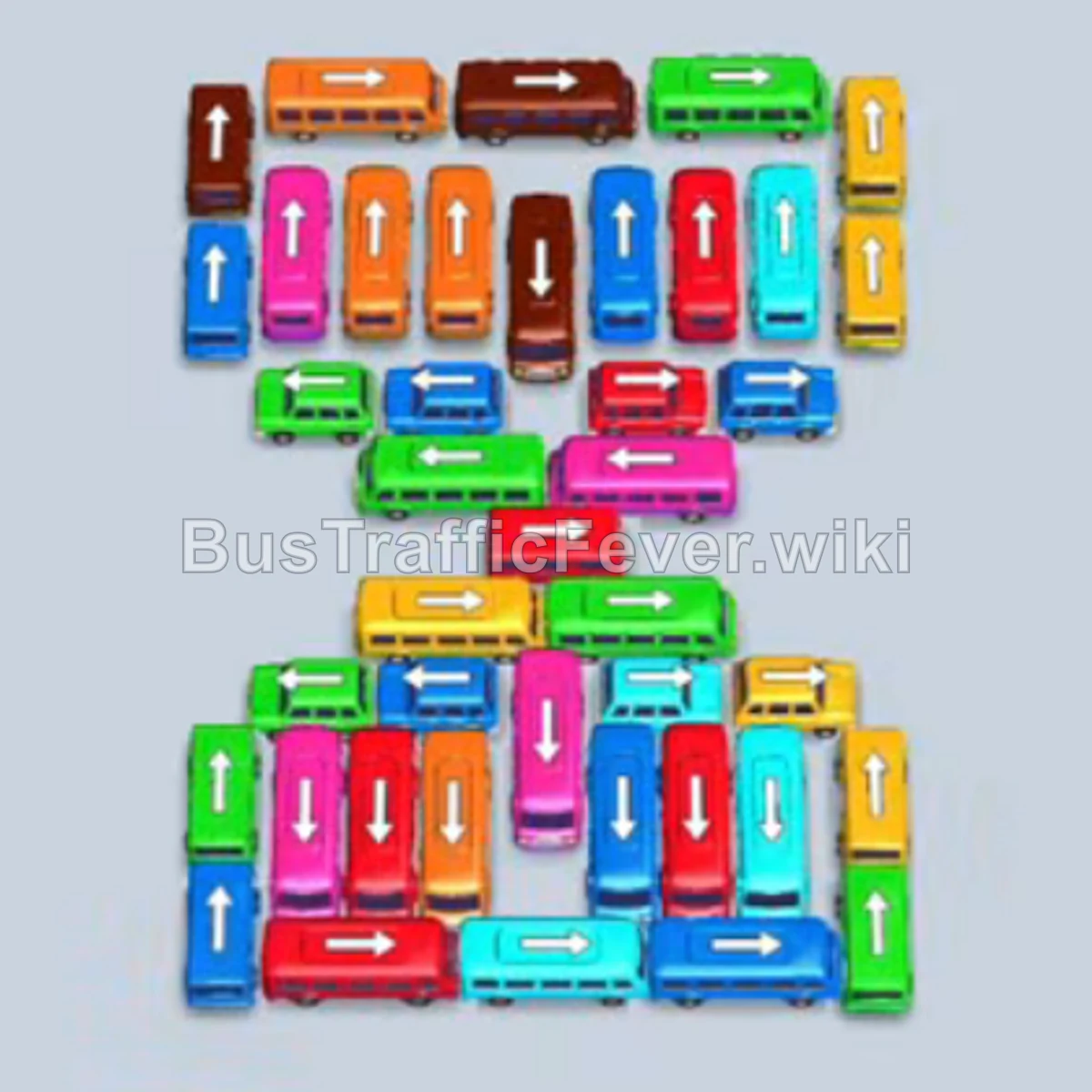
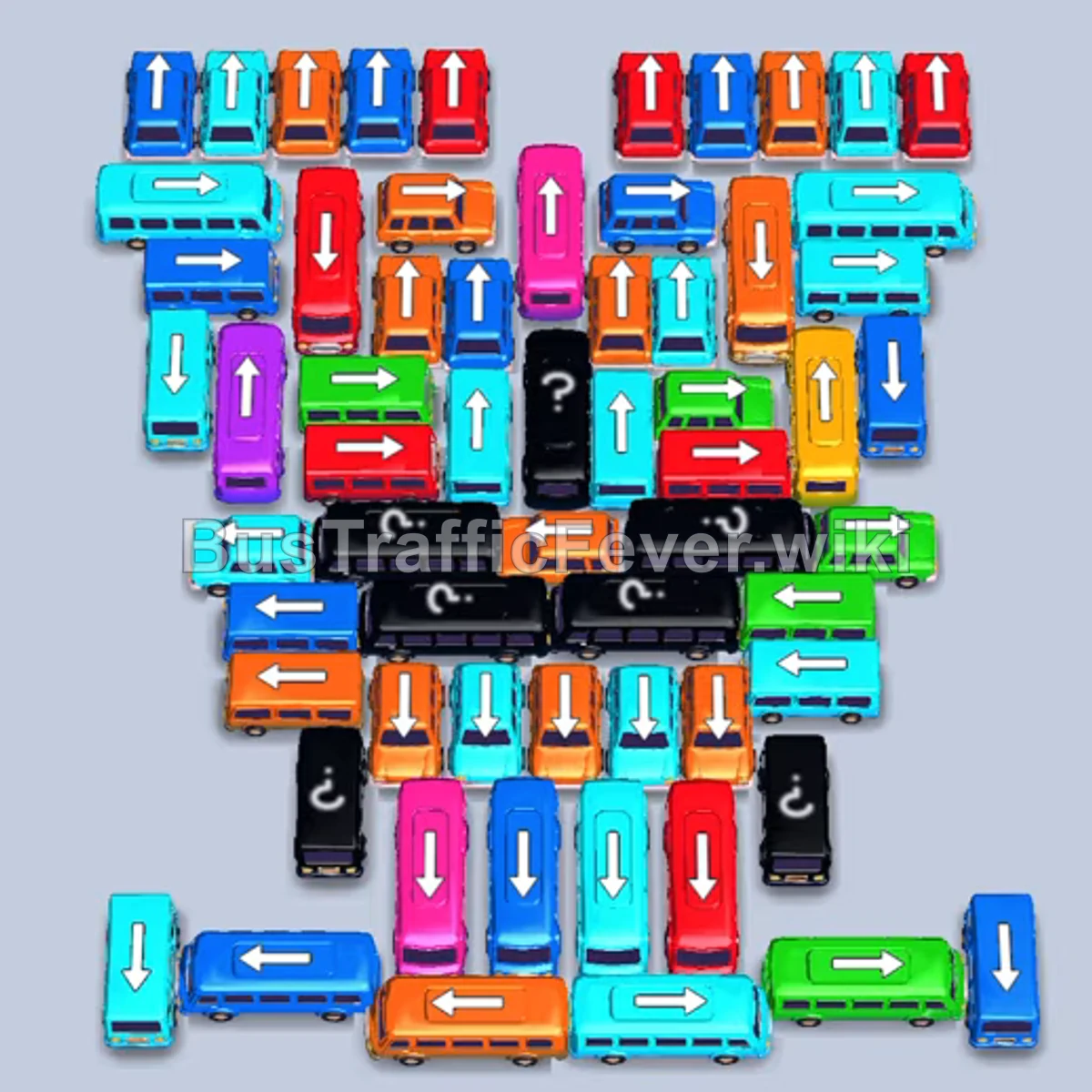
Bus Traffic Fever Level 246 Answer & Walkthrough Solution

Quick answer
Level 246 features a dense, diagonal “traffic jam” cluster of buses and buses facing in opposing directions, paired with an interlocking dual-loop passenger track above. You only have 4 active parking slots initially, so the winning strategy is to target completely unblocked vehicles around the outer perimeter first, immediately cycle matching passenger colors (Cyan, Red, Yellow, and Purple), and never park more than two waiting buses at once.
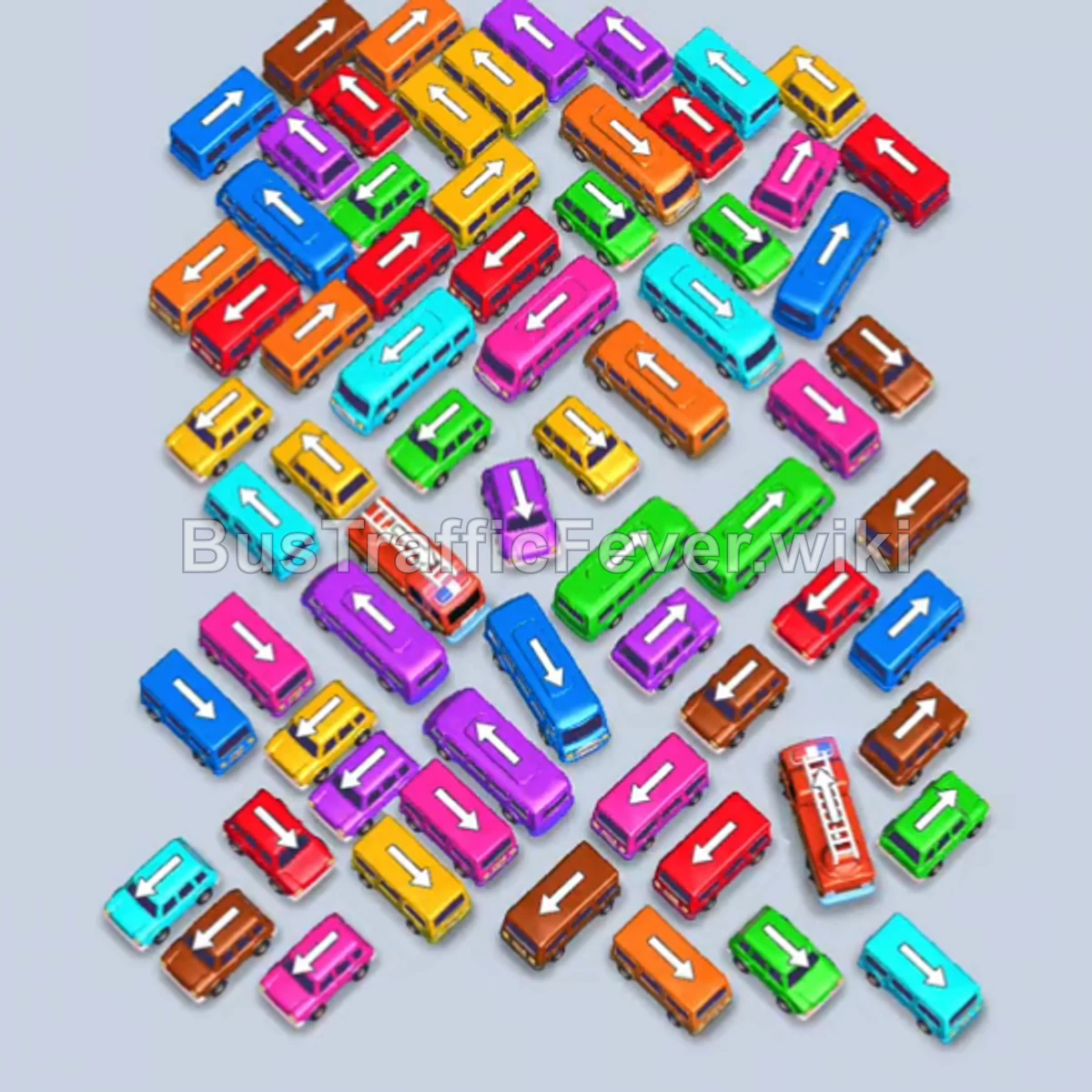
Step-by-step solution
Phase 1: Clearing the Outer Perimeter
- Tap the Cyan bus on the far outer left. It pulls into the first slot, cyan passengers board immediately, and it departs.
- Tap the Pink bus on the upper-left edge to move it into a holding slot.
- Tap the Red bus on the top edge. Red passengers rush in to fill it, and it departs.
- Tap the Yellow bus at the top edge. Yellow passengers board and it departs immediately.
- Tap the Brown bus on the outer left into an open slot.
- Tap the Yellow bus on the lower left. The next wave of yellow passengers fills it, and it drives away.
- Tap the Purple bus on the bottom left. Purple passengers board and it clears out.
- Tap the Cyan bus on the bottom right. Cyan passengers board and both the Cyan bus and the previously parked Brown bus finish loading and depart.
Phase 2: Breaking the Upper Cluster
- Tap the Brown bus on the upper-left side of the cluster into an open slot.
- Tap the Pink bus on the top edge. Pink passengers board both pink vehicles, and the pink bus departs.
- Tap the Red bus on the upper edge into a slot. Red passengers board and it leaves.
- Tap the Green bus on the top edge. Green passengers board and it departs.
- Tap the Yellow bus on the far left edge. Yellow passengers board and it exits.
- Tap the Cyan bus on the upper-right edge. Cyan passengers board and it leaves.
- Tap the Purple bus on the upper-left. Purple passengers board and it departs.
Phase 3: Unraveling the Middle Scramble
- Tap the Orange bus on the middle-right flank. Orange passengers board and it departs.
- Tap the Red bus on the bottom right into an open slot.
- Tap the Green bus on the right side. Green passengers board and it leaves.
- Tap the Purple bus on the lower left. Purple passengers board and it clears.
- Tap the Green bus on the upper-center tier. Green passengers board and it departs.
- Tap the Orange bus near the bottom. Orange passengers board and it leaves.
- Tap the Red bus on the bottom-left into a slot. Red passengers board and it departs.
- Tap the Purple bus on the lower right. Purple passengers board and it departs.
- Tap the Cyan bus on the middle right into an open slot.
- Tap the Orange bus on the upper left. Orange passengers board and it departs.
- Tap the Yellow bus at the bottom. Yellow passengers board and it leaves.
- Tap the Pink bus on the left flank. Pink passengers board and it departs.
- Tap the Brown bus in the center. Brown passengers board and it leaves.
Phase 4: Core Extraction
- Tap the Cyan bus in the center. Cyan passengers board and it departs.
- Tap the Red bus on the upper edge. Red passengers board and it leaves.
- Tap the Pink bus on the right side. Pink passengers board and it departs.
- Tap the Green bus on the right. Green passengers board and it leaves.
- Tap the Orange bus in the center. Orange passengers board and it departs.
- Tap the Cyan bus on the left into a slot. Cyan passengers board and it departs.
- Tap the Red bus in the center. Red passengers board and it departs.
- Tap the Purple bus in the middle row. Purple passengers board and it departs.
Phase 5: Final Sequence and Cleanup
- Tap the Brown bus on the lower left. Brown passengers board and it departs.
- Tap the Yellow bus in the lower-center. Yellow passengers board and it leaves.
- Tap the Green bus on the left. Green passengers board and it departs.
- Tap the Cyan bus in the center. Cyan passengers board and it departs.
- Tap the Brown bus on the bottom right. Brown passengers board and it leaves.
- Tap the Red bus at the bottom. Red passengers board and it leaves.
- Tap the Orange bus on the right. Orange passengers board and it departs.
- Tap the Pink bus in the center. Pink passengers board and it departs.
- Tap the Yellow bus remaining in the center. Yellow passengers board and it leaves.
- Tap the Purple bus on the far right into an open slot.
- Tap the Red fire truck/bus in the center. Red passengers board and it departs.
- The final purple passengers board the last Purple vehicle, clearing the board and completing the level with a “Perfect!” rating.
Tips for success
- Respect the 4-Slot Limit: Because only 4 slots are available at the start, do not move vehicles unless their passenger color is either currently boarding or immediately behind the current color in the queue.
- Follow Vehicle Arrows: Every vehicle has a directional arrow showing its exit path. Make sure no other vehicle’s bumper blocks the exit trajectory before tapping.
- Keep One Emergency Slot Open: Whenever possible, leave at least one empty slot so you can quickly park an unblocking vehicle to free up a critical matching bus.
More Bus Traffic Fever help
Continue with the Level 245 walkthrough, review the core rules in how to play Bus Traffic Fever, or browse all level solutions to jump to another number.