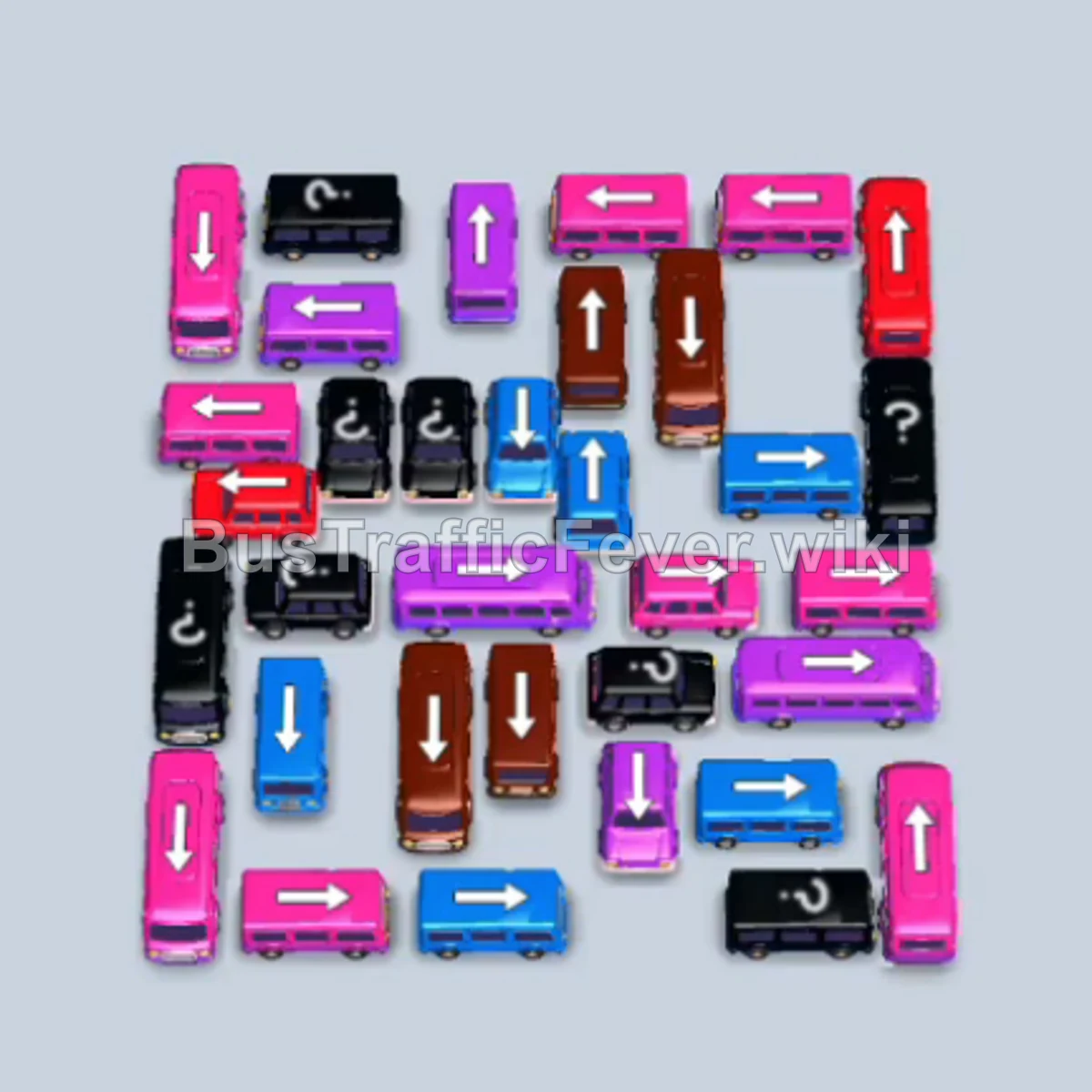
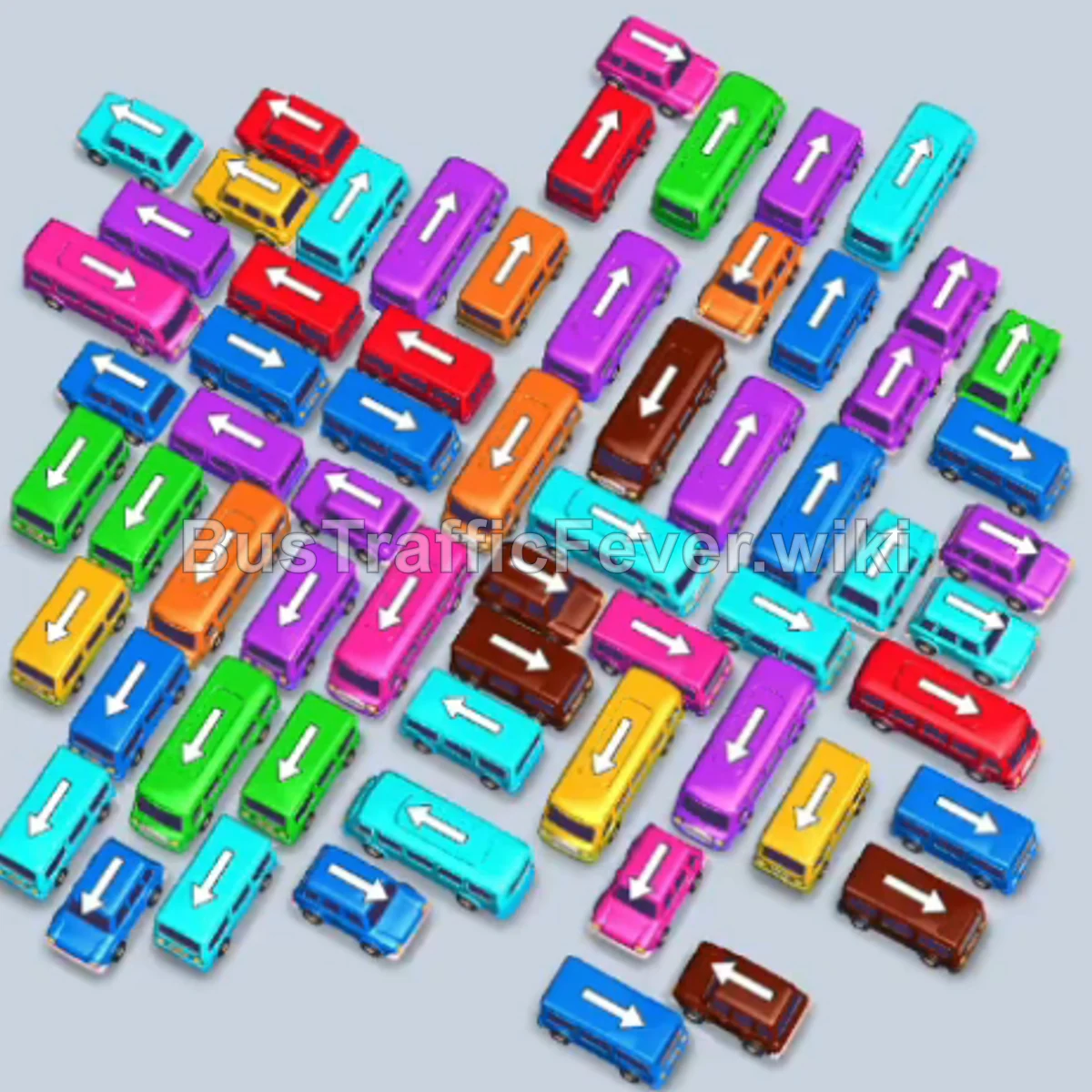
Bus Traffic Fever Level 281 Answer & Walkthrough Solution

Quick answer
Level 281 features a tightly packed central cluster of buses and buses with only five parking bays available. Success relies on strictly matching vehicles to the front of the passenger queue to avoid jamming all five bays. Send out vehicles in synchronization with upcoming passenger colors (pink, yellow, cyan, brown, blue, and purple), allowing loaded vehicles to depart immediately and keep parking slots free for the next waves.
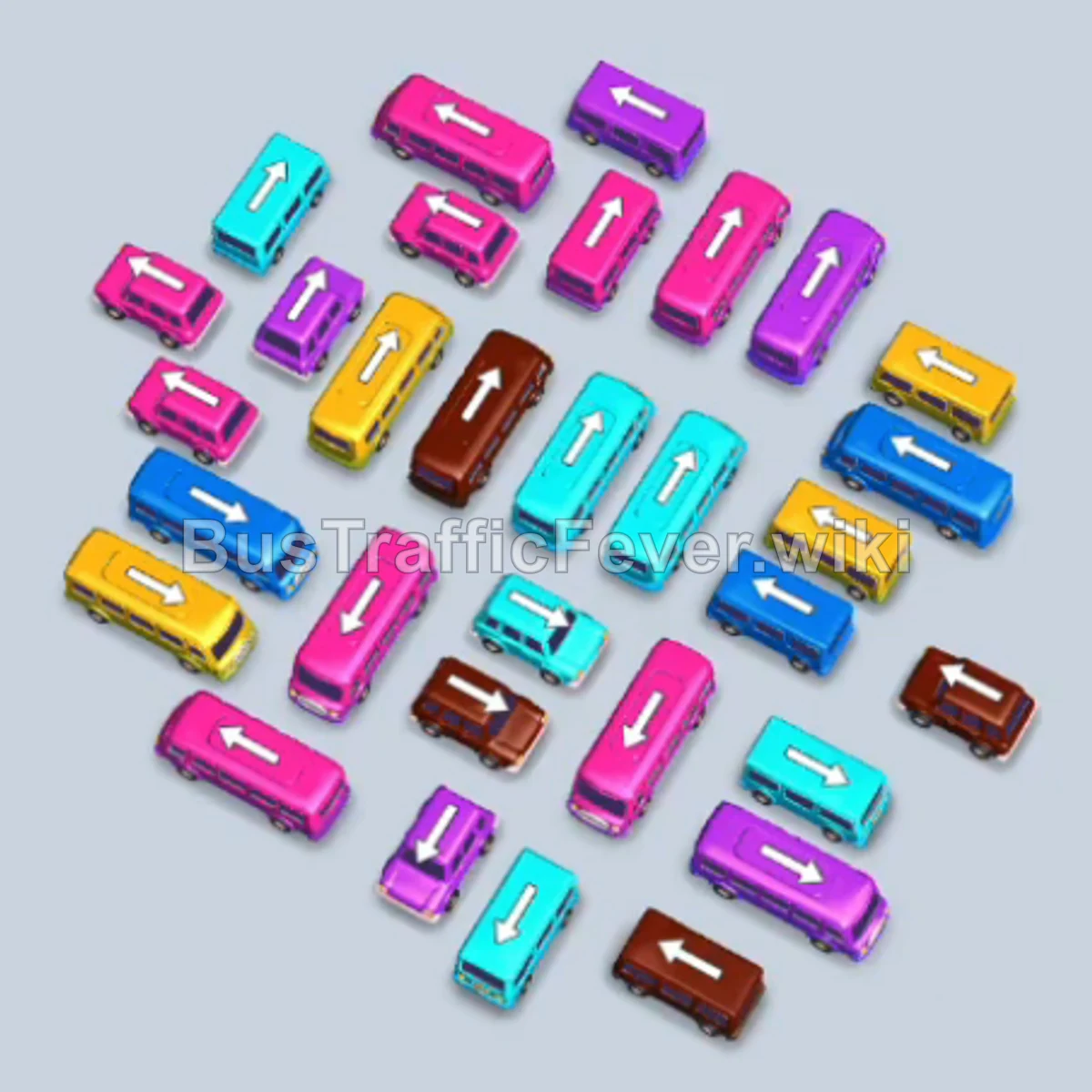
Step-by-step solution
Phase 1: Clearing Initial Pink, Yellow, and Cyan Passengers
- Tap the horizontal pink bus at the bottom edge to enter the first parking bay. It boards pink passengers and clears out.
- Tap the angled cyan bus from the upper-middle area into bay 2.
- Tap the pink bus from the right side into bay 3.
- Tap the horizontal yellow bus at the bottom into bay 1.
- Tap the pink bus in the center into bay 4. Once pink passengers finish boarding, both pink buses depart.
- Tap the center cyan bus into bay 3.
- Tap the angled yellow bus on the right into bay 4. Yellow passengers board the yellow bus and bus, allowing both to depart.
- Tap the angled cyan bus on the upper-left into bay 5. Cyan passengers now board all three waiting cyan buses, clearing bays 2, 3, and 5.
Phase 2: Rotating Brown, Pink, Yellow, and Blue Vehicles
- Tap the vertical pink bus at the lower-left into bay 1.
- Tap the pink bus near the bottom into bay 2.
- Tap the brown bus on the center-right into bay 3. Brown passengers board and it leaves immediately.
- Tap the horizontal yellow bus in the center into bay 4.
- With brown passengers cleared, pink passengers fill the two waiting pink buses in bays 1 and 2, which then depart.
- Yellow passengers board the yellow bus in bay 4, clearing it from the bay.
- Tap the magenta/pink bus in the center into bay 1.
- Tap the horizontal cyan bus at the lower-middle into bay 2.
- Tap the slanted dark blue bus in the center into bay 3. Dark blue passengers board and it departs.
- Cyan passengers board the cyan bus in bay 2, and magenta passengers board the bus in bay 1, freeing both bays.
Phase 3: Managing Mid-Level Vehicle Streams
- Tap the brown bus in the center into bay 4.
- Tap the second brown bus in the center into bay 5. Brown passengers board both buses and they leave.
- Tap the purple bus in the center into bay 1.
- Tap the purple bus on the center-right into bay 2. Purple passengers board both buses and depart.
- Tap the cyan bus on the upper-left into bay 3.
- Tap the pink bus on the lower-left into bay 4.
- Tap the center pink bus into bay 5. Pink passengers board and both buses depart, followed by cyan passengers filling the cyan bus in bay 3.
- Tap the center brown bus into bay 1.
- Tap the lower-left cyan bus into bay 2. Cyan passengers board and it departs, followed by brown passengers filling bay 1.
- Tap the center dark blue bus into bay 3.
- Tap the upper-right yellow bus into bay 4.
- Tap the center yellow bus into bay 5. Yellow passengers clear bays 4 and 5, followed by dark blue passengers clearing bay 3.
Phase 4: Clearing the Remaining Congestion
- Tap the upper-right purple bus into bay 1.
- Tap the center purple bus into bay 2. Purple passengers board and clear both bays.
- Tap the lower-center yellow bus into bay 3.
- Tap the center cyan bus into bay 4.
- Tap the bottom cyan bus into bay 5. Yellow and cyan passengers board in turn, clearing bays 3, 4, and 5.
- Tap the lower-center brown bus into bay 1.
- Tap the center pink bus into bay 2.
- Tap the bottom-right brown bus into bay 3. Brown passengers board bays 1 and 3, then pink passengers clear bay 2.
- Tap the center dark blue bus into bay 4.
- Tap the lower-right dark blue bus into bay 5.
- Tap the lower-right cyan bus into bay 1. Dark blue passengers clear bays 4 and 5, then cyan passengers clear bay 1.
- Tap the top-left yellow bus into bay 2.
- Tap the center brown bus into bay 3.
- Tap the two remaining dark blue buses into bays 4 and 5. Dark blue, yellow, and brown passengers board in sequence to clear these bays.
Phase 5: Final Clean-Up
- Tap the center pink bus into bay 1.
- Tap the center purple bus into bay 2.
- Tap the center yellow bus into bay 3. Pink, yellow, and purple passengers board in order and leave.
- Tap the center cyan bus into bay 4.
- Tap the center purple bus into bay 5.
- Tap the top-left pink bus into bay 1.
- Tap the center pink bus into bay 2. Purple, cyan, and pink passengers board and clear all active bays.
- Tap the center cyan bus into bay 3.
- Tap the center yellow bus into bay 4.
- Tap the center dark blue bus into bay 5. Cyan, dark blue, and yellow passengers clear their respective buses.
- Tap the center brown bus into bay 1.
- Tap the center yellow bus into bay 2.
- Tap the center cyan bus into bay 3. Brown, yellow, and cyan passengers board and clear the bays.
- Tap the remaining pink bus into bay 1.
- Tap the remaining cyan bus into bay 2.
- Tap the remaining dark blue bus into bay 4. Pink, cyan, and dark blue passengers board and depart.
- Tap the final horizontal yellow bus at the bottom into bay 5. Ten yellow passengers board to finish the level.
Tips for success
- Watch the queue color transitions: Always look at the color directly behind the current group in the queue. Never fill your final open parking spot with a color that is buried deep in line.
- Prioritize 10-seat buses: The large buses take longer to board, but clearing them removes huge chunks of passengers from the line and creates large openings on the board.
- Keep at least one bay open: During the dense middle phase, avoid parking five non-matching buses at once. Always ensure at least one bay can receive the color currently at the front of the passenger queue.
More Bus Traffic Fever help
Continue with the Level 280 walkthrough, review the core rules in how to play Bus Traffic Fever, or browse all level solutions to jump to another number.