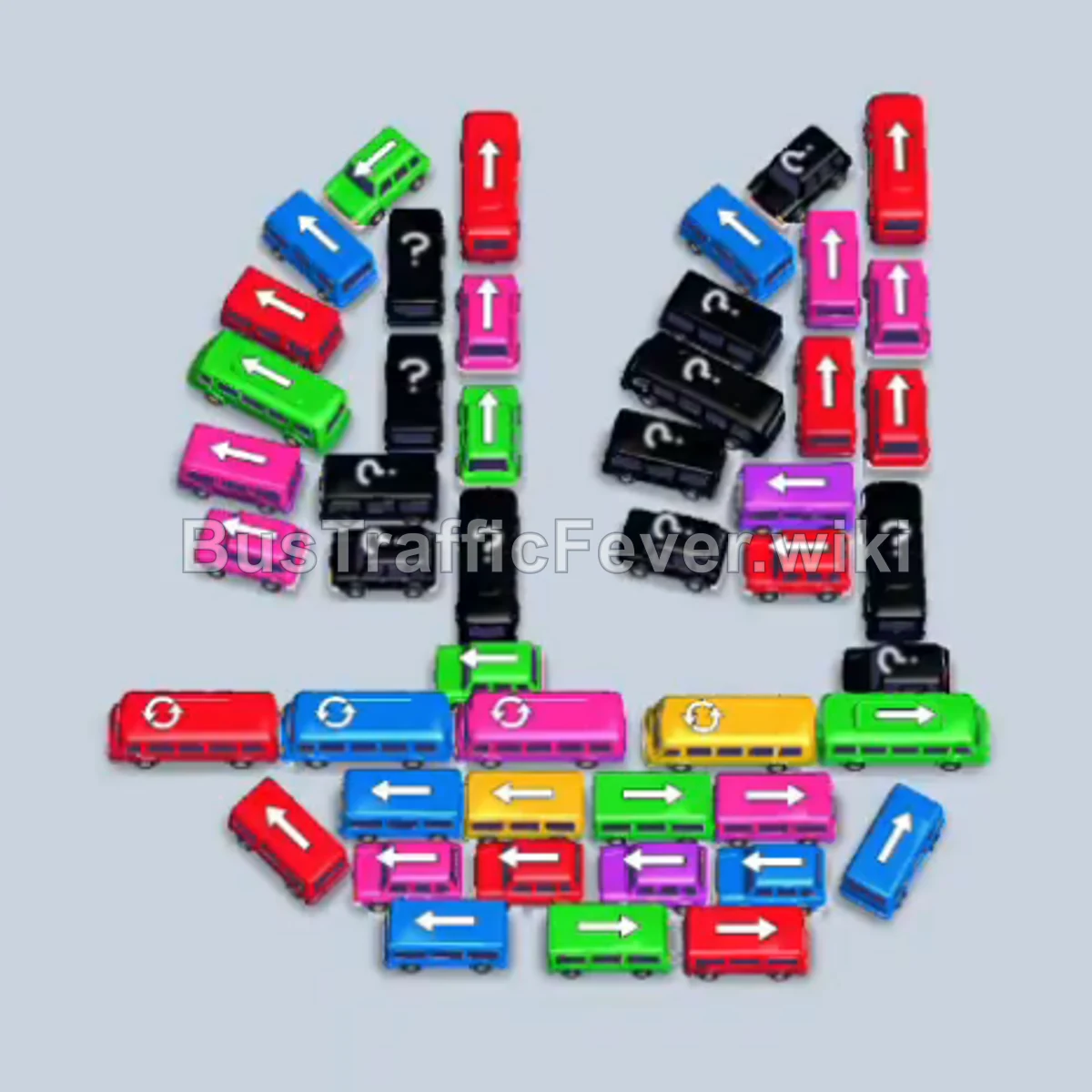
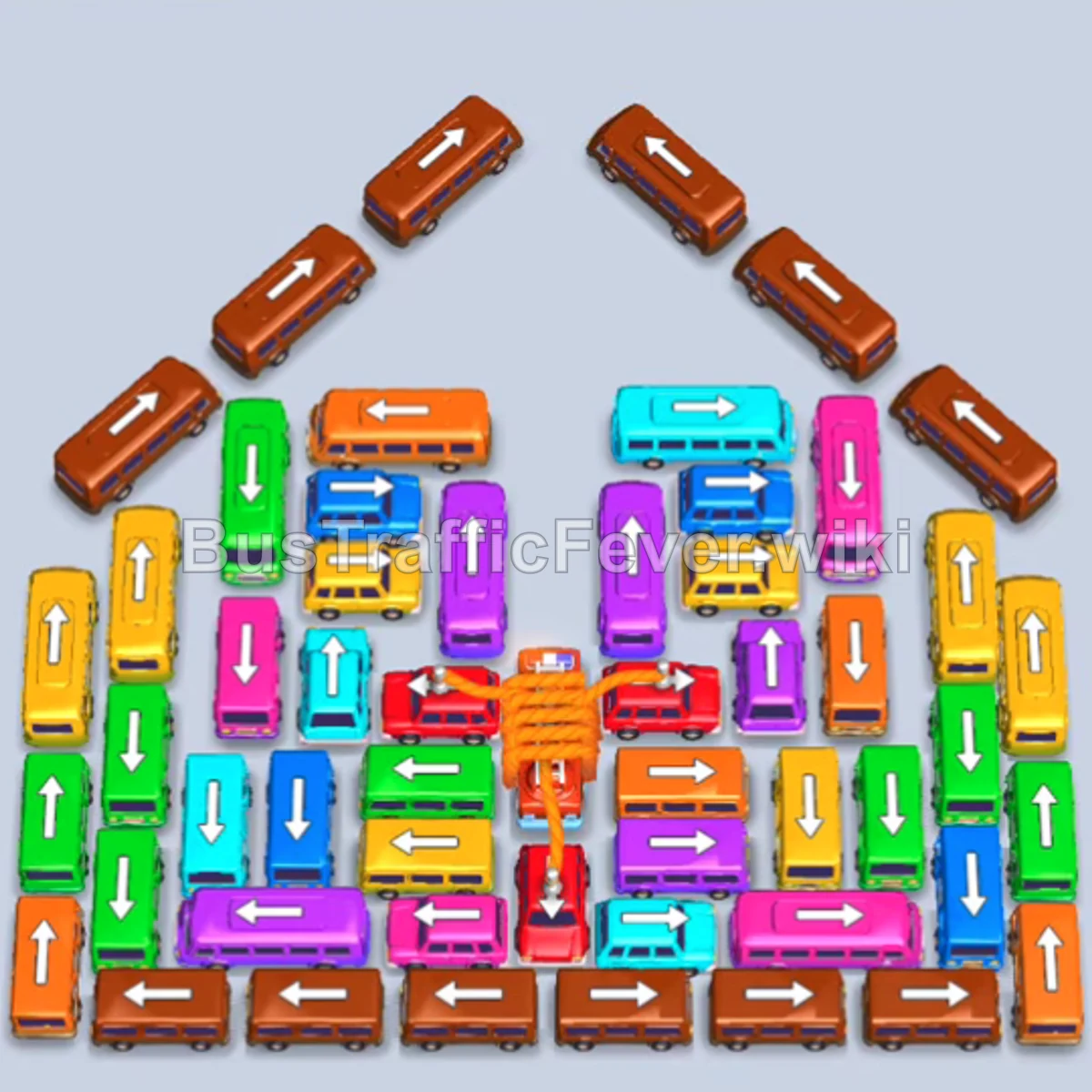
Bus Traffic Fever Level 317 Answer & Walkthrough Solution

Quick answer
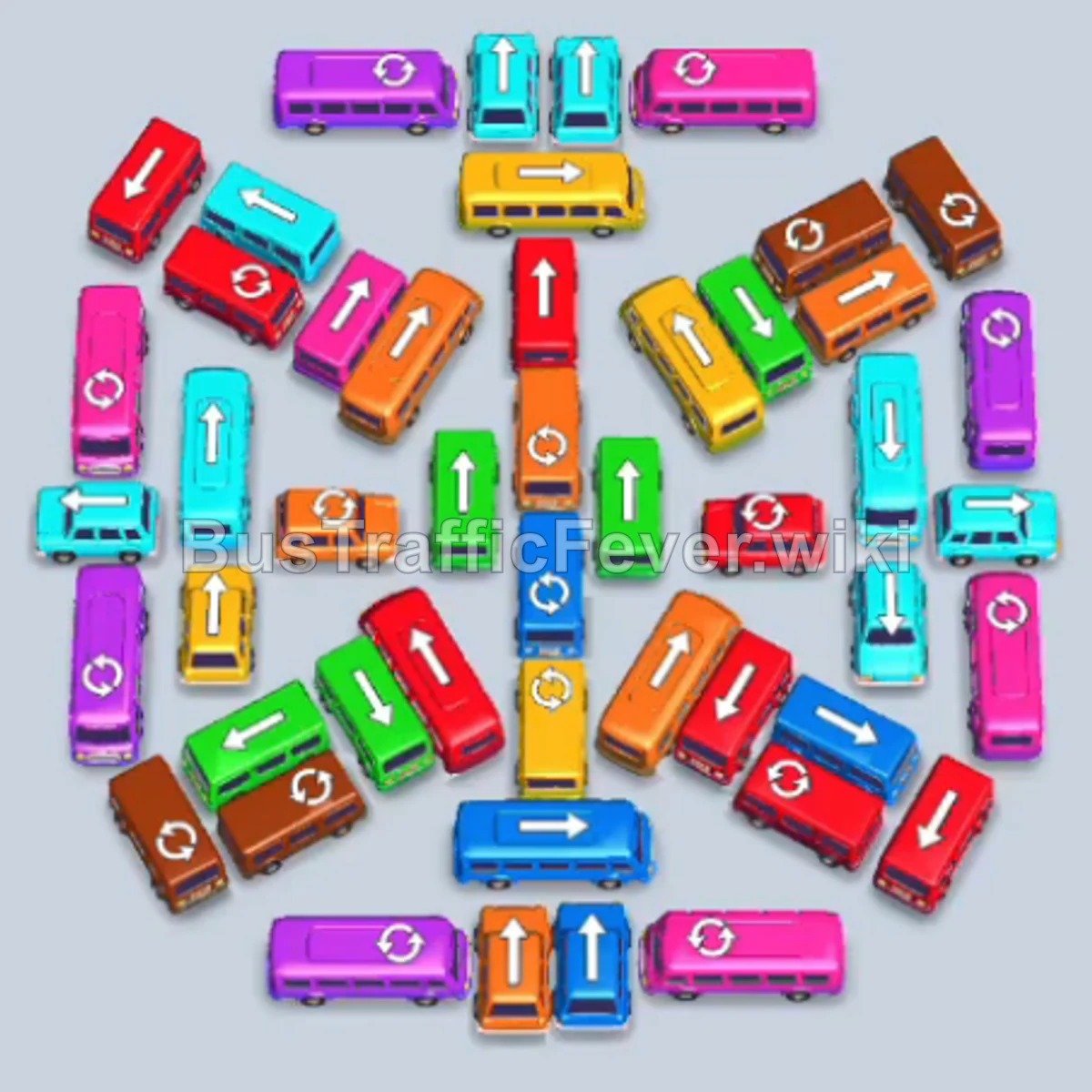
Level 317 features a deeply layered, symmetrical grid of interlocking vehicles with a continuous, multicolored passenger queue. Success relies on peeling the perimeter vehicles in matching pairs and triplets that align with the incoming passenger colors (cyan, dark pink, yellow, brown, and purple first) to prevent the 5 waiting bays from jamming.
Step-by-step solution
Phase 1: Outer Ring – Cyan, Dark Pink, and Yellow
- Tap the cyan horizontal bus on the far-left edge facing left to take the first waiting bay and begin boarding cyan passengers.
- Tap the cyan horizontal bus on the far-right edge facing right to take the second bay.
- Tap the cyan vertical bus in the upper-left facing up into the third bay.
- Once the first cyan bus fills and departs, tap the dark pink horizontal bus on the bottom-right facing right into the opened bay.
- Tap the dark pink horizontal bus on the upper-right facing right into the fourth bay.
- Tap the yellow vertical bus on the upper-left facing up into the fifth bay.
- As the first dark pink bus fills and departs, tap the yellow vertical bus at the bottom-center facing down into the freed bay.
- As the center cyan bus leaves, tap the yellow horizontal bus in the middle-right facing right.
Phase 2: Brown, Purple, Green, and Orange Transitions
- Once the remaining cyan bus departs, tap the brown horizontal bus at the top edge facing left.
- Tap the purple vertical bus on the upper-right facing up.
- As the first yellow bus finishes boarding and clears out, tap the brown horizontal bus at the bottom edge facing left.
- Tap the green vertical bus on the middle-right facing up.
- When the yellow and dark pink buses clear, tap the green vertical bus on the middle-left facing down.
- Tap the dark pink horizontal bus in the center facing right.
- When the yellow bus departs, tap the purple vertical bus in the center facing down.
- Tap the green vertical bus on the far-right facing up.
- Once the brown bus departs, tap the orange vertical bus in the upper-left facing up.
- As the dark pink bus clears, tap the purple horizontal bus in the lower-middle facing right.
- Tap the green horizontal bus in the upper-middle facing left.
- As the purple bus leaves, tap the yellow horizontal bus in the lower-right facing right.
Phase 3: Dark Blue, Cyan, and Mid-Layer Clearances
- After the green bus departs, tap the cyan horizontal bus in the lower-left facing left.
- After the orange bus departs, tap the dark blue horizontal bus in the upper-left facing left.
- Once the purple bus departs, tap the orange horizontal bus in the center facing left.
- As the yellow and green buses leave, tap the dark pink horizontal bus in the lower-left facing left.
- Tap the dark blue horizontal bus in the lower-center facing left into the open bay.
- When the dark blue bus departs, tap the cyan vertical bus in the center facing down.
- As the orange bus departs, tap the green horizontal bus in the middle facing right.
- When the dark pink bus leaves, tap the yellow horizontal bus in the lower-left facing left.
- Once the dark blue bus leaves, tap the green vertical bus in the lower-right facing down.
Phase 4: Core Unpacking – Purple, Dark Blue, and Red
- After the cyan bus departs, tap the purple vertical bus on the left facing down.
- When the green bus leaves, tap the dark blue vertical bus on the right facing down.
- As the yellow bus leaves, tap the purple horizontal bus in the center facing right.
- When the green bus departs, tap the red horizontal bus in the upper-left facing left.
- Once the purple bus clears, tap the red vertical bus in the upper-right facing up.
- When the dark blue bus leaves, tap the red vertical bus in the lower-middle facing down.
- Tap the red horizontal bus in the lower-right facing right.
- As the first red buses depart, tap the cyan vertical bus in the upper-left facing up.
- Tap the cyan vertical bus in the center facing up into the next available bay.
Phase 5: Inner Ring – Cyan, Purple, and Yellow
- Tap the cyan horizontal bus on the left facing left to collect the remaining cyan passengers.
- As the cyan buses board and depart, tap the purple vertical bus in the center facing down.
- Tap the purple horizontal bus in the lower-center facing left.
- Once bays open up, tap the purple vertical bus in the center facing up.
- Tap the yellow vertical bus on the right facing down.
- After the purple buses depart, tap the yellow horizontal bus in the center facing left.
- Tap the yellow vertical bus on the left facing up to absorb all yellow passengers.
Phase 6: Deep Layers – Orange, Blue, Cyan, and Pink
- As the yellow buses clear, tap the orange vertical bus in the upper-middle facing up.
- Tap the orange horizontal bus in the lower-right facing right.
- Tap the orange horizontal bus in the center facing left.
- As the orange buses depart, tap the dark blue horizontal bus in the center facing left.
- Tap the dark blue horizontal bus on the right facing right.
- Tap the dark blue vertical bus in the lower-middle facing down.
- Once the blue buses leave, tap the cyan horizontal bus on the left facing left.
- Tap the cyan horizontal bus in the center facing right.
- Tap the cyan vertical bus in the lower-middle facing down.
- When the cyan buses clear, tap the pink horizontal bus on the left facing left.
- Tap the pink horizontal bus in the center facing right.
- Tap the pink vertical bus in the lower-middle facing down.
Phase 7: Final Clearances – Light Blue, Yellow, Orange, Magenta, Cyan, Red, and Green
- After the pink buses depart, tap the light blue vertical bus on the left facing up.
- Tap the light blue horizontal bus in the center facing right.
- Tap the light blue vertical bus in the lower-middle facing down.
- As the light blue buses clear, tap the yellow horizontal bus in the center facing left.
- Tap the yellow vertical bus on the left facing up.
- Tap the yellow horizontal bus on the right facing right.
- After the yellow group clears, tap the orange vertical bus in the center facing up.
- Tap the orange horizontal bus in the upper-right facing right.
- Tap the orange horizontal bus in the lower-middle facing left.
- As the orange group departs, tap the magenta vertical bus in the center facing up.
- Tap the magenta horizontal bus in the lower-left facing left.
- Tap the magenta horizontal bus in the lower-right facing right.
- When the magenta group clears, tap the cyan vertical bus in the center facing down.
- Tap the cyan horizontal bus in the upper-left facing left.
- Tap the cyan horizontal bus on the right facing right.
- Once the cyan group departs, tap the red vertical bus in the center facing down.
- Tap the red vertical bus in the lower-middle facing down.
- Tap the red vertical bus in the lower-left facing down.
- After the red buses leave, tap the green vertical bus on the left facing up.
- Tap the green vertical bus in the center facing up.
- Tap the green vertical bus on the right facing up to clear the final passengers and complete the level.
Tips for success
- Symmetrical peeling: Notice how vehicles are stacked in matching pairs and triplets pointing outwards. Clearing them in color sets matching the queue prevents stranded buses in the parking bays.
- Keep at least one bay open: During dense transitions (phases 2 through 4), avoid sending mismatched buses into all 5 bays. Always ensure a vehicle matches the front-of-queue color before committing the final slot.
- Track the queue heads: Because passengers snake through a long S-curve, always glance at the next color segment behind the current passengers before tapping buses to exit.
More Bus Traffic Fever help
Continue with the Level 316 walkthrough, review the core rules in how to play Bus Traffic Fever, or browse all level solutions to jump to another number.