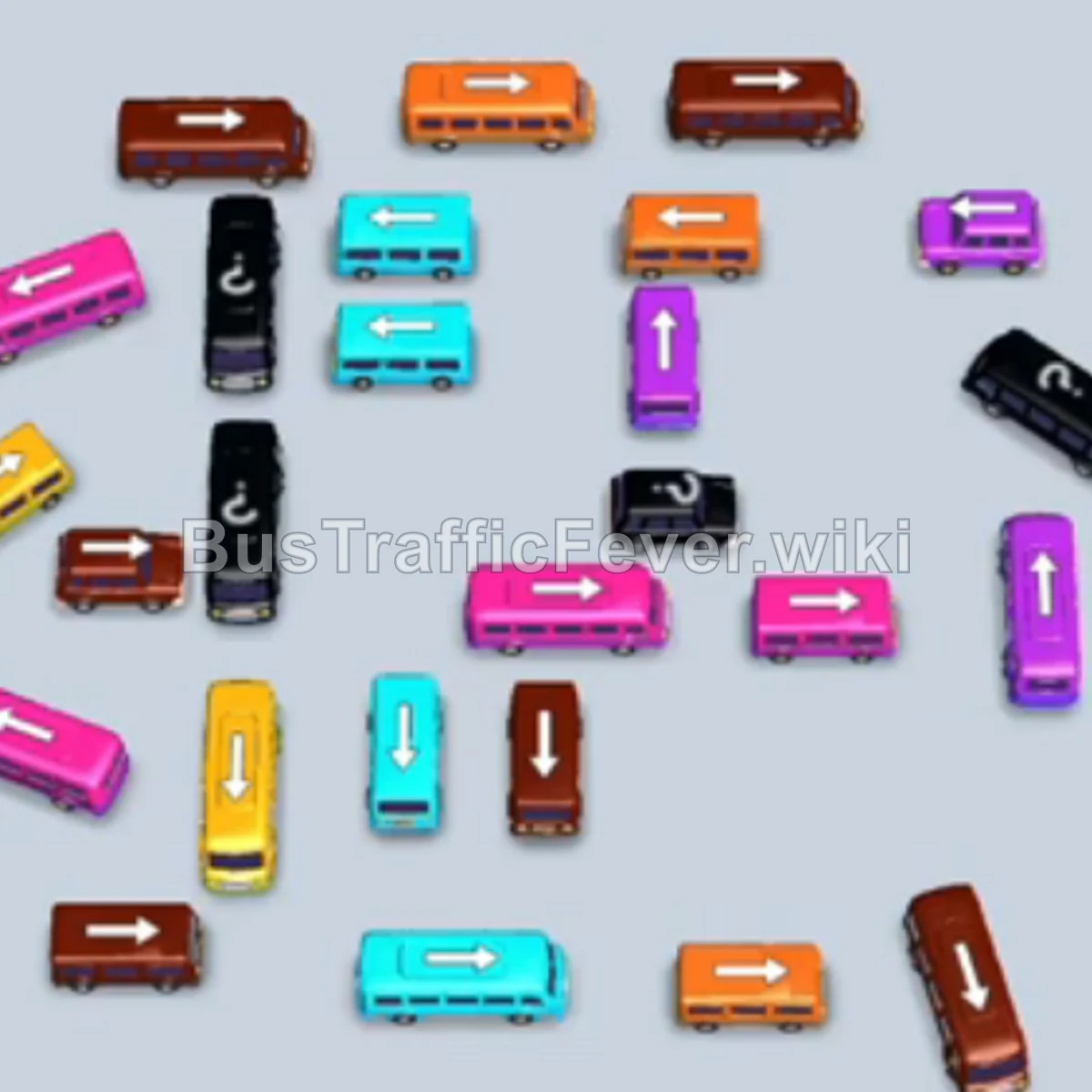
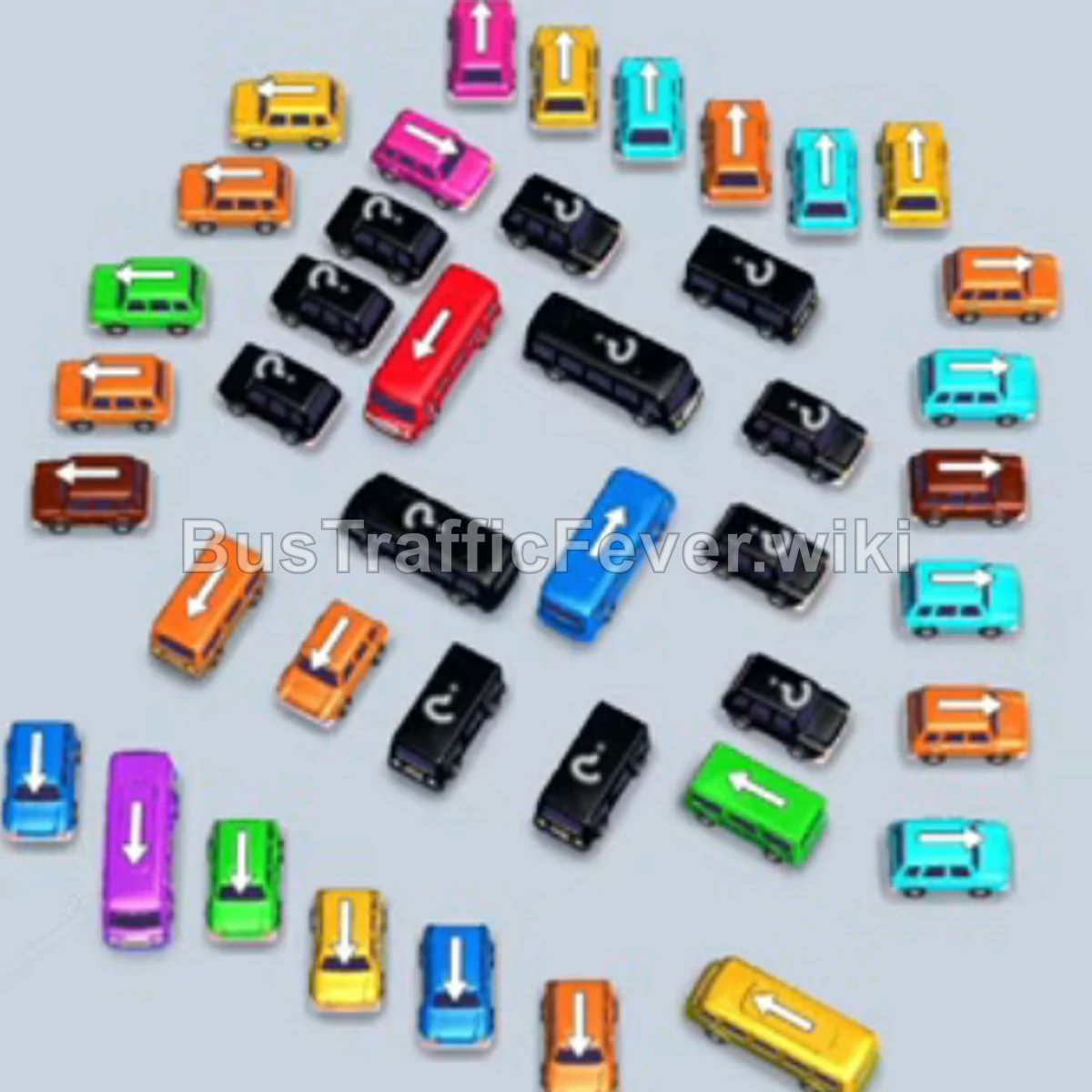
Bus Traffic Fever Level 294 Answer & Walkthrough Solution

Quick answer
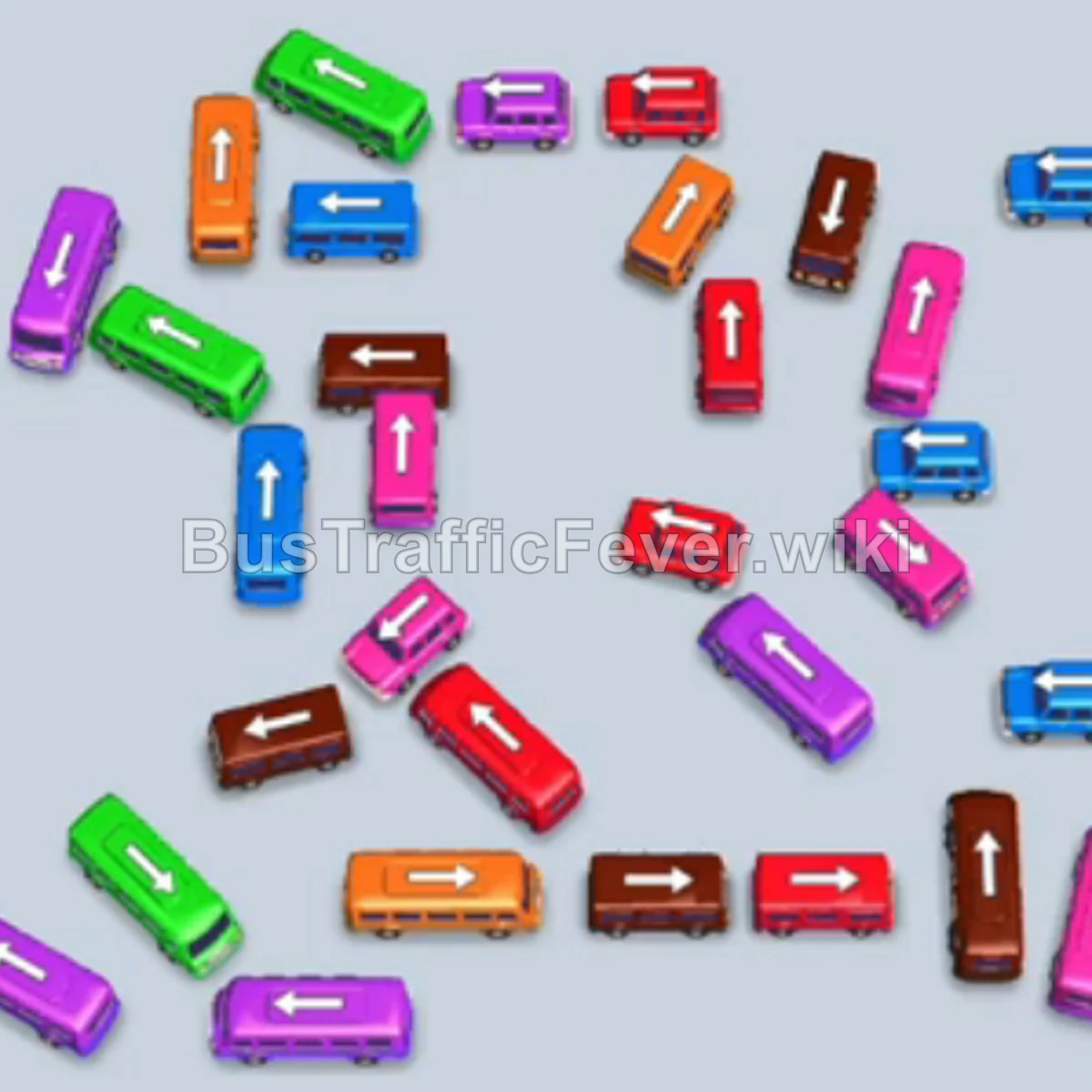
Level 294 features a crowded lot of small and large buses trapped behind one another, feeding into four parking bays at the terminal. The strategy relies on clearing outer free buses—primarily purple, green, and pink—to unblock inner vehicles while matching the passenger queue which transitions from purple, green, and pink to blue and brown. Carefully manage slot capacity so buses can complete loading and depart before bringing in vehicles of other colors.
Step-by-step solution
Phase 1: Clearing Initial Purple, Green, and Pink Rows
- Tap the vertical purple bus on the middle-left side of the lot to park in the first slot and load initial purple passengers.
- Tap the vertical green bus on the far-left edge to enter the second slot.
- Tap the vertical pink bus on the bottom edge pointing upward into the queue area.
- Tap the vertical green bus located in the lower-middle section into the remaining open slot.
- Tap the vertical pink bus in the center-left area as purple and green passengers finish boarding and buses begin departing.
- Tap the horizontal brown bus near the bottom-left into a newly freed bay.
- Tap the small vertical green bus on the middle-left edge.
- Tap the horizontal brown bus in the bottom-middle.
- Tap the small vertical pink bus near the lower center.
- Tap the small horizontal pink bus in the lower-right area.
- Tap the small vertical pink bus in the lower-right corner.
- Tap the small vertical pink bus positioned just above it on the lower-right side.
Phase 2: Unblocking Blue and Brown Batches
- Tap the vertical blue bus in the middle row toward the right.
- Tap the horizontal blue bus in the center of the lot.
- Tap the vertical brown bus on the right side.
- Tap the small vertical blue bus situated near the upper-right section.
- Tap the horizontal brown bus on the upper-right side.
- Tap the vertical pink bus in the center-left.
- Tap the horizontal pink bus in the lower-middle section.
- Tap the vertical purple bus in the center area.
- Tap the large vertical purple bus in the upper-left of the lower lot.
- Tap the vertical brown bus in the middle.
- Tap the horizontal red/brown bus just below the center.
- Tap the vertical brown bus on the far right.
- Tap the vertical pink bus on the right edge.
- Tap the horizontal pink bus situated near the lower-right.
Phase 3: Emptying the Remaining Terminal Queue
- Tap the vertical blue bus in the upper-right area.
- Tap the horizontal blue bus in the upper-middle area.
- Tap the small vertical blue bus near the top-right.
- Tap the vertical brown bus on the middle-right.
- Tap the vertical green bus remaining in the lower lot to load leftover green passengers.
- Tap the small vertical brown bus on the far-right edge.
- Tap the horizontal brown bus in the center-bottom to absorb remaining brown commuters.
- Tap the horizontal brown bus at the very bottom edge.
- Tap the small vertical brown bus in the lower-right corner.
- Tap the final blue bus in the center to board the last blue passengers, clearing all remaining travelers and completing the level.
Tips for success
- Watch the passenger stream closely: Ensure you don’t park a bus whose passenger color is buried deep in the queue, as it will clog a slot until front passengers clear.
- Prioritize outer vertical buses: Many large buses in the center are hemmed in by perimeter vertical buses; clearing the edges early creates escape routes for interior vehicles.
- Keep at least one bay turning over: Avoid filling all four slots with vehicles waiting for future passengers. Allow buses of the current front colors to fill and depart swiftly.
More Bus Traffic Fever help
Continue with the Level 293 walkthrough, review the core rules in how to play Bus Traffic Fever, or browse all level solutions to jump to another number.