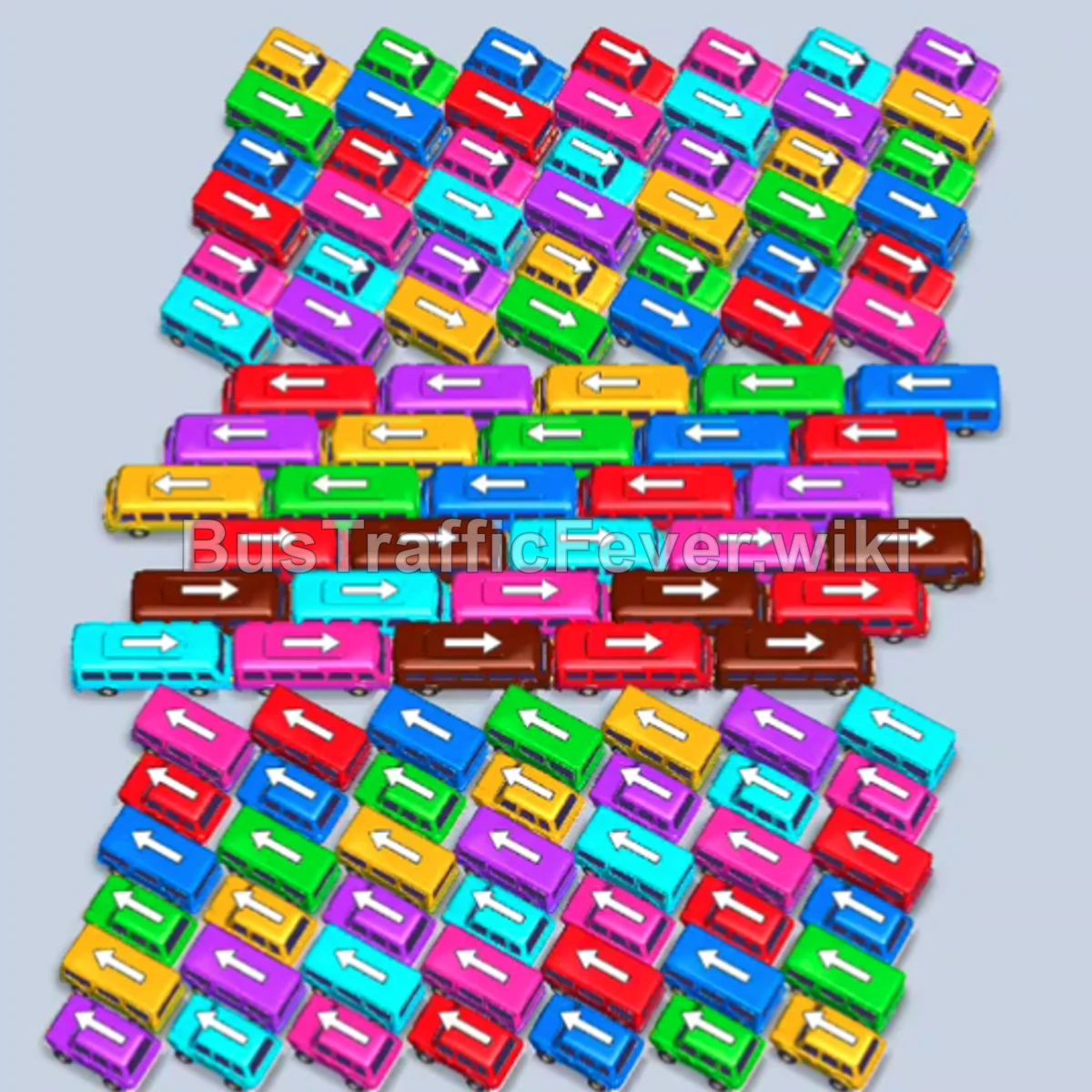
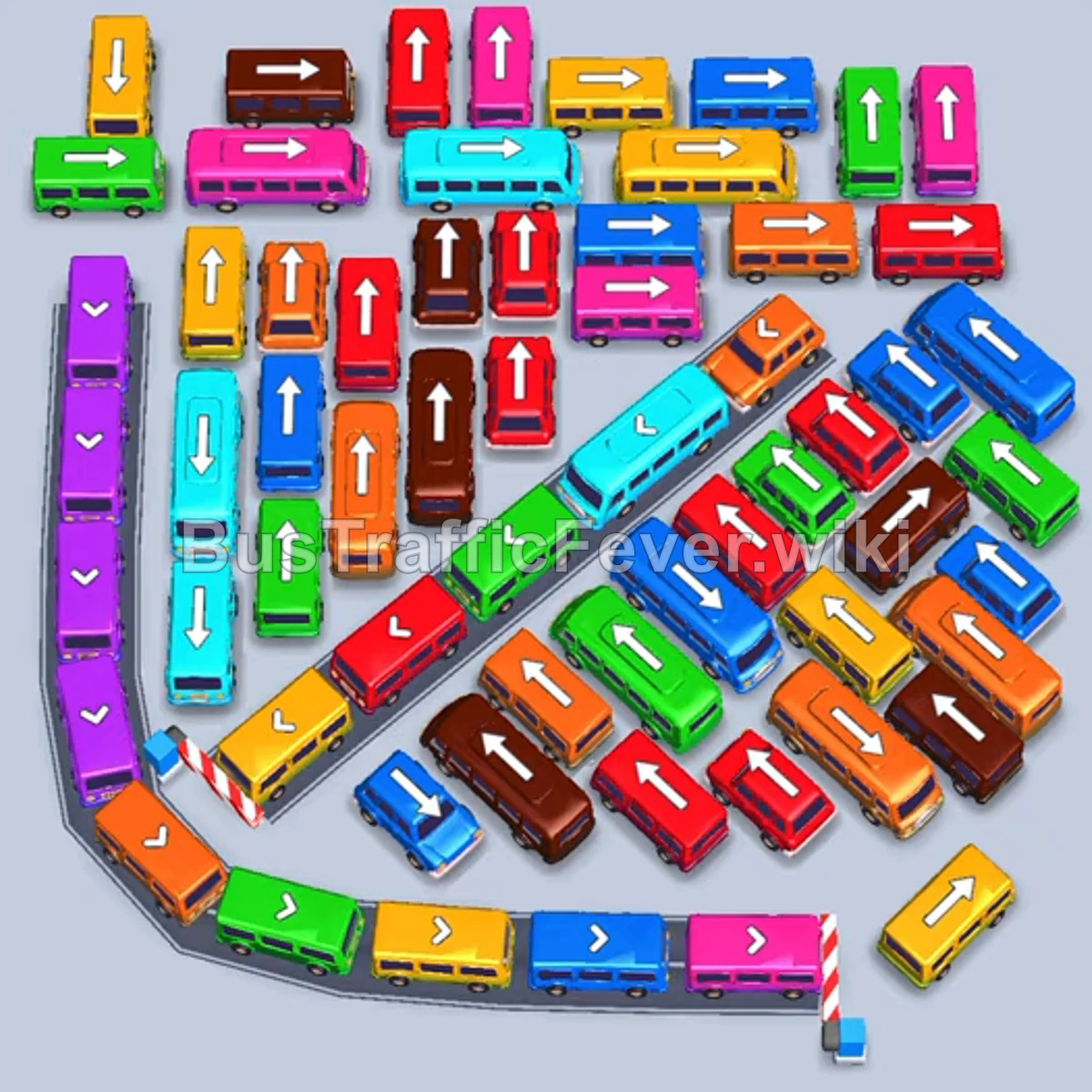
Bus Traffic Fever Level 323 Answer & Walkthrough Solution

Quick answer
Clear the initial traffic jam by releasing the bottom-right orange bus to handle the front passengers, then remove the unblocked top vehicles. Opening the left vertical column by clearing the red buses allows left-facing buses in the center to exit freely. Carefully coordinate vehicle dispatches with the passenger queue to prevent parking lot gridlock.
Step-by-step solution
Phase 1: Opening the Top and Clearing the Left Column
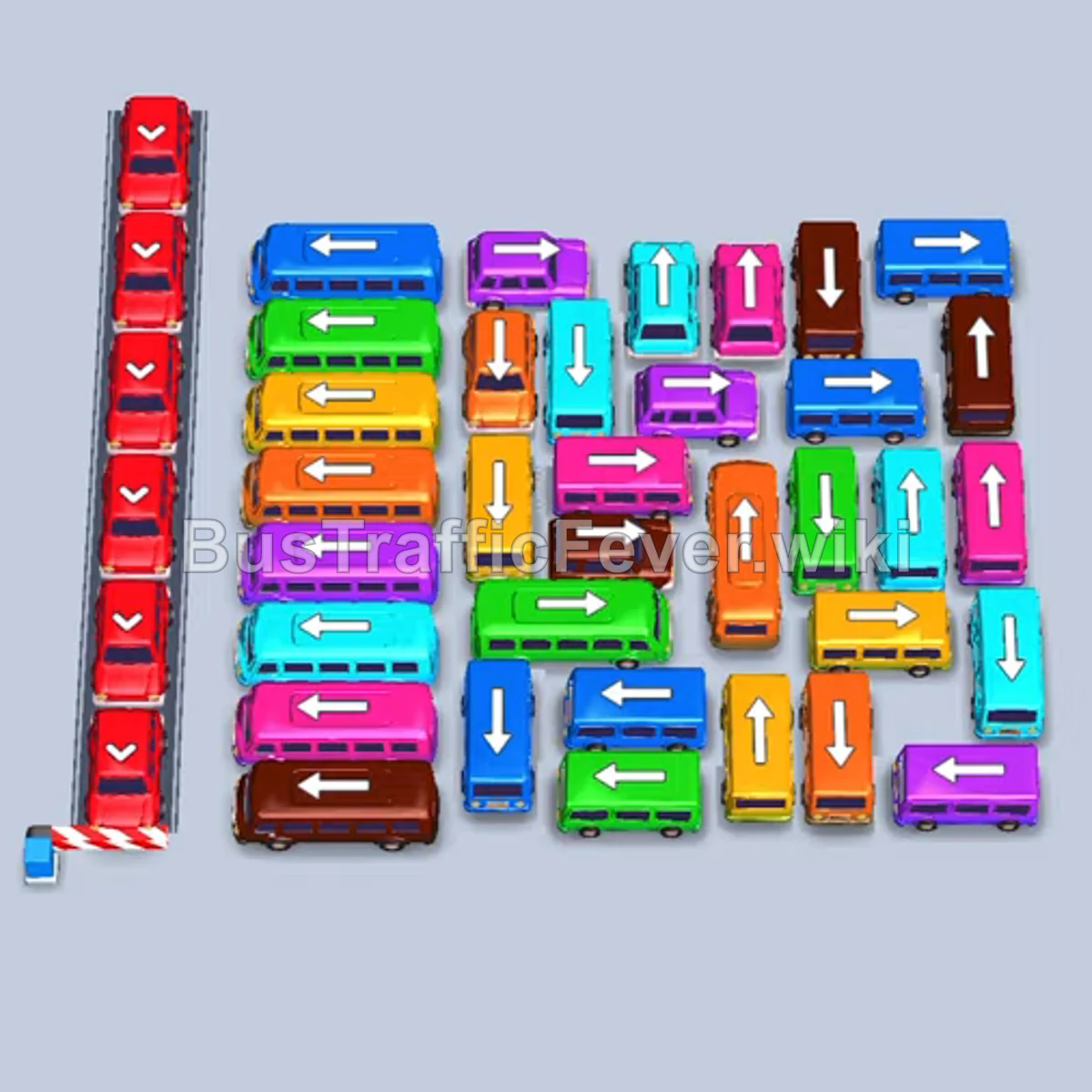
- Tap the orange bus pointing right at the bottom right to board the front orange queue.
- Tap the cyan bus pointing left at the top center.
- Tap the blue bus pointing left at the top right.
- Tap the pink bus pointing right at the top center.
- Tap the bottom red bus pointing down in the leftmost vertical column once slots open.
- Tap the second red bus directly above it pointing down.
- Tap the third red bus pointing down in the same column.
- Tap the blue bus pointing left in the upper-right section once unblocked.
- Tap the green bus pointing left in the center row; it exits freely to the left now that the red column is clear.
Phase 2: Clearing Green, Brown, and Yellow Groups
- Tap the pink bus pointing left in the center area to board the incoming pink passengers.
- Tap the brown bus pointing down near the top center once the exit path clears.
- Tap the top yellow bus pointing left to exit toward the left roadway.
- Tap the remaining lower red bus in the left column pointing down.
- Tap the small yellow bus pointing right in the lower-right area.
- Tap the blue bus pointing right at the bottom right.
- Tap the orange bus pointing left in the lower-middle section.
- Tap the purple bus pointing right at the lower right.
Phase 3: Mid-Board Dispatches (Cyan, Pink, and Red)
- Tap the cyan bus pointing right in the lower-right area.
- Tap the pink bus pointing right from the center row.
- Tap the cyan bus pointing left in the middle-left column.
- Tap the blue bus pointing left in the middle section.
- Tap the red bus pointing down in the left vertical column.
- Tap the cyan bus pointing left to pick up cyan passengers.
- Tap the purple bus pointing left from the middle-left area.
- Tap the red bus pointing down in the center.
- Tap the yellow bus pointing right in the middle-right area.
Phase 4: Final Clear-Out
- Tap the pink bus pointing left on the lower left.
- Tap the blue bus pointing right on the right side.
- Tap the green bus pointing down in the upper center.
- Tap the brown bus pointing right in the lower area.
- Tap the purple bus pointing left from the left side.
- Tap the orange bus pointing left in the middle lane.
- Tap the yellow bus pointing down in the upper center.
- Tap the green bus pointing right on the bottom row.
- Tap the brown bus and purple bus in the center once unblocked.
- Tap the cyan bus, orange bus, and yellow bus to board the final passenger groups and complete the level.
Tips for success
- Clear the red column early: The left vertical column of red buses blocks all left-pointing buses in the center. Releasing them as soon as red passengers arrive opens up multiple central lanes.
- Match parking to queue color: Don’t send out buses that match colors further back in line; keep bays available for active passenger colors.
- Prioritize large buses: Long buses free up significant physical board space once they exit, making it easier to maneuver smaller vehicles behind them.
More Bus Traffic Fever help
Continue with the Level 322 walkthrough, review the core rules in how to play Bus Traffic Fever, or browse all level solutions to jump to another number.