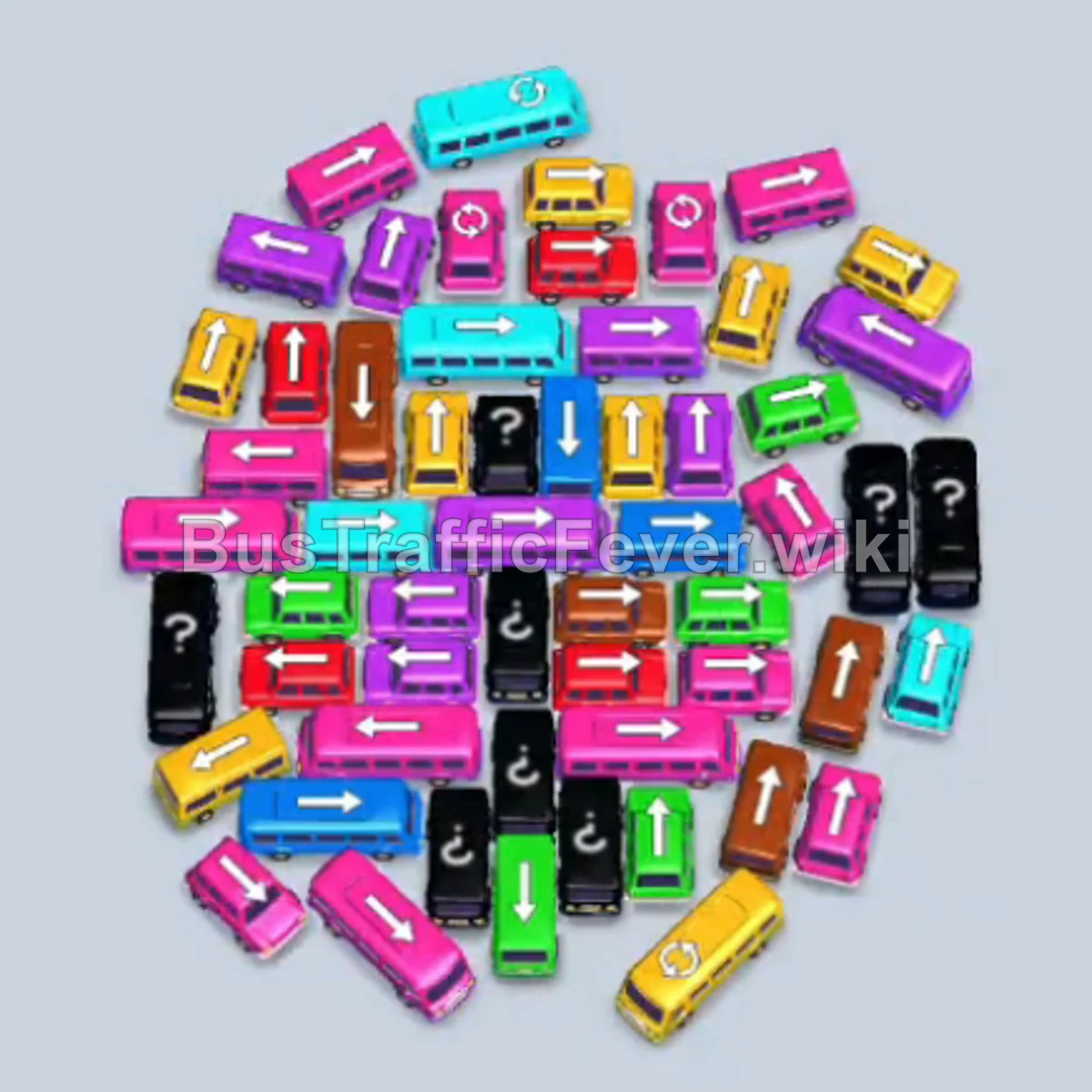
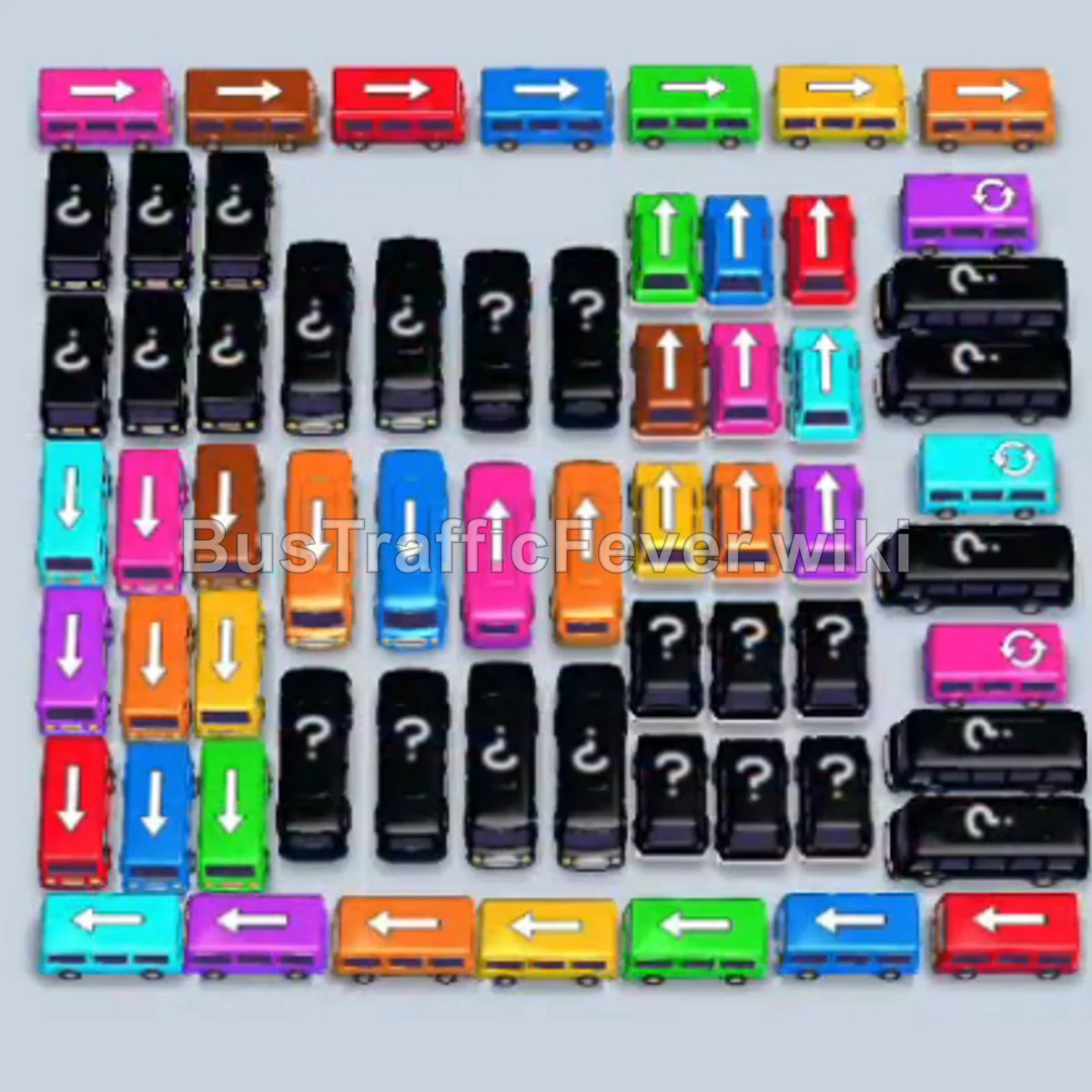
Bus Traffic Fever Level 314 Answer & Walkthrough Solution

Quick answer
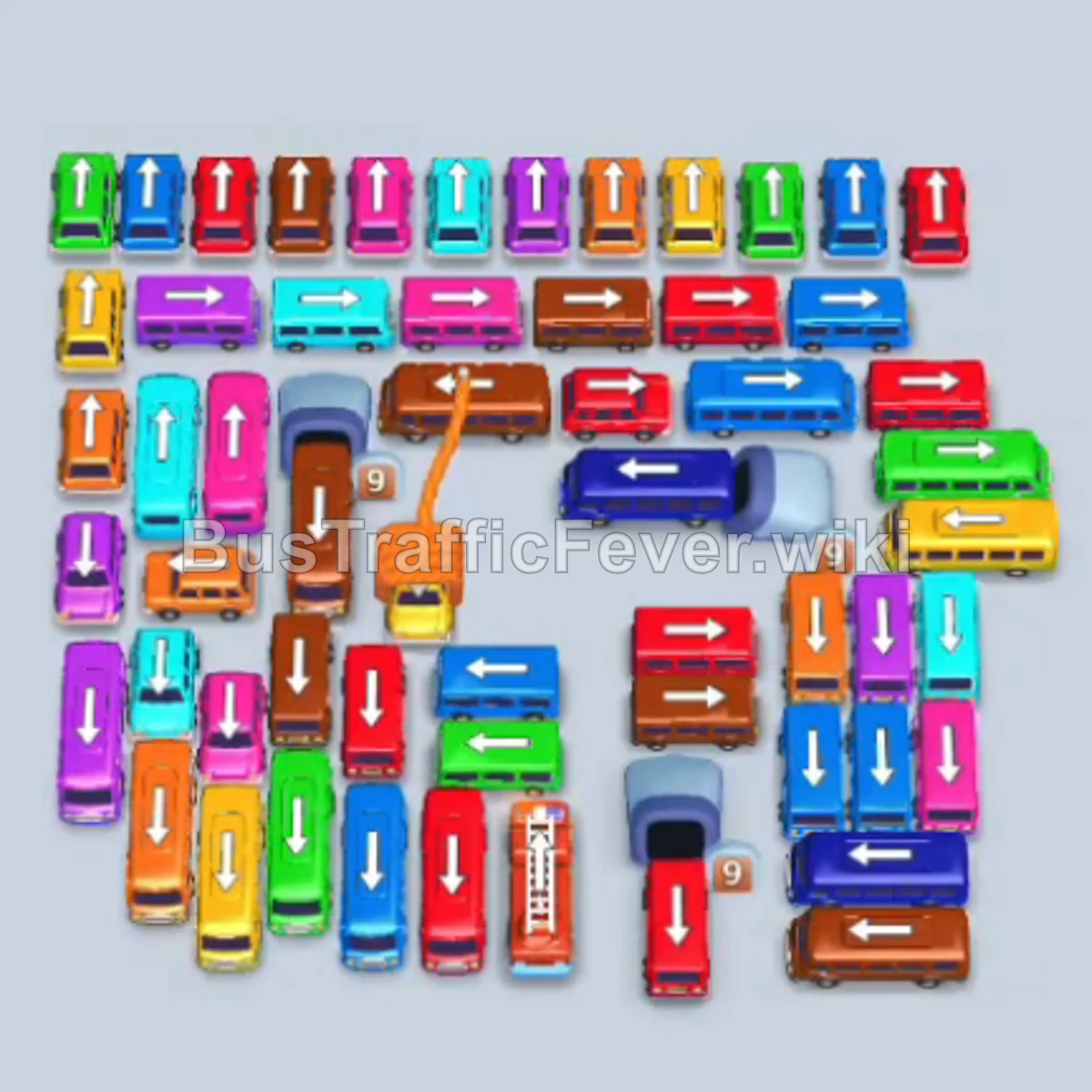
Level 314 features a densely interlocked grid of buses with a winding passenger queue containing alternating color groups. Success requires carefully staging high-capacity buses to match passenger waves while preventing the 7 parking slots from jamming, followed by utilizing an auto-sort booster to untangle the dense endgame.
Step-by-step solution
Difficulty: Super Hard
Phase 1: Opening Moves & Initial Passenger Waves
- Tap the vertical cyan bus at the top-left edge to enter slot 1.
- Tap the vertical red bus on the mid-left side to take slot 2.
- Tap the horizontal red bus near the upper-middle to fill slot 3; red passengers immediately begin boarding.
- Tap the vertical cyan bus on the far-left into slot 4 to start clearing the left lane.
- Tap the vertical green bus at the bottom-left into slot 3 once the first red bus departs.
- Tap the vertical purple bus in the lower-middle into slot 4.
- Tap the horizontal purple bus in the central column into slot 5; purple passengers board and clear seats.
- Tap the horizontal cyan bus at the bottom-left to merge into the cyan staging line.
- Tap the vertical yellow bus at the bottom-left to free adjacent lanes.
- Tap the horizontal lime bus on the bottom-right perimeter.
- Tap the vertical red bus in the central corridor into the freed slot.
- Tap the horizontal red bus in the lower-left area to complete red boarding.
Phase 2: Dismantling the Central Grid
- Tap the horizontal green bus at the bottom edge.
- Tap the vertical cyan bus in the mid-left area.
- Tap the horizontal blue bus along the lower perimeter.
- Tap the vertical blue bus in the center column.
- Tap the horizontal red bus across the middle row.
- Tap the vertical lime bus standing in the center.
- Tap the horizontal yellow bus in the upper-right corner.
- Tap the vertical brown/orange bus at the top-right.
- Tap the horizontal orange bus in the mid-right sector.
- Tap the vertical purple bus in the central block.
- Tap the horizontal blue bus in the middle lane.
- Tap the vertical cyan bus in the central column.
- Tap the horizontal orange bus in the upper-middle row.
- Tap the horizontal green bus on the mid-left.
- Tap the vertical blue bus near the center.
- Tap the horizontal magenta bus at the upper-left.
- Tap the horizontal green bus into the final available slot.
Phase 3: Auto-Sort & Final Clear
- Select the Free Sort Booster on the slot-limit prompt to automatically align vehicles with front passengers and open an additional slot.
- Wait for the auto-boarding sequence as lime, cyan, yellow, purple, and red passengers clear several staged buses.
- Tap the vertical red bus in the center lane.
- Tap the horizontal pink bus in the lower-left area.
- Tap the vertical lime bus in the mid-lane.
- Tap the horizontal green bus across the center.
- Tap the vertical yellow bus in the middle column.
- Tap the horizontal orange bus in the center.
- Tap the vertical cyan bus in the remaining cluster.
- Tap the vertical orange bus at the lower section.
- Tap the horizontal blue bus in the middle.
- Tap the horizontal lime bus directly below it.
- Tap the remaining vertical red, brown, and cyan buses in sequence to clear the remaining passenger queue and finish the level.
Tips for success
- Watch Front-Queue Colors: Avoid dispatching buses whose passengers are blocked deep behind other colors in the queue.
- Prioritize Exterior Unblockers: Clear perimeter horizontal and vertical buses early to grant access to the tightly packed center core.
- Leverage the Sort Option: On Super Hard layouts where slot overflow occurs late, using the vehicle sort instantly matches several vehicles and eliminates gridlock.
More Bus Traffic Fever help
Continue with the Level 313 walkthrough, review the core rules in how to play Bus Traffic Fever, or browse all level solutions to jump to another number.