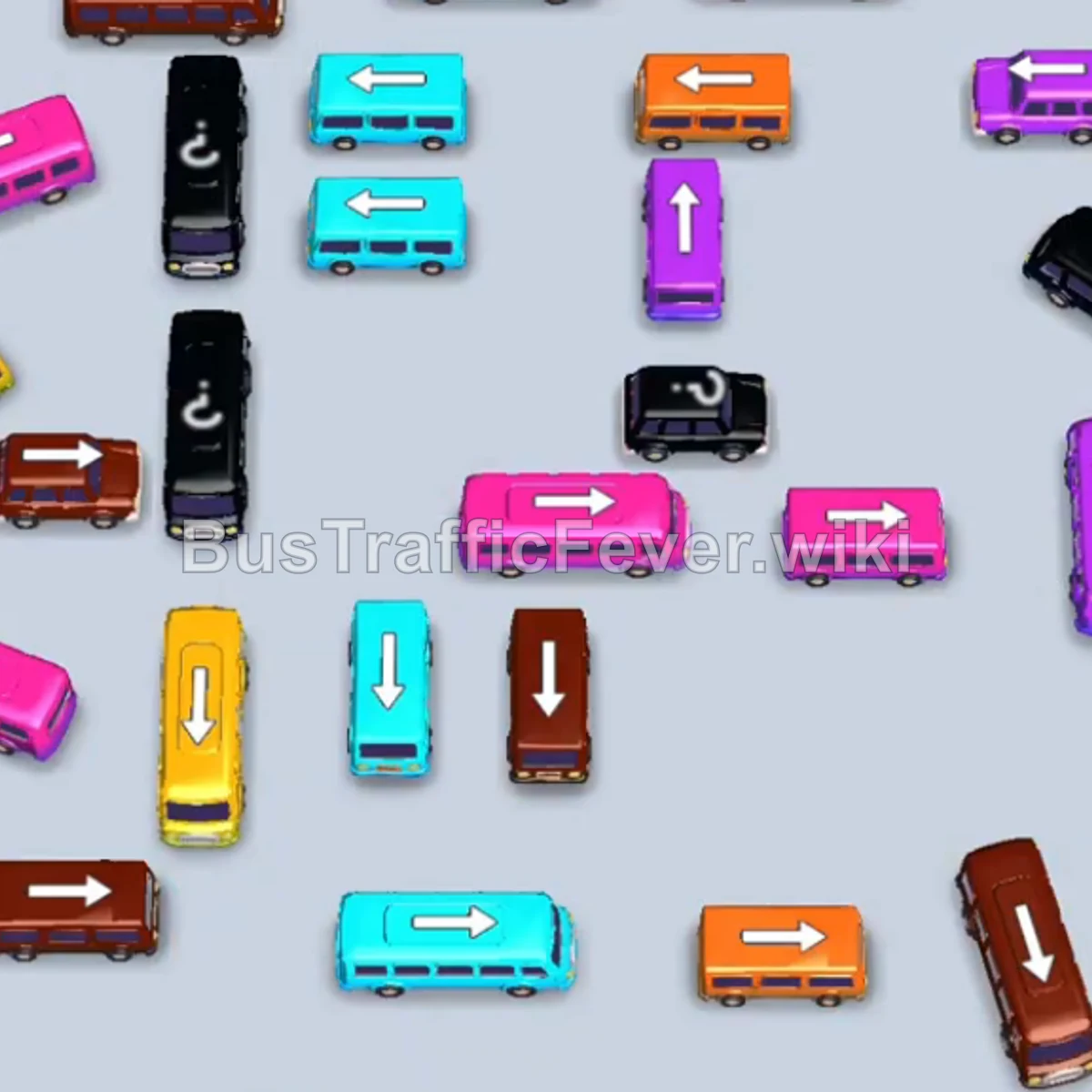
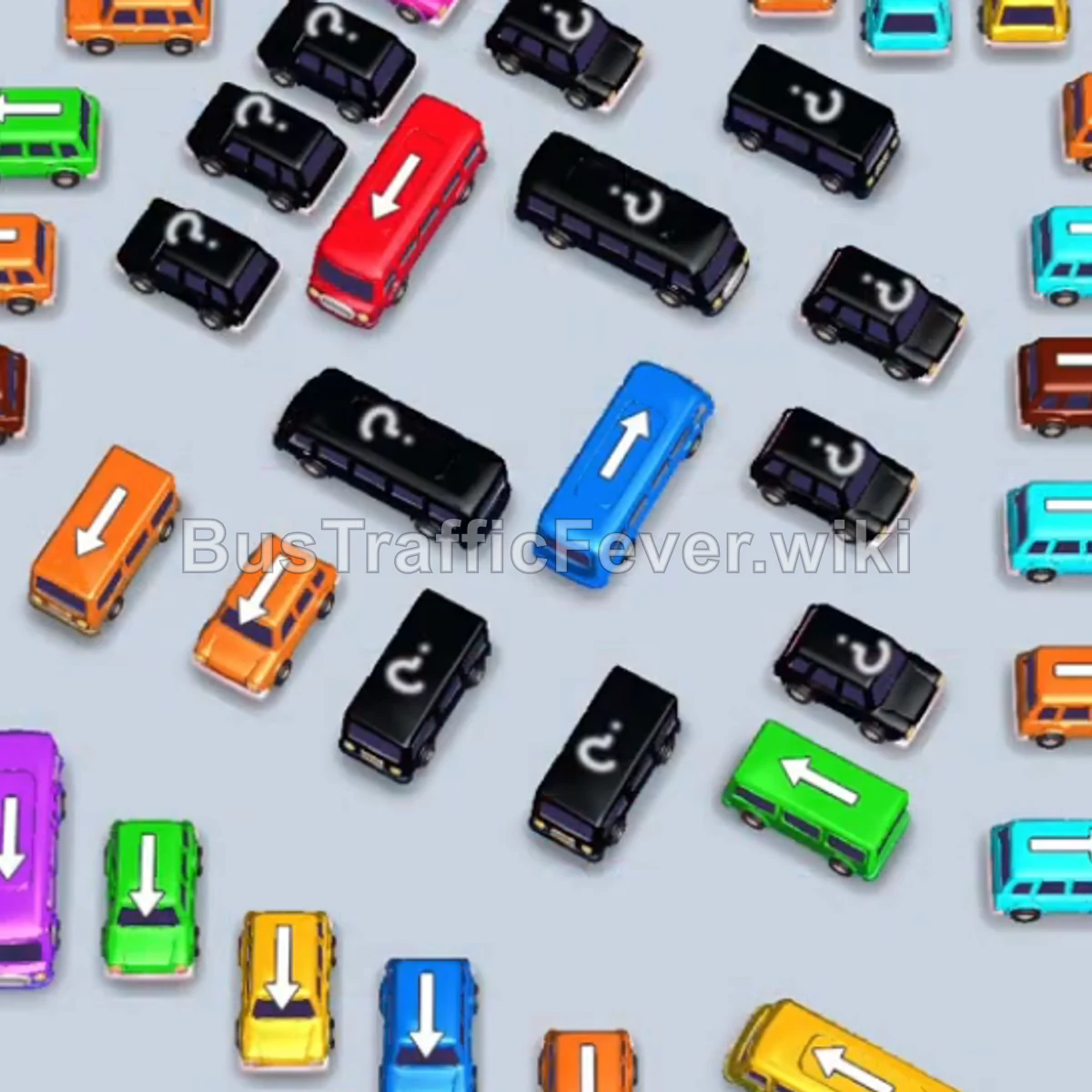
Bus Traffic Fever Level 148 Answer & Walkthrough Solution

Quick answer
Tap the Green bus at the top-left (facing right). It moves into the VIP parking slot to begin loading the initial green passengers. Tap the vertical Purple bus on the far left (facing down). It occupies the second slot, loads purple passengers, and departs.
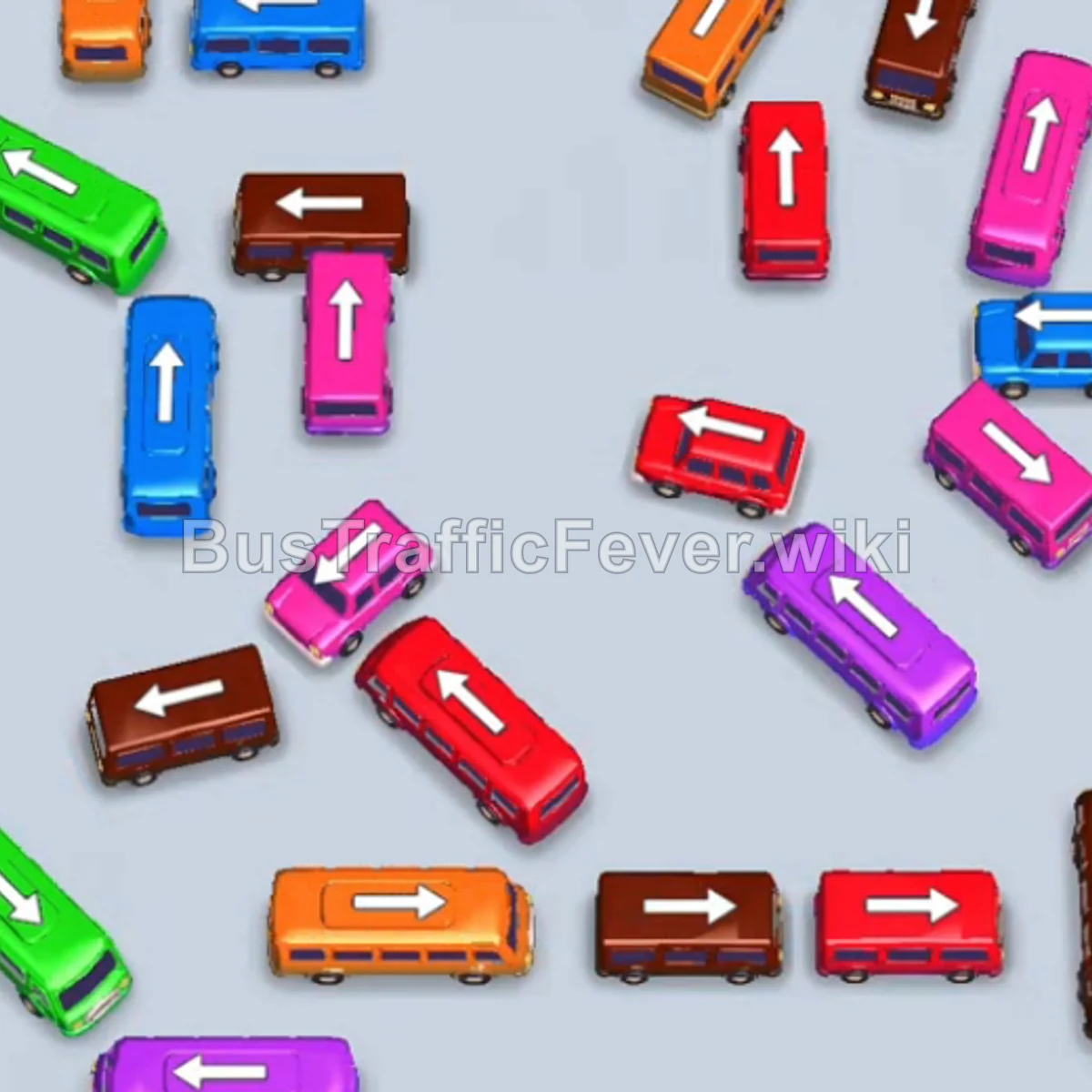
Step-by-step solution
Phase 1: Initial Boarding & Clearing Upper Flanks
- Tap the Green bus at the top-left (facing right). It moves into the VIP parking slot to begin loading the initial green passengers.
- Tap the vertical Purple bus on the far left (facing down). It occupies the second slot, loads purple passengers, and departs.
- Tap the vertical Orange bus on the upper-left (facing up) into the second slot to prepare for the orange queue.
- Tap the vertical Blue bus on the middle-left (facing up). It docks into the third slot, picks up blue passengers, and departs immediately, followed by the Orange bus.
- Tap the horizontal Purple bus in the upper-right area (facing left) to dock in slot 2.
- Tap the vertical Pink bus located near the center (facing down). It docks in slot 3, quickly fills with pink passengers, and departs.
- The first Green bus in the VIP slot finishes filling up and drives off.
Phase 2: Midfield Navigation & Freeing Blocked Lanes
- Tap the horizontal Green bus at the bottom-left (facing right) to take the VIP slot.
- Tap the vertical Blue bus at the upper-left (facing up) into slot 3.
- Tap the vertical Brown bus on the upper-right (facing down). It fills with brown passengers and clears immediately.
- Tap the diagonal Pink bus near the bottom-center (facing up-right). It docks in slot 4, loads pink passengers, and leaves.
- Tap the Red bus in the center (facing left). It docks, picks up red passengers, and departs, allowing the Blue bus to finish loading and leave.
- Tap the small Purple bus and then the small Red bus near the top-center. Both board their passengers and leave in sequence.
- Tap the vertical Pink bus in the center (facing up). It fills with pink passengers and leaves, clearing space for the next wave.
Phase 3: Managing Secondary Batches (Green, Purple & Brown)
- Tap the small Blue bus in the middle (facing left). It boards blue passengers and departs, allowing the Green bus in the VIP slot to finish loading and leave.
- Tap the Purple bus in the center-right into the VIP slot.
- Tap the Green bus on the bottom-left into slot 2.
- Tap the vertical Brown bus on the bottom-right (facing up). It docks in slot 3, fills with brown passengers, and departs.
- Tap the vertical Orange bus in the middle-right. It fills with orange passengers and departs.
- The Purple bus in the VIP slot finishes boarding and leaves.
- Tap the Red bus on the lower-left, followed by the Purple bus next to it. Red and purple passengers board, and both vehicles depart.
- The Green bus in slot 2 finishes loading and departs.
Phase 4: Final Sequence & Boarding Cleanup
- Tap the Pink bus on the middle-right into slot 1.
- Tap the horizontal Red bus at the bottom-center (facing right) into slot 2.
- Tap the Blue bus on the far right into slot 3. Red and blue passengers board and clear out first, followed by pink.
- Tap the vertical Purple bus at the bottom-right into slot 1.
- Tap the Brown bus in the center (facing down) into slot 2 to pick up brown passengers and depart.
- Tap the Red bus on the bottom-right, the Orange bus at the bottom-left, and the Brown bus at the bottom-center into the open bays. Purple, orange, red, and brown passengers will board and depart.
- Tap the remaining Blue bus on the right. It moves into the dock to collect the final queue of blue passengers, completing Level 148 with a Perfect rating!
Tips for success
- Track the Multi-Segment Passenger Snake: The queue frequently alternates between high-capacity colors (Green, Purple, Red) and small batches (Blue, Brown). Send larger buses into VIP/first slots to absorb continuous flow over time.
- Prioritize Path Openers: Vehicles like the central red/pink buses block lower buses from escaping; tapping them when their colors appear unblocks major flow lines.
- Keep at Least Two Slots Free: Avoid sending non-urgent colors early so you have room to cycle short-run buses that match the immediate front of the line.
More Bus Traffic Fever help
Continue with the Level 147 walkthrough, review the core rules in how to play Bus Traffic Fever, or browse all level solutions to jump to another number.