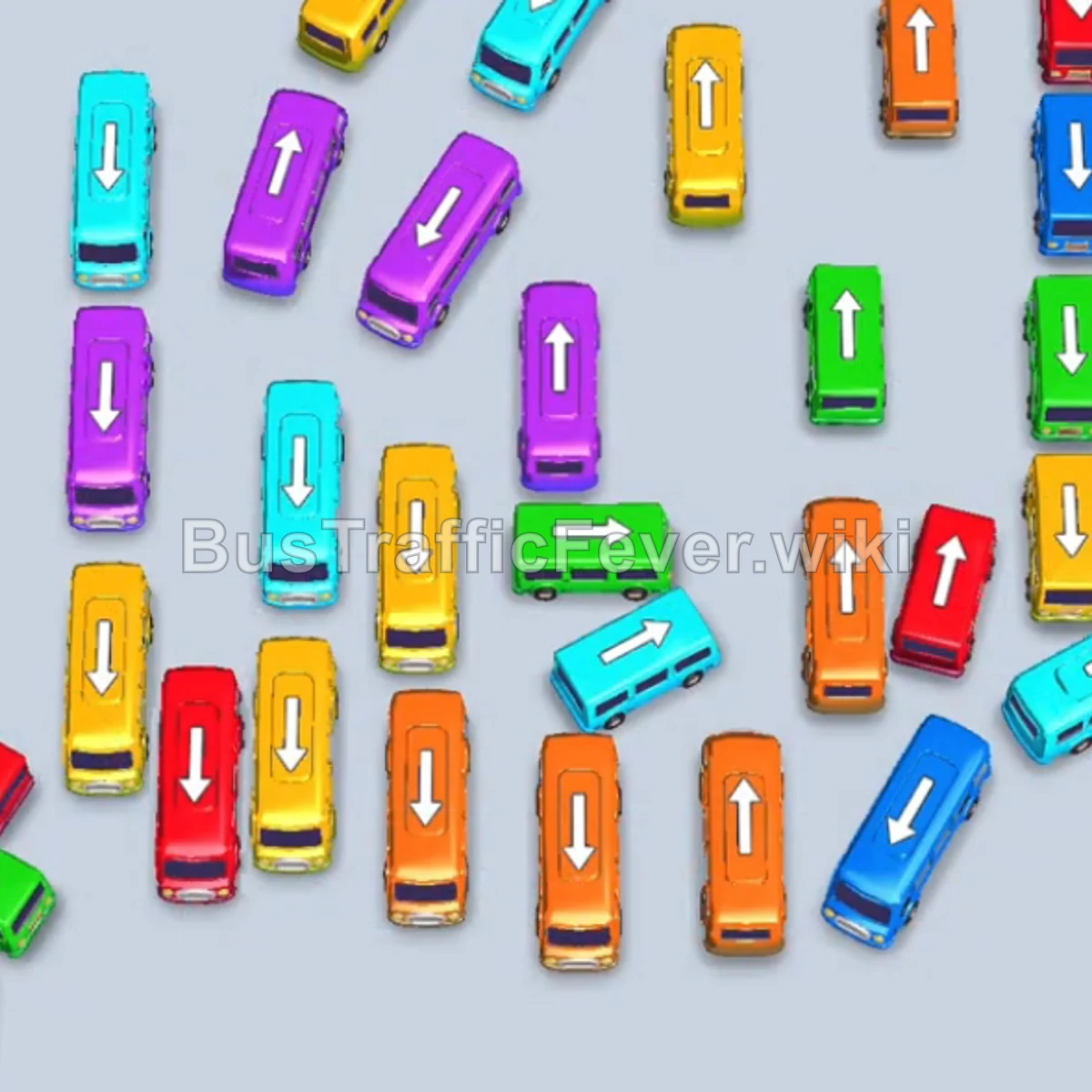
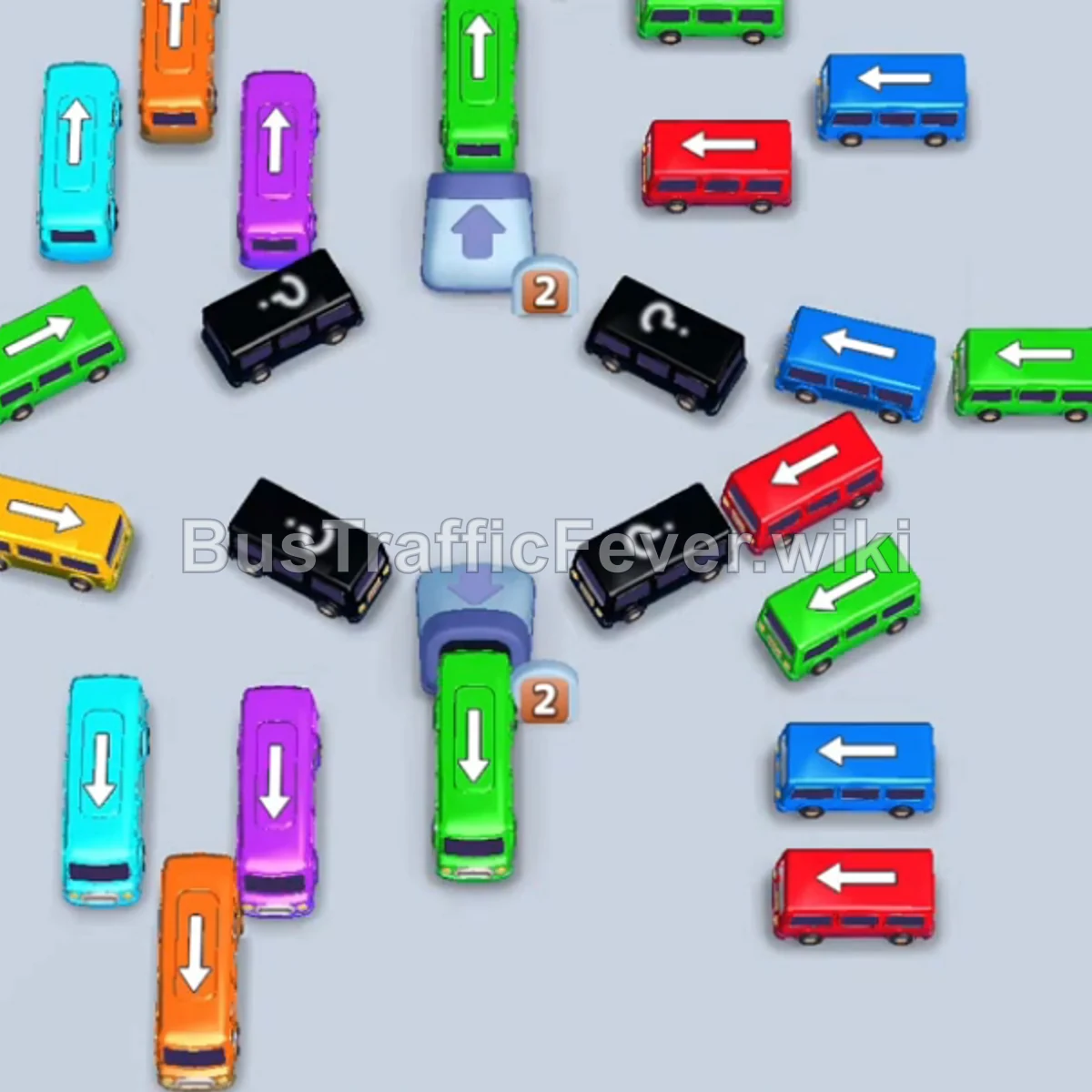
Bus Traffic Fever Level 23 Answer & Walkthrough Solution

Quick answer
Tap the Red bus at the bottom center, facing up. Tap the Red bus on the upper right, facing up, into a parking slot. Tap the Yellow bus inside the right dispenser marked 2. Let the first Red bus finish boarding and depart.
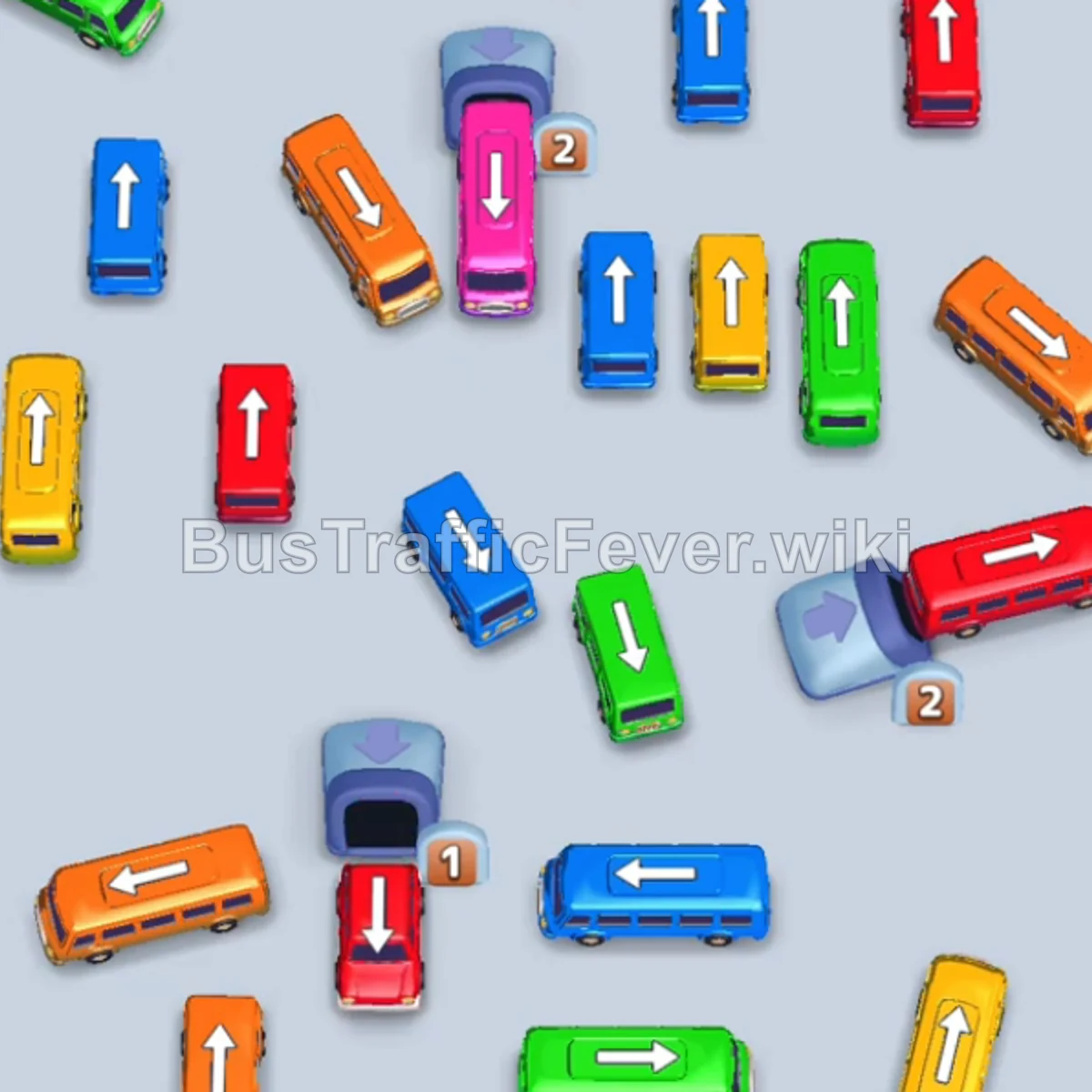
Step-by-step solution
Phase 1: Start the dispensers
- Tap the Red bus at the bottom center, facing up.
- Tap the Red bus on the upper right, facing up, into a parking slot.
- Tap the Yellow bus inside the right dispenser marked
2. - Let the first Red bus finish boarding and depart.
- Tap the Orange bus at the bottom left, facing right.
Phase 2: Clear the outer ring
- Tap the Green bus at the top left, facing right.
- Tap the Blue bus on the upper left, facing down.
- Tap the Orange bus in the center, facing up.
- Tap the bottom-right garage to release a Yellow bus.
- Tap the Cyan bus on the lower right, facing left.
- Let the parked Red bus collect the remaining red passengers.
Phase 3: Rotate the mid-level grid
- Tap the Yellow bus on the left, facing up.
- Tap the Green bus on the middle right, facing down.
- Let the parked Yellow bus finish boarding.
- Tap the Blue bus in the center, facing up.
- Tap the Yellow bus at the bottom right, facing left.
- Tap the Green bus at the center-bottom, facing up.
Phase 4: Work through the central dispenser
- Tap the Red bus on the middle left, facing up.
- Tap the Purple bus in the central slot.
- Tap the Blue bus at the bottom, facing right.
- Tap the Green bus at the bottom center, facing up.
- Tap the Blue bus from the tunnel.
- Tap the Pink bus emerging from the central dispenser marked
2. - Let the Orange bus finish boarding.
Phase 5: Finish the dispenser countdown
- Tap the Yellow bus from the central dispenser marked
1. - Tap the Pink bus marked
1. - Tap the Yellow bus marked
0. - Tap the Pink bus marked
0. - Let the remaining parked Red bus finish boarding.
- Tap the Red bus at the bottom right, facing up.
- Tap the Green bus at the top left, facing right.
- Tap the Orange bus from the dispenser.
- Tap the Blue bus on the left.
- Tap the Yellow bus at the bottom left for the final yellow passengers.
Tips for success
- Release numbered dispensers as soon as a parking slot opens.
- Keep same-color buses staged when a passenger wave needs more than one vehicle.
- Do not fill a slot with a color that is not active or about to arrive.
More Bus Traffic Fever help
Continue with the Level 22 walkthrough, review the core rules in how to play Bus Traffic Fever, or browse all level solutions to jump to another number.