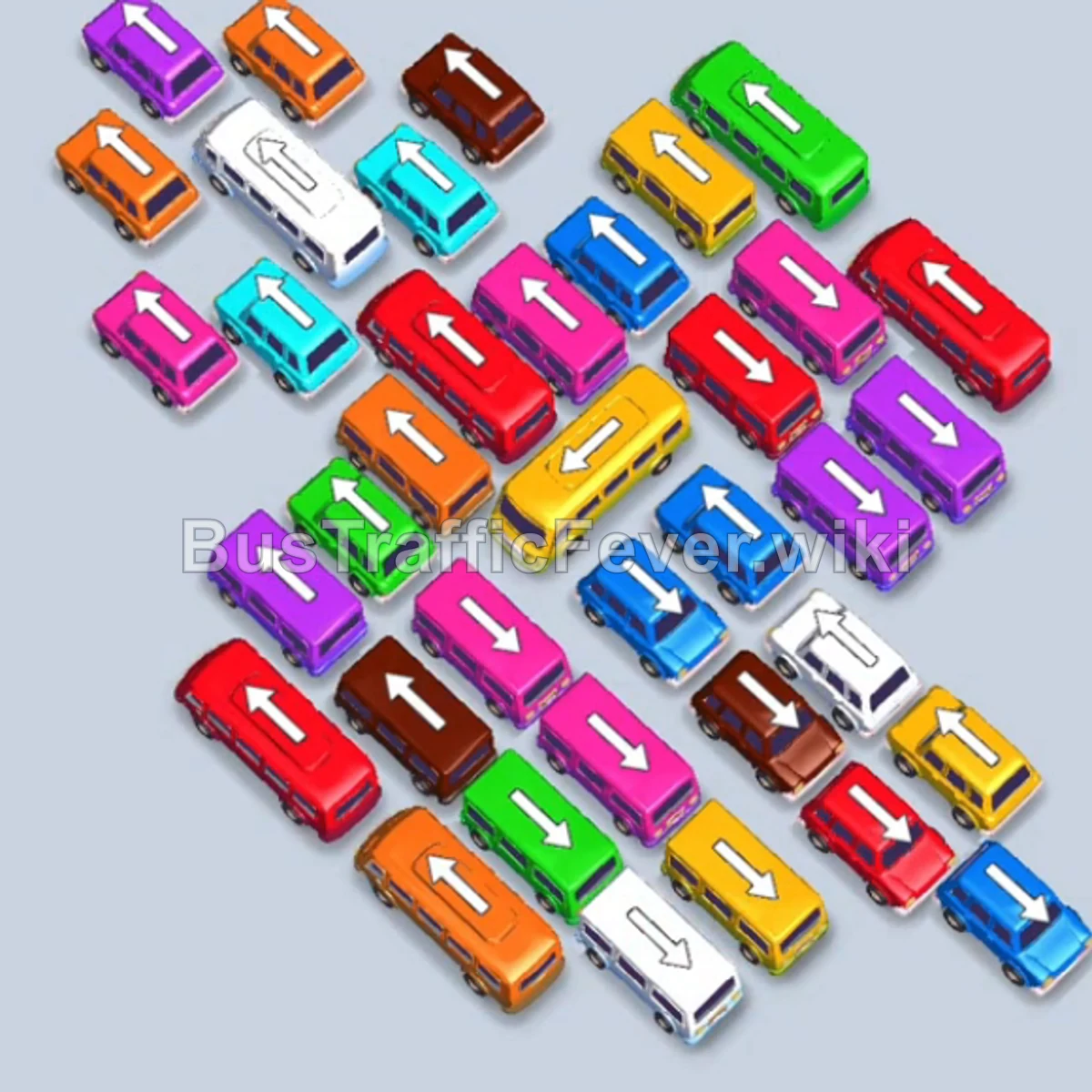
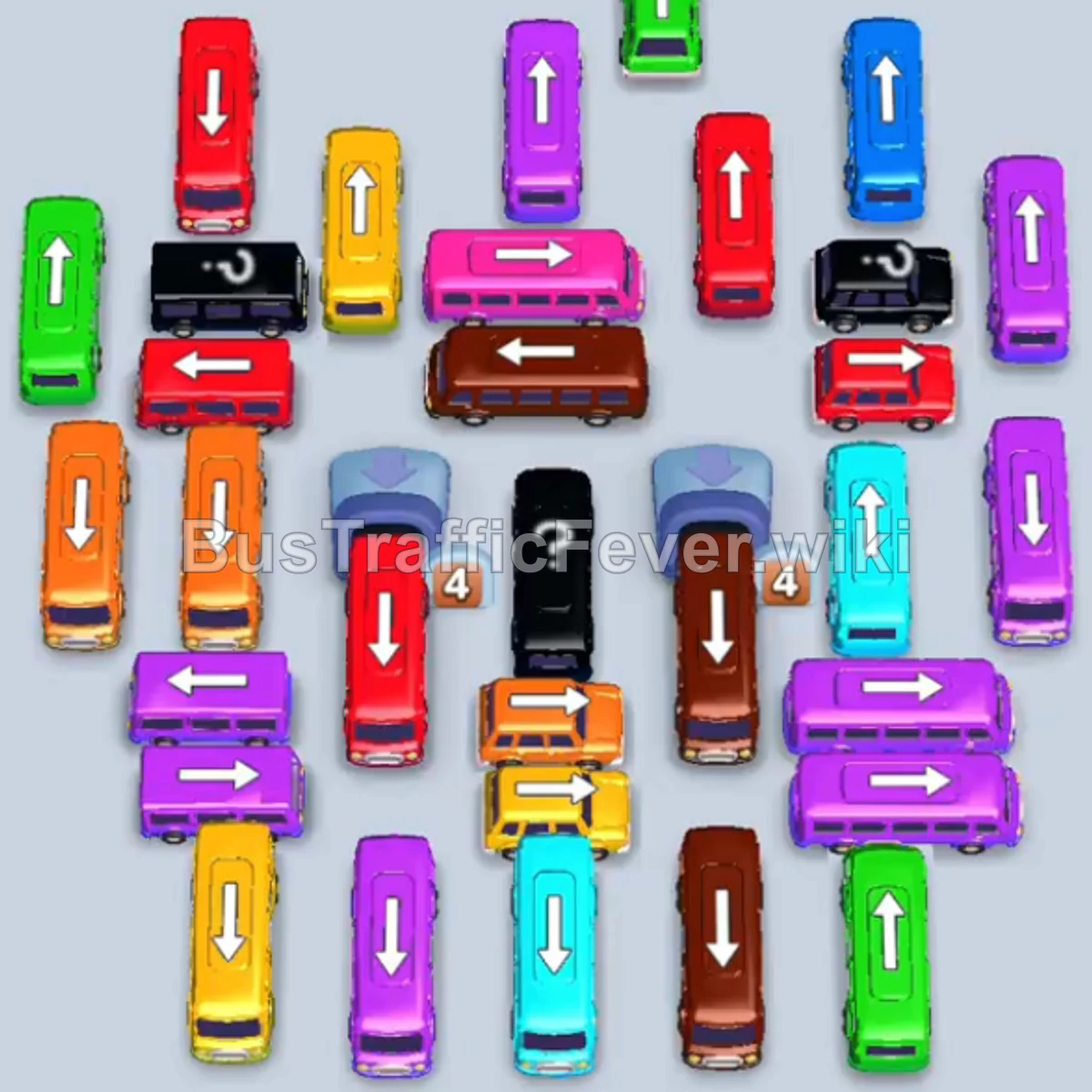
Bus Traffic Fever Level 70 Answer & Walkthrough Solution

Quick answer
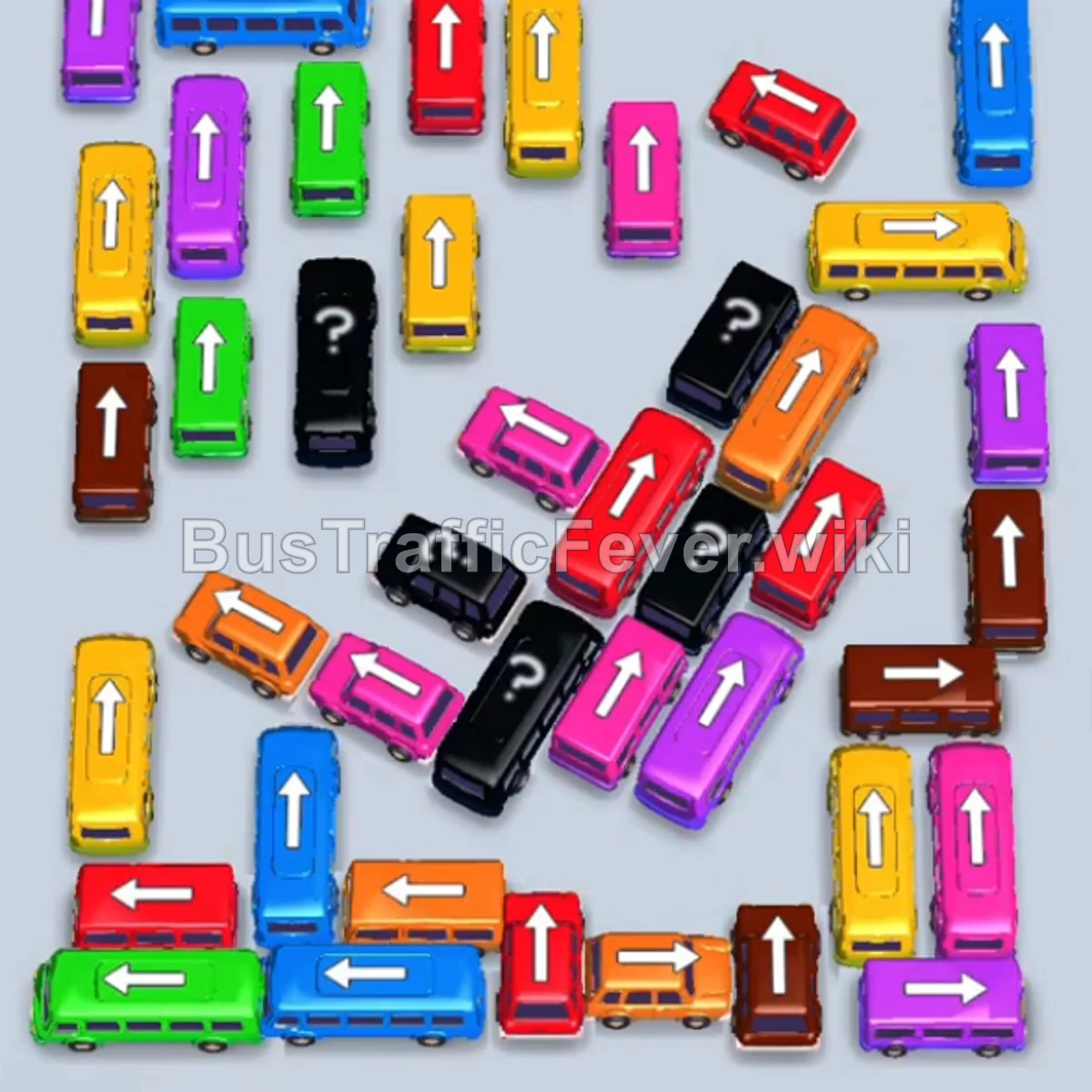
Tap the Green bus at the bottom-left corner pointing left. It will pick up the initial group of Green passengers and depart. Tap the Blue bus at the top-left pointing right to collect the Blue passengers. Tap the Yellow bus at the middle-right pointing right to clear the Yellow passenger queue.
Step-by-step solution
Phase 1: Clearing the Outer Routes
- Tap the Green bus at the bottom-left corner pointing left. It will pick up the initial group of Green passengers and depart.
- Tap the Blue bus at the top-left pointing right to collect the Blue passengers.
- Tap the Yellow bus at the middle-right pointing right to clear the Yellow passenger queue.
- Tap the Red bus at the top-center pointing up. It will move into a parking slot to await Red passengers.
- Tap the Blue bus on the left pointing down. Blue passengers will board immediately, allowing it to depart and moving the queue forward to fill the waiting Red bus.
Phase 2: Unblocking the Middle & Mystery Blocks
- Tap the Yellow bus at the top-right pointing up to collect the next Yellow group.
- Tap the Purple bus at the upper-right pointing up to clear the Purple passengers.
- Tap the Red bus on the middle-right pointing up to pick up Red passengers.
- Tap the Cyan/Teal bus in the middle pointing right to pick up Cyan passengers.
- Tap the Red bus at the top-right pointing up. It will partially fill with Red passengers and remain in a slot.
- Tap the Green bus at the bottom-left pointing left. Green passengers board and leave, opening space for the remaining Red passengers to finish boarding the parked Red bus.
Phase 3: Clearing Mid-Sized Vehicles & Congestion
- Tap the Purple bus at the bottom-center pointing left to collect the Purple queue.
- Tap the Red bus at the bottom-left pointing left to clear Red passengers.
- Tap the Blue bus at the top-left pointing down. It parks in the slot after taking the first batch of Blue passengers.
- Tap the Purple bus in the upper-middle area pointing up to clear Purple passengers.
- Tap the Purple bus in the center pointing up to clear the next Purple group.
- Tap the Orange bus in the middle pointing up to board Orange passengers.
- Tap the Yellow bus in the center pointing up to board Yellow passengers.
- Tap the first Brown bus in the lower-middle pointing right to board Brown passengers.
- Tap the second Brown bus pointing right to board the remaining Brown passengers.
- Tap the Pink bus on the right pointing down. Pink passengers board and leave, which triggers the remaining Blue passengers to finish filling the waiting Blue bus.
Phase 4: Inner Ring & Single Buses Sequence
- Tap the Brown bus on the left pointing up to clear the Brown passengers.
- Tap the Green bus on the left pointing up to collect Green passengers.
- Tap the Orange bus on the left pointing up to clear Orange passengers.
- Tap the Pink bus on the left pointing left to clear Pink passengers.
- Tap the Yellow bus on the left pointing up to board Yellow passengers.
- Tap the Purple bus on the left pointing left to clear Purple passengers.
- Tap the Yellow bus at the top-left pointing up to board Yellow passengers.
- Tap the Orange bus at the top-left pointing up to board Orange passengers.
- Tap the Blue bus at the top-left pointing left to board Blue passengers.
- Tap the Red bus at the top-left pointing left to board Red passengers.
- Tap the Cyan bus at the top-left pointing left to board Cyan passengers.
- Tap the Pink bus at the top-left pointing left to clear Pink passengers.
- Tap the Pink bus at the middle-left pointing left.
- Tap the Pink bus at the bottom-left pointing left.
Phase 5: Final Multi-Bus Cleanup
- Tap the Yellow bus on the bottom-left pointing left.
- Tap the Orange bus on the bottom-left pointing up.
- Tap the Cyan bus in the middle pointing left. (Yellow, Orange, and Cyan passengers will board their respective buses in parking slots and depart simultaneously.)
- Tap the Green bus in the center pointing up.
- Tap the Red bus at the bottom-right pointing up.
- Tap the Orange bus at the bottom-left pointing up. (All remaining passengers board these final three vehicles to finish the level!)
Tips for success
- Track the Queue Direction: When lines split into curves, observe which color is closest to reaching the front to prioritize parking slots.
- Partial Loading is Safe: If a large bus only partially fills (like the Red or Blue bus), leave it in the slot—matching passengers will eventually clear the queue and let it depart.
- Clear the Edges Early: Removing exterior horizontal/vertical buses opens up directional exits for central vehicles trapped behind them.
More Bus Traffic Fever help
Continue with the Level 69 walkthrough, review the core rules in how to play Bus Traffic Fever, or browse all level solutions to jump to another number.