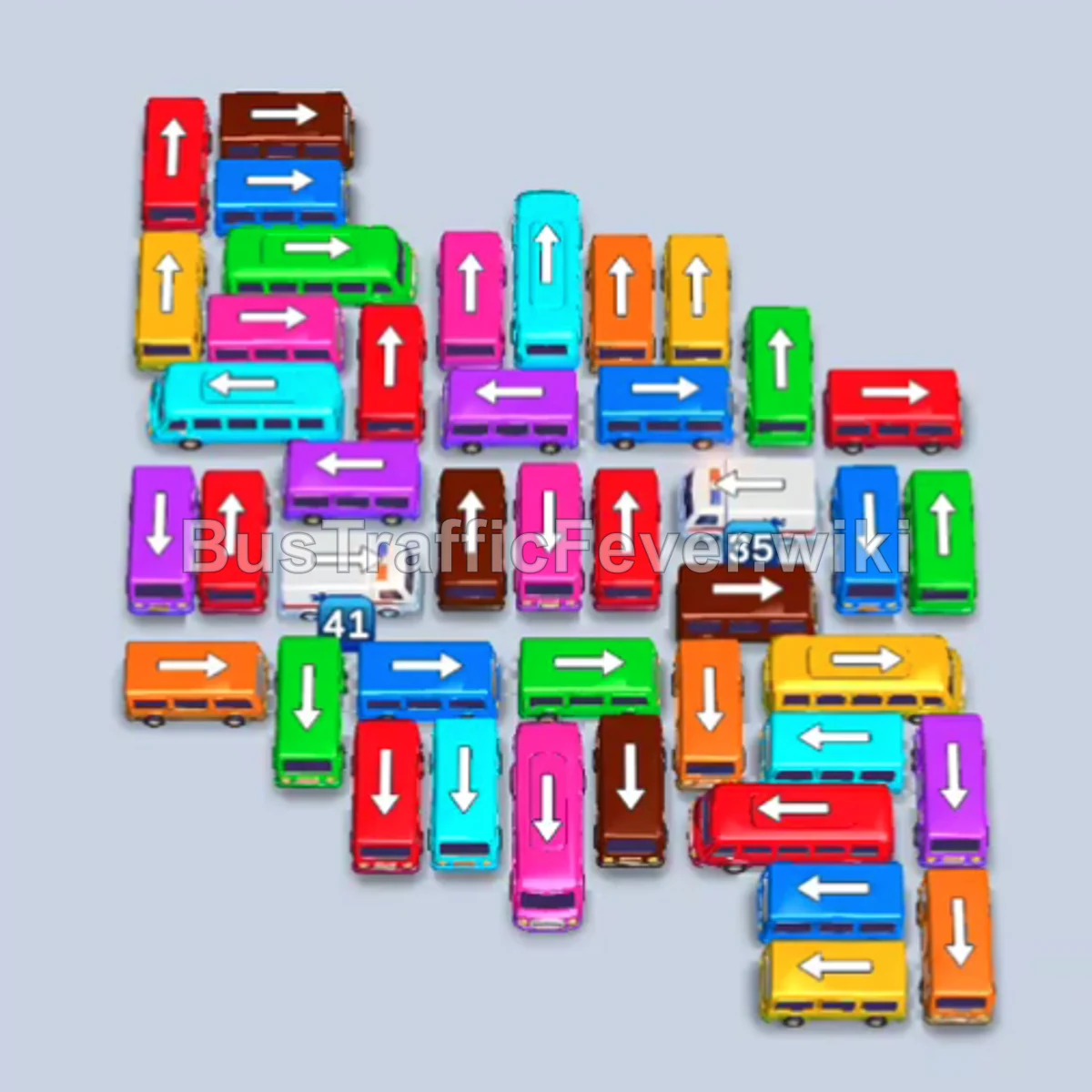
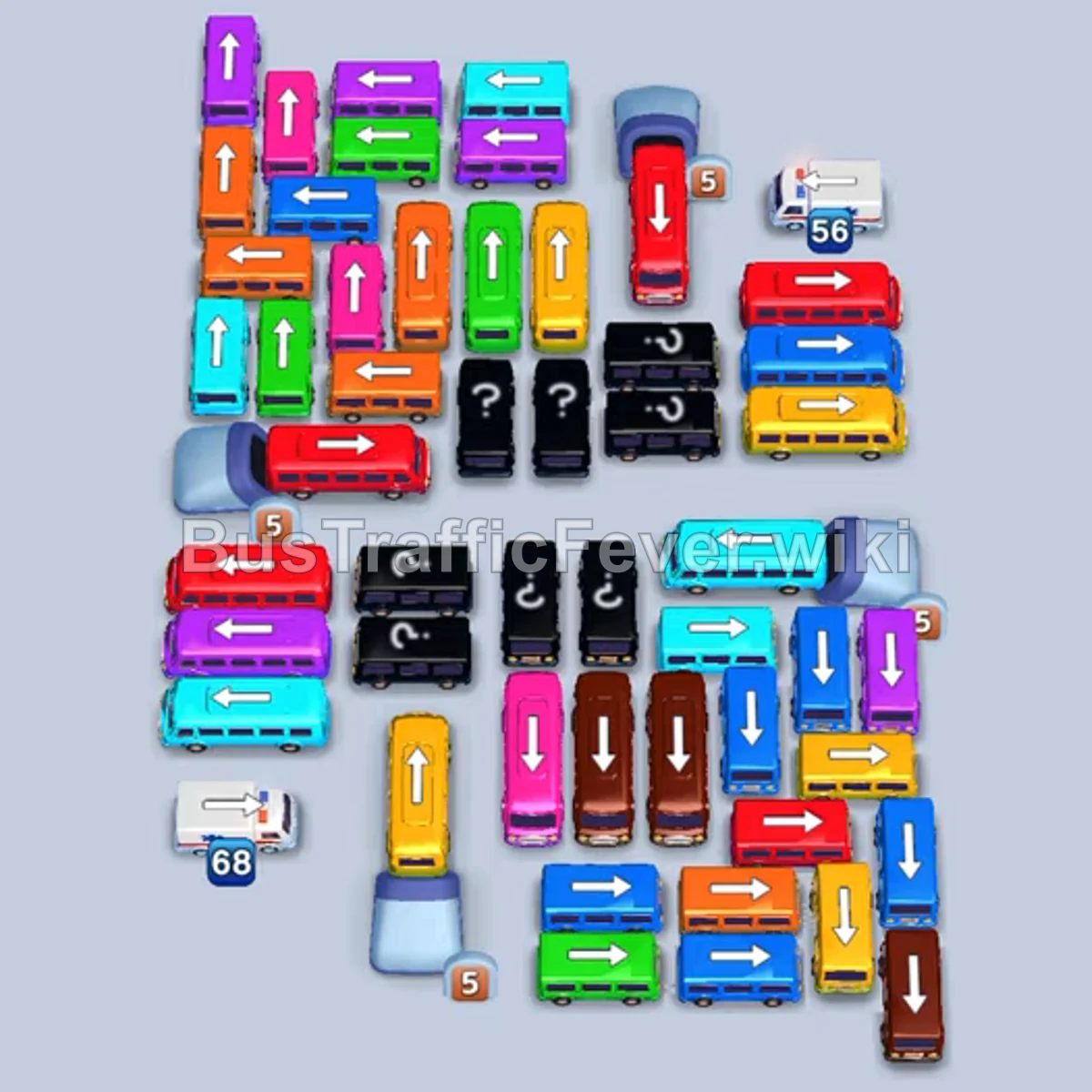
Bus Traffic Fever Level 331 Answer & Walkthrough Solution

Quick answer
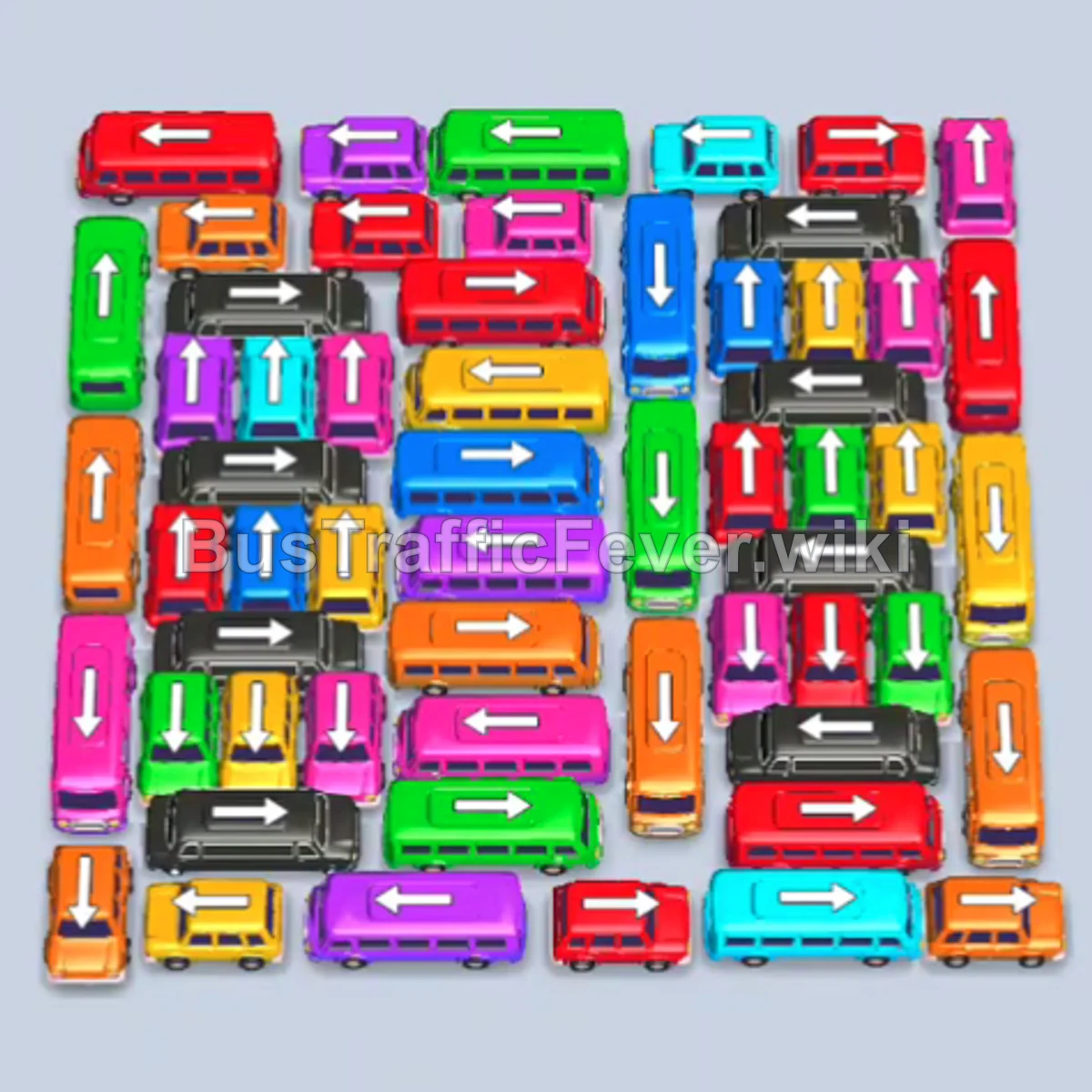
The primary challenge in Level 331 is managing the dense grid of overlapping horizontal and vertical vehicles without exceeding the five standard parking bays. Focus on dispatching perimeter buses that match the active passenger crowd, unblocking interior lanes, and timing vehicle releases so parking spaces immediately recycle as passengers clear out.
Step-by-step solution
Phase 1: Unblocking the Perimeter
- Tap the orange bus on the middle-left facing left to exit into a bay and board the first group of orange passengers.
- Tap the vertical red bus on the far right facing down to clear the right column.
- Tap the horizontal cyan bus at the bottom-right facing right.
- Tap the horizontal orange bus in the lower-center facing left into an open slot.
- Tap the horizontal red bus on the middle-right facing right.
- Tap the horizontal red bus in the upper-center facing left.
- Tap the horizontal cyan bus in the upper-right facing left.
- Tap the horizontal red bus near the top-right facing right.
- Tap the horizontal green bus at the bottom facing right once space clears.
- Tap the horizontal black bus in the center facing left into a vacant slot.
Phase 2: Opening the Center Lanes
- Tap the horizontal orange bus in the center facing left.
- Tap the horizontal red bus in the middle row facing left.
- Tap the horizontal red bus in the middle lane facing left.
- Tap the small orange bus on the middle-left facing left.
- Tap the horizontal pink bus on the middle-left facing left.
- Tap the horizontal cyan bus near the lower-center facing left.
- Tap the horizontal yellow bus in the lower-middle facing right.
- Tap the small orange bus on the far left facing left.
- Tap the horizontal pink bus on the left facing left.
- Tap the horizontal pink bus on the left facing left.
- Tap the small red bus on the lower-left facing left.
- Tap the horizontal green bus in the upper-center facing right.
- Tap the horizontal cyan bus on the left facing left.
- Tap the vertical black bus on the right side facing down.
- Tap the small yellow bus on the lower-left facing left.
Phase 3: Disentangling Mid-Grid Vehicles
- Tap the small pink bus on the right edge facing right.
- Tap the horizontal red bus in the upper-middle facing left.
- Tap the small pink bus on the upper-right facing left.
- Tap the horizontal green bus on the upper-left facing left.
- Tap the horizontal purple bus in the lower-center facing left.
- Tap the small yellow bus on the lower-left facing left.
- Tap the small red bus on the left edge facing right.
- Tap the horizontal purple bus in the center facing left.
- Tap the small pink bus on the middle-left facing left.
- Tap the horizontal pink bus on the middle-left facing left.
- Tap the horizontal cyan bus in the center facing left.
- Tap the horizontal black bus in the center facing left.
- Tap the horizontal yellow bus in the upper-center facing left.
- Tap the horizontal purple bus on the middle-left facing left.
- Tap the small cyan bus on the left facing left.
Phase 4: Final Column Cleanup
- Tap the small blue bus in the lower-center facing up.
- Tap the vertical green bus in the right column facing right.
- Tap the vertical black bus in the right column facing up.
- Tap the vertical pink bus in the right column facing down.
- Tap the vertical red bus in the right column facing down.
- Tap the vertical orange bus in the center facing up.
- Tap the vertical green bus on the right facing up.
- Tap the horizontal black bus in the upper area facing left.
- Tap the horizontal purple bus near the bottom facing left.
- Tap the vertical pink bus in the left column facing up.
- Tap the small red bus in the left column facing right.
- Tap the vertical cyan bus in the center lane facing up.
- Tap the vertical green bus facing down.
- Tap the small orange bus in the lower-center facing right.
- Tap the vertical pink bus facing up.
- Tap the vertical orange bus facing up.
- Tap the small yellow bus facing up.
- Tap the small black bus facing up.
- Tap the yellow bus in the lower-left facing up.
- Tap the green bus facing up.
- Tap the black bus facing right.
- Tap the blue bus facing right.
- Tap the red bus facing up.
- Tap the yellow bus facing up.
- Tap the final black bus facing left to clear the level.
Tips for success
- Watch the crowd line: Release vehicles whose matching color passengers are near the front to ensure bays empty quickly.
- Keep at least one bay open: Avoid sending unmatched high-capacity buses to the parking lot simultaneously to prevent stalling.
- Prioritize corner and perimeter clears: Removing long buses along the edges unlocks intersecting interior vertical buses.
More Bus Traffic Fever help
Continue with the Level 330 walkthrough, review the core rules in how to play Bus Traffic Fever, or browse all level solutions to jump to another number.