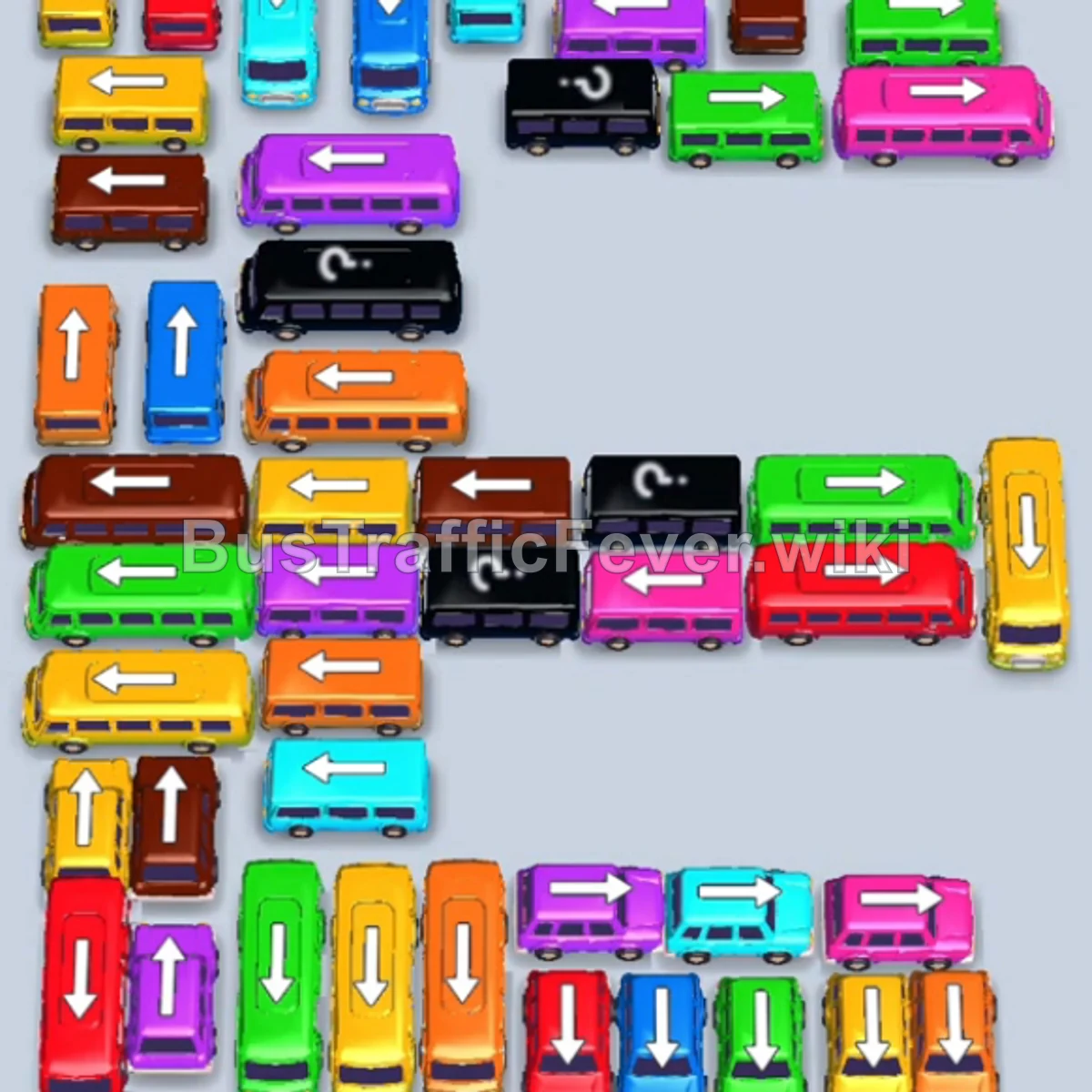
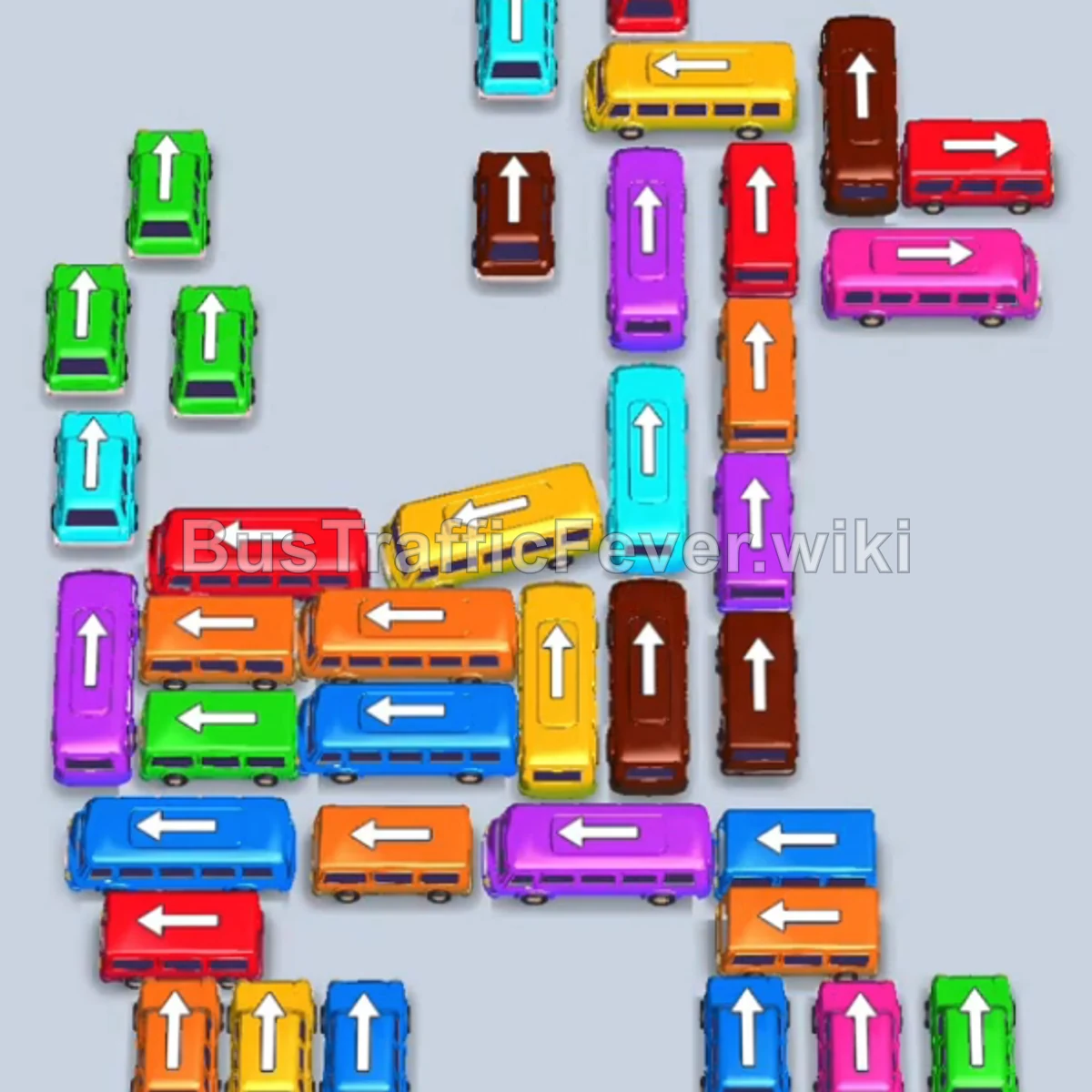
Bus Traffic Fever Level 54 Answer & Walkthrough Solution

Quick answer
Level 54 takes careful sequencing to clear. Follow the phased order below, from “Clearing the Outer Perimeter & Freeing Lane Heads” through to “Final Clears & Sequence Boarding”. Watch the capacity numbers on the larger buses and don’t stage a color until its queue is close to the front.
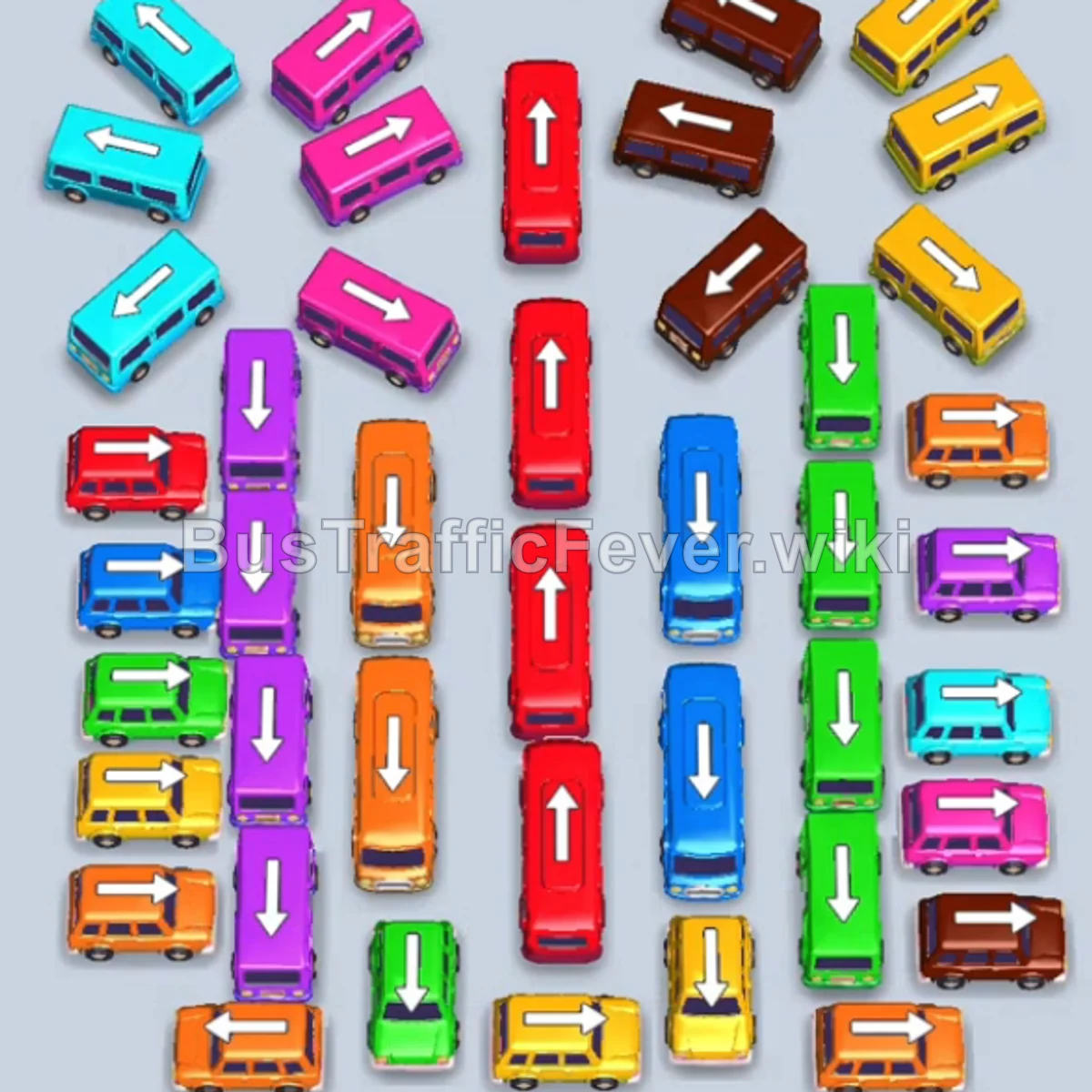
Step-by-step solution
Phase 1: Clearing the Outer Perimeter & Freeing Lane Heads
- Tap the Orange bus pointing left at the top-left outer wing. Orange passengers will board and it will depart.
- Tap the Lime Green bus pointing up at the top-left to pick up lime green passengers.
- Tap the Lime Green bus pointing up on the left side.
- Tap the Orange bus pointing right at the top-right wing.
- Tap both Lime Green buses pointing up in the middle-left and middle-right columns to clear the large wave of lime green passengers.
- Tap the Brown bus pointing right at the top center.
- Tap the Orange bus pointing right at the bottom-right corner.
Phase 2: Clearing the Left Stack & Opening Center Columns
- Tap the Purple bus pointing left in the upper-left stack.
- Tap the Red bus pointing up in the center-left column.
- Tap the Red bus pointing up in the center-right column.
- Tap the Purple bus pointing up on the left column.
- Tap the Purple bus pointing left on the left stack.
- Tap the Cyan bus pointing left on the left stack.
- Tap the Purple bus pointing left below it to finish the purple passenger cluster.
- Tap the Cyan bus at the top-left and the Pink bus on the left stack to clear both queues simultaneously.
- Tap the Brown bus pointing left near the top-center.
Phase 3: Managing Middle Red & Blue Columns
- Tap the Cyan bus pointing up in the center-left lane.
- Tap the Cyan bus pointing left in the left stack.
- Tap the Red bus pointing up in the middle-left column.
- Tap the next Red bus pointing up in the middle-right column to clear the remaining red passengers.
- Tap the Yellow bus pointing up on the lower-left and the Yellow bus pointing left at the top-right.
- Tap the Pink bus pointing up in the center-left and the Lime Green bus in the center-right.
- Tap the Pink bus and the Brown bus in the center row.
- Tap the Blue bus pointing up in the middle column.
- Tap the second Blue bus pointing up in the middle column to clear the blue passengers.
Phase 4: Final Clears & Sequence Boarding
- Tap the Yellow bus pointing up in the center.
- Tap the Yellow bus and the Orange bus in the center column to pick up their respective passenger groups.
- Tap the Green bus pointing right and the Purple bus pointing left.
- Tap the Orange bus pointing up on the left.
- Tap the Blue bus, Red bus, Pink bus, and Yellow bus in sequence to clear the remaining mixed passengers in the queue.
- Tap the final Orange bus, Yellow bus, and Brown bus to board the last passengers and complete Level 54!
Tips for success
- Keep Central Lanes Moving: The long vertical columns in the middle contain high-capacity buses that block multiple rows; clear them whenever their matching colors appear.
- Dual-Slot Strategy: Take advantage of empty parking bays to bring out two vehicles of the same color simultaneously to speed up passenger clearing.
- Watch Diagonal Stack Angles: Buses in the left and right stacks only move when the path directly in front of their angled arrows is unobstructed.
More Bus Traffic Fever help
Continue with the Level 53 walkthrough, review the core rules in how to play Bus Traffic Fever, or browse all level solutions to jump to another number.