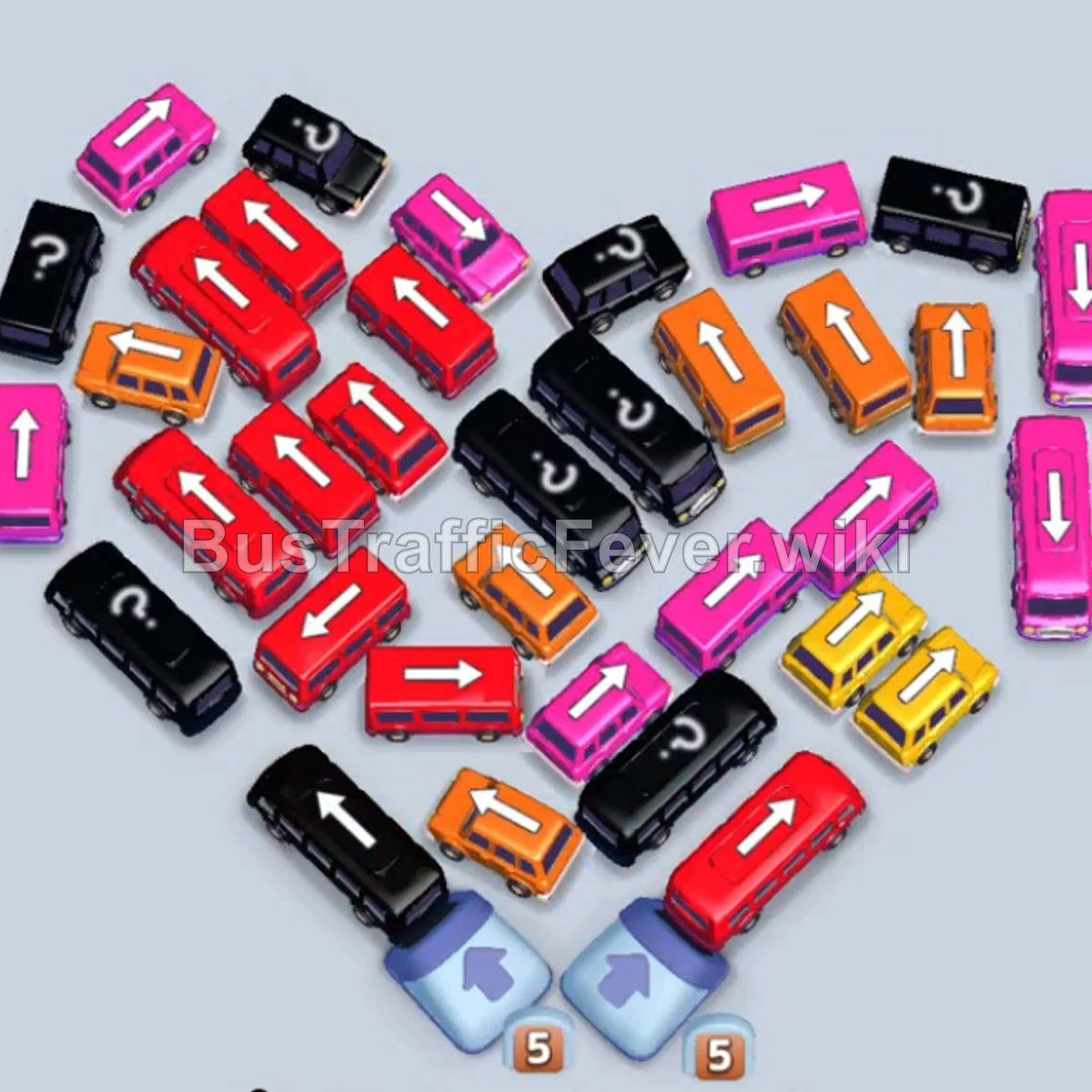
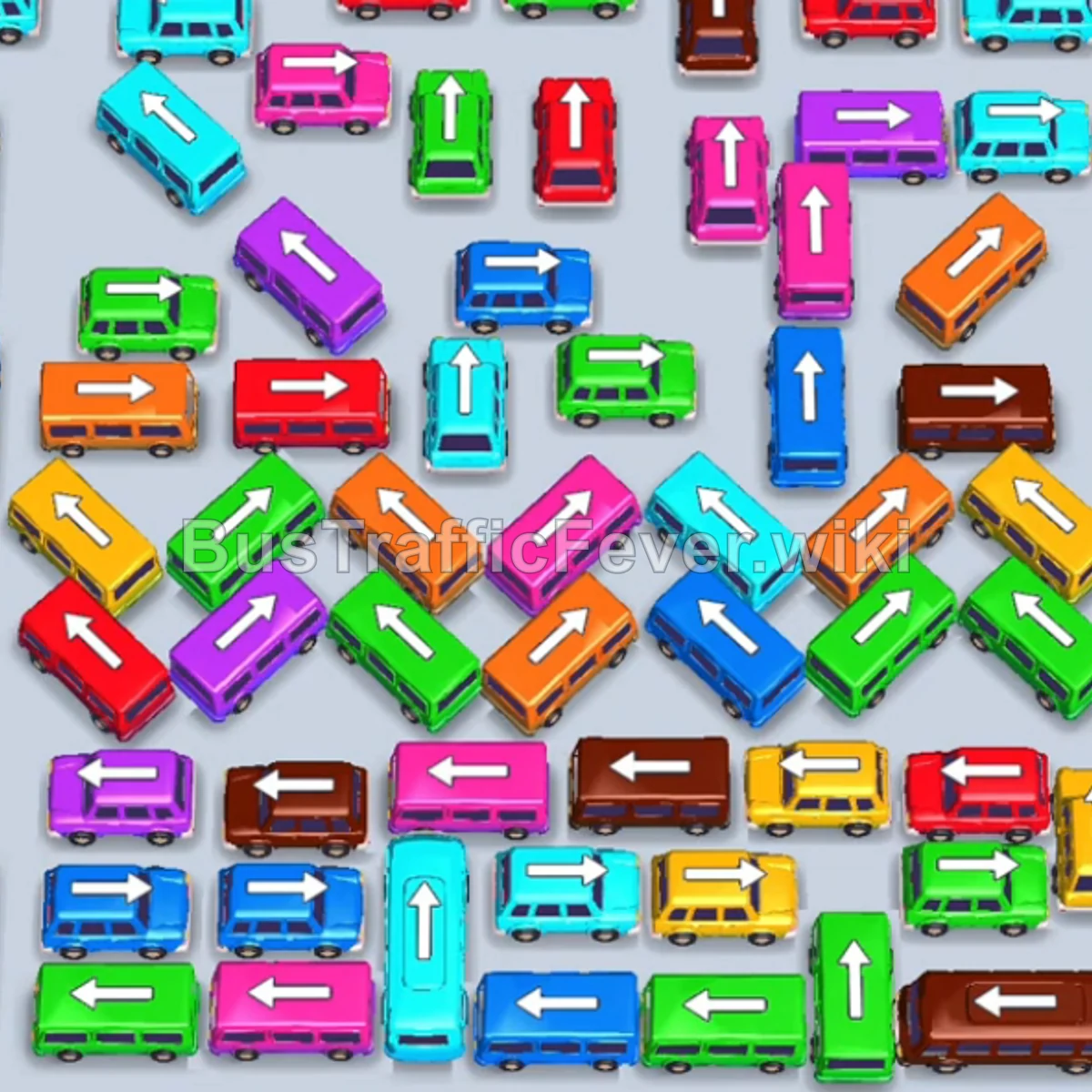
Bus Traffic Fever Level 44 Answer & Walkthrough Solution

Quick answer
Level 44 takes careful sequencing to clear. Follow the phased order below, from “Initial Rush & Outer Layer Clearance” through to “Inner Core Clearance & Final Cleanup”. Watch the capacity numbers on the larger buses and don’t stage a color until its queue is close to the front.
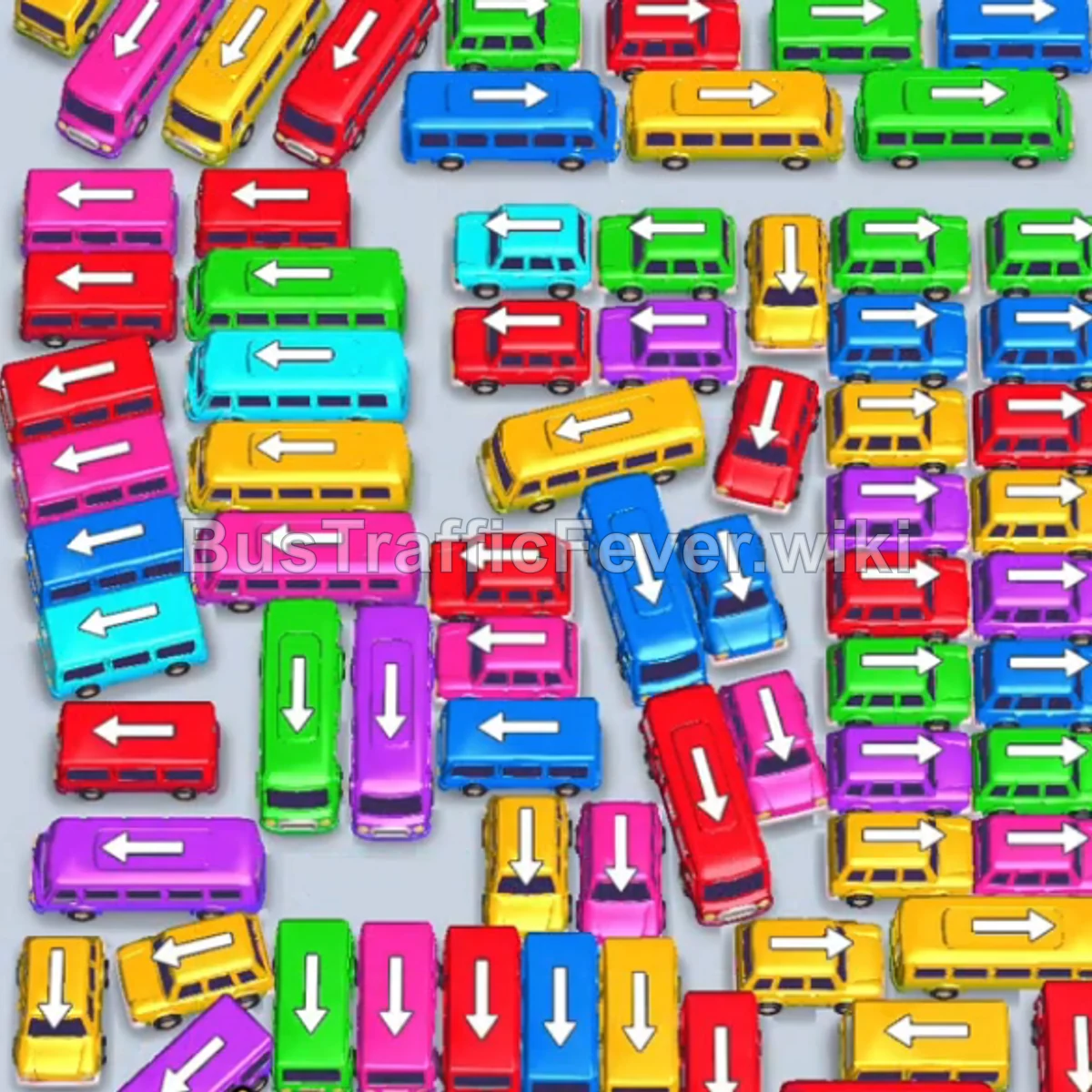
Step-by-step solution
Phase 1: Initial Rush & Outer Layer Clearance
- Tap the Yellow Bus on the upper left to move to the boarding bay; yellow passengers board immediately.
- Tap the Red Bus on the upper left to clear the next segment of red passengers.
- Tap the Blue Bus near the top left corner to board the blue queue.
- Tap the Red Bus pointing left on the mid-left side.
- Tap the Green Bus on the left to pick up the green queue.
- Tap the Yellow Bus at the top middle to clear the next yellow passengers.
- Tap the Purple Bus on the upper-left edge.
- Tap the Large Yellow Bus on the upper-middle left to clear the large yellow group.
Phase 2: Clearing the Midfield & Secondary Colors
- Tap the Blue Bus/Bus pointing right in the upper mid-section.
- Tap the Purple Bus in the upper right.
- Tap the Red Bus at the upper right to match incoming red passengers.
- Tap the Long Red Bus on the left side.
- Tap the Small Green Bus exiting to the right.
- Tap the Yellow Bus at the top right.
- Tap the Yellow Bus on the upper left.
- Tap the Purple Bus on the mid-left side.
- Tap the Green Bus in the middle row.
Phase 3: Managing Dense Clusters & Dual Parking
- Tap the Red Bus on the mid-left side.
- Tap the Cyan Bus on the middle left to park in the slot, allowing red passengers to finish boarding first.
- Tap the Magenta/Pink Bus exiting to the left.
- Tap the Red Bus pointing left on the bottom-left area.
- Tap the Red Bus exiting on the left side.
- Tap the Magenta Bus on the middle left.
- Tap the Blue Bus in the center cluster.
- Tap the Yellow Bus in the center.
- Tap the Purple Bus on the mid-left.
- Tap the Long Yellow Bus at the bottom left.
- Tap the Green Bus near the bottom center.
- Tap the Green Bus on the lower left.
- Tap the Blue Bus in the center.
- Tap the Red Bus pointing left at the center.
- Tap the Purple Bus on the middle-left edge.
- Tap the Long Yellow Bus exiting left to clear remaining yellow queue members.
Phase 4: Inner Core Clearance & Final Cleanup
- Tap the Green Bus on the upper right.
- Tap the Long Purple Bus on the left.
- Tap the Cyan Bus exiting to the left.
- Tap the Red Bus in the middle-left area.
- Tap the Red Bus on the mid-right.
- Tap the Magenta Bus on the left.
- Tap the Red Bus exiting left.
- Tap the Blue Bus from the center cluster.
- Tap the Magenta Bus exiting to the right.
- Tap the Yellow Bus on the lower middle.
- Tap the Blue Bus in the center lane.
- Tap the Green Bus moving upward.
- Tap the Red Bus to park in the open bay slot.
- Tap the Green Buses & Yellow Buses in sequence from the top row to clear the green and yellow passengers.
- Tap the Magenta Bus at the bottom to pick up pink passengers.
- Tap the final Green, Red, and Yellow vehicles in the remaining slots to complete the circle and finish Level 44 with a Perfect! score.
Tips for success
- Observe the Passenger Ring: Look at the top circular track to anticipate color shifts 2–3 moves ahead.
- Use Parking Slots Strategically: When a vehicle blocking the lane is not the current passenger color, send it to a temporary parking slot so the needed color behind it can pass through.
- Prioritize Long Buses First: Clearing large buses (holding 30–40 passengers) frees up maximum road space and quickly burns down large passenger segments.
- Prevent Lane Gridlock: Keep at least 2–3 parking slots free at all times so you always have room to maneuver blocking buses.
More Bus Traffic Fever help
Continue with the Level 43 walkthrough, review the core rules in how to play Bus Traffic Fever, or browse all level solutions to jump to another number.