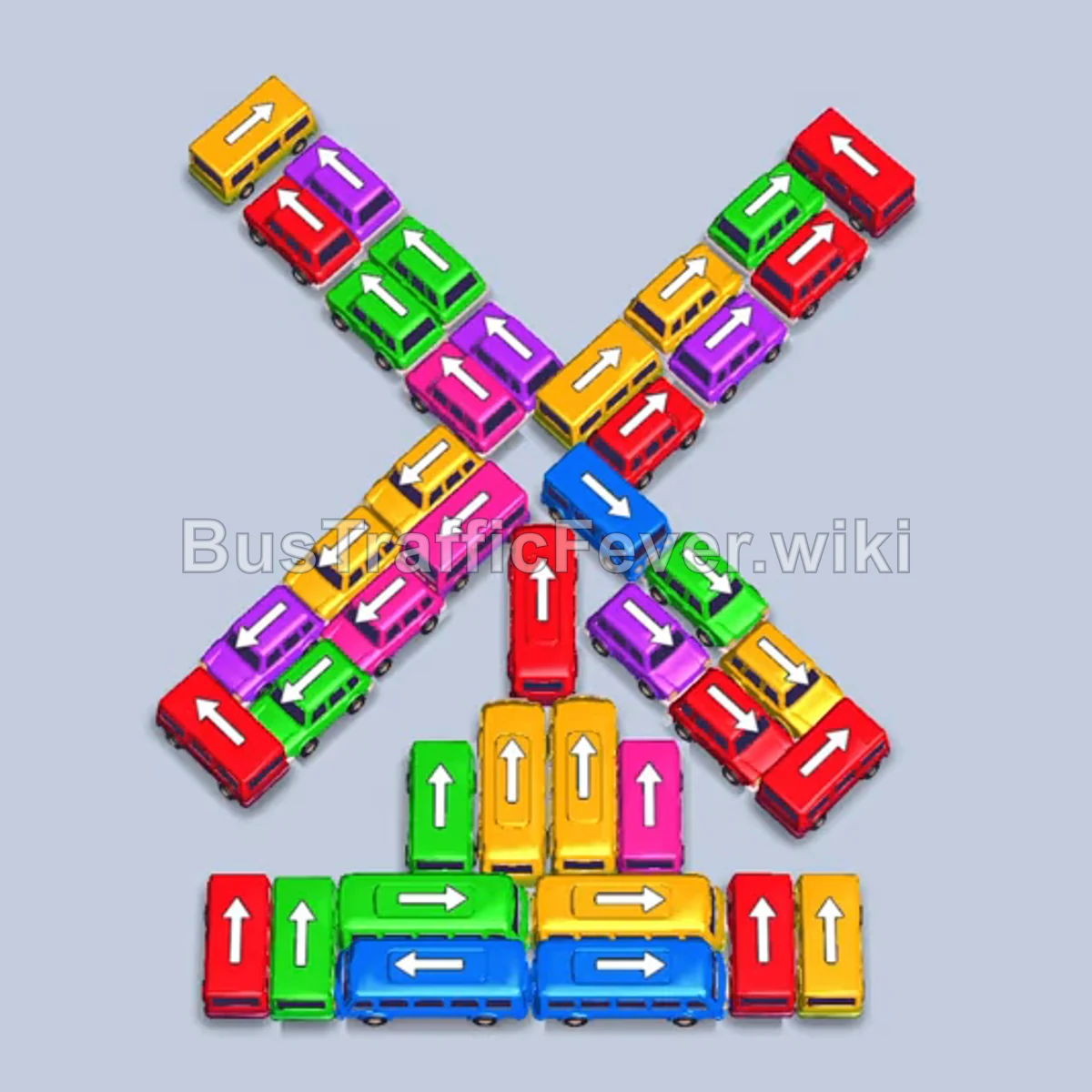
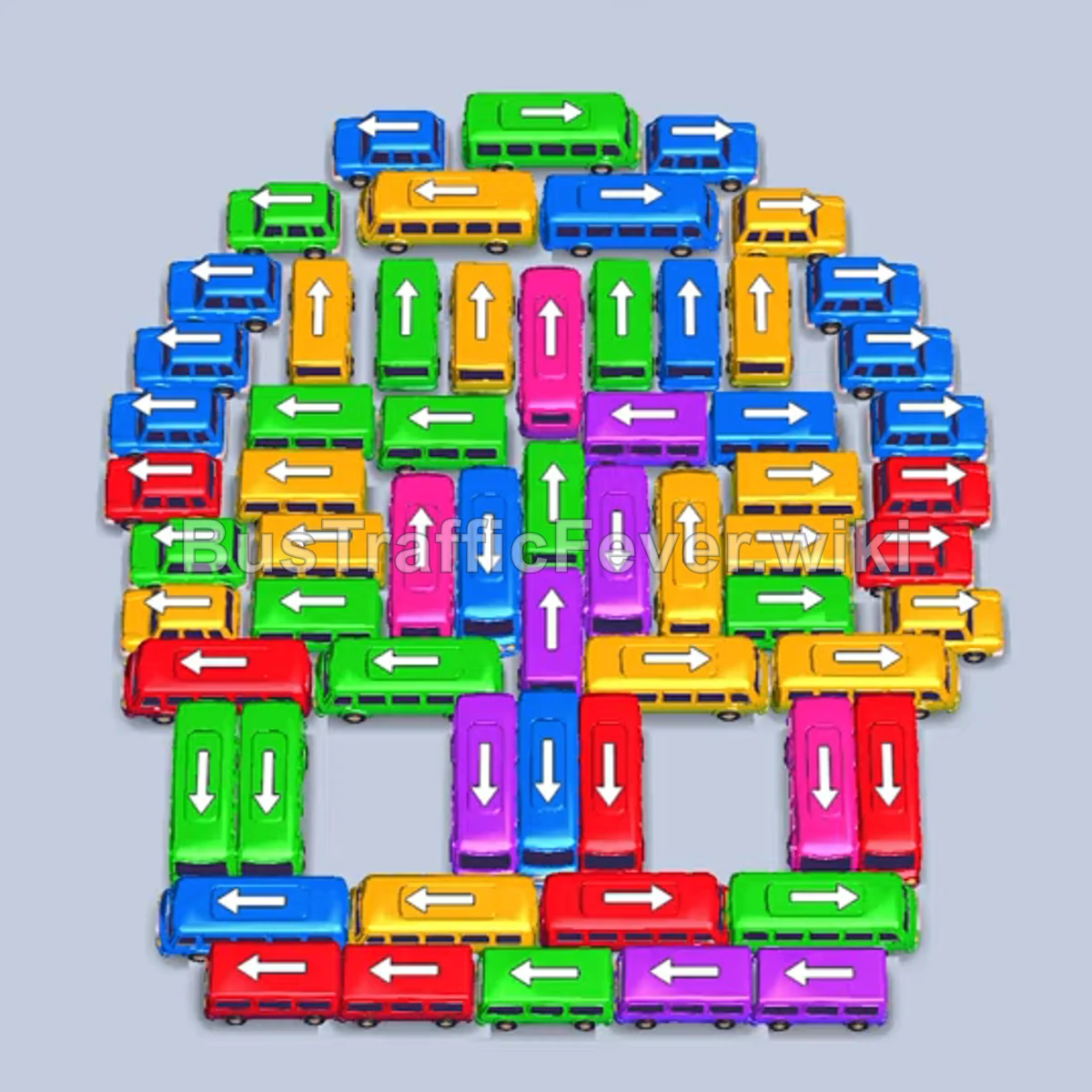
Bus Traffic Fever Level 377 Answer & Walkthrough Solution

Quick answer
Prioritize clearing unobstructed edge vehicles on the right and bottom to free parking spaces while matching the front passengers in the queue. Once the outer rim is open, systematically dispatch the intersecting horizontal buses to unlock the densely packed central column and reveal hidden mystery vehicles.
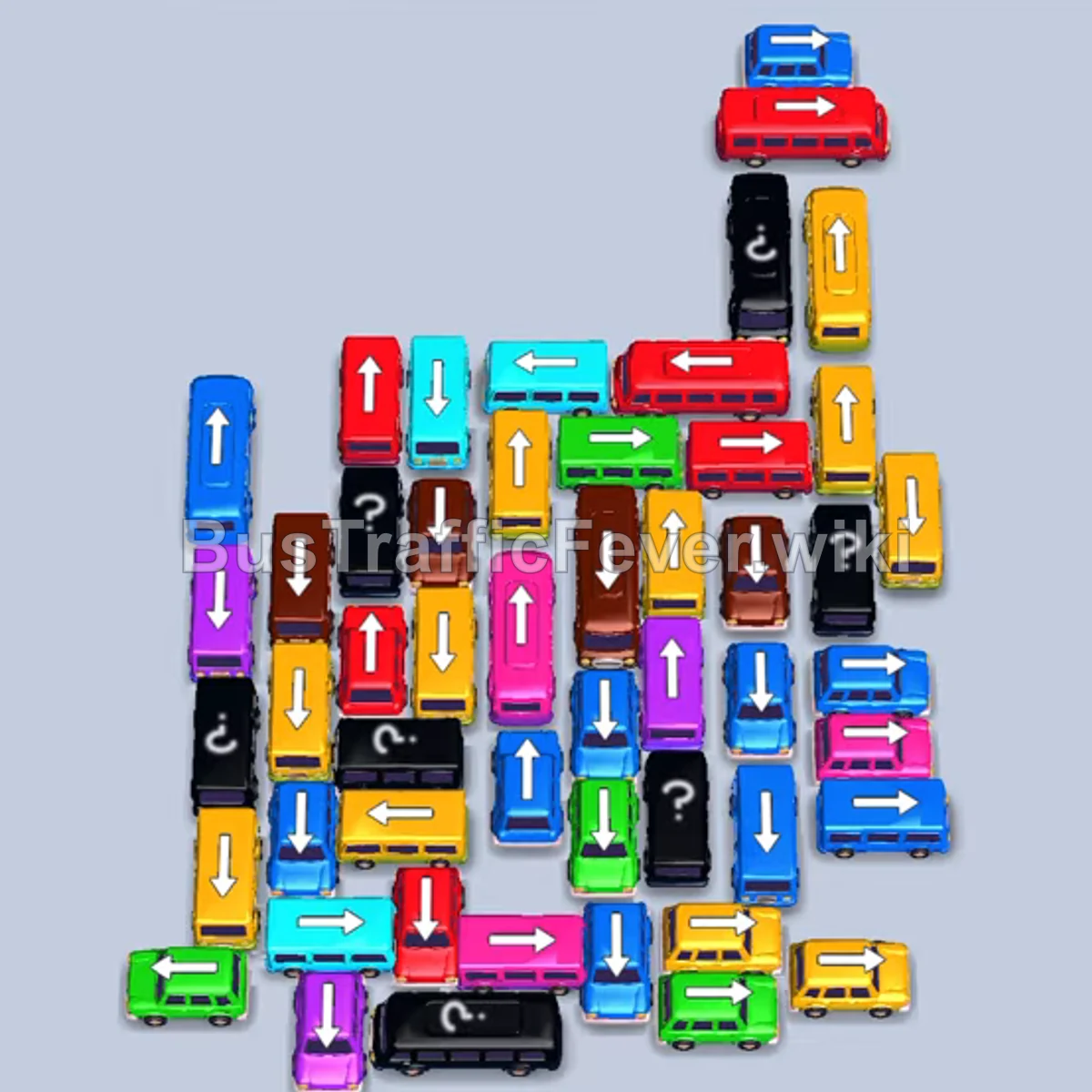
Step-by-step solution
Phase 1: Clearing Initial Outer Vehicles
- Tap the long cyan bus facing left near the bottom-left to absorb the initial cyan queue.
- Tap the short yellow bus facing right on the bottom-right edge.
- Tap the short cyan bus facing right on the bottom-right edge.
- Tap the short yellow bus facing right on the bottom-right edge.
- Tap the short green bus facing right near the top-right.
- Tap the long cyan bus facing left in the middle section.
- Tap the green bus facing right in the center.
- Tap the small yellow bus facing left at the bottom.
Phase 2: Opening the Center and Clearing Left Blockers
- Tap the long red bus facing left at the top.
- Tap the small blue bus facing left at the bottom-left.
- Tap the pink bus facing right at the bottom-right.
- Tap the green bus facing left in the middle.
- Tap the small green bus facing right in the center.
- Tap the pink bus facing left in the middle.
- Tap the yellow bus facing right on the right side.
- Tap the red bus facing right at the top-right.
- Tap the purple bus facing left at the bottom.
- Tap the green bus facing left at the bottom-left.
- Tap the purple bus facing left near the bottom edge.
Phase 3: Dismantling the Mid-Grid Cluster
- Tap the red bus facing left at the bottom.
- Tap the cyan bus facing right on the middle-right edge.
- Tap the green bus facing left in the middle.
- Tap the red bus facing left in the center.
- Tap the brown bus facing right near the upper section.
- Tap the yellow bus facing right on the right edge.
- Tap the brown bus facing left at the bottom.
- Tap the yellow bus facing left on the far-left edge.
- Tap the cyan bus facing left on the far-left edge.
- Tap the purple bus facing right near the right edge.
- Tap the cyan bus facing left near the bottom-left.
- Tap the yellow bus facing right on the lower-right.
- Tap the pink bus facing right on the lower-right.
- Tap the blue bus facing left on the right side.
Phase 4: Clearing the Final Vertical Column
- Tap the red bus facing left in the upper-middle row.
- Tap the pink bus facing left in the center-left.
- Tap the blue bus facing downward at the bottom.
- Tap the blue bus facing left on the left side.
- Tap the yellow bus facing downward at the bottom.
- Tap the brown bus facing downward.
- Tap the red bus facing left in the center.
- Tap the yellow bus facing right at the bottom-right.
- Tap the brown bus facing downward at the bottom-left.
- Tap the green bus facing downward at the bottom-left.
- Tap the yellow bus facing downward at the bottom-left.
- Tap the blue bus facing right at the bottom-right.
- Tap the brown bus facing left in the middle.
- Tap the cyan bus facing right.
- Tap the pink bus facing left.
- Tap the red bus facing left.
- Tap the yellow bus facing left.
- Tap the red bus facing left.
- Tap the yellow bus facing right.
- Tap the blue bus facing left.
- Tap the brown bus facing right.
- Tap the blue bus facing right.
- Tap the yellow bus facing left.
- Tap the purple bus facing right.
- Tap the brown bus facing left.
- Tap the red bus facing right.
- Tap the green bus facing upward to exit.
- Tap the yellow bus facing right.
- Tap the pink bus facing upward.
- Tap the green bus facing downward.
- Tap the yellow bus facing downward.
- Tap the blue bus facing upward.
- Tap the brown bus facing downward.
- Tap the blue bus facing downward.
- Tap the yellow bus facing upward.
- Tap the purple bus facing upward.
- Tap the revealed pink bus facing upward to clear the board.
Tips for success
- Watch the dual queues: Both the left and right conveyor lines feed into the station; ensure your dispatched vehicles match the incoming passenger front on either side.
- Preserve waiting slots: Avoid dispatching high-capacity buses whose passenger colors are deep in the queue, as they will idle and block slots.
- Peel the center column progressively: Many vertical vehicles in the central column are blocked by horizontal cross-buses; clear horizontal barriers from the outside inward.
More Bus Traffic Fever help
Continue with the Level 376 walkthrough, review the core rules in how to play Bus Traffic Fever, or browse all level solutions to jump to another number.