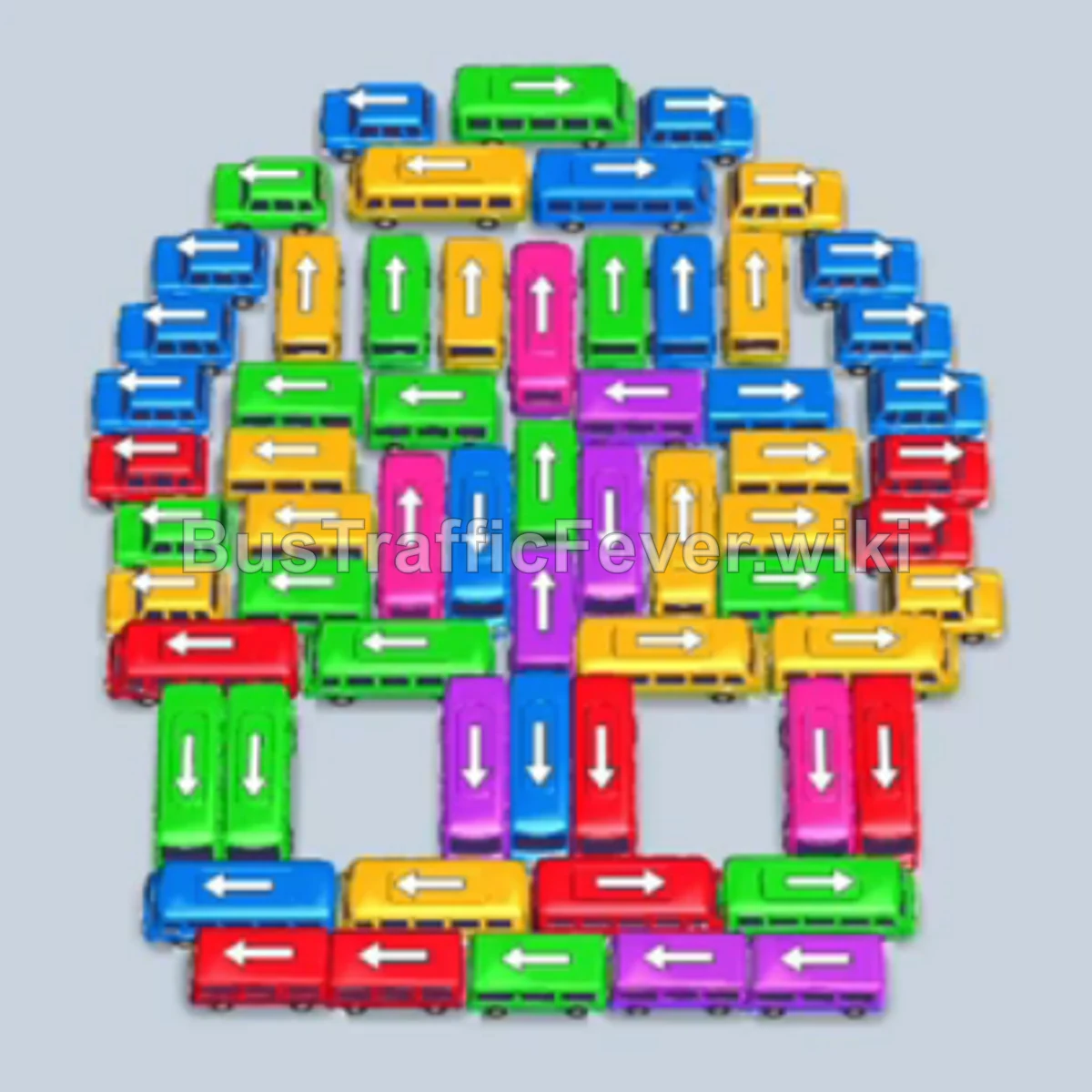
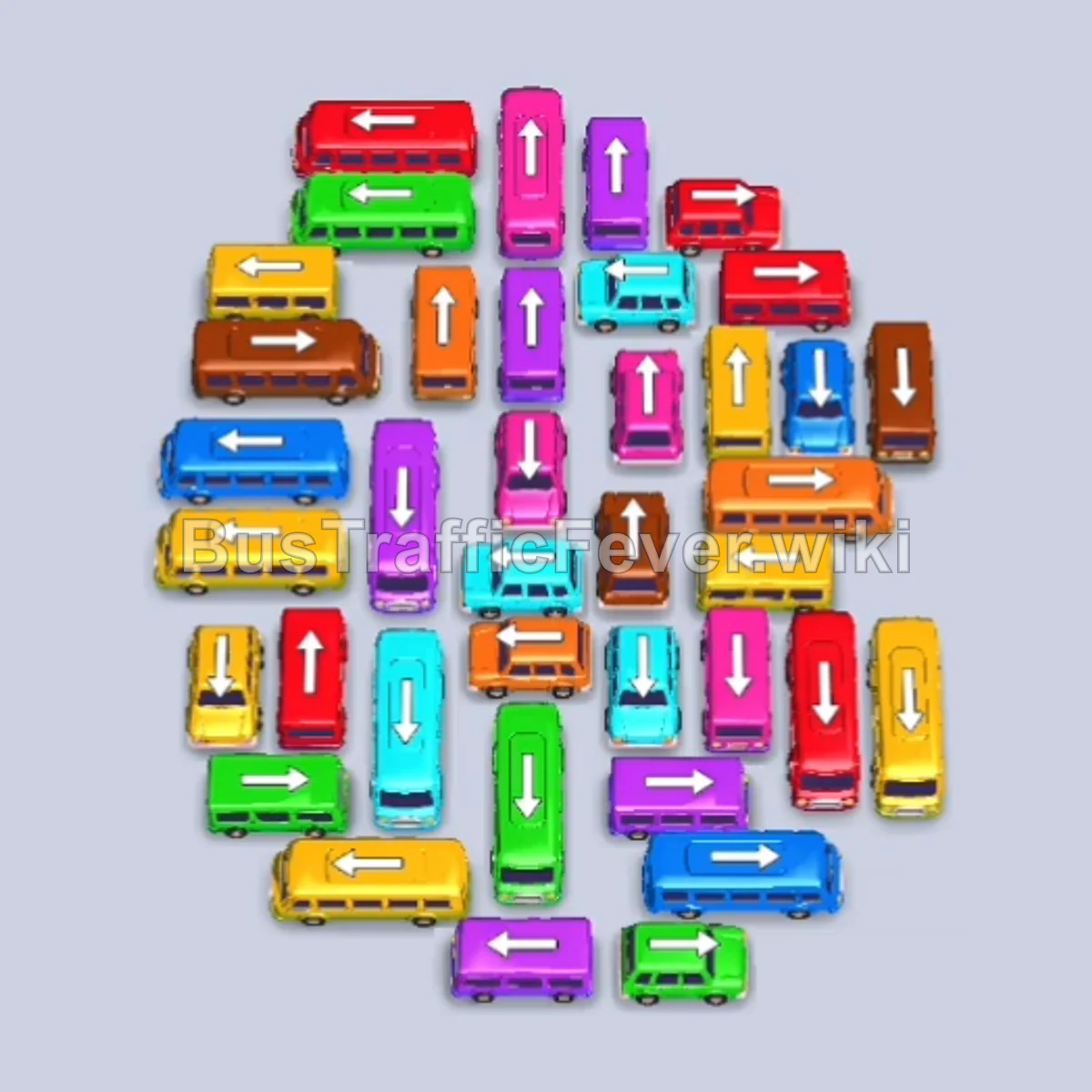
Bus Traffic Fever Level 233 Answer & Walkthrough Solution

Quick answer
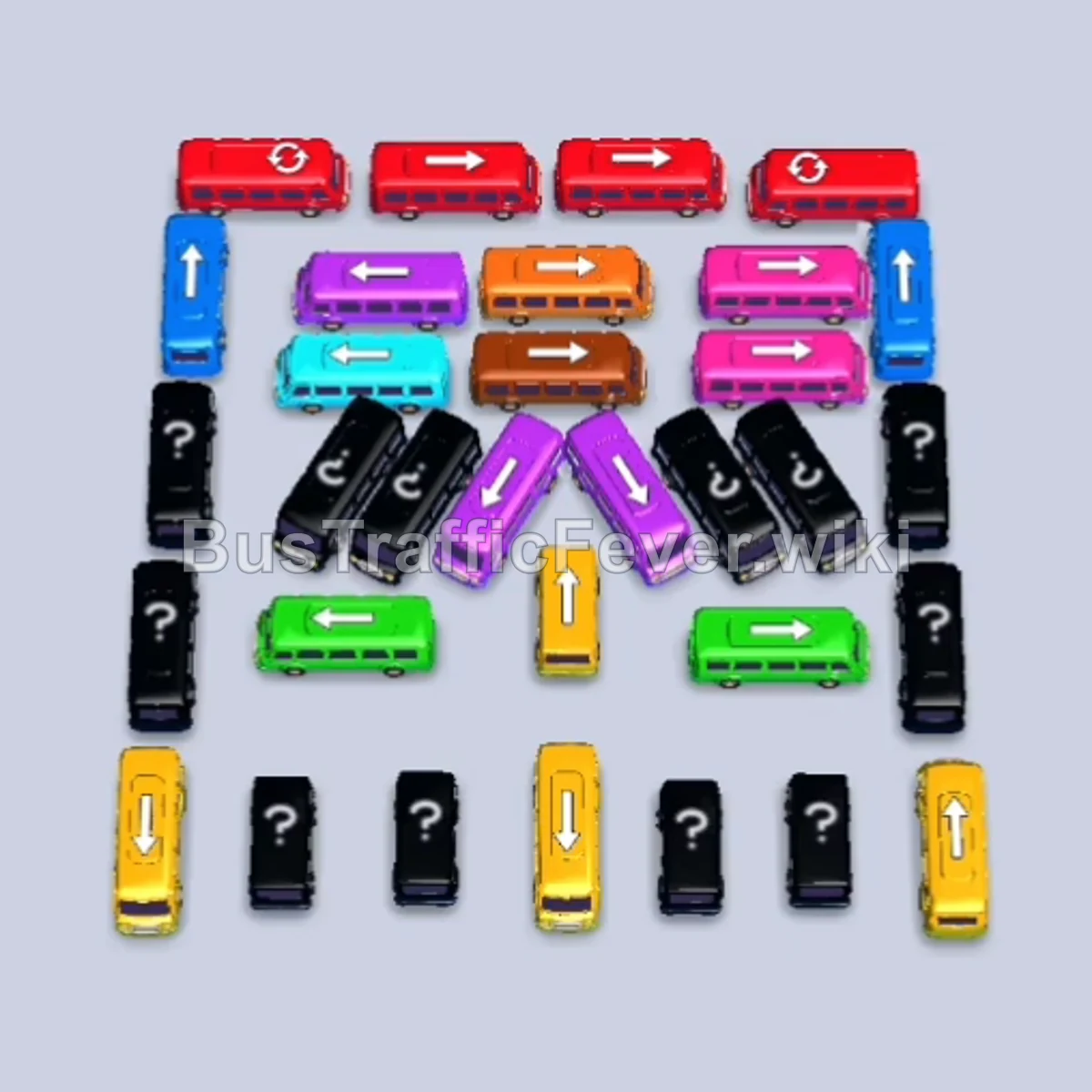
Clear the level by methodically dispatching the top row of red buses first, using parking slots to hold blue and pink buses while clearing the active red queue. Once the outer boundary is cleared, open up the center diagonal cluster to release the cyan, green, and orange waves, finishing by cycling through the bottom yellow and purple buses to clear the remaining passengers.
Step-by-step solution
Phase 1: Clearing the Top Row & Red Queue
- Tap the Yellow bus at the bottom center (pointing down) to move it into the first parking slot, clearing the exit lane.
- Tap the Red bus at the far right of the top row (pointing right). It enters a parking slot, collects the first wave of red passengers, and departs.
- Tap the Red bus at the far left of the top row (pointing left). It fills with red passengers and departs.
- Tap the middle-left Red bus in the top row (pointing right). It moves into a parking slot to begin loading red passengers.
- Tap the vertical Blue bus on the far left column (pointing up) to hold in an open slot and reveal the hidden vehicle beneath it.
- Tap the horizontal Pink bus near the top right (pointing right) into an open parking slot.
- Tap the final Red bus in the top row (pointing left). It loads the remaining red passengers and departs.
Phase 2: Clearing Pink, Blue, and Green Waves
- The Pink bus already holding in the parking slot fills with pink passengers and departs automatically.
- Tap the vertical Blue bus on the far right column (pointing up) to join the other Blue bus. Blue passengers board both buses and clear.
- Tap the vertical Pink bus on the far right (pointing down) that was unblocked. It parks, loads pink passengers, and departs.
- Tap the horizontal Green bus on the middle-right (pointing right). It enters the slot, loads green passengers, and departs.
- Tap the diagonal Cyan bus on the middle-right (pointing up-right). It parks, loads cyan passengers, and departs.
Phase 3: Unblocking the Inner Cluster & Orange Waves
- The Yellow bus parked in the first slot from Step 1 now loads the incoming yellow passengers and departs.
- Tap the vertical Blue bus on the left column (pointing down) into an open parking slot.
- Tap the diagonal Purple bus in the upper-center (pointing down-left). It loads purple passengers and departs.
- Tap the horizontal Orange bus in the upper center (pointing left) into an open slot.
- Tap the vertical Red bus on the left (pointing down). It boards the newly arrived red passenger wave and departs.
- Tap the vertical Cyan bus on the right (pointing down). It boards cyan passengers and departs.
- Tap the horizontal Green bus in the lower center (pointing left). It boards green passengers and departs.
- Tap the diagonal Cyan bus on the left (pointing down-left). It boards cyan passengers and departs.
- Tap the top horizontal Orange bus (pointing right) to join the other Orange bus; orange passengers board and clear the first Orange bus.
Phase 4: Final Sequence and Board Cleanup
- Tap the middle horizontal Orange bus (pointing right). It boards orange passengers and departs.
- Tap the vertical Orange bus in the center (pointing down). It loads orange passengers and departs.
- Tap the Yellow bus at the bottom left (pointing up). It boards yellow passengers and departs.
- Tap the diagonal Purple bus on the right (pointing down-left). It boards purple passengers and departs.
- Tap the Yellow bus in the bottom row (pointing up). It boards yellow passengers and departs.
- Tap the far-right Yellow bus in the bottom row (pointing up). It boards yellow passengers and departs.
- Tap the diagonal Cyan bus (pointing down-left). It boards cyan passengers and departs.
- Tap the vertical Yellow bus in the center (pointing up). It boards yellow passengers and departs.
- Once the holding Blue bus loads and leaves, tap the diagonal Purple bus (pointing down-left) to load purple passengers and depart.
- Tap the remaining Orange bus (pointing down) to pick up orange passengers and depart.
- Tap the Green bus (pointing down) and the final Yellow bus (pointing up) to pick up the last passenger groups and complete the level.
Tips for success
- Observe the Queue: Always check the oncoming passenger colors at the top track to decide which blocked bus to free up next.
- Use Slots Strategically: Stash neutral or non-matching vehicles in empty parking bays only when necessary to unblock lanes for active colors.
- Avoid Gridlock: Never allow your parking slots to completely fill with inactive colors, or you will run out of space to maneuver key blocking buses.
More Bus Traffic Fever help
Continue with the Level 232 walkthrough, review the core rules in how to play Bus Traffic Fever, or browse all level solutions to jump to another number.