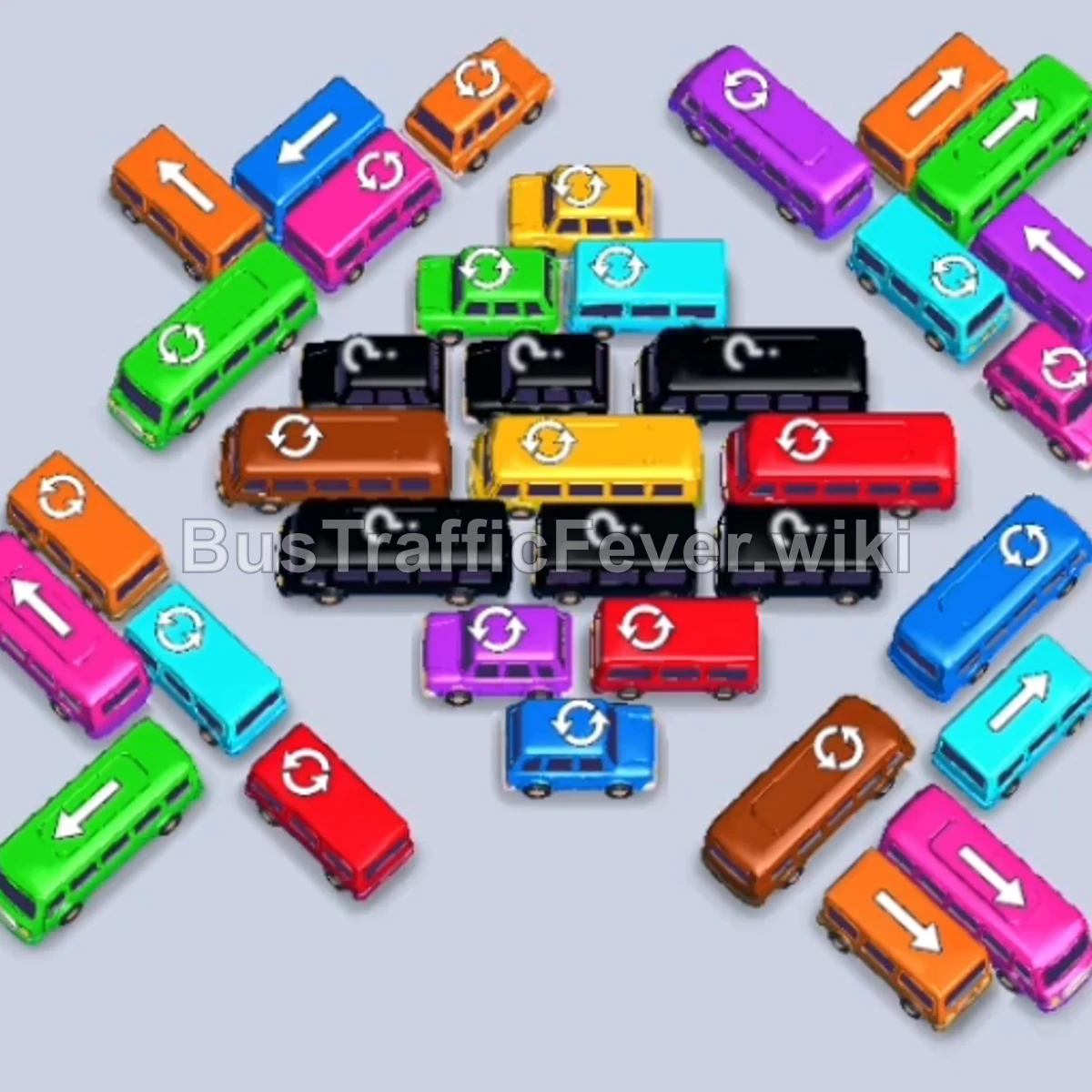
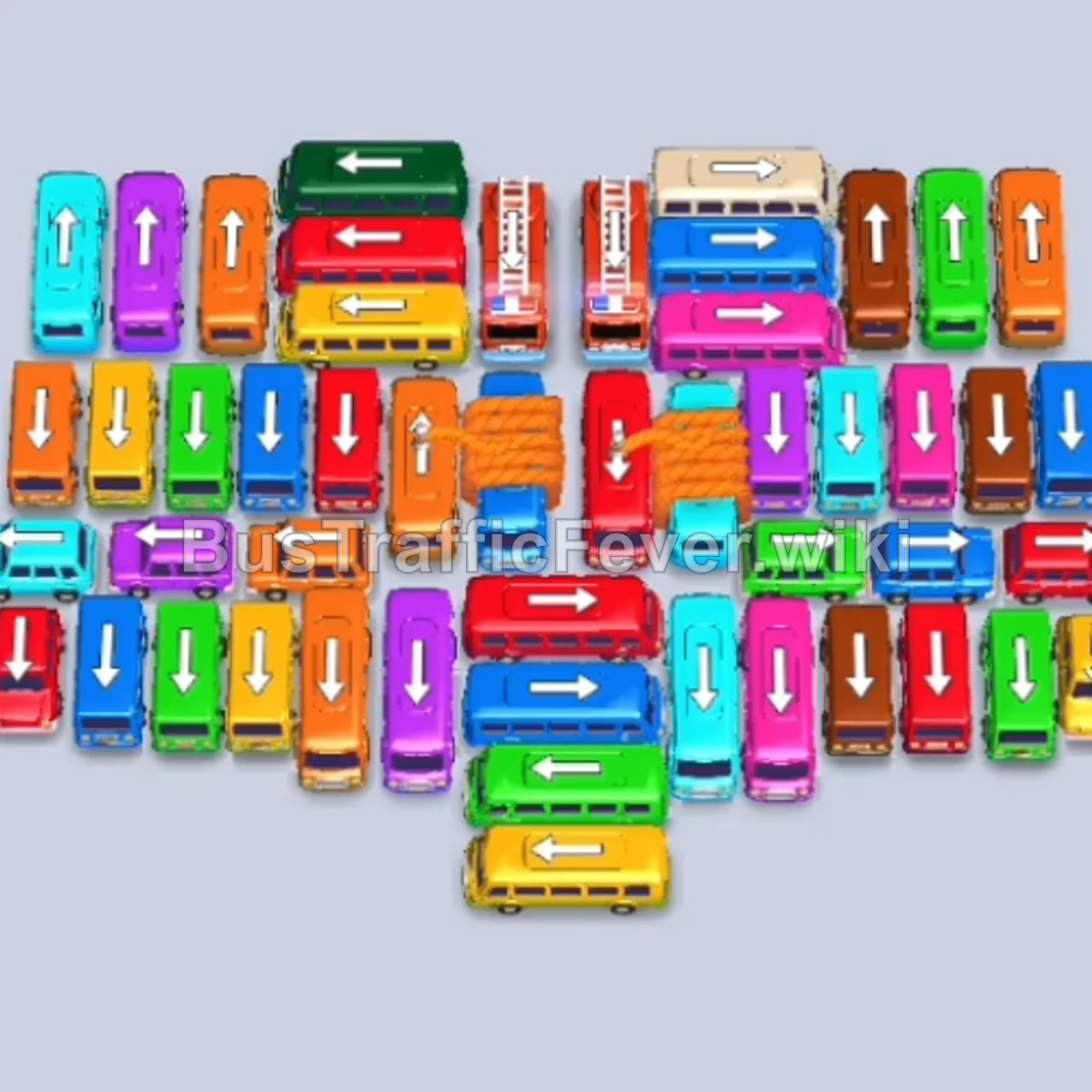
Bus Traffic Fever Level 174 Answer & Walkthrough Solution
Quick answer
Level 174 features an interlocking diagonal herringbone formation with vehicles angled along 45-degree paths. Clearing this grid requires extracting perimeter buses along their outward-pointing diagonal escape routes, unblocking the central mystery vehicles, and coordinating high-capacity bus releases to absorb incoming passenger waves on the racetrack loop.
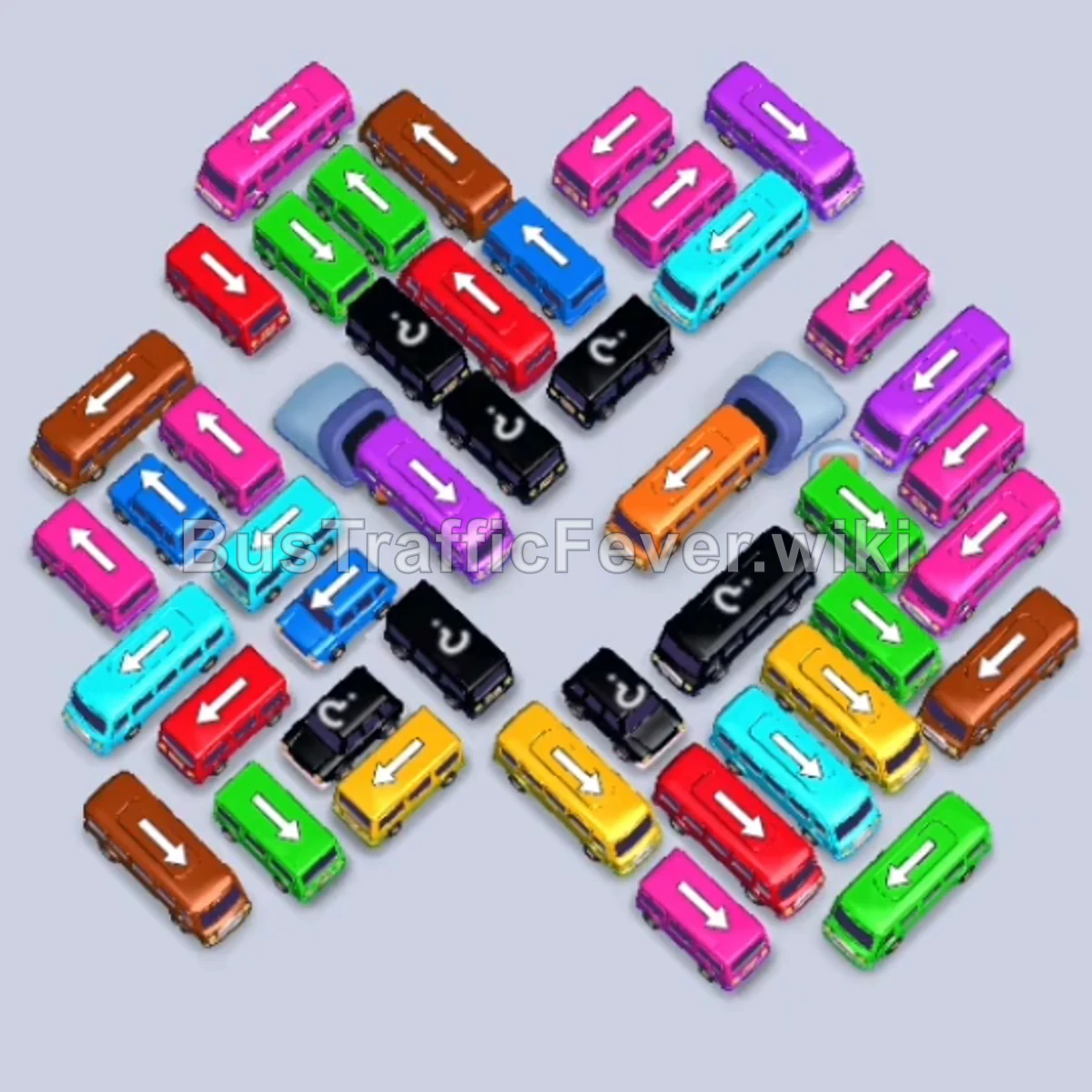
Step-by-step solution
Phase 1: Unlocking the Outer Perimeter
- Tap the Pink bus at the lower-middle pointing down-left into the first parking slot. Pink passengers will begin boarding immediately.
- Tap the Yellow bus in the lower-left area pointing down-right into the second slot.
- Tap the Green bus on the far-left edge pointing down-left to board arriving green passengers.
- Tap the large Brown bus on the far left pointing up-left.
- Tap the Red bus on the mid-left flank pointing down-left.
- Tap the Green bus on the far-right edge pointing down-right.
- Tap the Blue bus on the far left pointing down-left. Brown, red, green, and blue passengers will board across your open slots.
Phase 2: Clearing the Outer Wings & Revealing the Center
- Tap the Brown bus on the lower-left pointing down-left.
- Tap the Yellow bus at the bottom left pointing up-right.
- Tap the small Yellow bus pointing up-right to completely clear the yellow passenger queue.
- Tap the Green bus on the left pointing down-left.
- Tap the Red bus on the right side pointing down-left.
- Tap the Blue bus on the left pointing down-left.
- Tap the Cyan bus on the far-right flank pointing down-right.
- Tap the Purple bus in the lower-center pointing down-right to allow green, red, blue, cyan, and purple passengers to board simultaneously.
Phase 3: Dismantling the Mid-Grid Corridors
- Tap the Purple bus on the lower-left pointing down-left.
- Tap the Pink bus on the far left pointing down-left to clear the next wave of purple and pink passengers.
- Tap the Yellow bus at the bottom right pointing down-right.
- Tap the Green bus in the upper-left cluster pointing down-left.
- Tap the Red bus on the left side pointing down-left to clear arriving red passengers.
- Tap the Green bus on the left pointing down-left.
- Tap the Brown bus on the left pointing down-left.
- Tap the Red bus on the right pointing down-left.
Phase 4: Navigating the Inner Crossings
- Tap the Purple bus in the center pointing down-left.
- Tap the Pink bus in the lower-right area pointing down-right.
- Tap the Pink bus on the far left pointing down-left.
- Tap the Green bus on the far right pointing down-right.
- Tap the Blue bus in the upper-center pointing down-left.
- Tap the Yellow bus on the far right pointing down-right.
- Tap the Green bus on the far right pointing down-right to finish off the green queue.
- Tap the Pink bus on the left pointing down-left.
- Tap the Blue bus on the lower left pointing down-left.
- Tap the Yellow bus on the far right pointing down-right.
- Tap the Cyan bus on the left pointing down-left.
- Tap the Purple bus on the far right pointing down-right.
Phase 5: Final Clean-up & Escape
- Tap the Pink bus on the lower right pointing down-right.
- Tap the Cyan bus on the lower left pointing down-left.
- Tap the Cyan bus in the center pointing down-right.
- Tap the Purple bus in the center pointing down-right.
- Tap the Brown bus on the left pointing down-left.
- Tap the Pink bus on the far left pointing down-left.
- Tap the Purple bus on the far right pointing down-right.
- Tap the Blue bus on the far right pointing down-right.
- Tap the Green bus on the far right pointing down-right.
- Tap the Red bus on the far right pointing down-right.
- Tap the Cyan bus on the far left pointing down-left.
- Tap the Pink bus on the center-right pointing down-right.
- Tap the Cyan bus on the left pointing down-left.
- Tap the Pink bus on the far left pointing down-left.
- Tap the Blue bus on the left pointing down-left.
- Tap the Cyan bus on the far left pointing down-left.
- Tap the Brown bus on the left pointing down-left.
- Tap the Blue bus in the center pointing down-right.
- Tap the Pink bus on the far left pointing down-left.
- Tap the Brown bus in the center pointing down-left.
- Tap the final Purple bus in the center pointing down-left to board the remaining passengers and complete the level.
Tips for success
- Verify Diagonal Trajectories: Every vehicle in this level exits along a 45-degree diagonal path. Trace the nose of the bus to ensure no corner bumpers clip its path before tapping.
- Alternate Between the Left and Right Wings: Unblocking an outward vehicle on one wing often frees the tail of an inward-facing vehicle on the opposing wing. Alternate sides to maintain momentum.
- Keep Staging Slots Open: Because central mystery buses reveal unexpected colors, always maintain at least two empty parking slots to prevent getting locked into an unresolvable gridlock.
More Bus Traffic Fever help
Continue with the Level 173 walkthrough, review the core rules in how to play Bus Traffic Fever, or browse all level solutions to jump to another number.