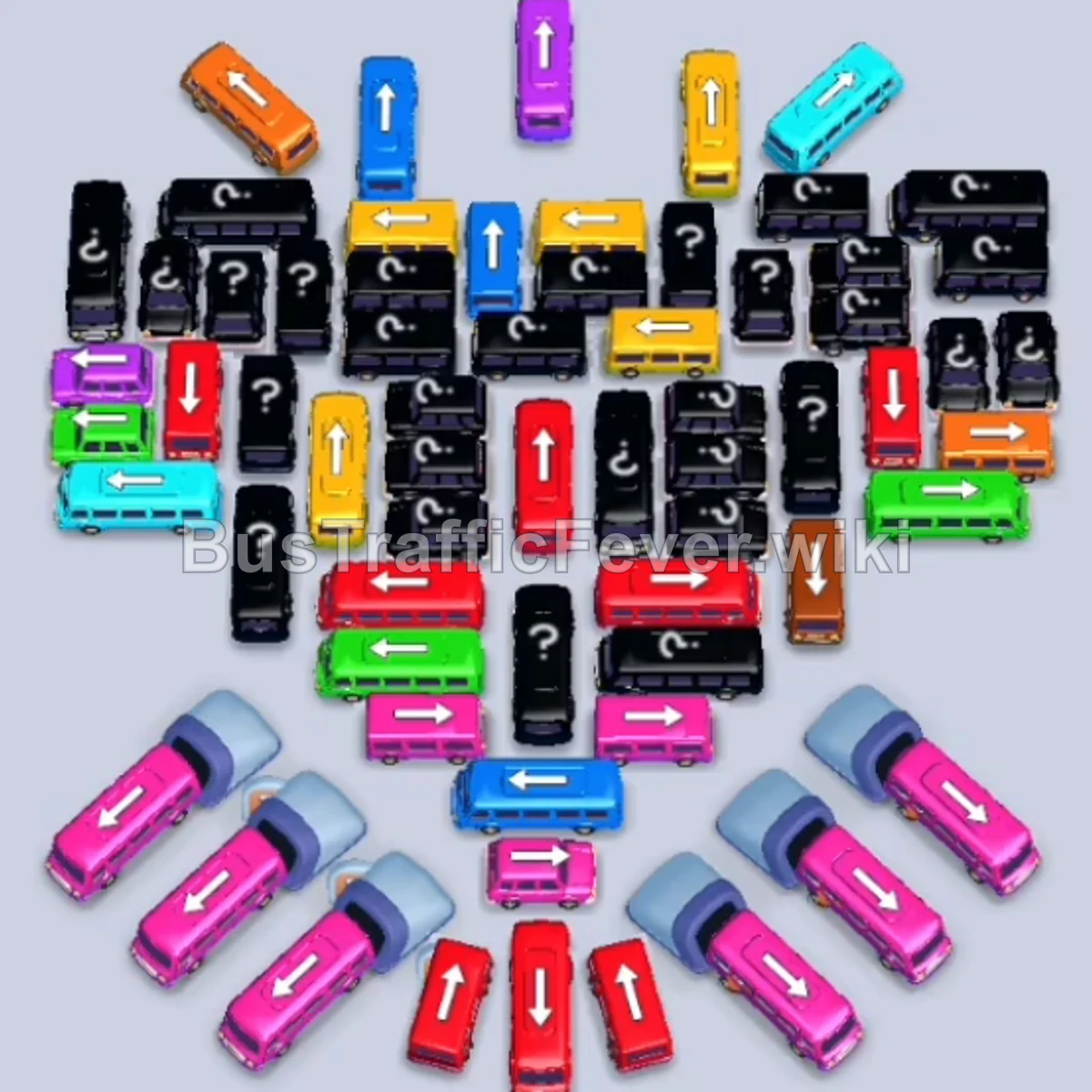
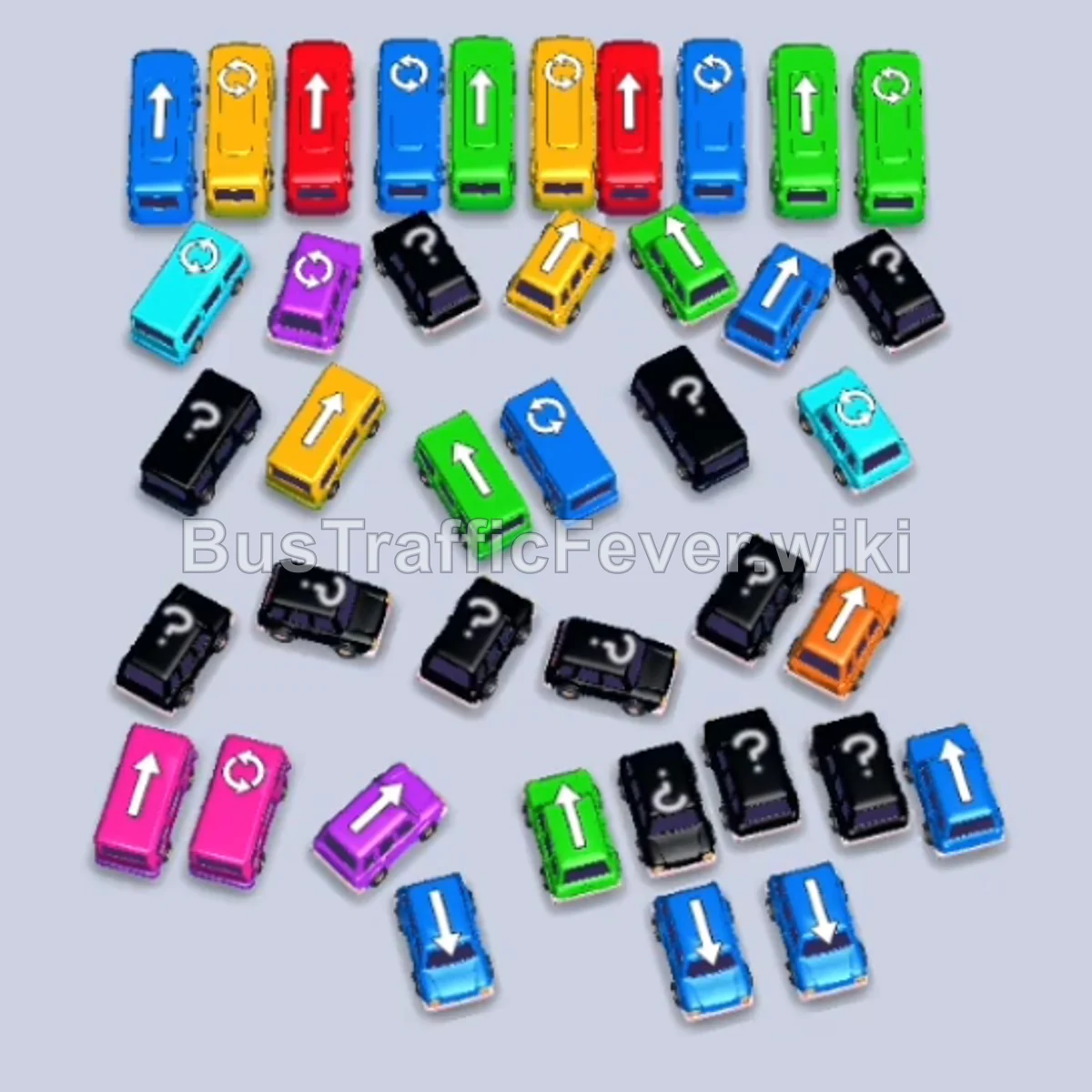
Bus Traffic Fever Level 164 Answer & Walkthrough Solution

Quick answer
To clear Level 164, prioritize matching the lead passenger colors along the looping queue line. Begin by clearing unobstructed vehicles around the outer perimeters (far-left and far-right edges) to create exit lanes. Use the parking slots strategically to hold buses needed next while keeping at least one or two slots open so traffic does not jam. As the outer perimeter clears, systematically unblock and send out the large buses and emergency vehicles from the central cluster.
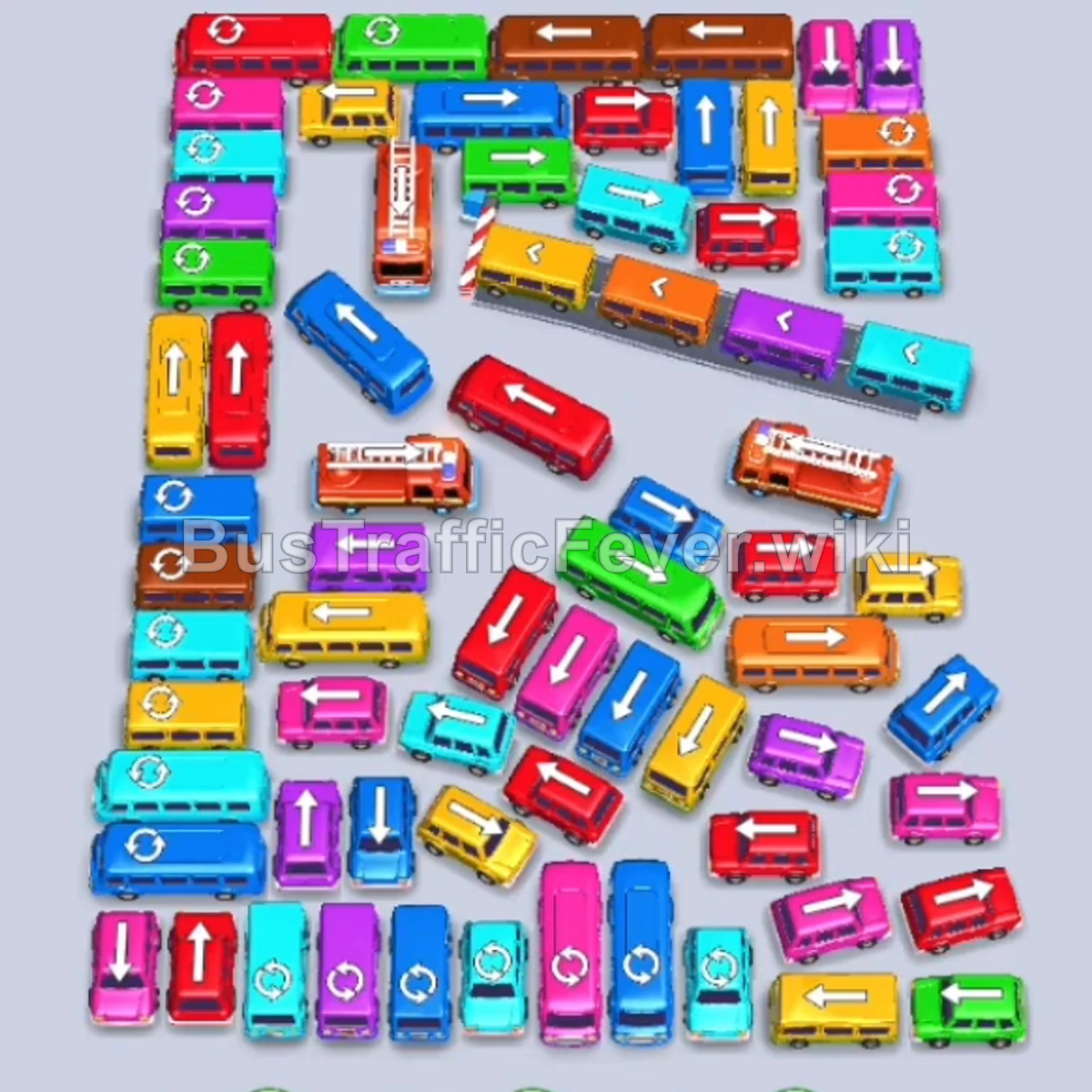
Step-by-step solution
Phase 1: Clearing Outer Perimeter Vehicles
- Tap the Teal bus on the far left pointing down/left. It enters the first slot to board teal passengers.
- Tap the Red bus on the far right edge pointing right.
- Tap the Blue bus on the far left edge pointing left.
- Tap the Pink bus on the far right edge pointing right.
- Tap the Green bus on the far left edge pointing left.
- Tap the Yellow bus on the middle right pointing right.
- Tap the Brown bus on the far left edge pointing left.
- Tap the Brown bus on the bottom right pointing right.
- Tap the Blue bus on the middle right pointing right.
- Tap the large Red bus in the upper-middle row facing left to pick up red passengers.
- Tap the Orange bus on the middle right pointing right.
- Tap the Blue bus on the bottom right pointing right.
- Tap the Purple bus in the center pointing down/left.
Phase 2: Unlocking the Upper Grid and Center
- Tap the Red bus on the top right facing right.
- Tap the Pink bus on the upper left facing left.
- Tap the Purple bus on the middle right pointing downward.
- Tap the Teal bus on the upper left facing left.
- Tap the Yellow bus at the top row facing left.
- Tap the Green bus on the upper right facing left.
- Tap the Blue bus in the upper center-right facing left.
- Tap the Brown bus on the top right facing left.
- Tap the Yellow bus in the middle row facing left.
- Tap the Yellow bus on the bottom right facing right.
- Tap the Yellow bus at the bottom center facing downward.
- Tap the Red bus at the top center pointing upward.
- Tap the Teal bus at the top center pointing left.
- Tap the Pink bus on the middle right facing left.
Phase 3: Dismantling the Left and Center Clusters
- Tap the long Red fire truck on the middle left facing left.
- Tap the long Red fire truck in the upper-middle area facing right.
- Tap the Purple bus on the far left facing left.
- Tap the Yellow bus on the upper left facing left.
- Tap the Pink bus on the far left facing left.
- Tap the Teal bus on the far left facing left.
- Tap the Purple bus on the far left facing left.
- Tap the Blue bus on the far left facing left.
- Tap the Red bus on the far left facing left.
- Tap the second Red bus on the far left facing left.
- Tap the Brown bus on the far left facing left.
- Tap the Blue bus on the bottom right facing right.
- Tap the Purple bus on the bottom right facing right.
- Tap the Purple bus on the far left facing left.
- Tap the long Red fire truck in the upper-left cluster facing left.
Phase 4: Final Cleanup and Level Completion
- Tap the Blue bus in the center-left facing right.
- Tap the Yellow bus on the far left facing left.
- Tap the Pink bus in the center-right pointing upward.
- Tap the Orange bus in the center pointing upward.
- Tap the Teal bus in the center pointing left.
- Tap the Red bus on the middle left pointing left.
- Tap the Pink bus on the far right pointing right.
- Tap the Red bus on the middle left pointing left.
- Tap the Teal bus in the middle-left area pointing left.
- Tap the Blue bus in the middle pointing left.
- Tap the Yellow bus on the far left pointing left.
- Tap the Teal bus in the middle pointing left.
- Tap the Yellow bus on the middle right pointing right.
- Tap the Red bus on the far left pointing left.
- Tap the Purple bus on the far left pointing left.
- Tap the Red bus on the far left pointing left.
- Tap the Blue bus on the far left pointing left.
- Tap the Pink bus on the far left pointing left.
- Tap the Blue bus in the center pointing left.
- Tap the final Yellow bus at the bottom pointing right to complete the level.
Tips for success:
- Observe the Passenger Snake: Check the head and upcoming curves of the passenger queue to match vehicle colors in exact boarding order.
- Keep Slots Open: Avoid filling all 5 parking bays with buses of passive colors; keep at least one bay open to move blocking vehicles when necessary.
- Prioritize High-Capacity Vehicles: Send out large buses and fire trucks as soon as their color appears at the front of the queue to clear large chunks of passengers and free massive grid space.
More Bus Traffic Fever help
Continue with the Level 163 walkthrough, review the core rules in how to play Bus Traffic Fever, or browse all level solutions to jump to another number.